
Pointers Dr Jose Annunziato Variable Addresses Variable declarations
Pointers Dr. Jose Annunziato
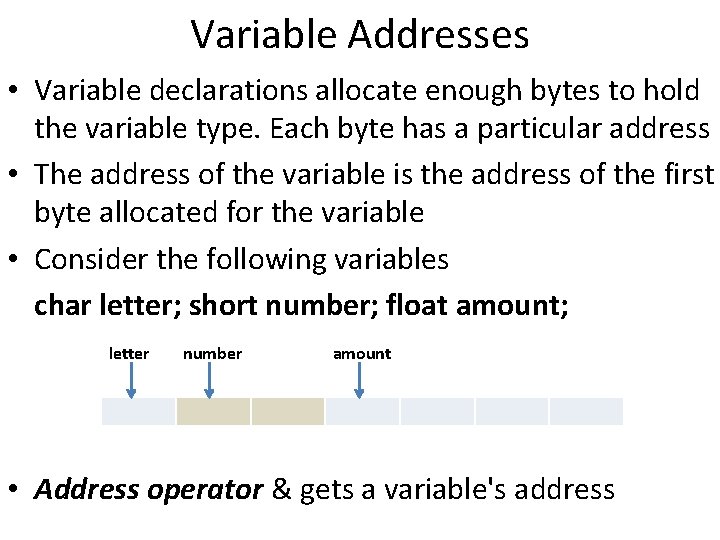
Variable Addresses • Variable declarations allocate enough bytes to hold the variable type. Each byte has a particular address • The address of the variable is the address of the first byte allocated for the variable • Consider the following variables char letter; short number; float amount; letter number amount • Address operator & gets a variable's address
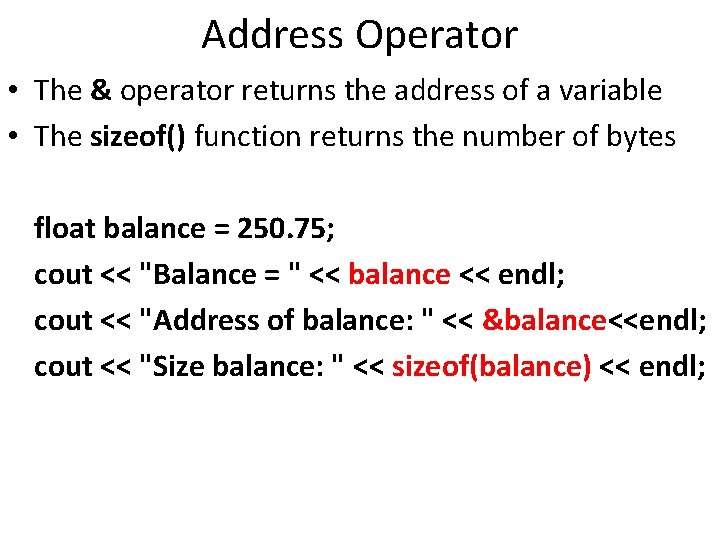
Address Operator • The & operator returns the address of a variable • The sizeof() function returns the number of bytes float balance = 250. 75; cout << "Balance = " << balance << endl; cout << "Address of balance: " << &balance<<endl; cout << "Size balance: " << sizeof(balance) << endl;
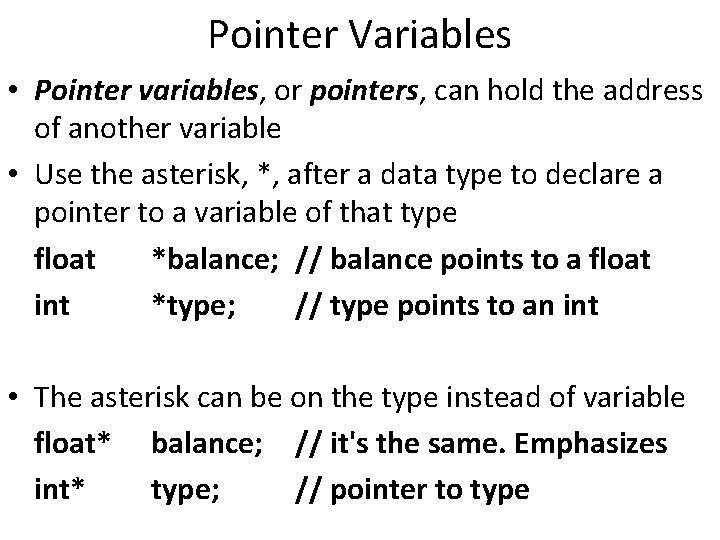
Pointer Variables • Pointer variables, or pointers, can hold the address of another variable • Use the asterisk, *, after a data type to declare a pointer to a variable of that type float *balance; // balance points to a float int *type; // type points to an int • The asterisk can be on the type instead of variable float* balance; // it's the same. Emphasizes int* type; // pointer to type
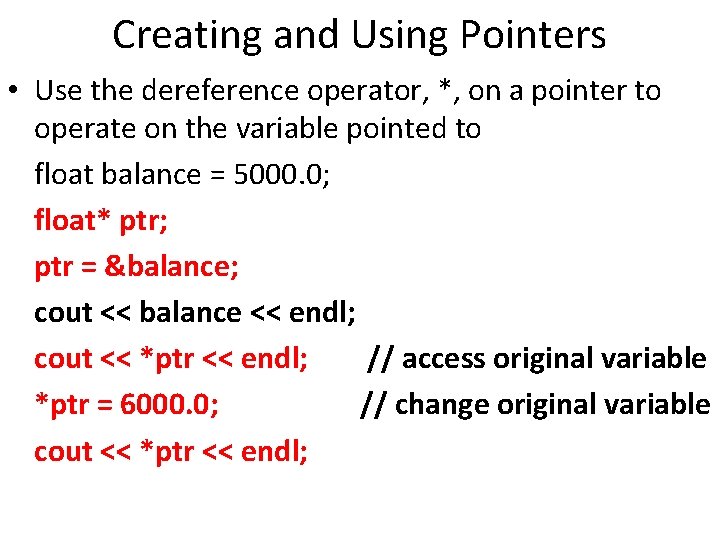
Creating and Using Pointers • Use the dereference operator, *, on a pointer to operate on the variable pointed to float balance = 5000. 0; float* ptr; ptr = &balance; cout << balance << endl; cout << *ptr << endl; // access original variable *ptr = 6000. 0; // change original variable cout << *ptr << endl;
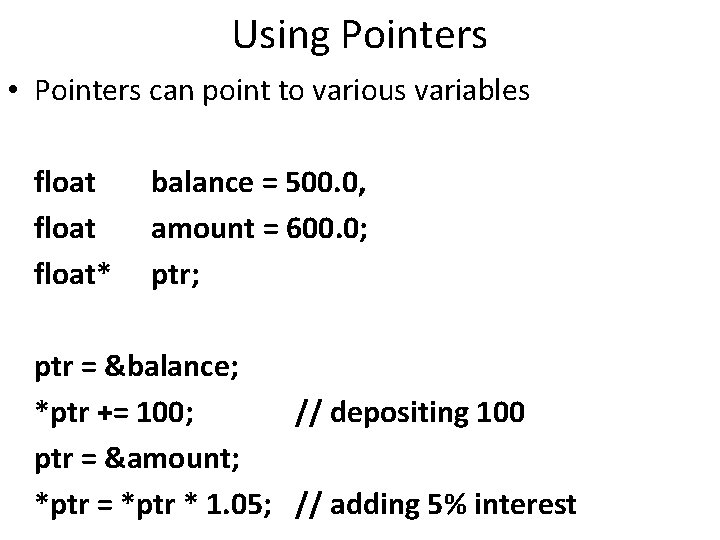
Using Pointers • Pointers can point to various variables float* balance = 500. 0, amount = 600. 0; ptr; ptr = &balance; *ptr += 100; // depositing 100 ptr = &amount; *ptr = *ptr * 1. 05; // adding 5% interest
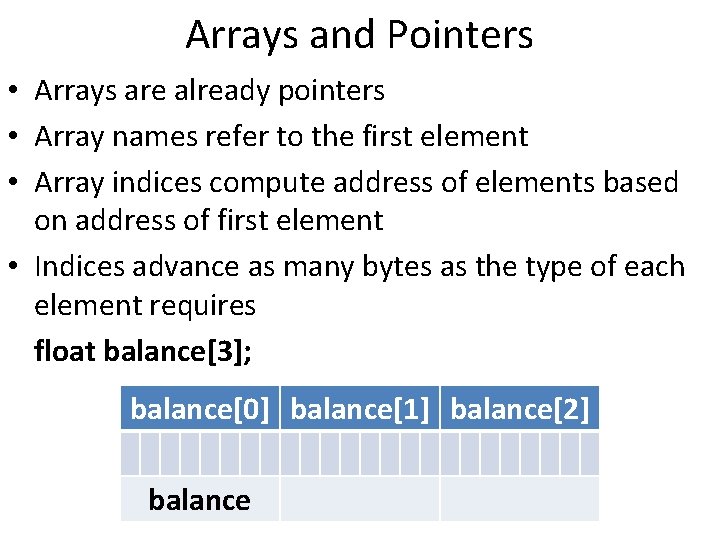
Arrays and Pointers • Arrays are already pointers • Array names refer to the first element • Array indices compute address of elements based on address of first element • Indices advance as many bytes as the type of each element requires float balance[3]; balance[0] balance[1] balance[2] balance
![Pointer Arithmetic • We can address array elements with pointer arithmetic float balance[] =](http://slidetodoc.com/presentation_image/c095ca1d274f1bf803b2f5507cd8535c/image-8.jpg "Pointer Arithmetic • We can address array elements with pointer arithmetic float balance[] =")
Pointer Arithmetic • We can address array elements with pointer arithmetic float balance[] = {10, 20, 30, 40}; cout << balance << endl; // address of 1 st cout << *balance << endl; // balance[0] ptr = balance; // notice not &balance ptr + 1 // &balance[1] ptr + 2 // &balance[2] *(ptr + 3) // balance[3]
![Pointer Arithmetic float balance[] = {10, 20, 30, 40}; *balance == balance[0] *(balance +](http://slidetodoc.com/presentation_image/c095ca1d274f1bf803b2f5507cd8535c/image-9.jpg "Pointer Arithmetic float balance[] = {10, 20, 30, 40}; *balance == balance[0] *(balance +")
Pointer Arithmetic float balance[] = {10, 20, 30, 40}; *balance == balance[0] *(balance + 1) == balance[1] *(balance + 2) == balance[2] *(array + index) == balance[index] balance[0] balance[1] balance[2] balance *(balance+1) *(balance+2)
![Iterating Over Arrays with Pointers float balance[] = {1, 2, 3, 4}; float* ptr](http://slidetodoc.com/presentation_image/c095ca1d274f1bf803b2f5507cd8535c/image-10.jpg "Iterating Over Arrays with Pointers float balance[] = {1, 2, 3, 4}; float* ptr")
Iterating Over Arrays with Pointers float balance[] = {1, 2, 3, 4}; float* ptr = balance; for ( int k = 0; k < 4; k++ ) { cout << *ptr << ", "; ptr++; } for ( int k = 0; k < 4; k++ ) { ptr--; cout << *ptr << ", "; } 1, 2, 3, 4, 3, 2, 1,
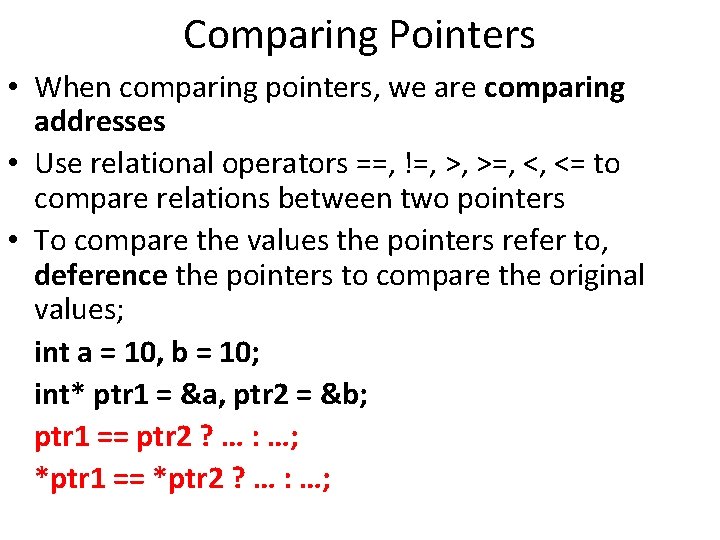
Comparing Pointers • When comparing pointers, we are comparing addresses • Use relational operators ==, !=, >, >=, <, <= to compare relations between two pointers • To compare the values the pointers refer to, deference the pointers to compare the original values; int a = 10, b = 10; int* ptr 1 = &a, ptr 2 = &b; ptr 1 == ptr 2 ? … : …; *ptr 1 == *ptr 2 ? … : …;
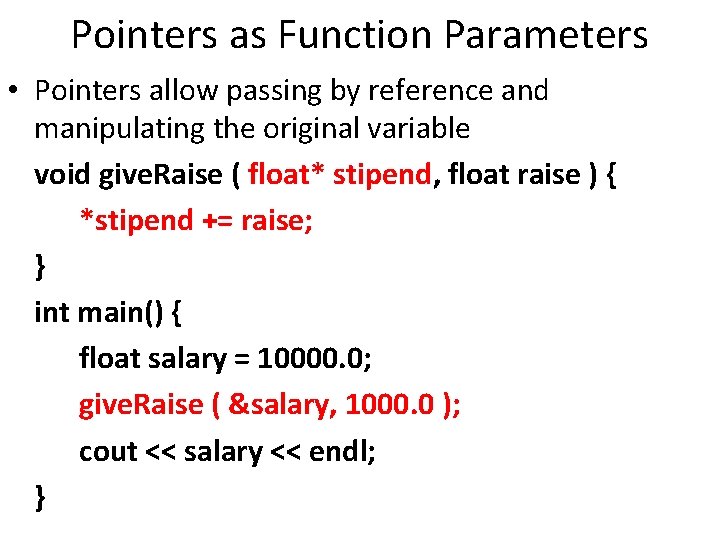
Pointers as Function Parameters • Pointers allow passing by reference and manipulating the original variable void give. Raise ( float* stipend, float raise ) { *stipend += raise; } int main() { float salary = 10000. 0; give. Raise ( &salary, 1000. 0 ); cout << salary << endl; }
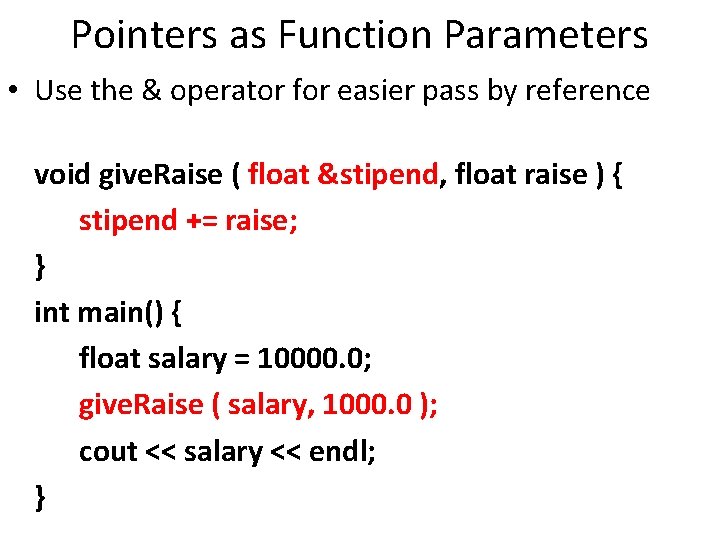
Pointers as Function Parameters • Use the & operator for easier pass by reference void give. Raise ( float &stipend, float raise ) { stipend += raise; } int main() { float salary = 10000. 0; give. Raise ( salary, 1000. 0 ); cout << salary << endl; }
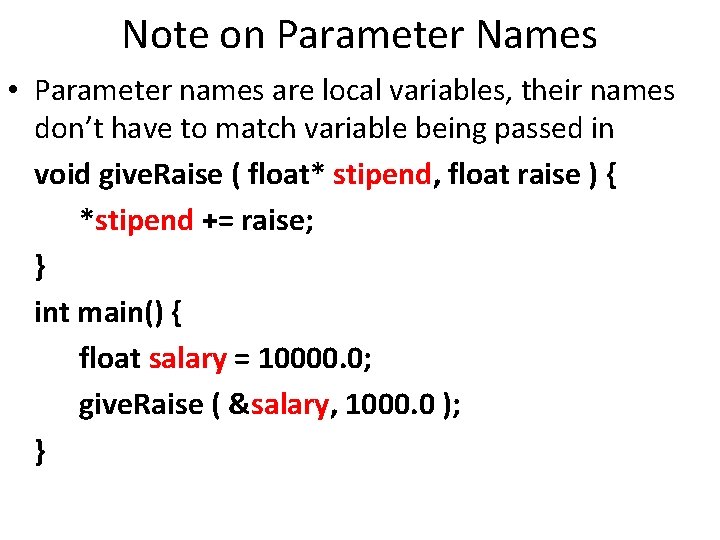
Note on Parameter Names • Parameter names are local variables, their names don’t have to match variable being passed in void give. Raise ( float* stipend, float raise ) { *stipend += raise; } int main() { float salary = 10000. 0; give. Raise ( &salary, 1000. 0 ); }
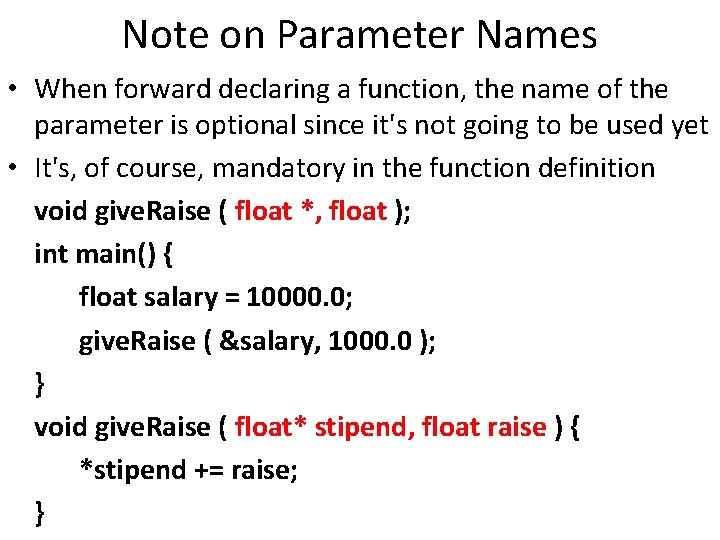
Note on Parameter Names • When forward declaring a function, the name of the parameter is optional since it's not going to be used yet • It's, of course, mandatory in the function definition void give. Raise ( float *, float ); int main() { float salary = 10000. 0; give. Raise ( &salary, 1000. 0 ); } void give. Raise ( float* stipend, float raise ) { *stipend += raise; }
Passing Arrays to Functions • As we saw earlier, pointers and arrays are closely related and array names are pointers to 1 st element • Function parameters accepting arrays can be declared as pointers instead of arrays: float average ( float values[], int size ) { … } • Is equivalent to: float average ( float *values, int size ) { … } • Manipulate array in function using array indices or pointer arithmetic. It's the same
Dynamic Memory Allocation • Pointers allow allocating memory space at run time • Use the new operator to allocate new space • The new memory space is accessible by the address to the 1 st byte of the data structure int* int. Prt; // will hold the address int. Ptr = new int; // of the new data *int. Ptr = 25; // dereference to modify cout << *int. Ptr; cin >> *int. Ptr; total += *int. Ptr;
Deallocating Memory • Memory that has been allocated with new can be deallocated using delete int* ptr = new int; delete ptr; • Do not deallocate memory that has not been allocated with new
Array Sizes are Constants • A common use of dynamic memory allocation is to create arrays of an unknown size • Declared array sizes must be constants const int SIZE = 100; float balances [ 100 ]; float amounts [ SIZE ]; • You can not use a variable as the size of a declared array int size; cin >> size; float balances [ size ];
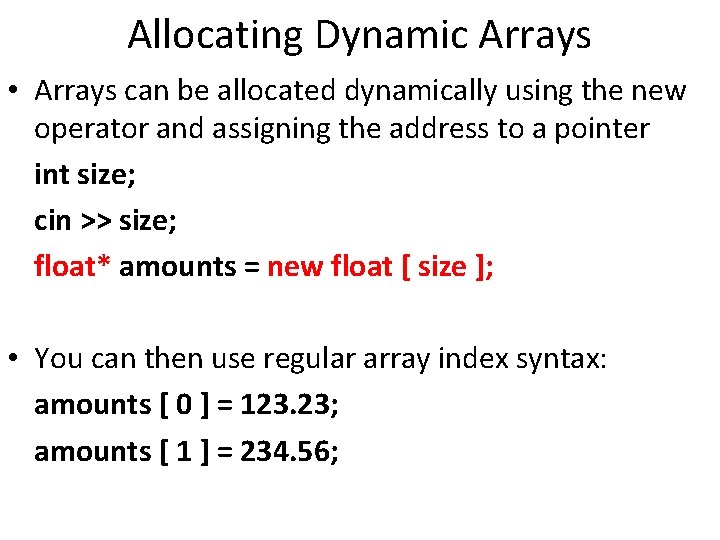
Allocating Dynamic Arrays • Arrays can be allocated dynamically using the new operator and assigning the address to a pointer int size; cin >> size; float* amounts = new float [ size ]; • You can then use regular array index syntax: amounts [ 0 ] = 123. 23; amounts [ 1 ] = 234. 56;
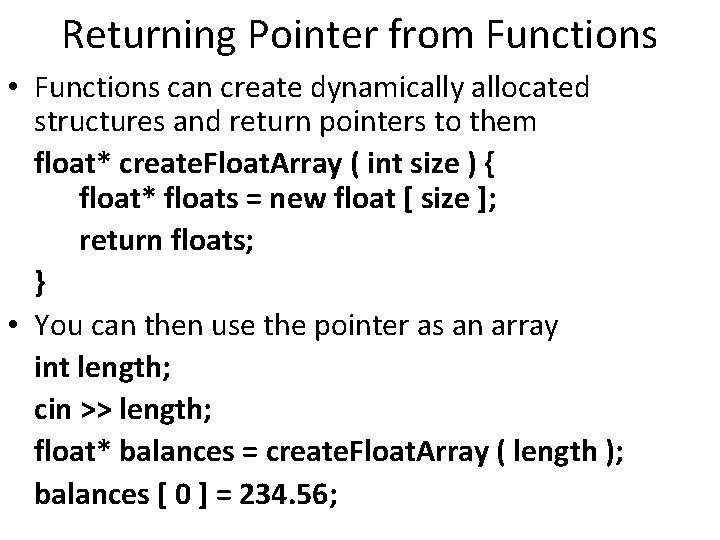
Returning Pointer from Functions • Functions can create dynamically allocated structures and return pointers to them float* create. Float. Array ( int size ) { float* floats = new float [ size ]; return floats; } • You can then use the pointer as an array int length; cin >> length; float* balances = create. Float. Array ( length ); balances [ 0 ] = 234. 56;
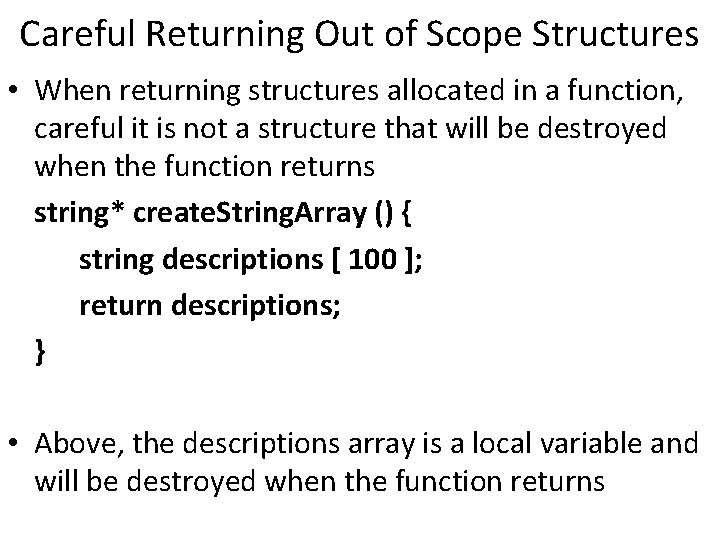
Careful Returning Out of Scope Structures • When returning structures allocated in a function, careful it is not a structure that will be destroyed when the function returns string* create. String. Array () { string descriptions [ 100 ]; return descriptions; } • Above, the descriptions array is a local variable and will be destroyed when the function returns
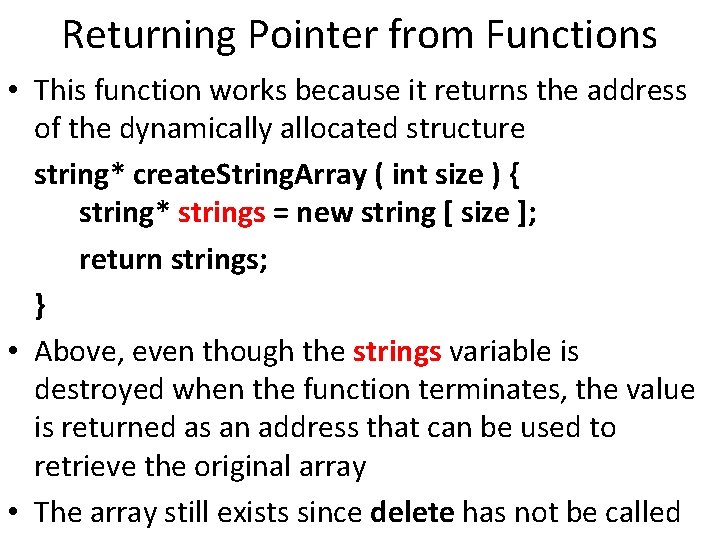
Returning Pointer from Functions • This function works because it returns the address of the dynamically allocated structure string* create. String. Array ( int size ) { string* strings = new string [ size ]; return strings; } • Above, even though the strings variable is destroyed when the function terminates, the value is returned as an address that can be used to retrieve the original array • The array still exists since delete has not be called
Dynamic. Arrays. Demo. cpp
- Slides: 24