
Plotting the charge density of bulk Si Bulk
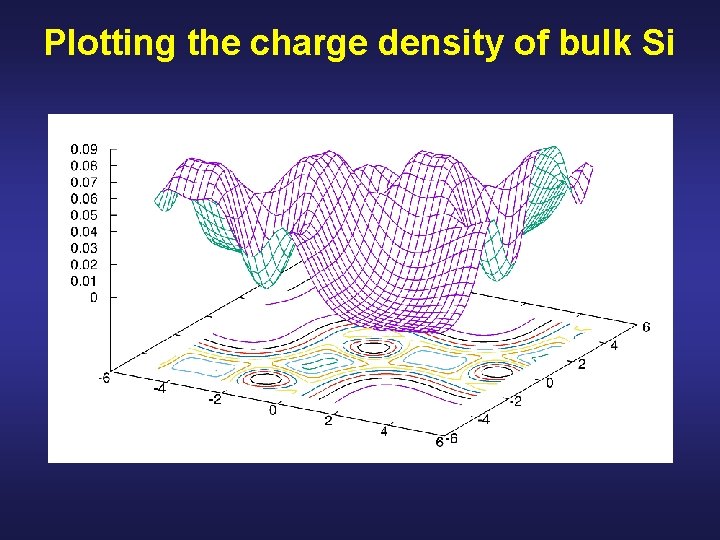
Plotting the charge density of bulk Si
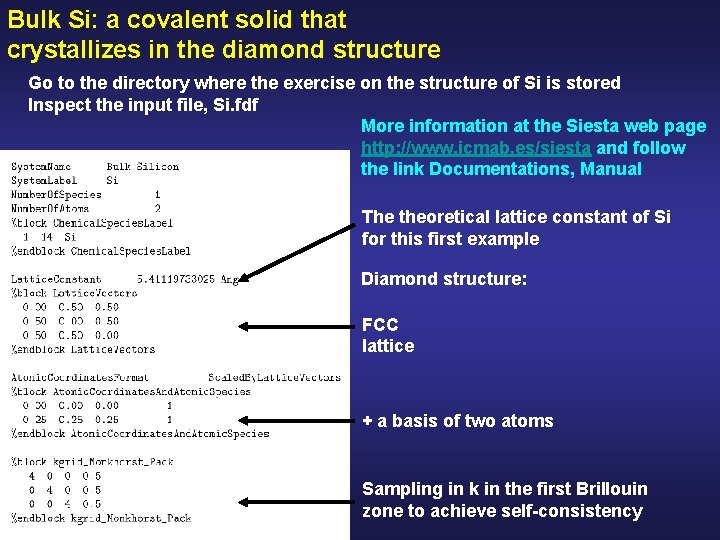
Bulk Si: a covalent solid that crystallizes in the diamond structure Go to the directory where the exercise on the structure of Si is stored Inspect the input file, Si. fdf More information at the Siesta web page http: //www. icmab. es/siesta and follow the link Documentations, Manual The theoretical lattice constant of Si for this first example Diamond structure: FCC lattice + a basis of two atoms Sampling in k in the first Brillouin zone to achieve self-consistency
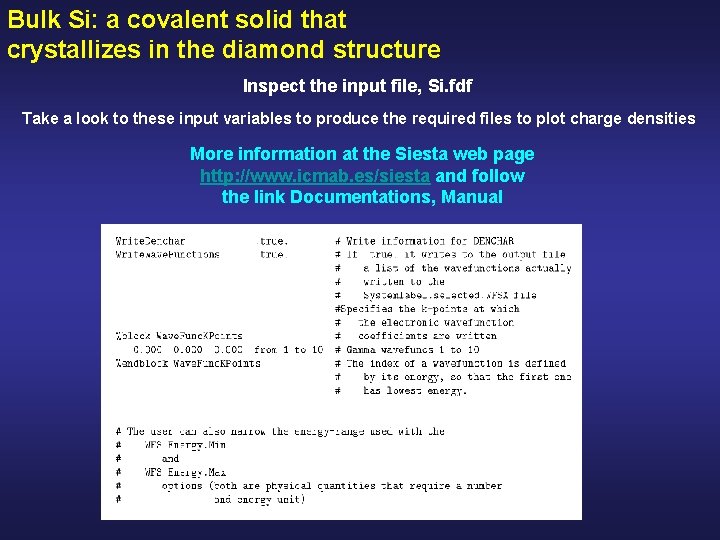
Bulk Si: a covalent solid that crystallizes in the diamond structure Inspect the input file, Si. fdf Take a look to these input variables to produce the required files to plot charge densities More information at the Siesta web page http: //www. icmab. es/siesta and follow the link Documentations, Manual
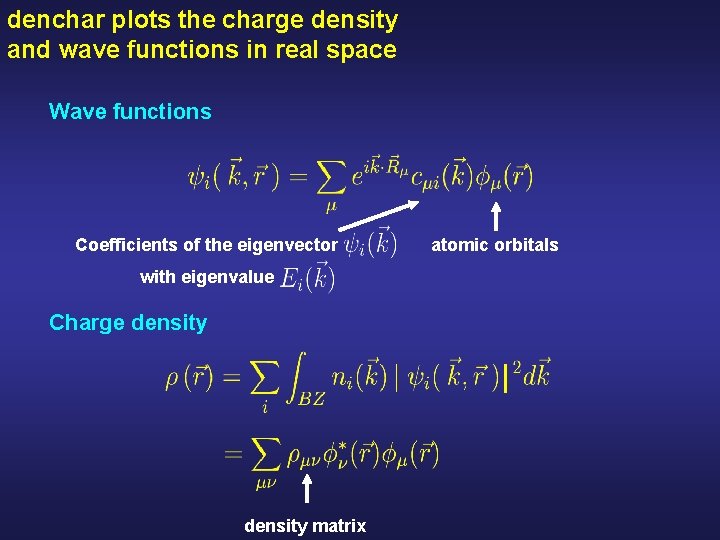
denchar plots the charge density and wave functions in real space Wave functions Coefficients of the eigenvector with eigenvalue Charge density matrix atomic orbitals
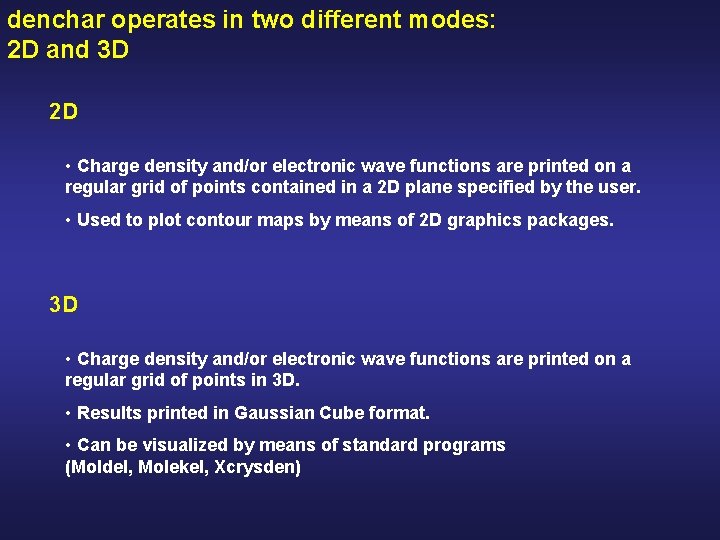
denchar operates in two different modes: 2 D and 3 D 2 D • Charge density and/or electronic wave functions are printed on a regular grid of points contained in a 2 D plane specified by the user. • Used to plot contour maps by means of 2 D graphics packages. 3 D • Charge density and/or electronic wave functions are printed on a regular grid of points in 3 D. • Results printed in Gaussian Cube format. • Can be visualized by means of standard programs (Moldel, Molekel, Xcrysden)
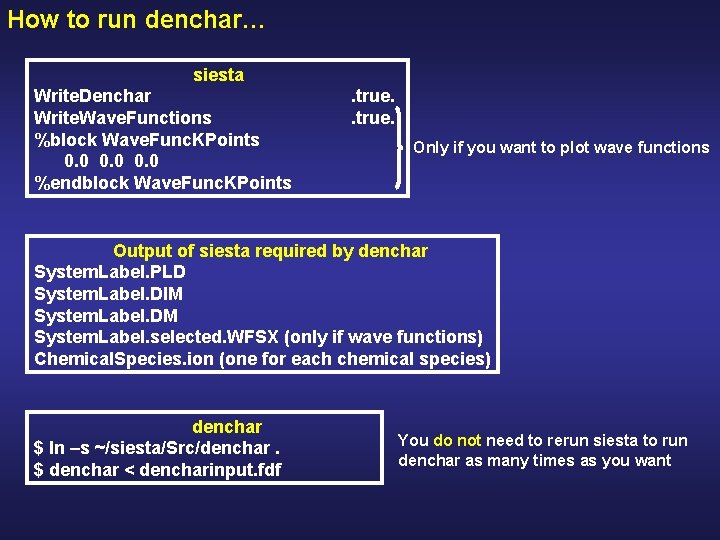
How to run denchar… siesta Write. Denchar Write. Wave. Functions %block Wave. Func. KPoints 0. 0 %endblock Wave. Func. KPoints . true. Only if you want to plot wave functions Output of siesta required by denchar System. Label. PLD System. Label. DIM System. Label. DM System. Label. selected. WFSX (only if wave functions) Chemical. Species. ion (one for each chemical species) denchar $ ln –s ~/siesta/Src/denchar. $ denchar < dencharinput. fdf You do not need to rerun siesta to run denchar as many times as you want
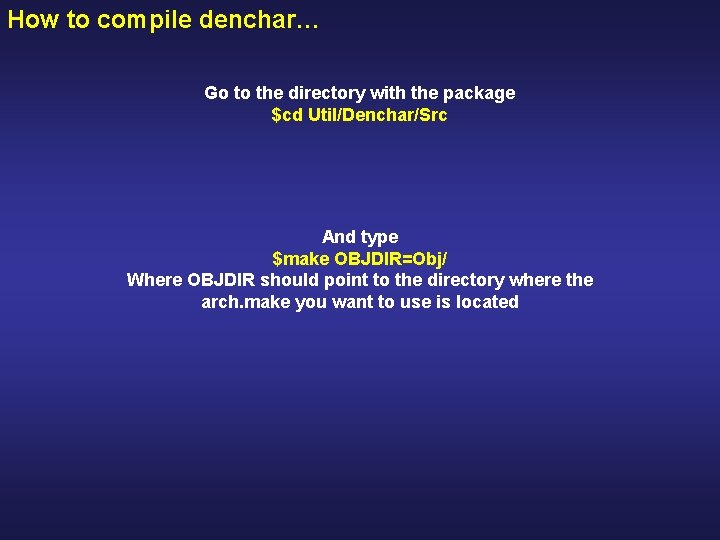
How to compile denchar… Go to the directory with the package $cd Util/Denchar/Src And type $make OBJDIR=Obj/ Where OBJDIR should point to the directory where the arch. make you want to use is located
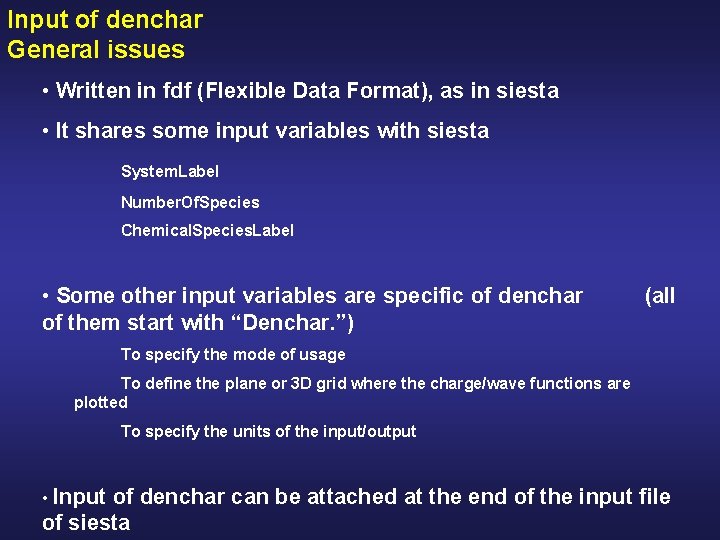
Input of denchar General issues • Written in fdf (Flexible Data Format), as in siesta • It shares some input variables with siesta System. Label Number. Of. Species Chemical. Species. Label • Some other input variables are specific of denchar of them start with “Denchar. ”) (all To specify the mode of usage To define the plane or 3 D grid where the charge/wave functions are plotted To specify the units of the input/output • Input of denchar can be attached at the end of the input file of siesta
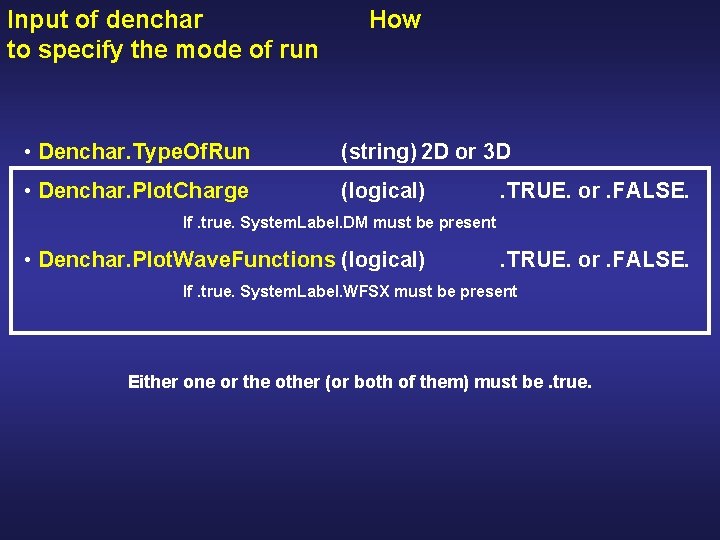
Input of denchar to specify the mode of run How • Denchar. Type. Of. Run (string) 2 D or 3 D • Denchar. Plot. Charge (logical) . TRUE. or. FALSE. If. true. System. Label. DM must be present • Denchar. Plot. Wave. Functions (logical) . TRUE. or. FALSE. If. true. System. Label. WFSX must be present Either one or the other (or both of them) must be. true.
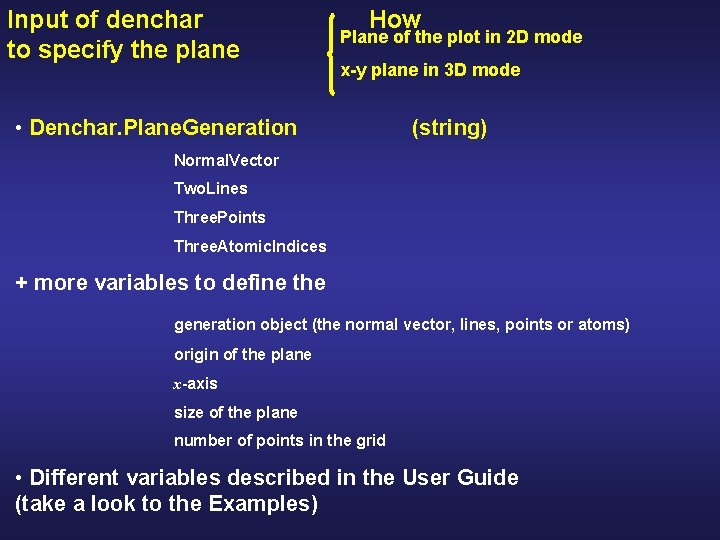
Input of denchar to specify the plane How Plane of the plot in 2 D mode x-y plane in 3 D mode • Denchar. Plane. Generation (string) Normal. Vector Two. Lines Three. Points Three. Atomic. Indices + more variables to define the generation object (the normal vector, lines, points or atoms) origin of the plane x-axis size of the plane number of points in the grid • Different variables described in the User Guide (take a look to the Examples)
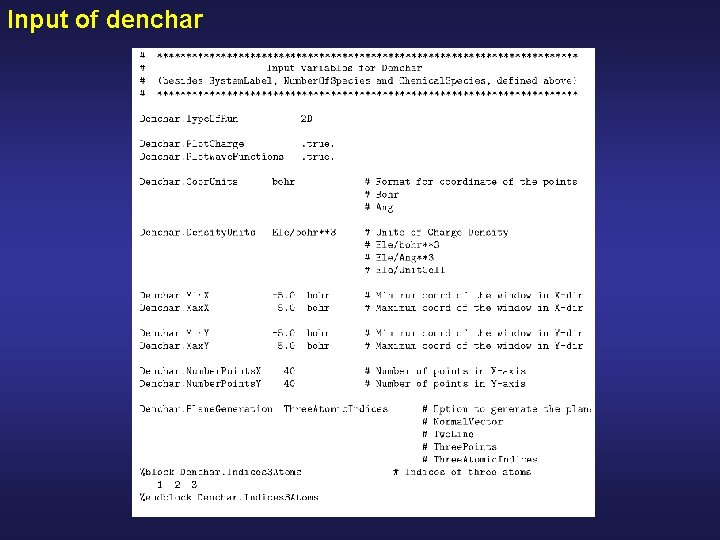
Input of denchar
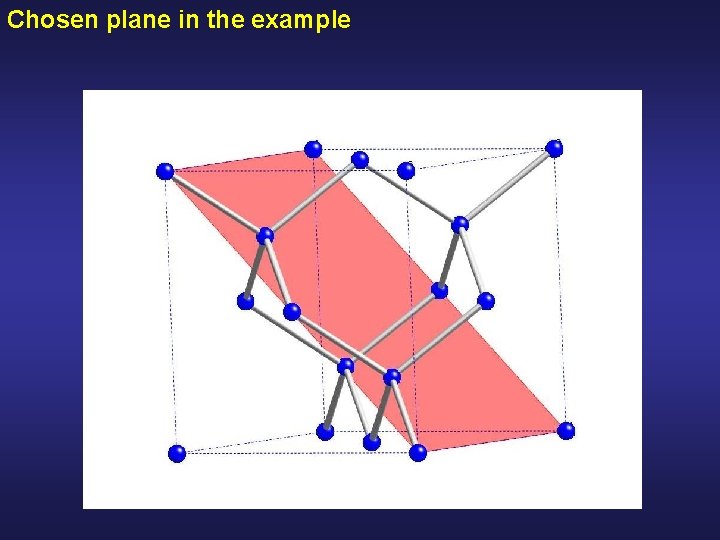
Chosen plane in the example
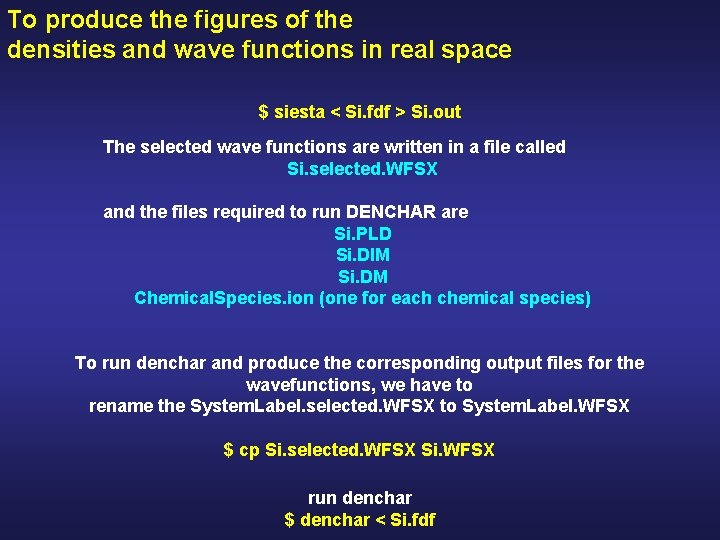
To produce the figures of the densities and wave functions in real space $ siesta < Si. fdf > Si. out The selected wave functions are written in a file called Si. selected. WFSX and the files required to run DENCHAR are Si. PLD Si. DIM Si. DM Chemical. Species. ion (one for each chemical species) To run denchar and produce the corresponding output files for the wavefunctions, we have to rename the System. Label. selected. WFSX to System. Label. WFSX $ cp Si. selected. WFSX Si. WFSX run denchar $ denchar < Si. fdf
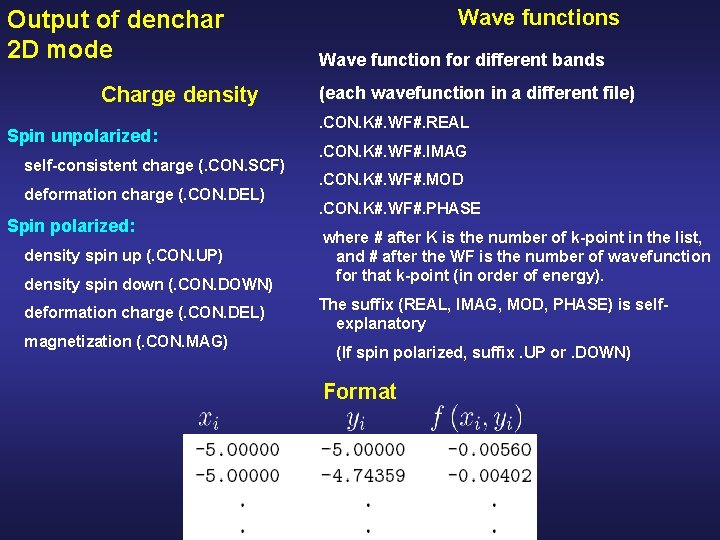
Output of denchar 2 D mode Charge density Spin unpolarized: self-consistent charge (. CON. SCF) deformation charge (. CON. DEL) Spin polarized: density spin up (. CON. UP) density spin down (. CON. DOWN) deformation charge (. CON. DEL) magnetization (. CON. MAG) Wave functions Wave function for different bands (each wavefunction in a different file). CON. K#. WF#. REAL. CON. K#. WF#. IMAG. CON. K#. WF#. MOD. CON. K#. WF#. PHASE where # after K is the number of k-point in the list, and # after the WF is the number of wavefunction for that k-point (in order of energy). The suffix (REAL, IMAG, MOD, PHASE) is selfexplanatory (If spin polarized, suffix. UP or. DOWN) Format
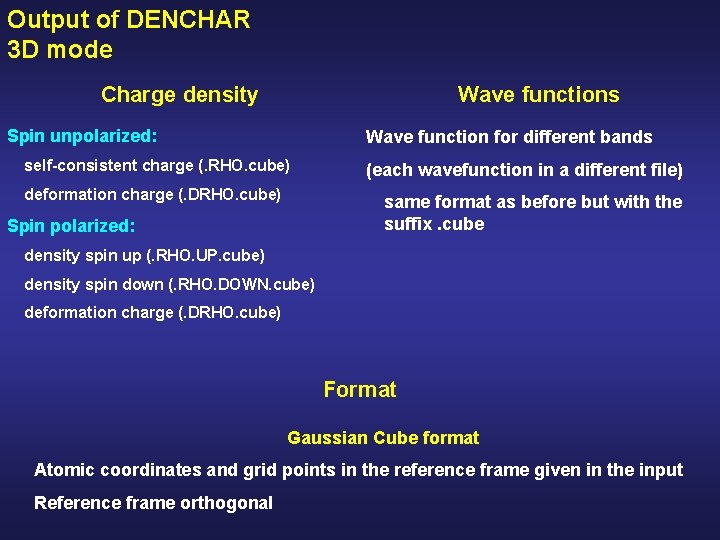
Output of DENCHAR 3 D mode Charge density Wave functions Spin unpolarized: Wave function for different bands self-consistent charge (. RHO. cube) deformation charge (. DRHO. cube) (each wavefunction in a different file) same format as before but with the suffix. cube Spin polarized: density spin up (. RHO. UP. cube) density spin down (. RHO. DOWN. cube) deformation charge (. DRHO. cube) Format Gaussian Cube format Atomic coordinates and grid points in the reference frame given in the input Reference frame orthogonal
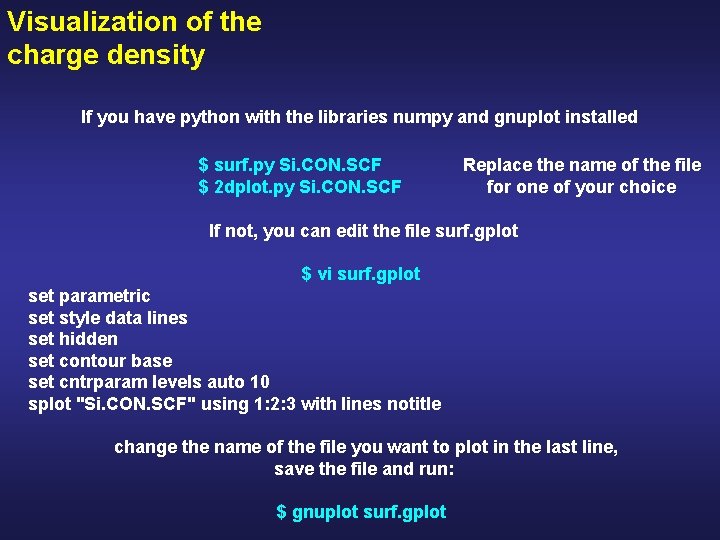
Visualization of the charge density If you have python with the libraries numpy and gnuplot installed $ surf. py Si. CON. SCF $ 2 dplot. py Si. CON. SCF Replace the name of the file for one of your choice If not, you can edit the file surf. gplot $ vi surf. gplot set parametric set style data lines set hidden set contour base set cntrparam levels auto 10 splot "Si. CON. SCF" using 1: 2: 3 with lines notitle change the name of the file you want to plot in the last line, save the file and run: $ gnuplot surf. gplot
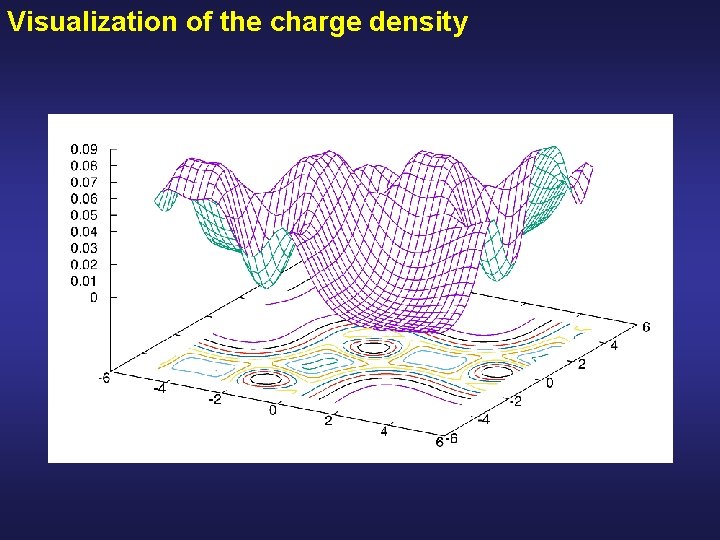
Visualization of the charge density
- Slides: 17