
Please switch off your mobile phones 1 Prolog
Please switch off your mobile phones 1
Prolog: The Initiation ET: Hey Alice! What is this on your desk? Alice: That’s a digital computer. ET: Digital what? Looks pretty unsocial. Doesn’t even greet me! Alice: It helped us discover you and your solar system. ET: Wow! That sounds cool. How do you use it? Does it talk? Alice: It can solve hard problems. You have to program it to do that. ET: Will you teach me do that? 2
WELCOME To ESC 101 N: Fundamentals of Computing Instructor: Mainak Chaudhuri mainakc@cse. iitk. ac. in 3
Agenda • Administrivia • What this course is not about • Anatomy of a computer 4
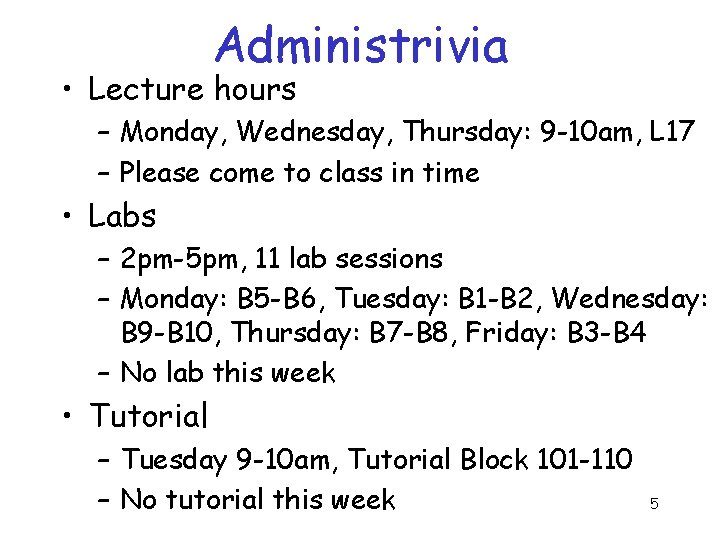
Administrivia • Lecture hours – Monday, Wednesday, Thursday: 9 -10 am, L 17 – Please come to class in time • Labs – 2 pm-5 pm, 11 lab sessions – Monday: B 5 -B 6, Tuesday: B 1 -B 2, Wednesday: B 9 -B 10, Thursday: B 7 -B 8, Friday: B 3 -B 4 – No lab this week • Tutorial – Tuesday 9 -10 am, Tutorial Block 101 -110 – No tutorial this week 5
![Administrivia • Grading [this is the sad part] – – – Exam: 15+15+30 One](http://slidetodoc.com/presentation_image/42725eb9e33da000dce536a2ee4cb420/image-6.jpg "Administrivia • Grading [this is the sad part] – – – Exam: 15+15+30 One")
Administrivia • Grading [this is the sad part] – – – Exam: 15+15+30 One compulsory lab test: 10 Project or another lab test (your choice): 20 Weekly lab sessions: 10 Two surprise quizzes: 10 (this is extra) • Held in tutorial sessions • No make up for surprise quizzes (so come to tutorial regularly) – Project proposal submission deadline: any time before 1 st October • Can get started even today if you know Java 6
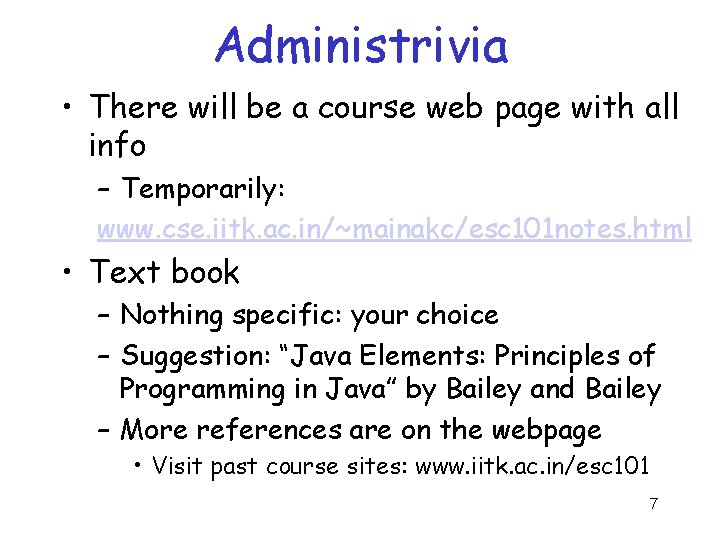
Administrivia • There will be a course web page with all info – Temporarily: www. cse. iitk. ac. in/~mainakc/esc 101 notes. html • Text book – Nothing specific: your choice – Suggestion: “Java Elements: Principles of Programming in Java” by Bailey and Bailey – More references are on the webpage • Visit past course sites: www. iitk. ac. in/esc 101 7
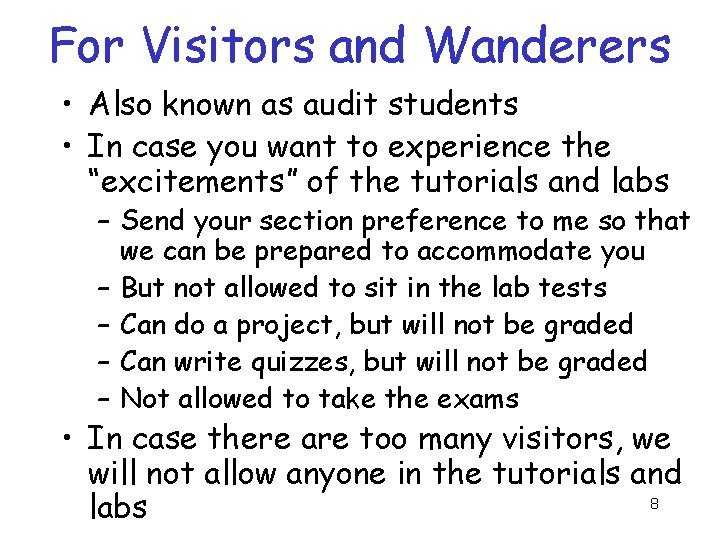
For Visitors and Wanderers • Also known as audit students • In case you want to experience the “excitements” of the tutorials and labs – Send your section preference to me so that we can be prepared to accommodate you – But not allowed to sit in the lab tests – Can do a project, but will not be graded – Can write quizzes, but will not be graded – Not allowed to take the exams • In case there are too many visitors, we will not allow anyone in the tutorials and 8 labs
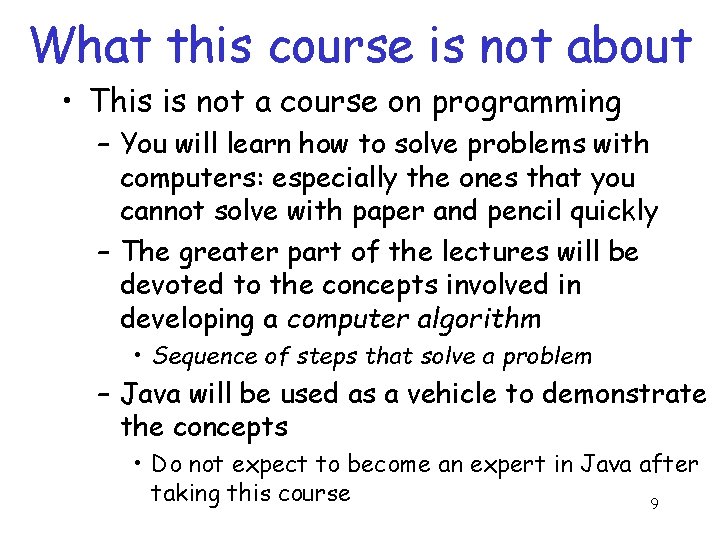
What this course is not about • This is not a course on programming – You will learn how to solve problems with computers: especially the ones that you cannot solve with paper and pencil quickly – The greater part of the lectures will be devoted to the concepts involved in developing a computer algorithm • Sequence of steps that solve a problem – Java will be used as a vehicle to demonstrate the concepts • Do not expect to become an expert in Java after taking this course 9
Anatomy of a computer • What you see – A monitor, a keyboard, a mouse, a printer … – Input/Output devices – Through these you ask the computer to do something and the computer tells you the results • Need a way to convey your commands to the computer (it is really a stupid device which cannot do anything on its own) – Internally • A central processing unit and a scratchpad (often 10 called main memory) accomplish the job
Anatomy of a computer • Central processing unit does not understand English, not even Java – It only understands two symbols: 0 and 1 – These are called bits (short for binary digits) – You encode your algorithm into a high-level language called Java • This is called a program • This is harder to understand than English, but easier to understand than a 0 -1 encoding • How do I encode a program in 0 -1? This is used only for storing the program in main memory 11
Anatomy of a computer • A friend of yours called compiler translates the program into a binary encoding called an object program – This is almost understandable to the central processing unit (often called a microprocessor) • Another friend of yours called a linker adds something more to an object program to convert it to an executable – This is understandable to the CPU – But somehow it needs to get started executing 12
Anatomy of a computer • A big boss called operating system loads the executable in main memory and hands over the control to the CPU – Now the CPU starts executing your program (essentially the binary executable) – Once in a while it prints something on the monitor and you appreciate that • Notice that it is not doing anything on its own, only doing whatever you have asked it to do – At some point the CPU completes the execution and you have all the results 13
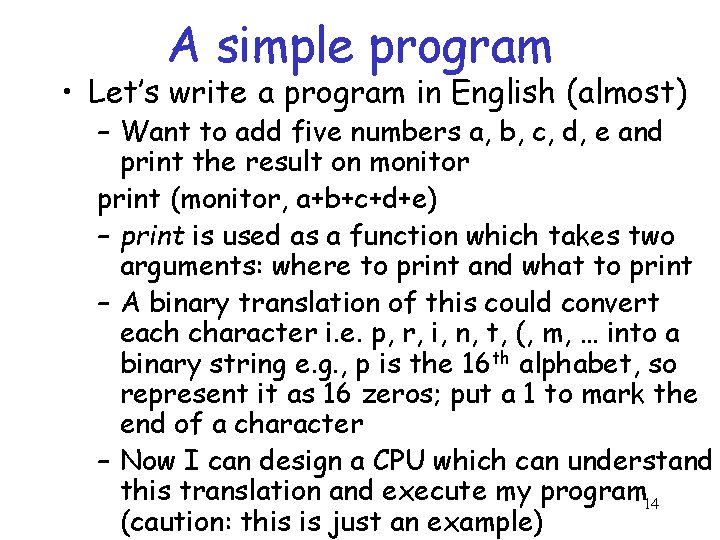
A simple program • Let’s write a program in English (almost) – Want to add five numbers a, b, c, d, e and print the result on monitor print (monitor, a+b+c+d+e) – print is used as a function which takes two arguments: where to print and what to print – A binary translation of this could convert each character i. e. p, r, i, n, t, (, m, … into a binary string e. g. , p is the 16 th alphabet, so represent it as 16 zeros; put a 1 to mark the end of a character – Now I can design a CPU which can understand this translation and execute my program 14 (caution: this is just an example)
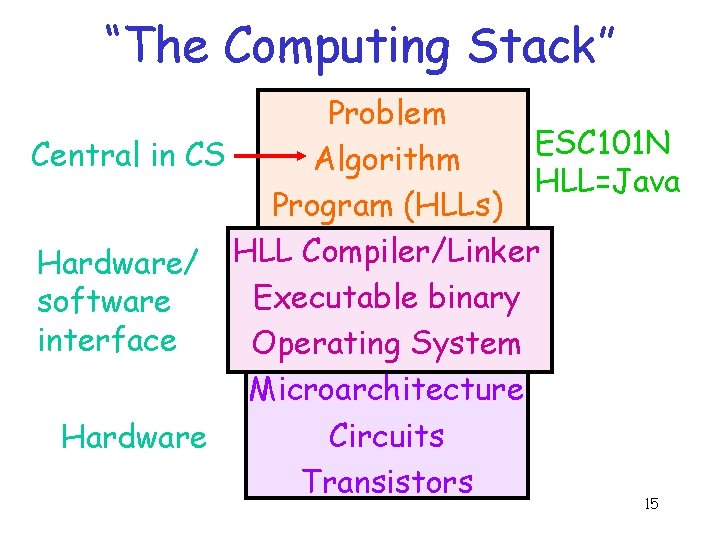
“The Computing Stack” Problem ESC 101 N Central in CS Algorithm HLL=Java Program (HLLs) Hardware/ HLL Compiler/Linker Executable binary software interface Operating System Microarchitecture Circuits Hardware Transistors 15
Next week’s lab • Learn to use the UNIX environment – How to create a file (this is where you store your programs) – How to create and navigate through directory (this is where you store your files) – How to copy files from one directory to another – And more: www. iitk. ac. in/esc 101/linux. pdf – Lab is upstairs in CC: TAs will be present at the front door to lead you 16
- Slides: 16