
PLC Communications Rockwell Automation 2013 Agenda Overview Terms

- Slides: 31
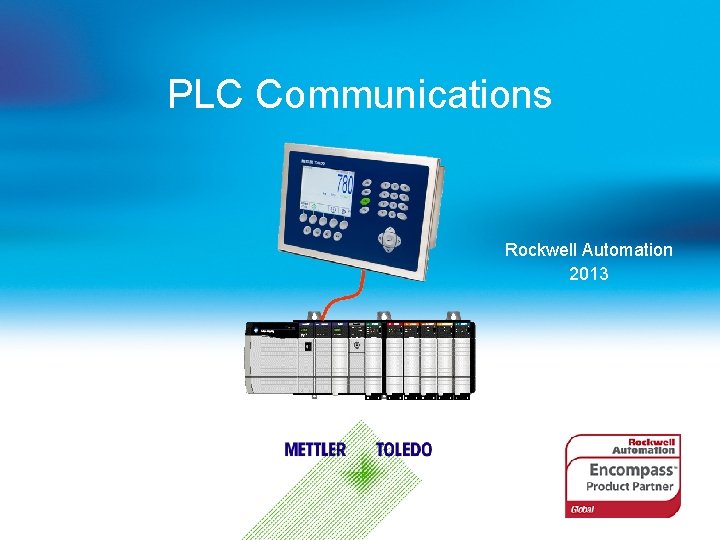
PLC Communications Rockwell Automation 2013
Agenda § § § Overview Terms and Definitions Indicator Setup PLC Setup Common Issues 1 Internal usage only
About METTLER TOLEDO is a leading global supplier of precision instruments and is the world’s largest manufacturer and marketer of weighing instruments for use in laboratory, industrial, and food retailing applications. METTLER TOLEDO provides weighing solutions that help customers by automating processes, increasing yields, controlling product quality and complying with industry standards and regulations. 2 Internal usage only
About METTLER TOLEDO The METTLER TOLEDO industrial product portfolio includes a broad range of weighing platforms and instrumentation. § High precision weigh modules with 1 microgram resolution to heavy duty modules with a 300 metric ton capacity § Bench and floor scales § Truck and railroad scales § Transactional indicators for parts counting, over/under checkweighing, vehicle weighing § Process indicators for filling, batching and weight transmission § Hazardous area scales, terminals and barriers 3 Internal usage only
About METTLER TOLEDO products covered in the Rockwell Automation Encompass program include the following. § § § § Bench scales Floor scales Load cells and weigh modules High precision weigh modules Hazardous area equipment Indicators PLC interface bridges 4 Internal usage only
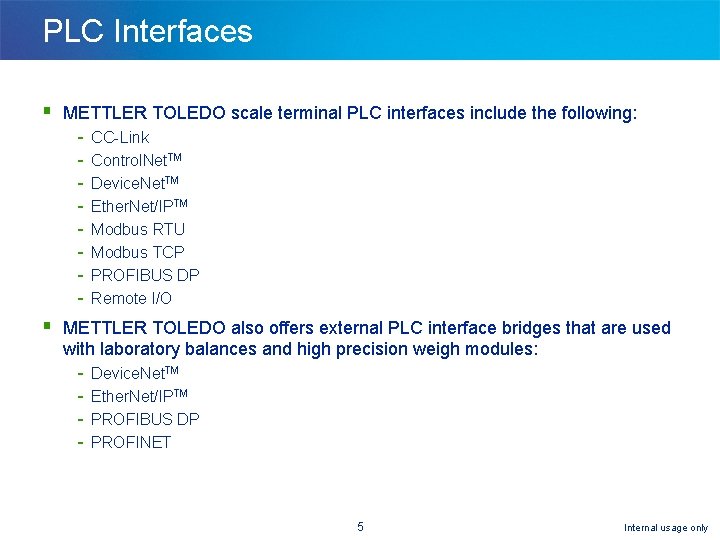
PLC Interfaces § METTLER TOLEDO scale terminal PLC interfaces include the following: - CC-Link Control. Net. TM Device. Net. TM Ether. Net/IPTM Modbus RTU Modbus TCP PROFIBUS DP Remote I/O § METTLER TOLEDO also offers external PLC interface bridges that are used with laboratory balances and high precision weigh modules: - Device. Net. TM Ether. Net/IPTM PROFIBUS DP PROFINET 5 Internal usage only
PLC Communications Overview § This session will cover the METTLER TOLEDO scale terminal setup, a description of what needs to be set up in the PLC and some basic troubleshooting steps § The scale terminal setup is similar between terminals and between PLC interfaces § Each scale terminal's setup is divided into two sections - Communication parameters Data Format 6 Internal usage only
Agenda § § § Overview Terms and Definitions Indicator Setup PLC Setup Common Issues 7 Internal usage only
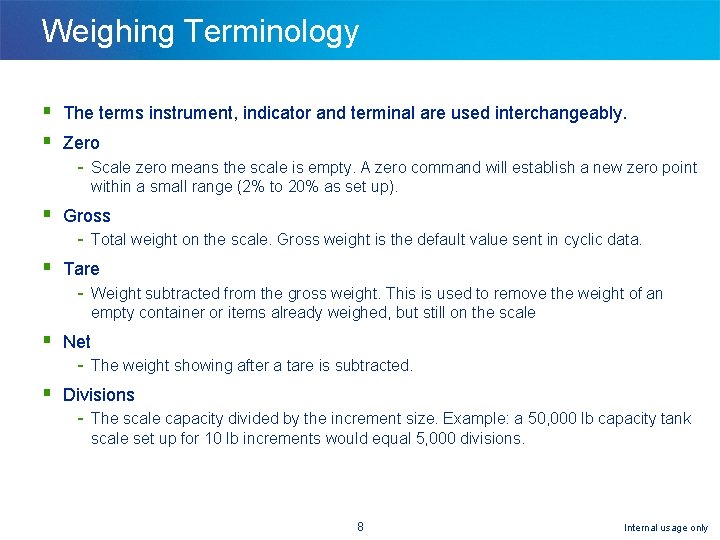
Weighing Terminology § The terms instrument, indicator and terminal are used interchangeably. § Zero - Scale zero means the scale is empty. A zero command will establish a new zero point within a small range (2% to 20% as set up). § Gross - Total weight on the scale. Gross weight is the default value sent in cyclic data. § Tare - Weight subtracted from the gross weight. This is used to remove the weight of an empty container or items already weighed, but still on the scale § Net - The weight showing after a tare is subtracted. § Divisions - The scale capacity divided by the increment size. Example: a 50, 000 lb capacity tank scale set up for 10 lb increments would equal 5, 000 divisions. 8 Internal usage only
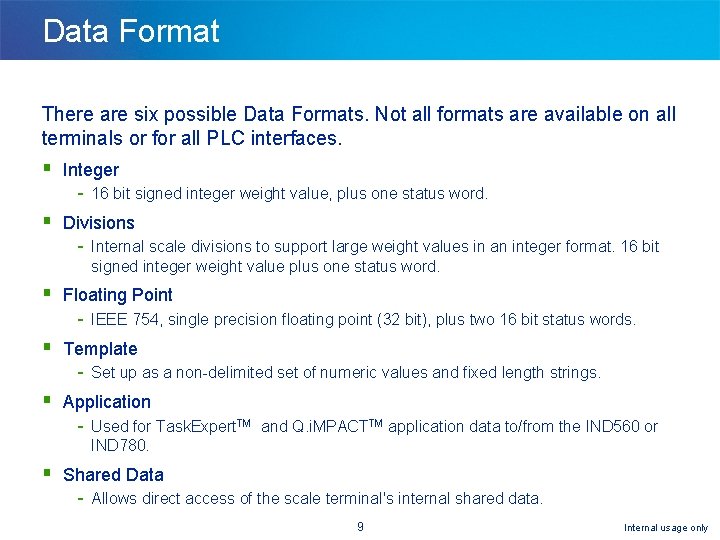
Data Format There are six possible Data Formats. Not all formats are available on all terminals or for all PLC interfaces. § Integer - 16 bit signed integer weight value, plus one status word. § Divisions - Internal scale divisions to support large weight values in an integer format. 16 bit signed integer weight value plus one status word. § Floating Point - IEEE 754, single precision floating point (32 bit), plus two 16 bit status words. § Template - Set up as a non-delimited set of numeric values and fixed length strings. § Application - Used for Task. Expert. TM and Q. i. MPACTTM application data to/from the IND 560 or IND 780. § Shared Data - Allows direct access of the scale terminal's internal shared data. 9 Internal usage only
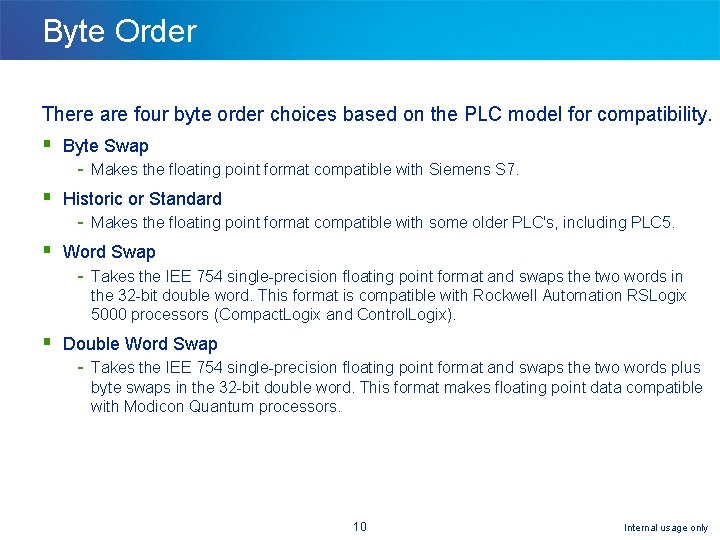
Byte Order There are four byte order choices based on the PLC model for compatibility. § Byte Swap - Makes the floating point format compatible with Siemens S 7. § Historic or Standard - Makes the floating point format compatible with some older PLC's, including PLC 5. § Word Swap - Takes the IEE 754 single-precision floating point format and swaps the two words in the 32 -bit double word. This format is compatible with Rockwell Automation RSLogix 5000 processors (Compact. Logix and Control. Logix). § Double Word Swap - Takes the IEE 754 single-precision floating point format and swaps the two words plus byte swaps in the 32 -bit double word. This format makes floating point data compatible with Modicon Quantum processors. 10 Internal usage only
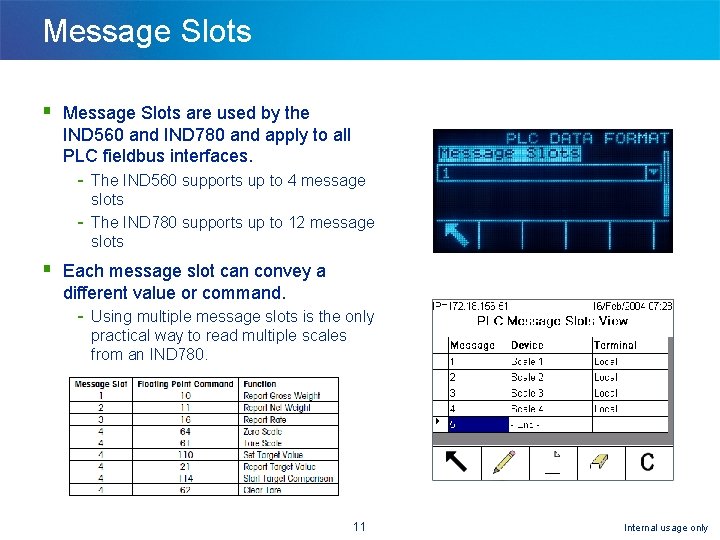
Message Slots § Message Slots are used by the IND 560 and IND 780 and apply to all PLC fieldbus interfaces. - The IND 560 supports up to 4 message slots The IND 780 supports up to 12 message slots § Each message slot can convey a different value or command. - Using multiple message slots is the only practical way to read multiple scales from an IND 780. 11 Internal usage only
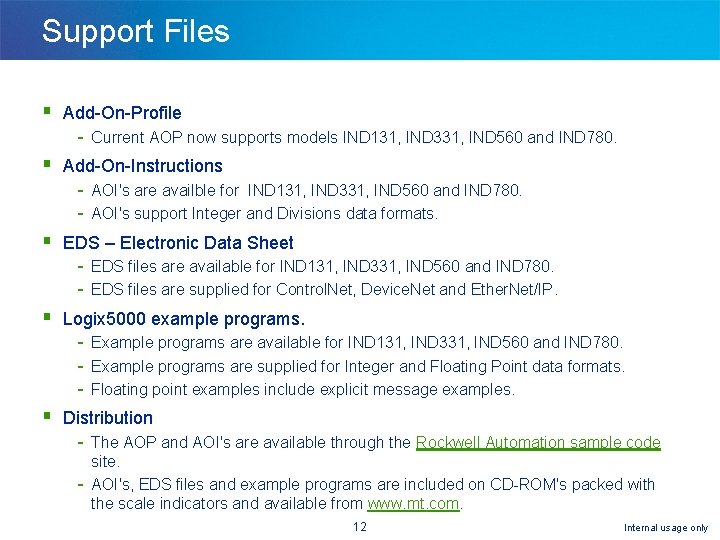
Support Files § Add-On-Profile - Current AOP now supports models IND 131, IND 331, IND 560 and IND 780. § Add-On-Instructions - AOI's are availble for IND 131, IND 331, IND 560 and IND 780. AOI's support Integer and Divisions data formats. § EDS – Electronic Data Sheet - EDS files are available for IND 131, IND 331, IND 560 and IND 780. EDS files are supplied for Control. Net, Device. Net and Ether. Net/IP. § Logix 5000 example programs. - Example programs are available for IND 131, IND 331, IND 560 and IND 780. Example programs are supplied for Integer and Floating Point data formats. Floating point examples include explicit message examples. § Distribution - The AOP and AOI's are available through the Rockwell Automation sample code site. AOI's, EDS files and example programs are included on CD-ROM's packed with the scale indicators and available from www. mt. com. 12 Internal usage only
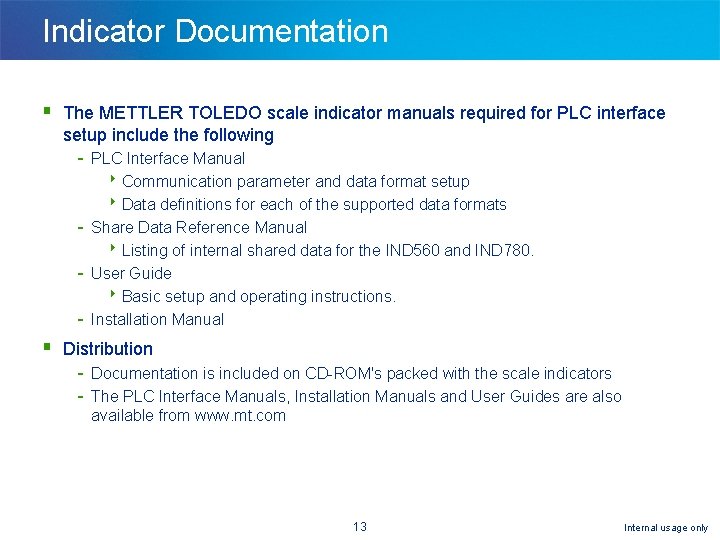
Indicator Documentation § The METTLER TOLEDO scale indicator manuals required for PLC interface setup include the following - PLC Interface Manual 8 Communication parameter and data format setup 8 Data definitions for each of the supported data formats Share Data Reference Manual 8 Listing of internal shared data for the IND 560 and IND 780. User Guide 8 Basic setup and operating instructions. Installation Manual § Distribution - Documentation is included on CD-ROM's packed with the scale indicators The PLC Interface Manuals, Installation Manuals and User Guides are also available from www. mt. com 13 Internal usage only
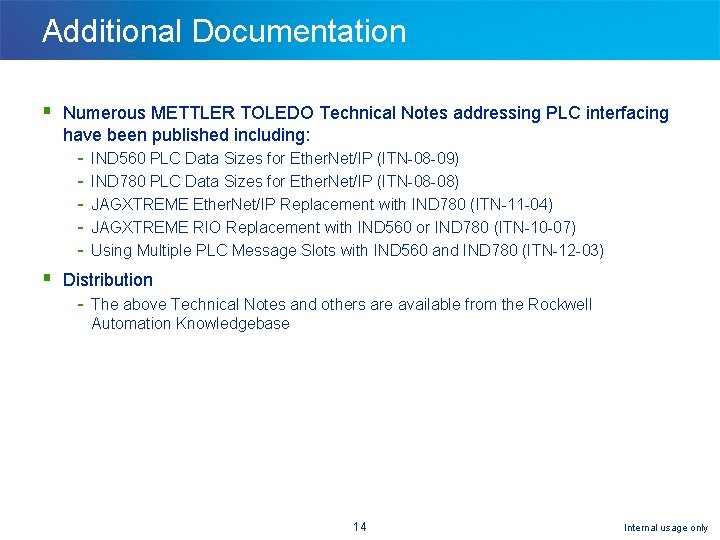
Additional Documentation § Numerous METTLER TOLEDO Technical Notes addressing PLC interfacing have been published including: - IND 560 PLC Data Sizes for Ether. Net/IP (ITN-08 -09) IND 780 PLC Data Sizes for Ether. Net/IP (ITN-08 -08) JAGXTREME Ether. Net/IP Replacement with IND 780 (ITN-11 -04) JAGXTREME RIO Replacement with IND 560 or IND 780 (ITN-10 -07) Using Multiple PLC Message Slots with IND 560 and IND 780 (ITN-12 -03) § Distribution - The above Technical Notes and others are available from the Rockwell Automation Knowledgebase 14 Internal usage only
Agenda § Overview § Terms and Definitions § Indicator Setup - IND 131 & IND 331 - IND 560 & IND 560 x - IND 780 § PLC Setup § Common Issues 15 Internal usage only
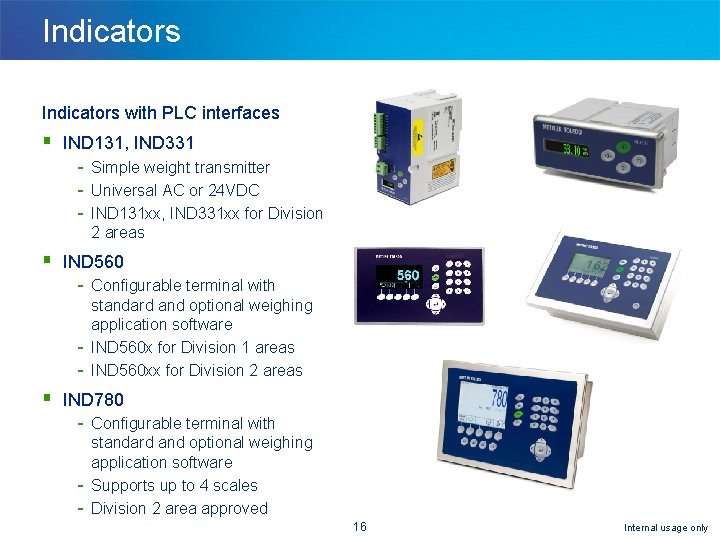
Indicators with PLC interfaces § IND 131, IND 331 - Simple weight transmitter Universal AC or 24 VDC IND 131 xx, IND 331 xx for Division 2 areas § IND 560 - Configurable terminal with standard and optional weighing application software IND 560 x for Division 1 areas IND 560 xx for Division 2 areas § IND 780 - Configurable terminal with standard and optional weighing application software Supports up to 4 scales Division 2 area approved 16 Internal usage only
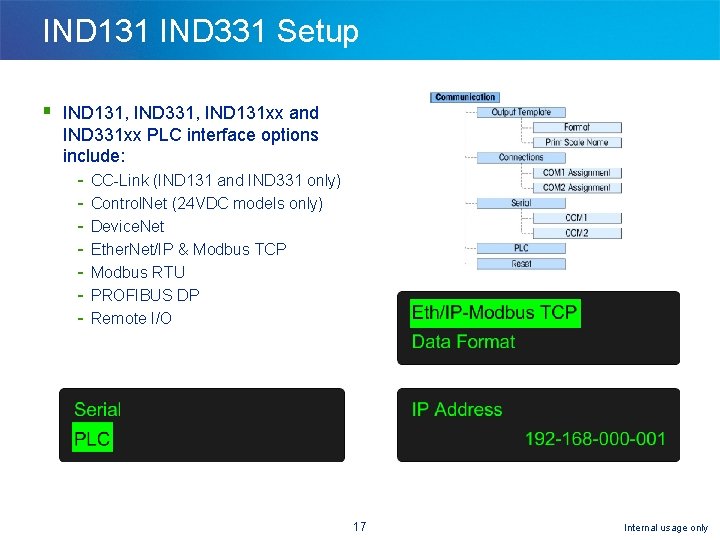
IND 131 IND 331 Setup § IND 131, IND 331, IND 131 xx and IND 331 xx PLC interface options include: - CC-Link (IND 131 and IND 331 only) Control. Net (24 VDC models only) Device. Net Ether. Net/IP & Modbus TCP Modbus RTU PROFIBUS DP Remote I/O 17 Internal usage only
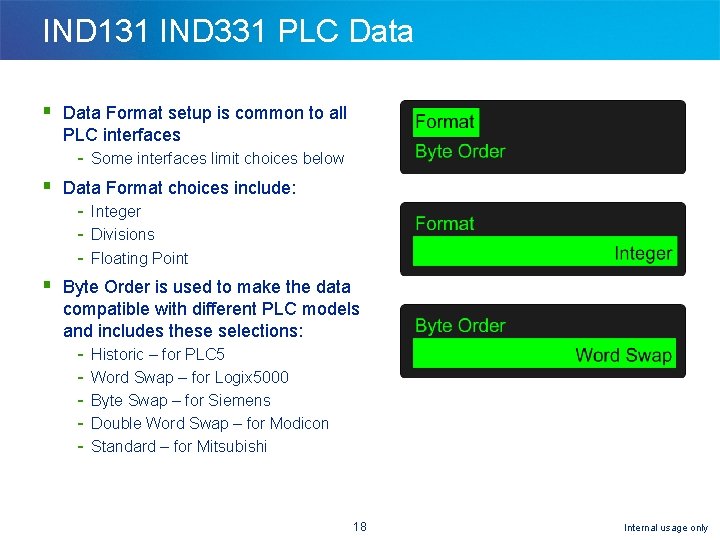
IND 131 IND 331 PLC Data § Data Format setup is common to all PLC interfaces - Some interfaces limit choices below § Data Format choices include: - Integer Divisions Floating Point § Byte Order is used to make the data compatible with different PLC models and includes these selections: - Historic – for PLC 5 Word Swap – for Logix 5000 Byte Swap – for Siemens Double Word Swap – for Modicon Standard – for Mitsubishi 18 Internal usage only
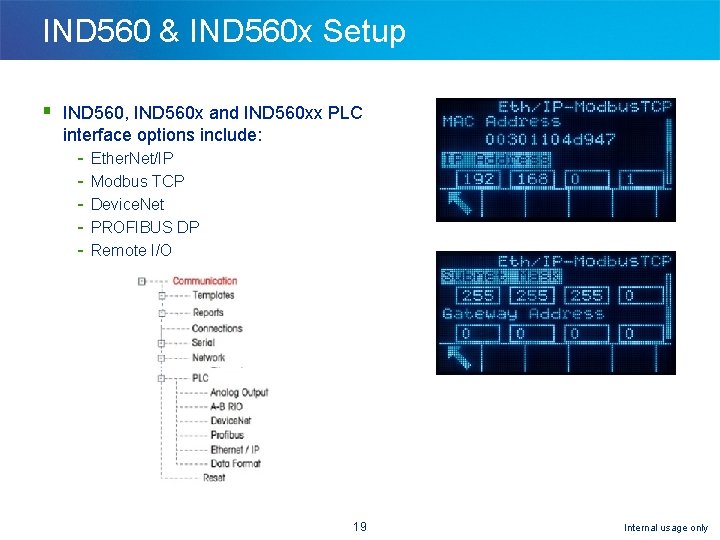
IND 560 & IND 560 x Setup § IND 560, IND 560 x and IND 560 xx PLC interface options include: - Ether. Net/IP Modbus TCP Device. Net PROFIBUS DP Remote I/O 19 Internal usage only
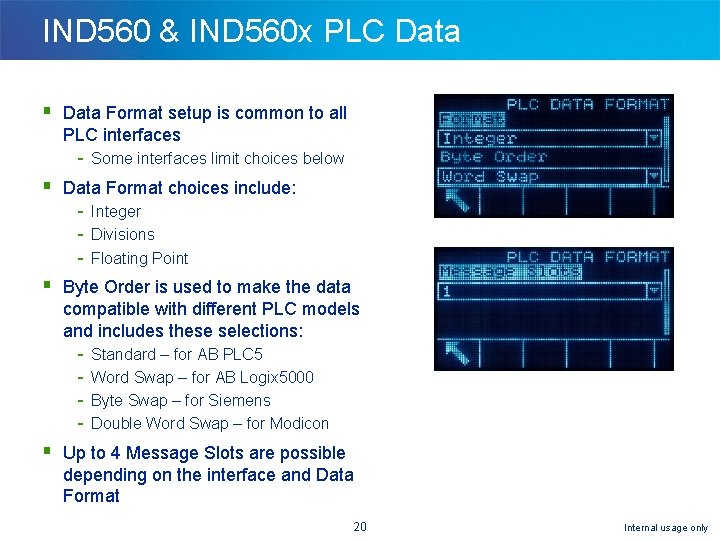
IND 560 & IND 560 x PLC Data § Data Format setup is common to all PLC interfaces - Some interfaces limit choices below § Data Format choices include: - Integer Divisions Floating Point § Byte Order is used to make the data compatible with different PLC models and includes these selections: - Standard – for AB PLC 5 Word Swap – for AB Logix 5000 Byte Swap – for Siemens Double Word Swap – for Modicon § Up to 4 Message Slots are possible depending on the interface and Data Format 20 Internal usage only
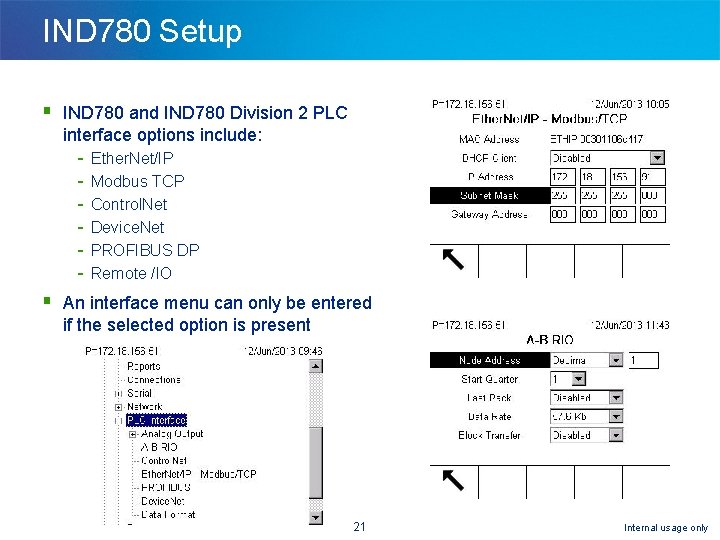
IND 780 Setup § IND 780 and IND 780 Division 2 PLC interface options include: - Ether. Net/IP Modbus TCP Control. Net Device. Net PROFIBUS DP Remote /IO § An interface menu can only be entered if the selected option is present 21 Internal usage only
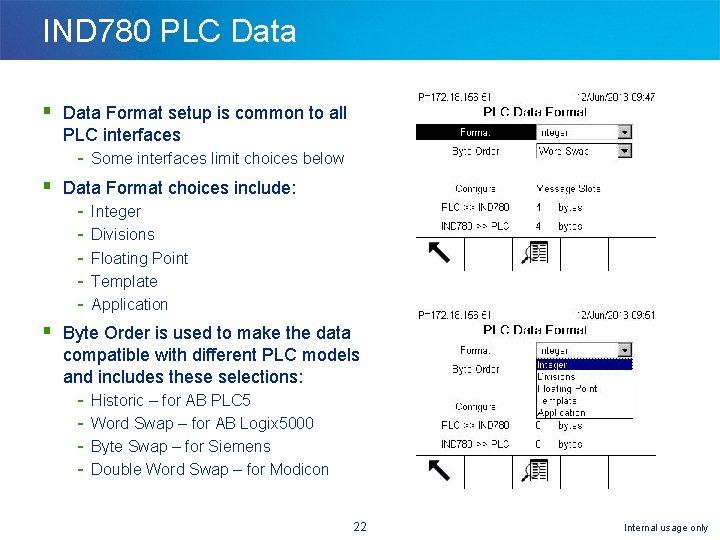
IND 780 PLC Data § Data Format setup is common to all PLC interfaces - Some interfaces limit choices below § Data Format choices include: - Integer Divisions Floating Point Template Application § Byte Order is used to make the data compatible with different PLC models and includes these selections: - Historic – for AB PLC 5 Word Swap – for AB Logix 5000 Byte Swap – for Siemens Double Word Swap – for Modicon 22 Internal usage only
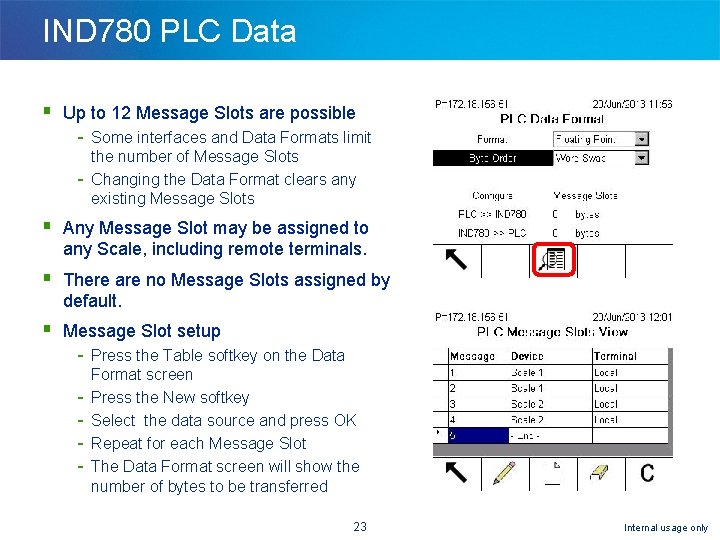
IND 780 PLC Data § Up to 12 Message Slots are possible - Some interfaces and Data Formats limit the number of Message Slots Changing the Data Format clears any existing Message Slots § Any Message Slot may be assigned to any Scale, including remote terminals. § There are no Message Slots assigned by default. § Message Slot setup - Press the Table softkey on the Data Format screen Press the New softkey Select the data source and press OK Repeat for each Message Slot The Data Format screen will show the number of bytes to be transferred 23 Internal usage only
Agenda § § § Overview Terms and Definitions Indicator Setup PLC Setup Common Issues 24 Internal usage only
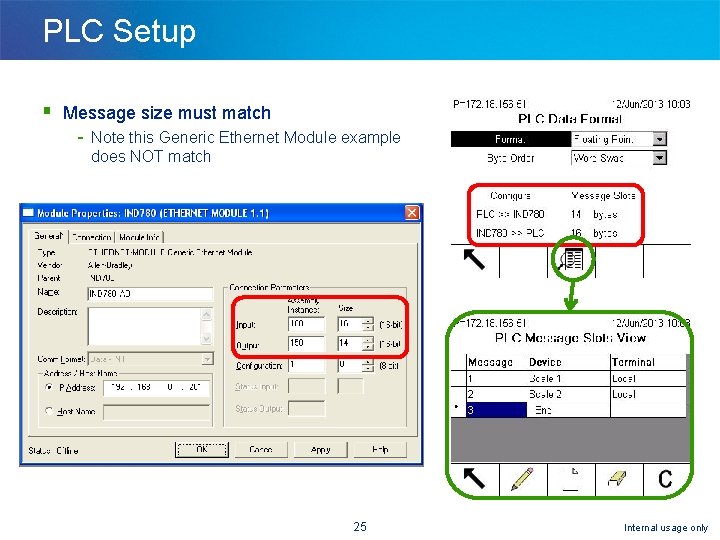
PLC Setup § Message size must match - Note this Generic Ethernet Module example does NOT match 25 Internal usage only
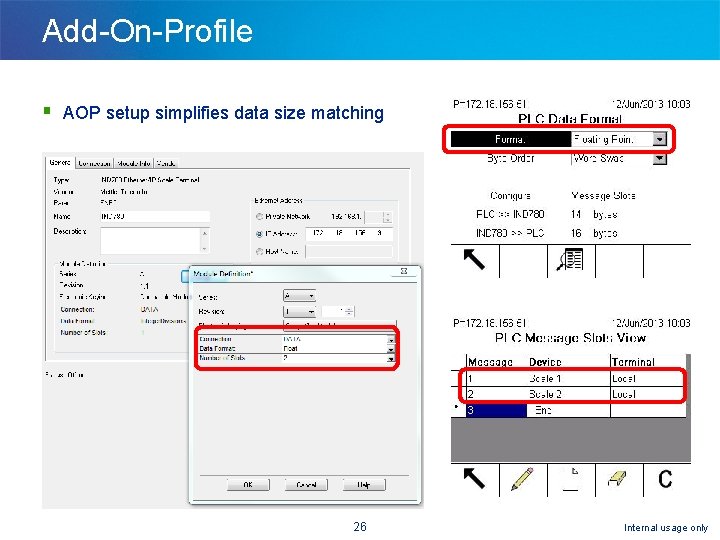
Add-On-Profile § AOP setup simplifies data size matching 26 Internal usage only
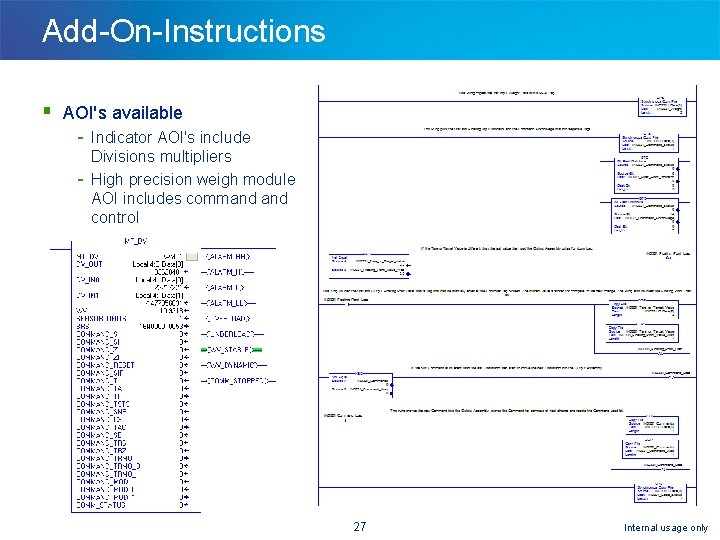
Add-On-Instructions § AOI's available - Indicator AOI's include Divisions multipliers High precision weigh module AOI includes command control 27 Internal usage only
Agenda § § § Overview Terms and Definitions Indicator Setup PLC Setup Common Issues 28 Internal usage only
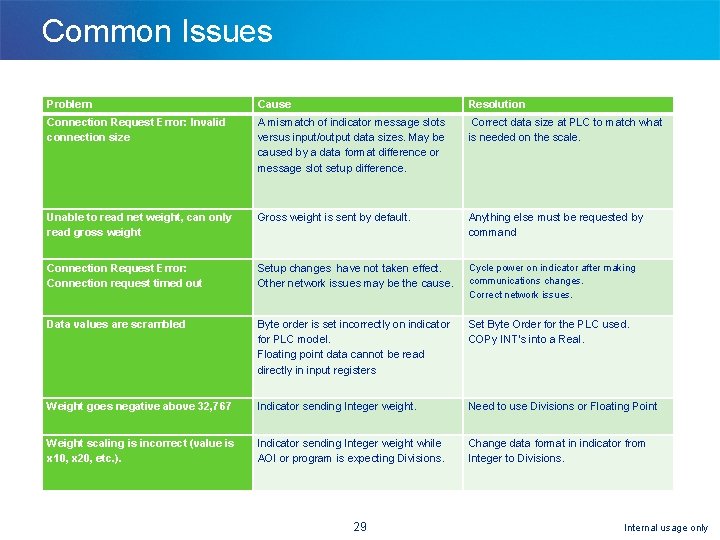
Common Issues Problem Cause Resolution Connection Request Error: Invalid connection size A mismatch of indicator message slots versus input/output data sizes. May be caused by a data format difference or message slot setup difference. Correct data size at PLC to match what is needed on the scale. Unable to read net weight, can only read gross weight Gross weight is sent by default. Anything else must be requested by command Connection Request Error: Connection request timed out Setup changes have not taken effect. Other network issues may be the cause. Cycle power on indicator after making communications changes. Correct network issues. Data values are scrambled Byte order is set incorrectly on indicator for PLC model. Floating point data cannot be read directly in input registers Set Byte Order for the PLC used. COPy INT's into a Real. Weight goes negative above 32, 767 Indicator sending Integer weight. Need to use Divisions or Floating Point Weight scaling is incorrect (value is x 10, x 20, etc. ). Indicator sending Integer weight while AOI or program is expecting Divisions. Change data format in indicator from Integer to Divisions. 29 Internal usage only
Thank you! Questions? 30 Internal usage only