
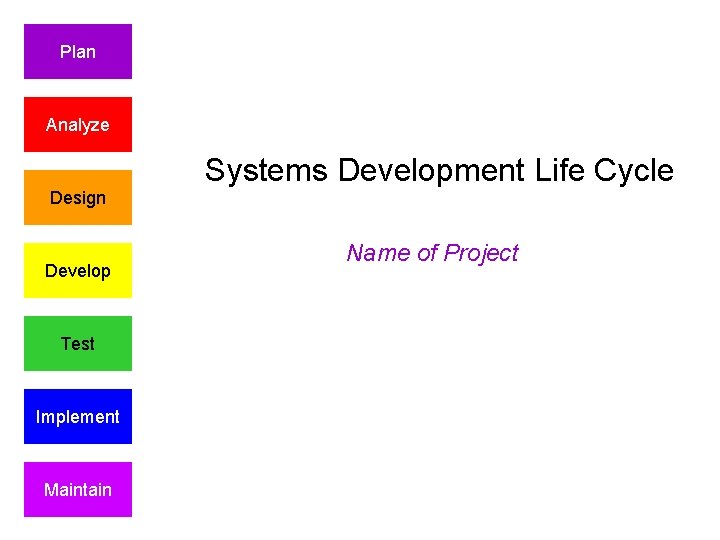
Plan Analyze Design Develop Test Implement Maintain Systems
- Slides: 17
Plan Analyze Design Develop Test Implement Maintain Systems Development Life Cycle Name of Project
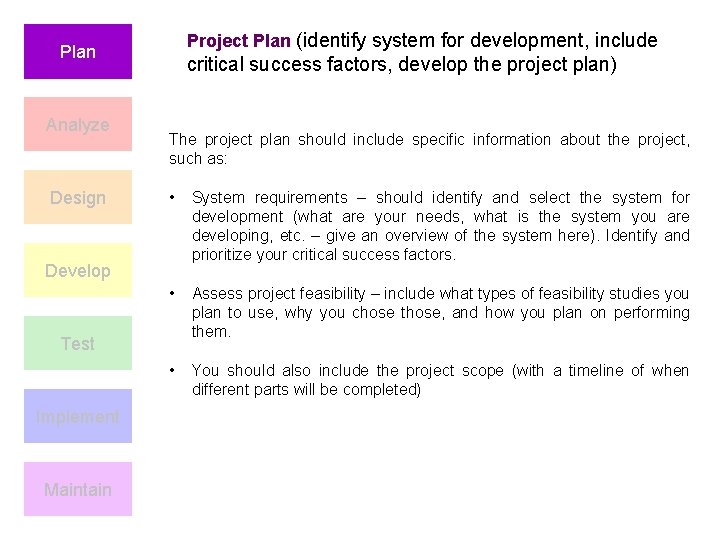
Project Plan (identify system for development, include Plan Analyze Design critical success factors, develop the project plan) The project plan should include specific information about the project, such as: • System requirements – should identify and select the system for development (what are your needs, what is the system you are developing, etc. – give an overview of the system here). Identify and prioritize your critical success factors. • Assess project feasibility – include what types of feasibility studies you plan to use, why you chose those, and how you plan on performing them. • You should also include the project scope (with a timeline of when different parts will be completed) Develop Test Implement Maintain
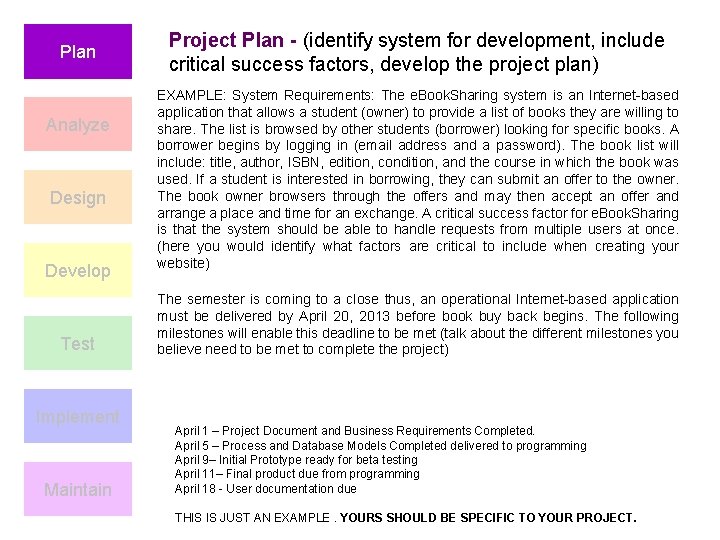
Plan Analyze Design Develop Test Implement Maintain Project Plan - (identify system for development, include critical success factors, develop the project plan) EXAMPLE: System Requirements: The e. Book. Sharing system is an Internet-based application that allows a student (owner) to provide a list of books they are willing to share. The list is browsed by other students (borrower) looking for specific books. A borrower begins by logging in (email address and a password). The book list will include: title, author, ISBN, edition, condition, and the course in which the book was used. If a student is interested in borrowing, they can submit an offer to the owner. The book owner browsers through the offers and may then accept an offer and arrange a place and time for an exchange. A critical success factor for e. Book. Sharing is that the system should be able to handle requests from multiple users at once. (here you would identify what factors are critical to include when creating your website) The semester is coming to a close thus, an operational Internet-based application must be delivered by April 20, 2013 before book buy back begins. The following milestones will enable this deadline to be met (talk about the different milestones you believe need to be met to complete the project) April 1 – Project Document and Business Requirements Completed. April 5 – Process and Database Models Completed delivered to programming April 9– Initial Prototype ready for beta testing April 11– Final product due from programming April 18 - User documentation due THIS IS JUST AN EXAMPLE. YOURS SHOULD BE SPECIFIC TO YOUR PROJECT.
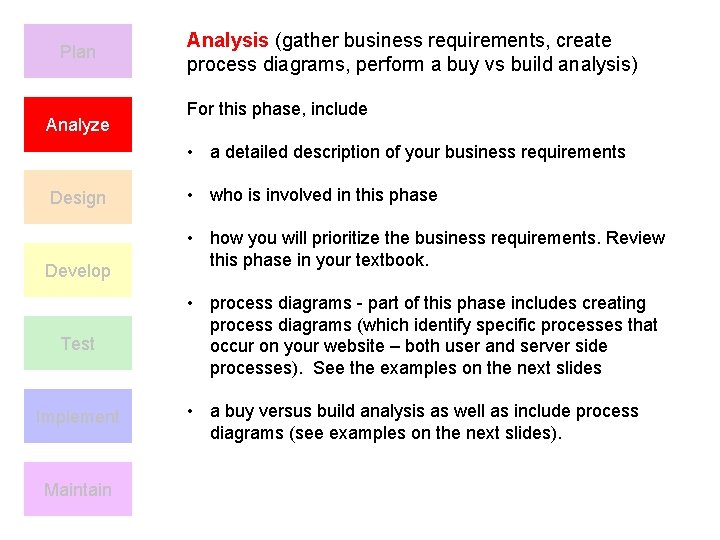
Plan Analyze Analysis (gather business requirements, create process diagrams, perform a buy vs build analysis) For this phase, include • a detailed description of your business requirements Design Develop Test Implement Maintain • who is involved in this phase • how you will prioritize the business requirements. Review this phase in your textbook. • process diagrams - part of this phase includes creating process diagrams (which identify specific processes that occur on your website – both user and server side processes). See the examples on the next slides • a buy versus build analysis as well as include process diagrams (see examples on the next slides).
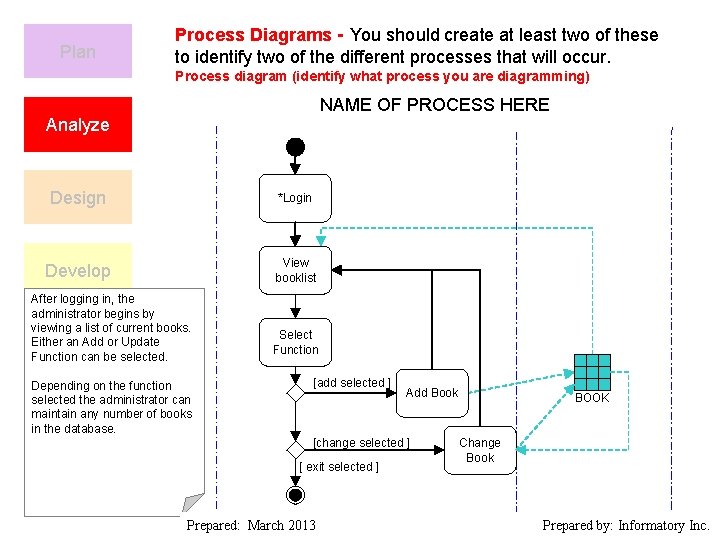
Plan Process Diagrams - You should create at least two of these to identify two of the different processes that will occur. Process diagram (identify what process you are diagramming) NAME OF PROCESS HERE Analyze Design *Login Develop View booklist After logging in, the administrator begins by viewing a list of current books. Either. Test an Add or Update Function can be selected. Depending on the function selected the administrator can maintain any number of books Implement in the database. Select Function [add selected ] Add Book [change selected ] [ exit selected ] BOOK Change Book Maintain Prepared: March 2013 Prepared by: Informatory Inc.
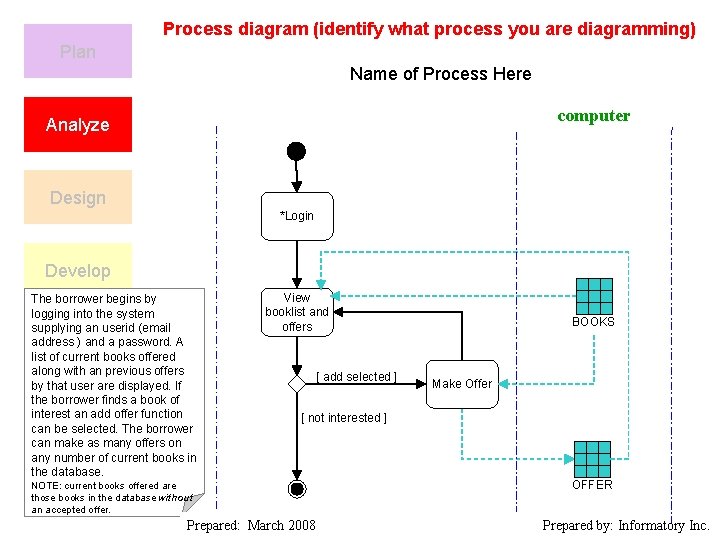
Process diagram (identify what process you are diagramming) Plan Name of Process Here computer Analyze Design *Login Develop The borrower begins by logging into the system supplying an userid (email address ) and a password. A Test list of current books offered along with an previous offers by that user are displayed. If the borrower finds a book of interest an add offer function Implement can be selected. The borrower can make as many offers on any number of current books in the database. View booklist and offers [ add selected ] BOOKS Make Offer [ not interested ] Maintain NOTE: current books offered are those books in the database without an accepted offer. Prepared: March 2008 OFFER Prepared by: Informatory Inc.
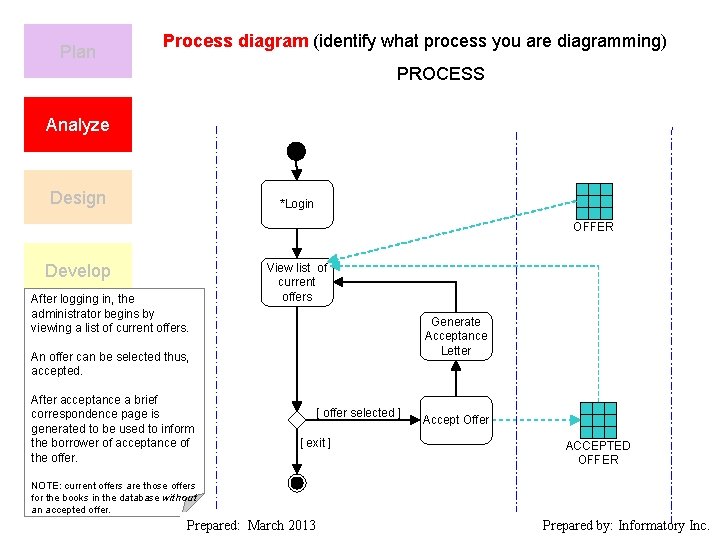
Plan Process diagram (identify what process you are diagramming) PROCESS Analyze Design *Login OFFER Develop After logging in, the administrator begins by viewing a list of current offers. View list of current offers Generate Acceptance Letter Test An offer can be selected thus, accepted. After acceptance a brief correspondence Implement page is generated to be used to inform the borrower of acceptance of the offer. [ offer selected ] [ exit ] Accept Offer ACCEPTED OFFER Maintain NOTE: current offers are those offers for the books in the database without an accepted offer. Prepared: March 2013 Prepared by: Informatory Inc.
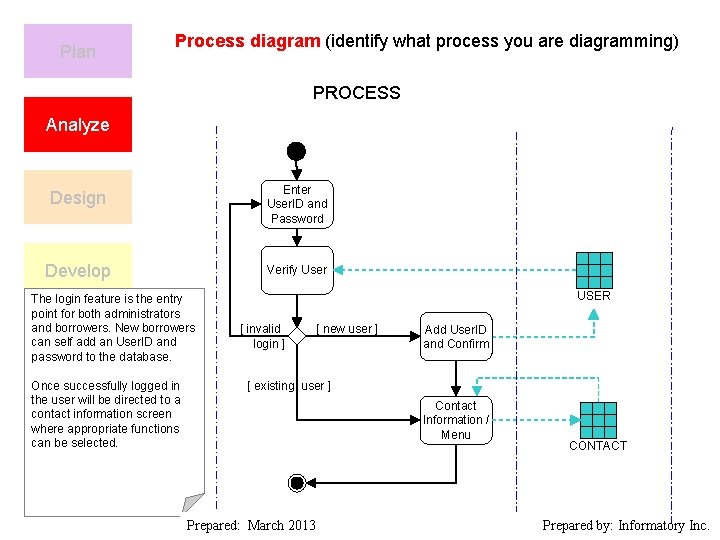
Plan Process diagram (identify what process you are diagramming) PROCESS Analyze Design Enter User. ID and Password Develop Verify User The login feature is the entry point for both administrators and borrowers. New borrowers can self add an User. ID and Test password to the database. Once successfully logged in the user will be directed to a contact information screen Implement where appropriate functions can be selected. USER [ invalid login ] [ new user ] Add User. ID and Confirm [ existing user ] Contact Information / Menu CONTACT Maintain Prepared: March 2013 Prepared by: Informatory Inc.
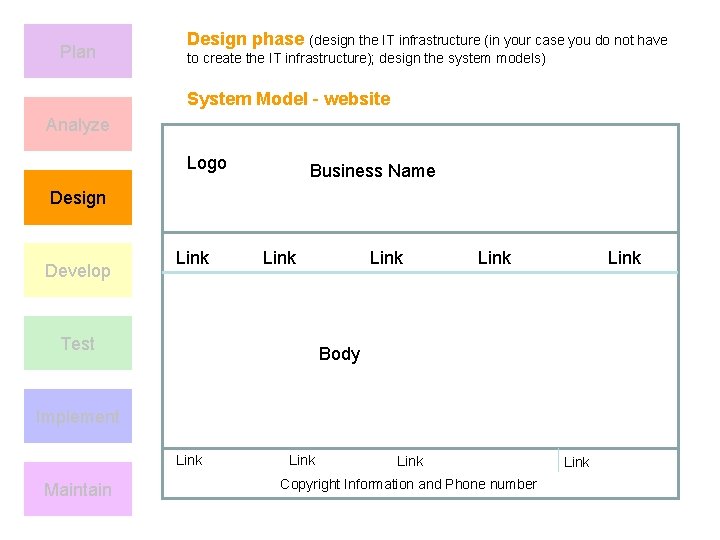
Plan Design phase (design the IT infrastructure (in your case you do not have to create the IT infrastructure); design the system models) System Model - website Analyze Logo Business Name Design Develop Link Test Link Body Implement Link Maintain Link Copyright Information and Phone number Link
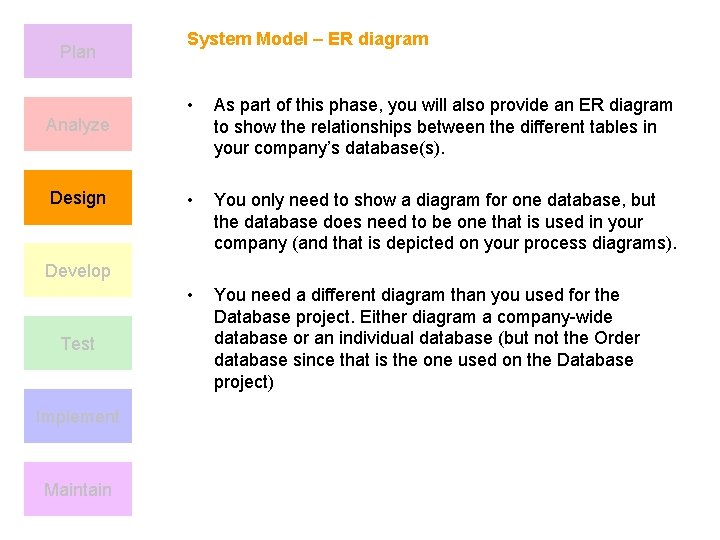
Plan Analyze Design System Model – ER diagram • As part of this phase, you will also provide an ER diagram to show the relationships between the different tables in your company’s database(s). • You only need to show a diagram for one database, but the database does need to be one that is used in your company (and that is depicted on your process diagrams). • You need a different diagram than you used for the Database project. Either diagram a company-wide database or an individual database (but not the Order database since that is the one used on the Database project) Develop Test Implement Maintain
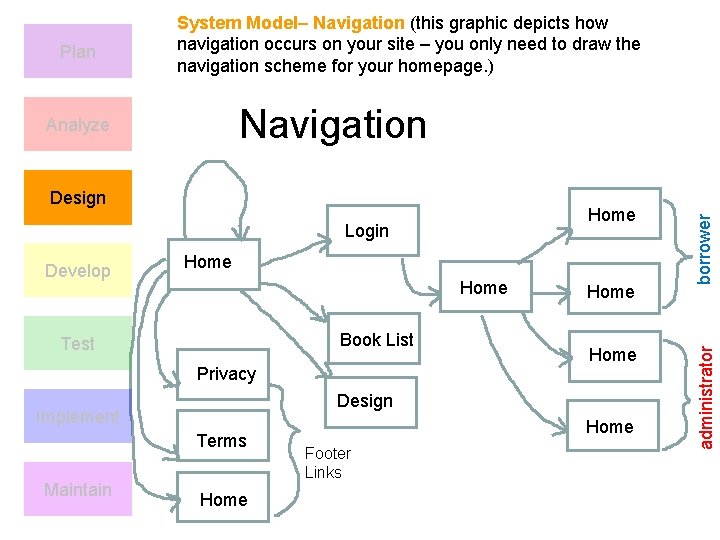
Design Home Login Develop Home Book List Test Privacy Home Design Implement Terms Maintain Home Footer Links borrower Navigation Analyze administrator Plan System Model– Navigation (this graphic depicts how navigation occurs on your site – you only need to draw the navigation scheme for your homepage. )
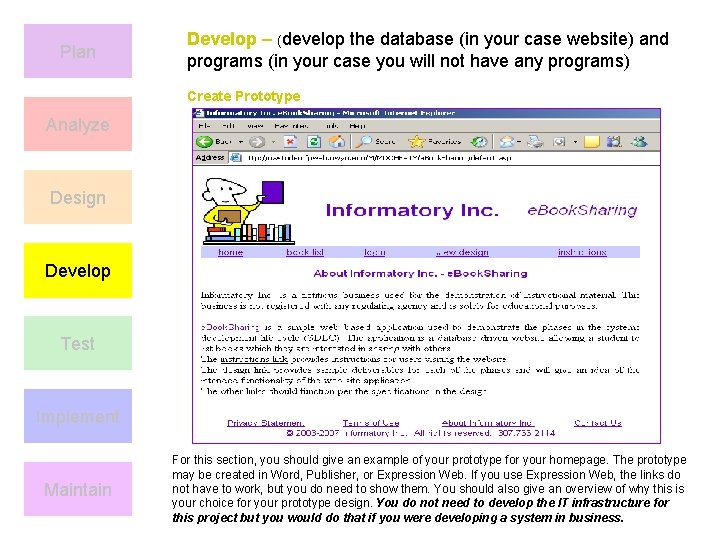
Plan Develop – (develop the database (in your case website) and programs (in your case you will not have any programs) Create Prototype Analyze Design Develop Test Implement Maintain For this section, you should give an example of your prototype for your homepage. The prototype may be created in Word, Publisher, or Expression Web. If you use Expression Web, the links do not have to work, but you do need to show them. You should also give an overview of why this is your choice for your prototype design. You do not need to develop the IT infrastructure for this project but you would do that if you were developing a system in business.
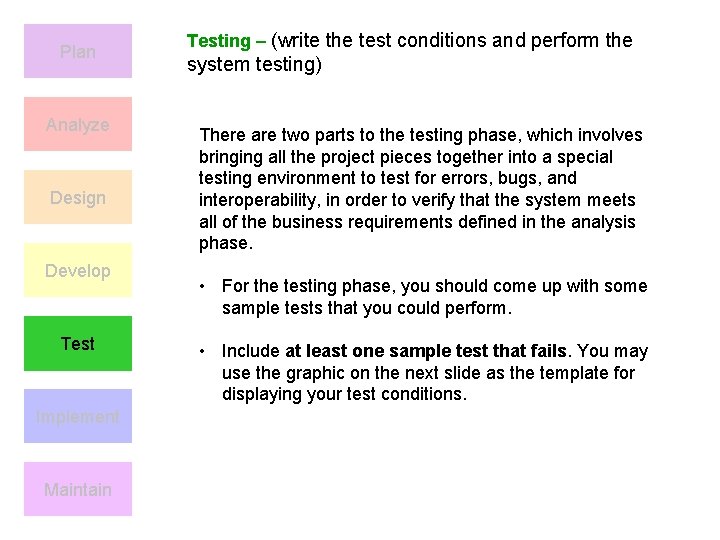
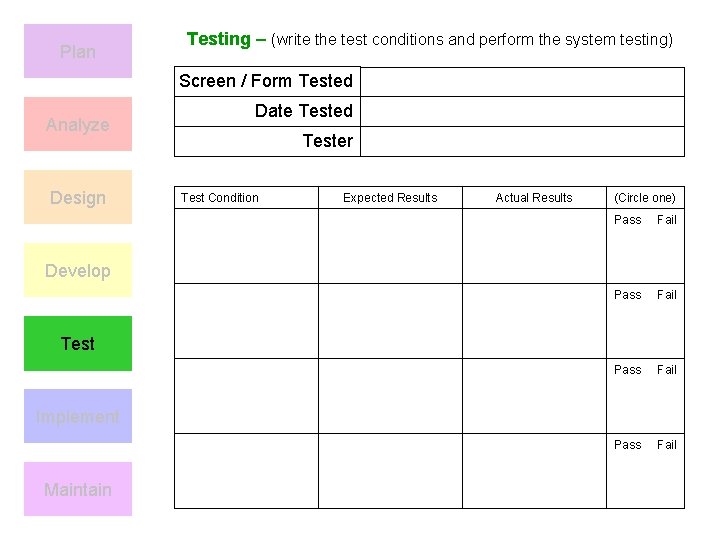
Plan Analyze Design Develop Test Implement Maintain Testing – (write the test conditions and perform the system testing) There are two parts to the testing phase, which involves bringing all the project pieces together into a special testing environment to test for errors, bugs, and interoperability, in order to verify that the system meets all of the business requirements defined in the analysis phase. • For the testing phase, you should come up with some sample tests that you could perform. • Include at least one sample test that fails. You may use the graphic on the next slide as the template for displaying your test conditions.
Plan Testing – (write the test conditions and perform the system testing) Screen / Form Tested Analyze Design Date Tested Tester Test Condition Expected Results Actual Results (Circle one) Pass Fail Develop Test Implement Maintain
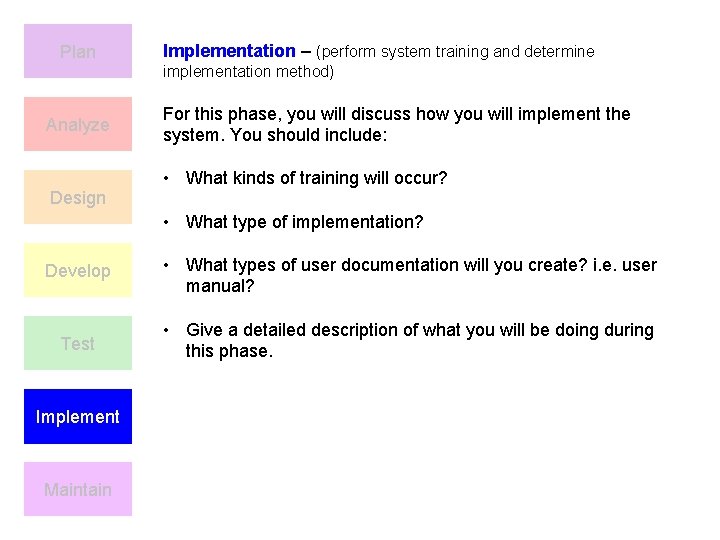
Plan Implementation – (perform system training and determine implementation method) Analyze Design For this phase, you will discuss how you will implement the system. You should include: • What kinds of training will occur? • What type of implementation? Develop • What types of user documentation will you create? i. e. user manual? Test • Give a detailed description of what you will be doing during this phase. Implement Maintain
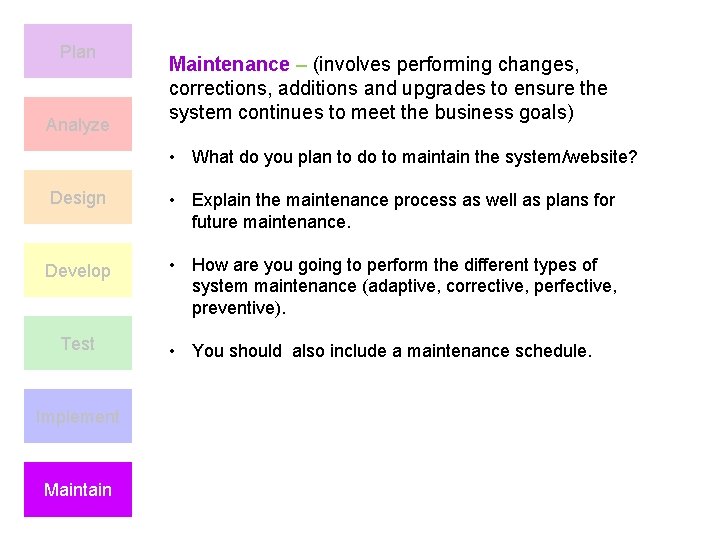
Plan Analyze Maintenance – (involves performing changes, corrections, additions and upgrades to ensure the system continues to meet the business goals) • What do you plan to do to maintain the system/website? Design • Explain the maintenance process as well as plans for future maintenance. Develop • How are you going to perform the different types of system maintenance (adaptive, corrective, perfective, preventive). Test Implement Maintain • You should also include a maintenance schedule.
References • Should also include a reference page that lists the textbook reference as well as a reference for all other websites visited any other applicable references. These should be in APA style. Add additional references to your business’s ongoing reference list (remember to alphabetize).