
Pivot Stick Animation Lesson 1 1 PIVOT CarersParentsStudents
- Slides: 8
Pivot Stick Animation Lesson 1 1
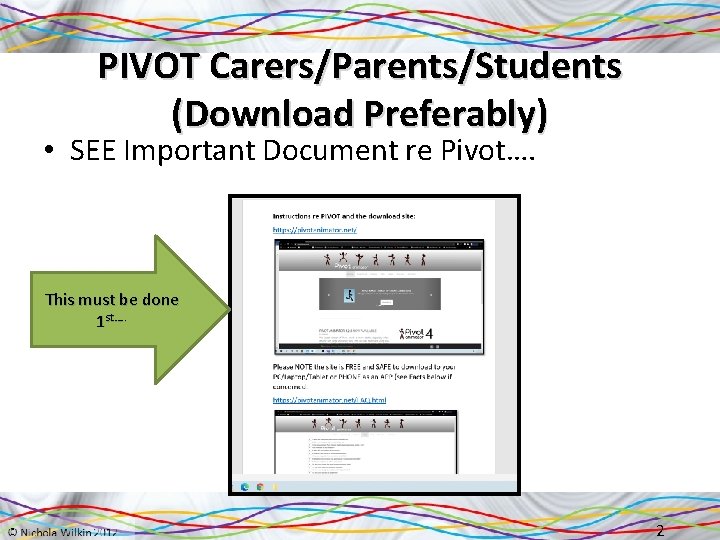
PIVOT Carers/Parents/Students (Download Preferably) • SEE Important Document re Pivot…. This must be done 1 st…. . 2
Starter on a notelet/blank sheet list as many films/books/fairy-tales as you can that use animation. 3
Objective of the lesson Create an animation using Pivot Stick. • All of you will: – Create a simple animation by changing the figure and adding frames to show a sequence of events • Most of you will: – Create an animation which has a visible story-line, • Some of you will: – Create a professional looking animation, that tells a clear story with actions and movement 4
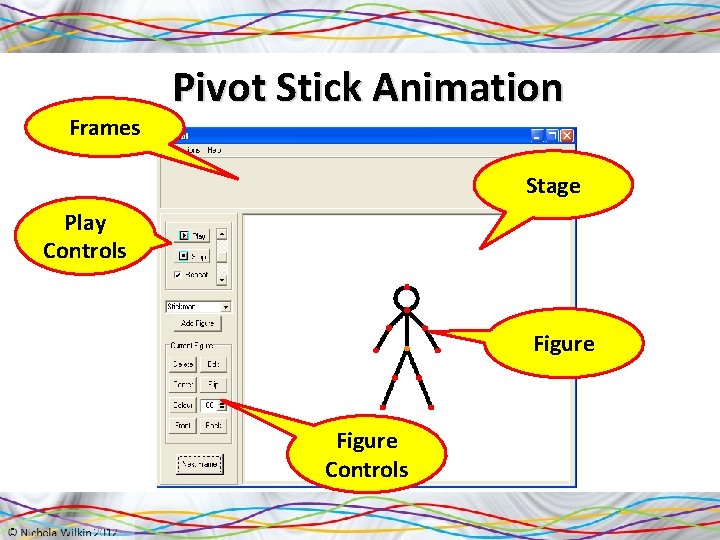
Frames Pivot Stick Animation Stage Play Controls Figure Controls
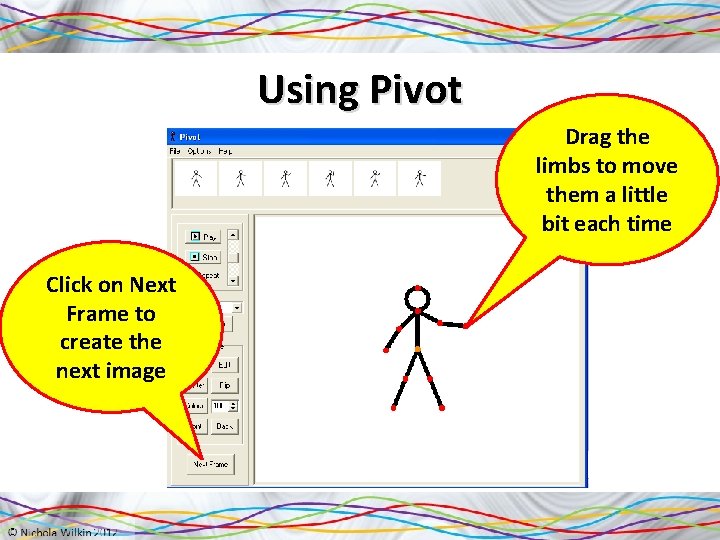
Using Pivot Drag the limbs to move them a little bit each time Click on Next Frame to create the next image
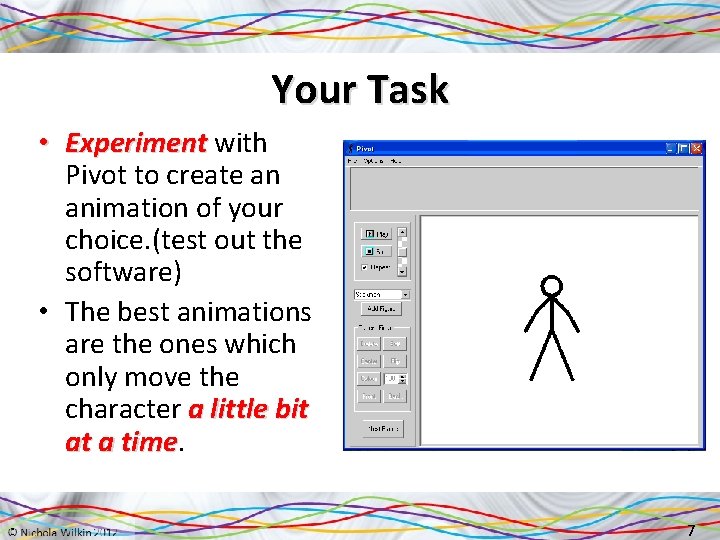
Your Task • Experiment with Pivot to create an animation of your choice. (test out the software) • The best animations are the ones which only move the character a little bit at a time 7
Please note those working from home: reflect on your own animation today Plenary Please save your 1 st PIV doc but you do not need to submit this today Look at some of the animations that your classmates have created today and answer these questions: 1. What makes a good animation? 2. Which animations were the easiest to understand? 3. What made them easy to understand? 4. Which animations were the most entertaining? 5. What made them entertaining? 8