
Pipes and Redirection Standard Input and Standard Output

- Slides: 8
Pipes and Redirection
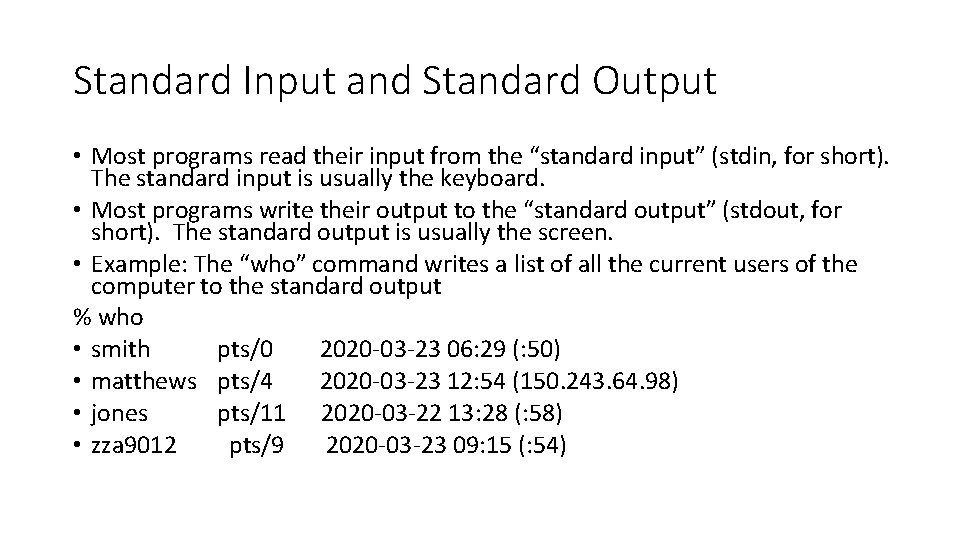
Standard Input and Standard Output • Most programs read their input from the “standard input” (stdin, for short). The standard input is usually the keyboard. • Most programs write their output to the “standard output” (stdout, for short). The standard output is usually the screen. • Example: The “who” command writes a list of all the current users of the computer to the standard output % who • smith pts/0 2020 -03 -23 06: 29 (: 50) • matthews pts/4 2020 -03 -23 12: 54 (150. 243. 64. 98) • jones pts/11 2020 -03 -22 13: 28 (: 58) • zza 9012 pts/9 2020 -03 -23 09: 15 (: 54)
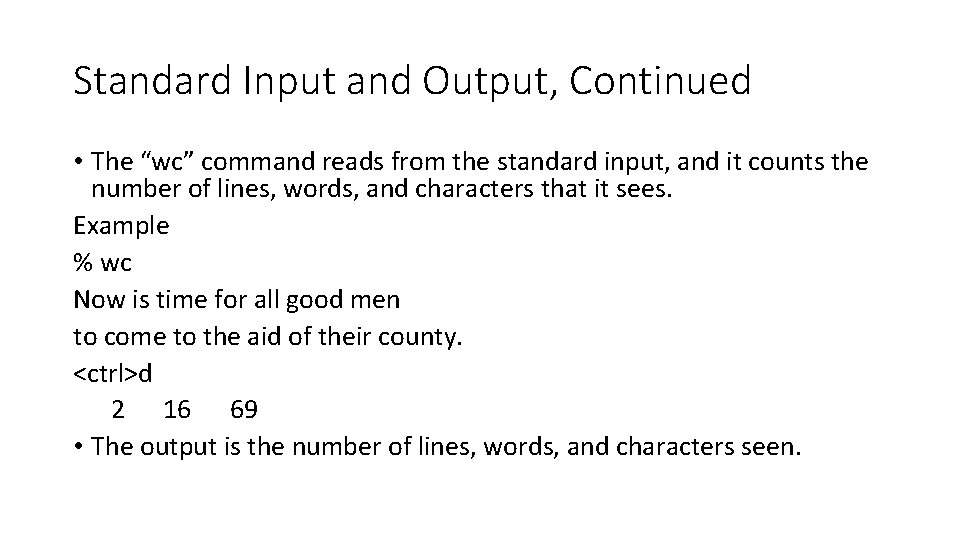
Standard Input and Output, Continued • The “wc” command reads from the standard input, and it counts the number of lines, words, and characters that it sees. Example % wc Now is time for all good men to come to the aid of their county. <ctrl>d 2 16 69 • The output is the number of lines, words, and characters seen.
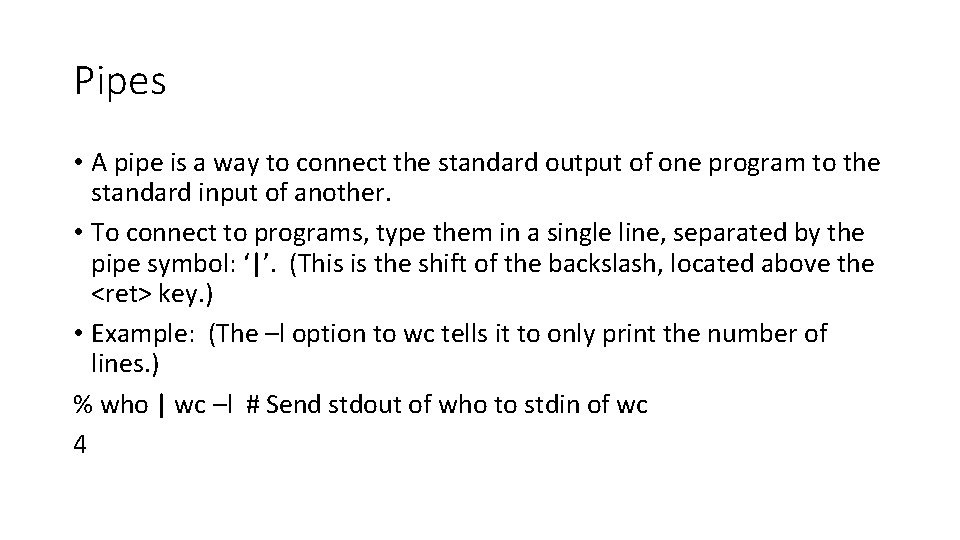
Pipes • A pipe is a way to connect the standard output of one program to the standard input of another. • To connect to programs, type them in a single line, separated by the pipe symbol: ‘|’. (This is the shift of the backslash, located above the <ret> key. ) • Example: (The –l option to wc tells it to only print the number of lines. ) % who | wc –l # Send stdout of who to stdin of wc 4
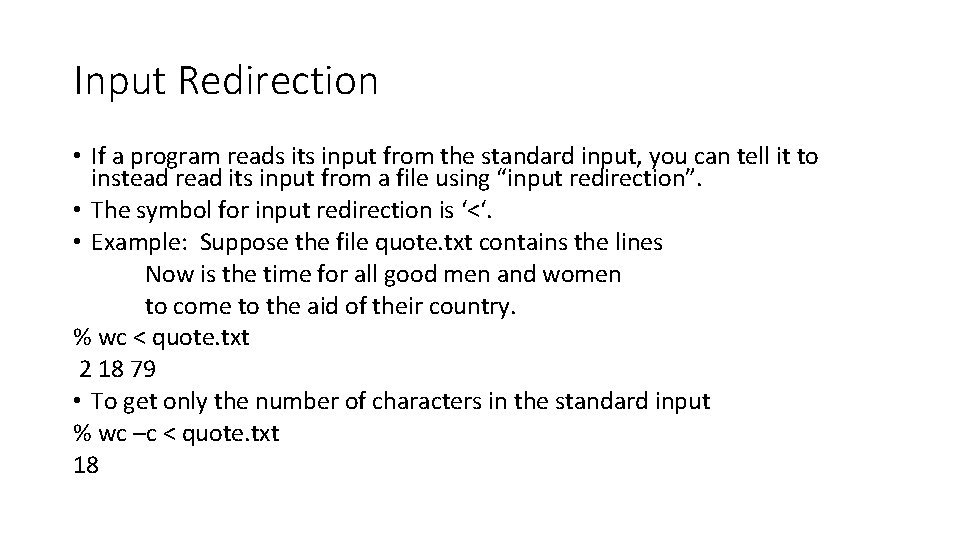
Input Redirection • If a program reads its input from the standard input, you can tell it to instead read its input from a file using “input redirection”. • The symbol for input redirection is ‘<‘. • Example: Suppose the file quote. txt contains the lines Now is the time for all good men and women to come to the aid of their country. % wc < quote. txt 2 18 79 • To get only the number of characters in the standard input % wc –c < quote. txt 18
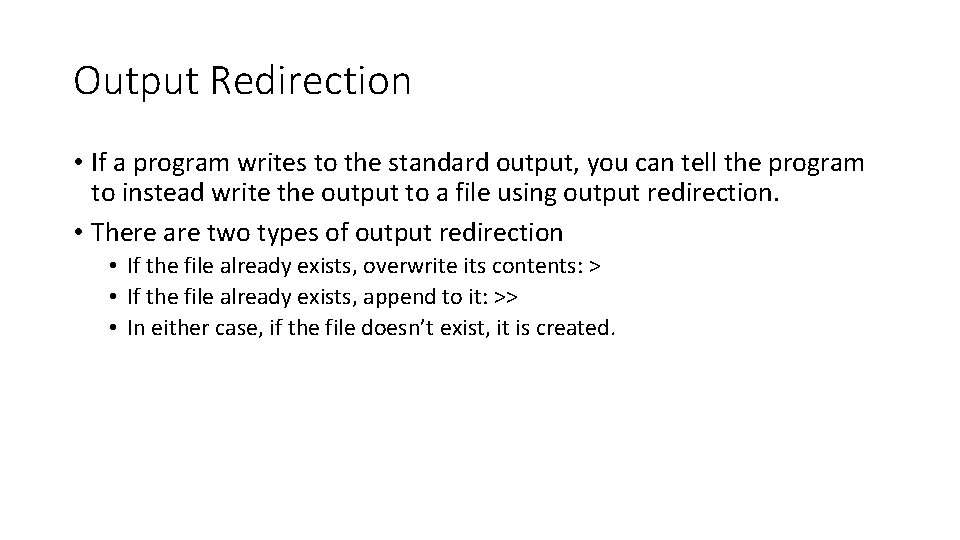
Output Redirection • If a program writes to the standard output, you can tell the program to instead write the output to a file using output redirection. • There are two types of output redirection • If the file already exists, overwrite its contents: > • If the file already exists, append to it: >> • In either case, if the file doesn’t exist, it is created.
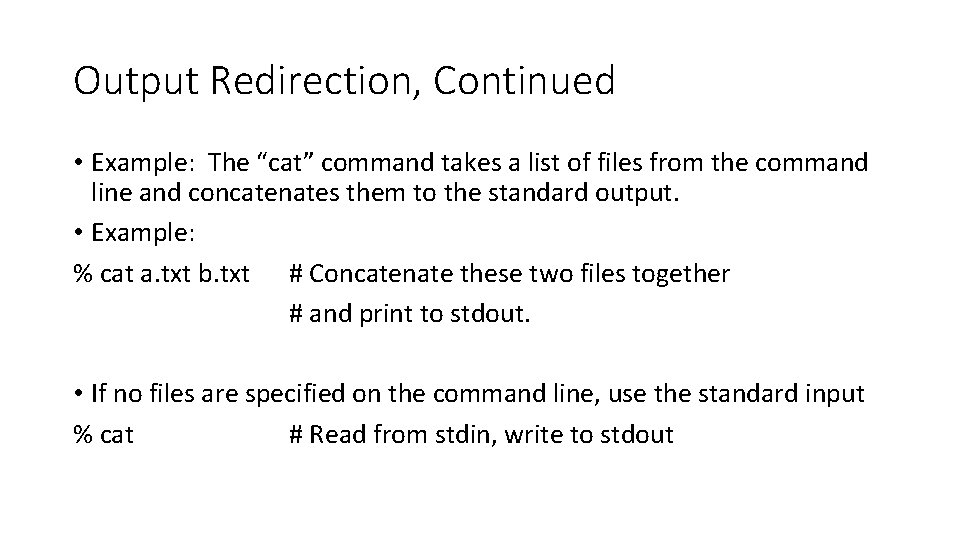
Output Redirection, Continued • Example: The “cat” command takes a list of files from the command line and concatenates them to the standard output. • Example: % cat a. txt b. txt # Concatenate these two files together # and print to stdout. • If no files are specified on the command line, use the standard input % cat # Read from stdin, write to stdout
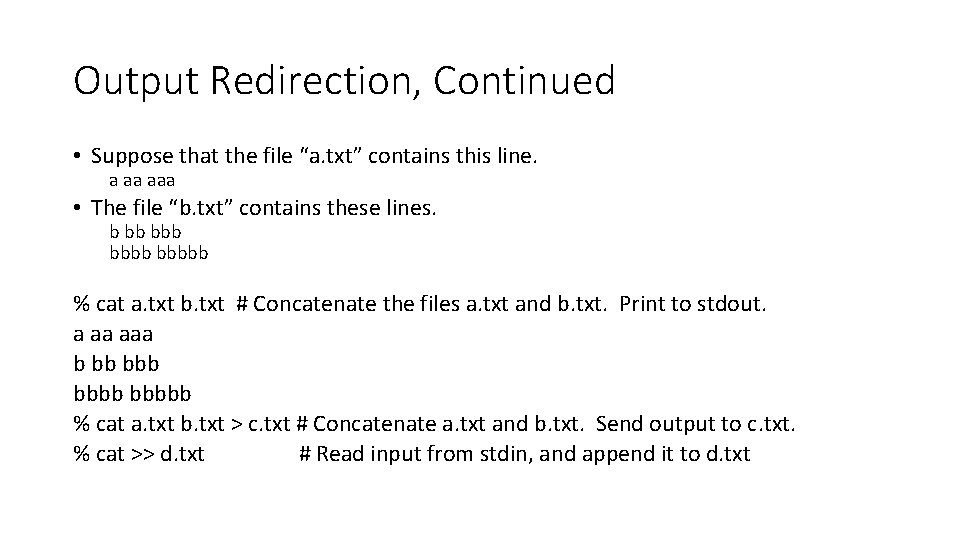
Output Redirection, Continued • Suppose that the file “a. txt” contains this line. a aa aaa • The file “b. txt” contains these lines. b bb bbbbb % cat a. txt b. txt # Concatenate the files a. txt and b. txt. Print to stdout. a aa aaa b bb bbbbb % cat a. txt b. txt > c. txt # Concatenate a. txt and b. txt. Send output to c. txt. % cat >> d. txt # Read input from stdin, and append it to d. txt