
Picture Lab Manipulating Pictures Discussion and activities with
Picture Lab

Manipulating Pictures • Discussion and activities with java. awt. Color introduce students to megapixels, the RGB color model, binary numbers, bit, and byte. • Processing individual pixels involves 2 D array concepts: row-major order, column-major order, array of arrays, and nested loops. • And more…
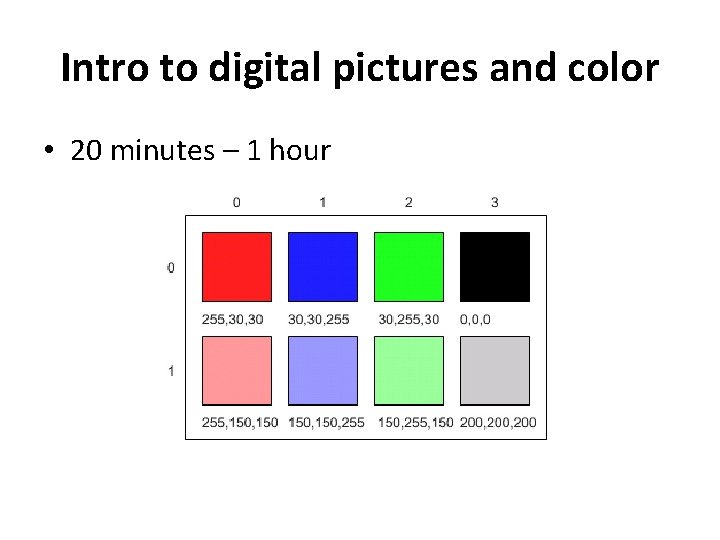
Intro to digital pictures and color • 20 minutes – 1 hour
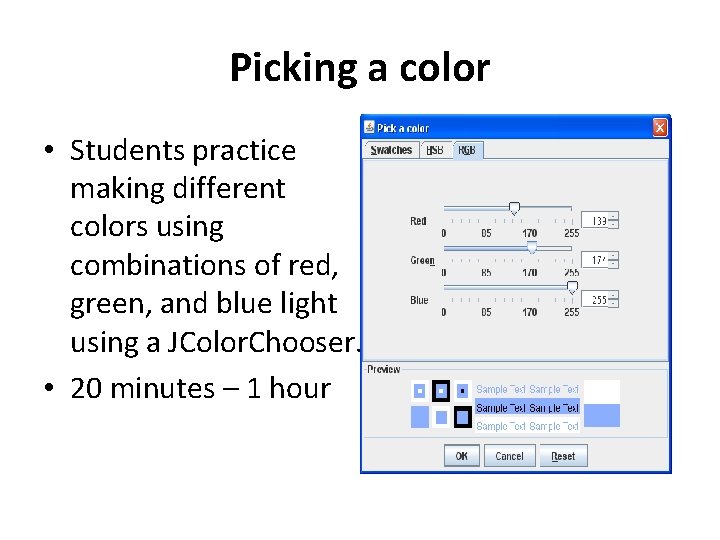
Picking a color • Students practice making different colors using combinations of red, green, and blue light using a JColor. Chooser. • 20 minutes – 1 hour
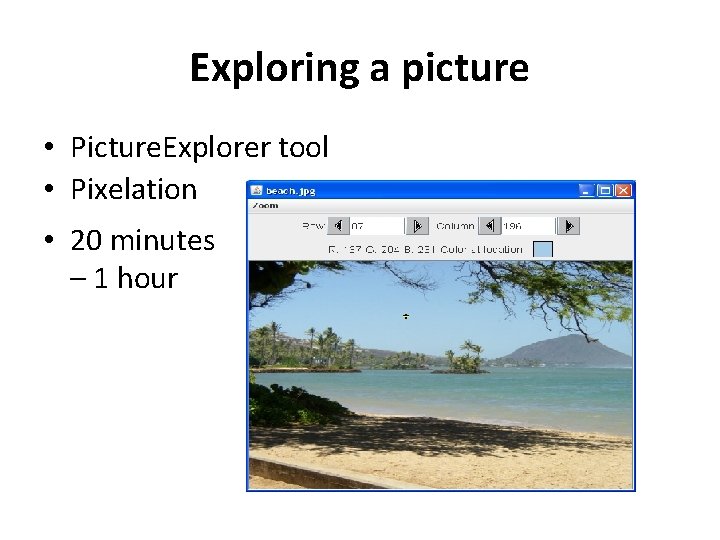
Exploring a picture • Picture. Explorer tool • Pixelation • 20 minutes – 1 hour
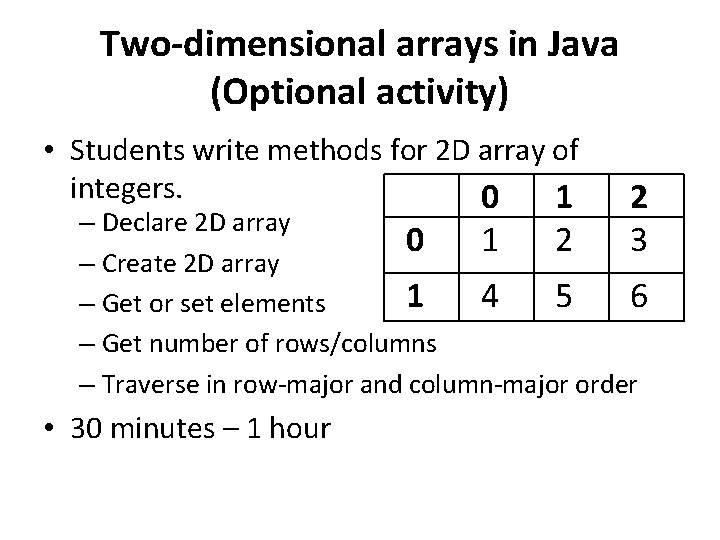
Two-dimensional arrays in Java (Optional activity) • Students write methods for 2 D array of integers. 0 1 2 3 – Declare 2 D array 0 1 2 – Create 2 D array 1 4 5 6 – Get or set elements – Get number of rows/columns – Traverse in row-major and column-major order • 30 minutes – 1 hour
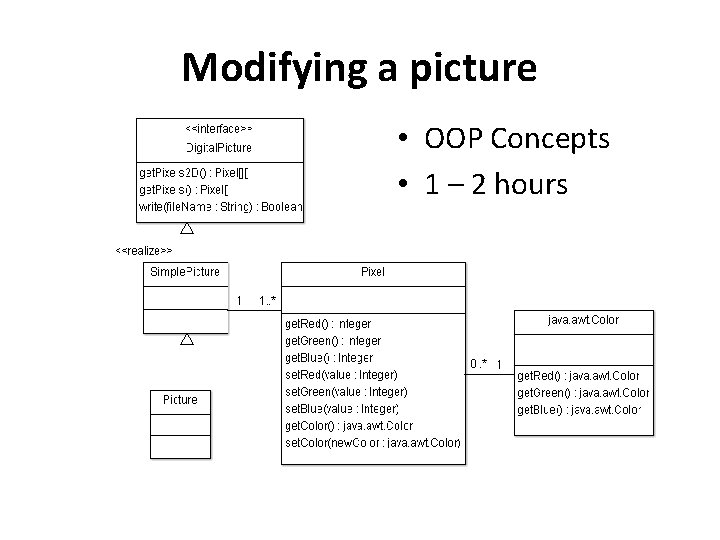
Modifying a picture • OOP Concepts • 1 – 2 hours
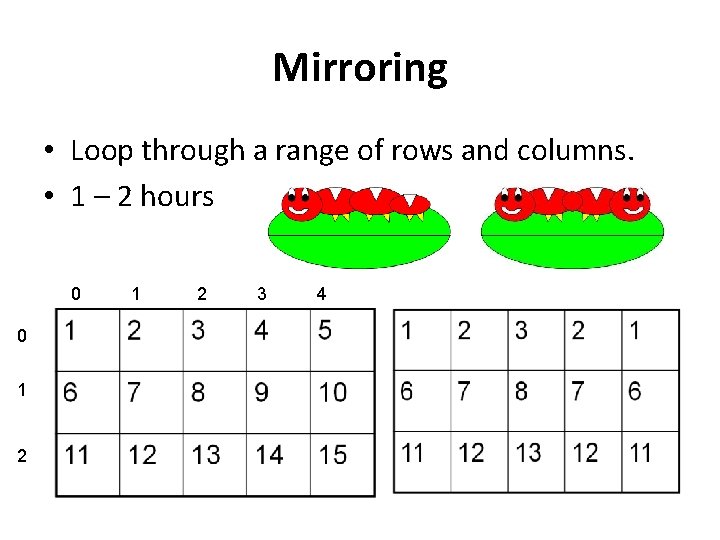
Mirroring • Loop through a range of rows and columns. • 1 – 2 hours 0 0 1 2 3 4
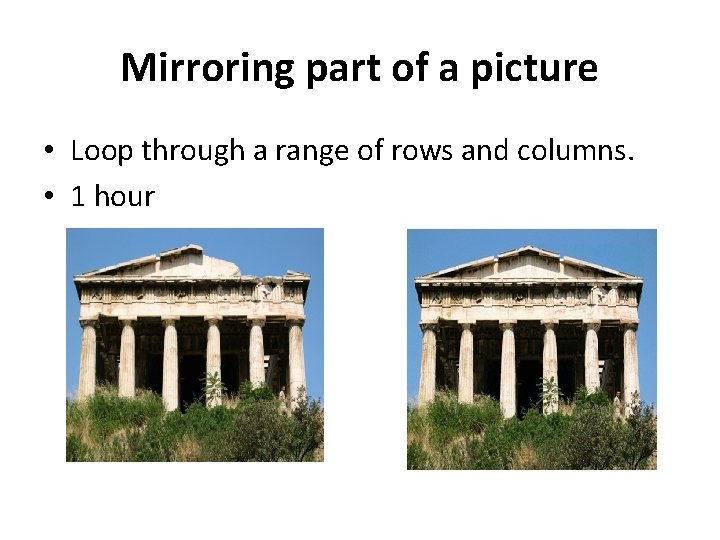
Mirroring part of a picture • Loop through a range of rows and columns. • 1 hour
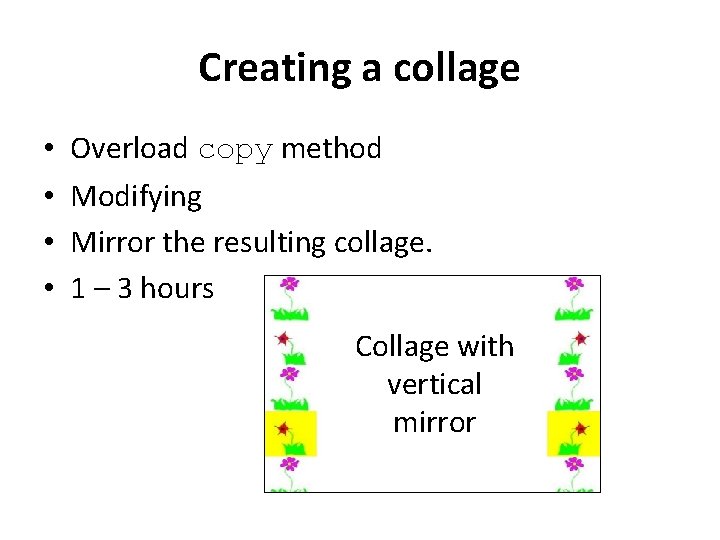
Creating a collage • • Overload copy method Modifying Mirror the resulting collage. 1 – 3 hours Collage with vertical mirror
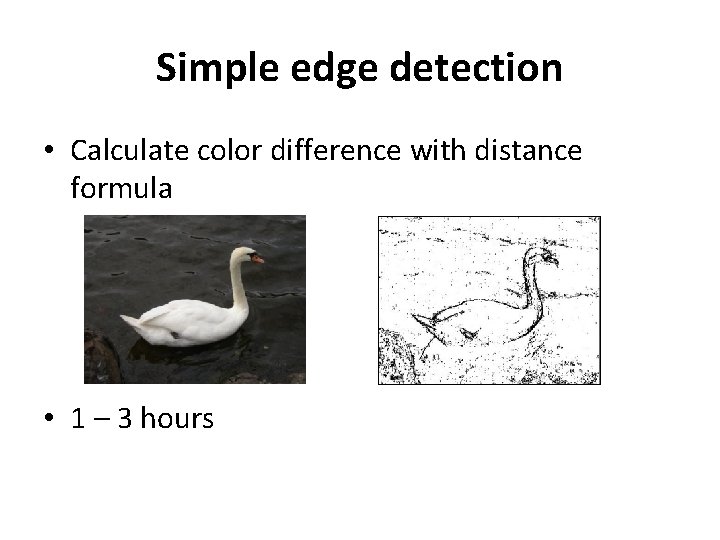
Simple edge detection • Calculate color difference with distance formula • 1 – 3 hours
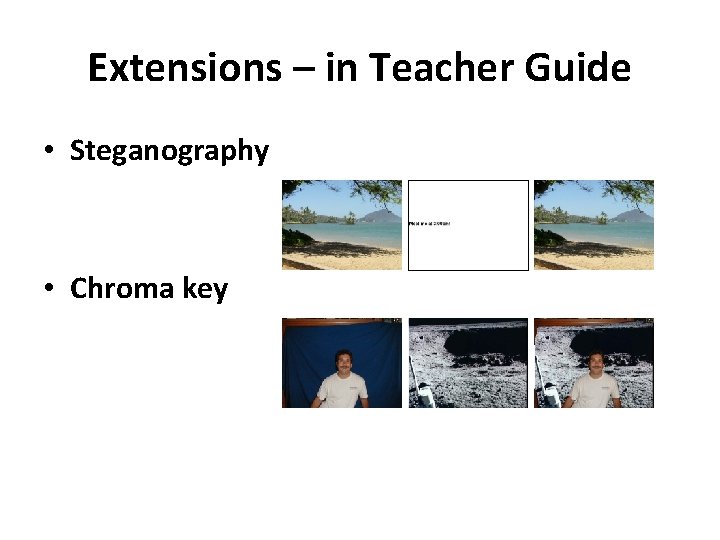
Extensions – in Teacher Guide • Steganography • Chroma key

- Slides: 13