
Physical Storage Devices COMP 1011 INTRODUCTION TO INFORMATION
- Slides: 12
Physical Storage Devices COMP 1011: INTRODUCTION TO INFORMATION TECHNOLOGY BY: JARREL MCFARREL CAMERON LUM KONG MITZI JOSEPH KAIRA ROSALES
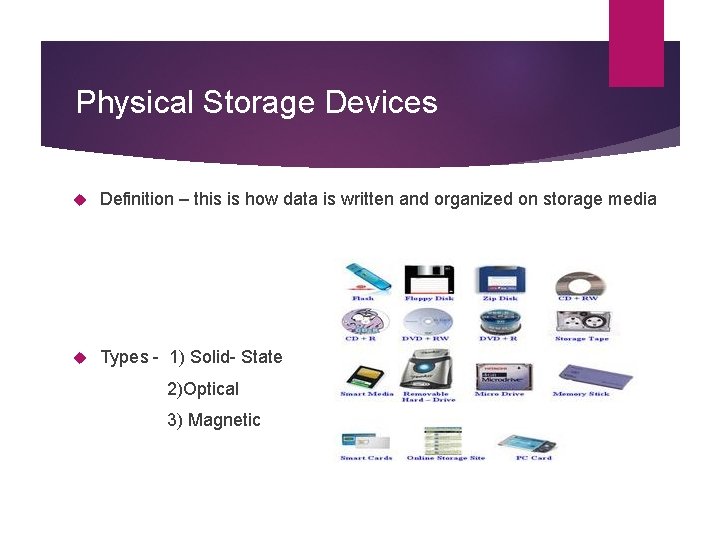
Physical Storage Devices Definition – this is how data is written and organized on storage media Types - 1) Solid- State 2)Optical 3) Magnetic
Solid – State Storage Devices Stores data electronically, allowed these devices to perform input and output rapidly Used to store data without the need for reading/writing on rotating disks Examples are USB Flash Drives, Flash Memory and Micro Flash Memory Cards and Solid-State Drive (SSD).
Examples of Solid-State Storage devices USB flash drive – a small external drive that is used by computers that possess an USB port Flash memory cards – a non volatile device that stores data on portable or remote computing devices. Solid – State drive – storage device that uses integrated circuit assemblies as memory to store data persistently
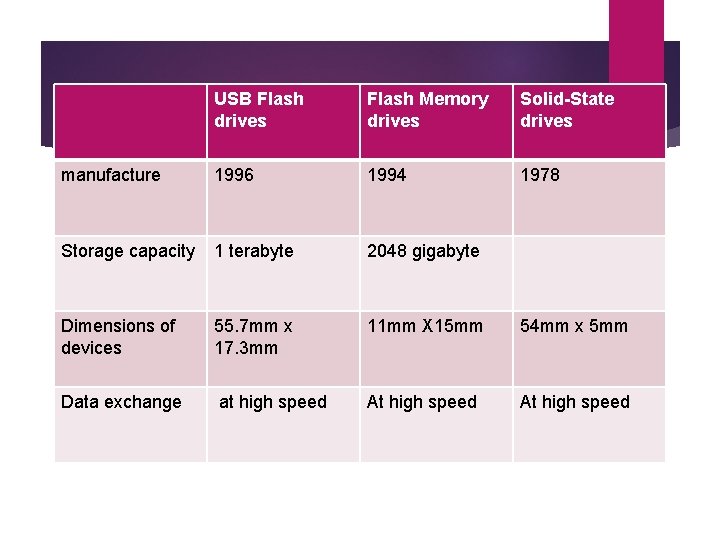
USB Flash drives Flash Memory drives Solid-State drives manufacture 1996 1994 1978 Storage capacity 1 terabyte 2048 gigabyte Dimensions of devices 55. 7 mm x 17. 3 mm 11 mm X 15 mm 54 mm x 5 mm Data exchange at high speed At high speed
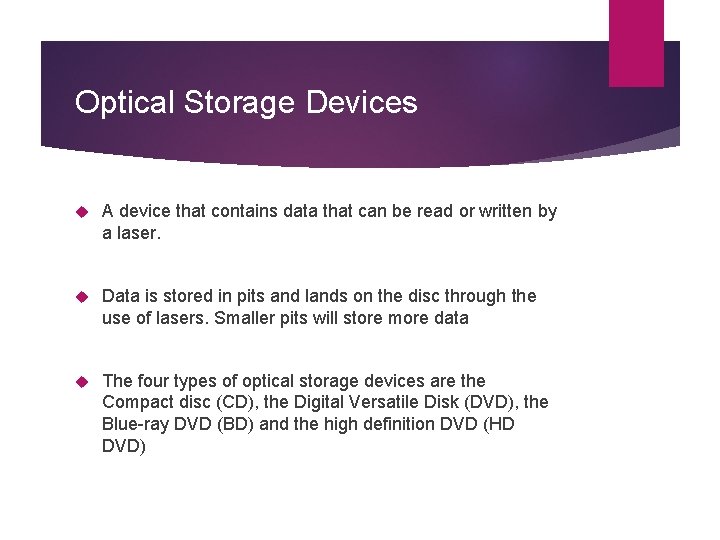
Optical Storage Devices A device that contains data that can be read or written by a laser. Data is stored in pits and lands on the disc through the use of lasers. Smaller pits will store more data The four types of optical storage devices are the Compact disc (CD), the Digital Versatile Disk (DVD), the Blue-ray DVD (BD) and the high definition DVD (HD DVD)
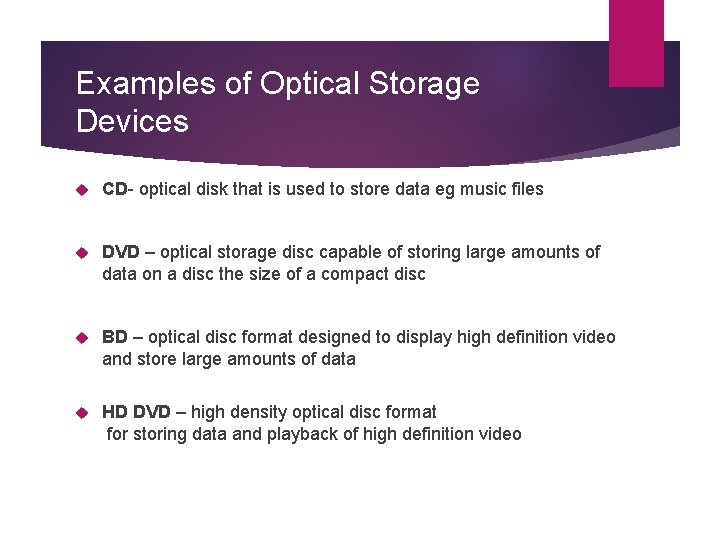
Examples of Optical Storage Devices CD- optical disk that is used to store data eg music files DVD – optical storage disc capable of storing large amounts of data on a disc the size of a compact disc BD – optical disc format designed to display high definition video and store large amounts of data HD DVD – high density optical disc format for storing data and playback of high definition video
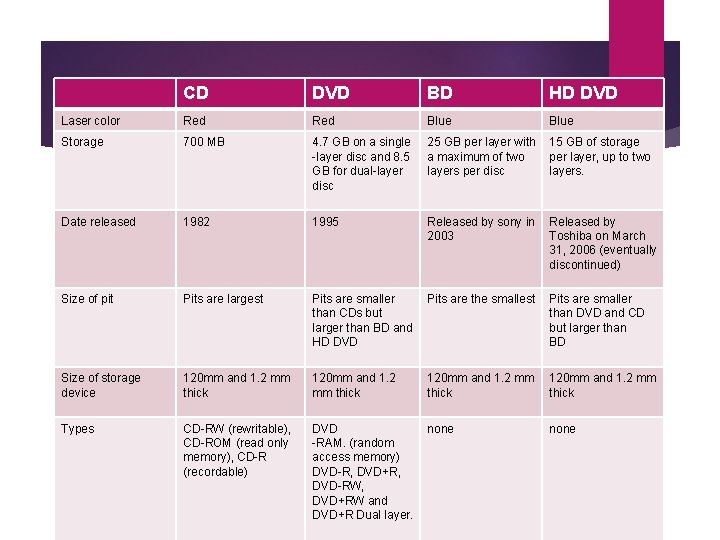
CD DVD BD HD DVD Laser color Red Blue Storage 700 MB 4. 7 GB on a single -layer disc and 8. 5 GB for dual-layer disc 25 GB per layer with a maximum of two layers per disc 15 GB of storage per layer, up to two layers. Date released 1982 1995 Released by sony in 2003 Released by Toshiba on March 31, 2006 (eventually discontinued) Size of pit Pits are largest Pits are smaller than CDs but larger than BD and HD DVD Pits are the smallest Pits are smaller than DVD and CD but larger than BD Size of storage device 120 mm and 1. 2 mm thick Types CD-RW (rewritable), CD-ROM (read only memory), CD-R (recordable) DVD -RAM. (random access memory) DVD-R, DVD+R, DVD-RW, DVD+RW and DVD+R Dual layer. none
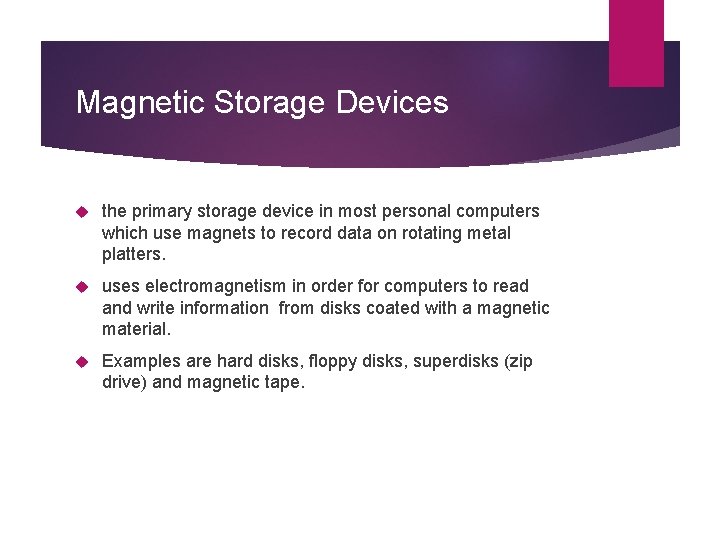
Magnetic Storage Devices the primary storage device in most personal computers which use magnets to record data on rotating metal platters. uses electromagnetism in order for computers to read and write information from disks coated with a magnetic material. Examples are hard disks, floppy disks, superdisks (zip drive) and magnetic tape.
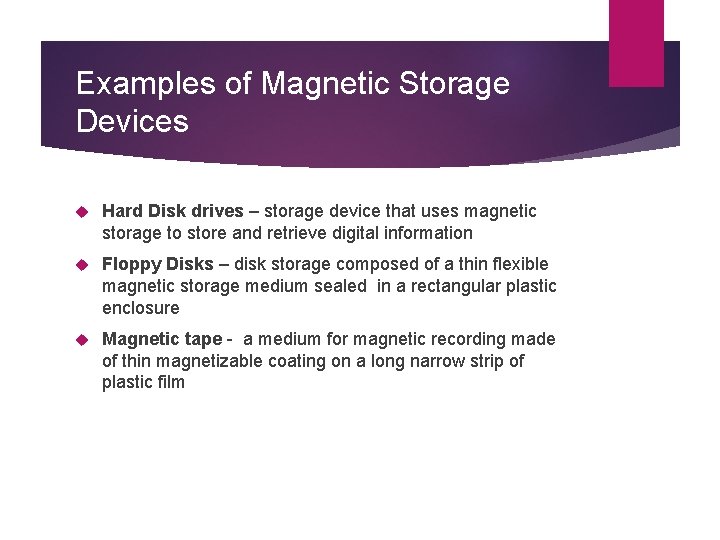
Examples of Magnetic Storage Devices Hard Disk drives – storage device that uses magnetic storage to store and retrieve digital information Floppy Disks – disk storage composed of a thin flexible magnetic storage medium sealed in a rectangular plastic enclosure Magnetic tape - a medium for magnetic recording made of thin magnetizable coating on a long narrow strip of plastic film
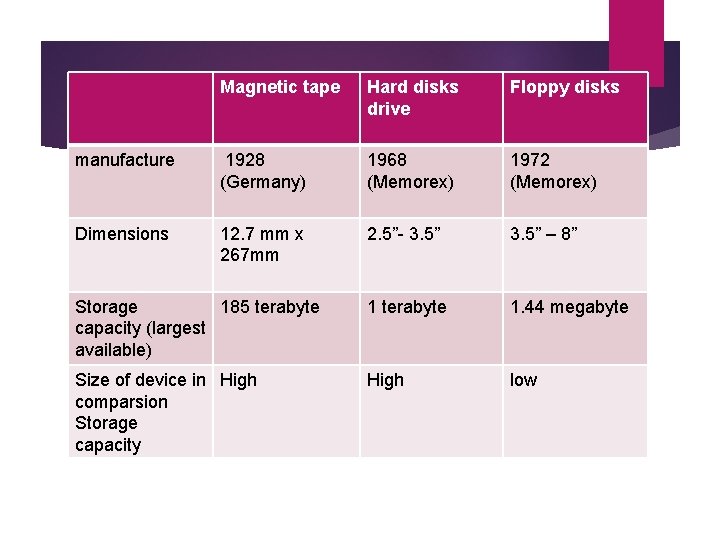
Magnetic tape Hard disks drive Floppy disks manufacture 1928 (Germany) 1968 (Memorex) 1972 (Memorex) Dimensions 12. 7 mm x 267 mm 2. 5”- 3. 5” – 8” Storage 185 terabyte capacity (largest available) 1 terabyte 1. 44 megabyte Size of device in High comparsion Storage capacity High low
Conclusion Physical storage devices has evolved producing various types of storage devices which have decreased in size and increased in storage capacity and at the same time increasing in data exchange speed. The timeline at which these devices have changed are optical storage devices, magnetic storage devices and finally solid – state storage devices.