
Physical Layer and Media The OSI Model EBS
Physical Layer and Media – The OSI Model EBS 286: Network Computing Lecturer: Daniel Paa Korsah danielpaakorsah@hotmail. com
Learning Outcomes: • 3. 2. 1 What is the OSI Model? • 3. 2. 2 Functions of the various layers of the OSI model • 3. 2. 3 The Upper and Lower Layers of the OSI model • 3. 24 How Useful the OSI Model is danielpaakorsah@hotmail. com 2
Networking in Basic School Curriculum (B 4 -B 6) • Strand: Internet and Social Media • Sub Strands: • Network Overview • Web browsers and Web Pages • Sub Strands (Continued) • Surfing the world wide web • Favorite places and Search engine • • Customizing your browser Electronic mail Network Etiquette Health and Safety in using ICT tools • Using Online Forms danielpaakorsah@hotmail. com 3
Group Work (4 min) • What is the OSI Model? danielpaakorsah@hotmail. com 4
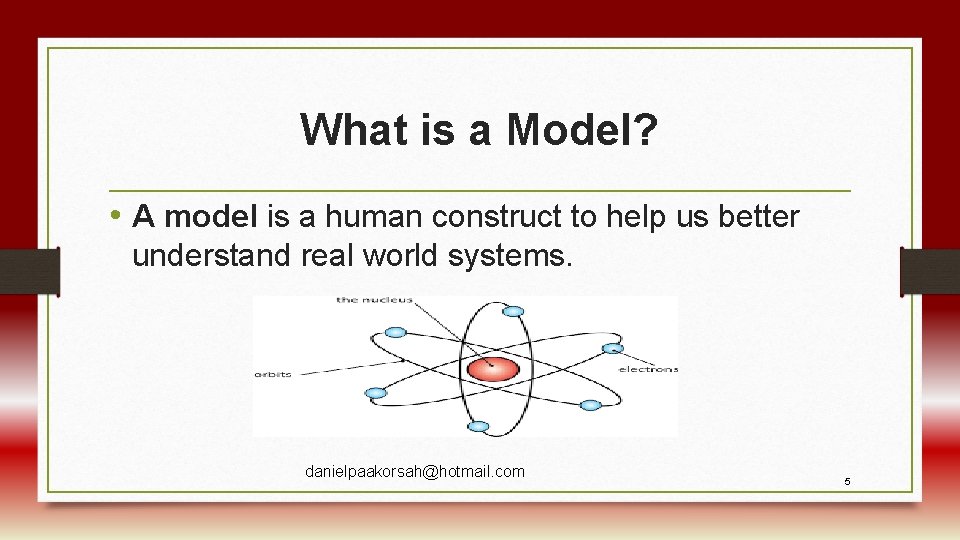
What is a Model? • A model is a human construct to help us better understand real world systems. danielpaakorsah@hotmail. com 5
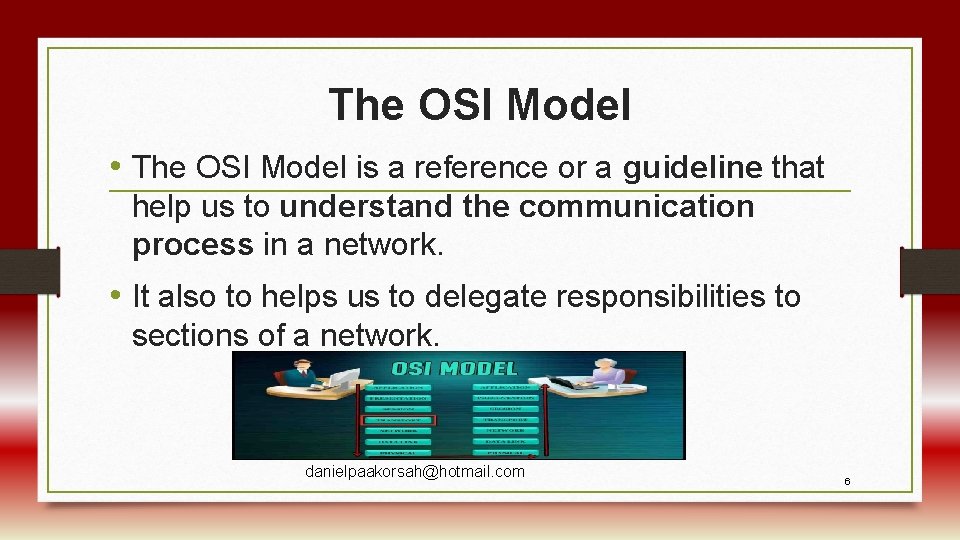
The OSI Model • The OSI Model is a reference or a guideline that help us to understand the communication process in a network. • It also to helps us to delegate responsibilities to sections of a network. danielpaakorsah@hotmail. com 6
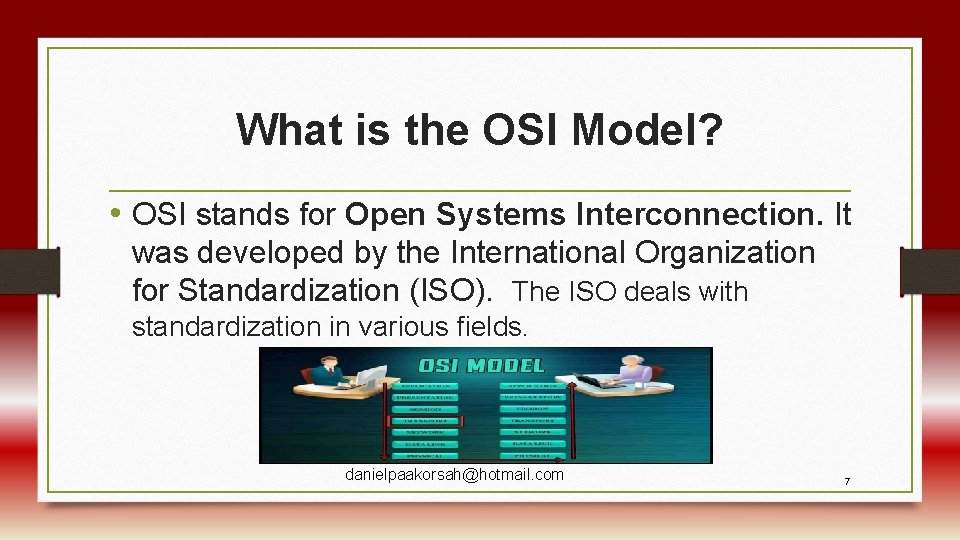
What is the OSI Model? • OSI stands for Open Systems Interconnection. It was developed by the International Organization for Standardization (ISO). The ISO deals with standardization in various fields. danielpaakorsah@hotmail. com 7
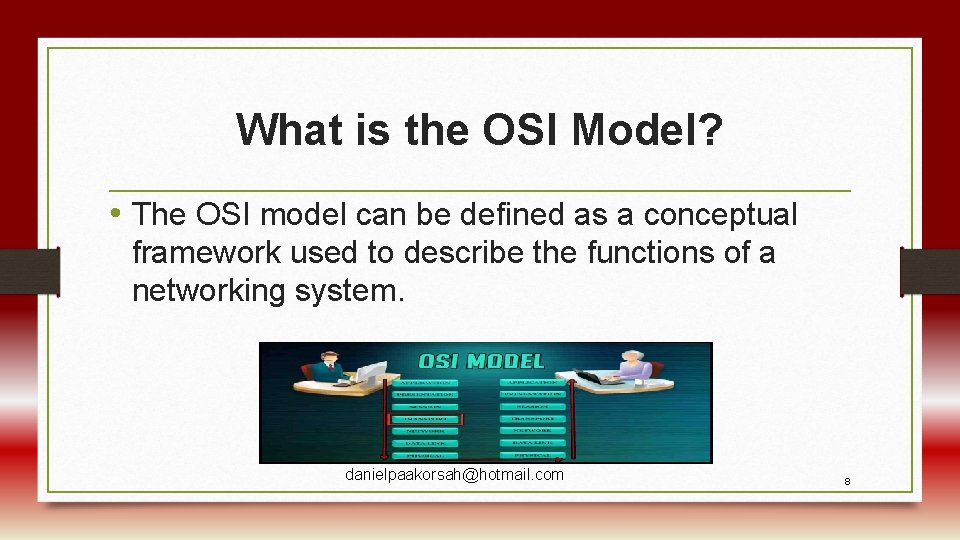
What is the OSI Model? • The OSI model can be defined as a conceptual framework used to describe the functions of a networking system. danielpaakorsah@hotmail. com 8
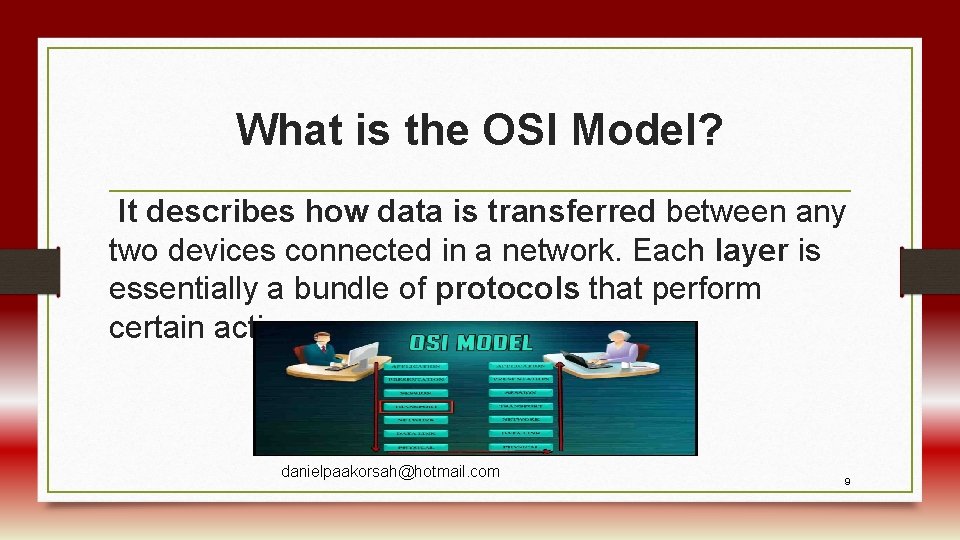
What is the OSI Model? It describes how data is transferred between any two devices connected in a network. Each layer is essentially a bundle of protocols that perform certain actions. danielpaakorsah@hotmail. com 9
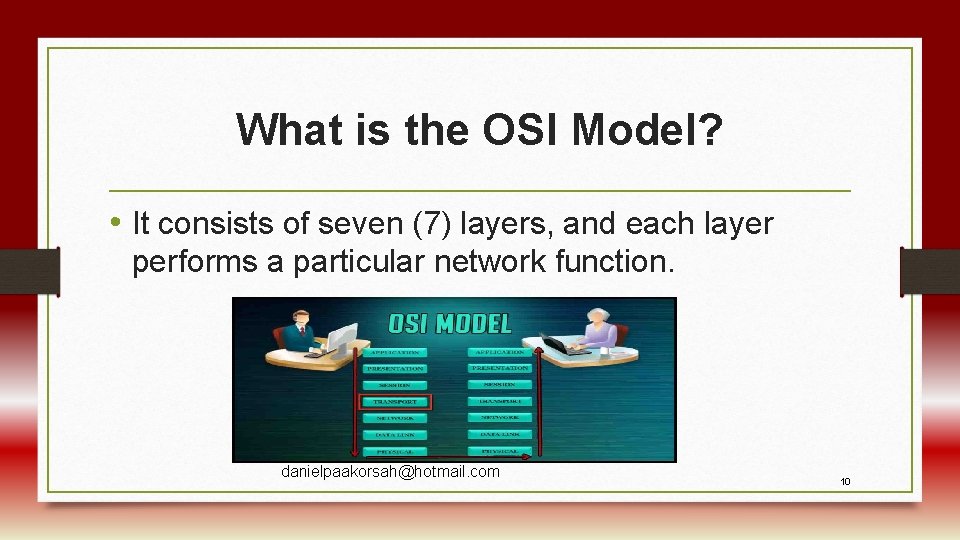
What is the OSI Model? • It consists of seven (7) layers, and each layer performs a particular network function. danielpaakorsah@hotmail. com 10
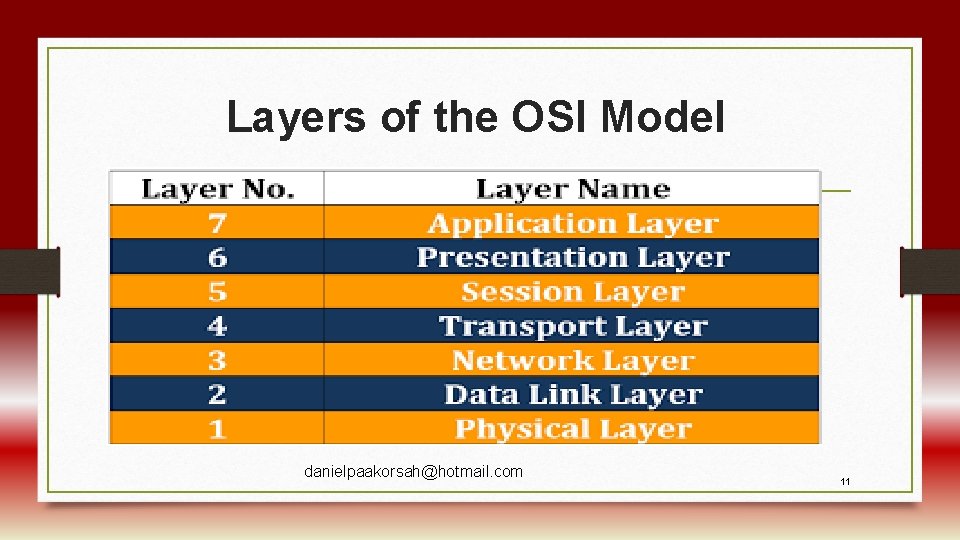
Layers of the OSI Model danielpaakorsah@hotmail. com 11
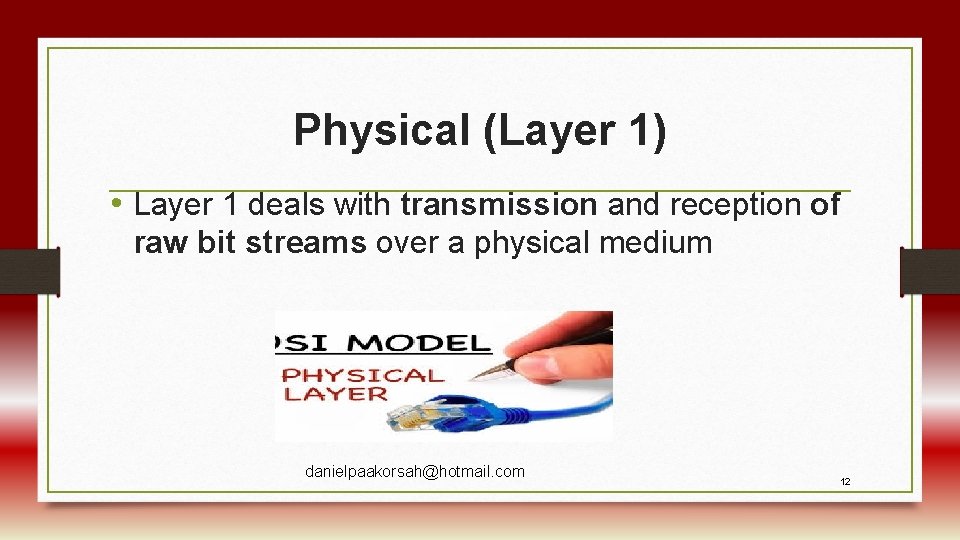
Physical (Layer 1) • Layer 1 deals with transmission and reception of raw bit streams over a physical medium danielpaakorsah@hotmail. com 12
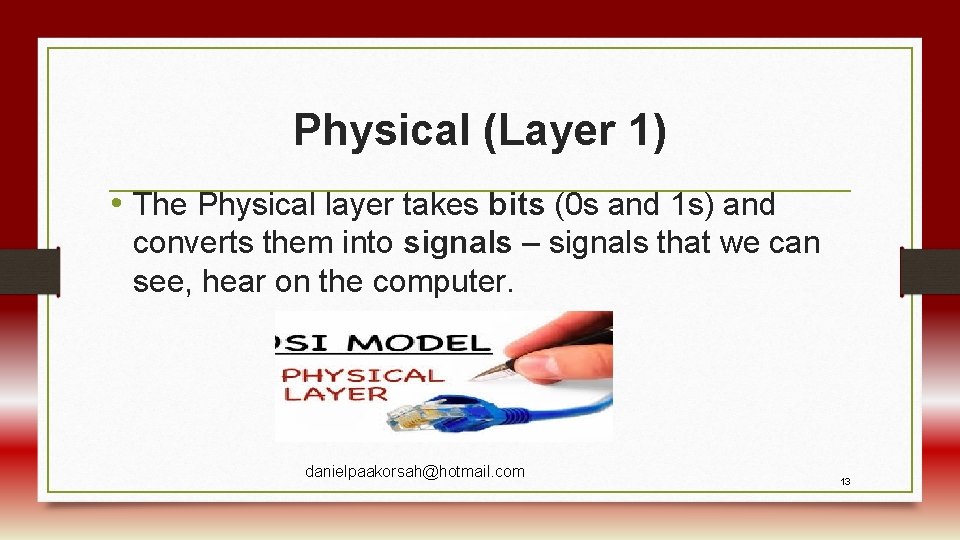
Physical (Layer 1) • The Physical layer takes bits (0 s and 1 s) and converts them into signals – signals that we can see, hear on the computer. danielpaakorsah@hotmail. com 13
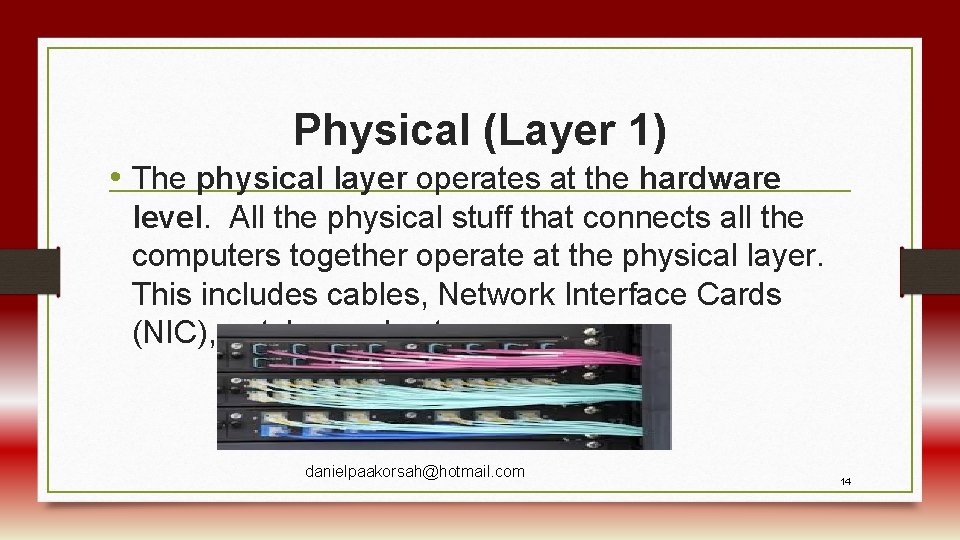
Physical (Layer 1) • The physical layer operates at the hardware level. All the physical stuff that connects all the computers together operate at the physical layer. This includes cables, Network Interface Cards (NIC), patch panels etc. danielpaakorsah@hotmail. com 14
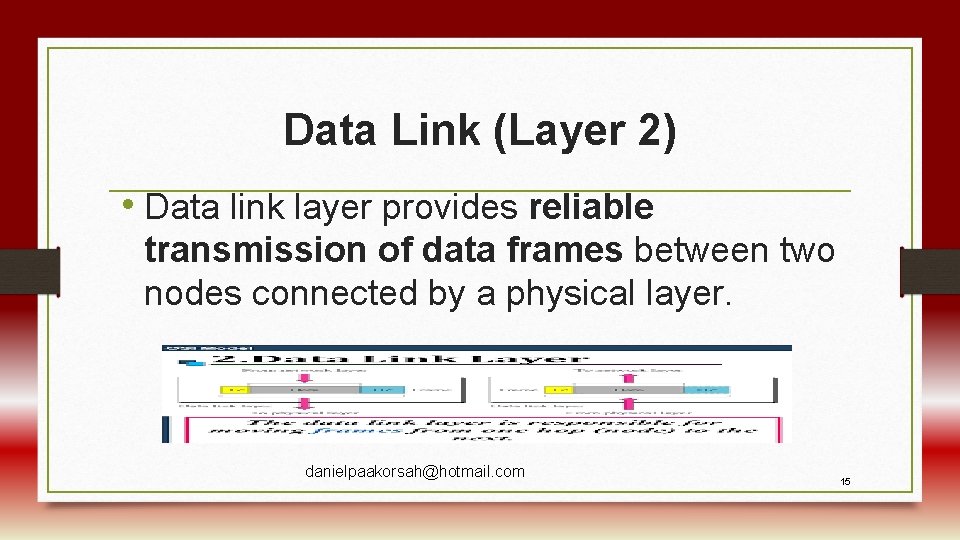
Data Link (Layer 2) • Data link layer provides reliable transmission of data frames between two nodes connected by a physical layer. danielpaakorsah@hotmail. com 15
Data Link (Layer 2) • At Layer 2, data packets are encoded and decoded into bits. It furnishes transmission protocol knowledge and management and handles errors in the physical layer. danielpaakorsah@hotmail. com 16
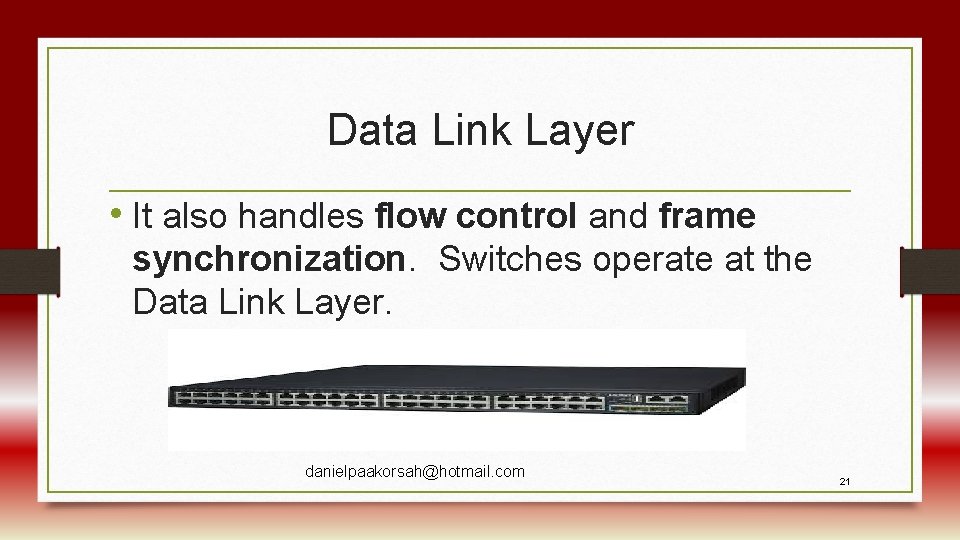
Data Link Layer • It also handles flow control and frame synchronization. Switches operate at the Data Link Layer. danielpaakorsah@hotmail. com 21
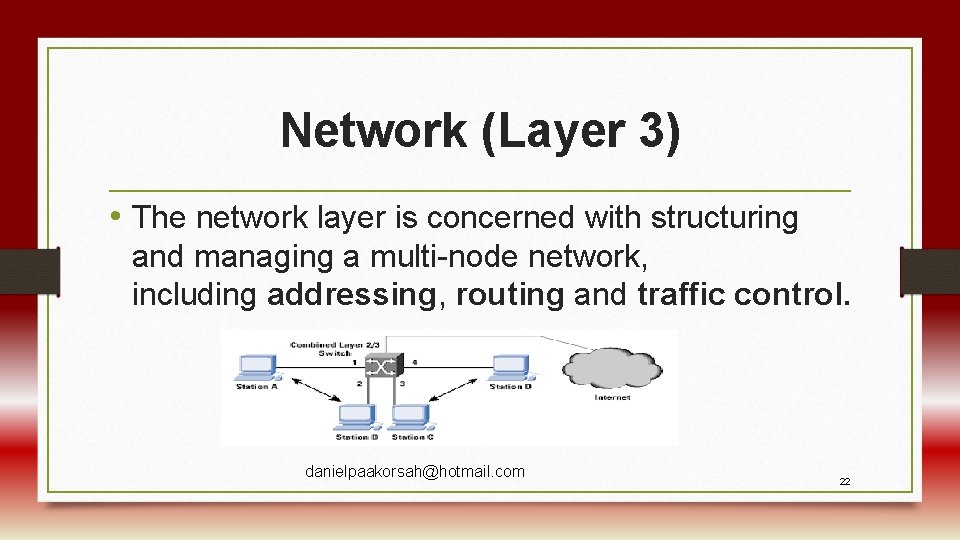
Network (Layer 3) • The network layer is concerned with structuring and managing a multi-node network, including addressing, routing and traffic control. danielpaakorsah@hotmail. com 22
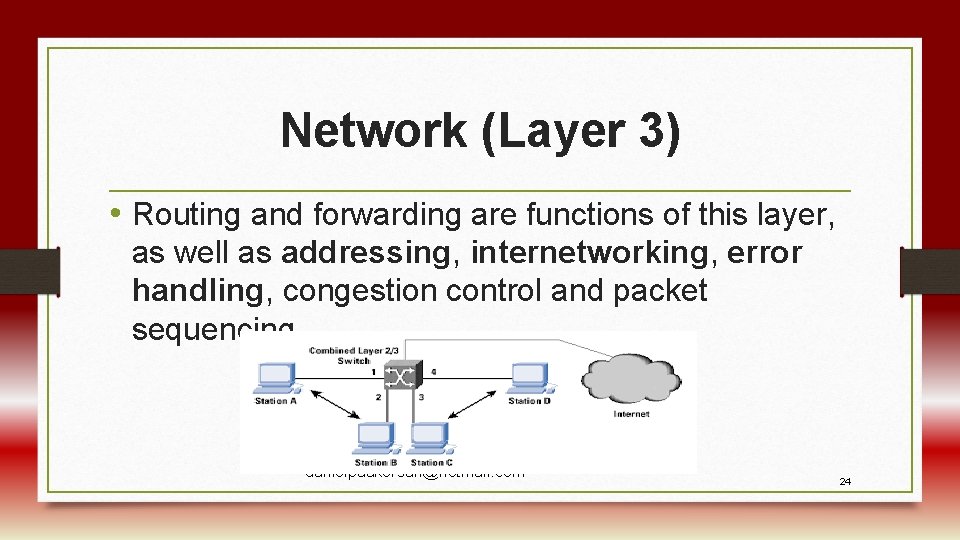
Network (Layer 3) • Routing and forwarding are functions of this layer, as well as addressing, internetworking, error handling, congestion control and packet sequencing. danielpaakorsah@hotmail. com 24
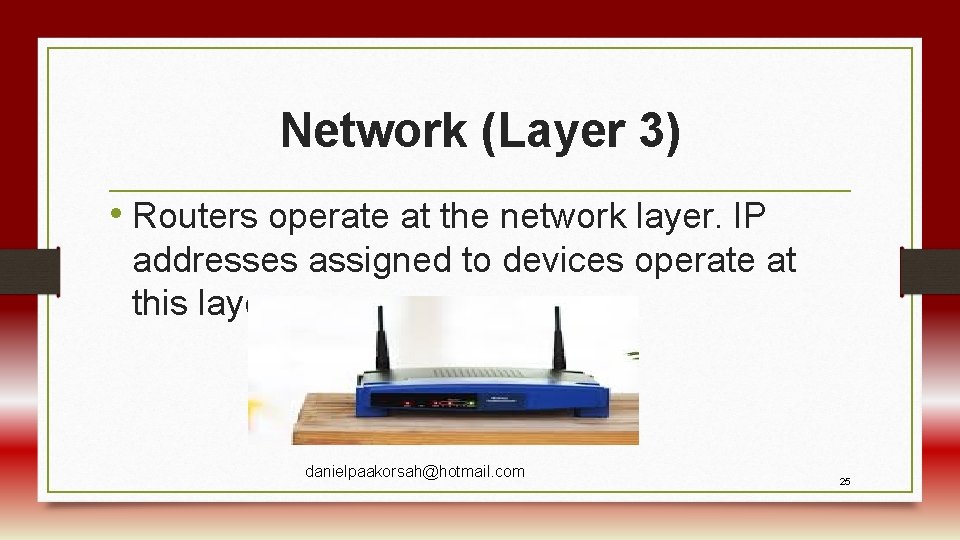
Network (Layer 3) • Routers operate at the network layer. IP addresses assigned to devices operate at this layer. danielpaakorsah@hotmail. com 25
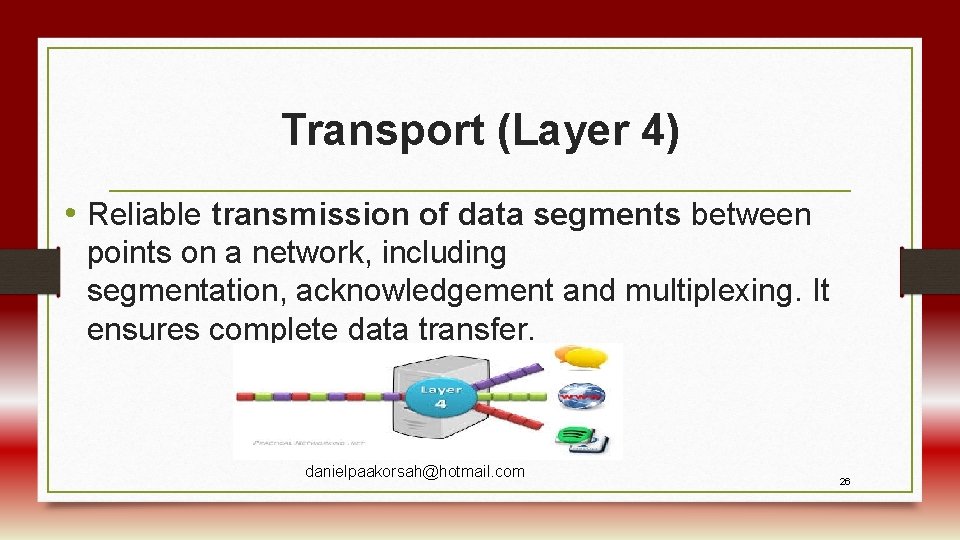
Transport (Layer 4) • Reliable transmission of data segments between points on a network, including segmentation, acknowledgement and multiplexing. It ensures complete data transfer. danielpaakorsah@hotmail. com 26
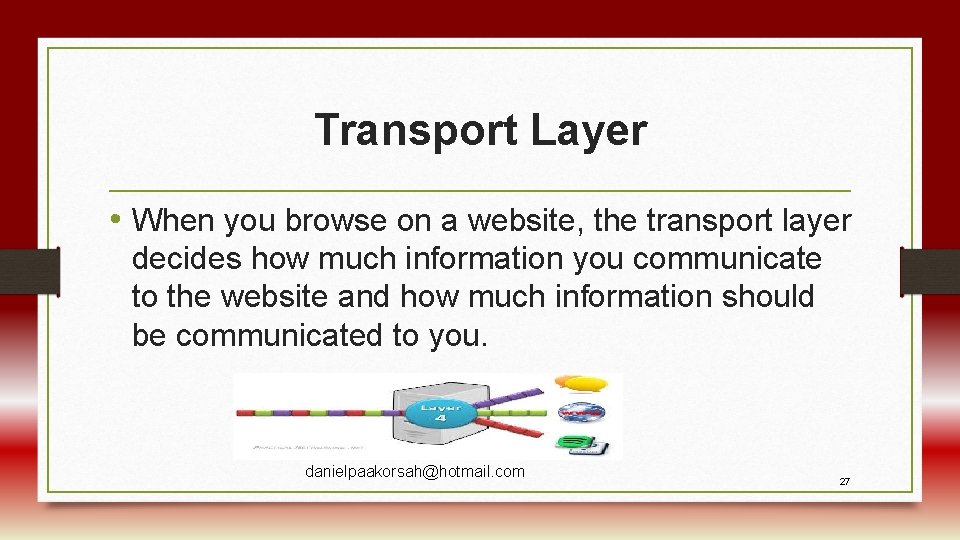
Transport Layer • When you browse on a website, the transport layer decides how much information you communicate to the website and how much information should be communicated to you. danielpaakorsah@hotmail. com 27
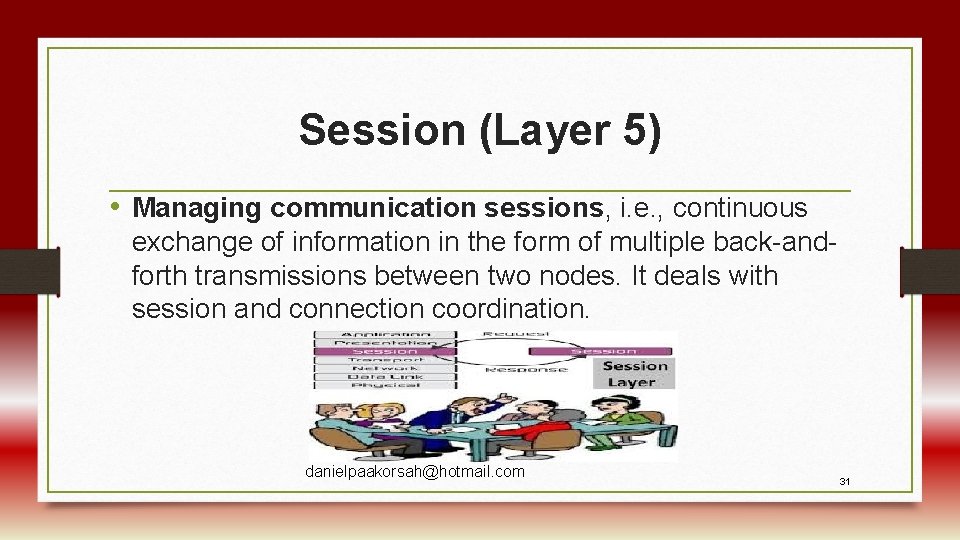
Session (Layer 5) • Managing communication sessions, i. e. , continuous exchange of information in the form of multiple back-andforth transmissions between two nodes. It deals with session and connection coordination. danielpaakorsah@hotmail. com 31
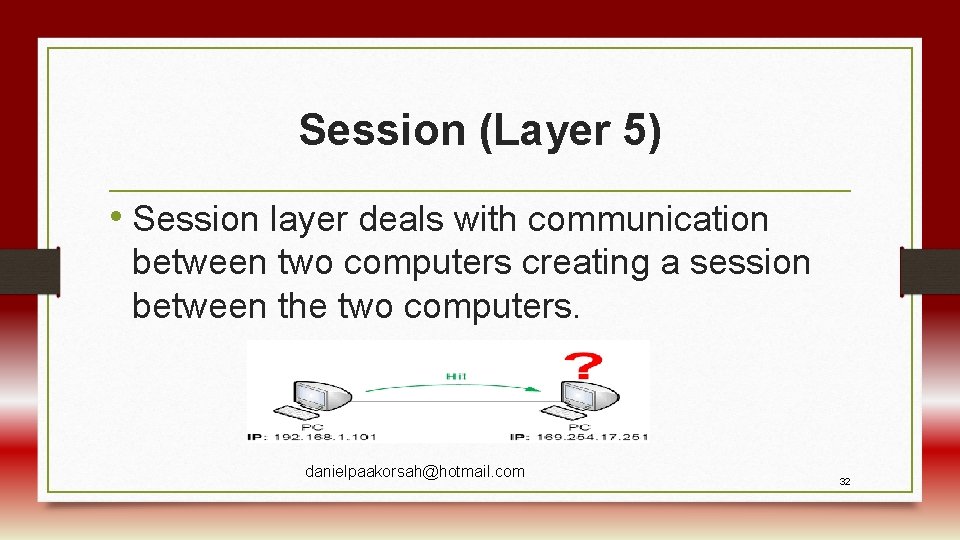
Session (Layer 5) • Session layer deals with communication between two computers creating a session between the two computers. danielpaakorsah@hotmail. com 32
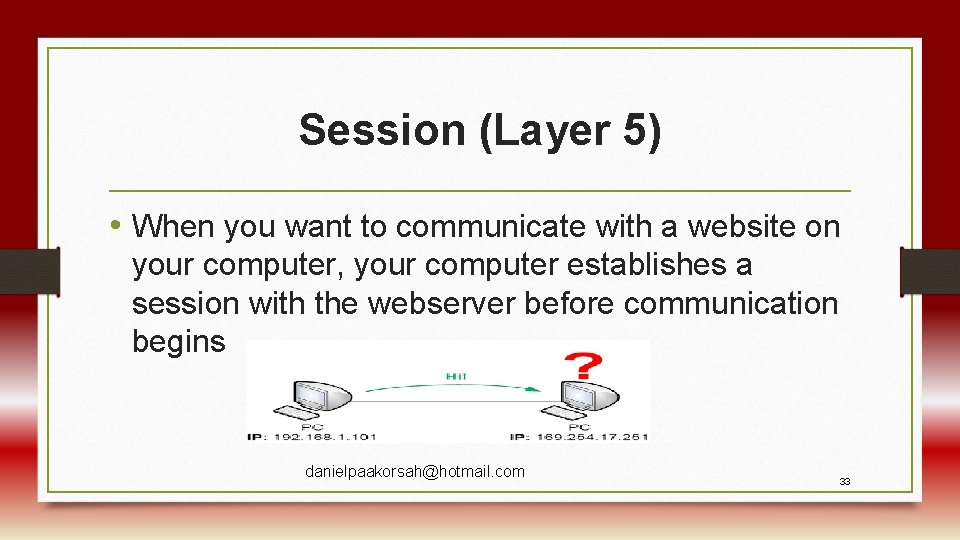
Session (Layer 5) • When you want to communicate with a website on your computer, your computer establishes a session with the webserver before communication begins danielpaakorsah@hotmail. com 33
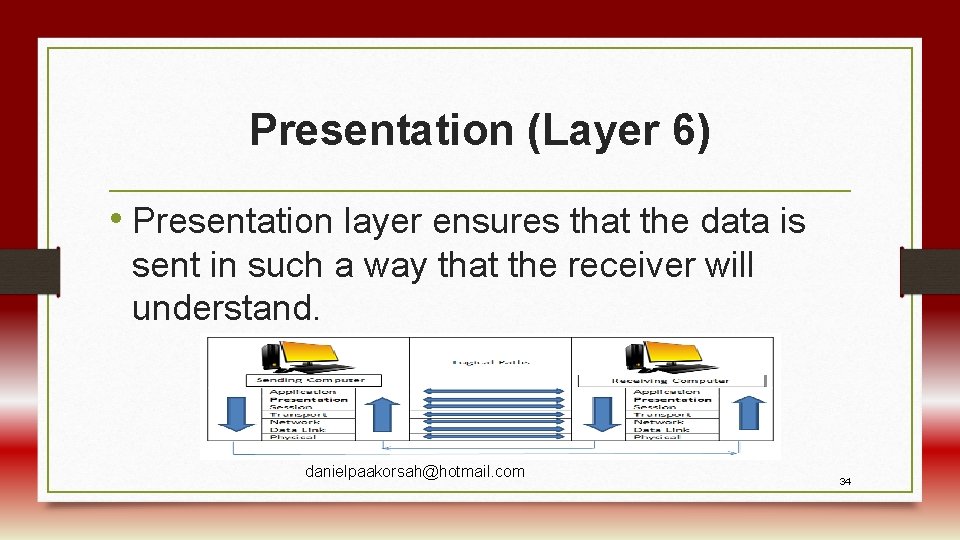
Presentation (Layer 6) • Presentation layer ensures that the data is sent in such a way that the receiver will understand. danielpaakorsah@hotmail. com 34
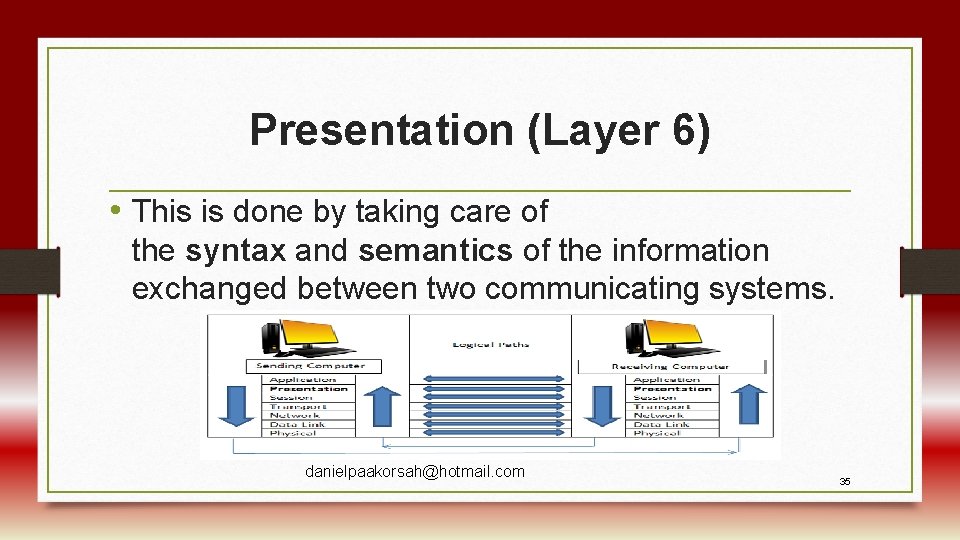
Presentation (Layer 6) • This is done by taking care of the syntax and semantics of the information exchanged between two communicating systems. danielpaakorsah@hotmail. com 35
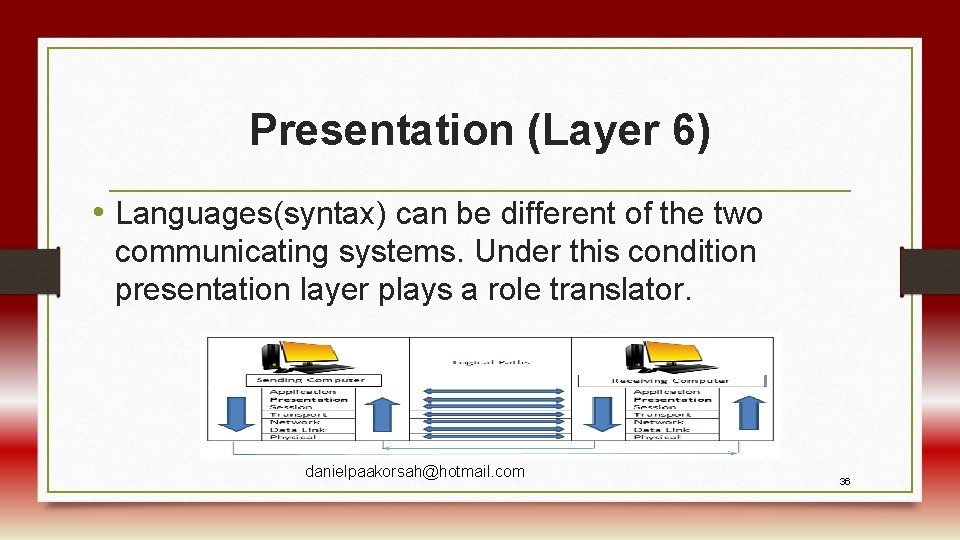
Presentation (Layer 6) • Languages(syntax) can be different of the two communicating systems. Under this condition presentation layer plays a role translator. danielpaakorsah@hotmail. com 36
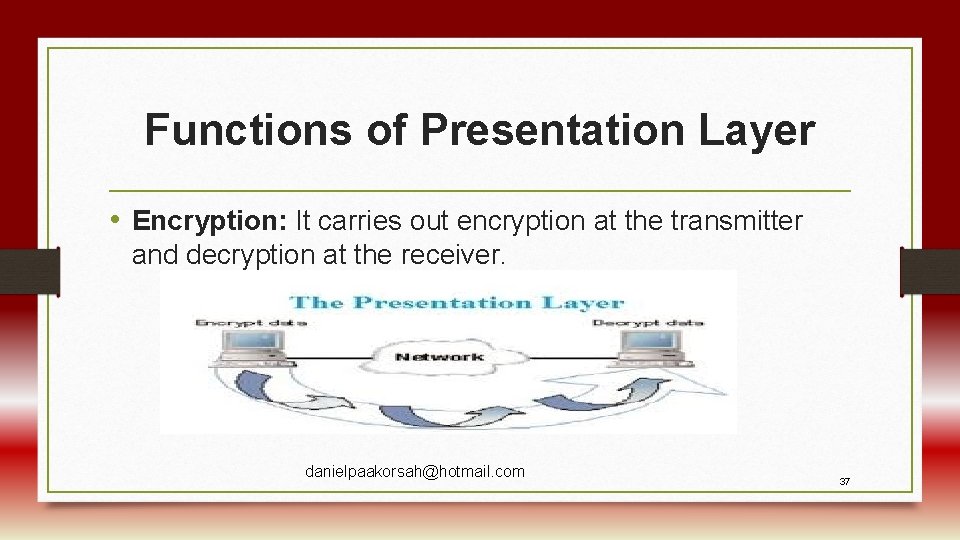
Functions of Presentation Layer • Encryption: It carries out encryption at the transmitter and decryption at the receiver. danielpaakorsah@hotmail. com 37
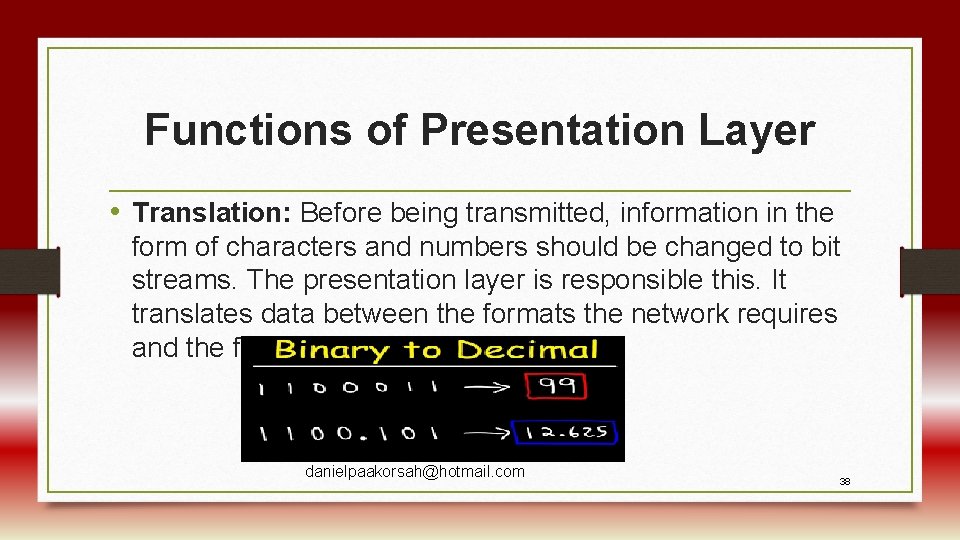
Functions of Presentation Layer • Translation: Before being transmitted, information in the form of characters and numbers should be changed to bit streams. The presentation layer is responsible this. It translates data between the formats the network requires and the format of the computer. danielpaakorsah@hotmail. com 38
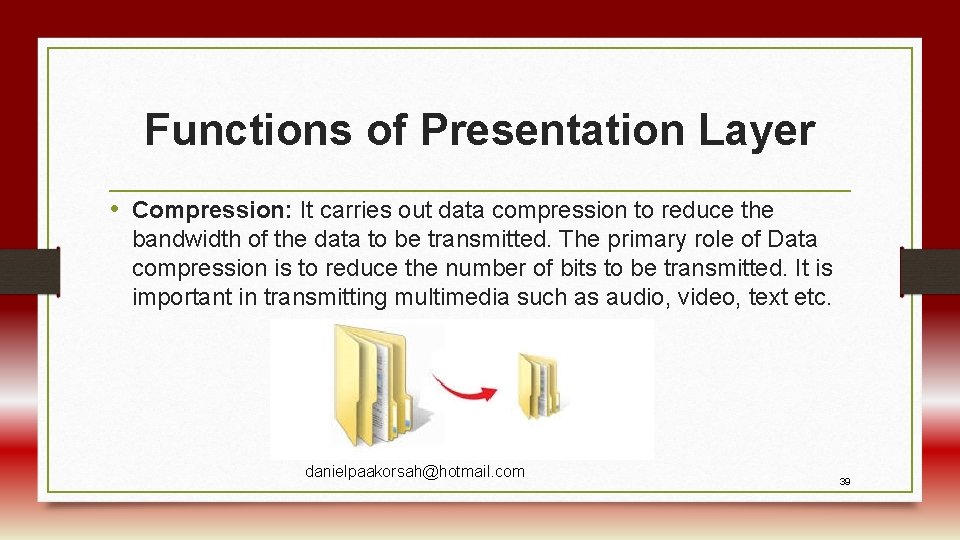
Functions of Presentation Layer • Compression: It carries out data compression to reduce the bandwidth of the data to be transmitted. The primary role of Data compression is to reduce the number of bits to be transmitted. It is important in transmitting multimedia such as audio, video, text etc. danielpaakorsah@hotmail. com 39
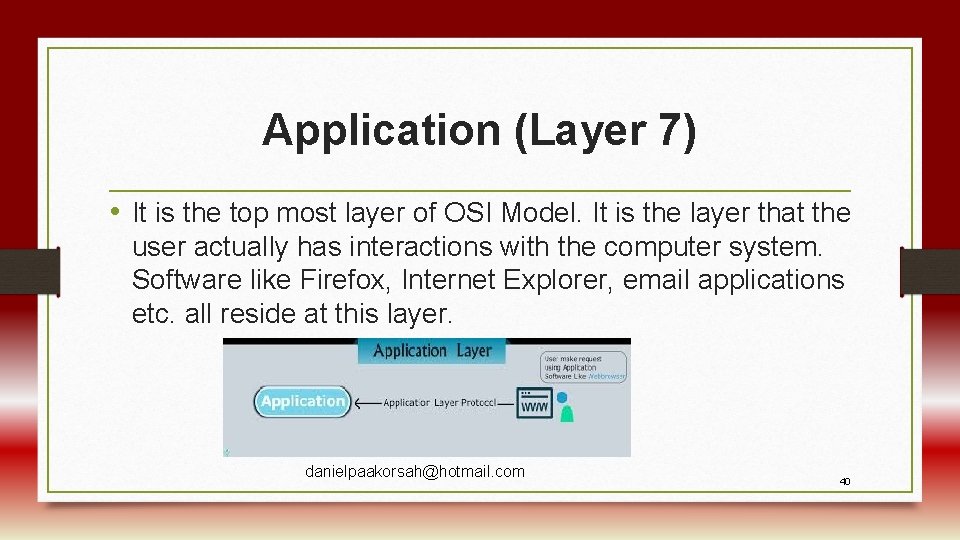
Application (Layer 7) • It is the top most layer of OSI Model. It is the layer that the user actually has interactions with the computer system. Software like Firefox, Internet Explorer, email applications etc. all reside at this layer. danielpaakorsah@hotmail. com 40
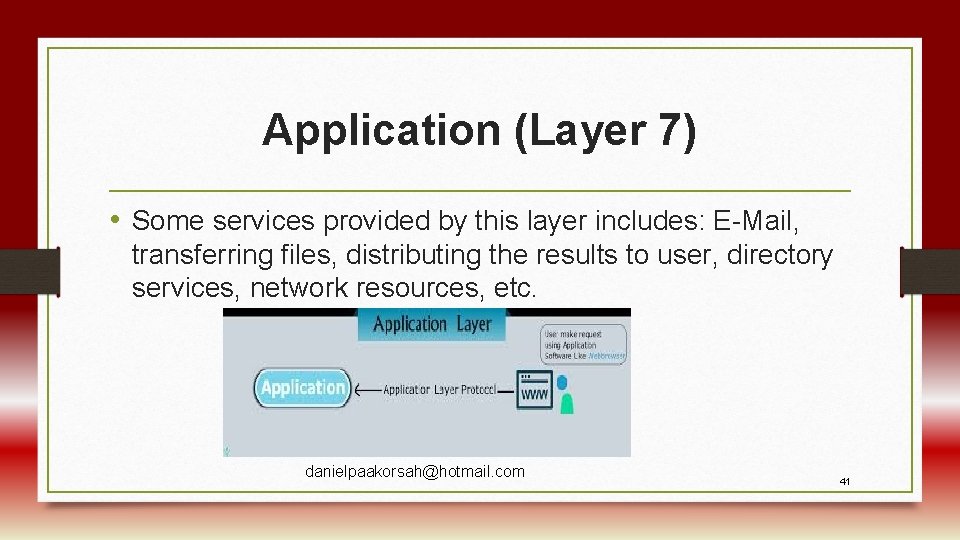
Application (Layer 7) • Some services provided by this layer includes: E-Mail, transferring files, distributing the results to user, directory services, network resources, etc. danielpaakorsah@hotmail. com 41
Upper and Lower Layers of the OSI Model • The upper layer of the OSI model mainly deals with the application related issues, and they are implemented only in the software. • The application layer is closest to the end user. Both the end user and the application layer interact with the software applications. danielpaakorsah@hotmail. com 42
Upper and Lower Layers of the OSI Model • The lower layer of the OSI model deals with the data transport issues. The data link layer and the physical layer are implemented in hardware and software. danielpaakorsah@hotmail. com 43
Upper and Lower Layers of the OSI Model • The physical layer is the lowest layer of the OSI model and is closest to the physical medium. The physical layer is mainly responsible for placing the information on the physical medium (like wire). danielpaakorsah@hotmail. com 44
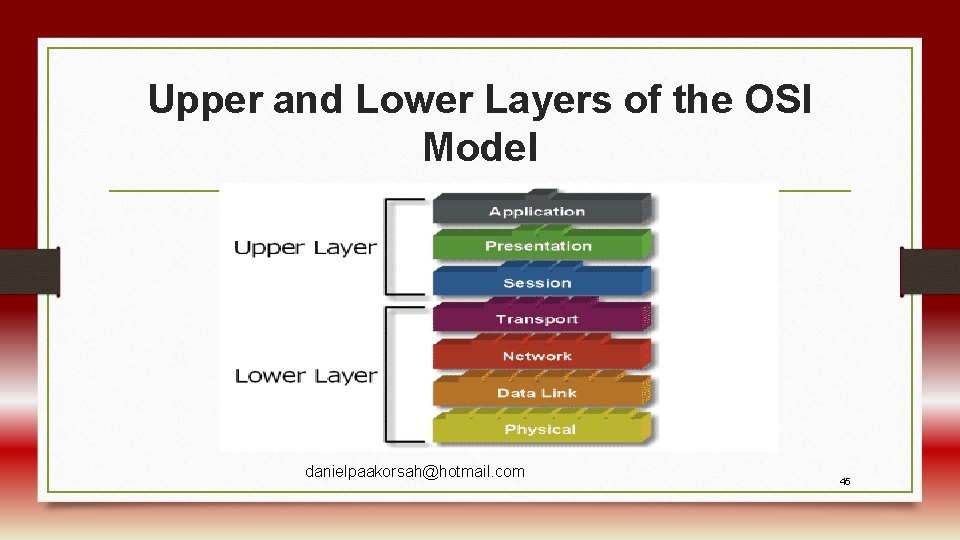
Upper and Lower Layers of the OSI Model danielpaakorsah@hotmail. com 45
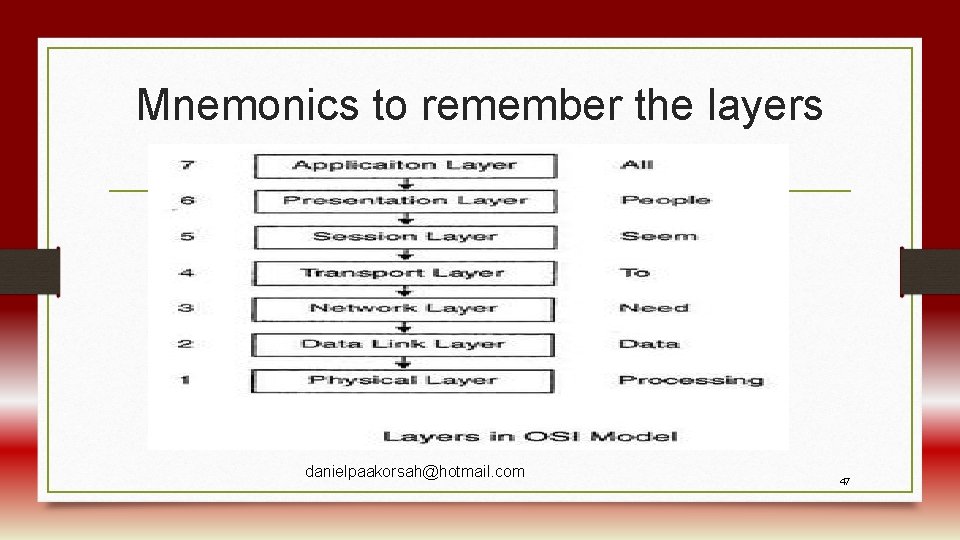
Mnemonics to remember the layers danielpaakorsah@hotmail. com 47
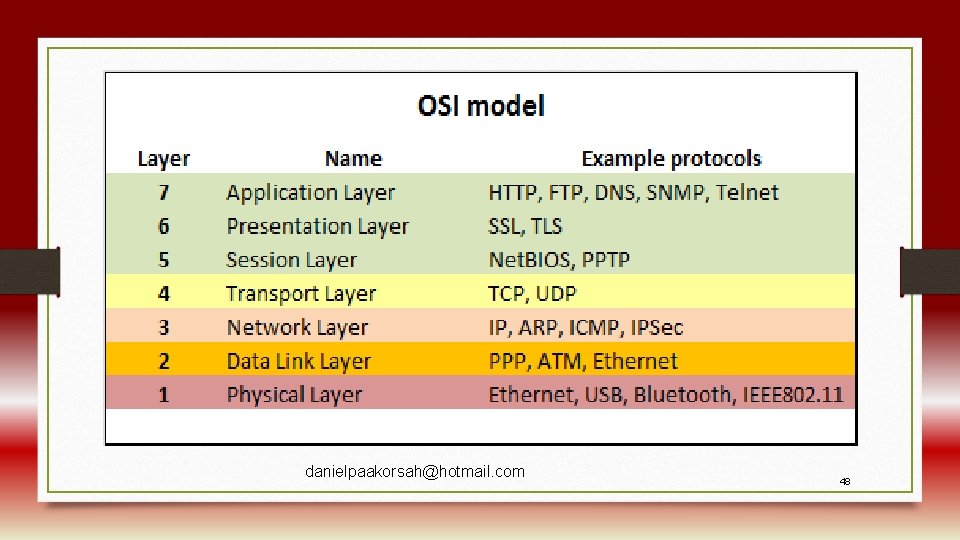
danielpaakorsah@hotmail. com 48
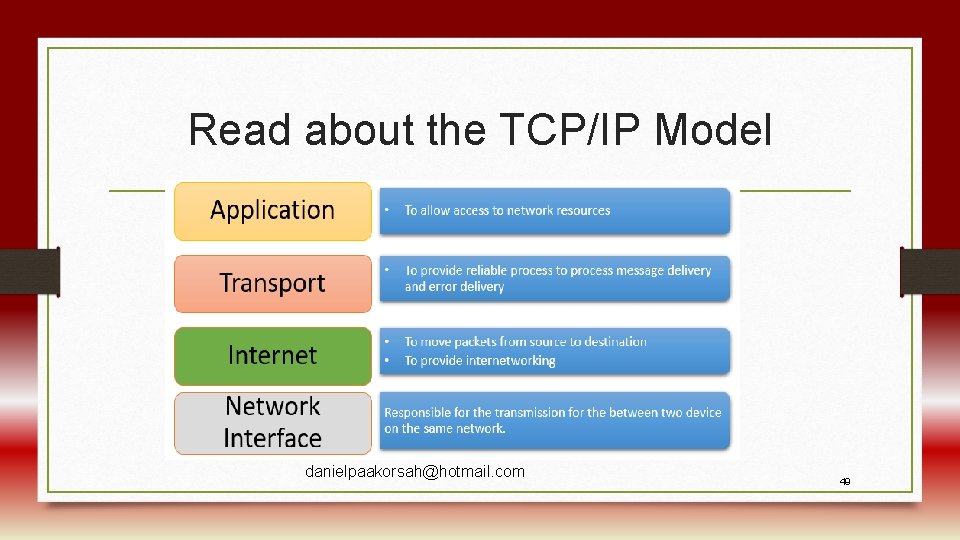
Read about the TCP/IP Model danielpaakorsah@hotmail. com 49
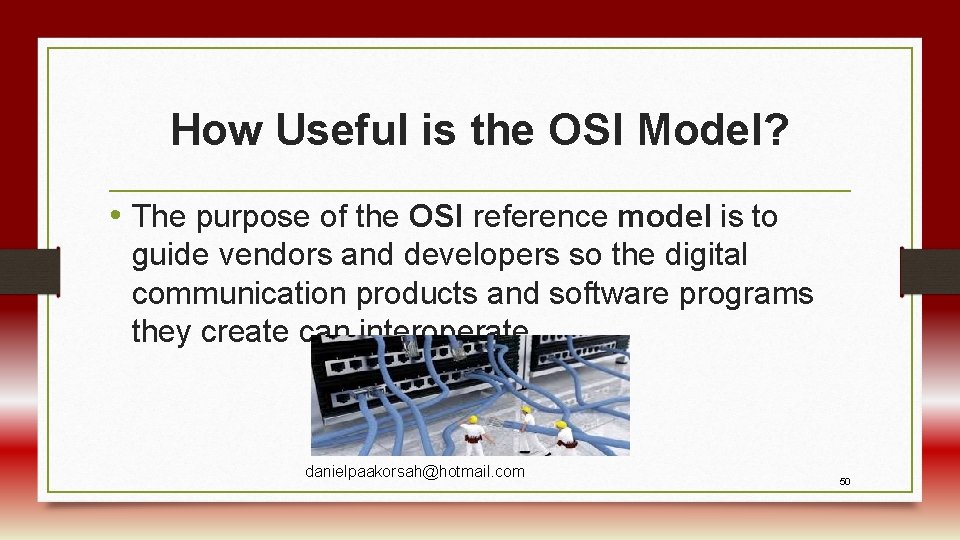
How Useful is the OSI Model? • The purpose of the OSI reference model is to guide vendors and developers so the digital communication products and software programs they create can interoperate danielpaakorsah@hotmail. com 50
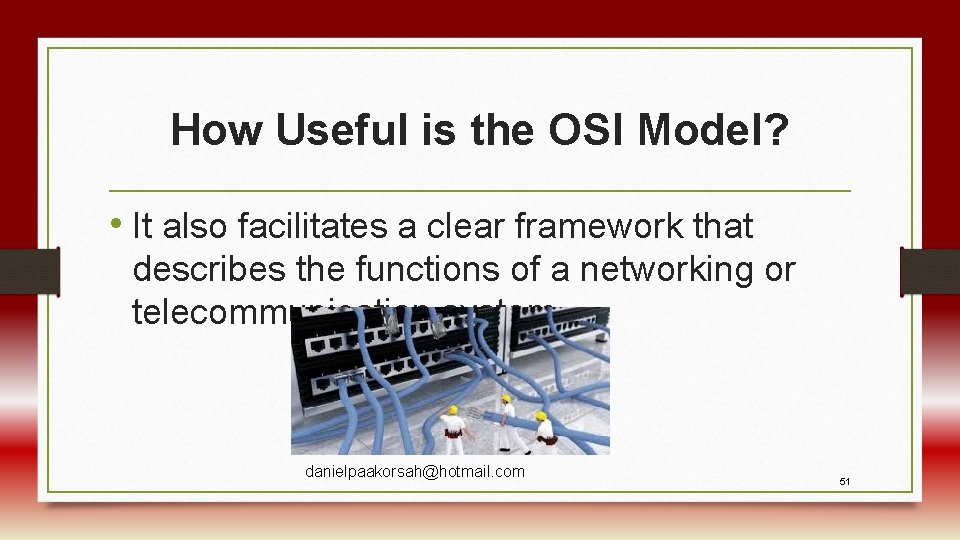
How Useful is the OSI Model? • It also facilitates a clear framework that describes the functions of a networking or telecommunication system. danielpaakorsah@hotmail. com 51
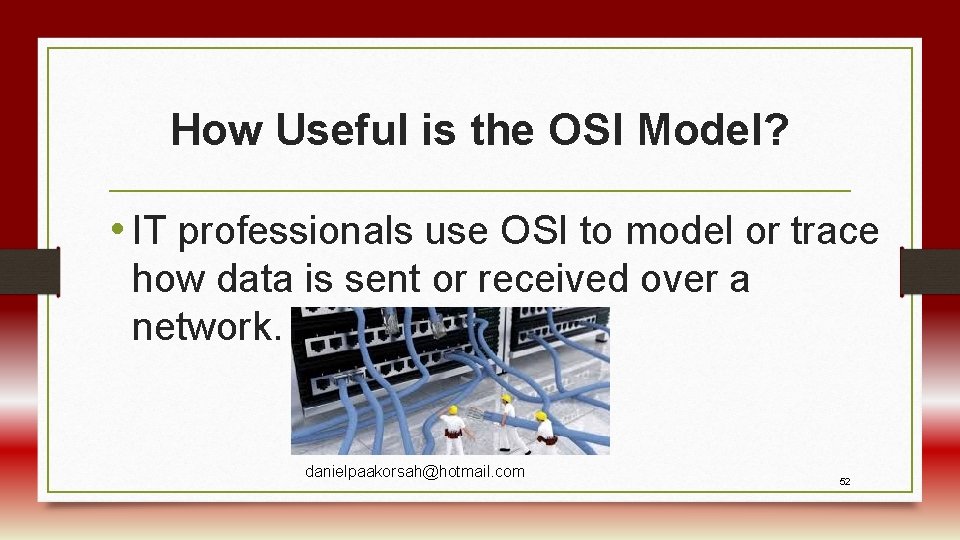
How Useful is the OSI Model? • IT professionals use OSI to model or trace how data is sent or received over a network. danielpaakorsah@hotmail. com 52
How Useful is the OSI Model? • Programmers use the OSI model to determine exact applications to build on a network. danielpaakorsah@hotmail. com 53
Summary • What is the OSI Model? • The OSI Model is a reference or a guideline that help us to understand the communication process in a network. danielpaakorsah@hotmail. com 54
• Its made up of 7 Layers • • Application Layer Presentation Layer Session Layer Transport Layer Network Layer Data Link Layer Physical Layer danielpaakorsah@hotmail. com 55
Summary (Continued) • Functions of the Layers of the OSI Model • Importance of the OSI Model to network practitioners, IT professionals, programmers etc. danielpaakorsah@hotmail. com 56

Individual Assignment (10 marks) • Take the Quiz attached to Unit 3 on the LMS • You have up to 30 th July danielpaakorsah@hotmail. com 57
Group Assignment (20 marks) • 1. What is the OSI Model and why is it important to students of networking [5 marks] • 2. Compare the function of the Data Link Layer and that of the Network Layer [15 marks] • Resources: Network Computing course books, the Internet • Submission: 3 rd August, 2020 • Type your answers on MS Word document and send to danielpaakorsah@hotmail. com • NB: List the names danielpaakorsah@hotmail. com and index numbers of group members. 58

danielpaakorsah@hotmail. com 59
- Slides: 50