
Photoshop Creating and Preparing Images for the Web
Photoshop: Creating and Preparing Images for the Web Instructor: Adam Cavotta
Overview • • Explore the limitations of images on the Web Become familiar with different Web file formats Explore cross-platform/browser-safe colors Create transparent text, image maps, animation and rollover effects • Slice and save images for the Web • Learn how to optimize images for the Web • Become familiar with the Image. Ready interface
Graphic Limitations • Connection Speeds • User Configurations
Display Considerations • Screen Sizes • Colors
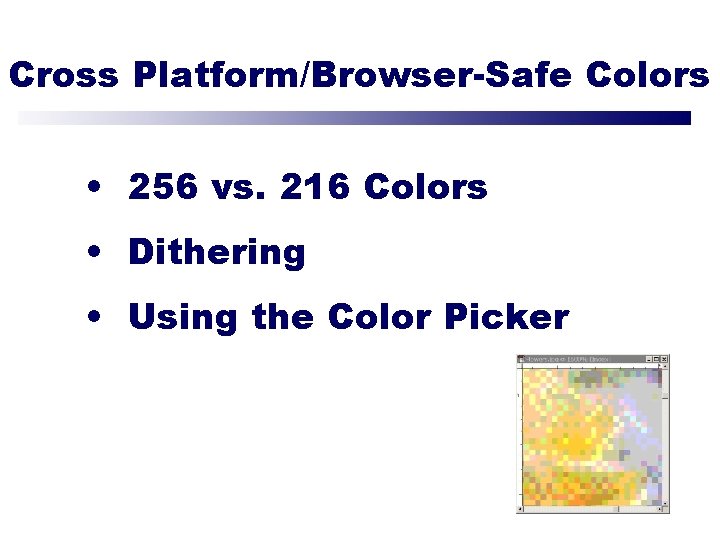
Cross Platform/Browser-Safe Colors • 256 vs. 216 Colors • Dithering • Using the Color Picker
File Formats • JPEG – Joint Photographic Experts Group • GIF – Graphics Interchange Format • PNG – Portable Network Graphics
JPEG • Best for photos or continuous tone, full-color images • Uses 16 million colors • Browsers use reasonable approximations • Work in RGB mode • Uses lossy compression • Saving (Standard, Optimized, Progressive)
GIF • Best for solid color images (buttons, logos) • Uses 256 colors • Browsers uses 216 colors • Work in Indexed mode • Good compression • Interlaced
PNG (8 -bit) • Best for line art (logos) • Compresses solid areas of color well and maintains sharp detail • Generally, has better compression than GIF (10 -30% smaller) • If considering saving as GIF, also consider saving as PNG (8 -bit) • Not supported by older browsers
PNG (24 -bit) • Best for continuous-tone images • Compresses well, but can be larger than JPEGs • If considering saving as JPEG, could also consider PNG (24 -bit) • Not supported by older browsers
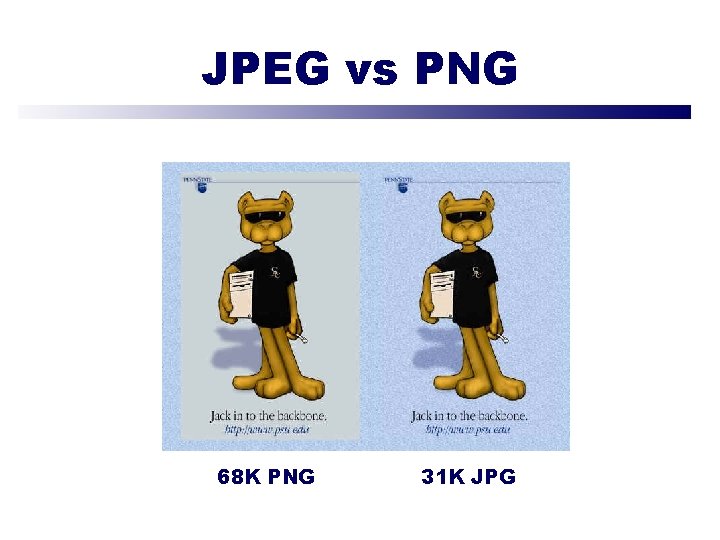
JPEG vs PNG Comparison of JPEG and PNG 68 K PNG 31 K JPG
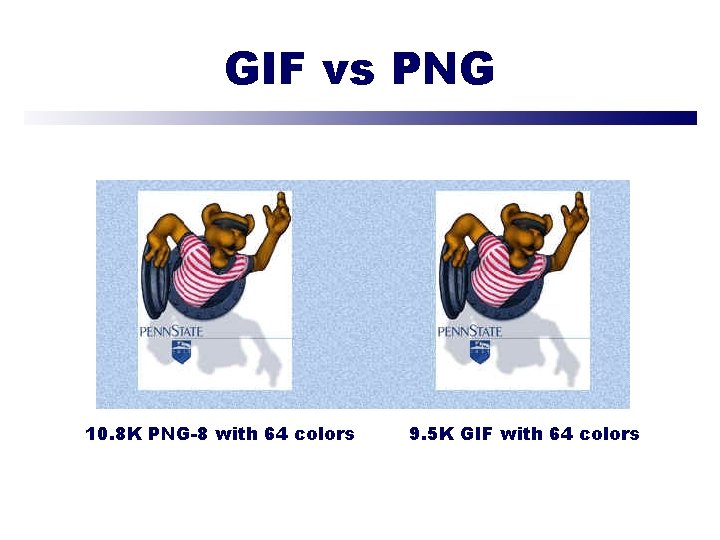
GIF vs PNG Comparison of JPEG and PNG 10. 8 K PNG-8 with 64 colors 9. 5 K GIF with 64 colors
Transparent Text Photoshop
Saving for the Web • 4 -Up View • File Sizes and Download Speeds • Changing Options • Halo Effect and Matte Options
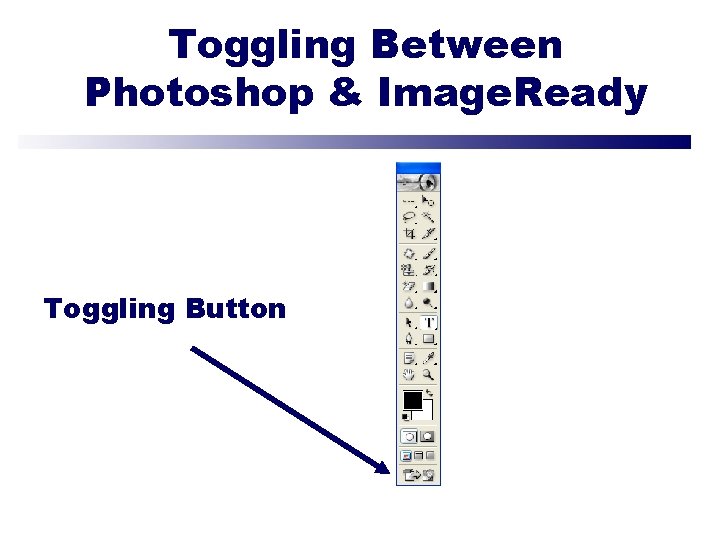
Toggling Between Photoshop & Image. Ready Toggling Button
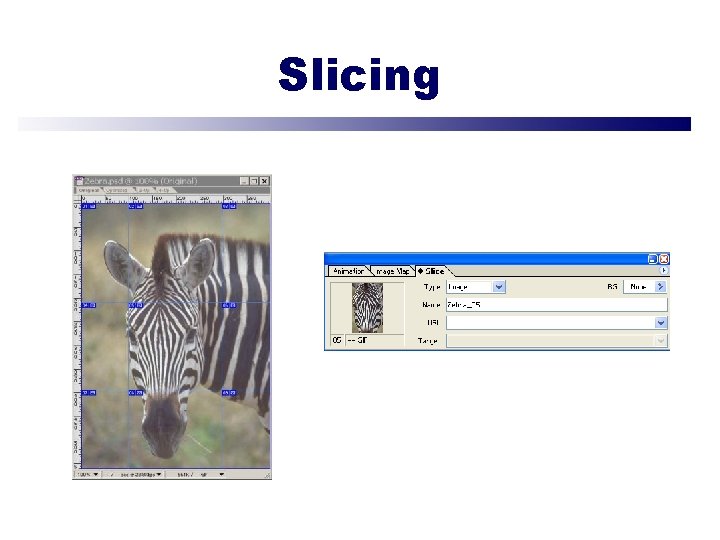
Slicing
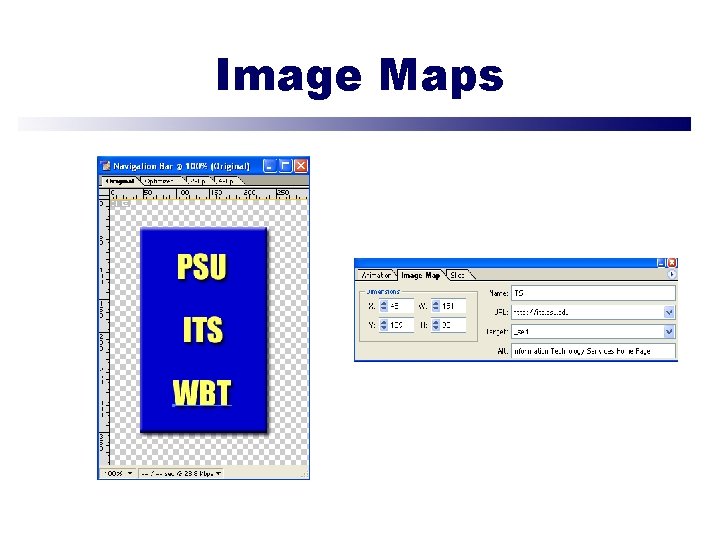
Image Maps
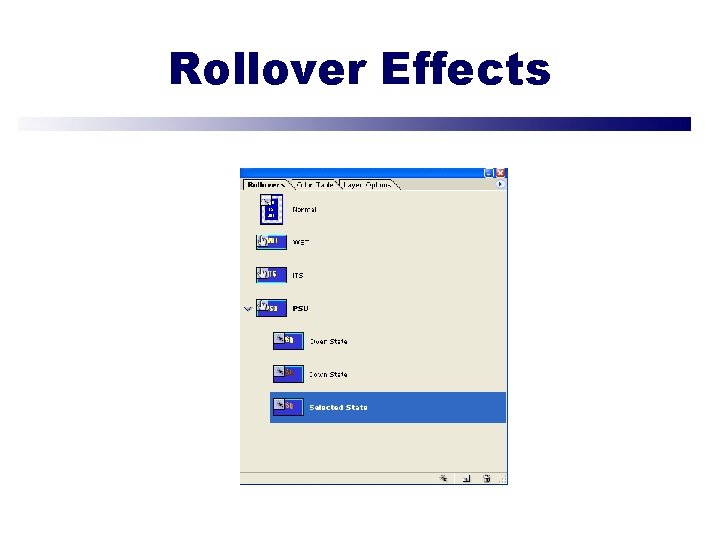
Rollover Effects
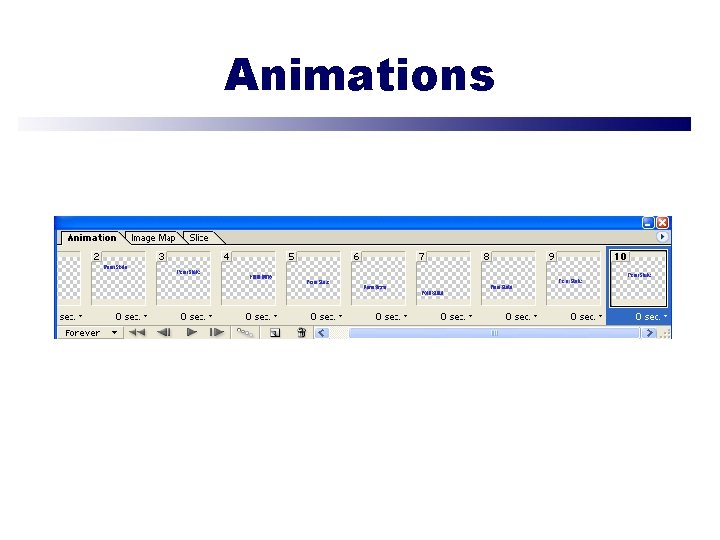
Animations
Summary • • Explore the limitations of images on the Web Become familiar with different Web file formats Explore cross-platform/browser-safe colors Create transparent text, image maps, animation and rollover effects • Slice and save images for the Web • Learn how to optimize images for the Web • Become familiar with the Image. Ready interface

Conclusion • Resources • Questions & Answers • Evaluations • Thank You!!!
- Slides: 21