
Photoshop Basics Extended Instructor Vicki Weidler Assistant Joaquin
Photoshop Basics: Extended Instructor: Vicki Weidler Assistant: Joaquin Obieta
Overview • • Explore the Photoshop environment Work with images Work with selections Create images Work with bitmap and vector graphics Work with colors and color settings Manipulate layers Modify photographs
What is Photoshop? Photo retouching, image editing, and color painting program; graphic design tool • Create high-quality digital images • Tools & special effects capabilities • Manipulate scanned images, slides, & original artwork • Isolate parts of an image for experimentation & individual editing • And lots more…. .
Uses of Photoshop • • • Art (line drawings, charcoal, color original) Photographic Restoration WWW (GIFS, JPEGS, etc. ) Montage Halftones, Duotones, Tritones, Quadtones Color Separations Posterizations Special Effects
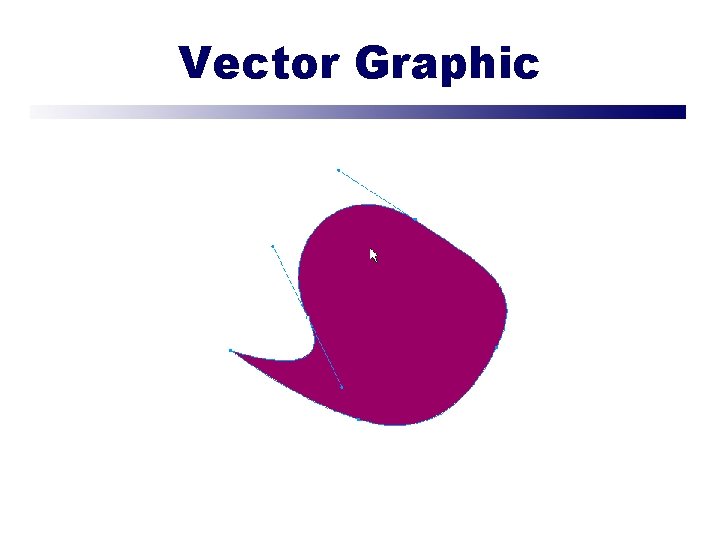
Vector Graphic
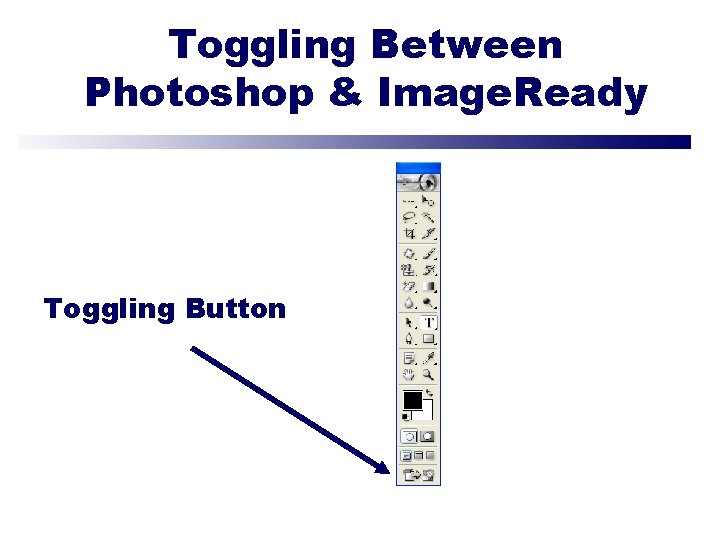
Toggling Between Photoshop & Image. Ready Toggling Button
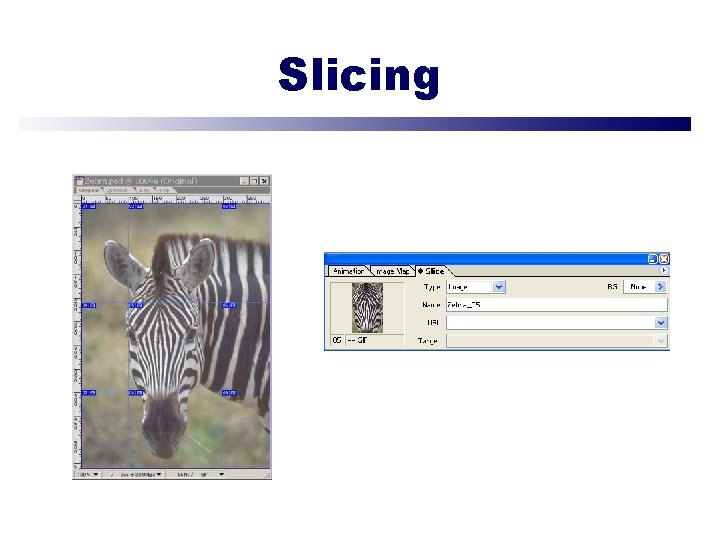
Slicing
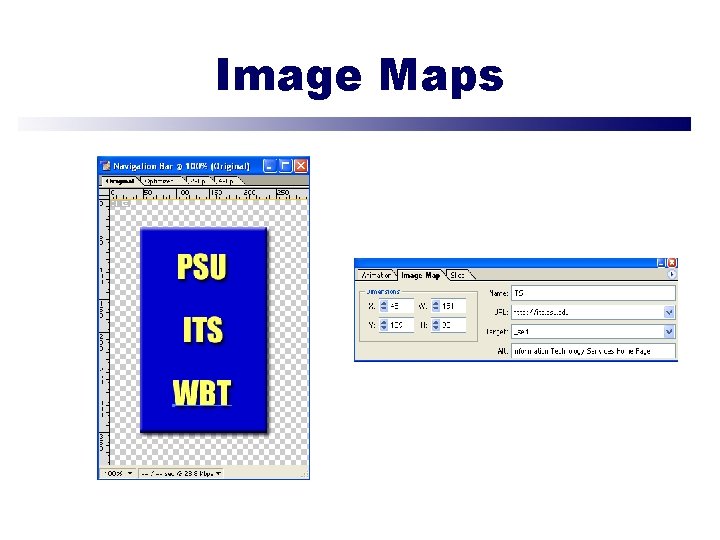
Image Maps
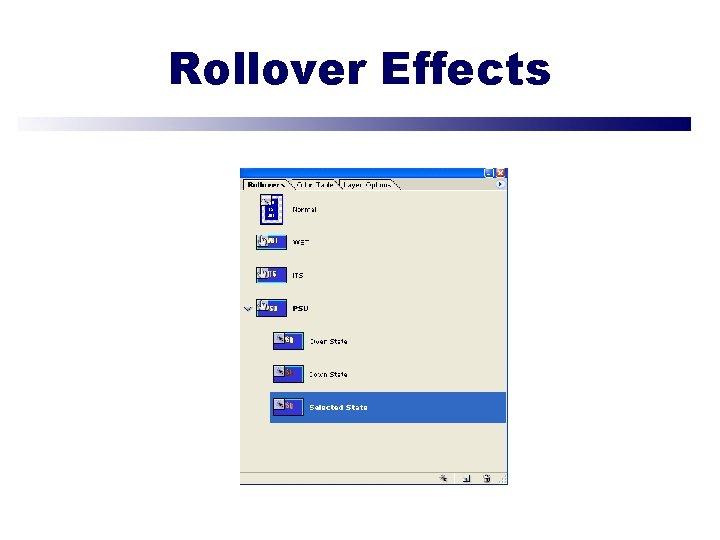
Rollover Effects
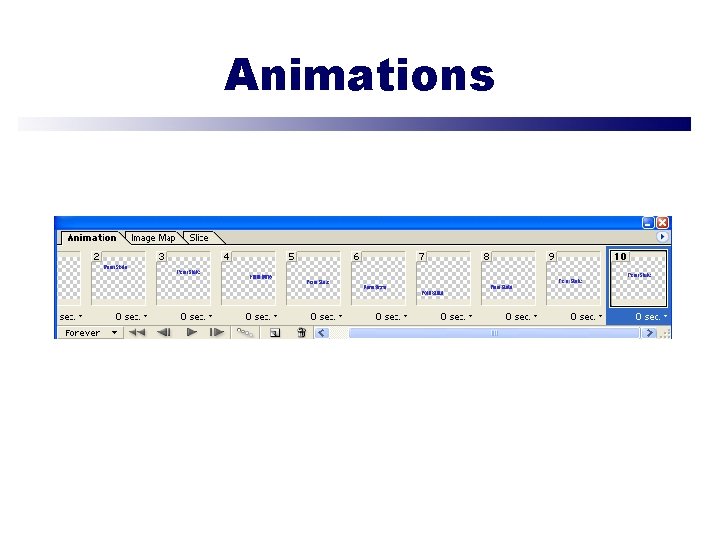
Animations
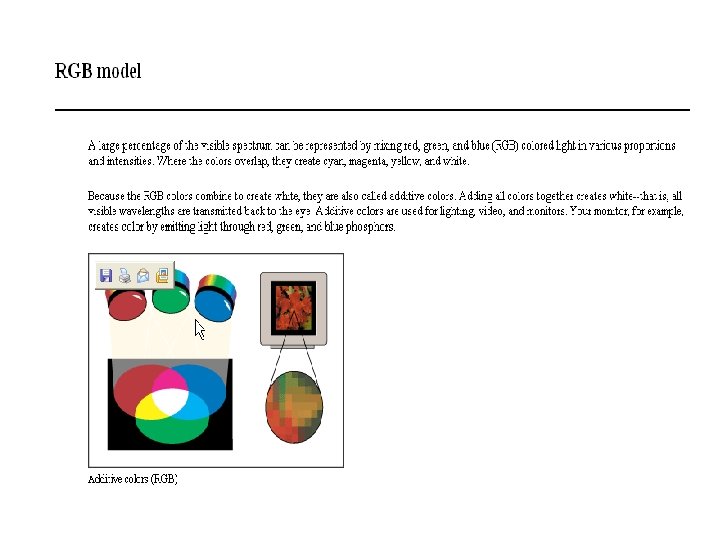
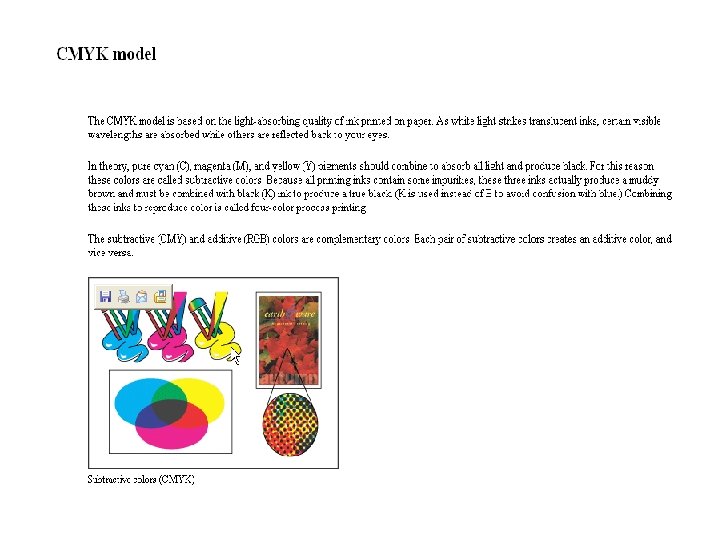
Resolution Rules of Thumb • Monitor (72 -96 ppi) • Print (300 -600 dpi) • Email (150 ppi)
Web File Formats • JPEG – Joint Photographic Experts Group • GIF – Graphics Interchange Format • PNG – Portable Network Graphics • WBMP – Wireless Bitmap
JPEG • Best for photos or continuous tone, full-color images • Uses 16 million colors • Browsers use reasonable approximations • Work in RGB mode • Uses lossy compression • Saving (Standard, Optimized, Progressive)
GIF • Best for solid color images (buttons, logos) • Uses 256 colors • Browsers uses 216 colors • Work in Indexed mode • Good compression • Interlaced
PNG (8 -bit) • Best for line art (logos) • Compresses solid areas of color well and maintains sharp detail • Generally, has better compression than GIF (10 -30% smaller) • If considering saving as GIF, also consider saving as PNG (8 -bit) • Not supported by older browsers
PNG (24 -bit) • Best for continuous-tone images • Compresses well, but can be larger than JPEGs • If considering saving as JPEG, could also consider PNG (24 -bit) • Not supported by older browsers
WBMP • Optimizes images for mobile devices • Supports 1 -bit color • Black & white images • Not supported in Photoshop 6 or earlier
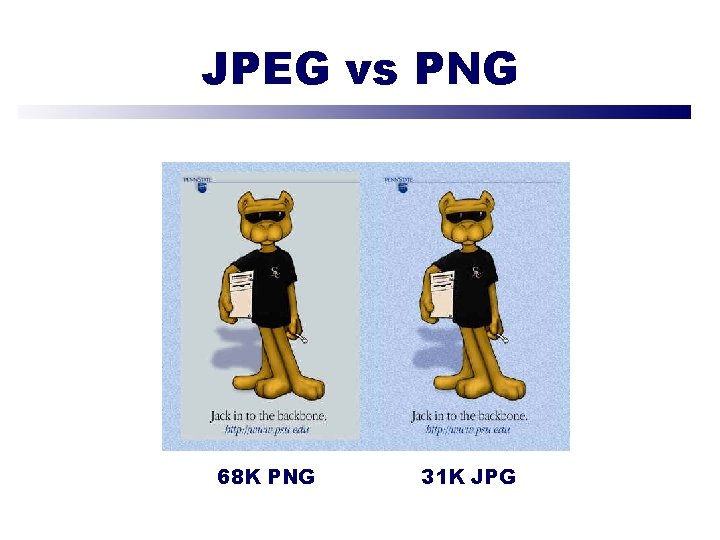
JPEG vs PNG Comparison of JPEG and PNG 68 K PNG 31 K JPG
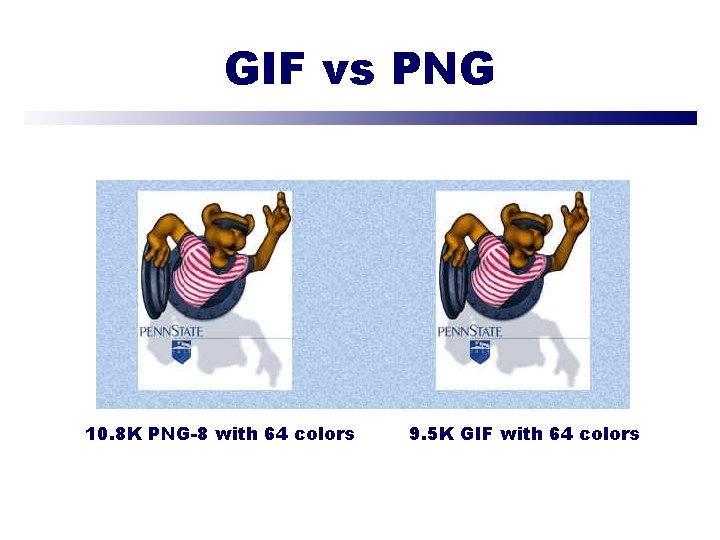
GIF vs PNG Comparison of JPEG and PNG 10. 8 K PNG-8 with 64 colors 9. 5 K GIF with 64 colors
Print File Formats • EPS – Encapsulated Post. Script • TIFF – Tagged-Image File Format • Scitex CT – Scitex Continuous Tone
EPS • Used for printing on imagesetters • Supports Lab, CMYK, RGB, Indexed, Duotone, Grayscale, & Bitmap color modes • Supports both bitmap & vector graphics • Does not support alpha channels • Examples: newspapers, laser printers
TIFF • Preferred format for desktop publishing • Examples: Page. Maker, Quark • Supports CMYK, RGB, Lab, Indexed, & Grayscale color modes (including alpha channels) • Supports Bitmap color mode (without alpha channels) • TIFF format will only show flattened image (1 layer) in other applications • Can save annotations, transparency, & multiresolution data in TIFF format
Scitex CT • Used for high-end processing on Scitex computers • Supports CMYK, RGB, & Grayscale color modes • Does not support alpha channels
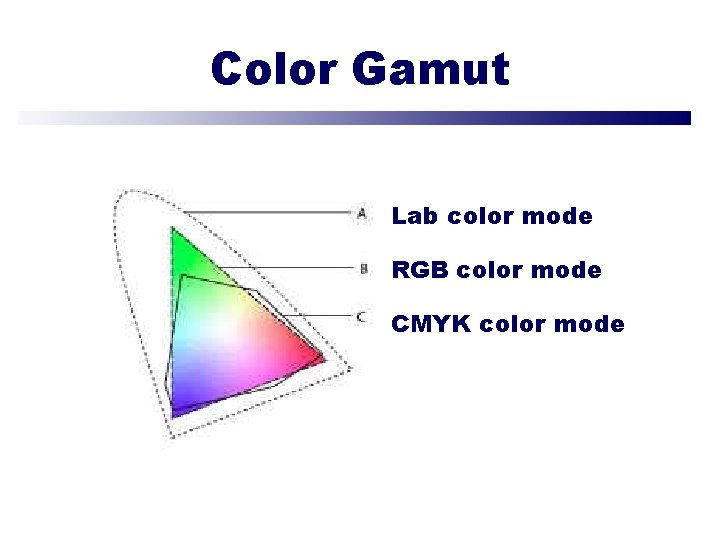
Color Gamut Lab color mode RGB color mode CMYK color mode
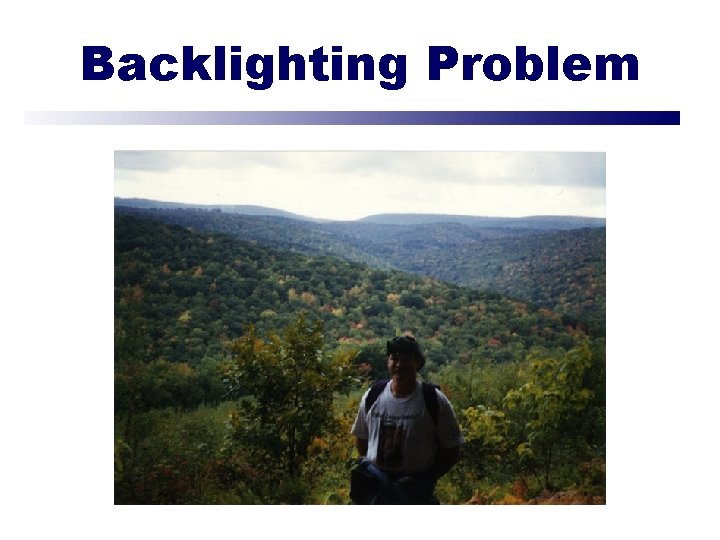
Backlighting Problem

Keystoning Effect
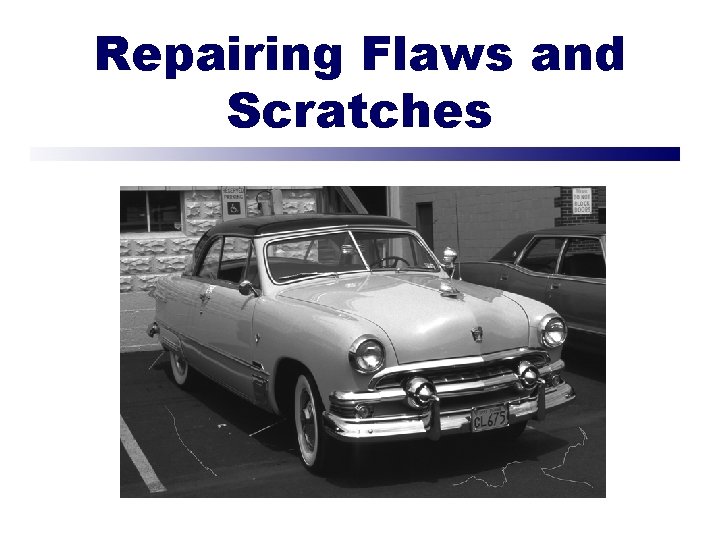
Repairing Flaws and Scratches
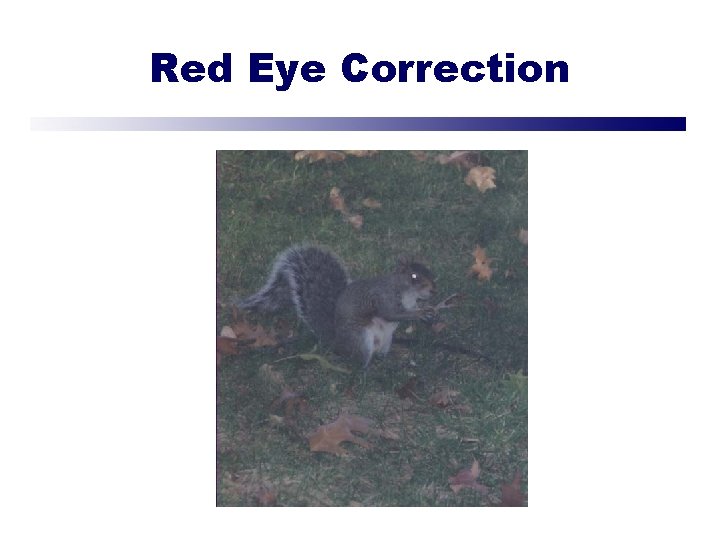
Red Eye Correction
Summary • • Explore the Photoshop environment Work with images Work with selections Create images Work with bitmap and vector graphics Work with colors and color settings Manipulate layers Modify photographs

Conclusion • Resources • Questions & Answers • Evaluations • Thank You!!!
- Slides: 32