
Photography Concepts The sequel Slides by Perry Kivolowitz
Photography Concepts The sequel Slides by Perry Kivolowitz
Outline I. Composition II. Tips and technologies
Composition: • Composing: How your picture is put together – Objects in the picture – Boundaries of the picture • Old saying: “Pictures are taken with a camera but made in the darkroom” • You can plan for good composition in the camera and perfect it on your computer
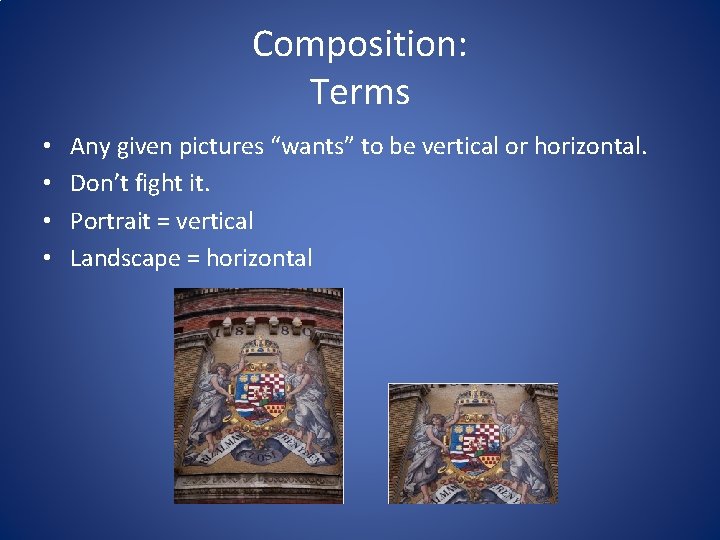
Composition: Terms • • Any given pictures “wants” to be vertical or horizontal. Don’t fight it. Portrait = vertical Landscape = horizontal
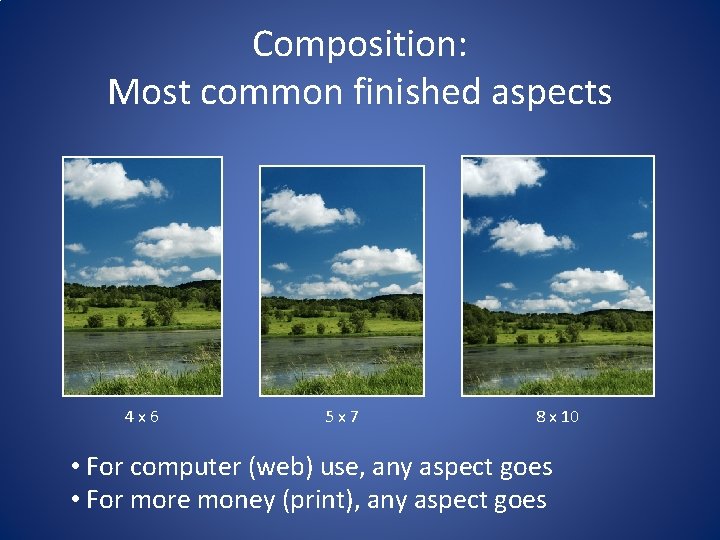
Composition: Most common finished aspects 4 x 6 5 x 7 8 x 10 • For computer (web) use, any aspect goes • For more money (print), any aspect goes
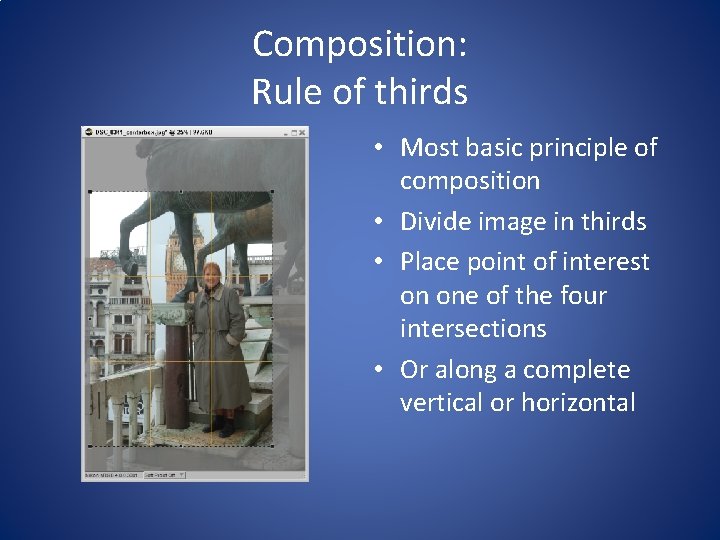
Composition: Rule of thirds • Most basic principle of composition • Divide image in thirds • Place point of interest on one of the four intersections • Or along a complete vertical or horizontal
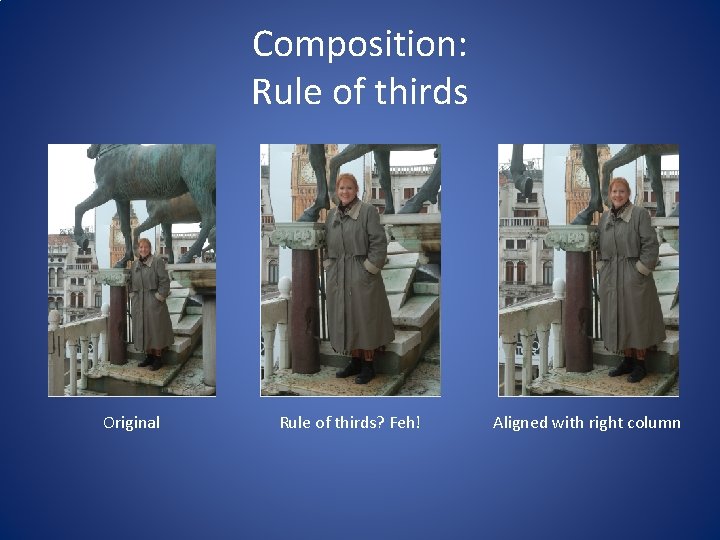
Composition: Rule of thirds Original Rule of thirds? Feh! Aligned with right column
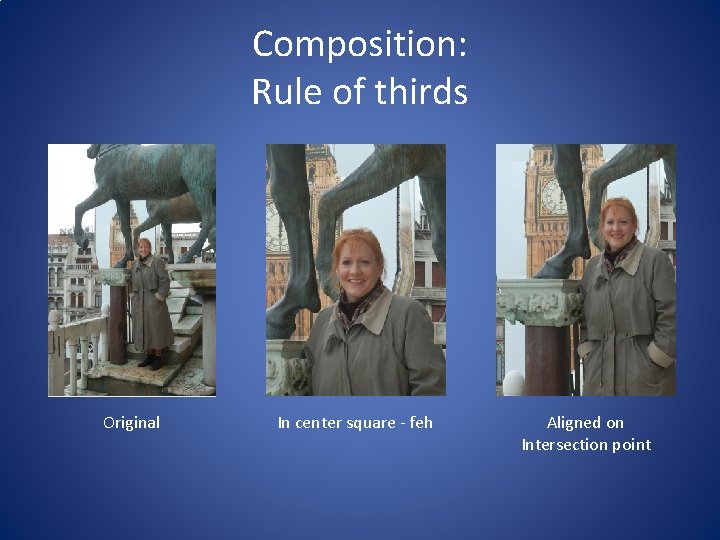
Composition: Rule of thirds Original In center square - feh Aligned on Intersection point
Composition: Triangles Are aesthetically pleasing Used for hundreds of years Draw your attention in a specific direction Equally applicable to people, landscapes and things • Use gaze if possible if picture is of people • Don’t forget to use the boundaries of the image as part of the triangle • •
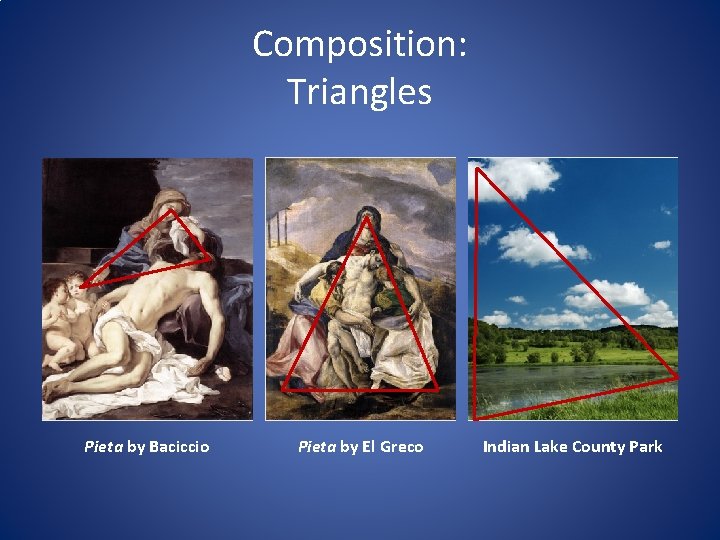
Composition: Triangles Pieta by Baciccio Pieta by El Greco Indian Lake County Park
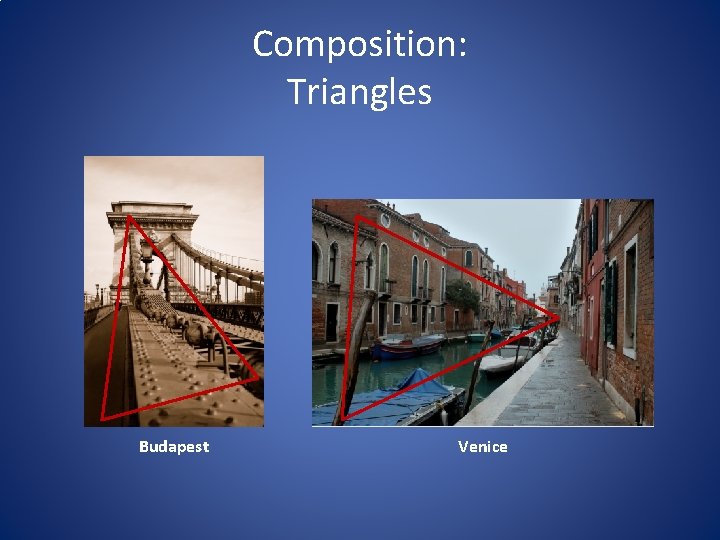
Composition: Triangles Budapest Venice
Composition: Rules of thumb: Don’t center • Don’t center your point of interest (in final) • For most cameras: – Center point of interest in view finder – Press shutter release half way This usually locks exposure and focus – Recompose the shot to put point of interest off center
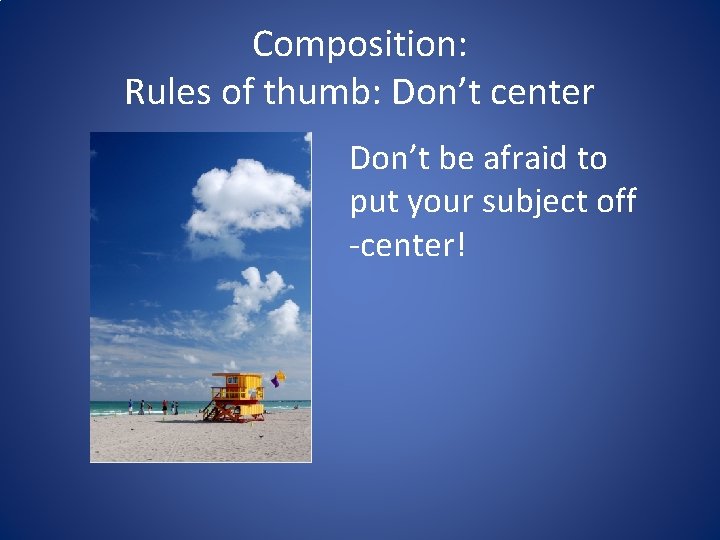
Composition: Rules of thumb: Don’t center Don’t be afraid to put your subject off -center!
Composition: Rules of thumb: Heads and feet • Leave some head room for later cropping • Don’t cut off feet unless you intend a head or chest shot / portrait • In general, if you can see the subject’s belt line, you should include their feet • With very high resolution cameras you can shoot the full body and then crop to a head shot later
Outline I. Composition II. Tips and technologies
Tips and technologies: Camera shake • Among novices camera shake is the number one cause of blurry images • Even among pros certain conditions make camera shake difficult to avoid • Camera shake = length of exposure exceeds your ability to hold still
Tips and technologies: Camera shake • Instructor will now demonstrate how to push the shutter release • Instructor will now demonstrate how to hold the camera for longer exposures • Use anything you can to prop up camera during longer exposures (like a tripod or lamppost)
Tips and technologies: Camera shake: VR VR = Vibration Reduction Called many things – Steadyshot, VR, etc. Technology to compensate for camera shake Either in the lens (e. g. Nikon) or in the camera body (e. g. Canon, point-and-shoots) • Get this if you can • •
Tips and technologies: Camera shake: VR • VR is no substitute for a faster lens – VR lets you take longer exposures, but what if you want to freeze action? • VR fights against intentional camera movement
Tips and technologies: Face detection • Most point-and-shoots have this now • Determine if faces are present • Set focus and exposure to make detected faces come out right • Very helpful for snapshots • Smile detection? Feh – anything that introduces shutter lag is bad
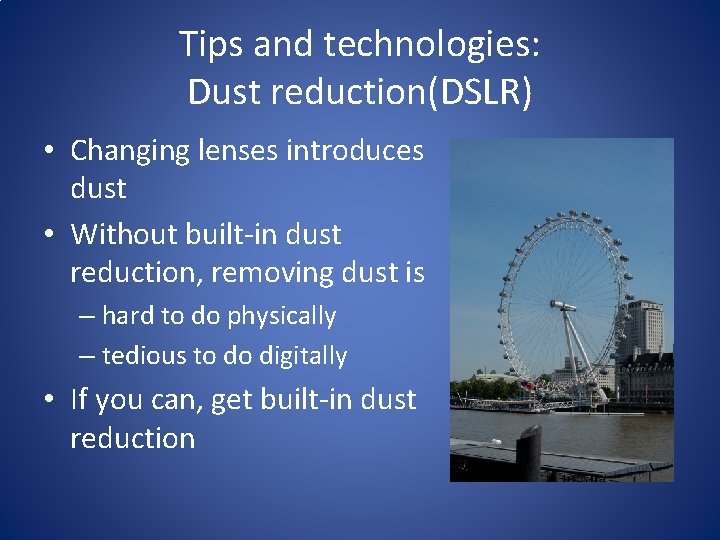
Tips and technologies: Dust reduction(DSLR) • Changing lenses introduces dust • Without built-in dust reduction, removing dust is – hard to do physically – tedious to do digitally • If you can, get built-in dust reduction
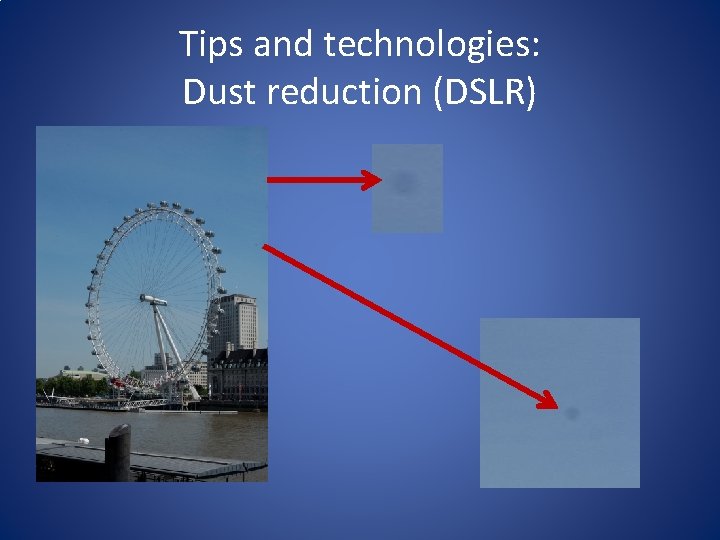
Tips and technologies: Dust reduction (DSLR)
Tips and technologies: Shopping tips • dpreview. com – best site for camera reviews • Shutter lag – as close to zero as possible – doesn’t matter how good the camera is if you missed the shot • Weight and size – doesn’t matter how good the camera is if it’s a pain to lug around
Tips and technologies: Choosing an all-around lens for a DSLR • Changing lenses introduces dust onto the sensor – so change infrequently • Remember most DSLRs have sensors smaller than 35 mm film – a 50 mm “normal” lens becomes a 75 zoom • Best all around lens is a wide-zoom – I use an 18 mm to 200 mm • Zooms often aren’t as sharp as “primes” – I also use a 30 mm – becomes a 45
Tips and technologies: Printing sizes • Printing images to be viewed close up should be around 300 ppi or higher • Prints to be viewed at arm’s length or larger should be greater than 150 ppi • Outdoor highway signs are sometimes as low as 15 ppi!
- Slides: 25