
Photograms and Darkroom Procedure What is a Photogram
- Slides: 19
Photograms and Darkroom Procedure
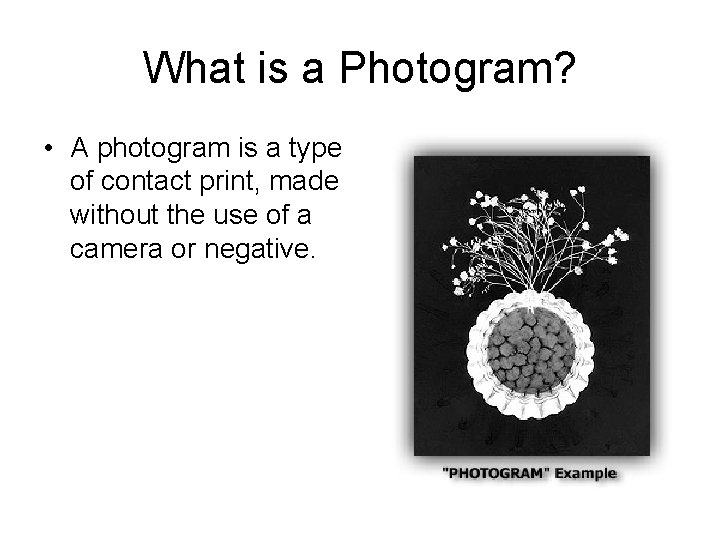
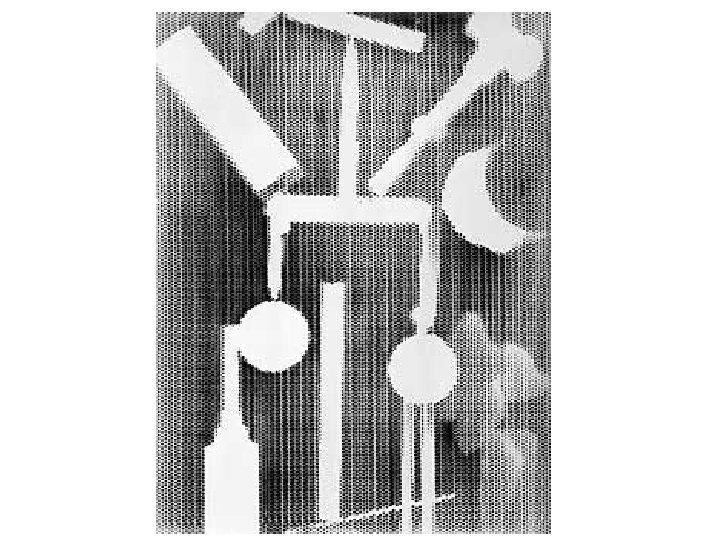
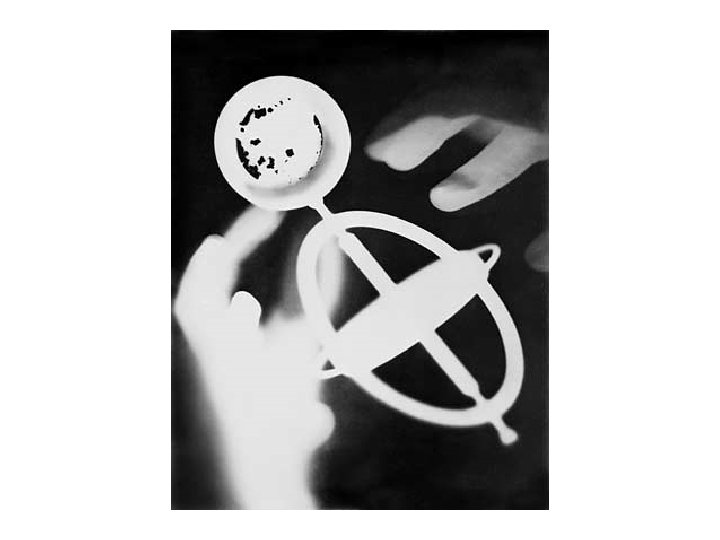
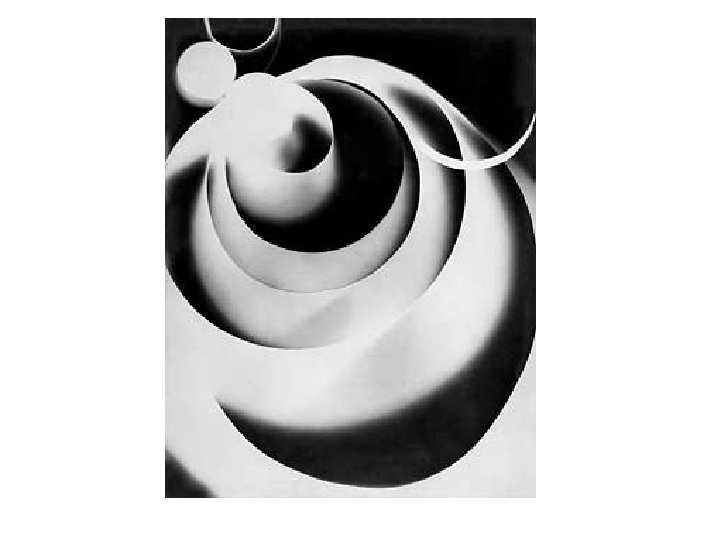
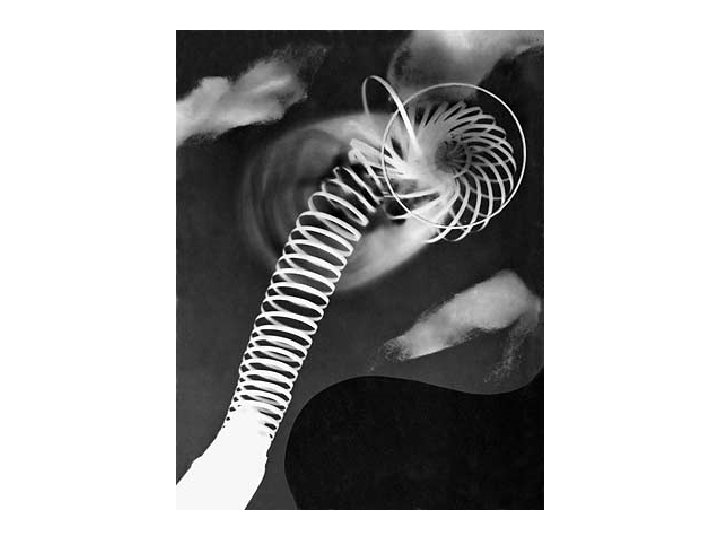
What is a Photogram? • A photogram is a type of contact print, made without the use of a camera or negative.
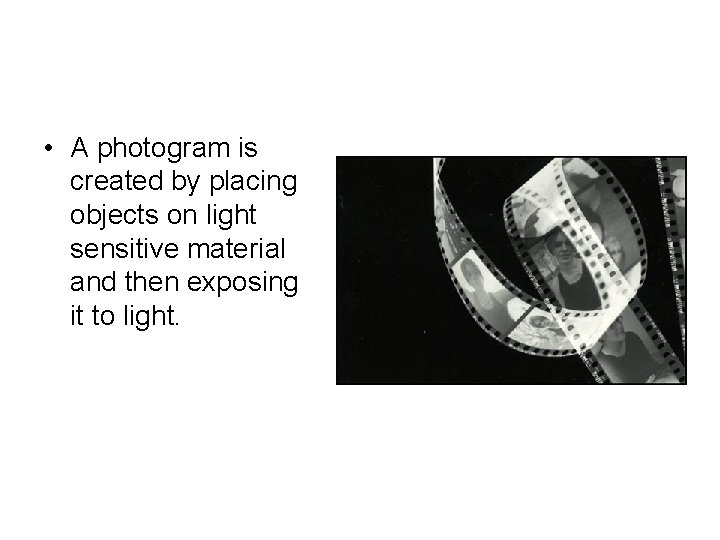
• A photogram is created by placing objects on light sensitive material and then exposing it to light.
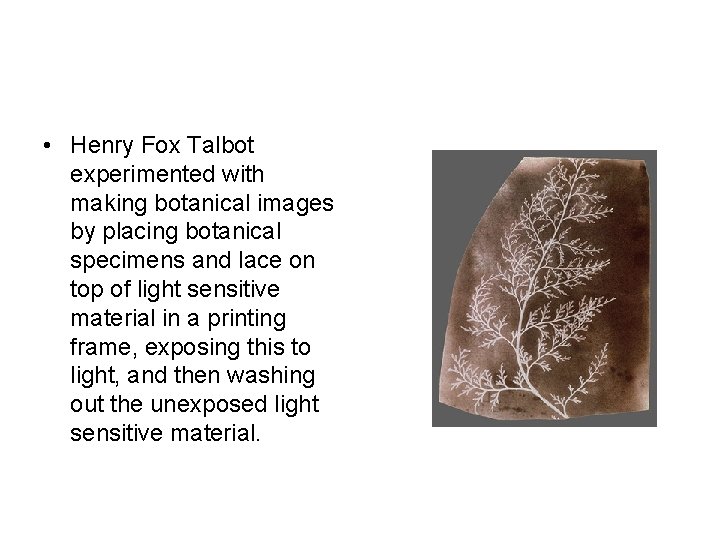
• Henry Fox Talbot experimented with making botanical images by placing botanical specimens and lace on top of light sensitive material in a printing frame, exposing this to light, and then washing out the unexposed light sensitive material.
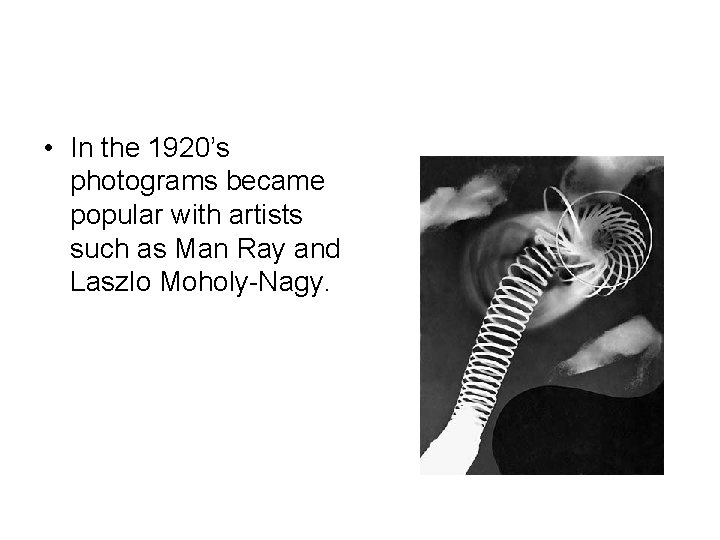
• In the 1920’s photograms became popular with artists such as Man Ray and Laszlo Moholy-Nagy.
What Kinds of Things Can be Used to Create a Photogram? • Two-dimensional objects that block some or all of the light like cut paper, drawings, writing, transparencies can be used along with three-dimensional objects. • Objects can be opaque, blocking light completely, semitransparent, blocking only some of the light, or completely transparent like a plastic water bottle. • try to go beyond the items readily on hand, such as keys, coins, ipods, etc. • Explore organic materials like leaves, cotton, rocks or sand. Investigate liquids captured in plastic bags and drawing on transparency or paper.
Process • Begin in the white light with a sheet of plexiglass. • Use tape or a marker to define the printing area (the size of your light sensitive material). Now arrange your composition on the plexiglass. • When you are satisfied with your composition, move into the darkroom and place your plexiglass with objects on top of the light sensitive material. • Make sure your photo paper fits inside your defined area. • Expose with white light from an enlarger, overhead light, flexible desk lamp, or pen light. • Process the paper as normal.
• Evaluation the Results: • Have you created a dynamic composition? • Did you explore a variety of objects to create a unique photogram? • Did you properly expose your photogram? • Has your photogram been properly processed?
Processing Photographic Paper
Step 1: Developer (Dektol) • Place paper in the developer tray • Gently tap edges with tongs to ensure paper is fully submerged • Rock the edge of the tray to agitate the paper – to ensure there are no bubbles • Process for 60 seconds
Step 2: Stop Bath • Carefully remove the paper from the developer using tongs • Allow it to drip for 7 seconds. • Place the paper in the stop bath tray • Gently tap edges with tongs to ensure paper is fully submerged • Rock the edge of the tray to agitate the paper – to ensure there are no bubbles • Process for 30 seconds
Step 3: Fixer • Carefully remove the paper from the stop bath using tongs • Allow it to drip for 7 seconds. • Place the paper in the fixer tray • Gently tap edges with tongs to ensure paper is fully submerged • Rock the edge of the tray to agitate the paper – to ensure there are no bubbles • Process for 5 minutes
Step 4: Water Rinse • Carefully remove the paper from the fixer using tongs • Allow it to drip for 7 seconds. • Place the paper in the water bath • Gently tap edges with tongs to ensure paper is fully submerged • Allow running water to rinse the print for at least 5 minutes • Dry print
Your Assignment • Create a photogram that evokes a very specific mood or feeling, and exemplifies a dynamic composition
Grading Criteria • • Dynamic Composition Creation of mood or feeling Creativity Craftsmanship – Proper exposure – Proper processing (no stains, etc) • Complete, on time, and dry