
Phase 1 Get a Raspberry Pi Phase 2
Phase 1: Get a Raspberry Pi, Phase 2: ? , Phase 3: Rule the World Presenter: Nicholas Exner Date: 2015. 0130
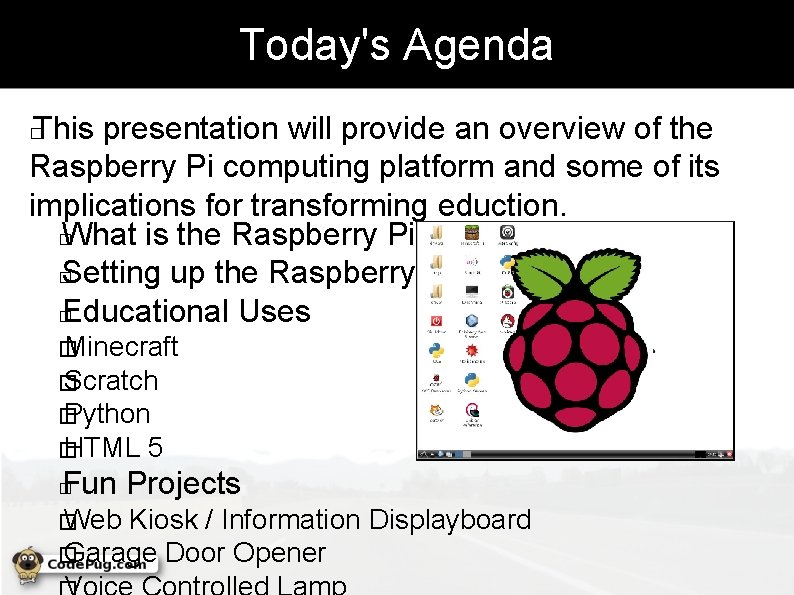
Today's Agenda This presentation will provide an overview of the Raspberry Pi computing platform and some of its implications for transforming eduction. � What is the Raspberry Pi � Setting up the Raspberry Pi � Educational Uses � � Minecraft � Scratch � Python � HTML 5 Fun Projects � � Web Kiosk / Information Displayboard � Garage Door Opener
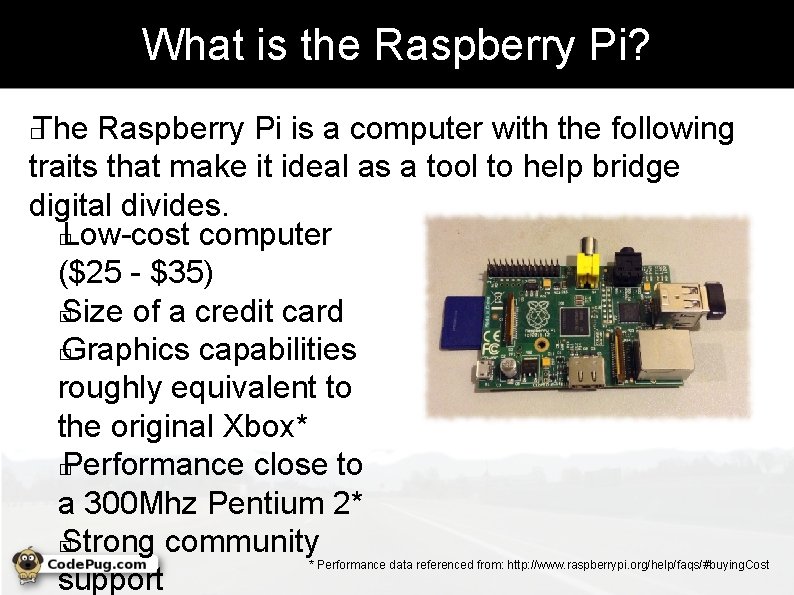
What is the Raspberry Pi? The Raspberry Pi is a computer with the following traits that make it ideal as a tool to help bridge digital divides. � Low-cost computer ($25 - $35) � Size of a credit card � Graphics capabilities roughly equivalent to the original Xbox* � Performance close to a 300 Mhz Pentium 2* � Strong community support � * Performance data referenced from: http: //www. raspberrypi. org/help/faqs/#buying. Cost
Setting Up the Raspberry Pi The Raspberry Pi contains the motherboard, CPU, GPU, and memory, but often needs a few other components to be useful. These include. . . � Power adapter 5 v - 750 m. A - 1 A � SD card – 4 Gb or higher (micro-SD for + models) � Case (optional) � HDMI or RCA composite � video display devices � Keyboard � Mouse �

Choosing an Operating System After acquiring the hardware, one will be able to choose from a number of different operating systems. � Noobs – Image to choose some of the following � Raspbian – (Debian variant like Ubuntu) � Pidora – (Fedora variant like Red Hat) � Raspbmc – (Specialized media center) � Risc OS – (Non-linux; First OS for ARM CPUs) �

Configuring the Raspberry Pi Once the Raspbian Operating System is copied to the memory card, the Pi can be configured. � Language and keyboard settings � Time zone preferences � Overclocking speed � Video memory split �
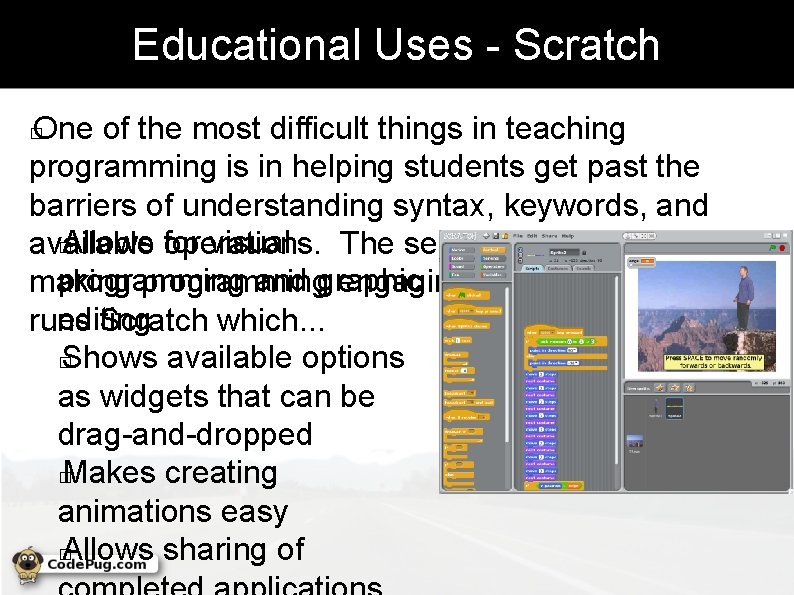
Educational Uses - Scratch One of the most difficult things in teaching programming is in helping students get past the barriers of understanding syntax, keywords, and � Allows for visual available operations. The second difficult feat is in programming and graphic making programming engaging. The Raspberry Pi editing runs Scratch which. . . � Shows available options as widgets that can be drag-and-dropped � Makes creating animations easy � Allows sharing of �
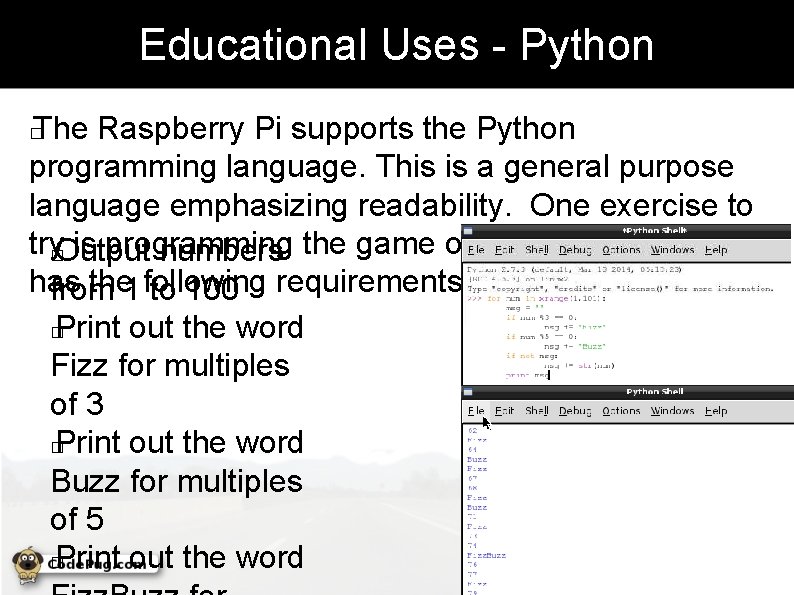
Educational Uses - Python The Raspberry Pi supports the Python programming language. This is a general purpose language emphasizing readability. One exercise to try�Output is programming numbers the game of Fizz Buzz which has the 1 following from to 100 requirements. � Print out the word Fizz for multiples of 3 � Print out the word Buzz for multiples of 5 � Print out the word �
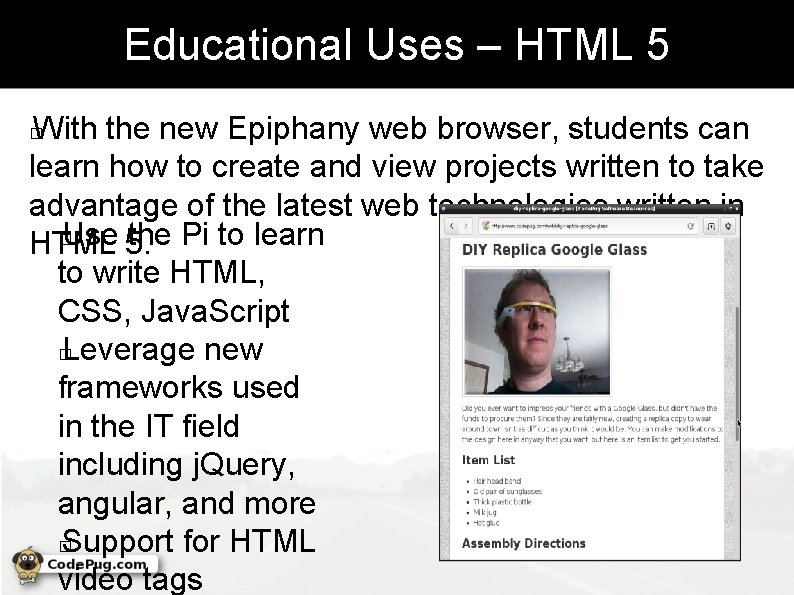
Educational Uses – HTML 5 With the new Epiphany web browser, students can learn how to create and view projects written to take advantage of the latest web technologies written in � Use 5. the Pi to learn HTML to write HTML, CSS, Java. Script � Leverage new frameworks used in the IT field including j. Query, angular, and more � Support for HTML video tags �
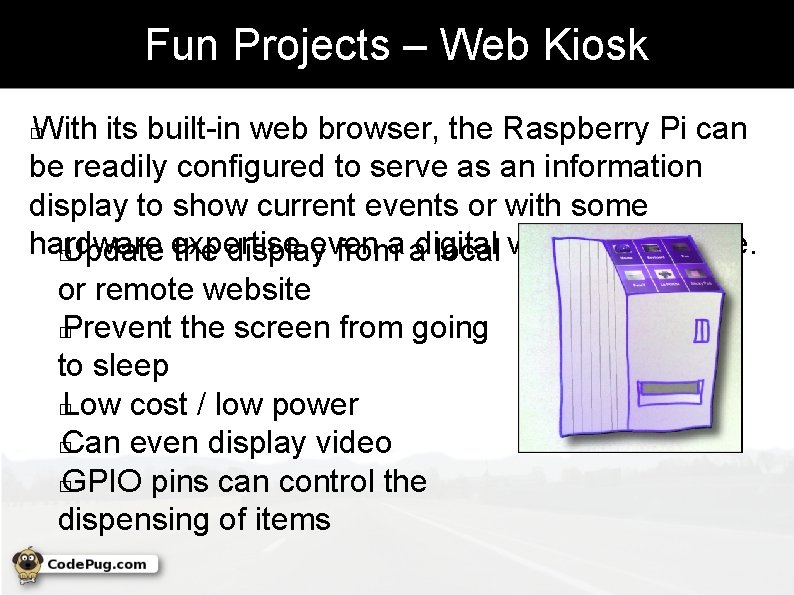
Fun Projects – Web Kiosk With its built-in web browser, the Raspberry Pi can be readily configured to serve as an information display to show current events or with some hardware even � Update expertise the display froma adigital local vending machine. or remote website � Prevent the screen from going to sleep � Low cost / low power � Can even display video � GPIO pins can control the dispensing of items �
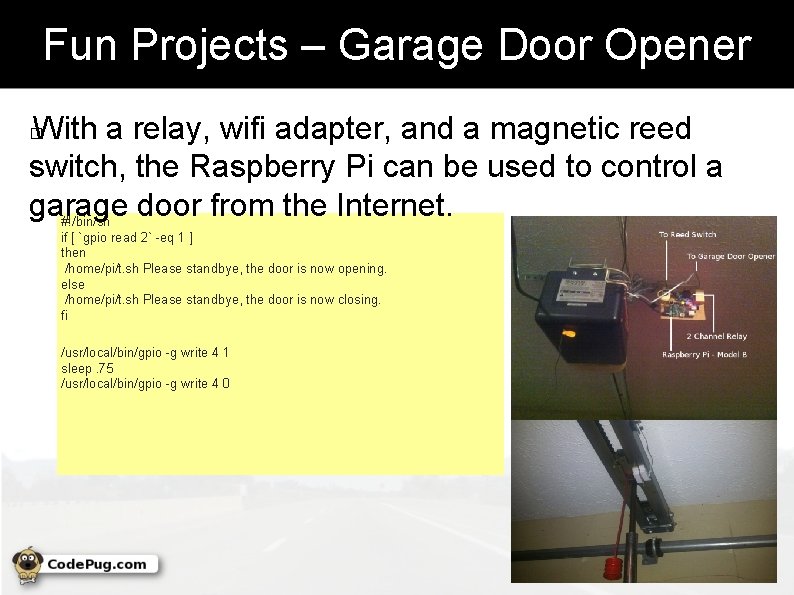
Fun Projects – Garage Door Opener With a relay, wifi adapter, and a magnetic reed switch, the Raspberry Pi can be used to control a garage door from the Internet. #!/bin/sh � if [ `gpio read 2` -eq 1 ] then /home/pi/t. sh Please standbye, the door is now opening. else /home/pi/t. sh Please standbye, the door is now closing. fi /usr/local/bin/gpio -g write 4 1 sleep. 75 /usr/local/bin/gpio -g write 4 0
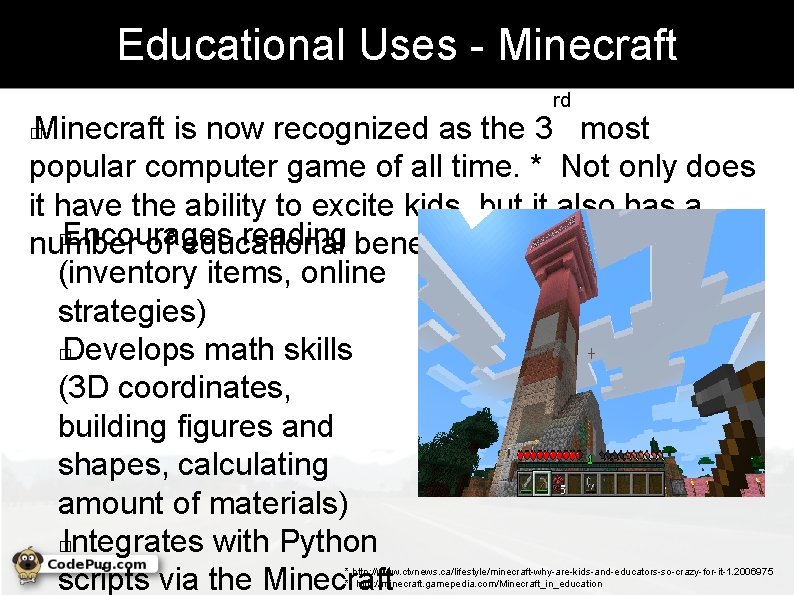
Educational Uses - Minecraft rd Minecraft is now recognized as the 3 most popular computer game of all time. * Not only does it have the ability to excite kids, but it also has a � Encourages reading benefits. number of educational (inventory items, online strategies) � Develops math skills (3 D coordinates, building figures and shapes, calculating amount of materials) � Integrates with Python scripts via the Minecraft � * http: //www. ctvnews. ca/lifestyle/minecraft-why-are-kids-and-educators-so-crazy-for-it-1. 2006975 ** http: //minecraft. gamepedia. com/Minecraft_in_education
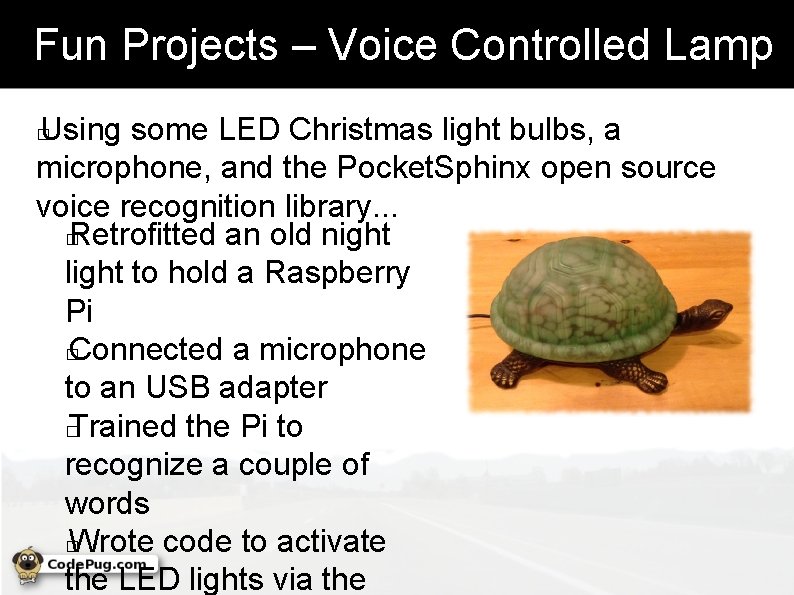
Fun Projects – Voice Controlled Lamp Using some LED Christmas light bulbs, a microphone, and the Pocket. Sphinx open source voice recognition library. . . � Retrofitted an old night light to hold a Raspberry Pi � Connected a microphone to an USB adapter � Trained the Pi to recognize a couple of words � Wrote code to activate the LED lights via the �
If I Haven't Hooked You Yet. . . Did I mention that the Raspberry Pi also has. . . � Sonic Pi – An open source programming environment for creating new sounds with code � Mathematica 10 – computational programming tool used in science, maths, computing, and engineering � A version of the latest Java 8 Development Kit that can be installed from Oracle �
Helpful Resources The following web sites provide additional information about the Raspberry Pi. � The Official Raspberry PI - FAQ � http: //www. raspberrypi. org/help/faqs/#video. Displays � Code. Pug Wiki – Project How-To's � http: //www. codepug. com/wiki � Amazon Offerings � http: //www. amazon. com/s/ref=nb_sb_noss? url=search-alias%3 Delectronics&fieldkeywords=raspberry+pi&rh=n%3 A 172282%2 Ck%3 Araspberry+pi&ajr=0 � Risc OS FAQ � http: //www. riscos. com/the_faqs/ � �
- Slides: 15