
PERSONAL PROJECT SET UP Google docs and wordpress

- Slides: 11
PERSONAL PROJECT SET UP Google docs and wordpress
DURING THIS SESSION YOU WILL: • Set up your google account • Download the documents you need • Know how to share the document with Dave • Know the importance of google docs • How to lay out your wordpress. • Creating the pages needed for menus
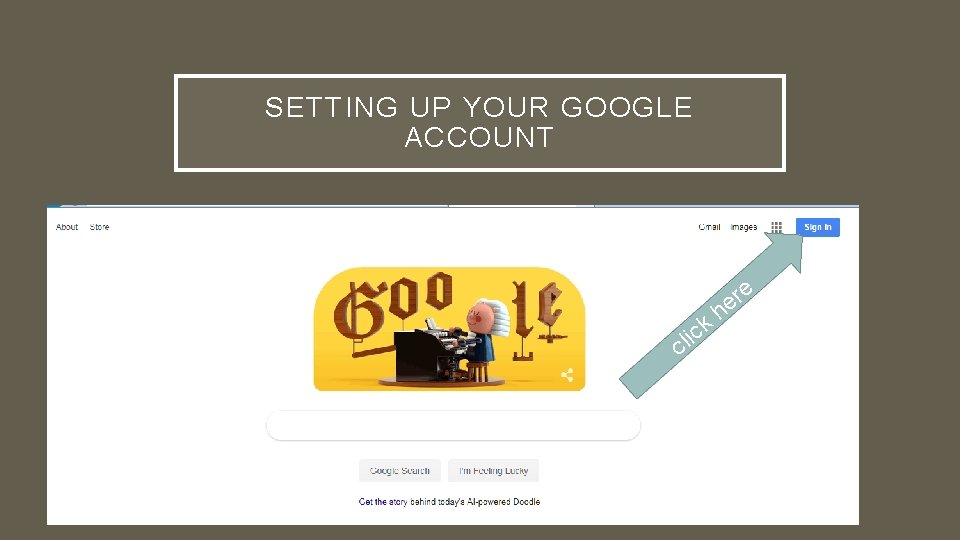
SETTING UP YOUR GOOGLE ACCOUNT il ck C e r he
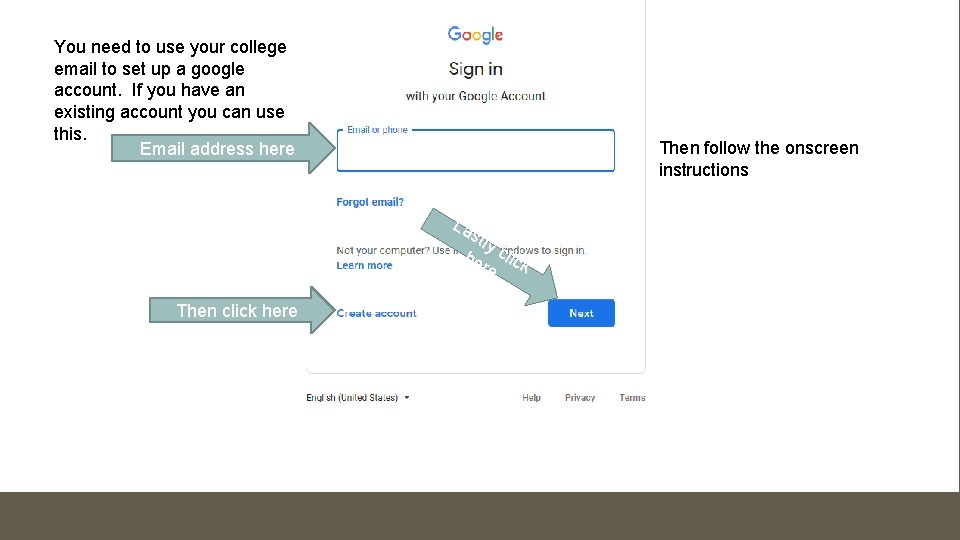
You need to use your college email to set up a google account. If you have an existing account you can use this. Email address here Then follow the onscreen instructions La stl y he click re Then click here
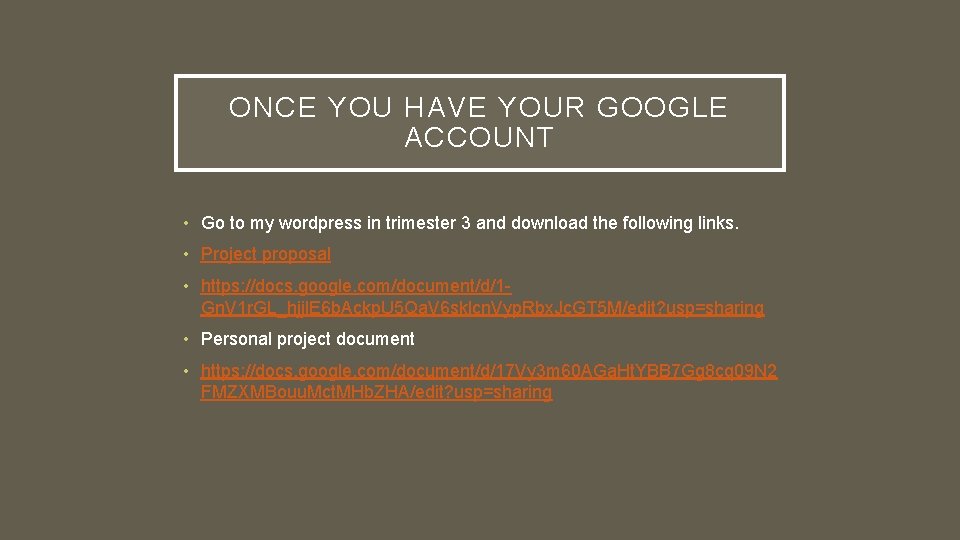
ONCE YOU HAVE YOUR GOOGLE ACCOUNT • Go to my wordpress in trimester 3 and download the following links. • Project proposal • https: //docs. google. com/document/d/1 Gn. V 1 r. GL_hjjl. E 6 b. Ackp. U 5 Qa. V 6 sklcn. Vyp. Rbx. Jc. GT 5 M/edit? usp=sharing • Personal project document • https: //docs. google. com/document/d/17 Vy 3 m 60 AGa. Ht. YBB 7 Gg 8 cq 09 N 2 FMZXMBouu. Mct. MHb. ZHA/edit? usp=sharing
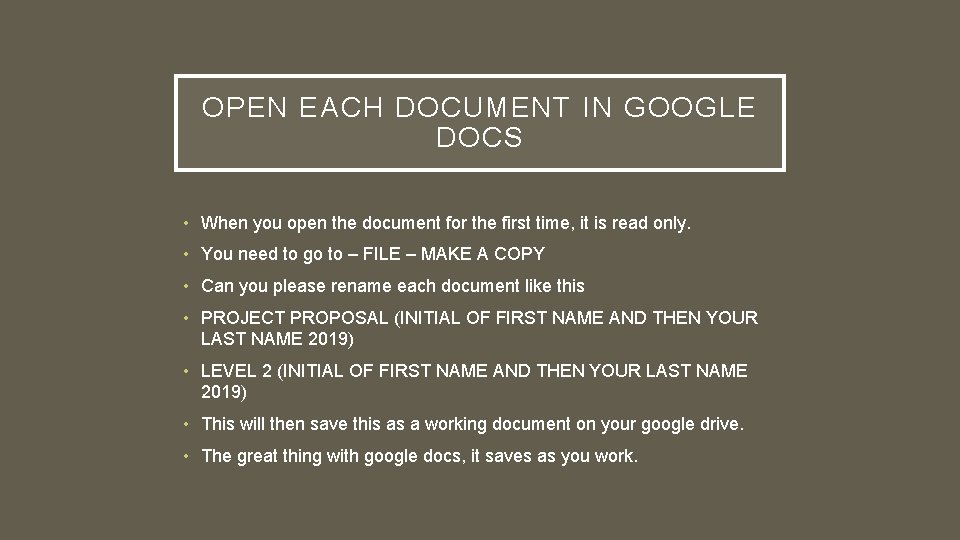
OPEN EACH DOCUMENT IN GOOGLE DOCS • When you open the document for the first time, it is read only. • You need to go to – FILE – MAKE A COPY • Can you please rename each document like this • PROJECT PROPOSAL (INITIAL OF FIRST NAME AND THEN YOUR LAST NAME 2019) • LEVEL 2 (INITIAL OF FIRST NAME AND THEN YOUR LAST NAME 2019) • This will then save this as a working document on your google drive. • The great thing with google docs, it saves as you work.
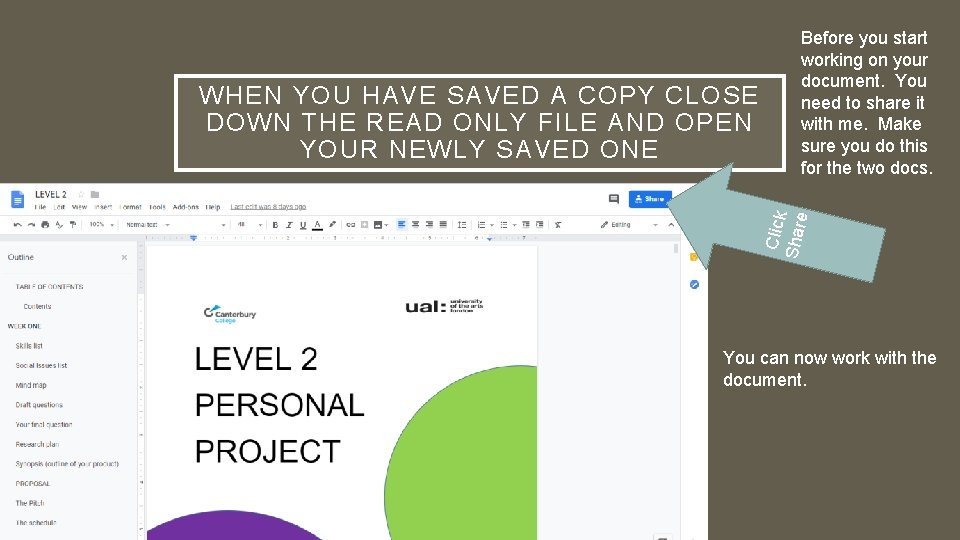
Click Shar e WHEN YOU HAVE SAVED A COPY CLOSE DOWN THE READ ONLY FILE AND OPEN YOUR NEWLY SAVED ONE Before you start working on your document. You need to share it with me. Make sure you do this for the two docs. You can now work with the document.
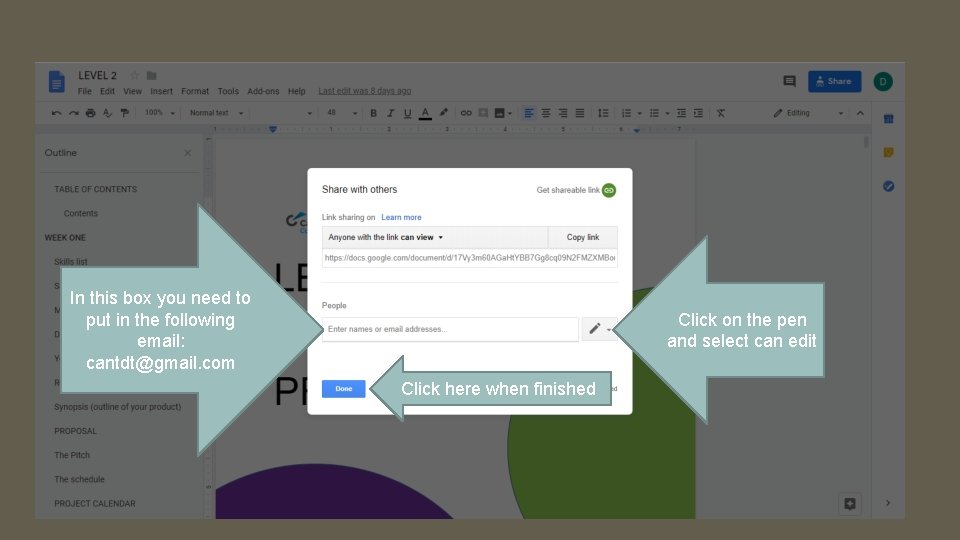
In this box you need to put in the following email: cantdt@gmail. com Click on the pen and select can edit Click here when finished
WHAT HAPPENS BY SHARING THE DOCUMENTS WITH DAVE • You and I will be the only ones that can edit your documents. • I will be able to give you feedback faster • I can indicate to you directly what is missing and any issues with it. • Make sure you have shared with me: • PROJECT PROPOSAL • LEVEL 2
WORDPRESS PAGES • Ideas • Pre-production • The question • Production • Project proposal • Post – Production • The pitch • Final product • Research • Evaluation • Experimentation • Reflective blogs