
Personal Online Identity Protection Presented by Marvin Miller
Personal Online Identity Protection Presented by Marvin Miller
Is your Internet connection secure? Click to here to watch video
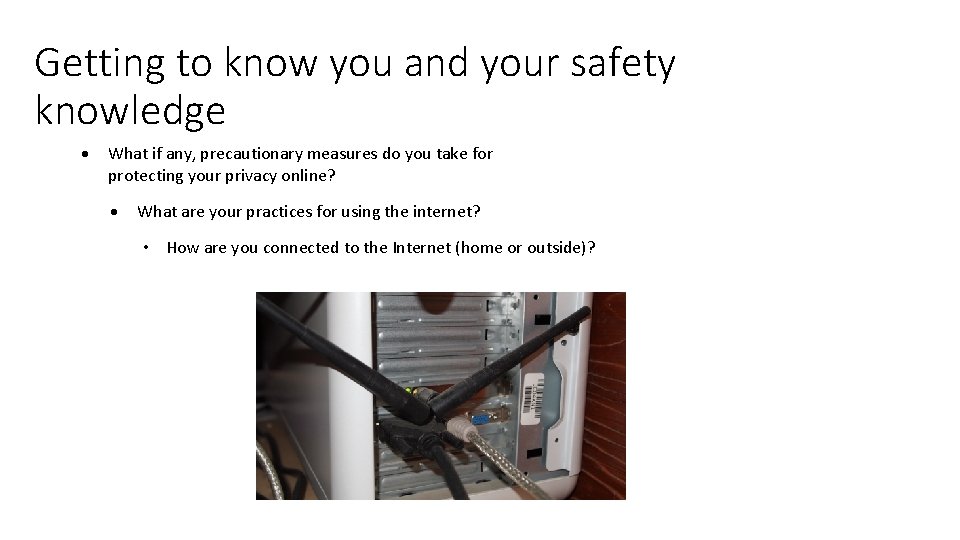
Getting to know you and your safety knowledge What if any, precautionary measures do you take for protecting your privacy online? What are your practices for using the internet? • How are you connected to the Internet (home or outside)?
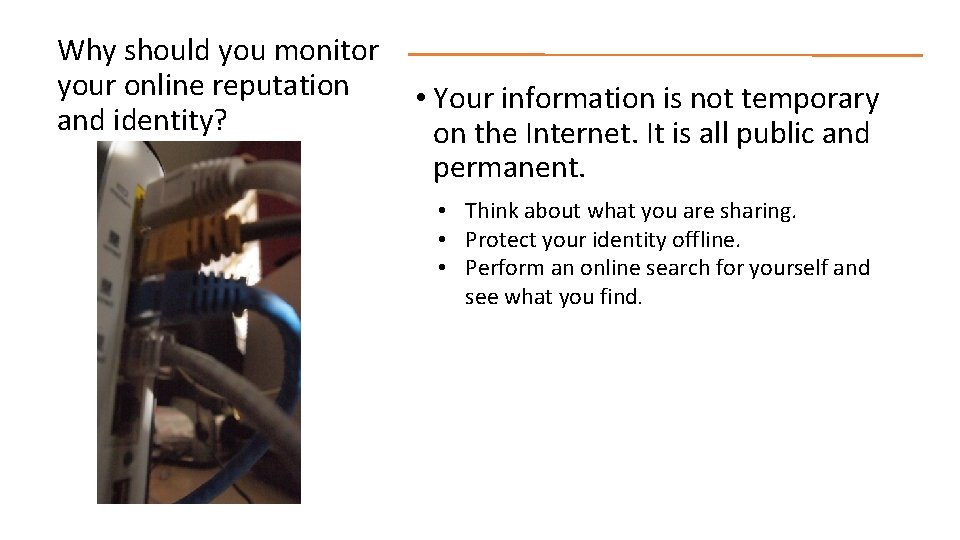
Why should you monitor your online reputation and identity? • Your information is not temporary on the Internet. It is all public and permanent. • Think about what you are sharing. • Protect your identity offline. • Perform an online search for yourself and see what you find.
Why should you monitor your online reputation and identity? • Be aware of possible criminal activity online: Phishing- the act of attempting to acquire information such as usernames, passwords, and credit card details (and sometimes, indirectly, money) by masquerading as a trustworthy entity in an electronic communication. Hacking- the act of actively attempting to access a computer network. Malware- software used to disrupt computer operation, gather sensitive information, or gain access to private computer systems.
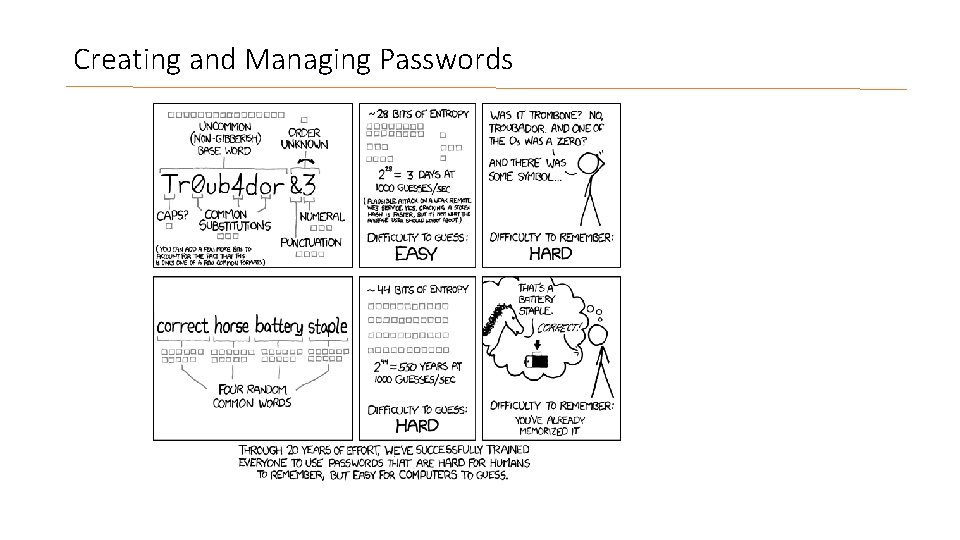
Creating and Managing Passwords
Creating and Managing Passwords There are multiple ways to create and manage your passwords. Never share your password with anyone. Think of it like an ATM PIN, would you share that with anybody? • Use a password management program: Roboform Last. Pass 1 Password Kee. Pass Clipperz • Instead of using the name of your dog or your mother’s maiden name, use an acronym for a favorite phrase or use a pattern of keys only you will know. • Sample phrase: My number 1 favorite planet is Jupiter (Mn 1 fpi. J) • Sample pattern: Hold down the Shift key, type: @WSX, release the Shift key, type: cde 3 • Periodically change your password, every 3 or 4 months. • You can check the strength of your password at this Microsoft link.
Creating and Managing Passwords List the following passwords, weakest to strongest: 1: !QAZvfr 4 2: password 3: B@ttl 3 star. G@lact 1 ca. Rulz 4: Kiska 1 2: password 4: Kiska 1 1: !QAZvfr 4 3: B@ttl 3 star. G@lact 1 ca. Rulz
Safely Using Social Media • Types of Social Media • • Facebook Twitter You. Tube Instagram Blogs Email Instant Messengers
Safely Using Social Media • Use caution when you click on links on social media sites or email. • Do not allow social media sites to scan your email address book. • Be selective about who you accept as a friend on social networking sites. • Assume anything you put on a social media site is permanent. (Even if you delete it yourself!) • Be careful about clicking on links directing you towards a social media site. It could be a phishing attempt! Instead, type the address into your browser.
Safely Using Social Media Quick Quiz Which of the following are considered social media: A. Facebook B. Email C. Skype D. A blog about the best pizza E. All of the above
Safely Using Social Media Quick Quiz Answer True or False: F q. It’s okay to share your password with your friends. T q. You should avoid clicking on links from unknown people. F q. If you delete something from your online profile, it is permanently deleted from the Internet.
Questions?
Resources Wetmore, A. , Marshall, L. , Jones, T. , Folkerts, Lisa, Liu, J. (2013). Online Privacy & Identity Protection Training. Walden University EIDT-6100 -1 Morrison, G. R. , Ross, S. M. , Kalman, H. K. , & Kemp, J. E. (2013). Designing Effective Instruction (7 th Ed. ). Hoboken, NJ: John Wiley & Sons, Inc Microsoft. com (2014). Create Stronger Passwords. Retrieved from: https: //www. microsoft. com/security/pc-security/password-checker. aspx Microsoft. com (2014). 11 tips for social networking safety. Retrieved from http: //www. microsoft. com/security/online-privacy/social-networking. aspx FITPanther. Press (Producer). (2009) Identity Theft – IT Policies [Video Webcast]. Retrieved from http: //youtu. be/Urr. Xg. Se 1 b 4 U XKCD. com (2011). Password Strength [Graph]. Retrieved from: http: //xkcd. com/936/
- Slides: 14