
Personal and professional digital security Steps to take



- Slides: 20
Personal and professional digital security Steps to take to protect yourself online Presented by News Performance, Talent & Partnerships
Basic digital hygiene Steps you can take immediately to improve your security
Basic digital hygiene • Turn on two-factor authentication (2 FA) for all of your online accounts • Create long, unique passwords of more than 20 characters for all of your online accounts – Even better, use a long passphrase (a string of words that is easy for you to remember, but difficult for hackers to break, i. e. “Then@meofthestreet!l!vedon@s@child!s. Walford” • Monitor your accounts closely • Consider setting up separate phone, email and social media accounts for work and personal use Update footers using the Header and Footer menu on the Insert tab 3
Take these steps right now • Review information that is available to you online (‘Google dorking’) • Check to see if your resume is floating around online • Remove information from the public domain you may be uncomfortable with • Be aware of what images are available of you online • Set up Google alerts for your name • Consider using a data removal service • Create a network of supportive colleagues Update footers using the Header and Footer menu on the Insert tab 4
Lock down your social media accounts • Check privacy settings of your social media accounts. Remove or limit access to content that can put you at risk. • Disable location tracking for any social media accounts. • Consider deleting old social media posts. Abusers will often resurface old posts to discredit you. • Schedule calendar reminders to review your online profile every three months. Update footers using the Header and Footer menu on the Insert tab 5
If you are harassed or come under attack: • Understand what the attackers are trying to do • Document what is taking place • Rally your support network
Understand what the attackers are trying to do • Online abusers are trying to antagonize you and goad you into a response. Do not take the bait. They are likely to increase the amount of abuse if you respond to them. • Their intent is to overwhelm you. Remember that not all of the accounts attacking you are real people. Update footers using the Header and Footer menu on the Insert tab 7
Document what is taking place • Take screenshots of the abuse, including the offensive message or image, date, time and the name or handle of the harasser. Creating a timeline of the abuse will be helpful when letting your newsroom leader and the authorities know what is happening. • If an account is regularly trolling you, document that as well – do not dismiss persistent, if infrequent, harassment. Update footers using the Header and Footer menu on the Insert tab 8
Document what is taking place • Consider muting, hiding or restricting (Instagram) accounts that harass you. In some cases, blocking can exacerbate a situation because abusers can see they are blocked. • Consider disabling replies on Twitter. Only people who follow you will be able to reply. Update footers using the Header and Footer menu on the Insert tab 9
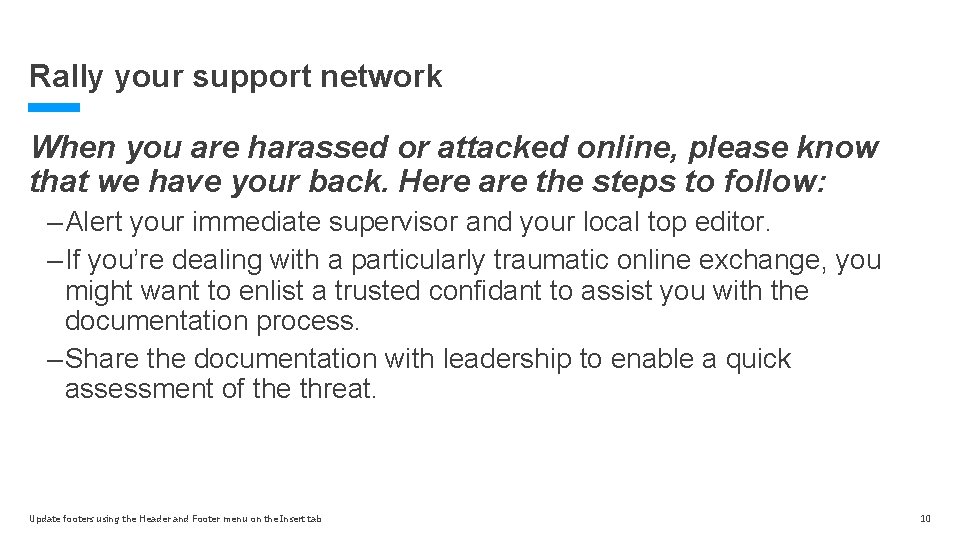
Rally your support network When you are harassed or attacked online, please know that we have your back. Here are the steps to follow: – Alert your immediate supervisor and your local top editor. – If you’re dealing with a particularly traumatic online exchange, you might want to enlist a trusted confidant to assist you with the documentation process. – Share the documentation with leadership to enable a quick assessment of the threat. Update footers using the Header and Footer menu on the Insert tab 10
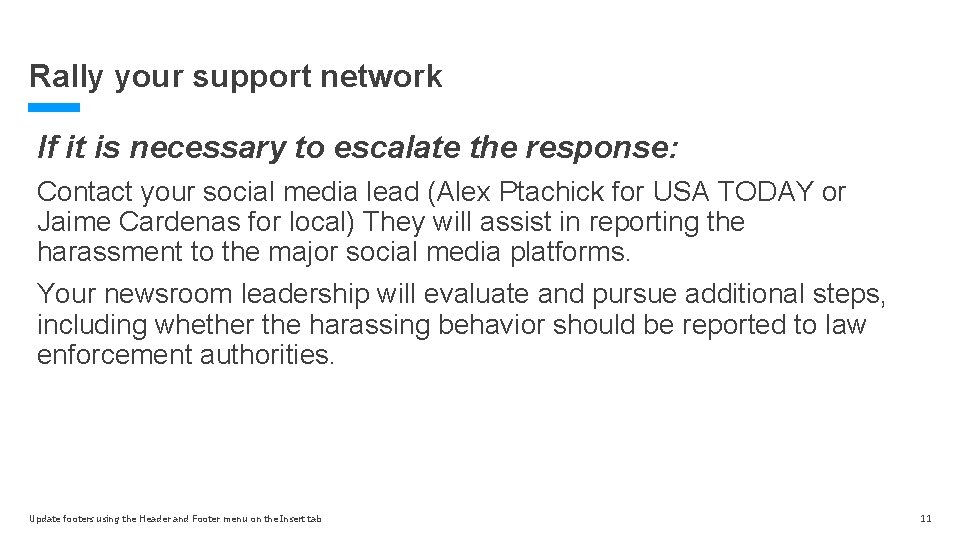
Rally your support network If it is necessary to escalate the response: Contact your social media lead (Alex Ptachick for USA TODAY or Jaime Cardenas for local) They will assist in reporting the harassment to the major social media platforms. Your newsroom leadership will evaluate and pursue additional steps, including whether the harassing behavior should be reported to law enforcement authorities. Update footers using the Header and Footer menu on the Insert tab 11
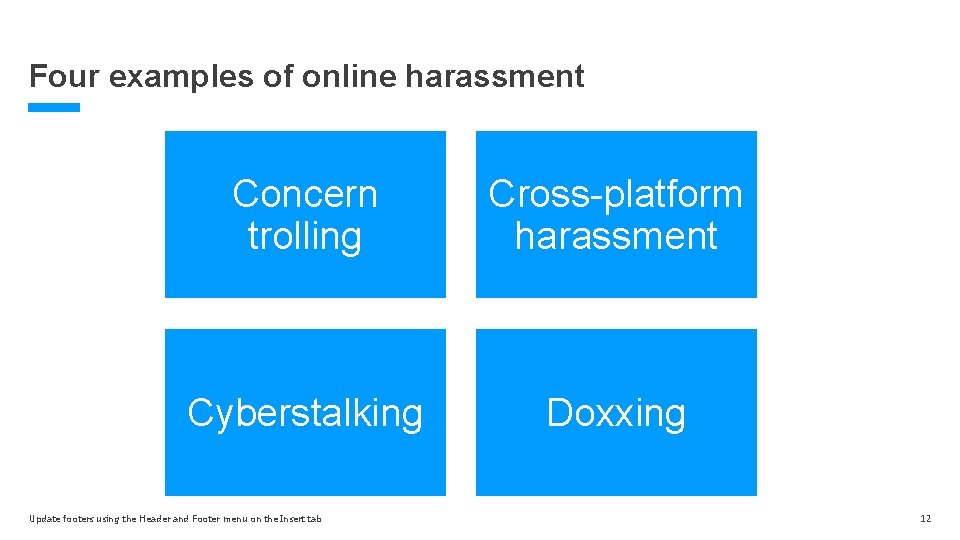
Four examples of online harassment Concern trolling Cross-platform harassment Cyberstalking Doxxing Update footers using the Header and Footer menu on the Insert tab 12
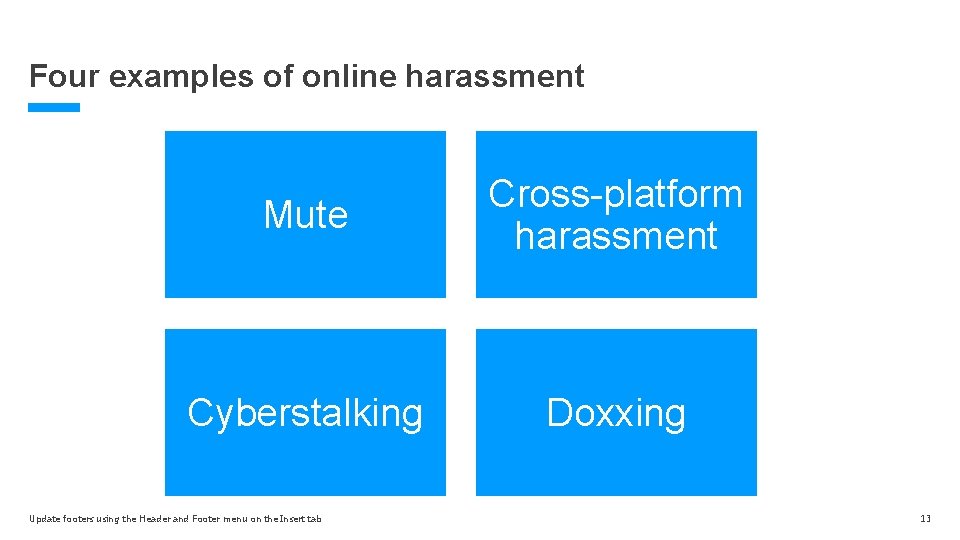
Four examples of online harassment Mute Cross-platform harassment Cyberstalking Doxxing Update footers using the Header and Footer menu on the Insert tab 13
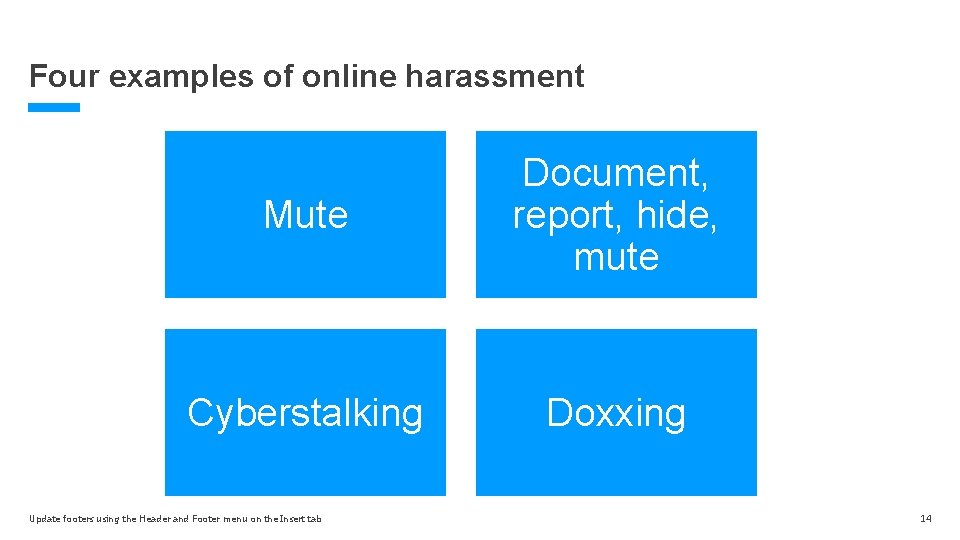
Four examples of online harassment Mute Document, report, hide, mute Cyberstalking Doxxing Update footers using the Header and Footer menu on the Insert tab 14
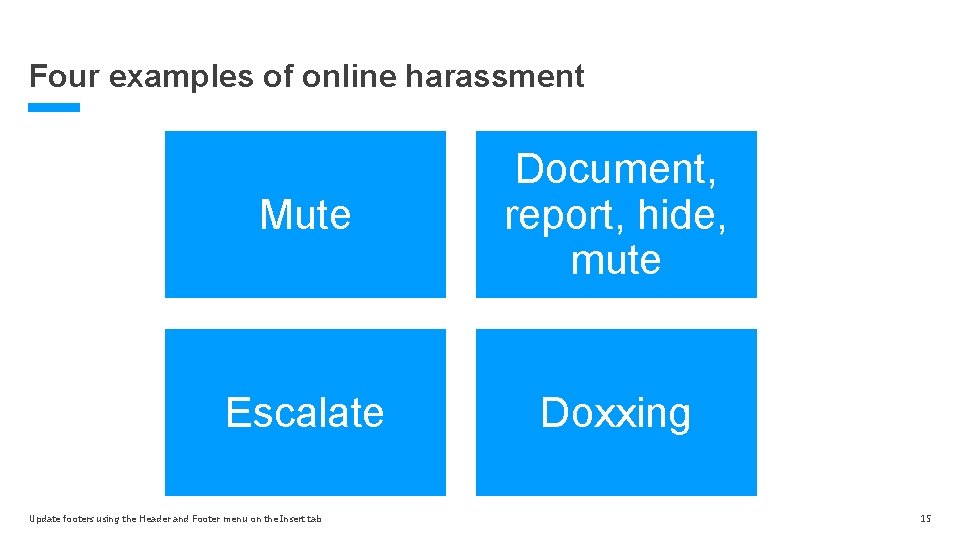
Four examples of online harassment Mute Document, report, hide, mute Escalate Doxxing Update footers using the Header and Footer menu on the Insert tab 15
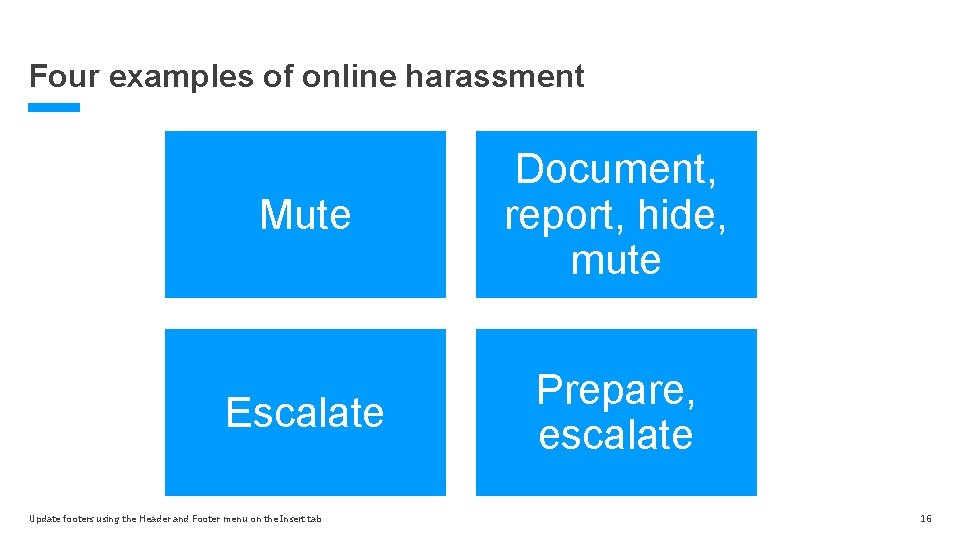
Four examples of online harassment Mute Document, report, hide, mute Escalate Prepare, escalate Update footers using the Header and Footer menu on the Insert tab 16
Additional resources Committee to Protect Journalists: https: //cpj. org PEN America: Online Harassment Field Manual: https: //onlineharassmentfieldmanual. pen. org
Additional resources Employee Assistance Program Beacon Health Options (877) 680 -7741 https: //achievesolutions. net/gannett
Questions?
Thank you.