
Permanent Formats and Working Across Platforms 32 bit
Permanent Formats and Working Across Platforms
32 bit vs. 64 bit SAS • The different versions of SAS optimize datasets and formats to work as fast as possible. You can open a 32 bit SAS dataset with a 64 bit version of SAS but it is slower than necessary. • Formats saved in permanent libraries (as catalogs) may have problems opening on different platforms/operating systems.
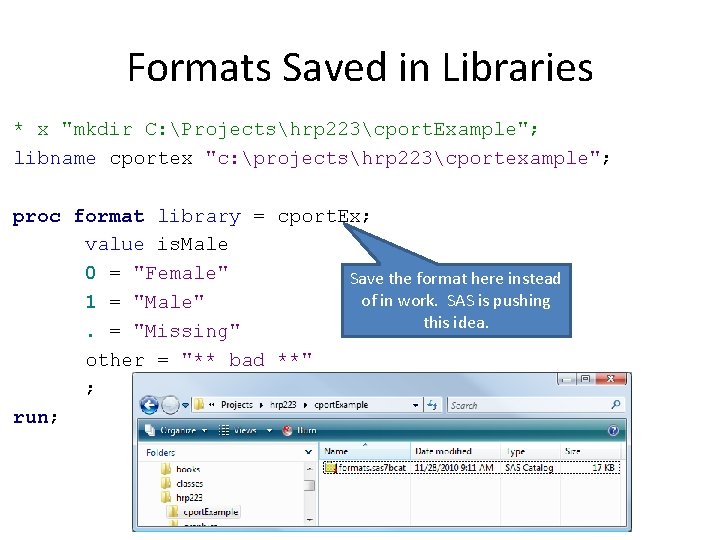
Formats Saved in Libraries * x "mkdir C: Projectshrp 223cport. Example"; libname cportex "c: projectshrp 223cportexample"; proc format library = cport. Ex; value is. Male 0 = "Female" Save the format here instead of in work. SAS is pushing 1 = "Male" this idea. . = "Missing" other = "** bad **" ; run;
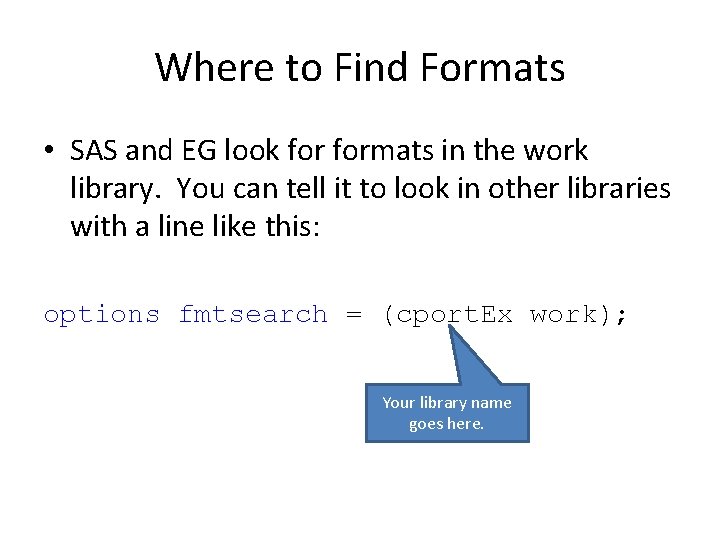
Where to Find Formats • SAS and EG look formats in the work library. You can tell it to look in other libraries with a line like this: options fmtsearch = (cport. Ex work); Your library name goes here.
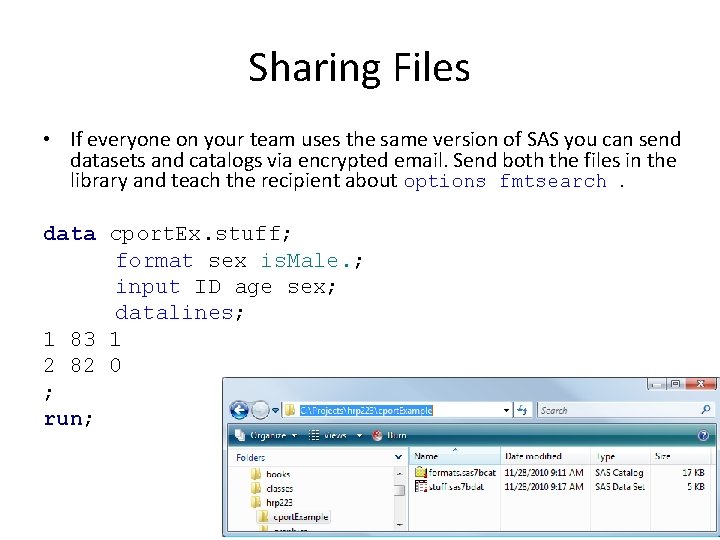
Sharing Files • If everyone on your team uses the same version of SAS you can send datasets and catalogs via encrypted email. Send both the files in the library and teach the recipient about options fmtsearch. data cport. Ex. stuff; format sex is. Male. ; input ID age sex; datalines; 1 83 1 2 82 0 ; run;
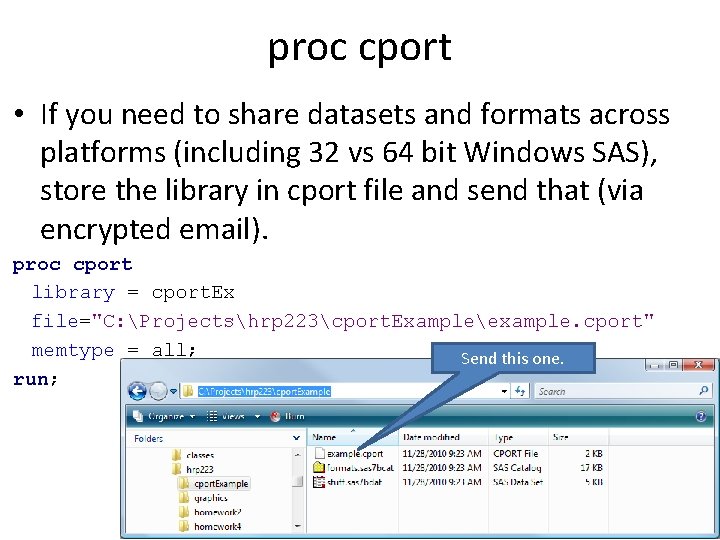
proc cport • If you need to share datasets and formats across platforms (including 32 vs 64 bit Windows SAS), store the library in cport file and send that (via encrypted email). proc cport library = cport. Ex file="C: Projectshrp 223cport. Exampleexample. cport" memtype = all; Send this one. run;
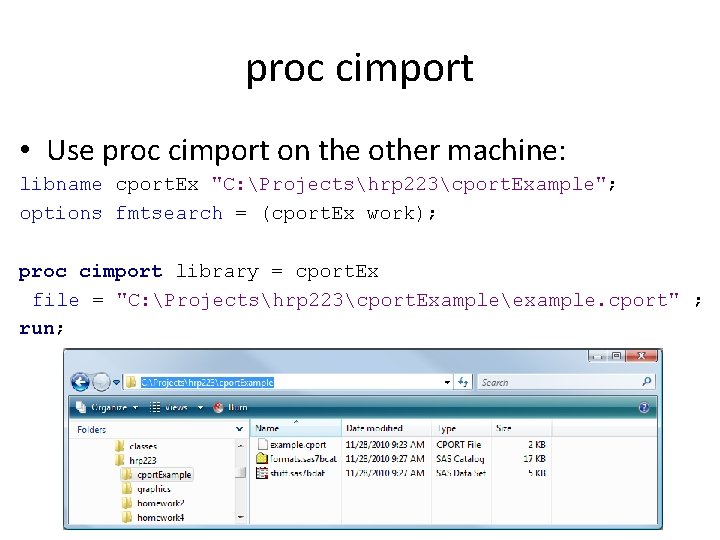
proc cimport • Use proc cimport on the other machine: libname cport. Ex "C: Projectshrp 223cport. Example"; options fmtsearch = (cport. Ex work); proc cimport library = cport. Ex file = "C: Projectshrp 223cport. Exampleexample. cport" ; run;
No Formats… • If somebody forgets to send you the formats you can include this line and the data will display unformatted without errors: options nofmterr;
- Slides: 8