
Perl Tricks Diamond Operator reads from a file

![while ( <> ) { @parts = split("""); @words = split(" ", $parts[1]); $page](https://slidetodoc.com/presentation_image/68d1e04e21f80b7f570f654f3fcebaf5/image-10.jpg "while ( <> ) { @parts = split(\"\"\"); @words = split(\" \", $parts[1]); $page")
![Subroutines • The return statement is optional: sub addtwo { return $_[0] + $_[1];](https://slidetodoc.com/presentation_image/68d1e04e21f80b7f570f654f3fcebaf5/image-14.jpg "Subroutines • The return statement is optional: sub addtwo { return $_[0] + $_[1];")
![Regular Expressions • d Match any digit, same as [0 -9]. • w Match](https://slidetodoc.com/presentation_image/68d1e04e21f80b7f570f654f3fcebaf5/image-19.jpg "Regular Expressions • d Match any digit, same as [0 -9]. • w Match")
- Slides: 22
Perl Tricks
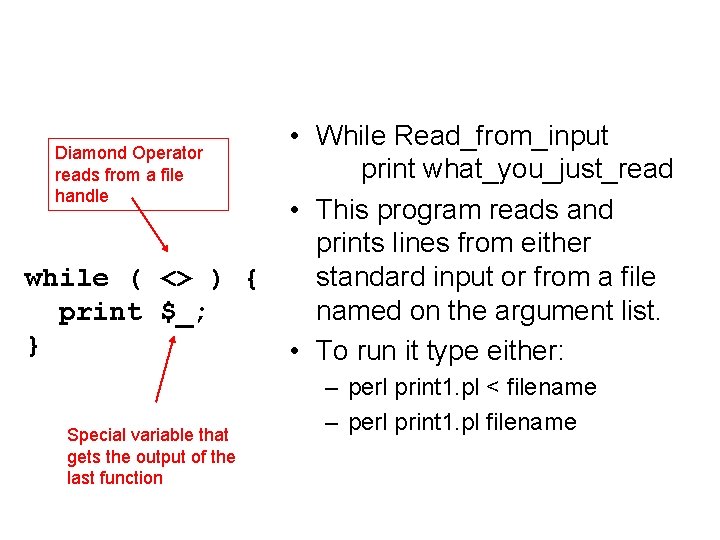
Diamond Operator reads from a file handle while ( <> ) { print $_; } Special variable that gets the output of the last function • While Read_from_input print what_you_just_read • This program reads and prints lines from either standard input or from a file named on the argument list. • To run it type either: – perl print 1. pl < filename – perl print 1. pl filename
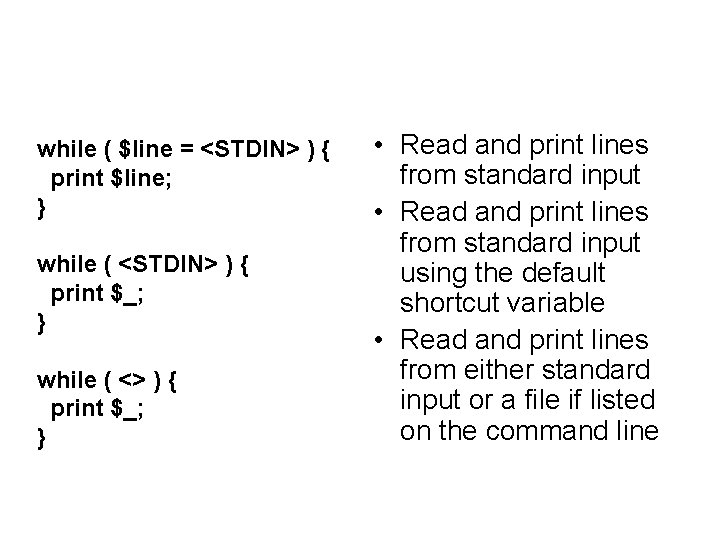
while ( $line = <STDIN> ) { print $line; } while ( <STDIN> ) { print $_; } while ( <> ) { print $_; } • Read and print lines from standard input using the default shortcut variable • Read and print lines from either standard input or a file if listed on the command line
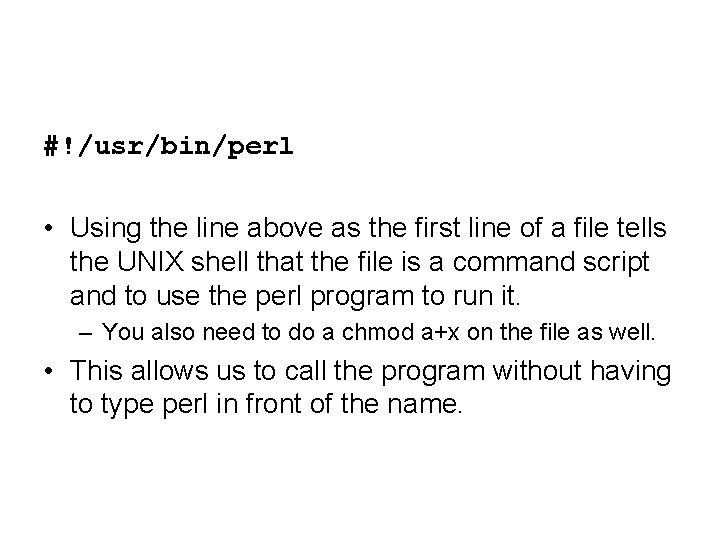
#!/usr/bin/perl • Using the line above as the first line of a file tells the UNIX shell that the file is a command script and to use the perl program to run it. – You also need to do a chmod a+x on the file as well. • This allows us to call the program without having to type perl in front of the name.
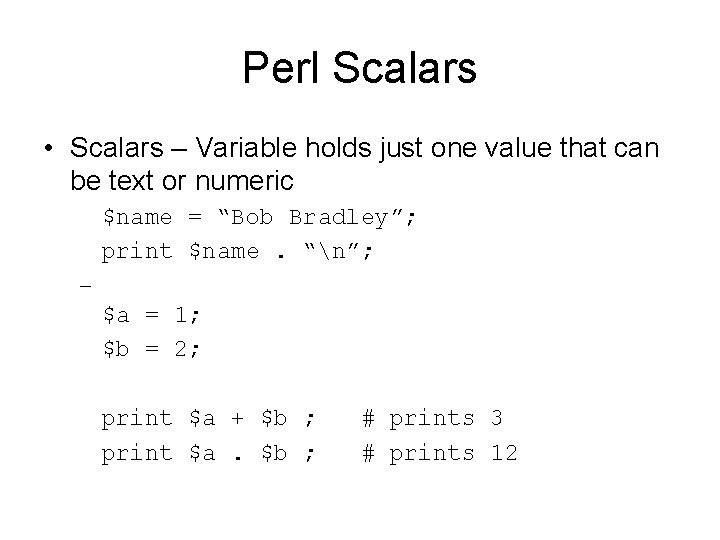
Perl Scalars • Scalars – Variable holds just one value that can be text or numeric $name = “Bob Bradley”; print $name. “n”; – $a = 1; $b = 2; print $a + $b ; print $a. $b ; # prints 3 # prints 12
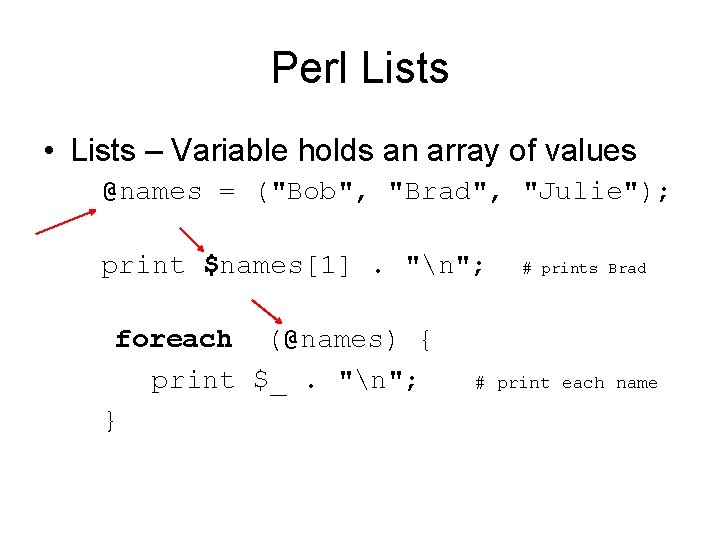
Perl Lists • Lists – Variable holds an array of values @names = ("Bob", "Brad", "Julie"); print $names[1]. "n"; foreach (@names) { print $_. "n"; } # prints Brad # print each name
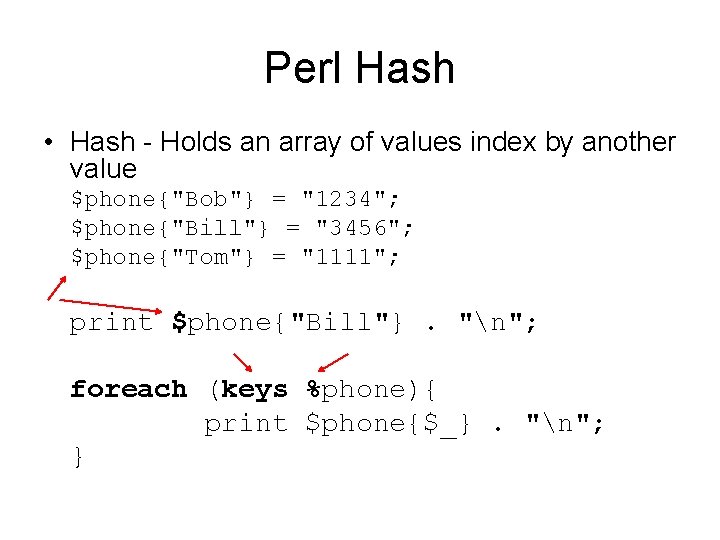
Perl Hash • Hash - Holds an array of values index by another value $phone{"Bob"} = "1234"; $phone{"Bill"} = "3456"; $phone{"Tom"} = "1111"; print $phone{"Bill"}. "n"; foreach (keys %phone){ print $phone{$_}. "n"; }
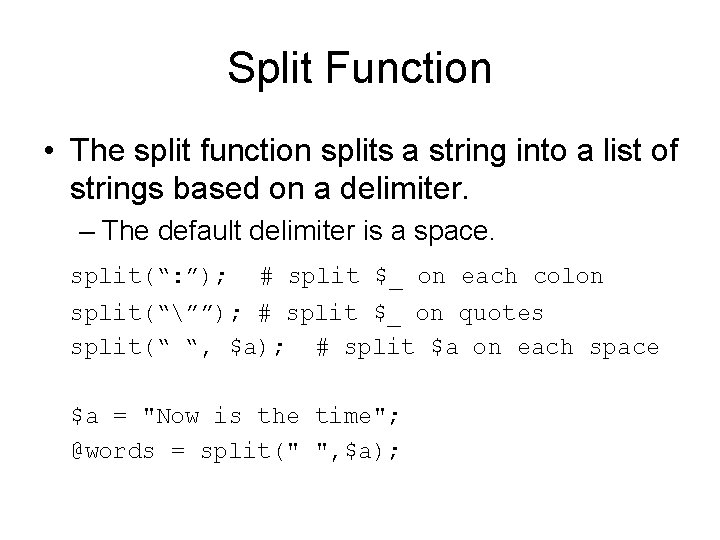
Split Function • The split function splits a string into a list of strings based on a delimiter. – The default delimiter is a space. split(“: ”); # split $_ on each colon split(“””); # split $_ on quotes split(“ “, $a); # split $a on each space $a = "Now is the time"; @words = split(" ", $a);
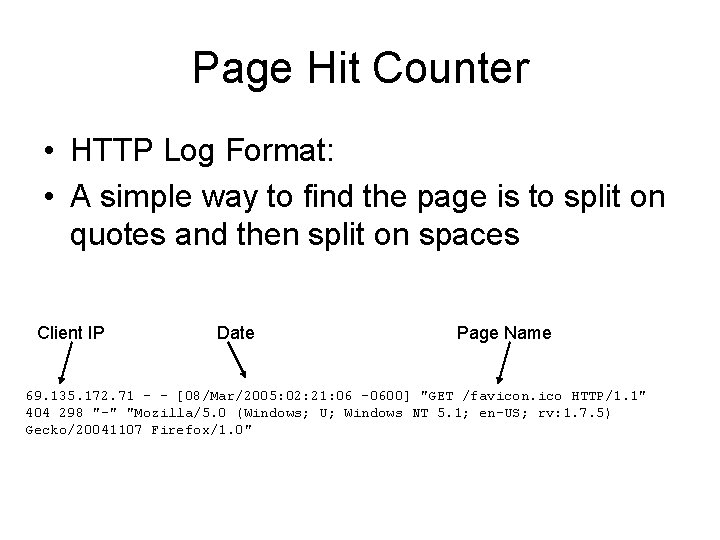
Page Hit Counter • HTTP Log Format: • A simple way to find the page is to split on quotes and then split on spaces Client IP Date Page Name 69. 135. 172. 71 - - [08/Mar/2005: 02: 21: 06 -0600] "GET /favicon. ico HTTP/1. 1" 404 298 "-" "Mozilla/5. 0 (Windows; U; Windows NT 5. 1; en-US; rv: 1. 7. 5) Gecko/20041107 Firefox/1. 0"
while ( <> ) { @parts = split("""); @words = split(" ", $parts[1]); $page = $words[1]; $count{ $page } ++; }
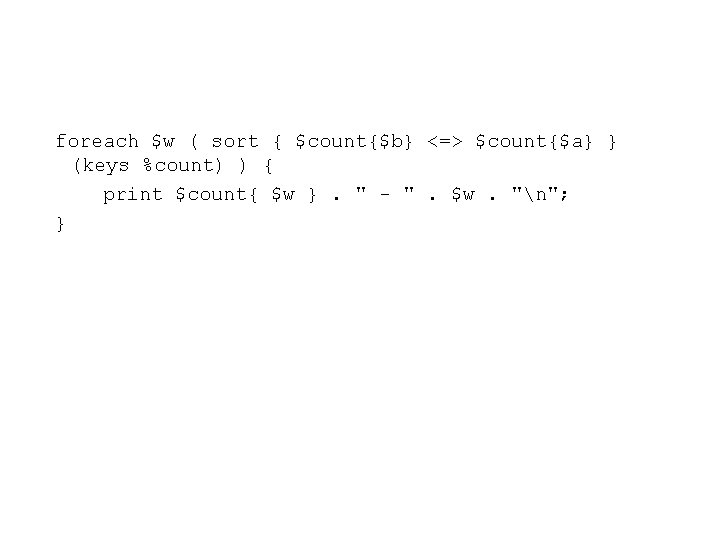
foreach $w ( sort { $count{$b} <=> $count{$a} } (keys %count) ) { print $count{ $w }. " - ". $w. "n"; }
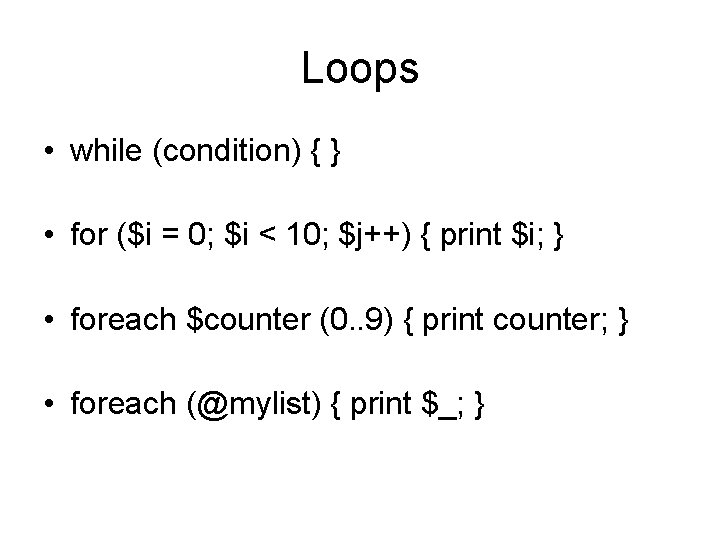
Loops • while (condition) { } • for ($i = 0; $i < 10; $j++) { print $i; } • foreach $counter (0. . 9) { print counter; } • foreach (@mylist) { print $_; }
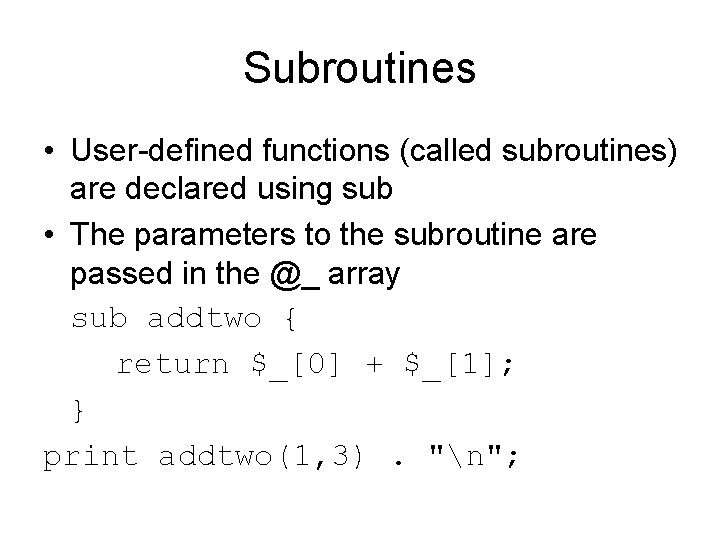
Subroutines • User-defined functions (called subroutines) are declared using sub • The parameters to the subroutine are passed in the @_ array sub addtwo { return $_[0] + $_[1]; } print addtwo(1, 3). "n";
Subroutines • The return statement is optional: sub addtwo { return $_[0] + $_[1]; } sub addtwo { $_[0] + $_[1]; } # the results get returned on the stack by default
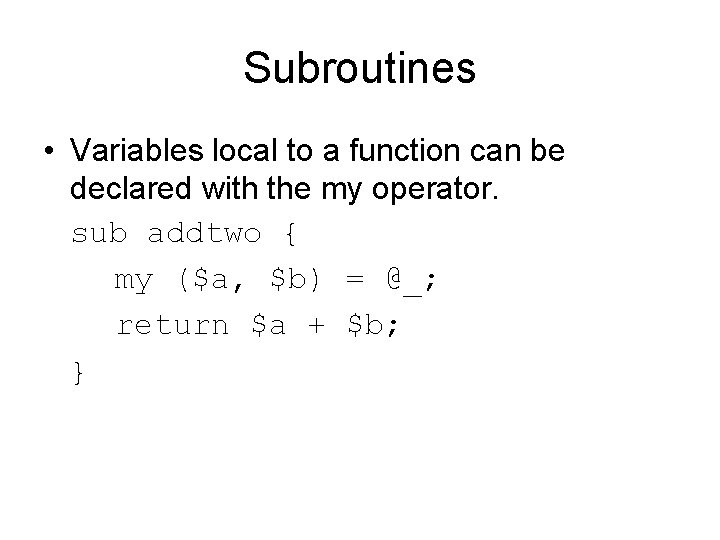
Subroutines • Variables local to a function can be declared with the my operator. sub addtwo { my ($a, $b) = @_; return $a + $b; }
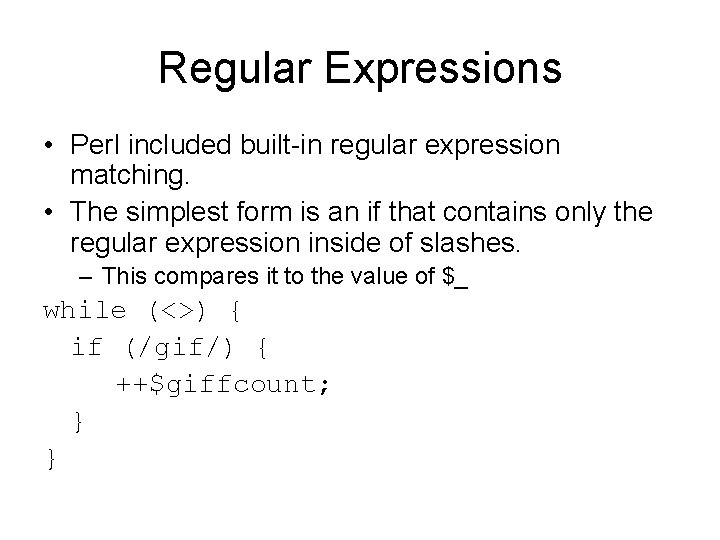
Regular Expressions • Perl included built-in regular expression matching. • The simplest form is an if that contains only the regular expression inside of slashes. – This compares it to the value of $_ while (<>) { if (/gif/) { ++$giffcount; } }
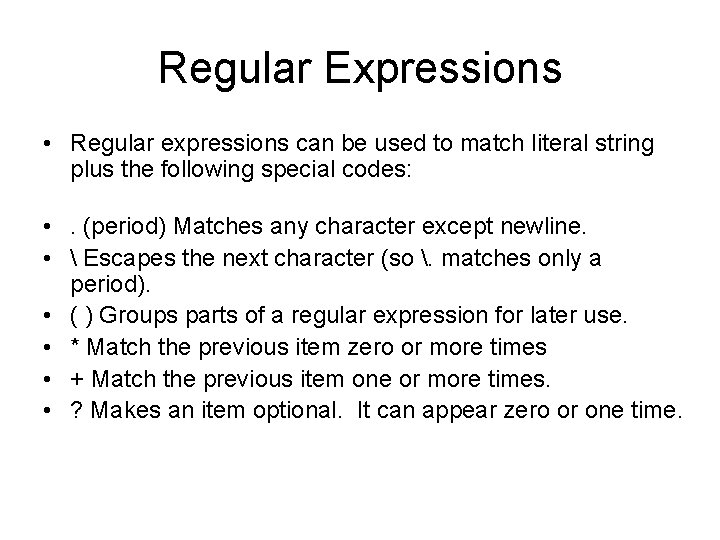
Regular Expressions • Regular expressions can be used to match literal string plus the following special codes: • . (period) Matches any character except newline. • Escapes the next character (so . matches only a period). • ( ) Groups parts of a regular expression for later use. • * Match the previous item zero or more times • + Match the previous item one or more times. • ? Makes an item optional. It can appear zero or one time.
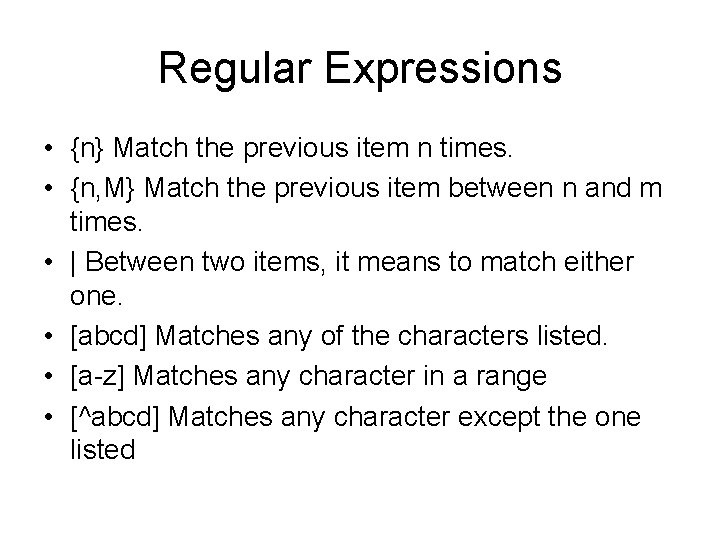
Regular Expressions • {n} Match the previous item n times. • {n, M} Match the previous item between n and m times. • | Between two items, it means to match either one. • [abcd] Matches any of the characters listed. • [a-z] Matches any character in a range • [^abcd] Matches any character except the one listed
Regular Expressions • d Match any digit, same as [0 -9]. • w Match a word character, – same as [ a-z. A-Z 0 -9_]. • s Match white space, – same as [ftnr ]. • D, W, and S Match any character except their lowercase equivalent. • ^ Matches the beginning of the string. • $ Matches the end of the string.
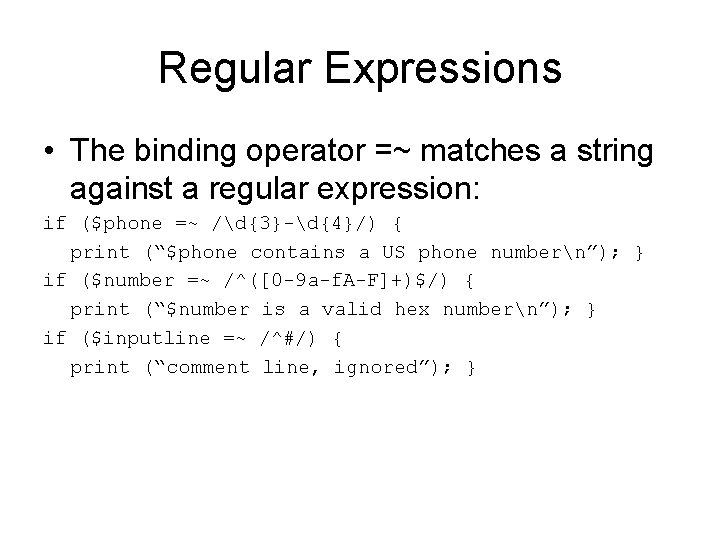
Regular Expressions • The binding operator =~ matches a string against a regular expression: if ($phone =~ /d{3}-d{4}/) { print (“$phone contains a US phone numbern”); } if ($number =~ /^([0 -9 a-f. A-F]+)$/) { print (“$number is a valid hex numbern”); } if ($inputline =~ /^#/) { print (“comment line, ignored”); }
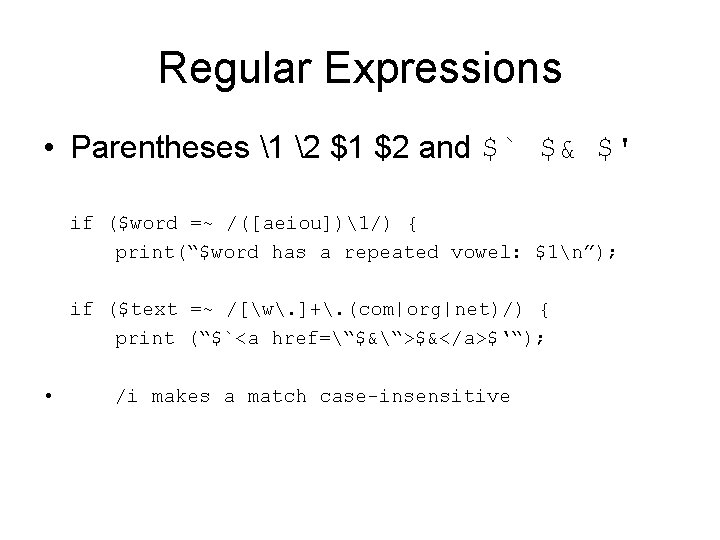
Regular Expressions • Parentheses 1 2 $1 $2 and $` $& $' if ($word =~ /([aeiou])1/) { print(“$word has a repeated vowel: $1n”); if ($text =~ /[w. ]+. (com|org|net)/) { print (“$`<a href=“$&“>$&</a>$‘“); • /i makes a match case-insensitive
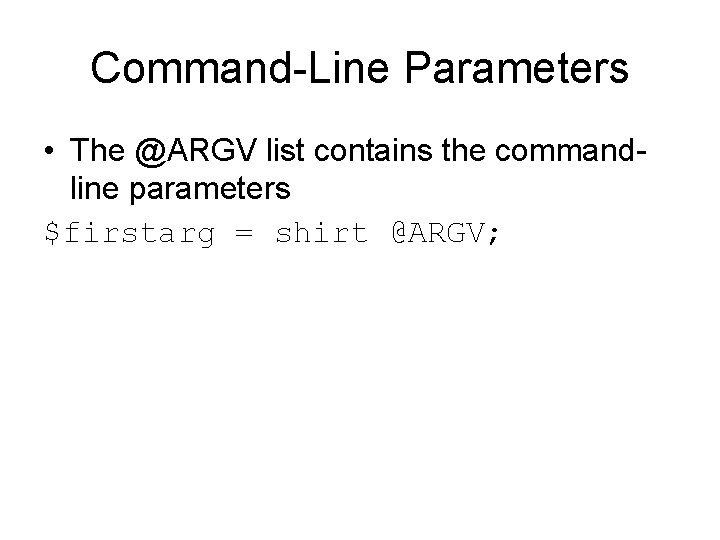
Command-Line Parameters • The @ARGV list contains the commandline parameters $firstarg = shirt @ARGV;