
Perl File IO Learning Objectives 1 2 To
Perl File I/O Learning Objectives: 1. 2. To understand the usage of file handler in Perl To learn the file error handling / testing in Perl
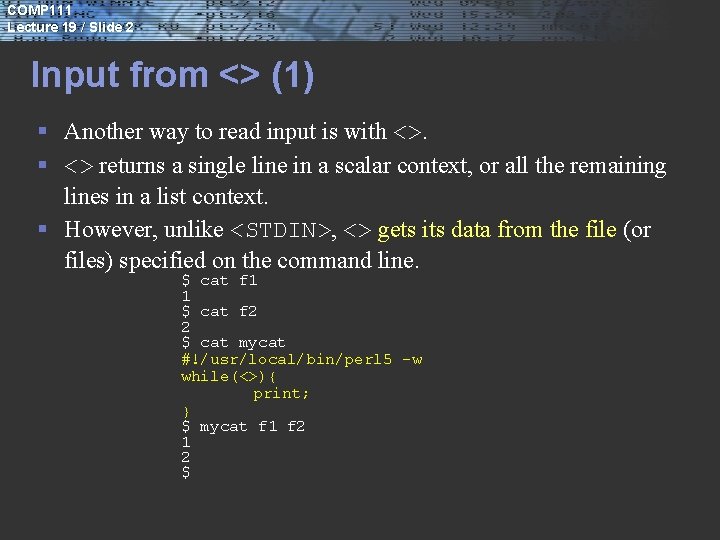
COMP 111 Lecture 19 / Slide 2 Input from <> (1) § Another way to read input is with <>. § <> returns a single line in a scalar context, or all the remaining lines in a list context. § However, unlike <STDIN>, <> gets its data from the file (or files) specified on the command line. $ cat f 1 1 $ cat f 2 2 $ cat mycat #!/usr/local/bin/perl 5 -w while(<>){ print; } $ mycat f 1 f 2 1 2 $
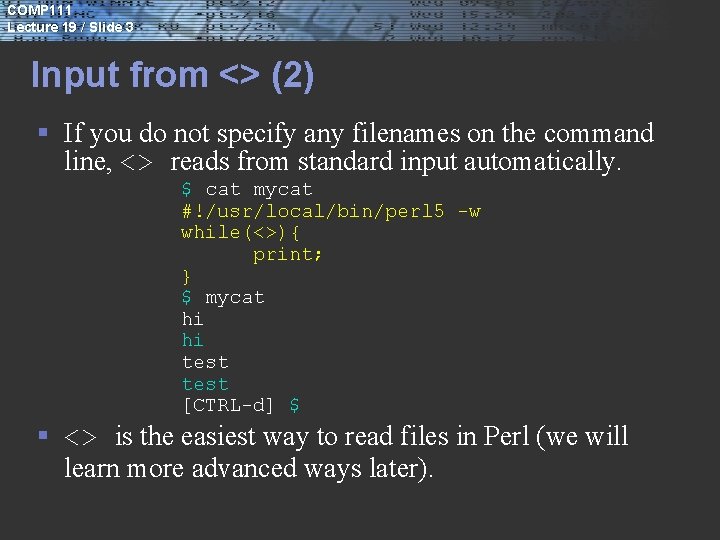
COMP 111 Lecture 19 / Slide 3 Input from <> (2) § If you do not specify any filenames on the command line, <> reads from standard input automatically. $ cat mycat #!/usr/local/bin/perl 5 -w while(<>){ print; } $ mycat hi hi test [CTRL-d] $ § <> is the easiest way to read files in Perl (we will learn more advanced ways later).
COMP 111 Lecture 19 / Slide 4 Filehandles § A filehandle is the name for an I/O connection between your Perl program and the outside world. § STDIN is a filehandle, representing the connection between Perl programs and the UNIX standard output. § Filehandles can also refer to external files. § Filehandles are usually ALL UPPERCASE.
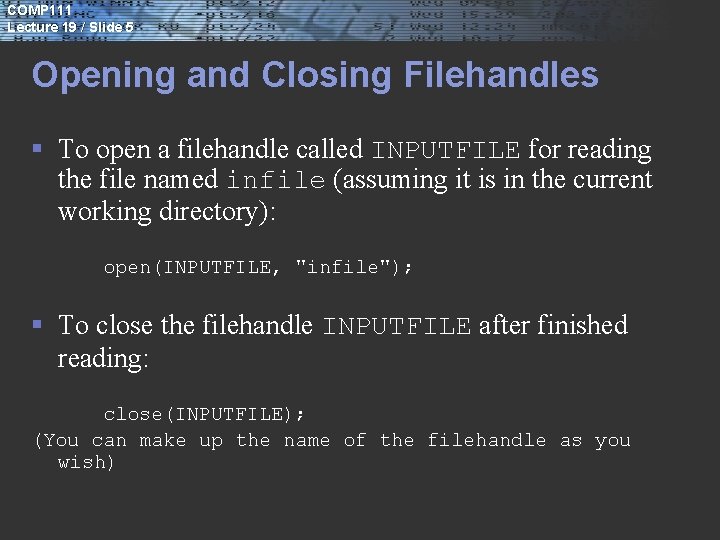
COMP 111 Lecture 19 / Slide 5 Opening and Closing Filehandles § To open a filehandle called INPUTFILE for reading the file named infile (assuming it is in the current working directory): open(INPUTFILE, "infile"); § To close the filehandle INPUTFILE after finished reading: close(INPUTFILE); (You can make up the name of the filehandle as you wish)
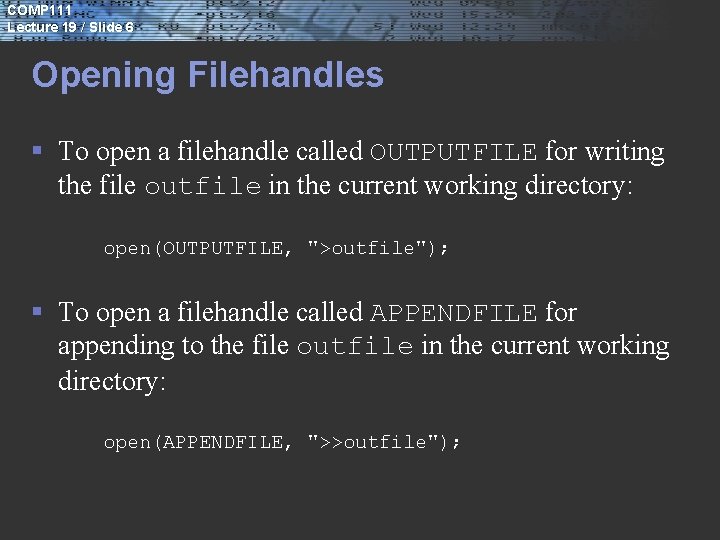
COMP 111 Lecture 19 / Slide 6 Opening Filehandles § To open a filehandle called OUTPUTFILE for writing the file outfile in the current working directory: open(OUTPUTFILE, ">outfile"); § To open a filehandle called APPENDFILE for appending to the file outfile in the current working directory: open(APPENDFILE, ">>outfile");
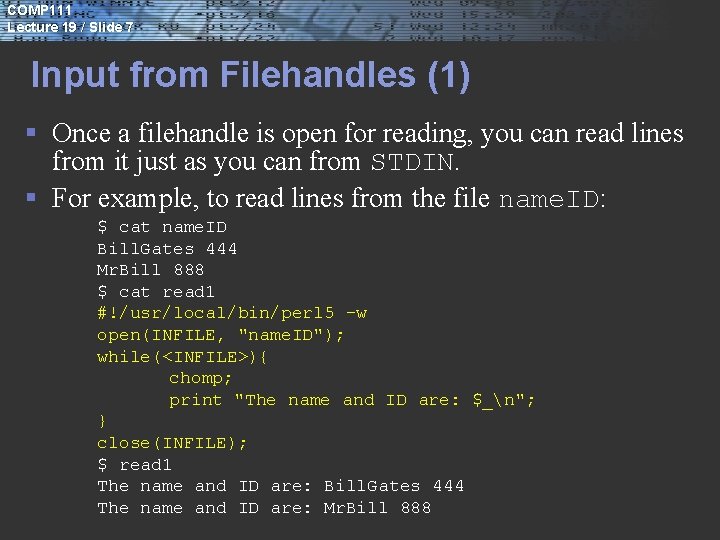
COMP 111 Lecture 19 / Slide 7 Input from Filehandles (1) § Once a filehandle is open for reading, you can read lines from it just as you can from STDIN. § For example, to read lines from the file name. ID: $ cat name. ID Bill. Gates 444 Mr. Bill 888 $ cat read 1 #!/usr/local/bin/perl 5 -w open(INFILE, "name. ID"); while(<INFILE>){ chomp; print "The name and ID are: $_n"; } close(INFILE); $ read 1 The name and ID are: Bill. Gates 444 The name and ID are: Mr. Bill 888
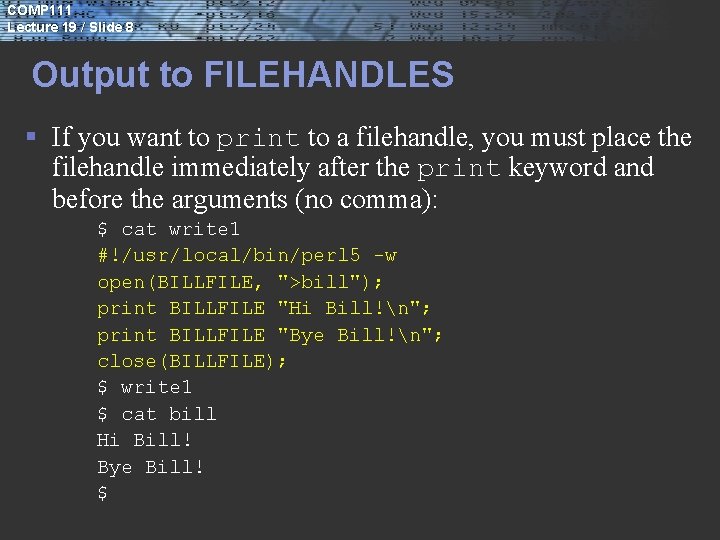
COMP 111 Lecture 19 / Slide 8 Output to FILEHANDLES § If you want to print to a filehandle, you must place the filehandle immediately after the print keyword and before the arguments (no comma): $ cat write 1 #!/usr/local/bin/perl 5 -w open(BILLFILE, ">bill"); print BILLFILE "Hi Bill!n"; print BILLFILE "Bye Bill!n"; close(BILLFILE); $ write 1 $ cat bill Hi Bill! Bye Bill! $
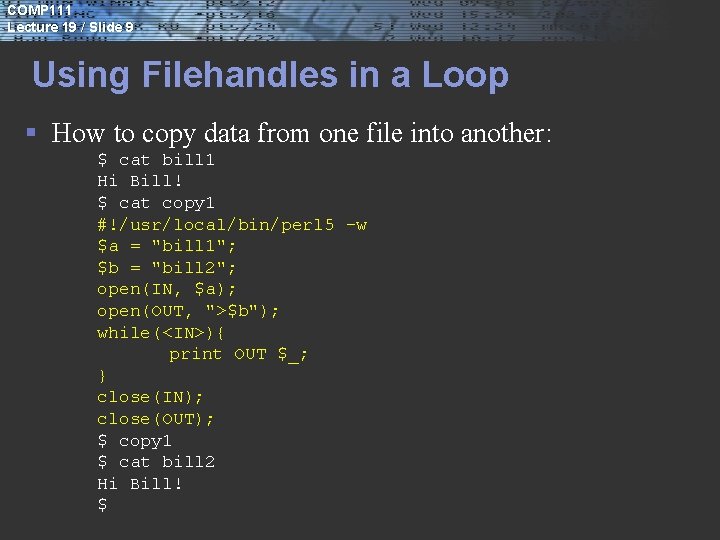
COMP 111 Lecture 19 / Slide 9 Using Filehandles in a Loop § How to copy data from one file into another: $ cat bill 1 Hi Bill! $ cat copy 1 #!/usr/local/bin/perl 5 -w $a = "bill 1"; $b = "bill 2"; open(IN, $a); open(OUT, ">$b"); while(<IN>){ print OUT $_; } close(IN); close(OUT); $ copy 1 $ cat bill 2 Hi Bill! $
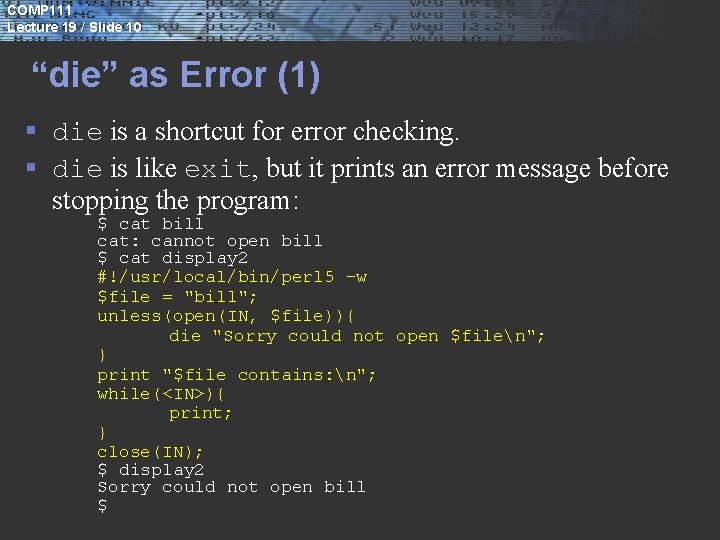
COMP 111 Lecture 19 / Slide 10 “die” as Error (1) § die is a shortcut for error checking. § die is like exit, but it prints an error message before stopping the program: $ cat bill cat: cannot open bill $ cat display 2 #!/usr/local/bin/perl 5 -w $file = "bill"; unless(open(IN, $file)){ die "Sorry could not open $filen"; } print "$file contains: n"; while(<IN>){ print; } close(IN); $ display 2 Sorry could not open bill $
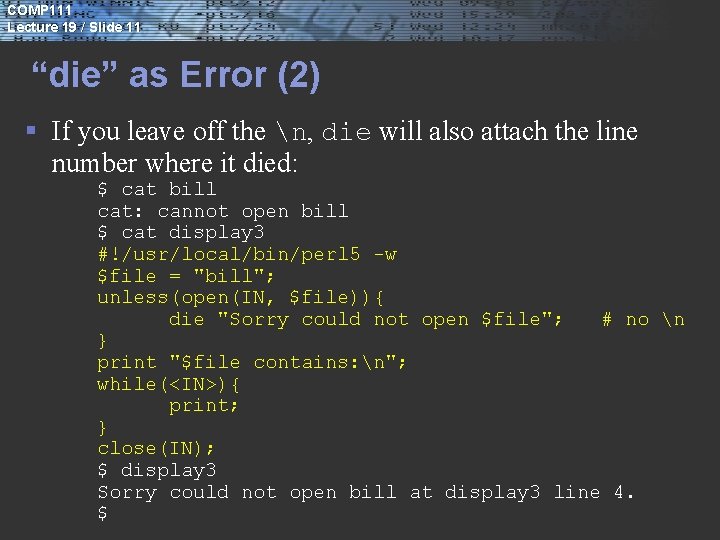
COMP 111 Lecture 19 / Slide 11 “die” as Error (2) § If you leave off the n, die will also attach the line number where it died: $ cat bill cat: cannot open bill $ cat display 3 #!/usr/local/bin/perl 5 -w $file = "bill"; unless(open(IN, $file)){ die "Sorry could not open $file"; # no n } print "$file contains: n"; while(<IN>){ print; } close(IN); $ display 3 Sorry could not open bill at display 3 line 4. $
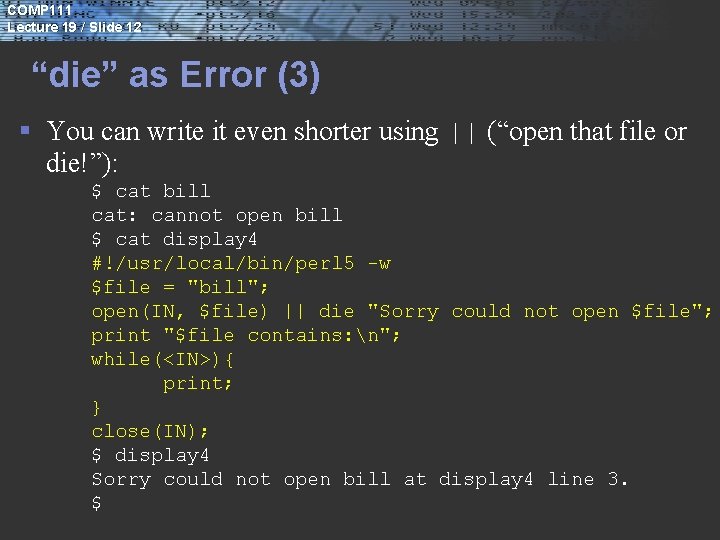
COMP 111 Lecture 19 / Slide 12 “die” as Error (3) § You can write it even shorter using || (“open that file or die!”): $ cat bill cat: cannot open bill $ cat display 4 #!/usr/local/bin/perl 5 -w $file = "bill"; open(IN, $file) || die "Sorry could not open $file"; print "$file contains: n"; while(<IN>){ print; } close(IN); $ display 4 Sorry could not open bill at display 4 line 3. $
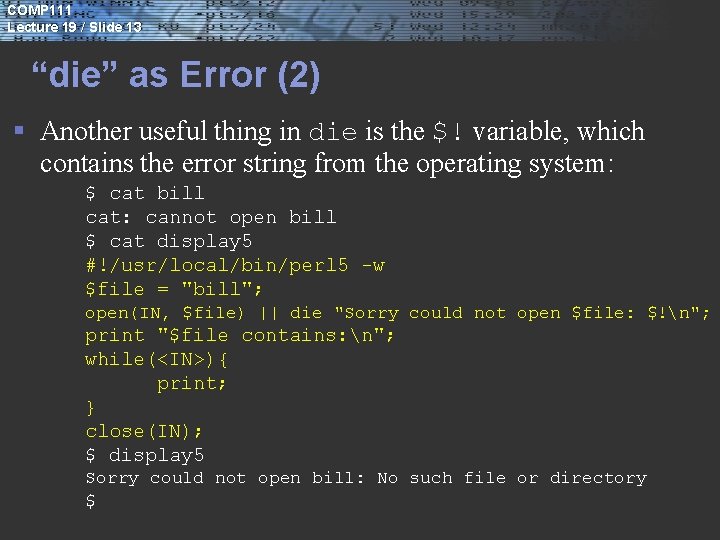
COMP 111 Lecture 19 / Slide 13 “die” as Error (2) § Another useful thing in die is the $! variable, which contains the error string from the operating system: $ cat bill cat: cannot open bill $ cat display 5 #!/usr/local/bin/perl 5 -w $file = "bill"; open(IN, $file) || die "Sorry could not open $file: $!n"; print "$file contains: n"; while(<IN>){ print; } close(IN); $ display 5 Sorry could not open bill: No such file or directory $
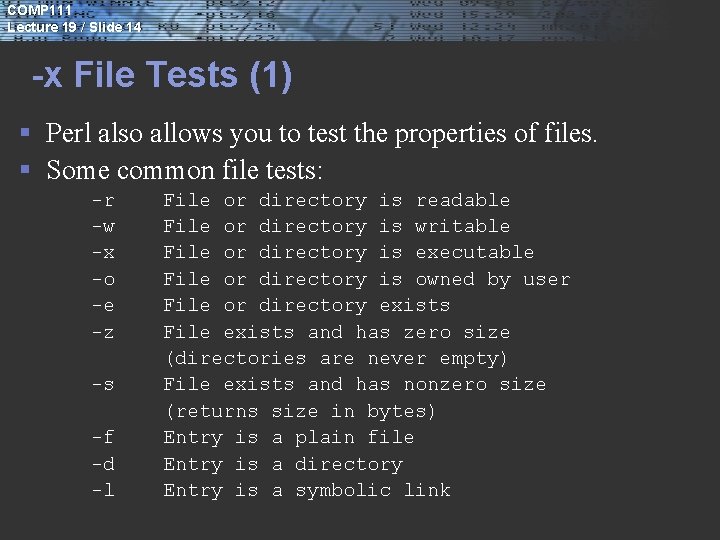
COMP 111 Lecture 19 / Slide 14 -x File Tests (1) § Perl also allows you to test the properties of files. § Some common file tests: -r -w -x -o -e -z -s -f -d -l File or directory is readable File or directory is writable File or directory is executable File or directory is owned by user File or directory exists File exists and has zero size (directories are never empty) File exists and has nonzero size (returns size in bytes) Entry is a plain file Entry is a directory Entry is a symbolic link
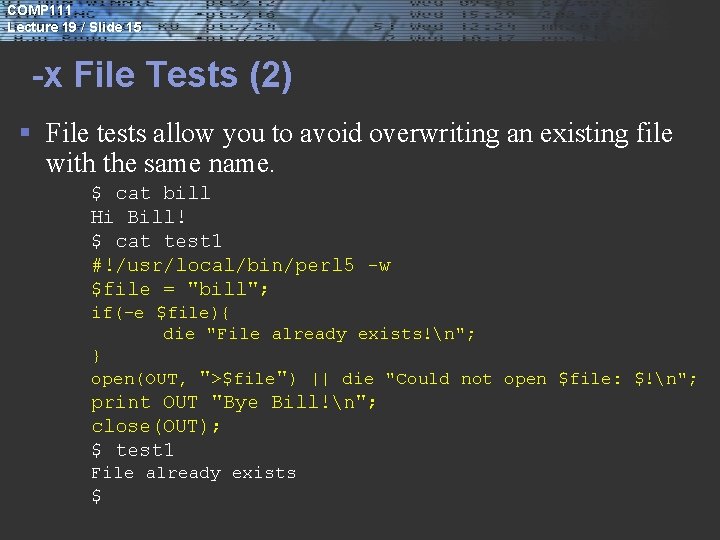
COMP 111 Lecture 19 / Slide 15 -x File Tests (2) § File tests allow you to avoid overwriting an existing file with the same name. $ cat bill Hi Bill! $ cat test 1 #!/usr/local/bin/perl 5 -w $file = "bill"; if(-e $file){ die "File already exists!n"; } open(OUT, ">$file") || die "Could not open $file: $!n"; print OUT "Bye Bill!n"; close(OUT); $ test 1 File already exists $
- Slides: 15