
PERFORMANCE ENHANCEMENT IN ASP NET Session 1 By

PERFORMANCE ENHANCEMENT IN ASP. NET Session #1 By Hassan Tariq
Content of Session Client Side Performance Evaluation Server Side Performance Evaluation
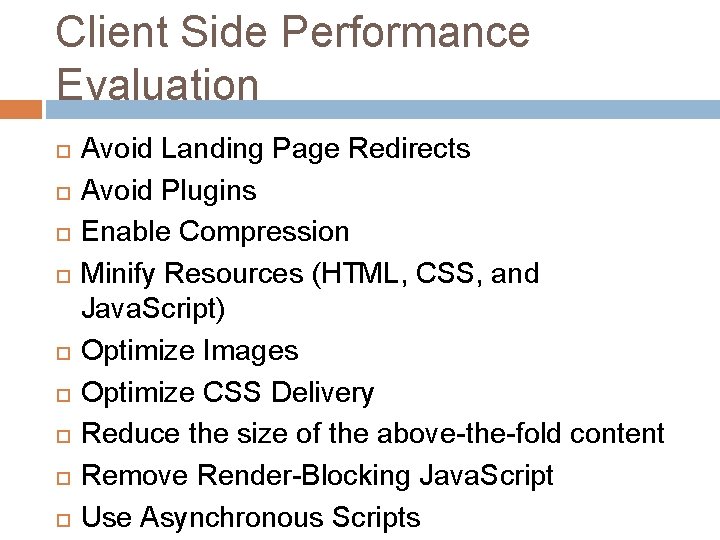
Client Side Performance Evaluation Avoid Landing Page Redirects Avoid Plugins Enable Compression Minify Resources (HTML, CSS, and Java. Script) Optimize Images Optimize CSS Delivery Reduce the size of the above-the-fold content Remove Render-Blocking Java. Script Use Asynchronous Scripts
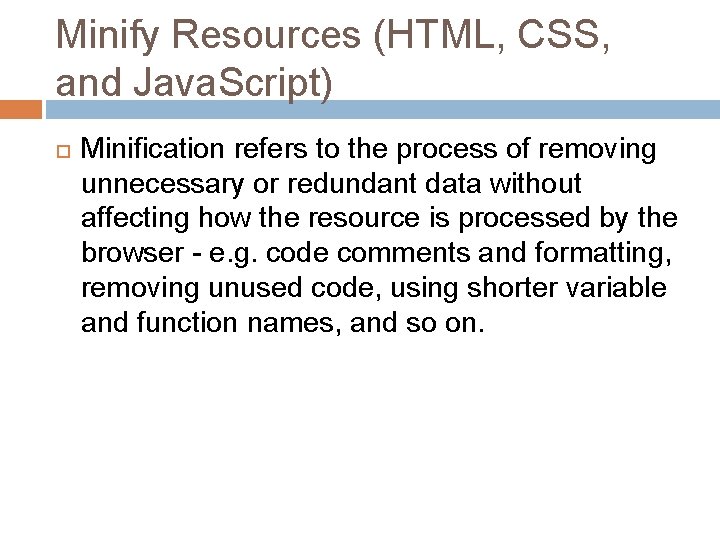
Minify Resources (HTML, CSS, and Java. Script) Minification refers to the process of removing unnecessary or redundant data without affecting how the resource is processed by the browser - e. g. code comments and formatting, removing unused code, using shorter variable and function names, and so on.
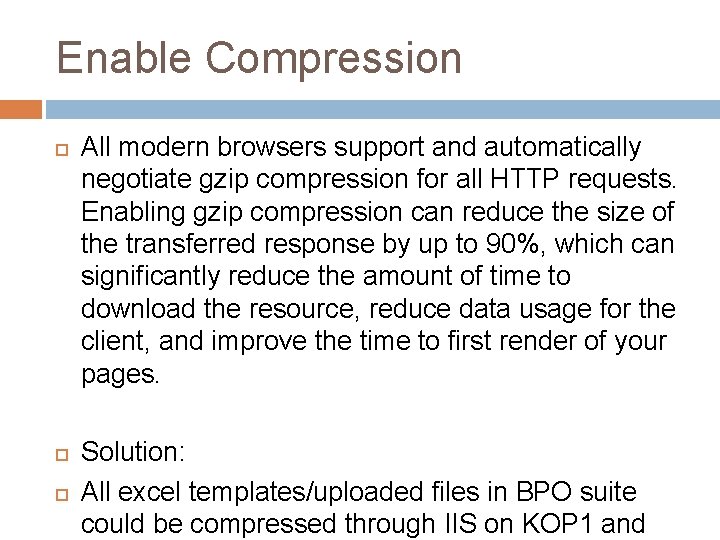
Enable Compression All modern browsers support and automatically negotiate gzip compression for all HTTP requests. Enabling gzip compression can reduce the size of the transferred response by up to 90%, which can significantly reduce the amount of time to download the resource, reduce data usage for the client, and improve the time to first render of your pages. Solution: All excel templates/uploaded files in BPO suite could be compressed through IIS on KOP 1 and

Optimize Images often account for most of the downloaded bytes on a page. As a result, optimizing images can often yield some of the largest byte savings and performance improvements: the fewer bytes the browser has to download, the less competition there is for the client's bandwidth and the faster the browser can download and render content on the screen. Solution Sprites Save Image as font [using @font-face]
Optimize CSS Delivery Before the browser can render content it must process all the style and layout information for the current page. As a result, the browser will block rendering until external stylesheets are downloaded and processed, which may require multiple roundtrips and delay the time to first render. If the external CSS resources are small, you can insert those directly into the HTML document, which is called inlining. Inlining small CSS in this way allows the browser to
Reduce the size of the above-thefold content If the amount of data required exceeds the initial congestion window, it will require additional round trips between your server and the user’s browser. For users on networks with high latencies such as mobile networks this can cause significant delays to page loading. Solution: To make pages load faster, limit the size of the data (HTML markup, images, CSS, Java. Script) that is needed to render the above-the-fold content of your page. There are several ways to do this: Structure your HTML to load the critical, above-the -fold content first Reduce the amount of data used by your
Remove Render-Blocking Java. Script Before the browser can render a page it has to build the DOM tree by parsing the HTML markup. During this process, whenever the parser encounters a script it has to stop and execute it before it can continue parsing the HTML. In the case of an external script the parser is also forced to wait for the resource to download, which may incur one or more network roundtrips and delay the time to first render of the page. Solution: Inline Java. Script [if few lines of code] <script async src="my. js">

Working with the DOM can cause browser reflow, which is the browser's process of determining how things should be displayed. Directly manipulating the DOM, changing CSS styles of elements, and resizing the browser window can all trigger a reflow. Accessing an element's layout properties such as offset. Height and offset. Width can also trigger a reflow. Because each reflow takes time, the more we can minimise browser reflow, the faster our applications will be.
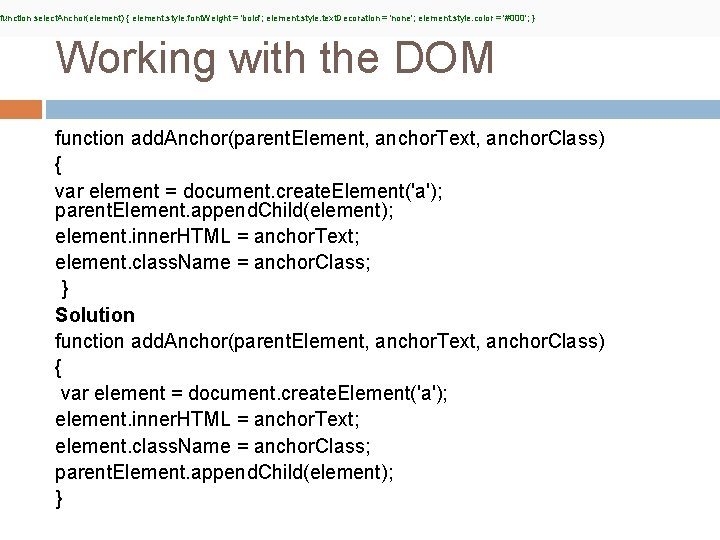
function select. Anchor(element) { element. style. font. Weight = 'bold'; element. style. text. Decoration = 'none'; element. style. color = '#000'; } Working with the DOM function add. Anchor(parent. Element, anchor. Text, anchor. Class) { var element = document. create. Element('a'); parent. Element. append. Child(element); element. inner. HTML = anchor. Text; element. class. Name = anchor. Class; } Solution function add. Anchor(parent. Element, anchor. Text, anchor. Class) { var element = document. create. Element('a'); element. inner. HTML = anchor. Text; element. class. Name = anchor. Class; parent. Element. append. Child(element); }

Avoid Plugins help the browser process special types of web content, such as Flash, Silverlight, and Java. Most mobile devices do not support plugins, and plugins are a leading cause of hangs, crashes, and security incidents in browsers that provide support. Solution: Use HTML 5 Removal of active. X control in QC Module
![Client Side Performance Evaluation Page Speed Insight [Extension by Google Chrome] Minimise payload Minimise](http://slidetodoc.com/presentation_image/7ad648b24cf8c585ab993c7399d9bc68/image-13.jpg "Client Side Performance Evaluation Page Speed Insight [Extension by Google Chrome] Minimise payload Minimise")
Client Side Performance Evaluation Page Speed Insight [Extension by Google Chrome] Minimise payload Minimise delay in page load Other
![Server Side Performance Evaluation Glipmse [Pure magic] Explained from demo](http://slidetodoc.com/presentation_image/7ad648b24cf8c585ab993c7399d9bc68/image-14.jpg "Server Side Performance Evaluation Glipmse [Pure magic] Explained from demo")
Server Side Performance Evaluation Glipmse [Pure magic] Explained from demo
Improve Server Response Time You should reduce your server response time under 200 ms. There are dozens of potential factors which may slow down the response of your server: slow application logic, slow database queries, slow routing, frameworks, libraries, resource CPU starvation, or memory starvation. The first step to uncovering why server response time is high is to measure.
That’s all folks Next Session on “Server Side Monitoring Tool” At this point of time, we have two very famous monitoring tool for Server Side Monitoring Management System[SSMMS] of IIS. Since we are confuse which one is best, so Haroon Yousaf of CB is working on famous 3 rd party option and I am looking into Microsoft Suggested SSMMS. Once done will plan next session.
- Slides: 16