
People Soft General Ledger UNIVERSITY OF HOUSTON SYSTEMWIDE


- Slides: 61
People. Soft General Ledger UNIVERSITY OF HOUSTON SYSTEM-WIDE
Chartfield Definition • People. Soft General Ledger uses chartfields to identify journal entries. • Each chartfield contains information that defines a transaction in terms of responsible party, fund source and function of entity.
People. Soft E&G Chart. Fields • • • Business Unit Fund Code Department Program Project ID • Account • Budget Reference • Chartfield 1
Fund Related Values • Fund Code • Grant Related Values – Sponsor Type – Funding Agency – CFDA Code – Sponsor ID
Organizational Related Values • Business Unit • Department Code
Activity Related Values • Program Code • Project ID • Chartfield 1
Cost Center Definition • A combination of Chartfields constitutes a cost center. It defines whose money it is, what type of money it is, and what type of activity it is being spent to support.
Cost Center Composition • A Cost Center will include: – Business Unit – Department – Fund Code – Program – Project ID
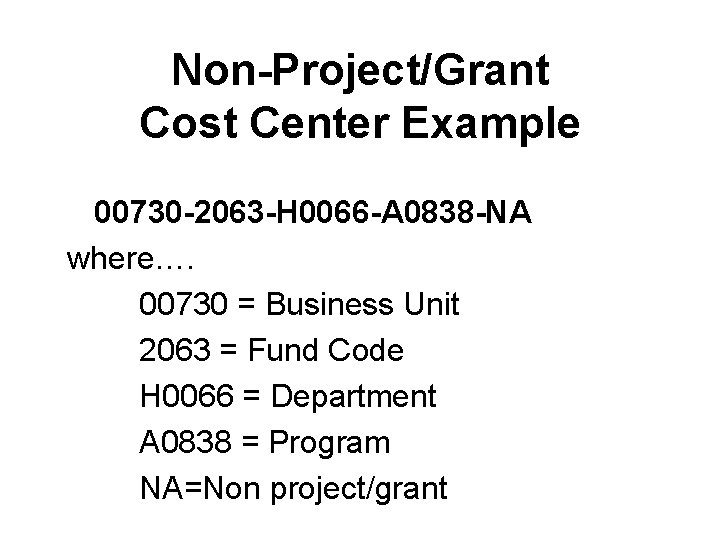
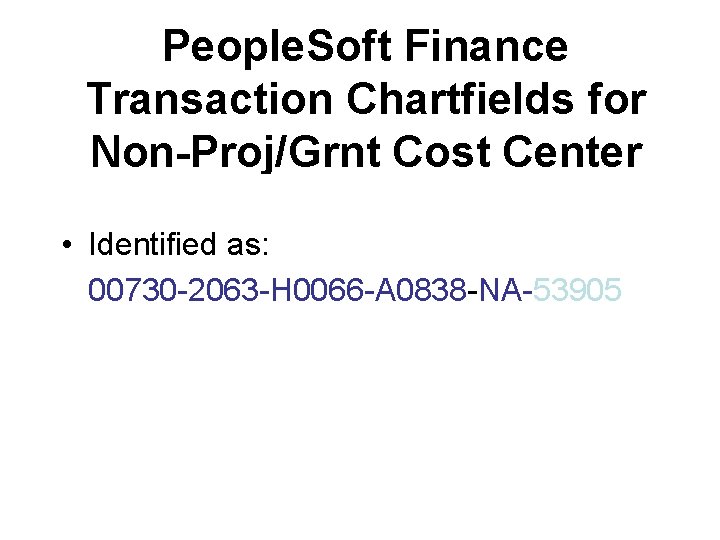
Non-Project/Grant Cost Center Example 00730 -2063 -H 0066 -A 0838 -NA where…. 00730 = Business Unit 2063 = Fund Code H 0066 = Department A 0838 = Program NA=Non project/grant
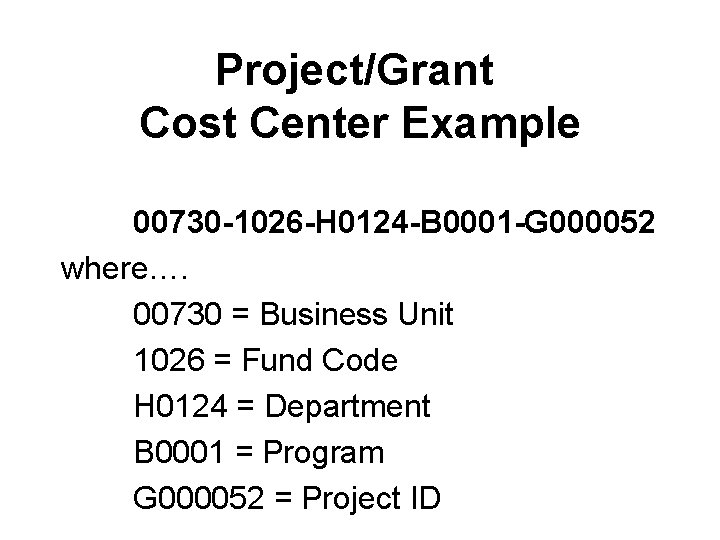
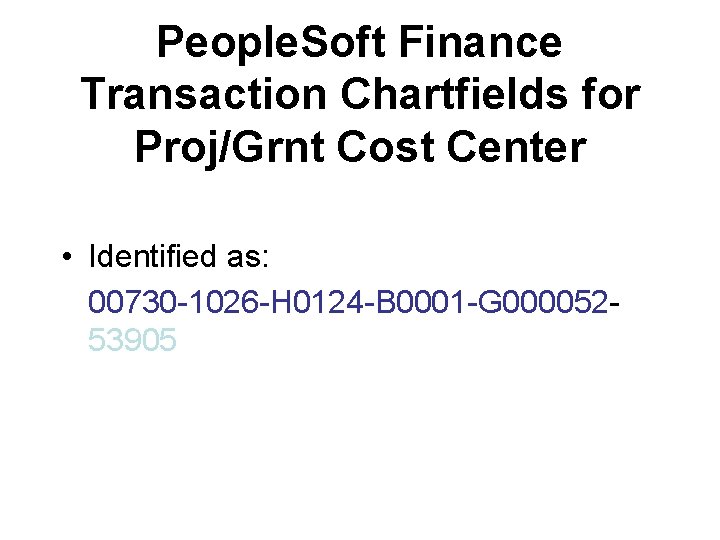
Project/Grant Cost Center Example 00730 -1026 -H 0124 -B 0001 -G 000052 where…. 00730 = Business Unit 1026 = Fund Code H 0124 = Department B 0001 = Program G 000052 = Project ID
Review of Chart. Fields • • • Business Unit Fund Code Department Program Project ID • Account • Budget Reference • Chartfield 1
Understanding the Business Unit • Organizations are divided into entities for operational or reporting purposes. • People. Soft defines these entities as Business Units. • Each UHS component is defined as a Business Unit.
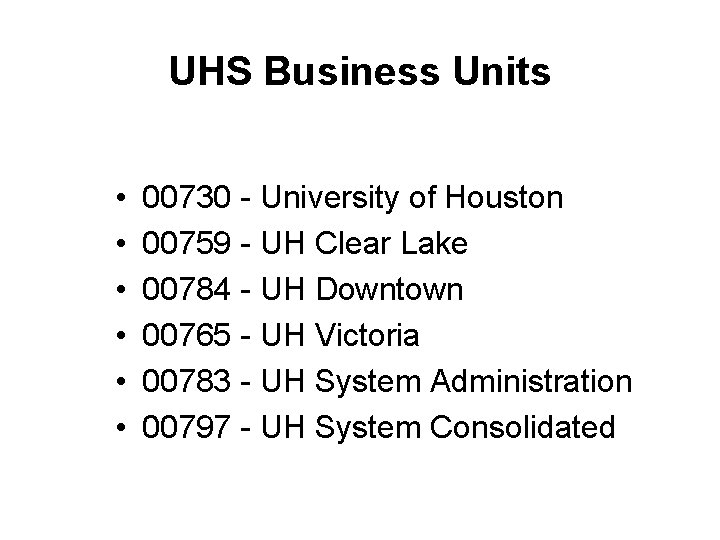
UHS Business Units • • • 00730 - University of Houston 00759 - UH Clear Lake 00784 - UH Downtown 00765 - UH Victoria 00783 - UH System Administration 00797 - UH System Consolidated
Fund Code • Each fund is a balanced ledger. • Funds are coded by source or type of monies they represent. • Defined through a four digit Fund Code.
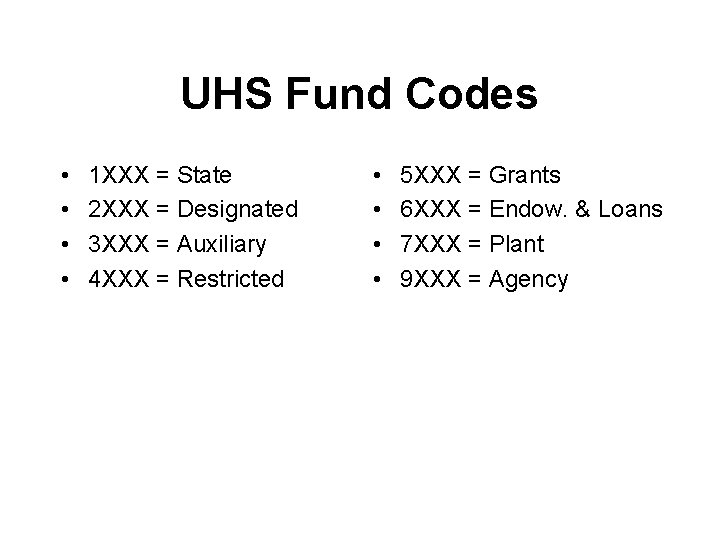
UHS Fund Codes • • 1 XXX = State 2 XXX = Designated 3 XXX = Auxiliary 4 XXX = Restricted • • 5 XXX = Grants 6 XXX = Endow. & Loans 7 XXX = Plant 9 XXX = Agency
Department Code • Each UHS department is assigned a unique five digit code. – Leading alpha character for campus. – Four numeric characters assigned sequentially. • Hierarchy is assigned through department trees.
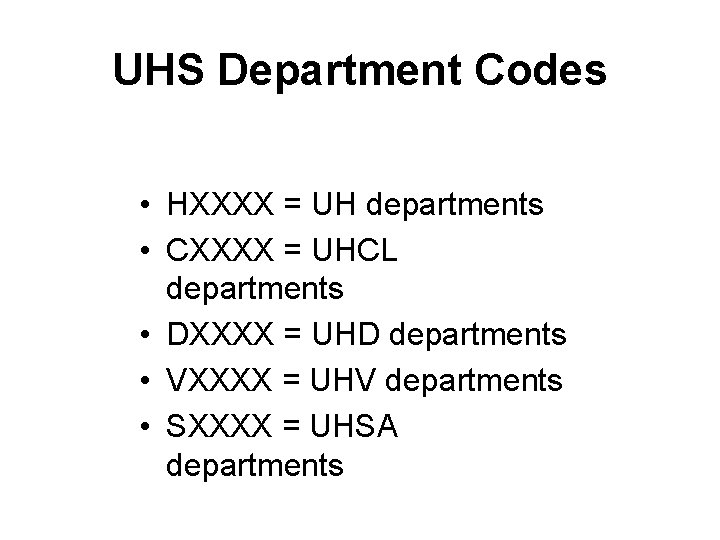
UHS Department Codes • HXXXX = UH departments • CXXXX = UHCL departments • DXXXX = UHD departments • VXXXX = UHV departments • SXXXX = UHSA departments
Program Code • Five digits are used to uniquely identify a non-project cost center either within or across departments • First digit tells the purpose of the program by expenditure function – Expenditure function is related to required NACUBO reporting
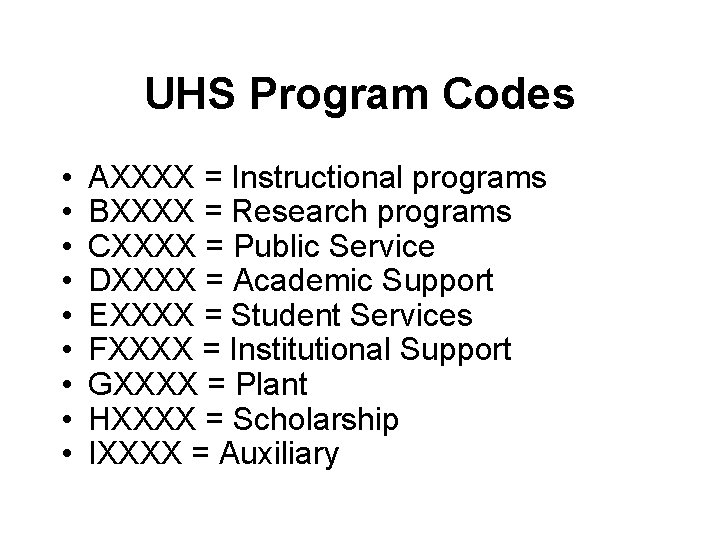
UHS Program Codes • • • AXXXX = Instructional programs BXXXX = Research programs CXXXX = Public Service DXXXX = Academic Support EXXXX = Student Services FXXXX = Institutional Support GXXXX = Plant HXXXX = Scholarship IXXXX = Auxiliary
Project ID • Project cost centers use a common Program. • Uniqueness of Cost Center provided by Project ID. • Can be used for Grants, Capital and other projects. • Project ID is a seven digit code.
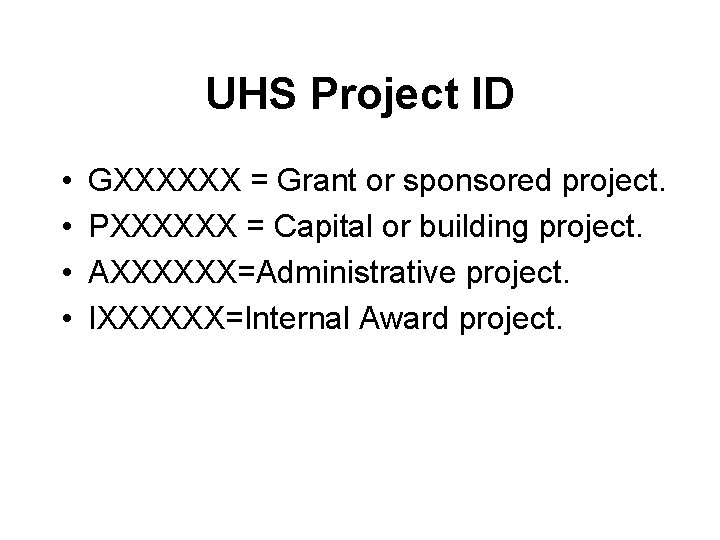
UHS Project ID • • GXXXXXX = Grant or sponsored project. PXXXXXX = Capital or building project. AXXXXXX=Administrative project. IXXXXXX=Internal Award project.
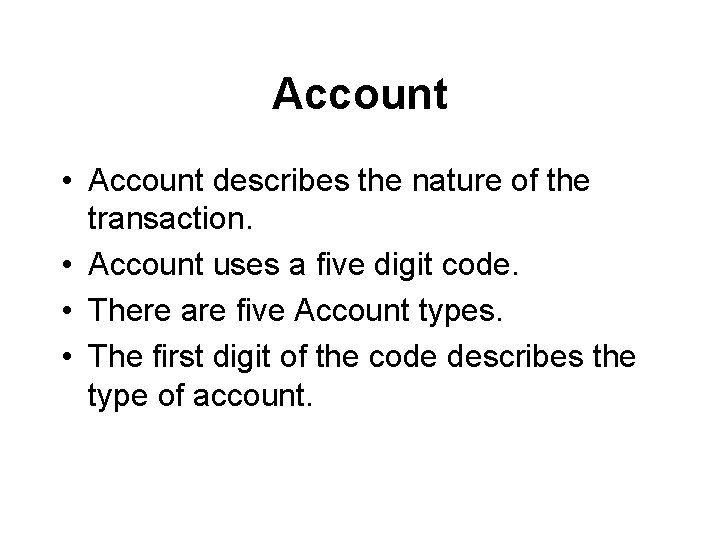
Account • Account describes the nature of the transaction. • Account uses a five digit code. • There are five Account types. • The first digit of the code describes the type of account.
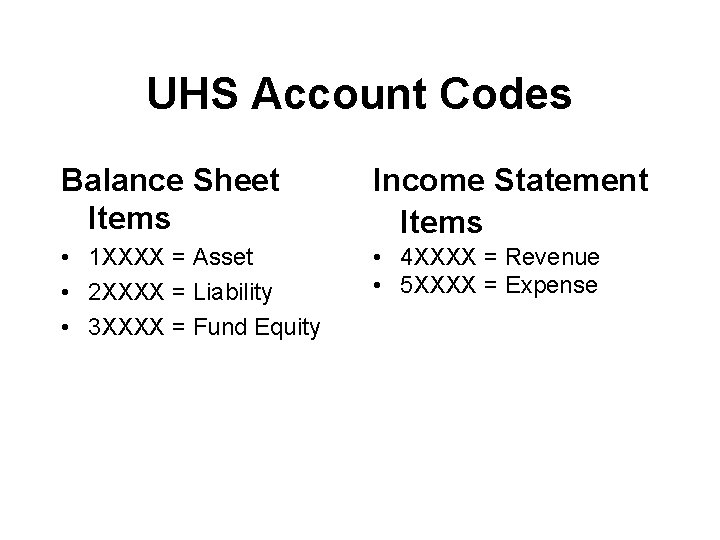
UHS Account Codes Balance Sheet Items Income Statement Items • 1 XXXX = Asset • 2 XXXX = Liability • 3 XXXX = Fund Equity • 4 XXXX = Revenue • 5 XXXX = Expense
People. Soft Finance Transaction Chartfields for Non-Proj/Grnt Cost Center • Identified as: 00730 -2063 -H 0066 -A 0838 -NA-53905
People. Soft Finance Transaction Chartfields for Proj/Grnt Cost Center • Identified as: 00730 -1026 -H 0124 -B 0001 -G 00005253905
Budget Reference • Budget Reference is the period of time for which expenditures are planned and authorized. • UHS has designed six digit Budget Reference coding. – BPXXXX • UHS Budget Reference is equivalent to the Fiscal Year.
Budgetary Control Elements that are part of the Budgetary Control design include: • Budget Types • Budget Keys • Budget Checking
Budget Types • Revenue (REVEST) Budgets – Represents authorization to generate revenue • Organization (ORG) Budgets – Expenditure budget for Non-Proj/Grt cost centers • Project/Grant (PROJ_GRT) Budgets – Expenditure budget for Proj/Grt cost centers
Budget Keys • The Chartfield values People. Soft uses to determine available funds for budget checking transactions. • UH budget checking occurs at the cost center/budget account level.
Budget Checking Budgets can be: • Controlled – Lack of sufficient budget will cause a journal to fail. The ORG and PROJ/GRT budget types are set to Control. • Track w/ Budget – A journal will pass regardless of adequacy of budget, as long as the appropriate budget category exists. External feeds such as telephone and postage are set to this option. – Track w/out Budget – A journal will pass as long as the cost center is an active, valid one. No budget is required. The REVEST budget type is set to this option as well as all Salary & Wage transactions.
University Funding Sources/Uses • Operating Funds – Ledger 1 - Educational and General Funds for administration, institutional expense, instruction and departmental research, physical plant operation, libraries, and other items relating to instruction.
University Funding Sources/Uses – Ledger 1 (cont. ) - Most state appropriations are accounted for in this fund. These consist of our General Revenue Appropriations that are retained in the State Treasury in Austin that the university expends against. There are certain funds in this group that are collected locally, such as tuition and indirect cost that the university collects locally, but is required to deposit in the State Treasury that the university expends against.
University Funding Sources/Uses • Operating Funds – Ledger 1 Restrictions • Ledger 1 funds cannot be expended for entertainment expenses, alcoholic beverages, gifts, service awards costing more than $50. Ledger 1 funds cannot be used to purchase alcoholic beverages.
University Funding Sources/Uses • Operating Funds – Ledger 2 - Designated Funds - Funds arising from sources that have been internally designated by management and approved by the Board of Regents to be used for special purposes. The funds are collected locally and deposited in University of Houston bank accounts. This includes designated tuition and investment income, which are available to the President for central allocation. These funds are also composed of student lab and course fees, whose rate and use is determined by the colleges.
University Funding Sources/Uses • Operating Funds – What does this mean? • In most cases, ledger 2 (designated) funds or certain unrestricted auxiliary (ledger 3) funds shall be used for payment of expenditures for official functions and discretionary items. • What are discretionary expenditures? – Examples of these type of expenses are business meals, gifts or awards, and club memberships.
University Funding Sources/Uses • Discretionary expenditures – Restrictions – Tickets to concerts, plays, athletic events – Limited occasions – mainly fund-raising activities for potential university donors, recruitment of faculty or staff, or other official university guest where benefit to university is clearly demonstrated.
University Funding Sources/Uses • Discretionary expenditure restrictions (cont. ) – Flowers for centerpieces of decorations for official functions or as awards of part of award ceremonies may be purchased with appropriate university funds. Flowers for university employee or family members should be made from personal funds and may not be paid with university funds.
University Funding Sources/Uses • Discretionary expenditure restrictions (cont. ) – Gifts and awards – Employee service and/or safety awards or awards to donors, potential donors and other contributors to the university mission are permitted. Staff award programs require the approval of Human Resources and selection of recipients requires the approval of the dean or director.
University Funding Sources/Uses • Discretionary expenditure restrictions (cont. ) – Club memberships – University-paid memberships may be approved by the president for certain officials as required to carry out their designated responsibilities. Expenditures for business purposes incurred through these memberships may be paid from university funds. Individuals are responsible for all personal expenditures incurred any taxes resulting from these memberships.
University Funding Sources/Uses • Discretionary expenditure restrictions (cont. ) – Alcoholic beverages - Expenditures for alcoholic beverages may be paid from university funds, but must be itemized and provided with the appropriate account where the cost is known. State law limits the consumption of alcoholic beverages to non-duty times. Therefore, they may not be served at official university functions between 8 a. m. and 5 p. m. Monday through Friday.
University Funding Sources/Uses • Discretionary expenditure restrictions (cont. ) – Entertainment expenses – Expenses within the limits provided may be paid using university funds as follows • Expenses related to recruitment of perspective faculty and staff (limited to president, vice presidents, dean, associate dean) considered to be key to the search process. • Expenses related to events involving official university guests – donors, potential donors, visiting lecturers and scientists, visitors from foreign countries, individuals interested in university programs and problems and guests invited to assist in the development of new programs and existing ones, alumni, business and community leaders.
University Funding Sources/Uses • Discretionary expenditure restrictions (cont. ) – Conferences, workshops, seminars, meetings or retreats for university employees. • Meal and refreshments may be paid from appropriate university funds if the benefit to the university is clear and refreshments are authorized by the dean or director. Regular meeting expenses can be authorized annually. Approval by the responsible party is required if the cost if the expenditure, exclusive of speaker fees and expenses, exceeds $2, 500. (Official Function Form must be submitted)
University Funding Sources/Uses • Discretionary expenditure restrictions (cont. ) – The below functions do not require submission of an official function form but are subject to state statute and restrictions to all restrictions on fund use. • Entertainment and meal expenses for conference and workshops for external community and are supported by income from registration fees and other restricted funds as long as all expenses are covered by revenues/other restricted funds. • Expenses for events sponsored or oriented toward students or potential students. • Food and discretionary items used directly in teaching or research. • Food served to children in the Child Care Center and the Human Development Lab School.
University Funding Sources/Uses • Ledger 3 - Auxiliary Enterprises Funds for activities that furnish services to students, faculty, or staff for which charges are made that are directly related to the cost of service, such as residence halls, intercollegiate athletics, and food services.
University Funding Sources/Uses • Ledger 3 – Restrictions – Alcoholic beverages may not be paid from funds under the control of the Athletic Department.
University Funding Sources/Uses • Restricted Funds (see college/division or department business administrator for restrictions) – Ledger 4 – Scholarship and fellowship funds, primarily gifts and endowments. Use restricted by donor or other outside entity. – Ledger 5 – Contract and grant funds, primarily research, managed by the Office of Contracts and Grants. • Federal Grants subject to restrictions in OMB Circular A-21
University Funding Sources/Uses • Ledger 6 – Endowment funds. The principal of the endowment is recorded in this fund. There are two primary types of endowments with two sub-categories each.
University Funding Sources/Uses • True/Term Endowment – A fund established by the institution through a gift with provisions that prohibit the spending of principal. Only investment income generated from the principal may be used. Some endowments are term endowments, which means that the principal of the endowment can only be spent on or after a pre-determined date or period of time, or the occurrence of a specified event.
University Funding Sources/Uses • Unrestricted True/Term Endowment – When a donor specifies that the principal of the financial gift must be retained but makes no stipulations on the use of the spendable return. • Restricted True/Term Endowment - When a donor establishes an endowment and specifies that the spending of the endowment be used for a certain instructional department or other purpose.
University Funding Sources/Uses • Quasi-Endowments – A fund established by the institution that is treated as an endowment but not subject to any external prohibitions against spending of the principal.
University Funding Sources/Uses • Unrestricted Quasi-Endowment – When a donor makes a financial gift that places no restrictions on the university for the expenditure of the funds, and the university invests the funds using only the investment earnings for current expenditures. • Restricted Quasi-Endowment – When a donor makes a financial gift to the university, specifying that the funds be used for a specific purpose, and the university invests the funds and spends only the investment earnings for the purpose designated by the donor.
University Funding Sources/Uses • Capital Projects (Ledger 7) Capital projects, which are a portion of the Plant Fund group, are used for construction, rehabilitation, and acquisition of physical properties for institutional purposes. In addition, the People. Soft administrative systems project is included within these funds at System Administration.
University Funding Sources/Uses • HEAF (Ledger 1 for capital equipment, library books and materials and Ledger 7 for capital construction projects) (Higher Education Assistance Funds) Permanent capital funding appropriation provided under Article VII, Section 17 of the Texas Constitution for Texas institutions of higher education beginning September 1, 1985.
University Funding Sources/Uses • HEAF may be used for the following purposes: – Acquisition of land, with or without permanent improvements. – Construction and equipping of buildings or other permanent improvements. – Major repair or rehabilitation of buildings or other permanent improvements. – Acquisition of equipment, library books, and library materials.
Overview of Reporting • People. Soft provides Inquiry capabilities: - Using pages with drill down functionality - Using the query tool to select data & export to Excel - Formatted Reports
Tools for Getting Information Out of People. Soft • PS Query • n. Vision • Crystal • SQR
PS Query • Queries allow users to extract information from the database. • Queries can be used to analyze data, identify errors and create ad-hoc reports. • Query results can be viewed several ways: – on-line. – exported to an MS Excel spreadsheet. – sent to Crystal Reports for inclusion in a report.
Crystal • A 3 rd party reporting tool bundled with People. Soft. • Crystal is used with PS Query to develop custom hard-copy reports for distribution to users. • Can be formatted and highly customized.
n. Vision • Reporting tool provided by People. Soft. • n. Vision interacts with and uses MS Excel. • Accessed through People. Soft menu options. • Allows development of reports with superior drilldown capability.
SQR (Structured Query Reporting) • Normally used only by programmers and developers to provide standard reporting capability. • Also used to provide programs and other functionality within the application.
Application Access and Security • Users sign on to a specific People. Soft database. • Access to People. Soft is controlled by User ID and password. • User IDs are assigned to Security Roles. • User IDs will be issued and Security Roles designed according to campus policies and procedures.