
Pengantar Multimedia DATA STORAGE Primary accessible by CPU
Pengantar Multimedia DATA STORAGE

� Primary (accessible by CPU, volatile ex ROM) �Registers �Cache �Main Memory �ROM (Read Only Memory, but not so)
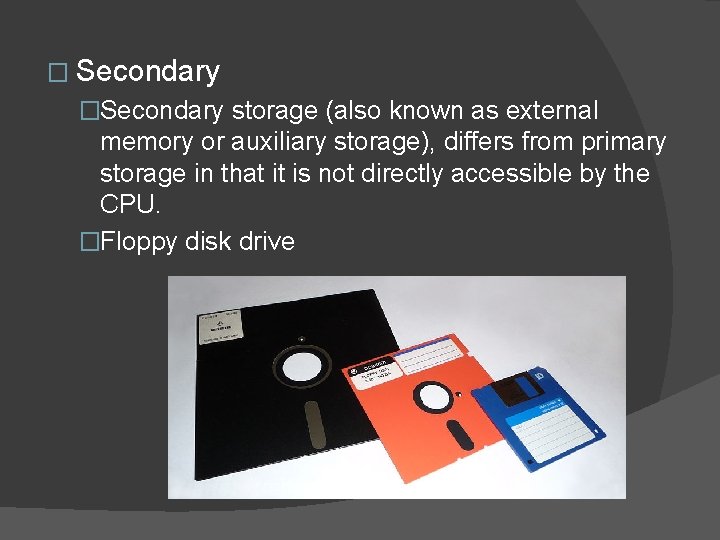
� Secondary �Secondary storage (also known as external memory or auxiliary storage), differs from primary storage in that it is not directly accessible by the CPU. �Floppy disk drive
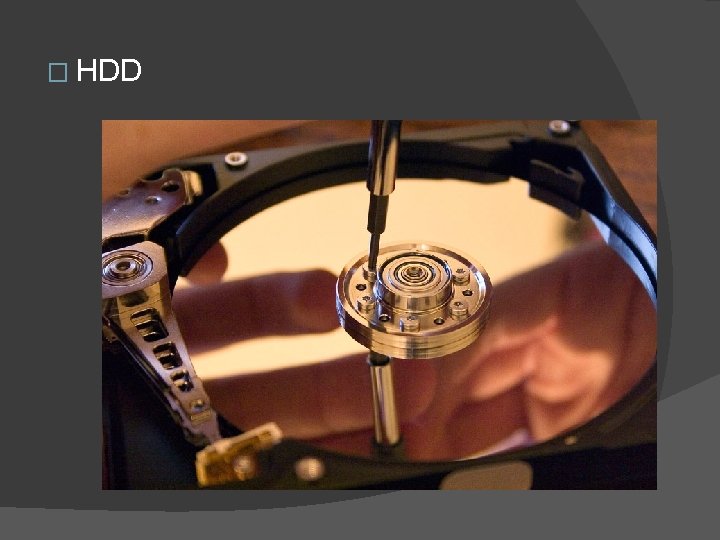
� HDD

� Flash disk drive
� Flash (SSD) �Short for Solid-State Drive or Solid-State Disk, SSD is a drive that uses non-volatile memory as a means of storing and accessing data, much like computer RAM. Unlike a hard drives, an SSD has no moving parts, which gives it advantages such as accessing stored information faster, no noise, often more reliable, and consume less power.
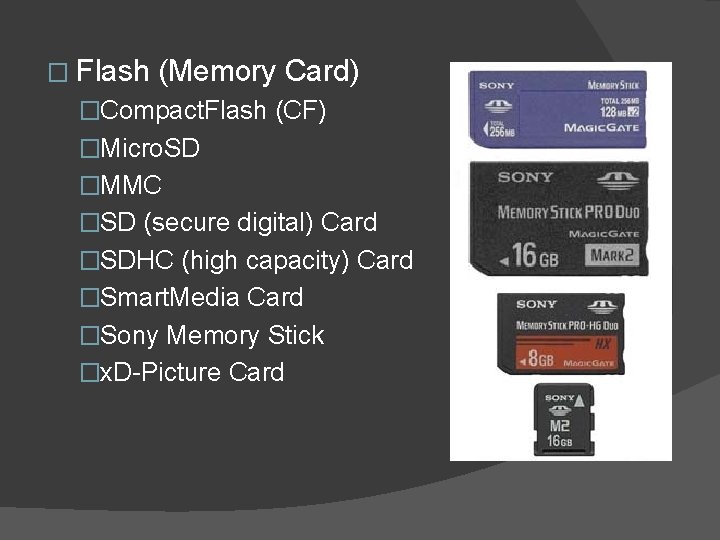
� Flash (Memory Card) �Compact. Flash (CF) �Micro. SD �MMC �SD (secure digital) Card �SDHC (high capacity) Card �Smart. Media Card �Sony Memory Stick �x. D-Picture Card
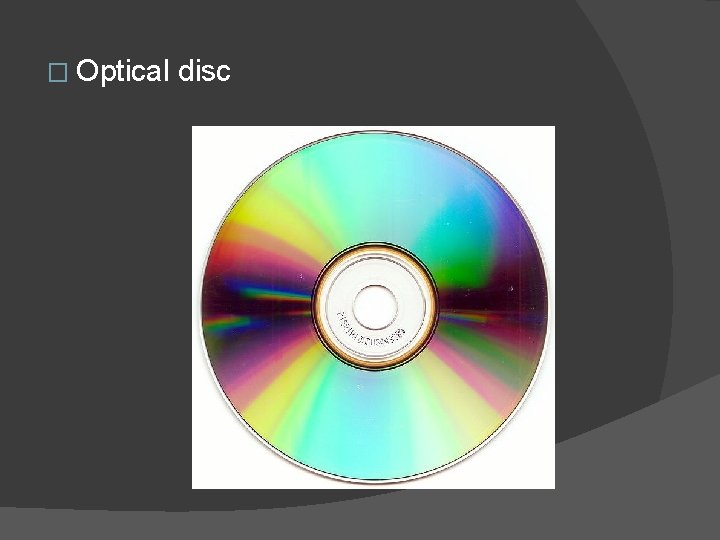
� Optical disc
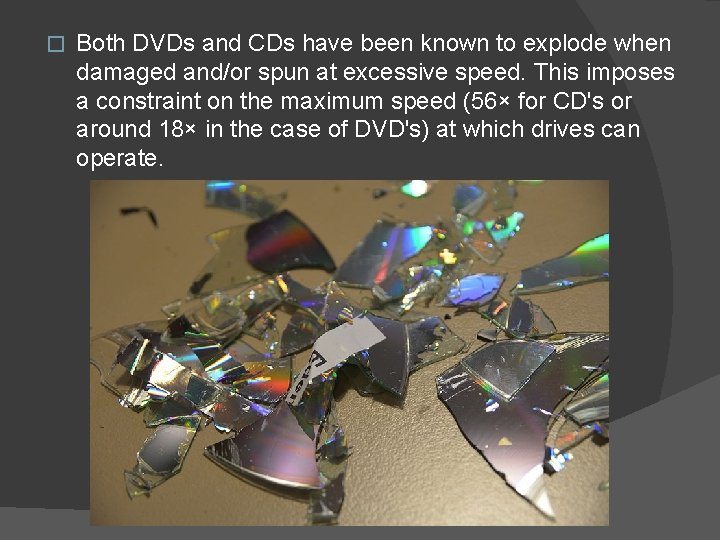
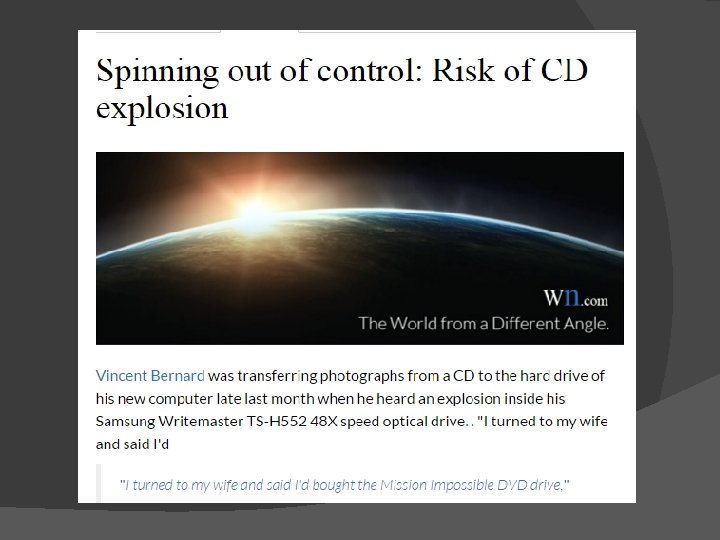
� Both DVDs and CDs have been known to explode when damaged and/or spun at excessive speed. This imposes a constraint on the maximum speed (56× for CD's or around 18× in the case of DVD's) at which drives can operate.
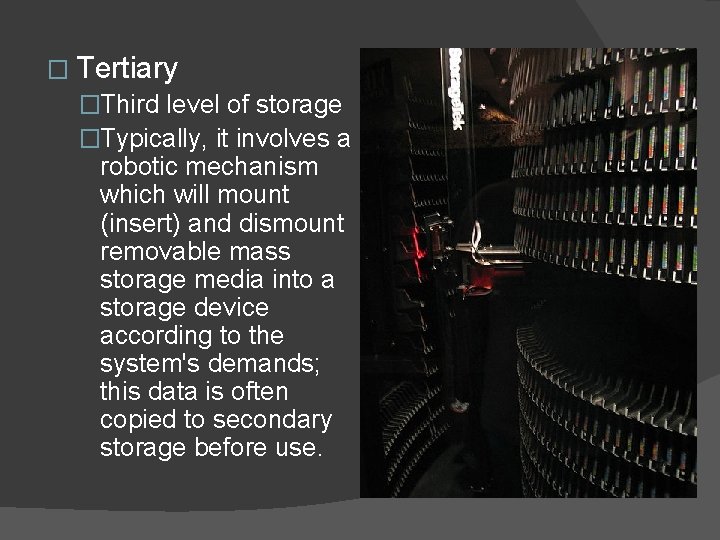
� Tertiary �Third level of storage �Typically, it involves a robotic mechanism which will mount (insert) and dismount removable mass storage media into a storage device according to the system's demands; this data is often copied to secondary storage before use.
� Offline �Off-line storage is a computer data storage on a medium or a device that is not under the control of a processing unit. The medium is recorded, usually in a secondary or tertiary storage device, and then physically removed or disconnected.
� Read-Write Ability �Read/write storage ○ Allows information to be overwritten at any time. �Read only storage ○ Retains the information stored at the time of manufacture. This type of storage is used for tertiary and off-line storage. Examples include CDROM and CD-R. �Slow write, fast read storage ○ Read/write storage which allows information to be overwritten multiple times, but with the write operation being much slower than the read operation. Examples include CD-RW.
� Access �Random access ○ Any location in storage can be accessed at any moment in approximately the same amount of time. �Sequential access ○ The accessing of pieces of information will be in a serial order, one after the other; therefore the time to access a particular piece of information depends upon which piece of information was last accessed.
� Access �Random access ○ Any location in storage can be accessed at any moment in approximately the same amount of time. �Sequential access ○ The accessing of pieces of information will be in a serial order, one after the other; therefore the time to access a particular piece of information depends upon which piece of information was last accessed.
� Online Media �Storing data online and in cloud storage is becoming popular as people need to access their data from more than one device. ○ Cloud Storage �Amazon Web Services (AWS) and Amazon EC 2 Amazon. com provides a variety of different cloud computing services �Dashlane - Online password service to synchronize and manage passwords between all devices. �Google App Engine - A service that provides users the ability to create scalable web services that use Google's resources. �Google Calendar - A way to organize your schedule, synchronize, and share events with your friends.
�Google Docs - A fantastic free solution from Google that allows you to open Microsoft Office documents as well as share them with other users with Internet access. �Online backup - There are dozens of online backup services to store your important information offsite in the cloud. For example, Mozy and Dropbox are two good examples of cloud storage and online storage backup solutions that store information in the cloud. �Windows Azure - A cloud computing solution by Microsoft that allows companies to develop and run services from their cloud. �Websites - Many popular social networking sites such as Facebook, Picasa, and You. Tube are also often considered parts of cloud computing.
� Network Media �Network media is any audio, video, images or text, used on a computer network, like the Internet. It almost always requires a computer to send and receive, as well as a community of people to create and consume the content. Network media are decentralized and contributed by many people, who not only provide it to others, but are also recipients and users of the media.
- Slides: 18