
Penetration Testing Reconnaissance 2 CIS 6395 Incident Response

- Slides: 18
Penetration Testing Reconnaissance 2 CIS 6395, Incident Response Technologies Fall 2016, Dr. Cliff Zou czou@cs. ucf. edu
Acknowledgement • Content from the book: “The Basics of Hacking and Penetration Testing: Ethical Hacking and Penetration Testing Made Easy”, Second Edition
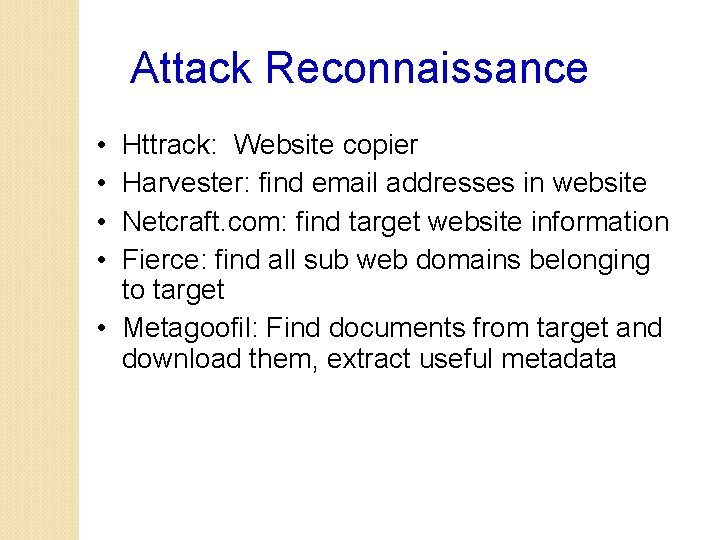
Attack Reconnaissance • • Httrack: Website copier Harvester: find email addresses in website Netcraft. com: find target website information Fierce: find all sub web domains belonging to target • Metagoofil: Find documents from target and download them, extract useful metadata
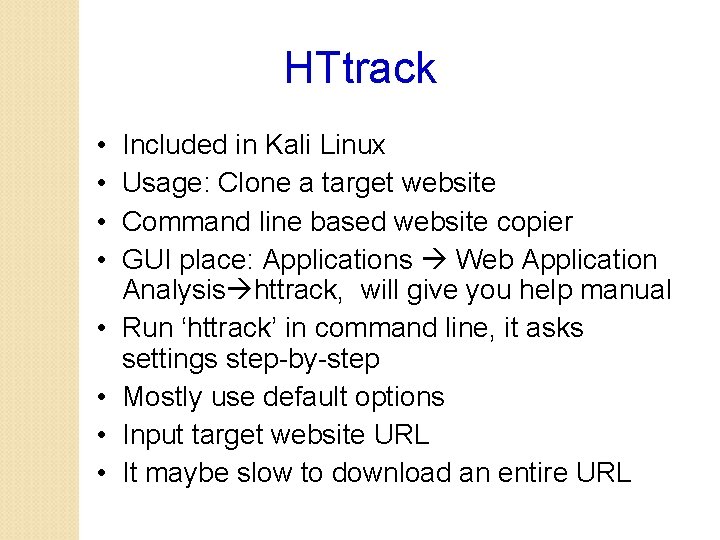
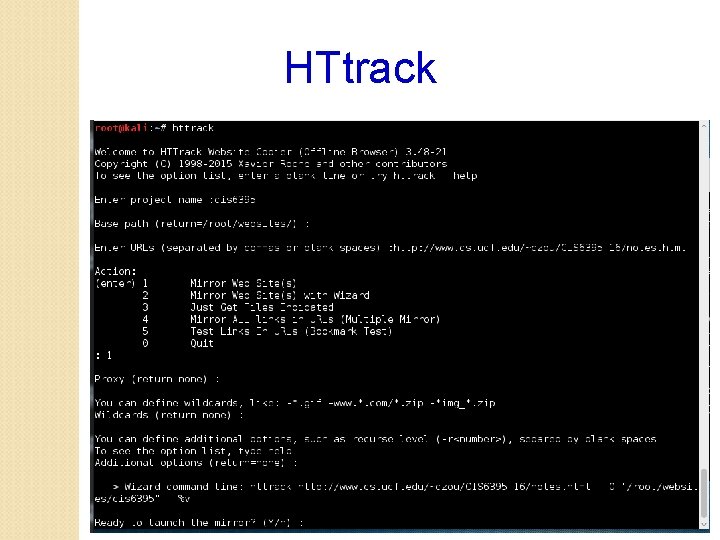
HTtrack • • Included in Kali Linux Usage: Clone a target website Command line based website copier GUI place: Applications Web Application Analysis httrack, will give you help manual Run ‘httrack’ in command line, it asks settings step-by-step Mostly use default options Input target website URL It maybe slow to download an entire URL
HTtrack
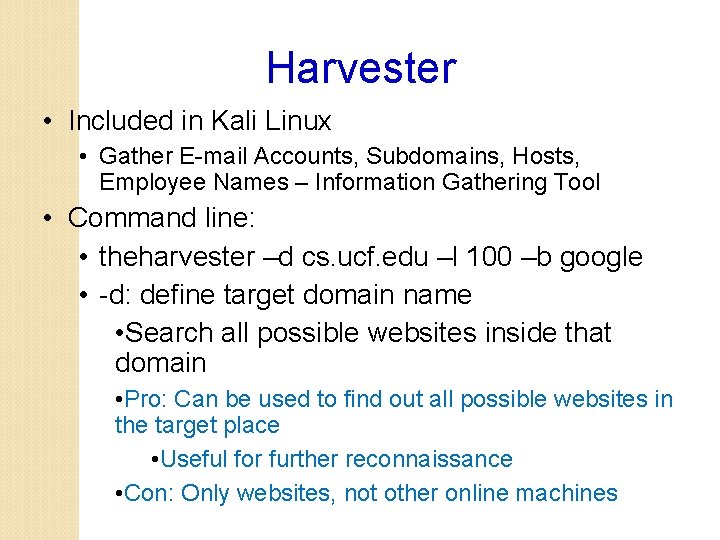
Harvester • Included in Kali Linux • Gather E-mail Accounts, Subdomains, Hosts, Employee Names – Information Gathering Tool • Command line: • theharvester –d cs. ucf. edu –l 100 –b google • -d: define target domain name • Search all possible websites inside that domain • Pro: Can be used to find out all possible websites in the target place • Useful for further reconnaissance • Con: Only websites, not other online machines
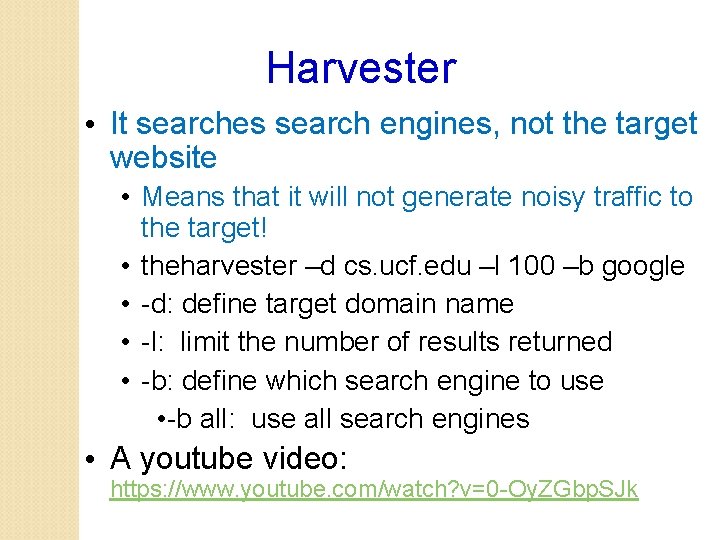
Harvester • It searches search engines, not the target website • Means that it will not generate noisy traffic to the target! • theharvester –d cs. ucf. edu –l 100 –b google • -d: define target domain name • -l: limit the number of results returned • -b: define which search engine to use • -b all: use all search engines • A youtube video: https: //www. youtube. com/watch? v=0 -Oy. ZGbp. SJk
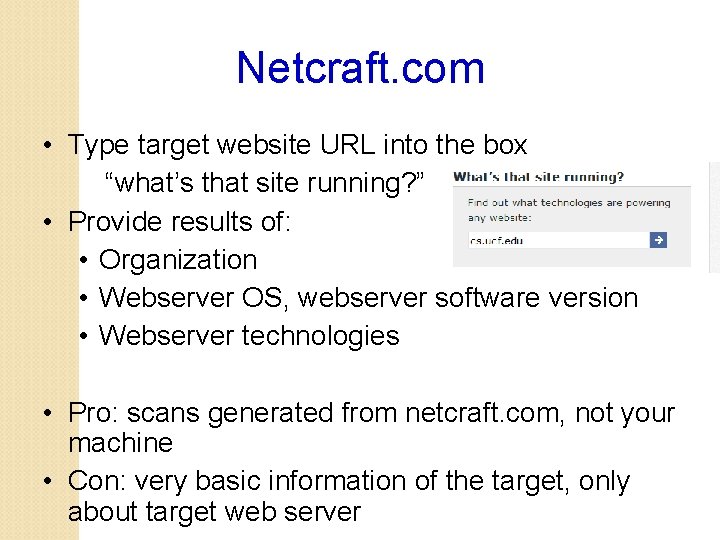
Netcraft. com • Type target website URL into the box “what’s that site running? ” • Provide results of: • Organization • Webserver OS, webserver software version • Webserver technologies • Pro: scans generated from netcraft. com, not your machine • Con: very basic information of the target, only about target web server
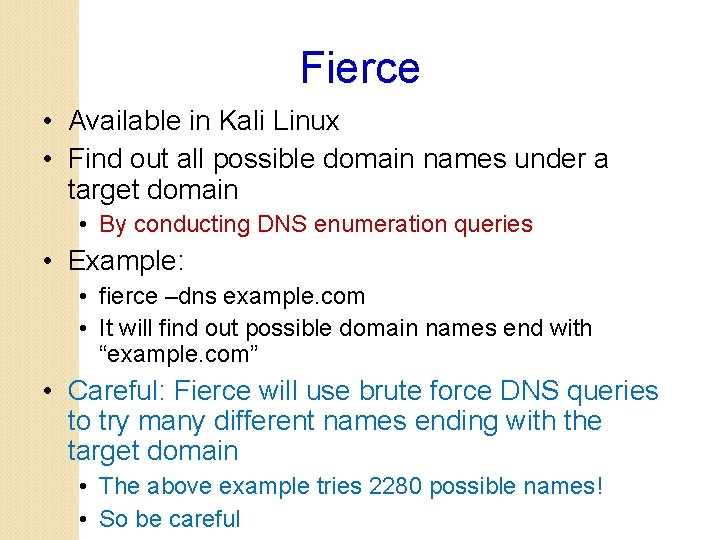
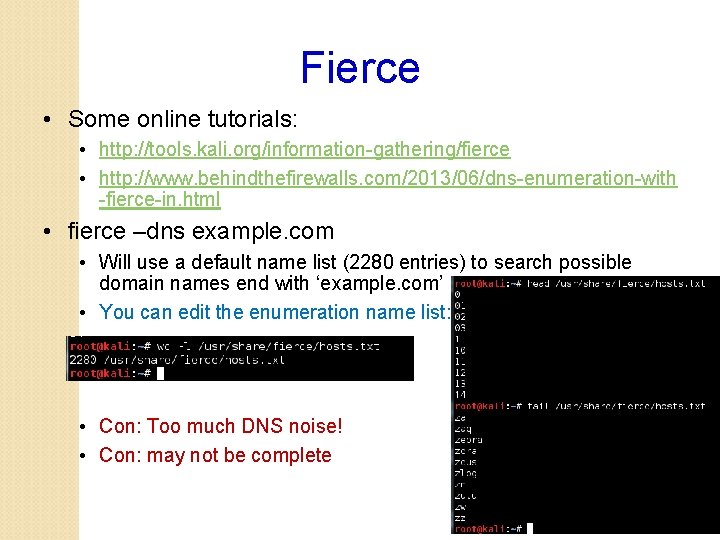
Fierce • Available in Kali Linux • Find out all possible domain names under a target domain • By conducting DNS enumeration queries • Example: • fierce –dns example. com • It will find out possible domain names end with “example. com” • Careful: Fierce will use brute force DNS queries to try many different names ending with the target domain • The above example tries 2280 possible names! • So be careful
Fierce • Some online tutorials: • http: //tools. kali. org/information-gathering/fierce • http: //www. behindthefirewalls. com/2013/06/dns-enumeration-with -fierce-in. html • fierce –dns example. com • Will use a default name list (2280 entries) to search possible domain names end with ‘example. com’ • You can edit the enumeration name list: • Con: Too much DNS noise! • Con: may not be complete
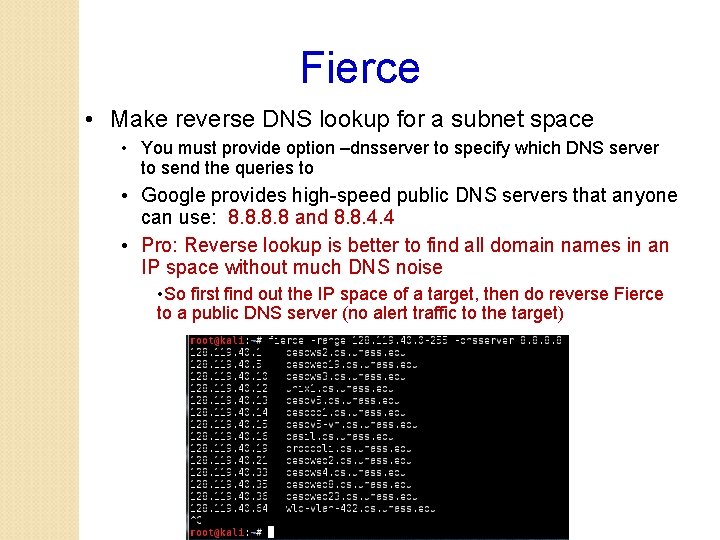
Fierce • Make reverse DNS lookup for a subnet space • You must provide option –dnsserver to specify which DNS server to send the queries to • Google provides high-speed public DNS servers that anyone can use: 8. 8 and 8. 8. 4. 4 • Pro: Reverse lookup is better to find all domain names in an IP space without much DNS noise • So first find out the IP space of a target, then do reverse Fierce to a public DNS server (no alert traffic to the target)
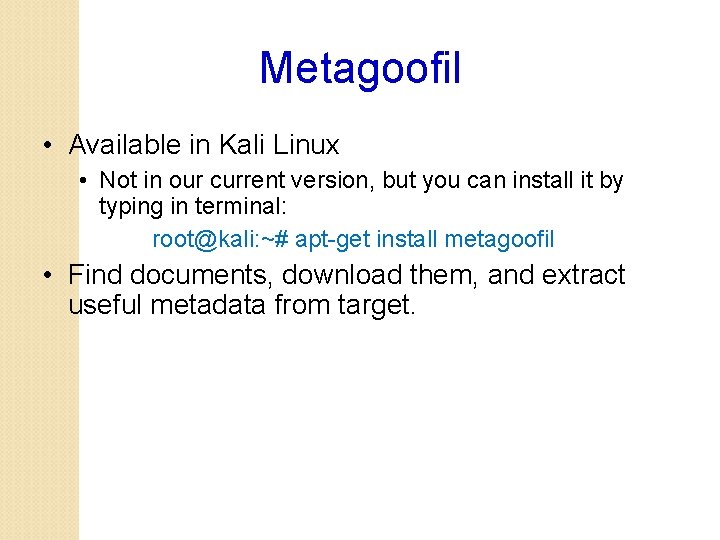
Metagoofil • Available in Kali Linux • Not in our current version, but you can install it by typing in terminal: root@kali: ~# apt-get install metagoofil • Find documents, download them, and extract useful metadata from target.
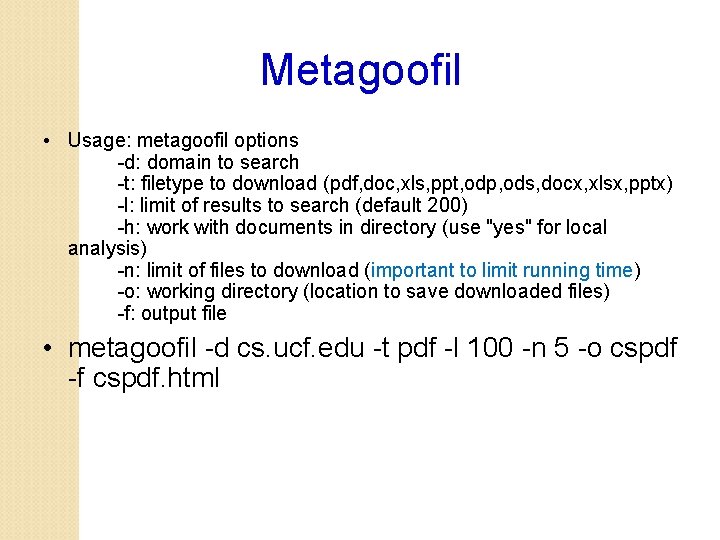
Metagoofil • Usage: metagoofil options -d: domain to search -t: filetype to download (pdf, doc, xls, ppt, odp, ods, docx, xlsx, pptx) -l: limit of results to search (default 200) -h: work with documents in directory (use "yes" for local analysis) -n: limit of files to download (important to limit running time) -o: working directory (location to save downloaded files) -f: output file • metagoofil -d cs. ucf. edu -t pdf -l 100 -n 5 -o cspdf -f cspdf. html
Metagoofil • Besides files downloaded, metadata extracted are useful for reconnaissance • User name • windows or unix or mac? • Account name
Ethnical Attention • Some of today’s tools could be invasive and could generate a large amount of traffic (especially the Metagoofil) • • Try target with care Try small amount of downloads Try small target first Do not try on sensitive targets
Indepth Question: Fierce probing mechanism? • fierce –dns cs. ucf. edu • It will find out all domain names end with “cs. ucf. edu” • The above example tries 2280 possible names! • Please modify the Fierece ‘hosts. txt’ file before you try to reduce DNS queries! How does it try those many DNS queries? • Investigation: Using Wireshark for monitoring • • Kali Linux has preinstalled wireshark • Setup capturing option to only capture UDP or DNS traffic • Again, make sure you greatly shorten the ‘hosts. txt’ to reduce generated traffic
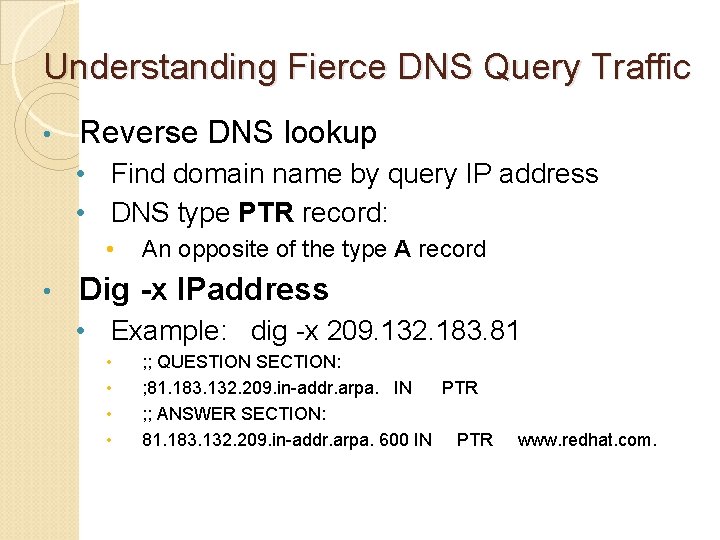
Understanding Fierce DNS Query Traffic • Reverse DNS lookup • Find domain name by query IP address • DNS type PTR record: • • An opposite of the type A record Dig -x IPaddress • Example: dig -x 209. 132. 183. 81 • • ; ; QUESTION SECTION: ; 81. 183. 132. 209. in-addr. arpa. IN PTR ; ; ANSWER SECTION: 81. 183. 132. 209. in-addr. arpa. 600 IN PTR www. redhat. com.
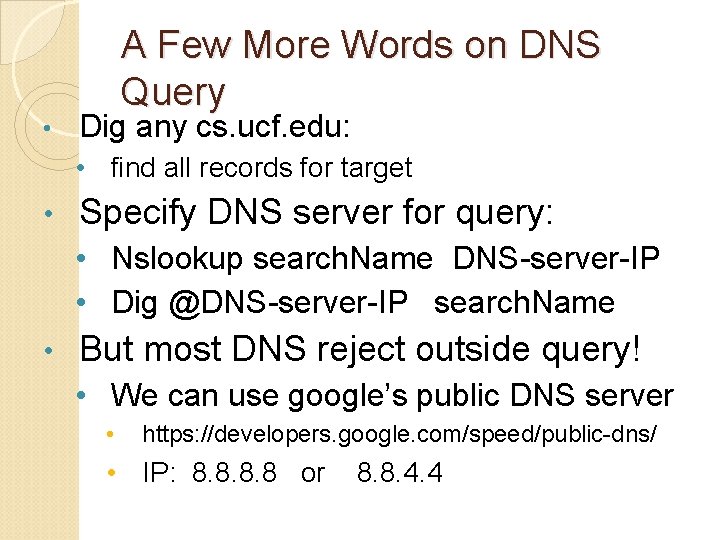
• A Few More Words on DNS Query Dig any cs. ucf. edu: • find all records for target • Specify DNS server for query: • Nslookup search. Name DNS-server-IP • Dig @DNS-server-IP search. Name • But most DNS reject outside query! • We can use google’s public DNS server • https: //developers. google. com/speed/public-dns/ • IP: 8. 8 or 8. 8. 4. 4