
Pecha Kucha Template Automatic transitions start on next
- Slides: 22
Pecha Kucha Template Automatic transitions start on next slide
Slide 1 • This presentation is set to transition between slides every 20 sec from this point on
Slide 2 • Reformat slide content, but leave the transitions in place
Slide 3 • 20 slides are shown for 20 seconds each
Slide 4 • 6 minutes and 40 seconds in total
Slide 5 • Finish in less than 20 sec? • Manually advance
Slide 6 • Pecha Kucha format • devised by Astrid Klein and Mark Dytham • of Klein Dytham architecture.
Slide 7 • First Pecha Kucha night • Tokyo • 2003
Slide 8 • Pecha Kucha presentations are • concise • powerful
Slide 9 • You are the focus of the presentation.
Slide 10 • Slides should be used for illustrative and reinforcement purposes
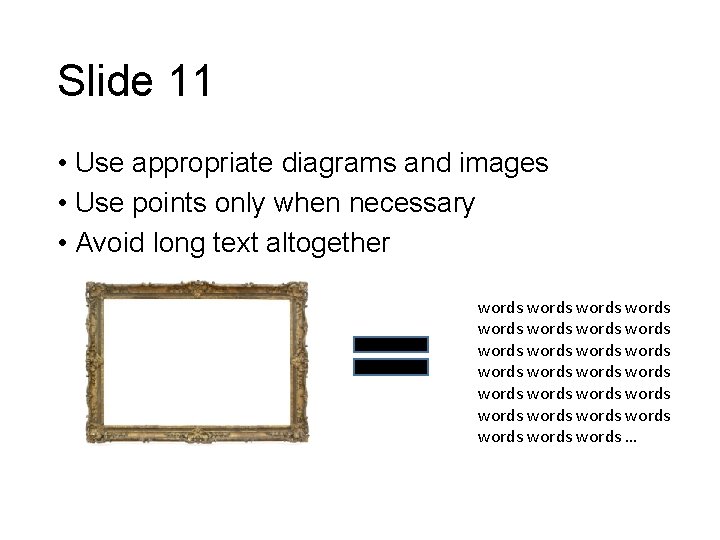
Slide 11 • Use appropriate diagrams and images • Use points only when necessary • Avoid long text altogether words words words words words words words …
Slide 12 • Where text is used • stick to a common serif font like Arial • fonts no smaller than 24 pt
Slide 13 • Use contrasting text
Slide 14 • Use good quality images with clear colour contrast
Slide 15 • Animations should only be used to illustrate a point or build a diagram.
Slide 16 • Don't count on live demonstrations • Be sure you have equivalent content
Slide 17 photo Name Title What Twitter
Slide 18 65% 2015 99 k What Words words Words
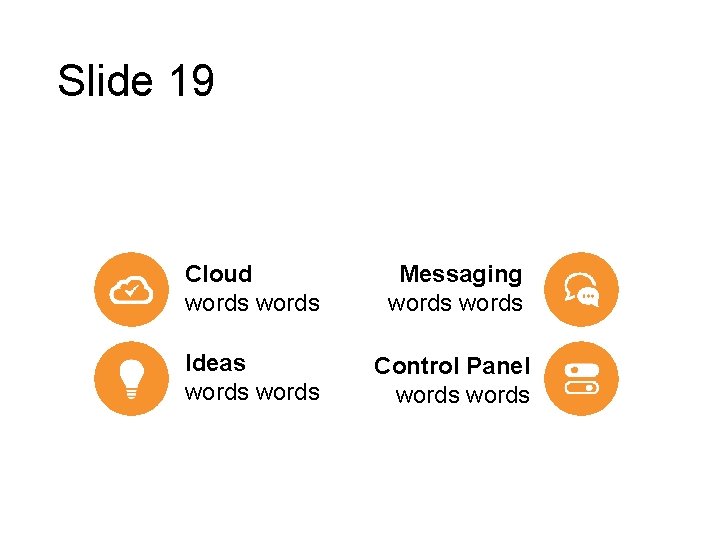
Slide 19 Cloud words Messaging words Ideas words Control Panel words
Slide 20 • Have fun
End slide • For Pecha Kucha presentations, questions will be asked collectively at the end of the session.