
Pearson Texas Instruments Prentice Hall Algebra 1 Geometry
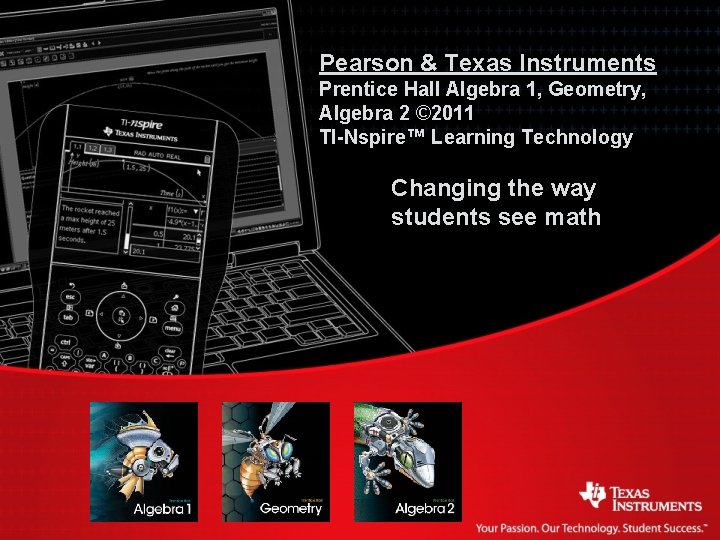
Pearson & Texas Instruments Prentice Hall Algebra 1, Geometry, Algebra 2 © 2011 TI-Nspire™ Learning Technology Changing the way students see math
Pearson & TI-Nspire™ • TI-Nspire™ and Pearson Authors working hand-in-hand to develop interactive, dynamic lesson content, Lesson Quiz and Test Prep files. • TI-Nspire™ document coverage of content in each lesson for all three textbooks. • Co-branded TI-Nspire™ CD included in Teacher Resource offerings. • Sample TI-Nspire™ Trial CD with pre-loaded content distributed in Pearson sampaks for A 1, Geo and A 2. • Content development to be completed in Feb 2010; Ready for Back to School 2010.
Pearson & TI-Nspire™ Texas Instruments and Pearson collaborative benefits: • Link between print and digital offerings, with interactivity and exploration found at the core of each lesson with corresponding TI-Nspire™ documents • Create unique and differentiated offerings EXCLUSIVE to Pearson’s Prentice Hall Algebra 1, Geometry, Algebra 2 © 2011 textbooks • Create educator interest around new curriculum because it incorporates cutting edge classroom technology
TI-Nspire™ & Pearson’s Prentice Hall Algebra 1, Geometry and Algebra 2 © 2011 Textbook & Digital Content Integration Website: http: //education. ti. com/educationportal/sites/US/non. Product. Multi/pu bconnect_pearson. html? bid=2
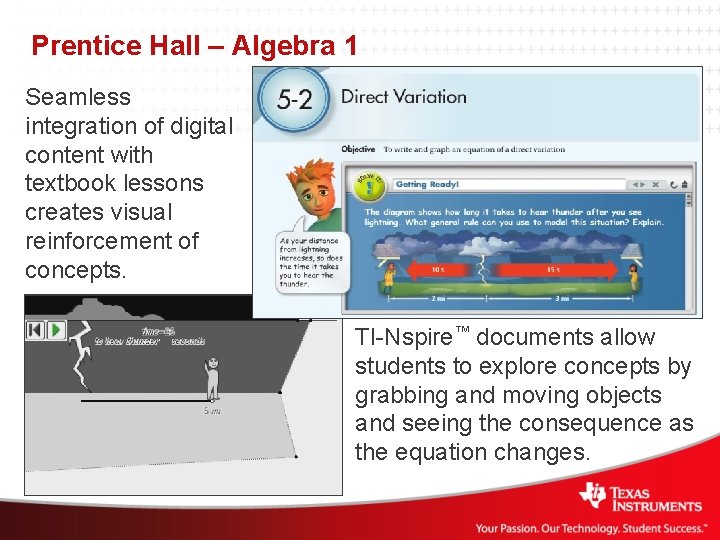
Prentice Hall – Algebra 1 Seamless integration of digital content with textbook lessons creates visual reinforcement of concepts. TI-Nspire™ documents allow students to explore concepts by grabbing and moving objects and seeing the consequence as the equation changes.
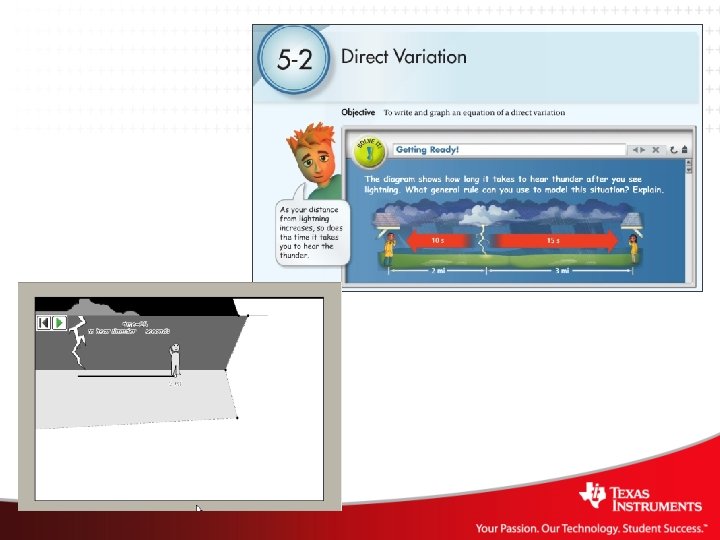
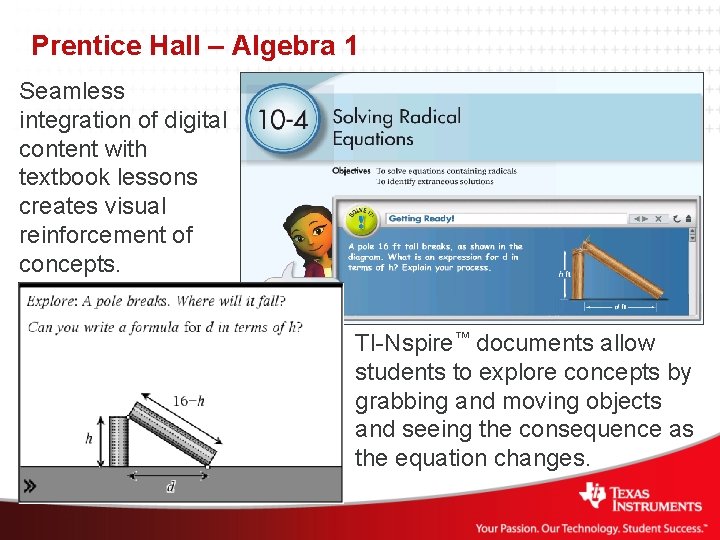
Prentice Hall – Algebra 1 Seamless integration of digital content with textbook lessons creates visual reinforcement of concepts. TI-Nspire™ documents allow students to explore concepts by grabbing and moving objects and seeing the consequence as the equation changes.
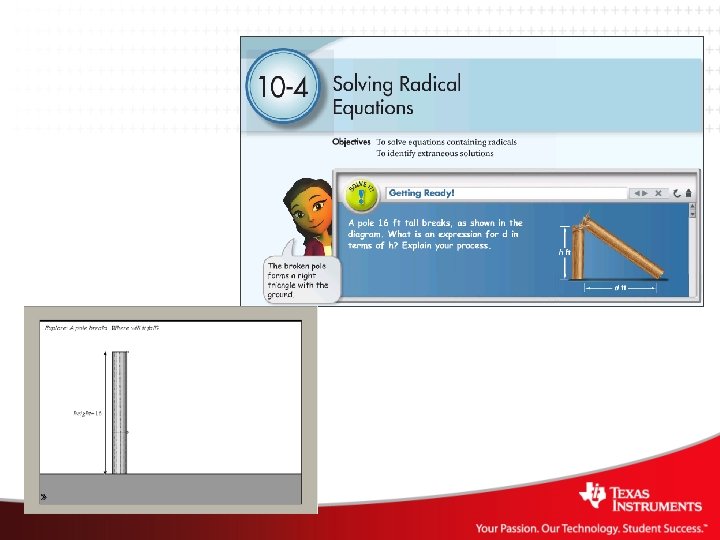
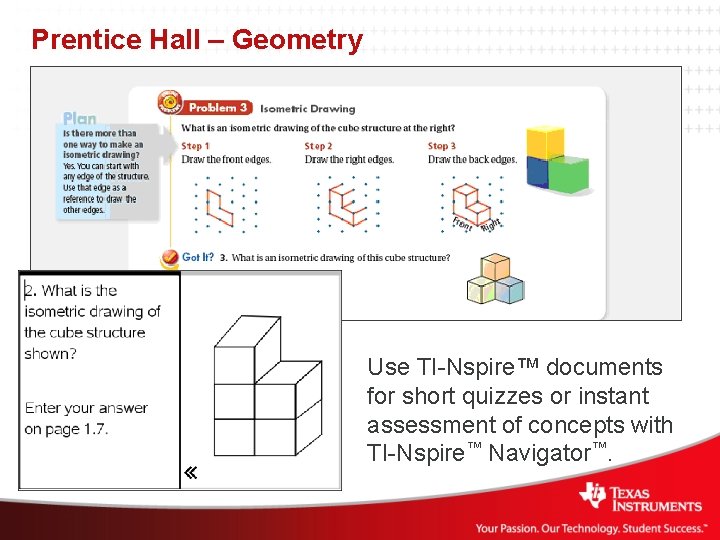
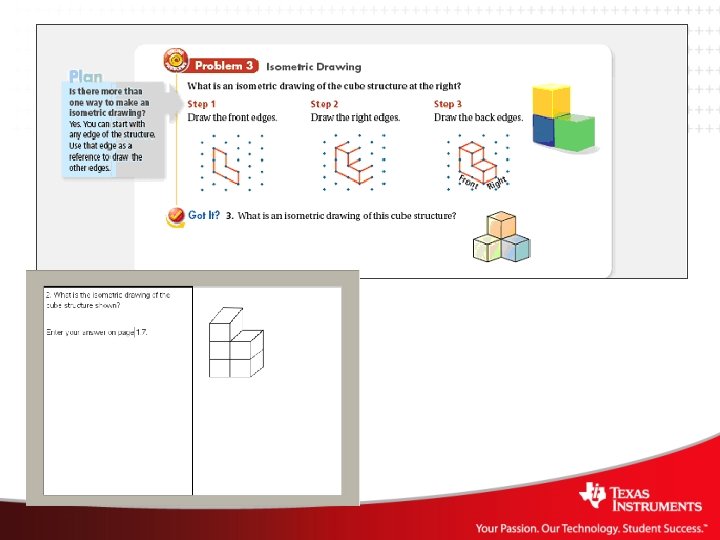
Prentice Hall – Geometry Use TI-Nspire™ documents for short quizzes or instant assessment of concepts with TI-Nspire™ Navigator™.
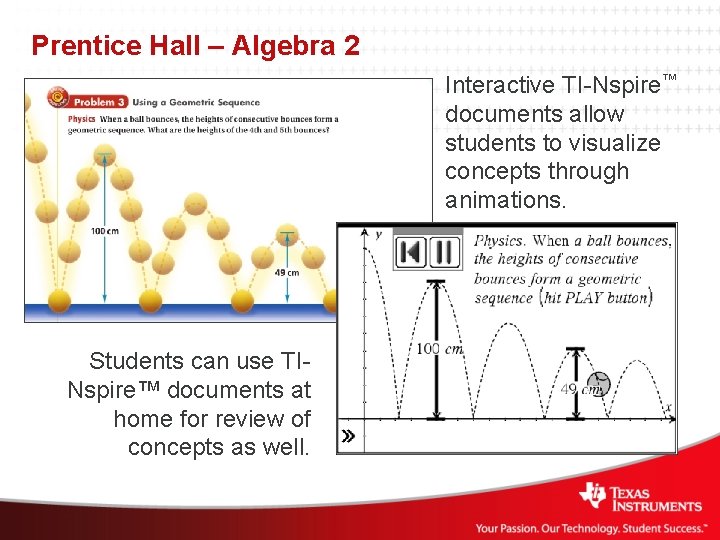
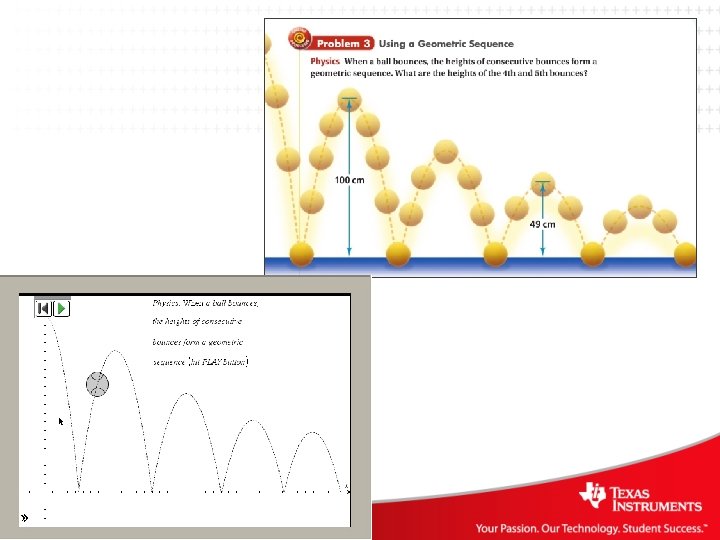
Prentice Hall – Algebra 2 Interactive TI-Nspire™ documents allow students to visualize concepts through animations. Students can use TINspire™ documents at home for review of concepts as well.
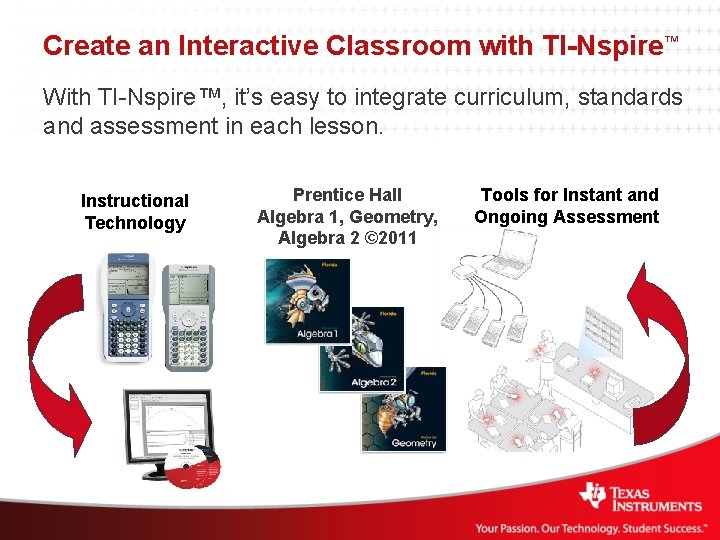
Create an Interactive Classroom with TI-Nspire™ With TI-Nspire™, it’s easy to integrate curriculum, standards and assessment in each lesson. Instructional Technology Prentice Hall Algebra 1, Geometry, Algebra 2 © 2011 Tools for Instant and Ongoing Assessment
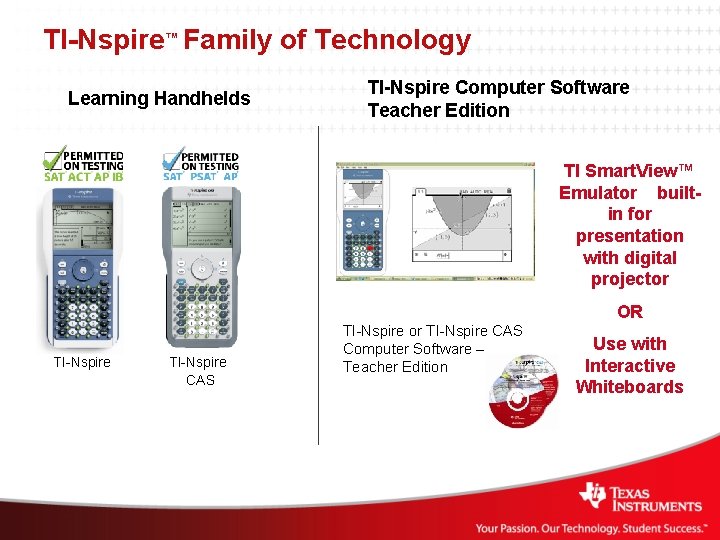
TI-Nspire™ Family of Technology Learning Handhelds TI-Nspire Computer Software Teacher Edition TI Smart. View™ Emulator builtin for presentation with digital projector OR TI-Nspire CAS TI-Nspire or TI-Nspire CAS Computer Software – Teacher Edition Use with Interactive Whiteboards
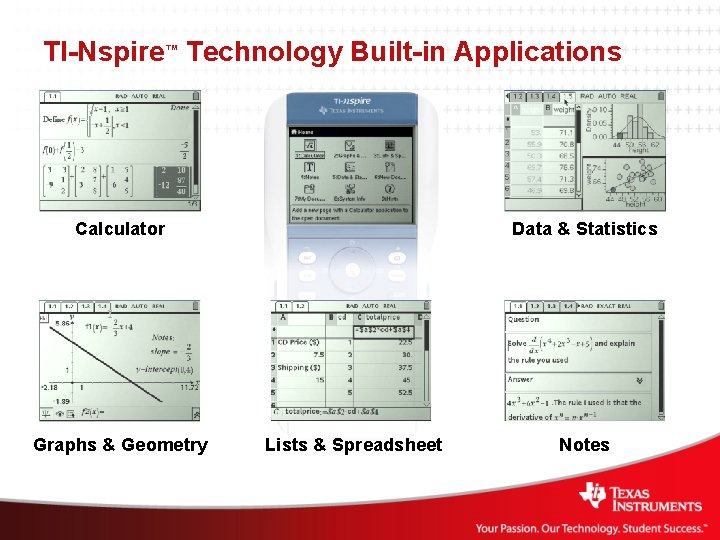
TI-Nspire™ Technology Built-in Applications Calculator Graphs & Geometry Data & Statistics Lists & Spreadsheet Notes
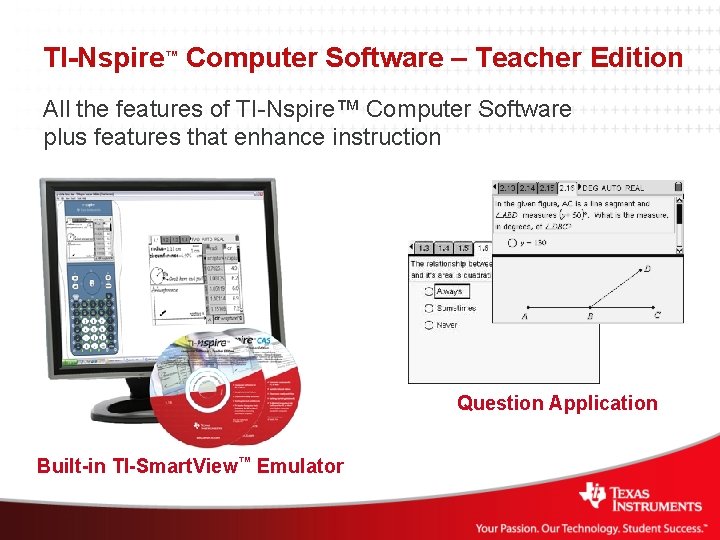
TI-Nspire™ Computer Software – Teacher Edition All the features of TI-Nspire™ Computer Software plus features that enhance instruction Question Application Built-in TI-Smart. View™ Emulator
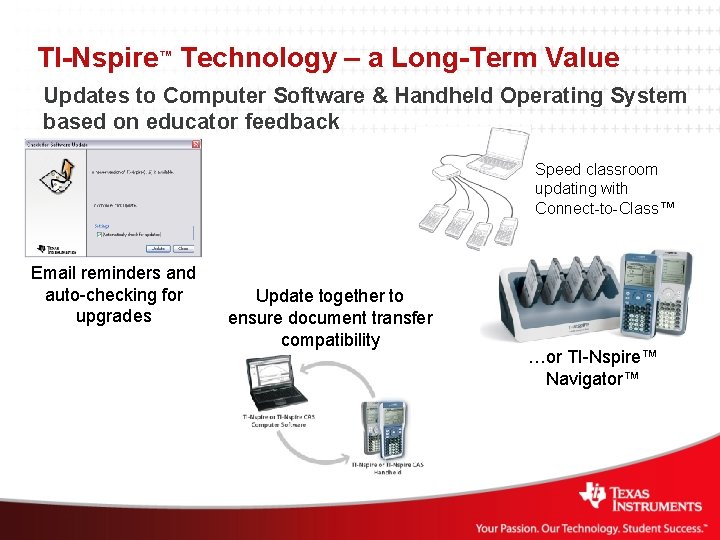
TI-Nspire™ Technology – a Long-Term Value Updates to Computer Software & Handheld Operating System based on educator feedback Speed classroom updating with Connect-to-Class™ Email reminders and auto-checking for upgrades Update together to ensure document transfer compatibility …or TI-Nspire™ Navigator™
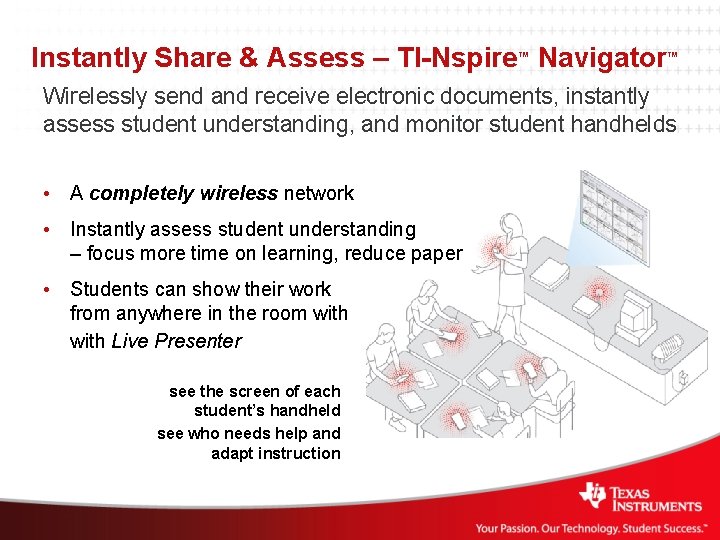
Instantly Share & Assess – TI-Nspire™ Navigator™ Wirelessly send and receive electronic documents, instantly assess student understanding, and monitor student handhelds • A completely wireless network • Instantly assess student understanding – focus more time on learning, reduce paper • Students can show their work from anywhere in the room with Live Presenter see the screen of each student’s handheld see who needs help and adapt instruction
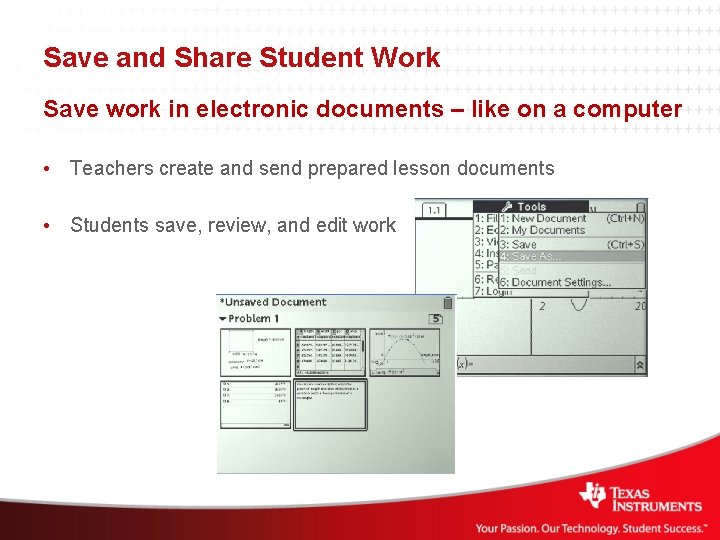
Save and Share Student Work Save work in electronic documents – like on a computer • Teachers create and send prepared lesson documents • Students save, review, and edit work
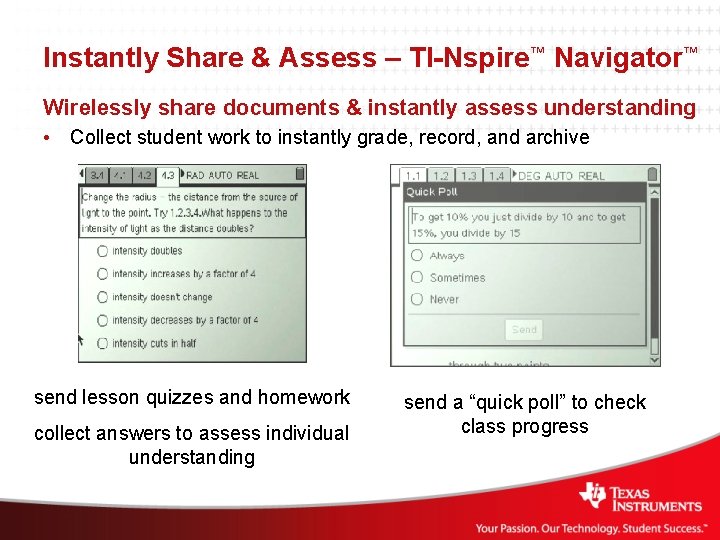
Instantly Share & Assess – TI-Nspire™ Navigator™ Wirelessly share documents & instantly assess understanding • Collect student work to instantly grade, record, and archive send lesson quizzes and homework collect answers to assess individual understanding send a “quick poll” to check class progress
- Slides: 20