
PDF Portable Document Format for Digital Preservation and
PDF (Portable Document Format) for Digital Preservation and Delivery John Laurie Digital Initiatives Librarian The University of Auckland Library National Digital Forum 2012
Issues • • Is PDF good enough? What’s a maximum file size PDF/A or simple PDF? Searchable text or clearscan? How dirty is our OCR? Can we attach metadata to PDF files? Should we be using METS-ALTO instead?
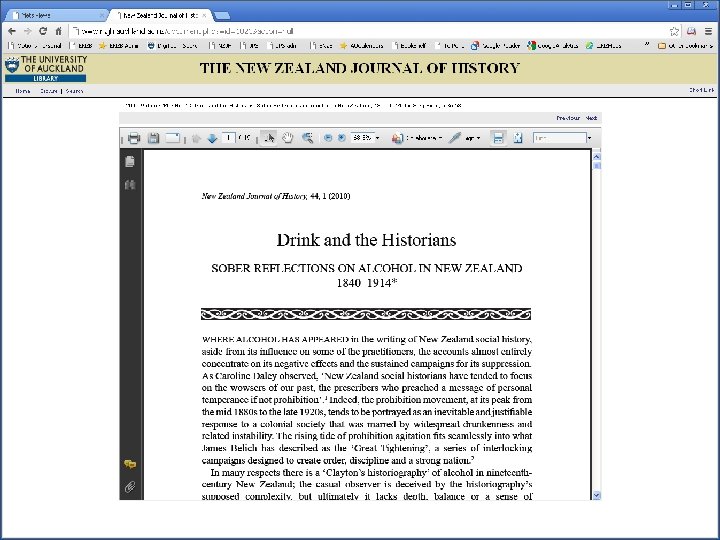
Local PDF collections at the University of Auckland • Exam papers (image-only) - Digi. Tool • JPS, NZJH, Early NZ Statutes, The Bookshelf - B-engine • Theses, working papers - DSpace • Course Materials (mainly chapters from books) – Linked from the Catalogue
Advantages and Disadvantages • “PDF and PDF/A broadly acceptable for long term digital archiving” Seadle, Michael. Library Hi Tech 27. 4 (2009): 639 -644. • Widely used, constantly improving, Search engine friendly • Open standard since 2008 • Read out loud, print • But simple? Morass of variables in my experience • • Image PDF files are large and slow to load Editing a problem – crowdsourcing proofreading Difficult to repurpose as HTML etc Metadata only at the item level
Scanning for PDF • Condition of originals • Target outcomes searchable text or Clear. Scan • 300 dpi for clear modern fonts • 400 dpi for older documents and very small fonts • Adobe Acrobat or Fine. Reader • Different settings needed for photos and text-only pages • Black-and-white scans don’t work for historical texts and old newspapers. • Splitting born-digital PDFs
Optical Character Recognition (OCR) • Accuracy depends on document and font getting better all the time • Fine. Reader better than Adobe Acrobat but doesn’t offer Clear. Scan option • Clear. Scan vs Searchable image, dirty OCR hidden behind image • Fine. Reader offers spell-checking, find and replace editing, proofreading • Tables, HTML versions, rekeying • Pdftotext and other text extractors for indexing
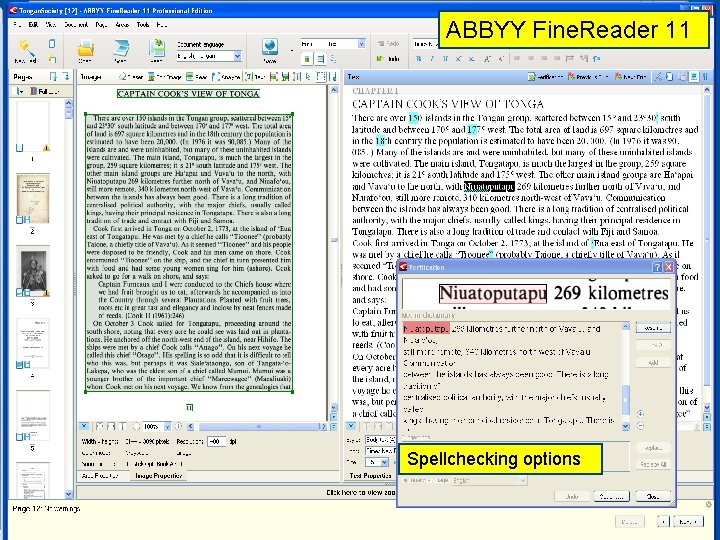
ABBYY Fine. Reader 11 Spellchecking options
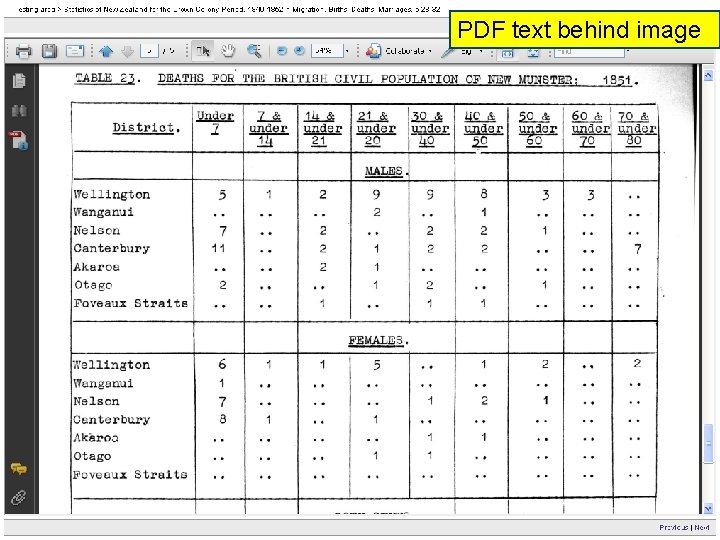
PDF text behind image
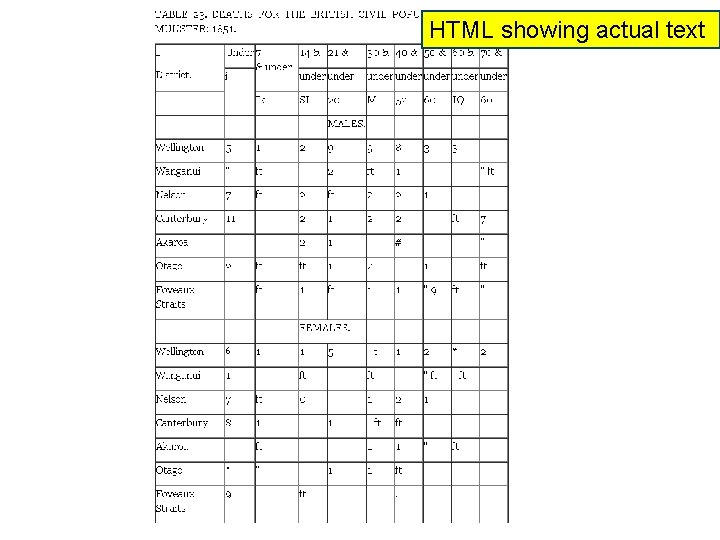
HTML showing actual text
File Sizes, Optimising files • Compromise between image quality and overlarge files • What size is too big? • Text behind image – I’m saving at 300 dpi, 40% quality, about 200 K per page for simple text • Breaking up into smaller sections • Batch optimising • Preservation masters, simple text, saved as 5 -6 MB TIFF as part of Fine. Reader files • Reduce File Size best method but often can’t save as PDF/A afterwards
PDF/A, PDF/A-1 a, PDF/A-1 b • “PDF/A is an ISO-standardized version of the Portable Document Format (PDF) specialized for the digital preservation of electronic documents” • A-1 a is stricter than A-1 b • Many PDF files can’t be saved as PDF/A –after “reduce file size” because it substitutes non-embedded fonts. • Many fonts not allowed to be embedded? • Preflight identifies errors. • Medline wants a PDF/A copy of each article • PDFs downloaded from EBSCO, Springer and Pro. Quest not PDF/A compliant • Will the smarter computers of the future need embedded fonts? “As we all get smarter and technology improves the acute concerns about format obsolescence may diminish” Butch Lazorchak The Signal, Library of Congress
Clear. Scan vs Searchable image • Clearscan files are just over half the size, are sharper and clearer • No Clearscan option from Fine. Reader (spellcheck, find and replace editing, TIFF master copies) • Clear. Scan substitutes a new font – matches shape not OCRed text unlike text only PDF, can’t guarantee 100% accuracy • But pretty good especially on clean text
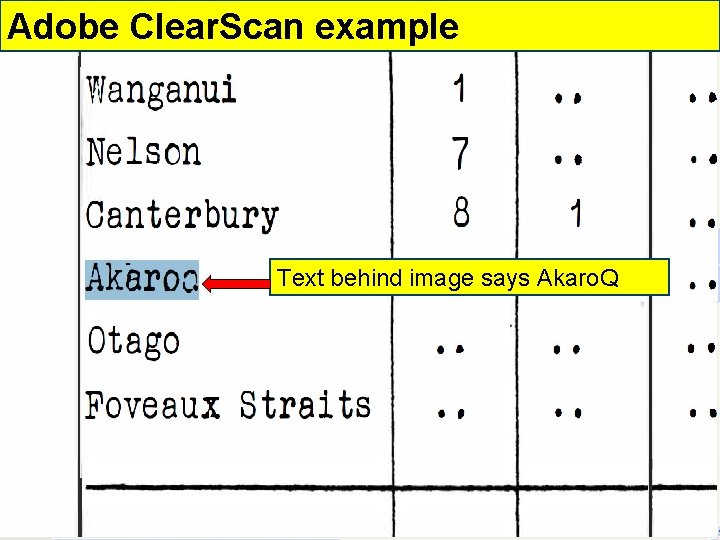
Adobe Clear. Scan example Text behind image says Akaro. Q
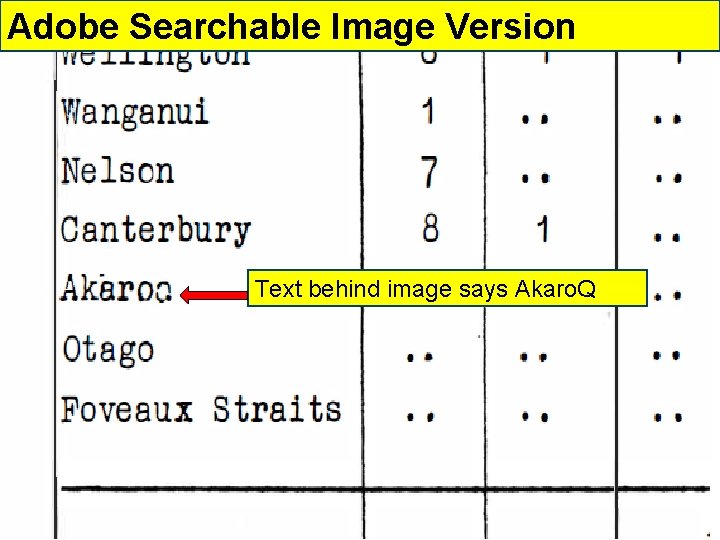
Adobe Searchable Image Version Text behind image says Akaro. Q
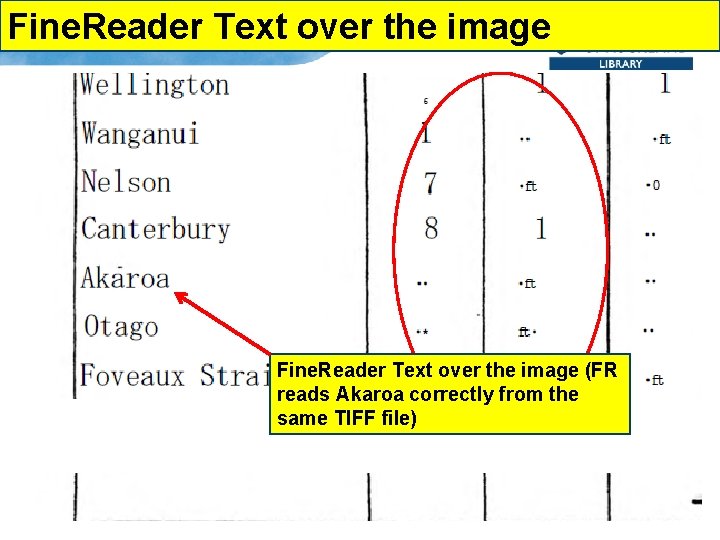
Fine. Reader Text over the image (FR reads Akaroa correctly from the same TIFF file)
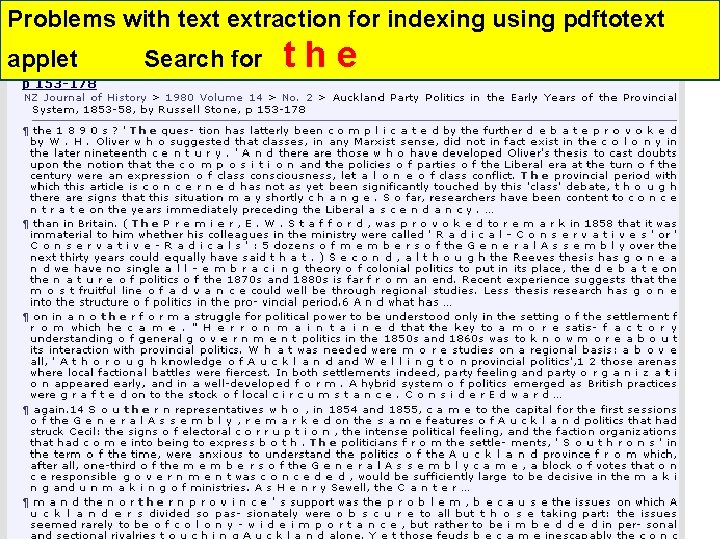
Problems with text extraction for indexing using pdftotext applet Search for the
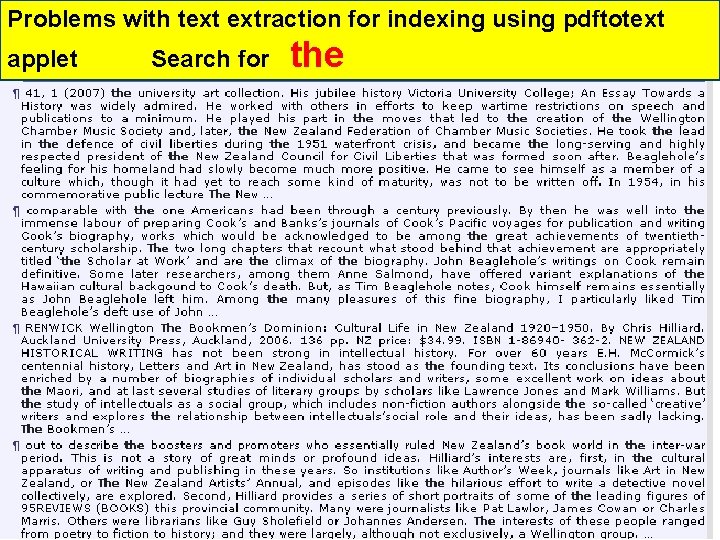
Problems with text extraction for indexing using pdftotext applet Search for the
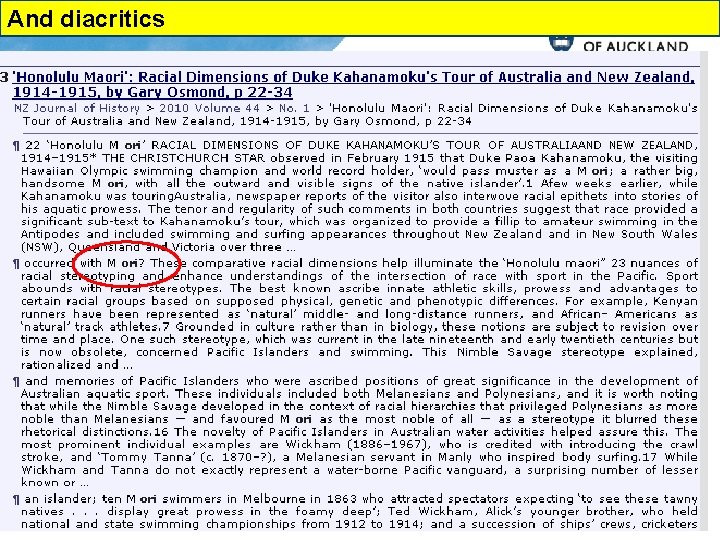
And diacritics
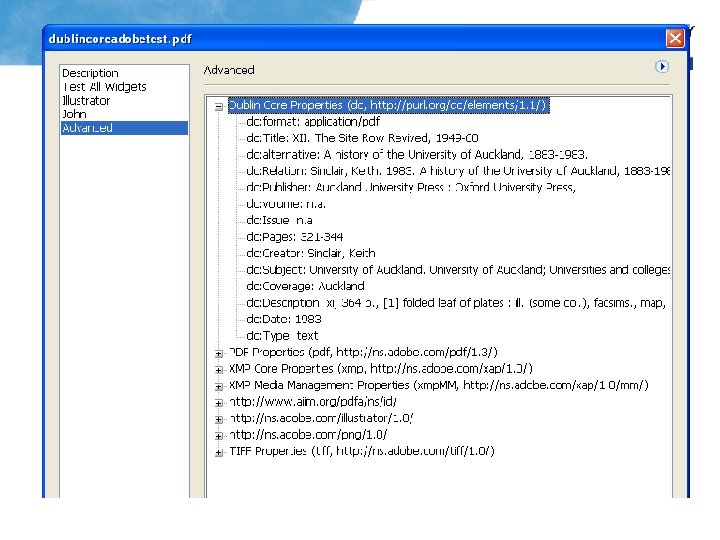
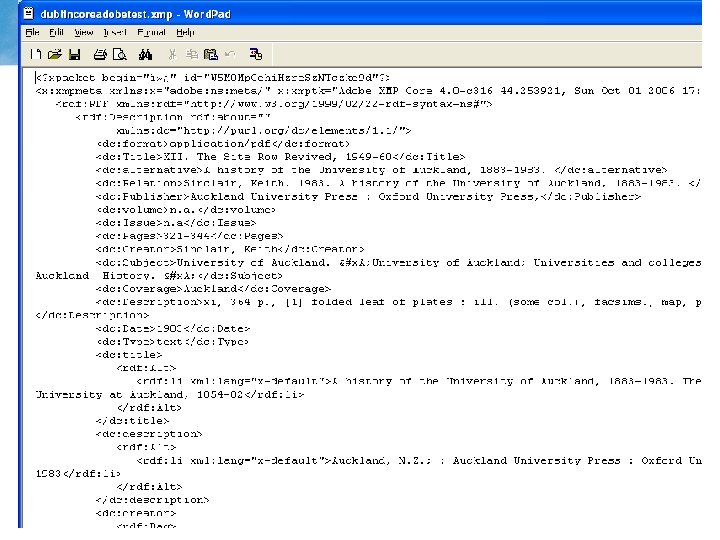
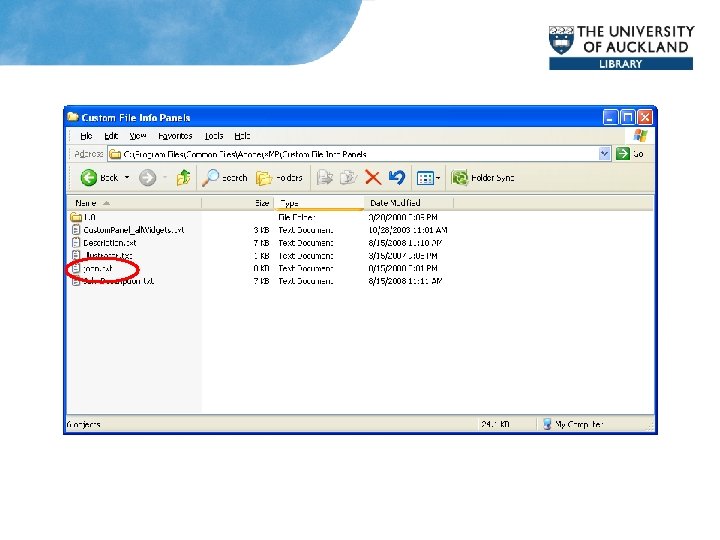
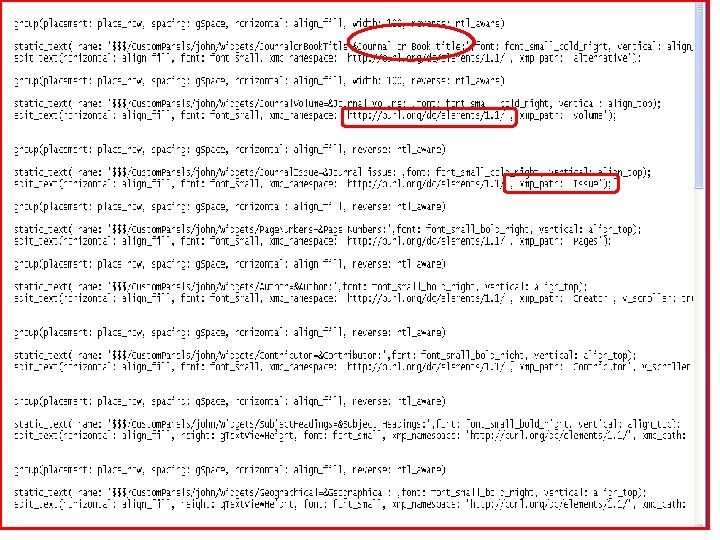
PDF XMP metadata Attaching Dublin Core metadata to PDF documents
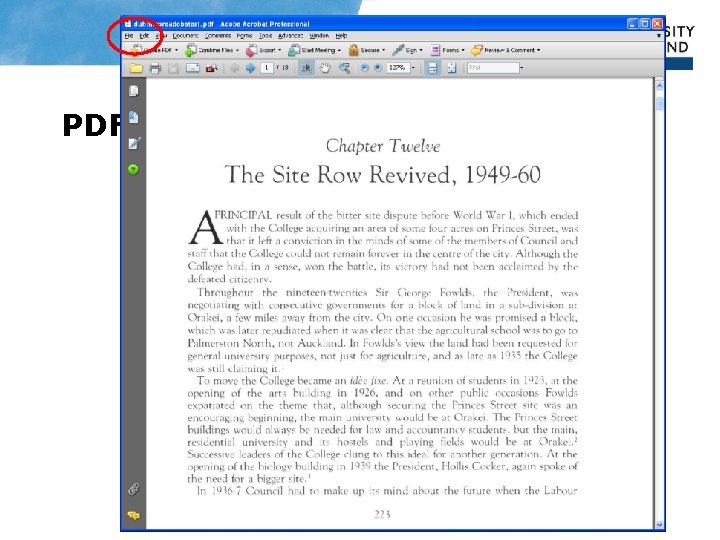
PDF files
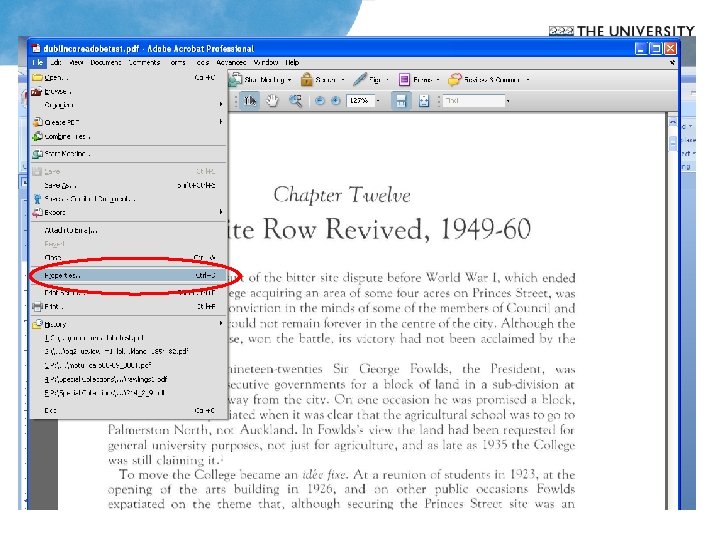
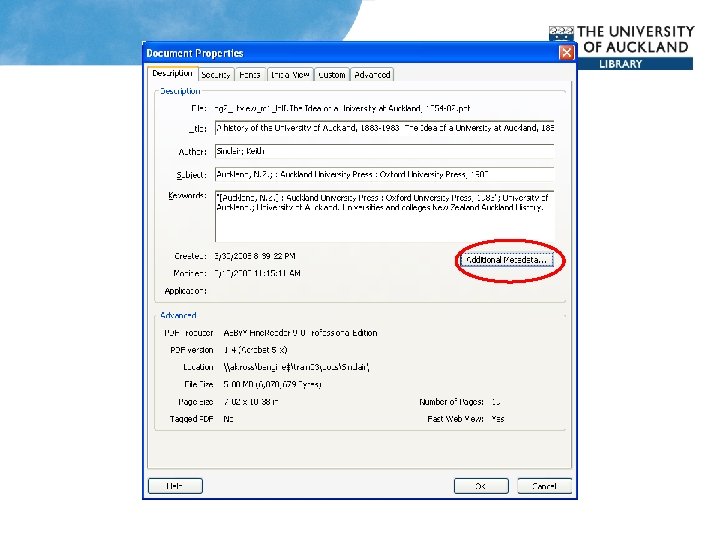
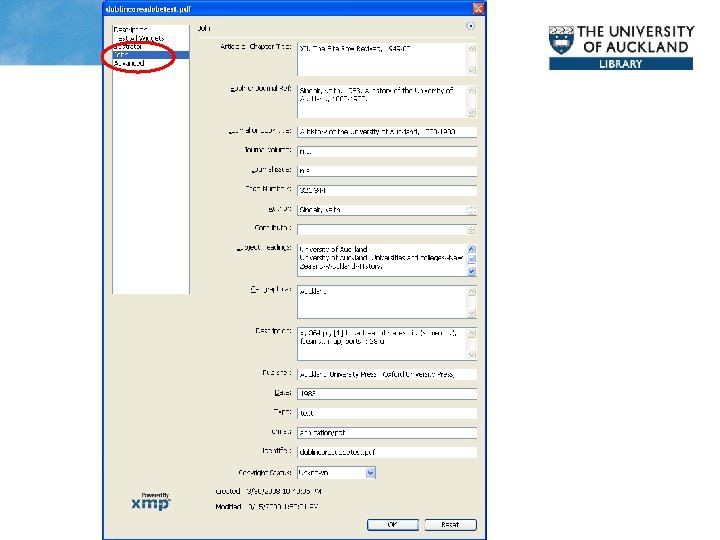
PDF vs METS-ALTO • • • Papers Past and other newspaper projects use METS-ALTO METS (Metadata Encoding and Transmission Standard) links hierarchy of pages, sections, articles, issues and volumes, provides for descriptive and other metadata at each level – structural metadata ALTO (Analyzed Layout and Text Object) stores layout information and OCR text, enables page views, article views for newspapers. CCS (Content Conversion Specialists) have created Doc. Works METAe which automates creation of METS-ALTO files and metadata for sections Should we all be using METS-ALTO? Derivatives (PDF, text, TEI, HTML) complex document structures, metadata at any level
Websites • • New Zealand Journal of History http: //www. nzjh. auckland. ac. nz/ Research. Space Doctoral Theses https: //researchspace. auckland. ac. nz/handle/2292/2 Early New Zealand Statutes http: //www. enzs. auckland. ac. nz/ Early New Zealand Statistics test with PDF and HTML http: //www. thebookshelf. auckland. ac. nz/document. php? wid=1148&action=null
- Slides: 30