
PC GAMING BY JOEL RODRIGUEZ ABOUT PC GAMING

PC GAMING BY: JOEL RODRIGUEZ
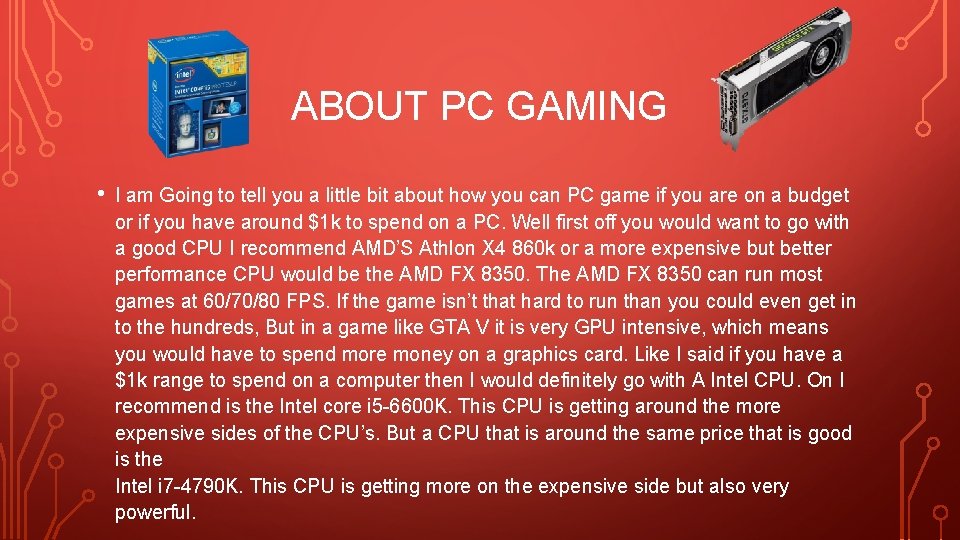
ABOUT PC GAMING • I am Going to tell you a little bit about how you can PC game if you are on a budget or if you have around $1 k to spend on a PC. Well first off you would want to go with a good CPU I recommend AMD’S Athlon X 4 860 k or a more expensive but better performance CPU would be the AMD FX 8350. The AMD FX 8350 can run most games at 60/70/80 FPS. If the game isn’t that hard to run than you could even get in to the hundreds, But in a game like GTA V it is very GPU intensive, which means you would have to spend more money on a graphics card. Like I said if you have a $1 k range to spend on a computer then I would definitely go with A Intel CPU. On I recommend is the Intel core i 5 -6600 K. This CPU is getting around the more expensive sides of the CPU’s. But a CPU that is around the same price that is good is the Intel i 7 -4790 K. This CPU is getting more on the expensive side but also very powerful.
CPU’S • The CPU is like the brains of the PC. You need a CPU with any PC. I am going to put a few good CPU’S, some in the more expensive side and some in the more cheap side. • The first CPU on this list is not very expensive but you will get good power out of it. It is the AMD Athlon X 4 860 K. This CPU is not expensive at all with the amount of gaming power you get In it. If this CPU was pared with a good graphics carp it would make a beast of a machine.
MORE CPU’S • A more expensive CPU but also has more GH. z would be the Core i 75820 K. This CPU isn’t even that needed for most people, it has so much power you get like 200 FPS on games like Arma 3 and that is a super demanding game that needs to be pared with a good graphics card. This CPU on the scale of high end, low end, medium end, and low end , this would be an extreme end CPU. But with any good CPU for gaming it has to be pared with a good graphics card.
GRAPHICS CARDS • Now like I said in the last slide a good CPU has to be pared with a good graphics card. My favourite CPU and the CPU that I really want to get is the EVGA Ge. Force GTX 1060. This graphics card is a single fan but the fan on it is really good so it will still keep the graphics card very cool. This graphics card is also very powerful because it has 3 gb of DDR 5 and it is very powerful. This graphics card is around $250 too $300 but you get what you pay for. • A good reason to go with nvidia’s graphics card series is that every graphics card is able to download a really good screen/game recorder. Most screen recorders/ game recorders make you lag a lot, especially in game or could even make your PC overheat and make the fans go very loud. But, nvidia’s screen recorder only makes you lose like 1 to 2 FPS. That is very good for a screen recorder. The screen recorder that I use takes away at least 35 FPS, that is a sign of a very bad screen recorder.
THE COST • Now PC gaming can very expensive at times, I know this because I bought a prebuilt PC from Best. Buy thinking the PC was going to be set for gaming, at least that’s what the sales men at Best. Buy told me. But sadly they where very wrong. I only got 60 even 40 FPS depending on how demanding the map I was playing on was. The game that I am talking about is Counterstrike Global Offensive also known as CS: GO. I spent a grand total of $800 on the PC. It is sad that I spent that much on a PC and it cannot run a game like CS: GO at 100 FPS. • After my experience with buying a PC from Best. Buy I would say build your own. Yes you may need some knowledge with PC’s and their internals but it will be worth it in the long run. • • Building a PC can be pricey as well as buying a pre build. But I know that the stores that build the PC’s raise the price for the amount of time it took to build the pc, this is why they can be expensive at time. But building a PC yourself can save you a lot of money, . But if you buy very expensive and beefy parts the total cost can be even in the thousands.
PC GAMING VS CONSOLE GAMING • This topic has been a debate for a long time now and before I start I must say I’m on the PC side and I will get into that in detail. • The graphics. Now the graphics in a PC are very changeable to a wide variety of cards. Most of them are able to go as high and most of the time higher than a consoles graphics. • Console gaming. Now I have been a console gamer and I made the switch to PC gaming about one year ago, but. When I was a PC gamer I thought it was like the best thing in the world for gaming and I thought that I wasn’t going to get any better than that in the gaming world. But obviously it did in PC gaming. • Mouse and keyboard. I love using the mouse and keyboard better than a console gaming controller not just because I find it easier but also because you can get different switched keyboards. The keyboard that I have has cherry MX blue switches. Incase you didn’t know those are the loudest and most “clicky” sounding key switches. I really like that you can get a variety of keyboards and mouse's because obviously there are the good ones and the bad ones. I really like using cherry mx blue switches because it does not take that much pressure at all to type and that comes in hand a lot when you are gaming or even typing a paragraph and trying to go fast.
BUILDING PC’S • Most PC gamers will build there PC’s it is cheaper and it is fun to learn how to and absorb that knowledge and build better PC rigs in the future, but when you build a PC you can have a better game player than a PS 4 or a XBOX one. You can find parts that are on sale that you normally wouldn’t see that good of a processor in a PS 4’s also don’t have as good of graphics cards that some PC’s can have. As PS 4’s only have AMD gpu’s and you can get a wide range of gpu’s in PC’s.
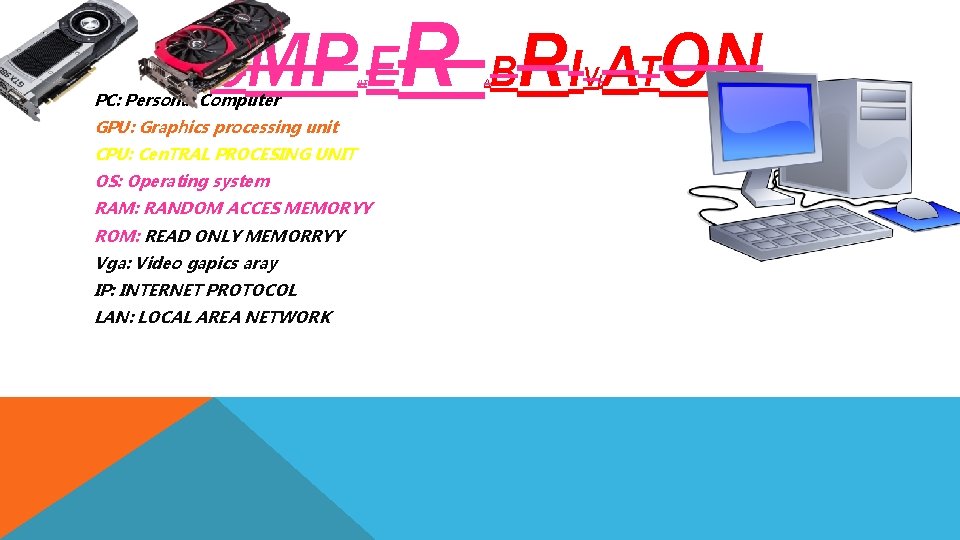
C OMP E PC: Personal Computer UT GPU: Graphics processing unit CPU: Cen. TRAL PROCESING UNIT OS: Operating system RAM: RANDOM ACCES MEMORYY ROM: READ ONLY MEMORRYY Vga: Video gapics aray IP: INTERNET PROTOCOL LAN: LOCAL AREA NETWORK R BRI ATON A VI S
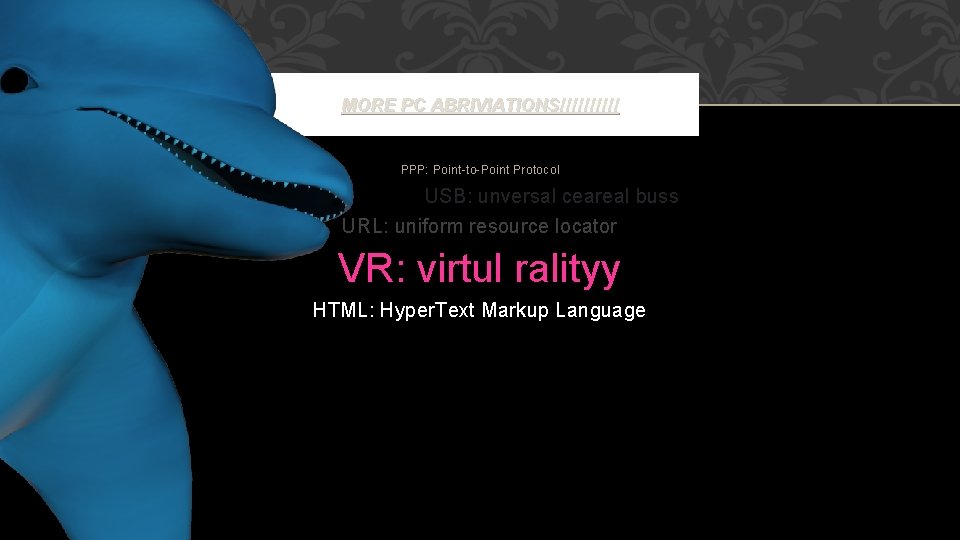
MORE PC ABRIVIATIONS!!!!! PPP: Point-to-Point Protocol USB: unversal ceareal buss URL: uniform resource locator VR: virtul ralityy HTML: Hyper. Text Markup Language
- Slides: 10