
PC Based Spectrum Analyzer Team May 00 04
PC Based Spectrum Analyzer Team May 00 -04 Advisors: Dr. Dickerson & Dr. Black Client: Lee Moore, ISU BSEE 1982 TERADYNE, North Reading, MA
Team Members Chris Van Oosbree, Cpr. E Emmetsburg, Iowa Fazal Baloch, EE Balochistan, Pakistan Yew-Kwong Soo, EE Kuantan, Malaysia Wee-Liat Tay, EE Taiping, Malaysia Walter Wedan, EE Duluth, Minnesota
Background • What is a spectrum analyzer? • Time domain vs. Frequency domain • Fourier Transform • Applications • TERADYNE J 750
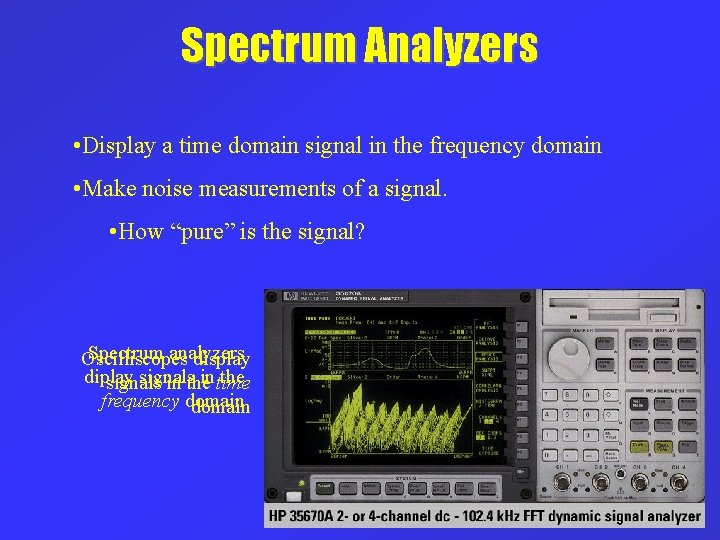
Spectrum Analyzers • Display a time domain signal in the frequency domain • Make noise measurements of a signal. • How “pure” is the signal? Spectrum analyzers Oscilliscopes display diplay signals in time the signals in the frequency domain
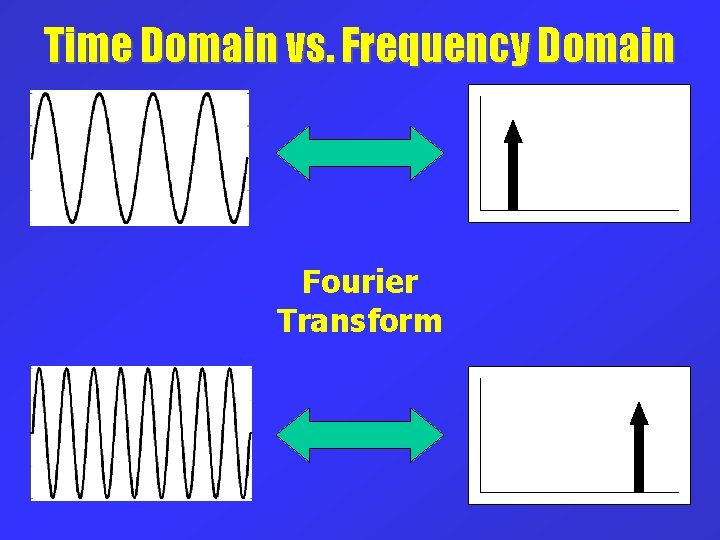
Time Domain vs. Frequency Domain Fourier Transform
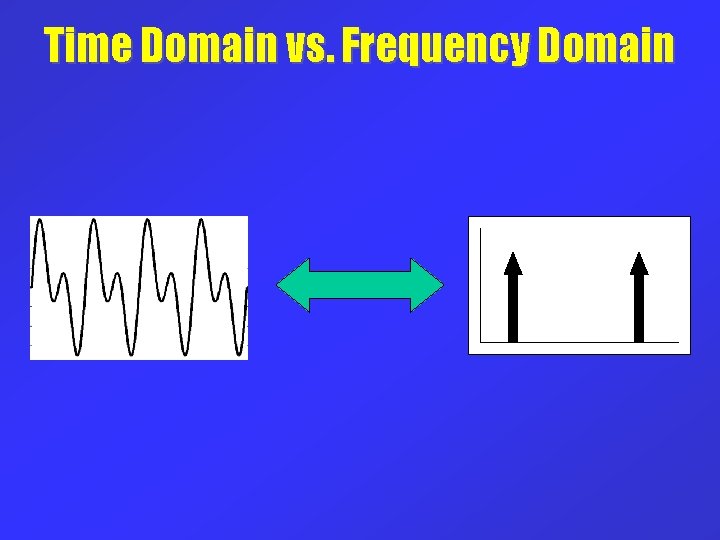
Time Domain vs. Frequency Domain
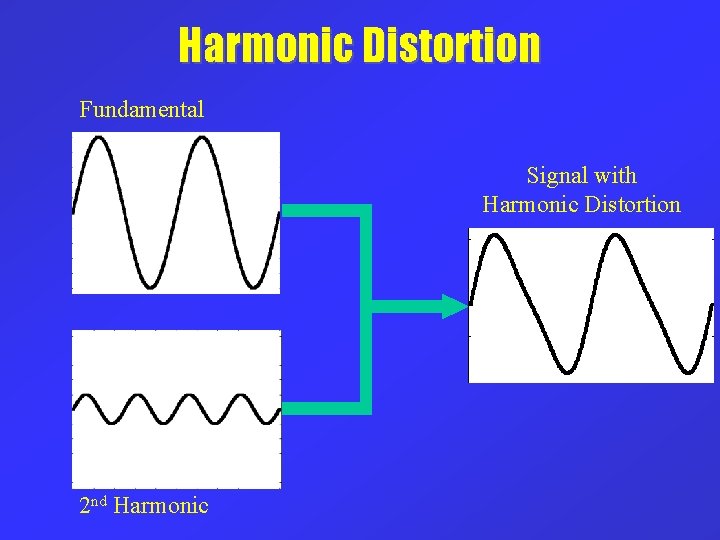
Harmonic Distortion Fundamental Signal with Harmonic Distortion 2 nd Harmonic
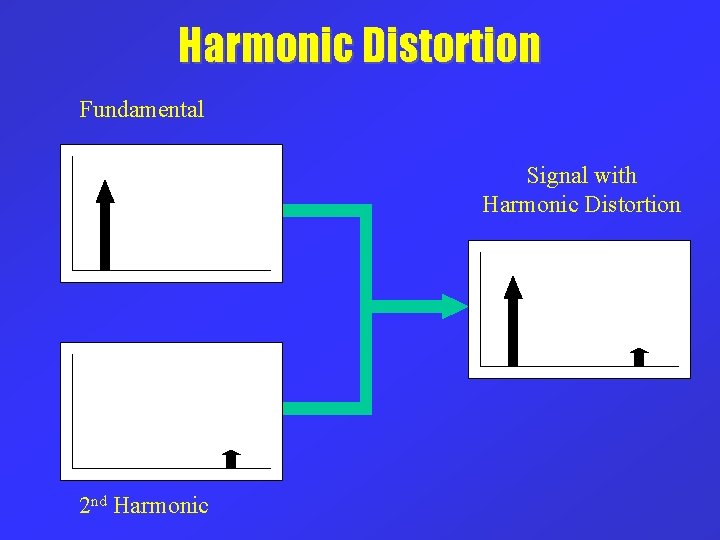
Harmonic Distortion Fundamental Signal with Harmonic Distortion 2 nd Harmonic
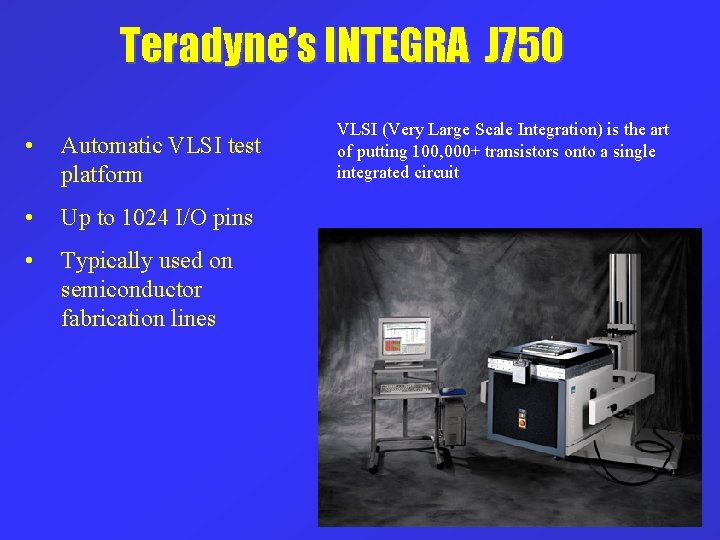
Teradyne’s INTEGRA J 750 • Automatic VLSI test platform • Up to 1024 I/O pins • Typically used on semiconductor fabrication lines VLSI (Very Large Scale Integration) is the art of putting 100, 000+ transistors onto a single integrated circuit
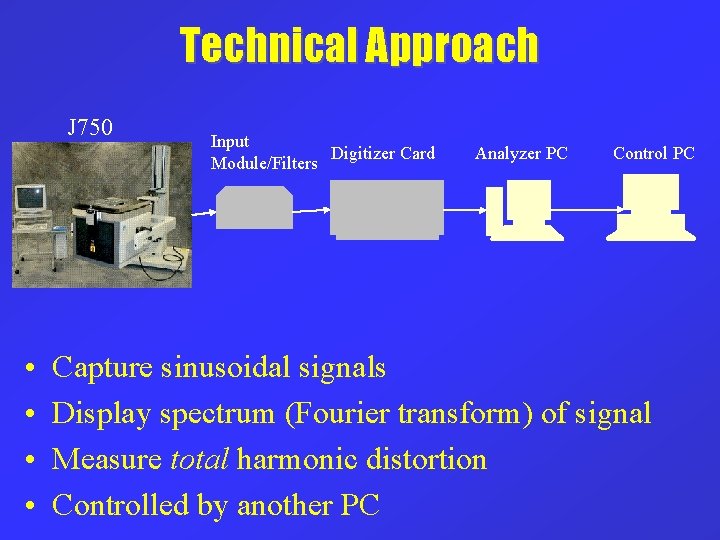
Technical Approach J 750 • • Input Digitizer Card Module/Filters Analyzer PC Control PC Capture sinusoidal signals Display spectrum (Fourier transform) of signal Measure total harmonic distortion Controlled by another PC
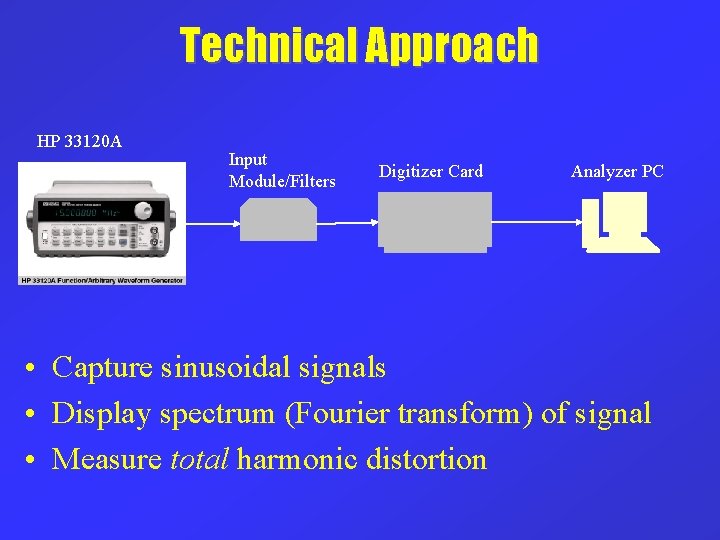
Technical Approach HP 33120 A Input Module/Filters Digitizer Card Analyzer PC • Capture sinusoidal signals • Display spectrum (Fourier transform) of signal • Measure total harmonic distortion
Technical Approach • Software based approach – Lab. Windows/CVI used for coding • • High speed digitizer card Filters to “condition” the source signal Filter calibration Design of input module
Requirements • Measure THD of a sinusoidal source at 3 frequencies – 10 k. Hz – 10 MHz • THD measurements up to the 3 rd harmonic • Noise floor is – 135 d. B below the fundamental • 2 update rates • Free run mode • Slow / lowest noise
Software Overview • • • Have digitizer card capture signal Compute Fourier Transform of the signal Display signal spectrum Compute and display THD Display options – Harmonic Spectrum – Spectrogram
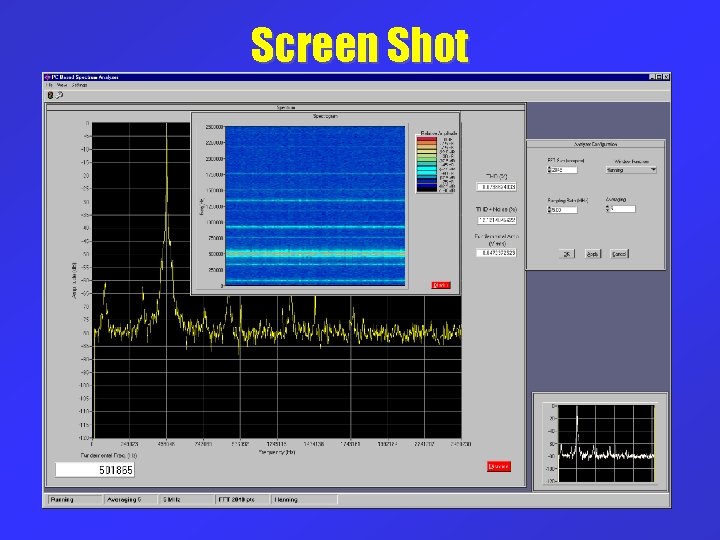
Screen Shot
Configuration Options • Sampling Rate • Windowing • Number of samples used in Fourier analysis – More samples = Better accuracy – Less samples = Faster computation • Averaging – To reduce effects of noise – Slower computation
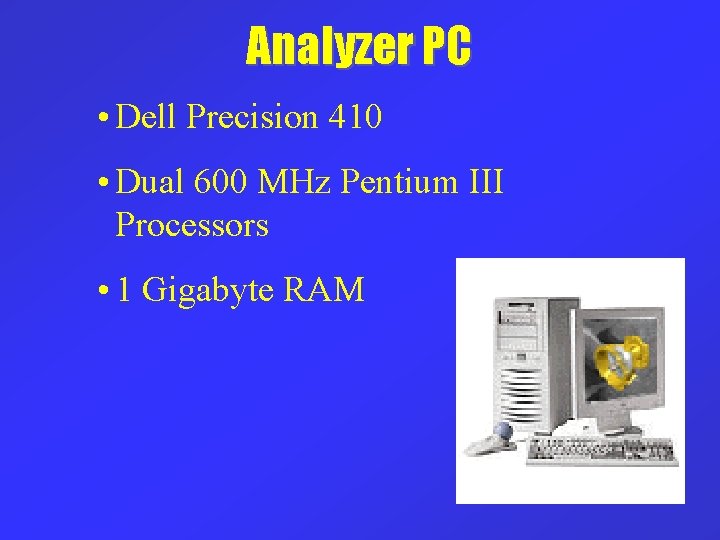
Analyzer PC • Dell Precision 410 • Dual 600 MHz Pentium III Processors • 1 Gigabyte RAM
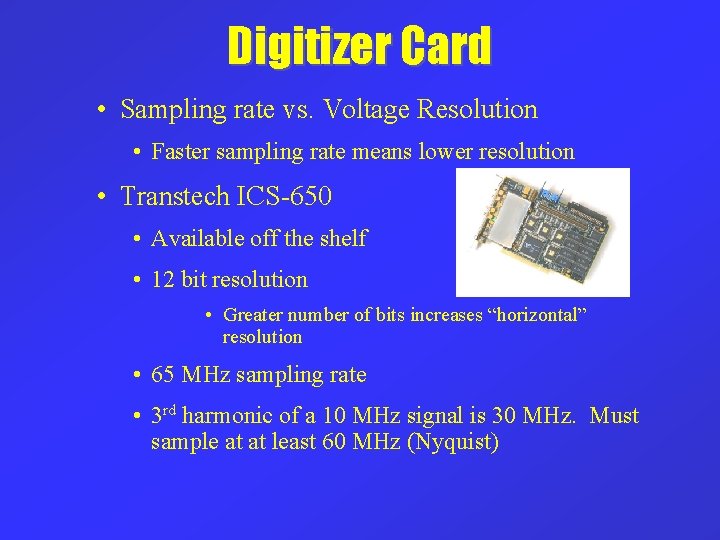
Digitizer Card • Sampling rate vs. Voltage Resolution • Faster sampling rate means lower resolution • Transtech ICS-650 • Available off the shelf • 12 bit resolution • Greater number of bits increases “horizontal” resolution • 65 MHz sampling rate • 3 rd harmonic of a 10 MHz signal is 30 MHz. Must sample at at least 60 MHz (Nyquist)
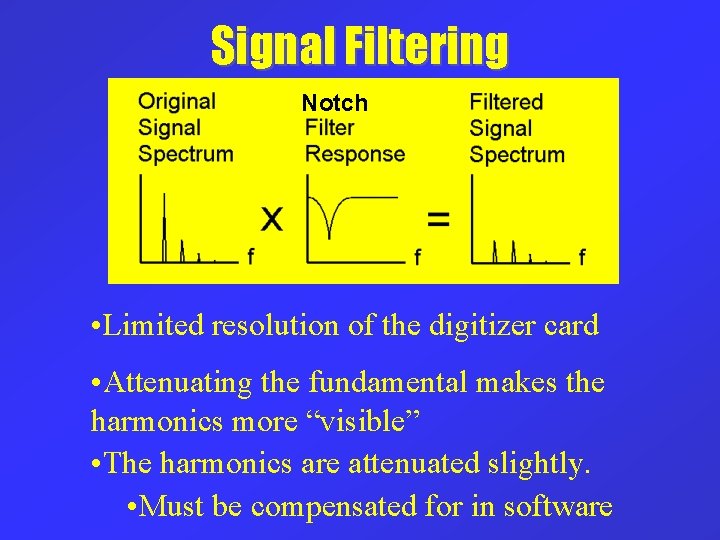
Signal Filtering Notch • Limited resolution of the digitizer card • Attenuating the fundamental makes the harmonics more “visible” • The harmonics are attenuated slightly. • Must be compensated for in software
Spectrum Reconstruction • The software filter is a discrete representation of the analog filter’s frequency response. • The software filter is calibrated to match the analog filter’s response during FILTER CALIBRATION.
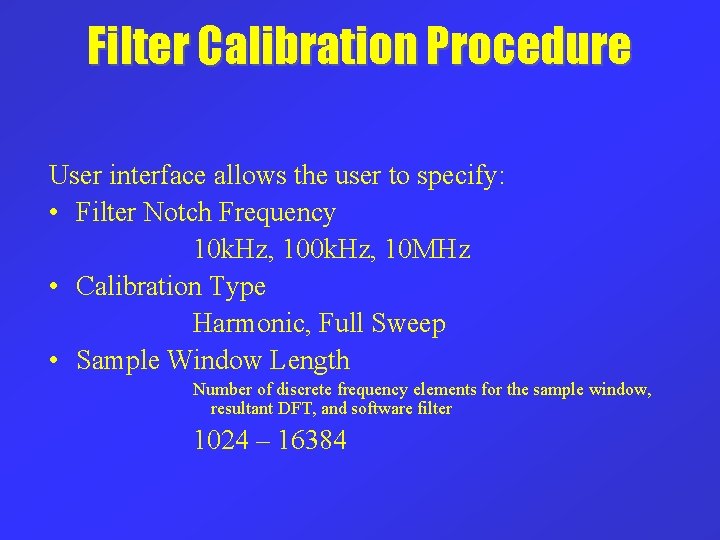
Filter Calibration Procedure User interface allows the user to specify: • Filter Notch Frequency 10 k. Hz, 10 MHz • Calibration Type Harmonic, Full Sweep • Sample Window Length Number of discrete frequency elements for the sample window, resultant DFT, and software filter 1024 – 16384
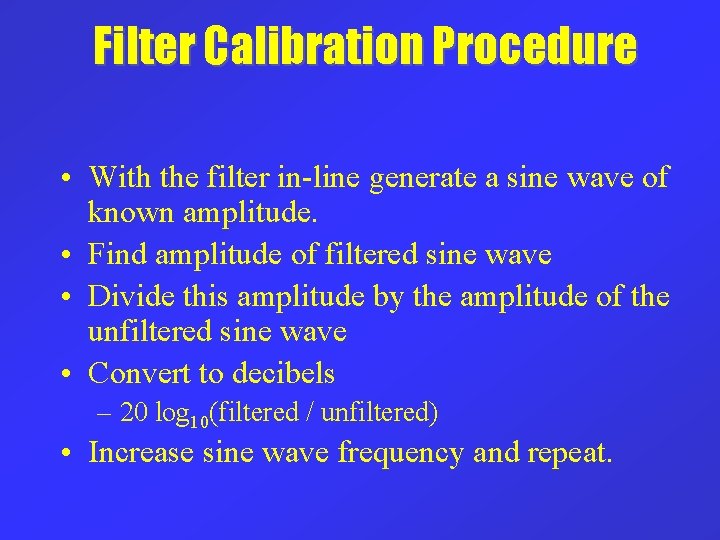
Filter Calibration Procedure • With the filter in-line generate a sine wave of known amplitude. • Find amplitude of filtered sine wave • Divide this amplitude by the amplitude of the unfiltered sine wave • Convert to decibels – 20 log 10(filtered / unfiltered) • Increase sine wave frequency and repeat.
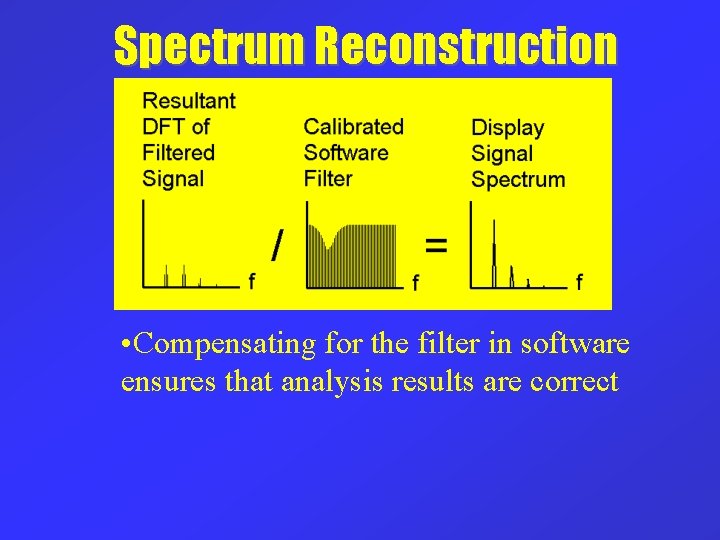
Spectrum Reconstruction • Compensating for the filter in software ensures that analysis results are correct
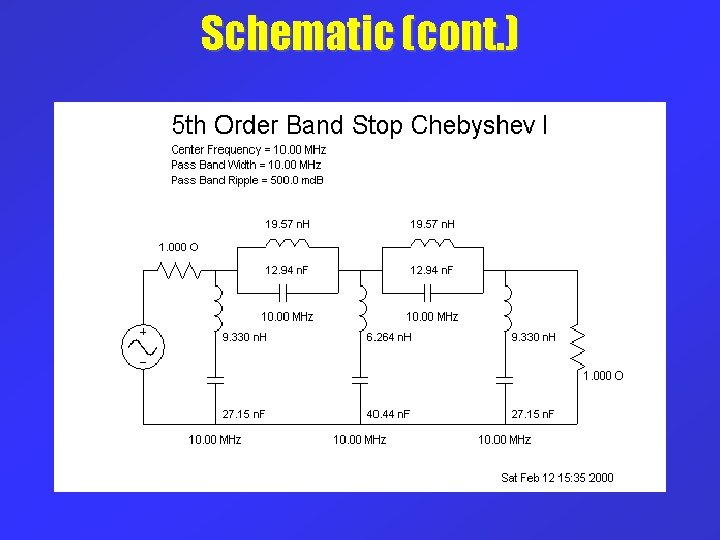
Filter Design • Twin-T network design is used for building filters attenuating signals at 10 k. Hz and 100 k. Hz • Twin-T has simple basic design that gives good attenuations • A 5 th order Chebyshev Band Stop Filter will be tested for attenuation of signals at 10 MHz
Problems • The sensitivity of the Twin-T filter • Twin-T filter unsuitable for attenuating high frequencies such as 10 MHz • Getting the components for the filter
Schematic TWIN-T filter
Schematic (cont. )
Filter Response Attenuation at 10 k. Hz
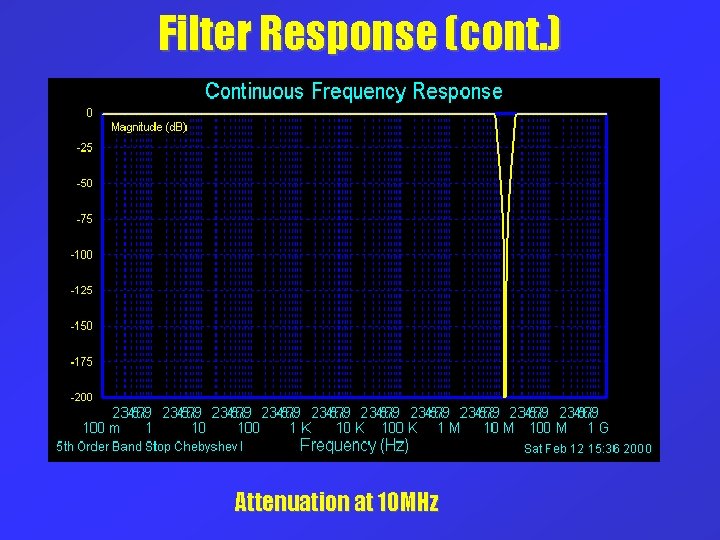
Filter Response (cont. ) Attenuation at 10 MHz
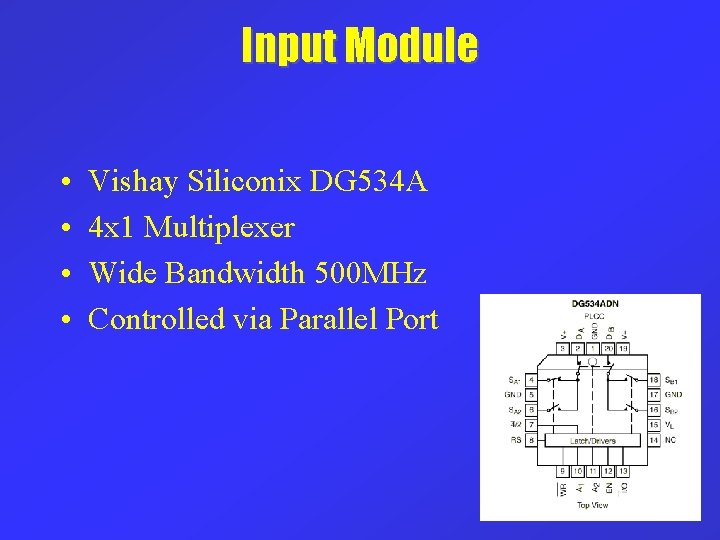
Input Module • • Vishay Siliconix DG 534 A 4 x 1 Multiplexer Wide Bandwidth 500 MHz Controlled via Parallel Port
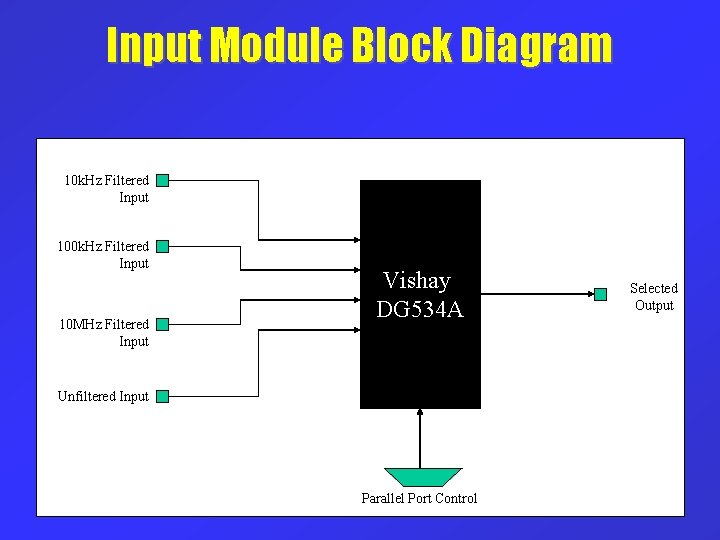
Input Module Block Diagram 10 k. Hz Filtered Input 10 MHz Filtered Input Vishay DG 534 A Unfiltered Input Parallel Port Control Selected Output
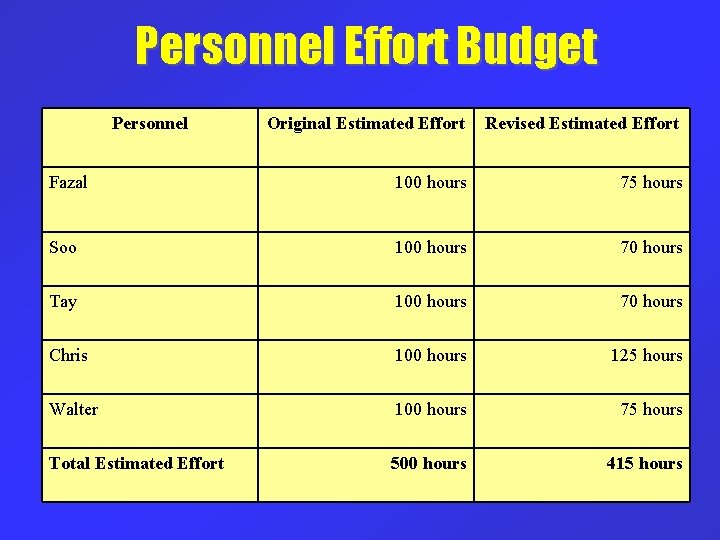
Personnel Effort Budget Personnel Original Estimated Effort Revised Estimated Effort Fazal 100 hours 75 hours Soo 100 hours 70 hours Tay 100 hours 70 hours Chris 100 hours 125 hours Walter 100 hours 75 hours Total Estimated Effort 500 hours 415 hours
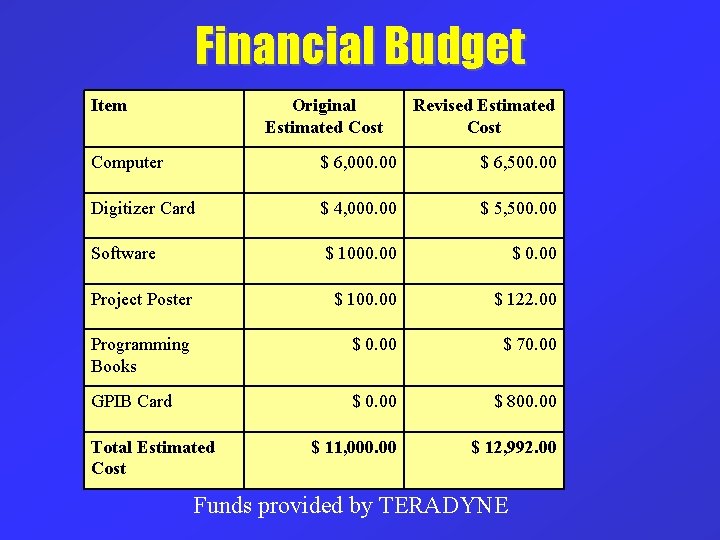
Financial Budget Item Original Estimated Cost Revised Estimated Cost Computer $ 6, 000. 00 $ 6, 500. 00 Digitizer Card $ 4, 000. 00 $ 5, 500. 00 Software $ 1000. 00 $ 0. 00 Project Poster $ 100. 00 $ 122. 00 Programming Books $ 0. 00 $ 70. 00 GPIB Card $ 0. 00 $ 800. 00 $ 11, 000. 00 $ 12, 992. 00 Total Estimated Cost Funds provided by TERADYNE
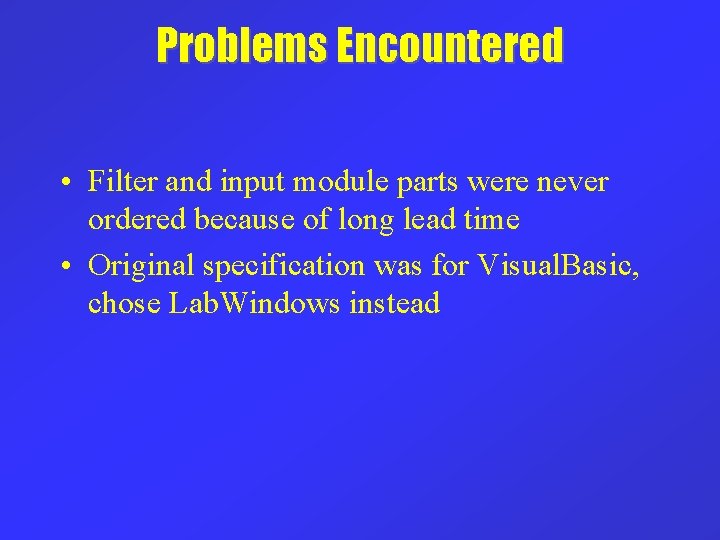
Problems Encountered • Filter and input module parts were never ordered because of long lead time • Original specification was for Visual. Basic, chose Lab. Windows instead
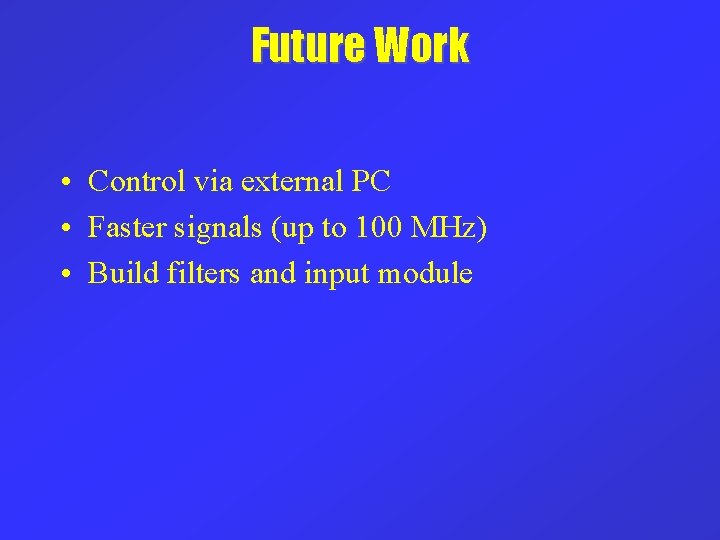
Future Work • Control via external PC • Faster signals (up to 100 MHz) • Build filters and input module
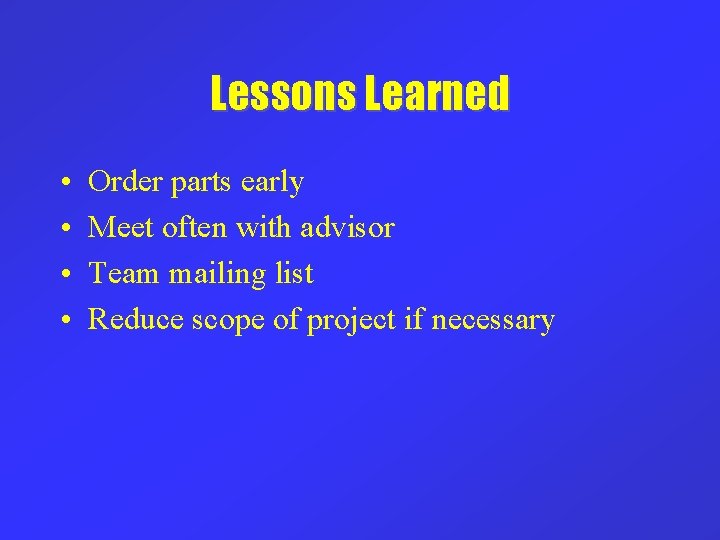
Lessons Learned • • Order parts early Meet often with advisor Team mailing list Reduce scope of project if necessary
Milestone Summary • Successfully wrote code to control digitizer card • Analyzer software is finished and being documented • Filter calibration software is finished

Questions ? ? ?
- Slides: 38