
Paydirt Getting Started Agenda Installing the software Digitizer

- Slides: 14
Paydirt Getting Started
Agenda § Installing the software – Digitizer – Sentinel Super. Pro Lock/Key/Dongle § § § § Setting up the Digitizer What information is out there Menu overview Typical Workflow Scale Reference Points Data Types
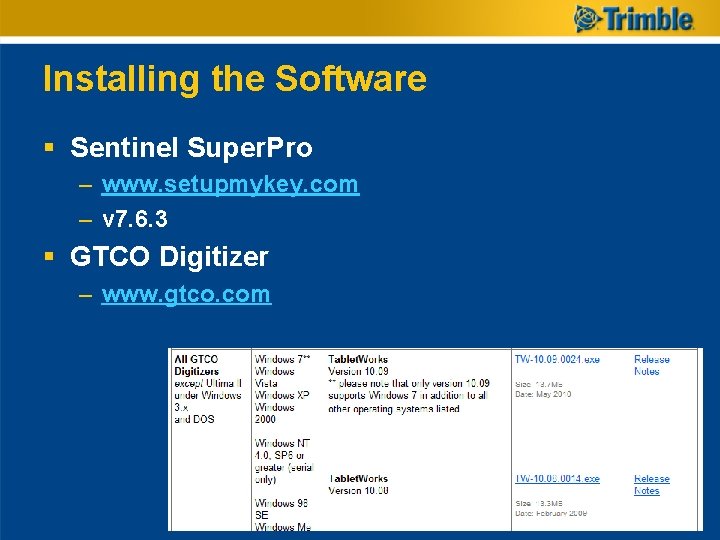
Installing the Software § Sentinel Super. Pro – www. setupmykey. com – v 7. 6. 3 § GTCO Digitizer – www. gtco. com
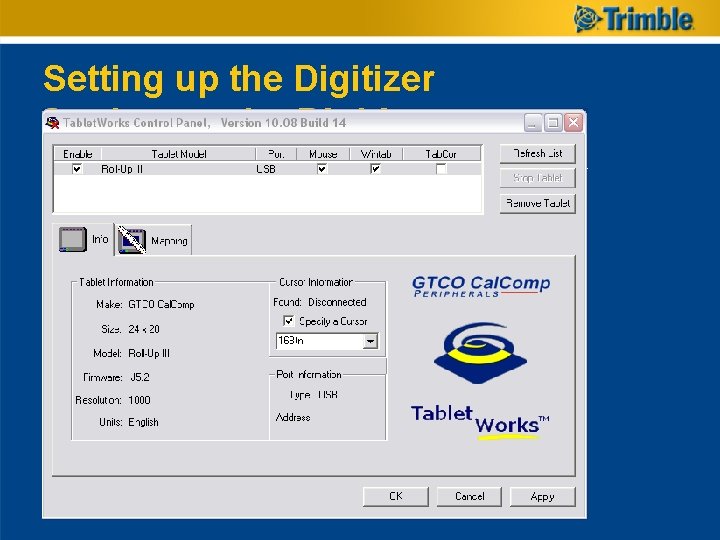
Setting up the Digitizer
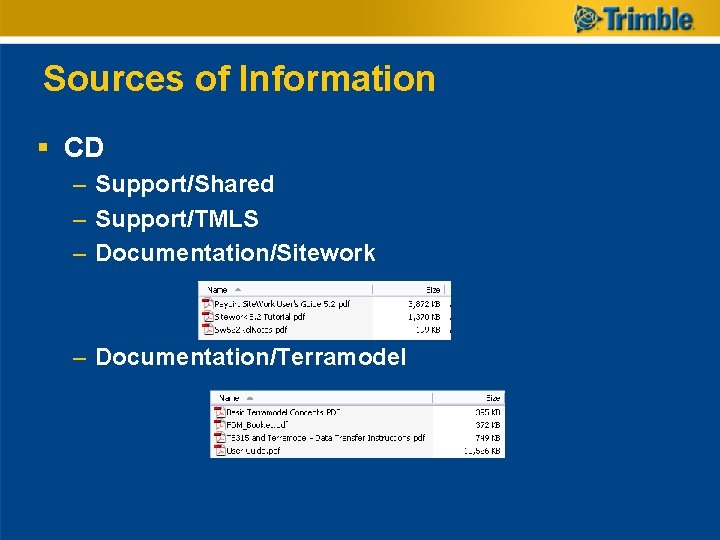
Sources of Information § CD – Support/Shared – Support/TMLS – Documentation/Sitework – Documentation/Terramodel
Other Sources § ftp: //ftp 2. trimble. com/pub/tmsupport/PAYDIRT/ § www. trimble. com
Menu Overview § § § § Software Demo File Edit View Reports Tools Window Help
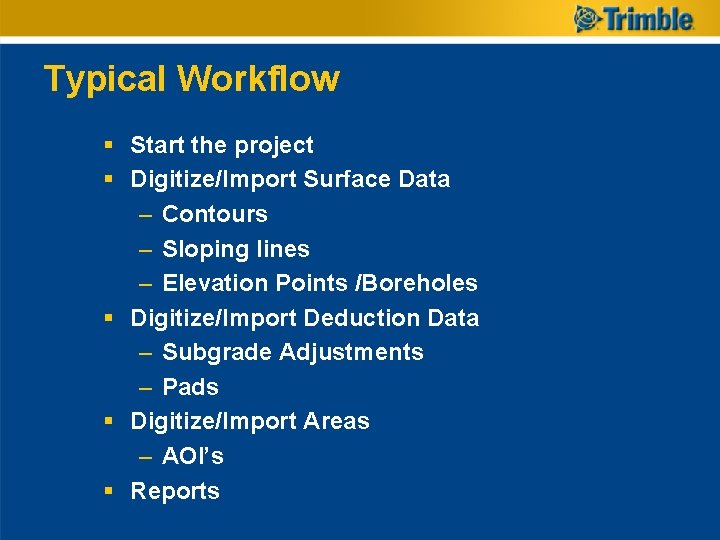
Typical Workflow § Start the project § Digitize/Import Surface Data – Contours – Sloping lines – Elevation Points /Boreholes § Digitize/Import Deduction Data – Subgrade Adjustments – Pads § Digitize/Import Areas – AOI’s § Reports
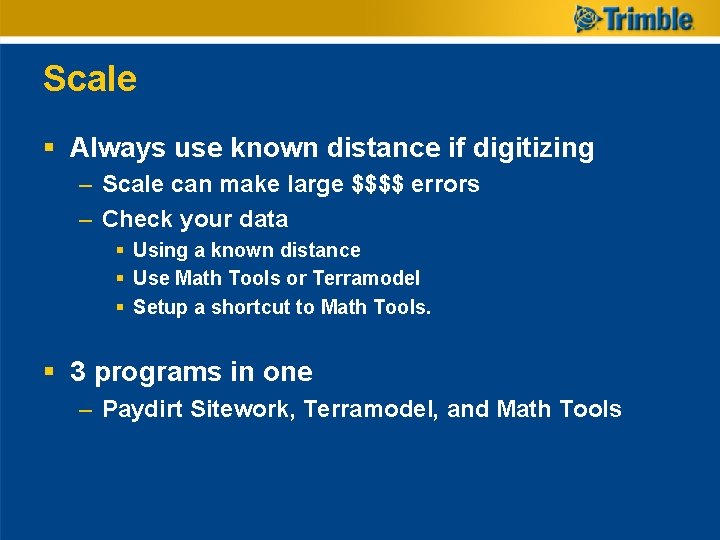
Scale § Always use known distance if digitizing – Scale can make large $$$$ errors – Check your data § Using a known distance § Use Math Tools or Terramodel § Setup a shortcut to Math Tools. § 3 programs in one – Paydirt Sitework, Terramodel, and Math Tools
Reference Points § Use two points that are visable on all sheets § Large distance apart § If two sheets with a match line use two common points near the match line. § If three or more sheets look at the instructions on ftp: //ftp 2. trimble. com/pub/tmsupport/PAYDIRT/
Data Types § Most used – – – Contours Sloping Lines Subgrade adjustment Pads AOI’s § Rarely used – Elevation Points / Boreholes – Sloping Areas – Cut Stakes and Control Points
Build Confidence § Use the Tutorial to: – Test your Digitizing Skills – Test your Tiff Take-off Skills – Test your CAD Import Skills § Compare the results from all three to see if they are allowable. § Be artistic and try to get solutions for § over excavation § Layback slopes § Use the reports to see what you are doing § 3 D Views and Cross Sections
Remember you are just building a SURFACE to compare to another for Cut, Fill, or Cut and Fill volumes. § Use the reports to visualize if you are achieving your intended results.
Review Tutorial Project § Data Types § Surfaces § Validation § Reports