
Pavlo Okhrem CEO at Elogic Commerce 12 Ways




- Slides: 26
Pavlo Okhrem CEO at Elogic Commerce 12 Ways to Improve Magento 2 Security and Performance OF TOPIC
ü CEO and Co-Founder at e. Logic Commerce ü Vice president of International affairs at Cluster BIT ü Co-founder and chairman at Chernivtsi IT CEO Club ü Participant in international business programs in Sweden and Norway ü Not married
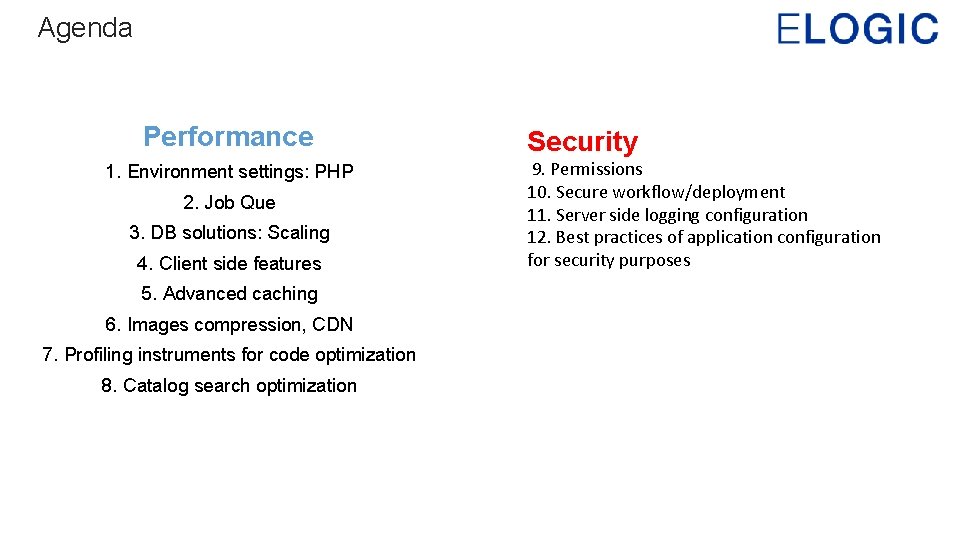
Agenda Performance 1. Environment settings: PHP 2. Job Que 3. DB solutions: Scaling 4. Client side features 5. Advanced caching 6. Images compression, CDN 7. Profiling instruments for code optimization 8. Catalog search optimization Security 9. Permissions 10. Secure workflow/deployment 11. Server side logging configuration 12. Best practices of application configuration for security purposes
Magento 2 Performance tips
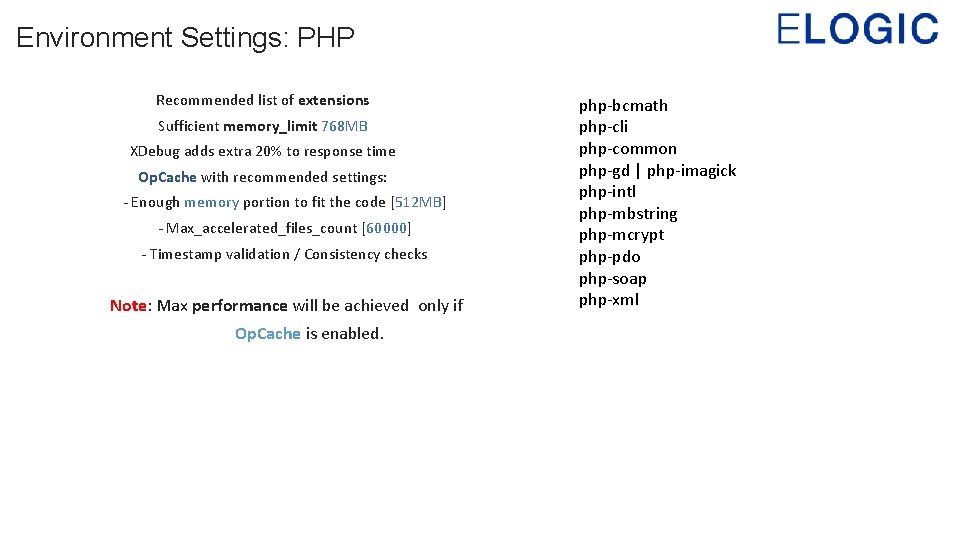
Environment Settings: PHP Recommended list of extensions Sufficient memory_limit 768 MB XDebug adds extra 20% to response time Op. Cache with recommended settings: - Enough memory portion to fit the code [512 MB] - Max_accelerated_files_count [60000] - Timestamp validation / Consistency checks Note: Max performance will be achieved only if Op. Cache is enabled. php-bcmath php-cli php-common php-gd | php-imagick php-intl php-mbstring php-mcrypt php-pdo php-soap php-xml
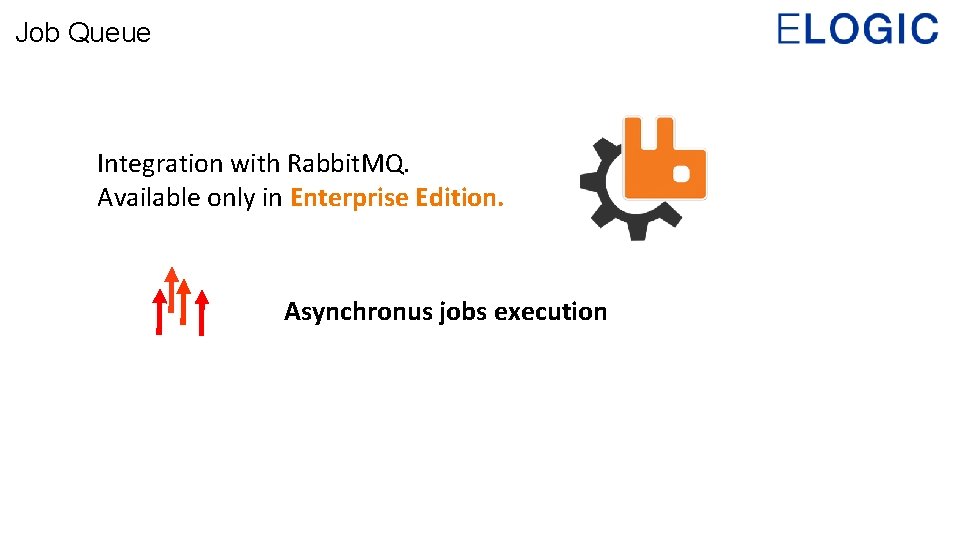
Job Queue Integration with Rabbit. MQ. Available only in Enterprise Edition. Asynchronus jobs execution
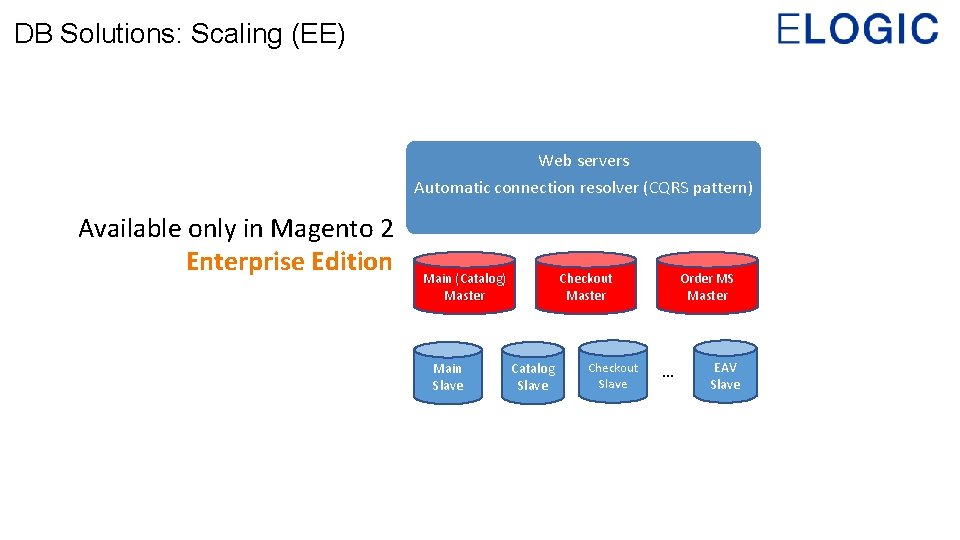
DB Solutions: Scaling (EE) Web servers Automatic connection resolver (CQRS pattern) Available only in Magento 2 Enterprise Edition Main (Catalog) Master Main Slave Checkout Master Catalog Slave Checkout Slave Order MS Master … EAV Slave
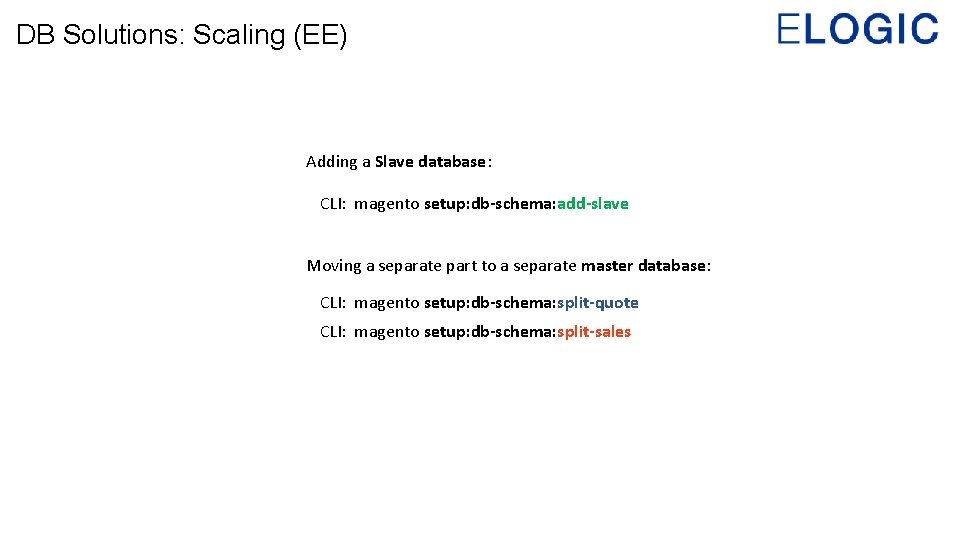
DB Solutions: Scaling (EE) Adding a Slave database: CLI: magento setup: db-schema: add-slave Moving a separate part to a separate master database: CLI: magento setup: db-schema: split-quote CLI: magento setup: db-schema: split-sales
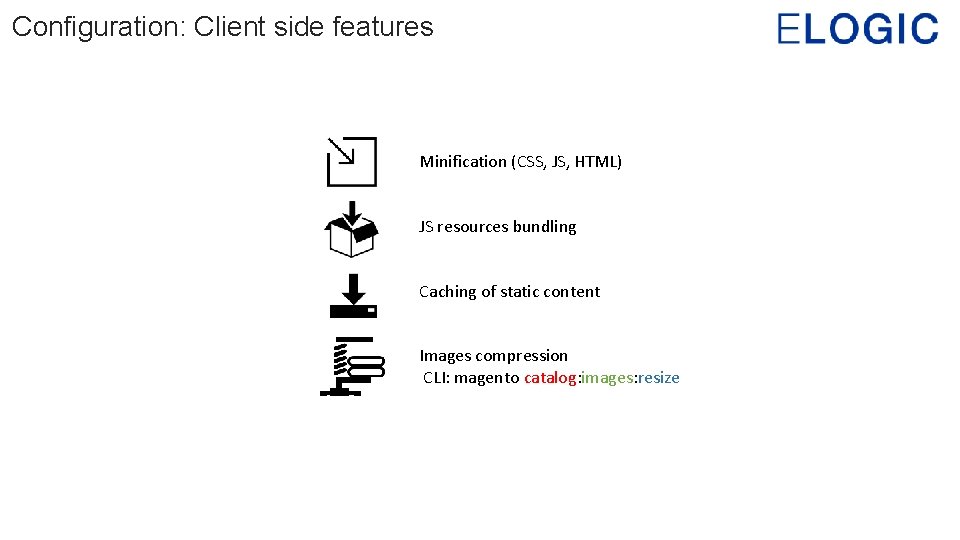
Configuration: Client side features Minification (CSS, JS, HTML) JS resources bundling Caching of static content Images compression CLI: magento catalog: images: resize
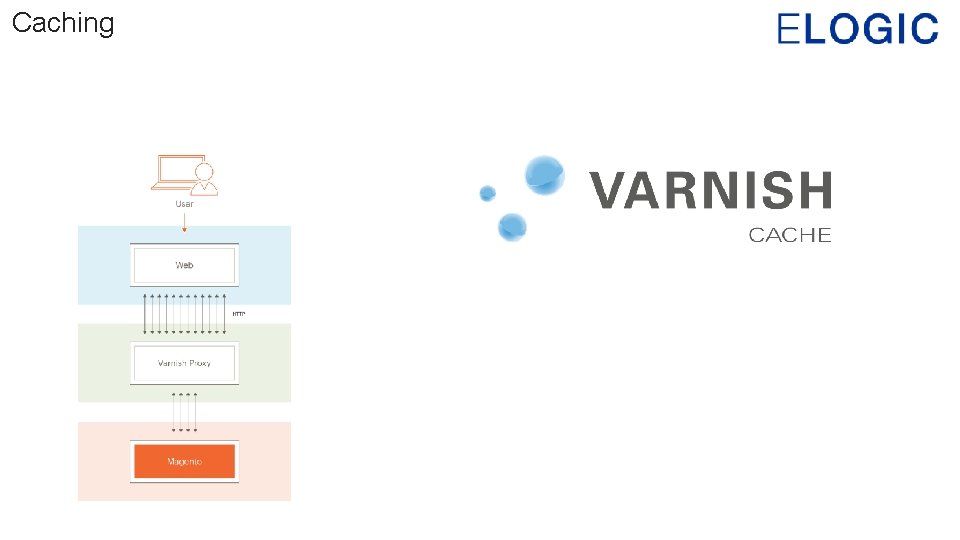
Caching
Caching Can be used as page cache and session storing
CDN and image compression CDN will help you to deliver content faster. Reduce images size where possible. Use JPEG format for catalog pictures.
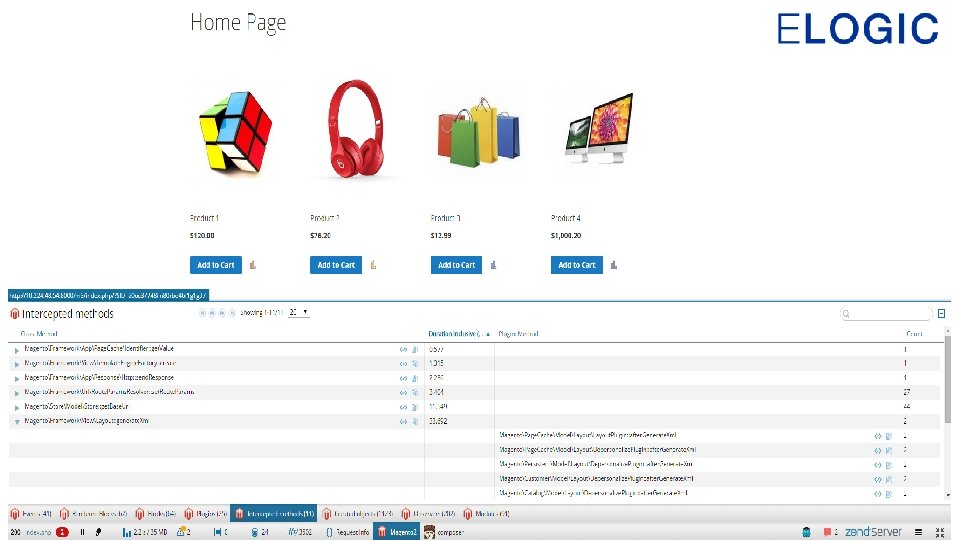
Code optimization Using the Zend Z-Ray, you can inspect, debug, and optimize your pages, and easily additional functionality.
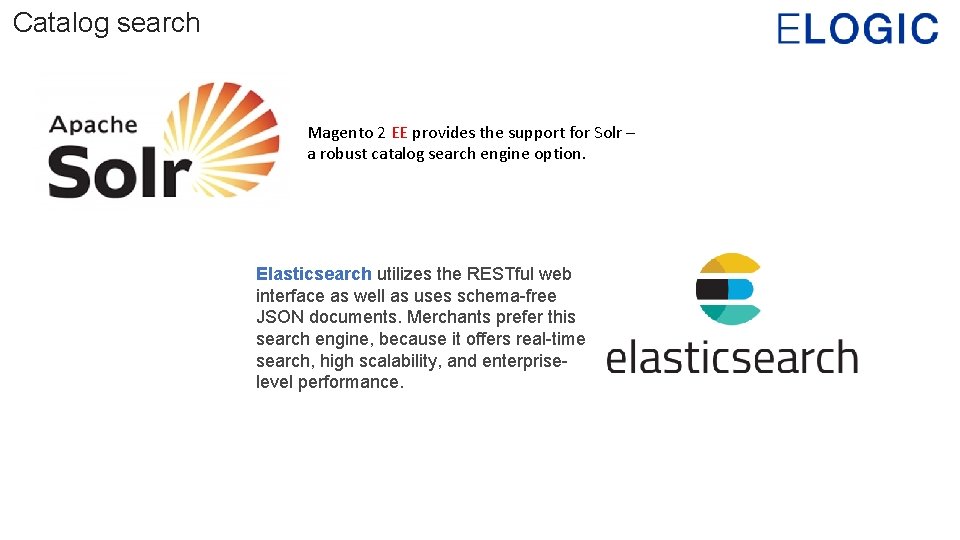
Catalog search Magento 2 EE provides the support for Solr – a robust catalog search engine option. Elasticsearch utilizes the RESTful web interface as well as uses schema-free JSON documents. Merchants prefer this search engine, because it offers real-time search, high scalability, and enterpriselevel performance.
One more useful thing
Magento 2 Security tips
Permissions The owner of the Magento file system: Must have full control (read/write/execute) of all files and directories. Must not be the web server user; it should be a different user. The web server user must have write access to the following files and directories: var app/etc pub In addition, the web server's group must own the Magento file system so that the Magento user (who is in the group) can share access to files with the web server user.
Permissions All directories have 770 permissions give full control (that is, read/write/execute) to the owner and to the group and no permissions to anyone else. All files have 660 permissions mean the owner and the group can read and write but other users have no permissions.
Workflow Limit the access to the production server. Ideally, with the help of CI, so nobody will have access to the live container Limit admin access (use different roles) Only 1 person should have the access to merging commits and deploying them to the live environment Purchase extensions from verified extensions providers
Server logging Configure the logging in a way that it detects all of the suspicious activities on your server Configure the firewall Use Fail 2 Ban to ban all of the suspicious activities on your server
Application configuration Change the default admin url path Change the default downloader url path Use only secure communications protocol (SSH/SFTP/HTTPS) Use strong, long, and unique passwords, and change them periodically. Immediately install patches when new security issues are discovered.
Recommended extensions Creaminternet/module-secure-passwords Xtento Two-Factor Authentification (paid) Admin actions Log (paid)
One more thing Close all of the unnecessary ports on your server Restrict SSH access by IP Use password managers like Last. Pass, Pass. Pack etc to store password securely
Useful resources https: //elogic. co/blog/ultimate-magento-performance-guide-nginxhttp 2 php-7 -0 -8/ - How to configure Magento with http/2 https: //elogic. co/blog/magento-security-lifehacks/ - Magento security lifehacks https: //github. com/magento 2 -zray - Magento 2 z-ray plugin https: //www. linkedin. com/pulse/20141210024646 -1143212 -22 -ways-to-bulletproofyour-magento-security - 22 Ways to bulletproof your magento security
Contact me Email: pavlo@elogic. co Linked. In: /paulokhrem Phone: +38(050)764 -1000 Facebook: /puncher Skype: okhrempavlo