
Pathway U An Introduction Presented by The Center
Pathway. U An Introduction Presented by The Center for Career and Talent Development
https: //vimeo. com/322101731
What is it? Pathway. U is an online platform which provides you with the opportunity to analyze your unique talents and skills while receiving valuable guidance in discovering your purpose and finding meaningful career succe ü Guides you towards your purpose by helping you make critical training, education and career choices leading you to academic success. ü Enhances your self-awareness by providing insight on your interests and the skills that align with your purpose. ü Gives you a more meaningful life as a result from knowing your education and career paths. ü Connects you to jobs based on your purpose by establishing your fit in a career with real employers.
Use the following link to access Pathway. U https: //radford. pathwayu. com/
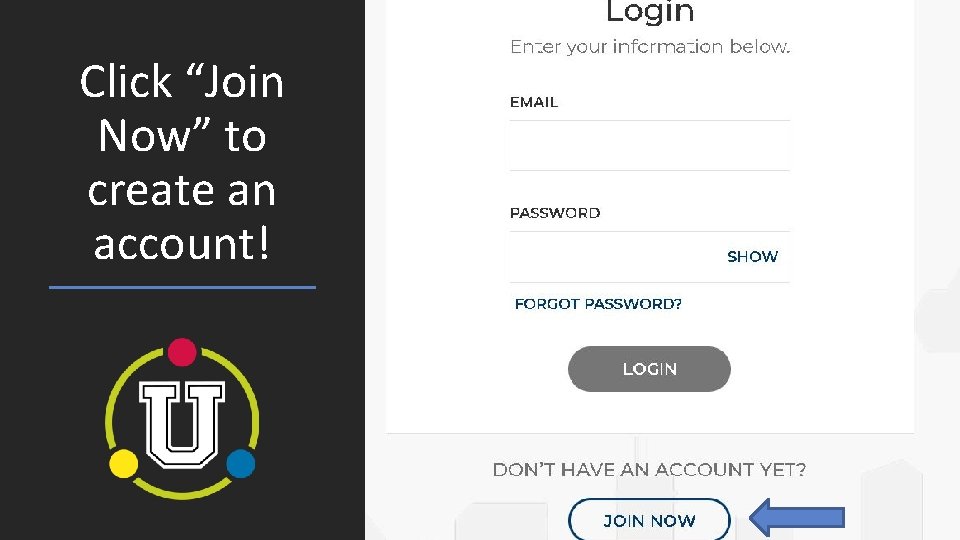
Click “Join Now” to create an account!
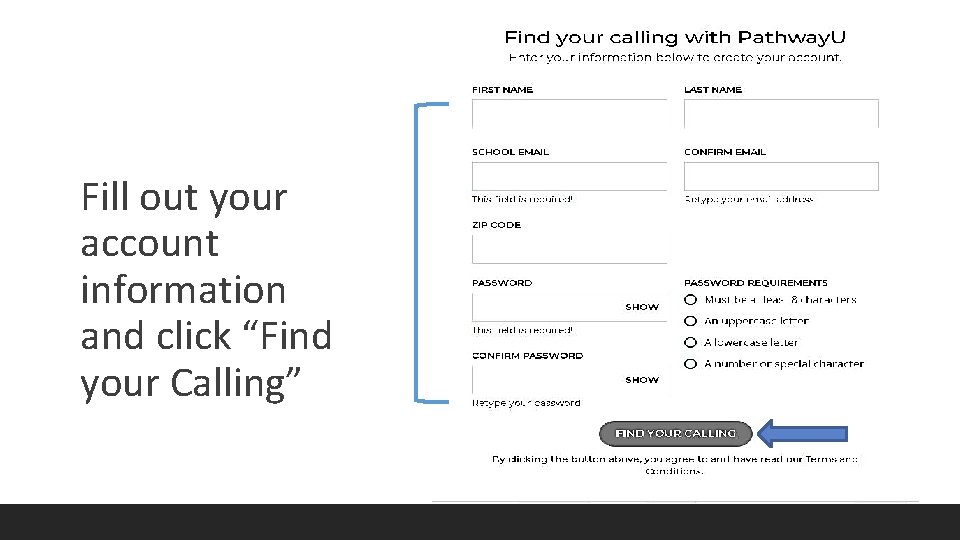
Fill out your account information and click “Find your Calling”
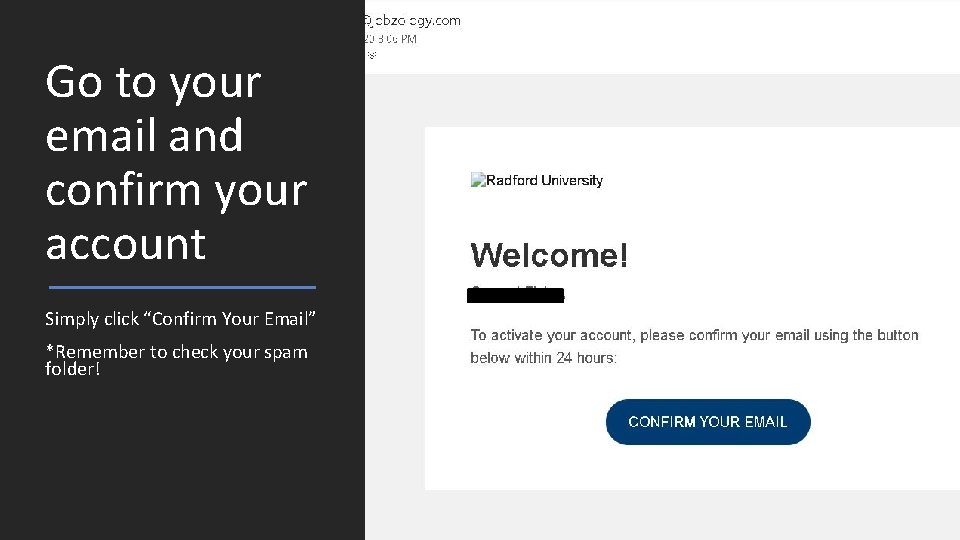
Go to your email and confirm your account Simply click “Confirm Your Email” *Remember to check your spam folder!
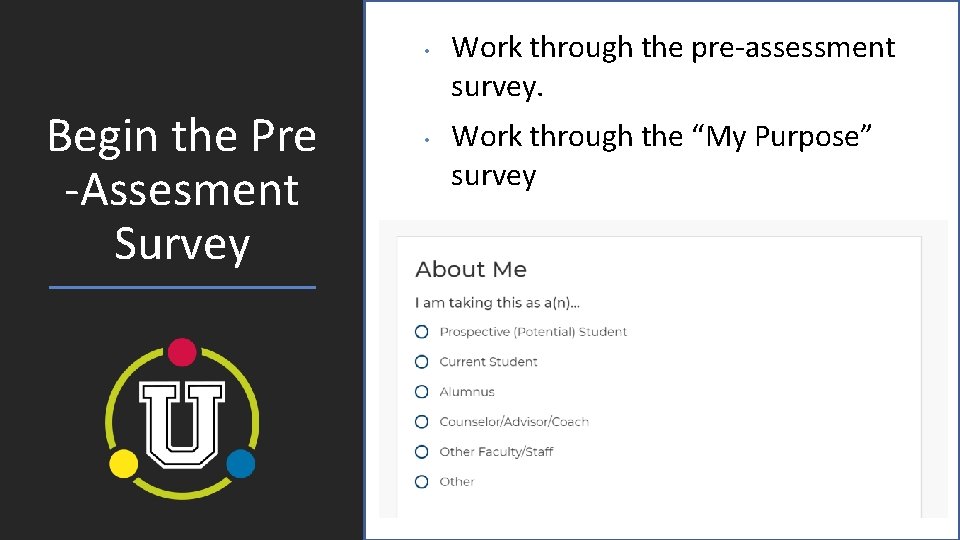
• Begin the Pre -Assesment Survey • Work through the pre-assessment survey. Work through the “My Purpose” survey gg
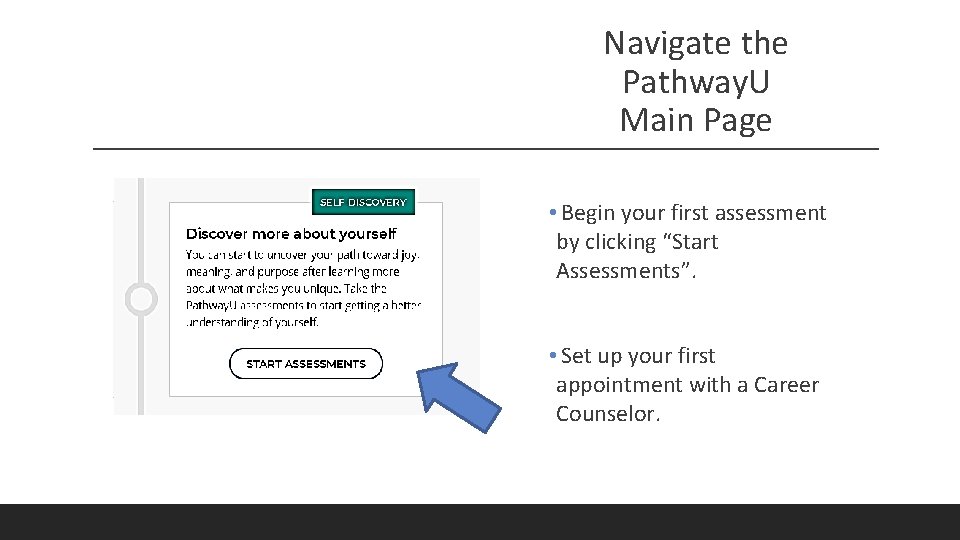
Navigate the Pathway. U Main Page • Begin your first assessment by clicking “Start Assessments”. • Set up your first appointment with a Career Counselor.
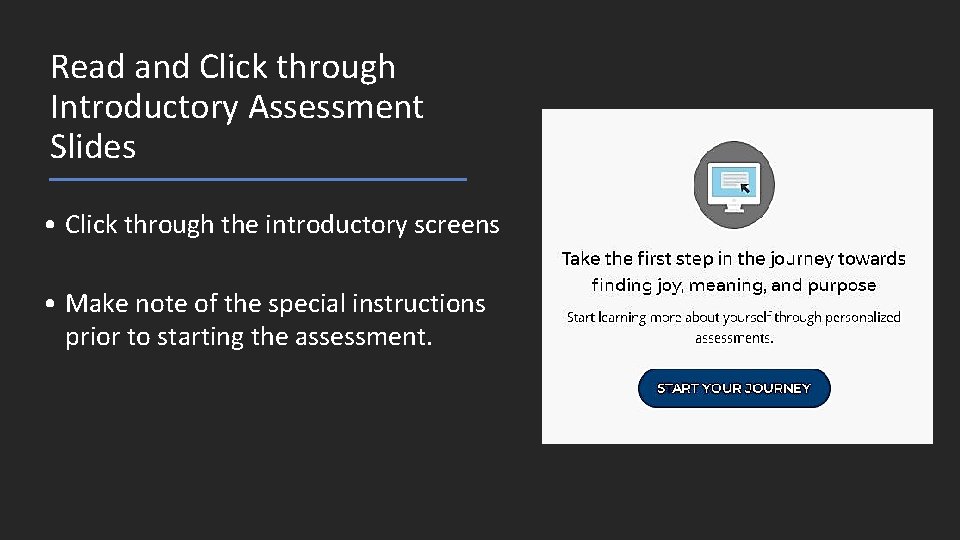
Read and Click through Introductory Assessment Slides • Click through the introductory screens • Make note of the special instructions prior to starting the assessment.
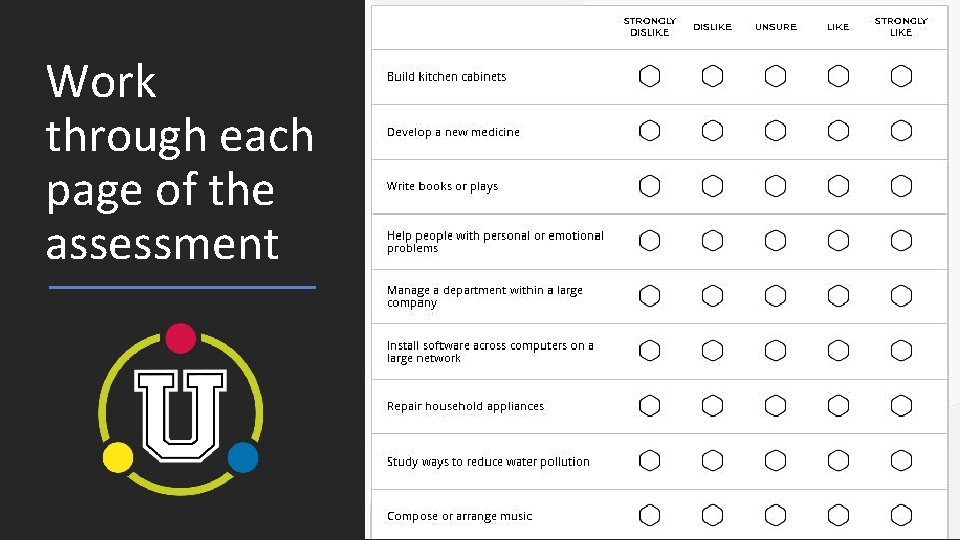
Work through each page of the assessment
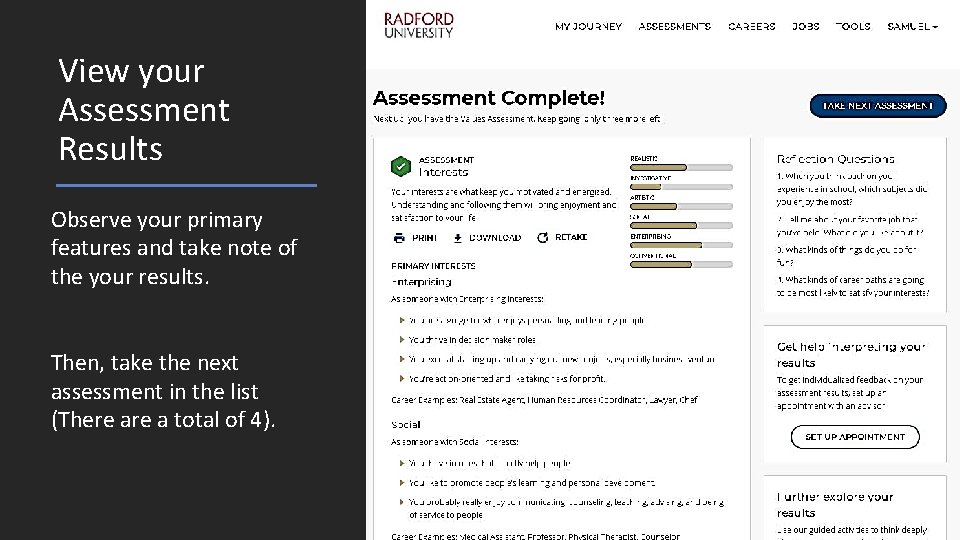
View your Assessment Results Observe your primary features and take note of the your results. Then, take the next assessment in the list (There a total of 4).
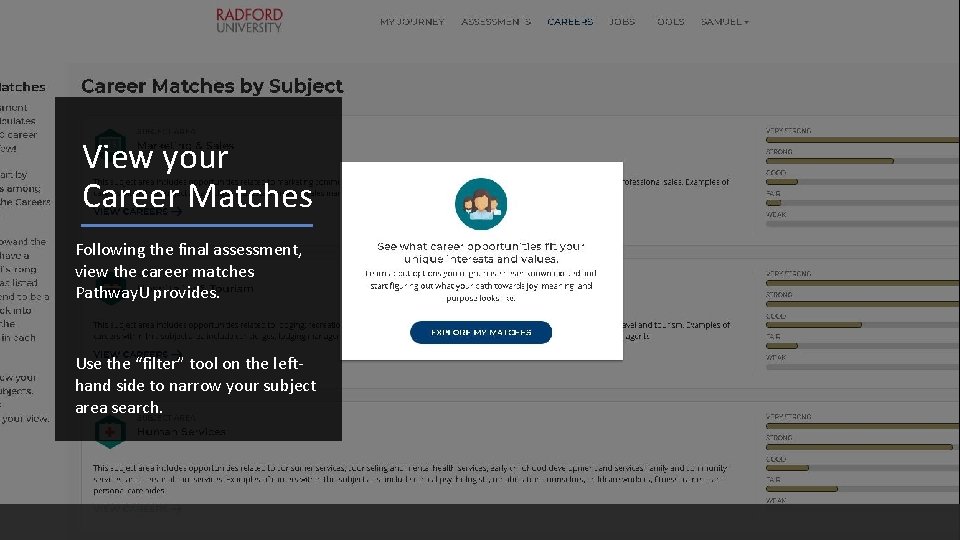
View your Career Matches Following the final assessment, view the career matches Pathway. U provides. Use the “filter” tool on the lefthand side to narrow your subject area search.
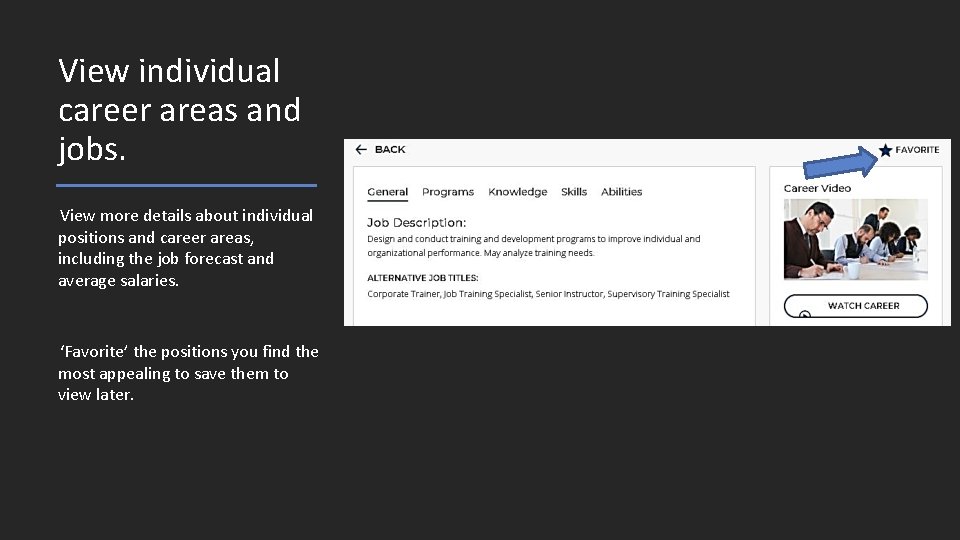
View individual career areas and jobs. View more details about individual positions and career areas, including the job forecast and average salaries. ‘Favorite’ the positions you find the most appealing to save them to view later.
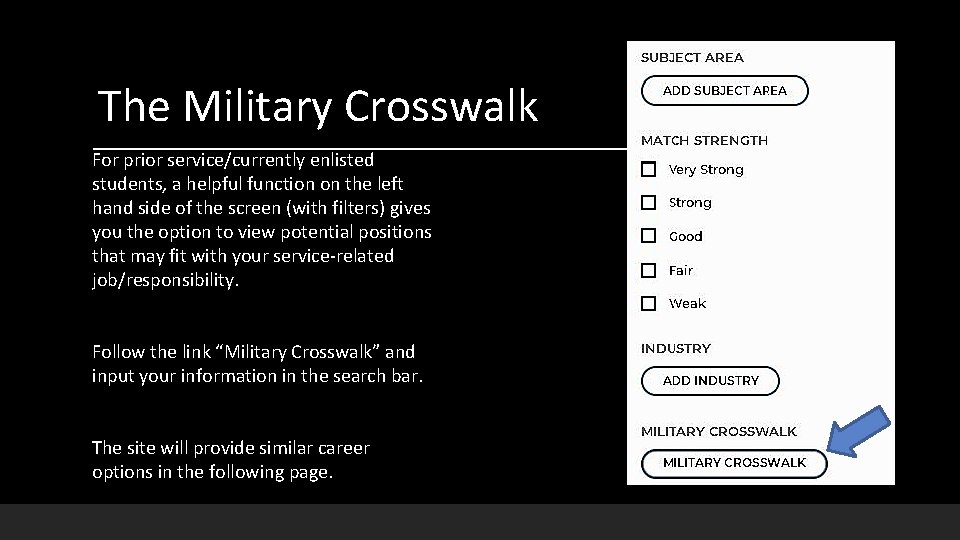
The Military Crosswalk For prior service/currently enlisted students, a helpful function on the left hand side of the screen (with filters) gives you the option to view potential positions that may fit with your service-related job/responsibility. Follow the link “Military Crosswalk” and input your information in the search bar. The site will provide similar career options in the following page.
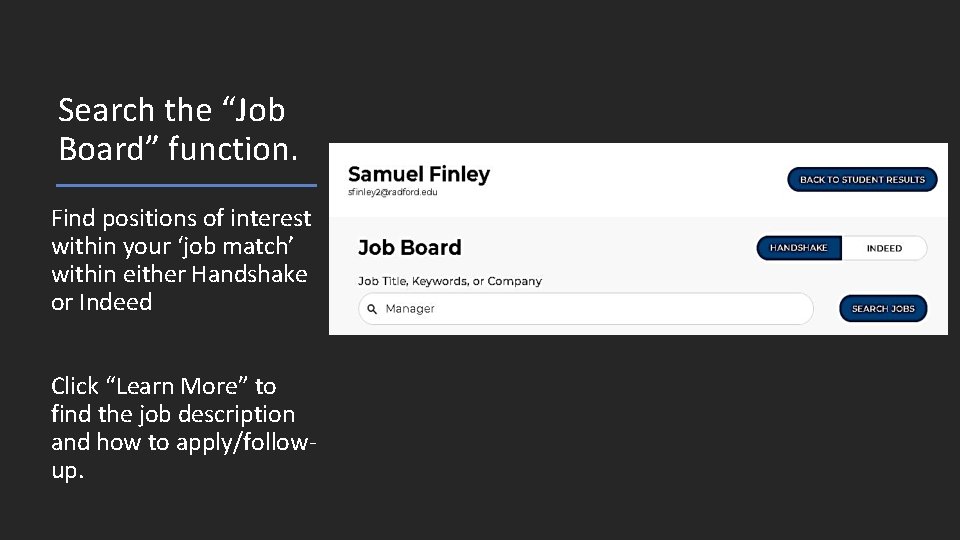
Search the “Job Board” function. Find positions of interest within your ‘job match’ within either Handshake or Indeed Click “Learn More” to find the job description and how to apply/followup.
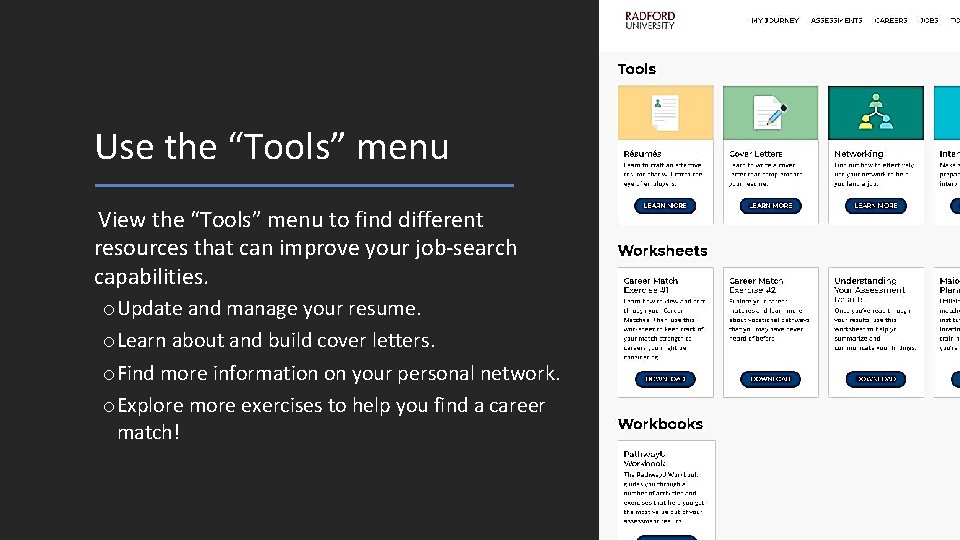
Use the “Tools” menu View the “Tools” menu to find different resources that can improve your job-search capabilities. o. Update and manage your resume. o. Learn about and build cover letters. o. Find more information on your personal network. o. Explore more exercises to help you find a career match!
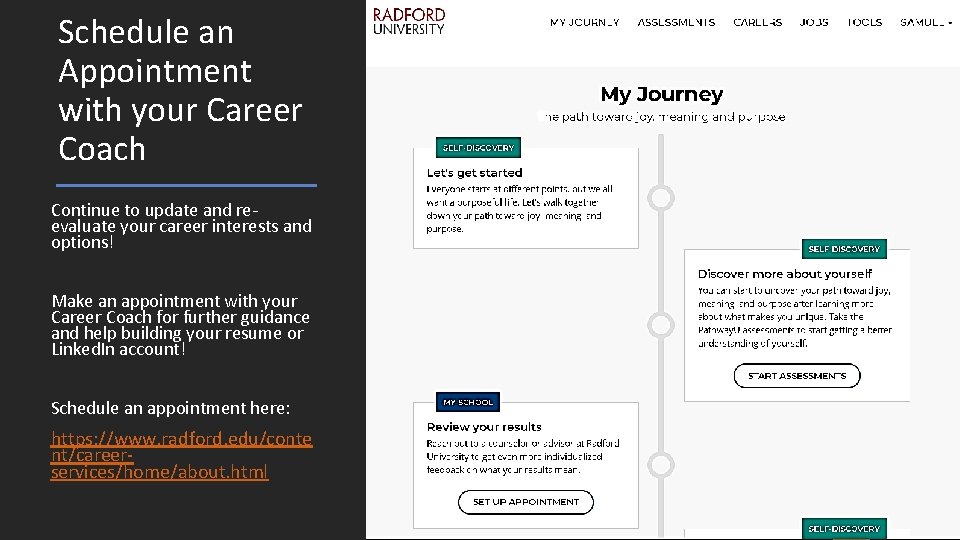
Schedule an Appointment with your Career Coach Continue to update and reevaluate your career interests and options! Make an appointment with your Career Coach for further guidance and help building your resume or Linked. In account! Schedule an appointment here: https: //www. radford. edu/conte nt/careerservices/home/about. html
- Slides: 18