
Patch management Graham Titmus Computer Laboratory Patching and
Patch management Graham Titmus Computer Laboratory

Patching and verifying • Distribution of Patches – Group Policy – SUS server within domain • Monitoring systems – SMS feature pack add-on for SMS 2. 0 – Web aggregation of status • MBSA – Scans of domain
Group Policy • Targeting of machines via OU – Computers (CL SUS) • Group policy applied here – Computers • Test machines with no group policy • Group Policy forced onto machine – Lock out override so users can’t turn it off • Place exceptions on another VLAN
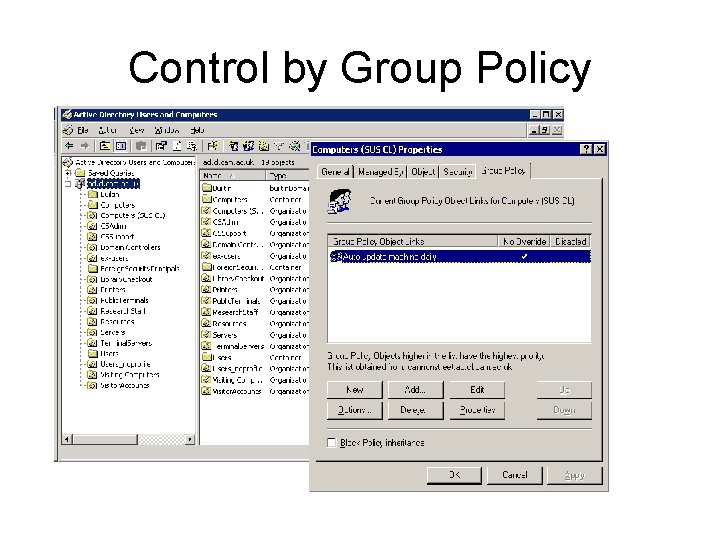
Control by Group Policy
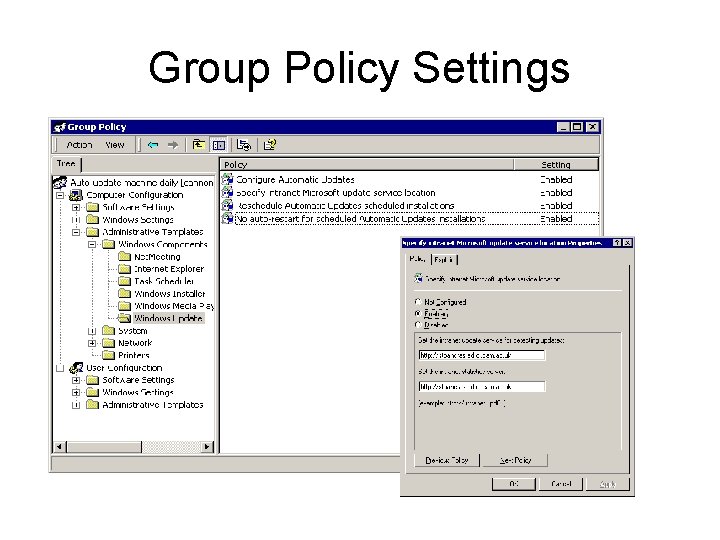
Group Policy Settings

SUS distribution • Local SUS server – Collects updates via CS SUS server – Approval of updates controlled within domain • Test updates – Several machines forced to update via Microsoft Update Server daily – Servers tested independantly • Approve updates after testing

SMS for patches • Capabilities include – Monitoring and Distribution – Are independent of one another – Monitoring uses same scan engine as MBSA • Benefits – Central point for all information – Fine grain targeting for distribution – Web based reporting
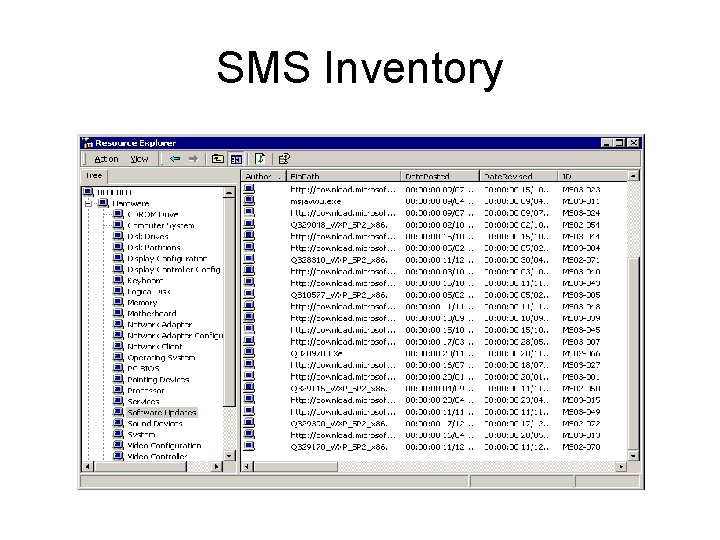
SMS Inventory

Patches outstanding
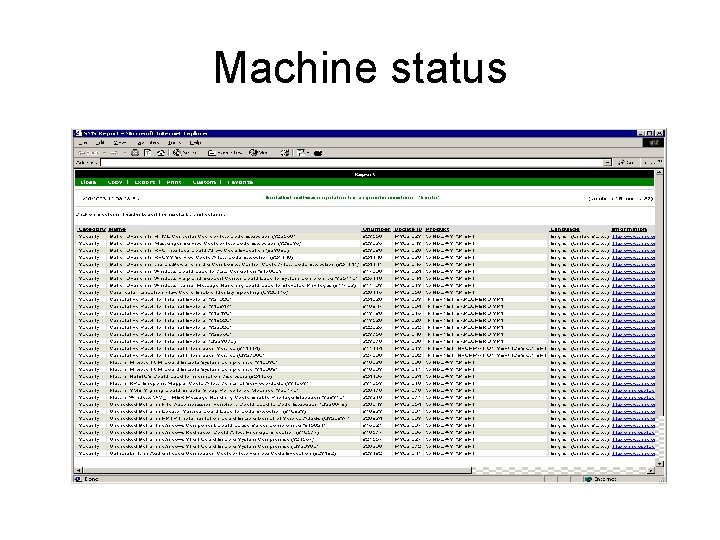
Machine status
MBSA • Useful backstop – Machines may slip through the net – Scan address range – finds stealth systems • Instant report of current state – Important tool for crisis situation – Useful to scan VPN connected hosts • Poor discrimination on causes – High level of noise in a diverse world
Why so many tools? • Basic mechanism is Group Policy + SUS – That offers limited (no) reporting – Reporting host tools added in next version • Management in addition – SMS provides good information collection – Can be used to distribute – Summary of status needed to plan work • Point inspection – For visitor laptops etc.
- Slides: 12