
Past Present and Future of User Interface Software
- Slides: 39
Past, Present and Future of User Interface Software Tools Brad A. Myers, Scott E. Hudson, and Randy Pausch Human-Computer Interaction Institute School of Computer Science Carnegie Mellon University http: //www. cs. cmu. edu/~bam bam@cs. cmu. edu 1
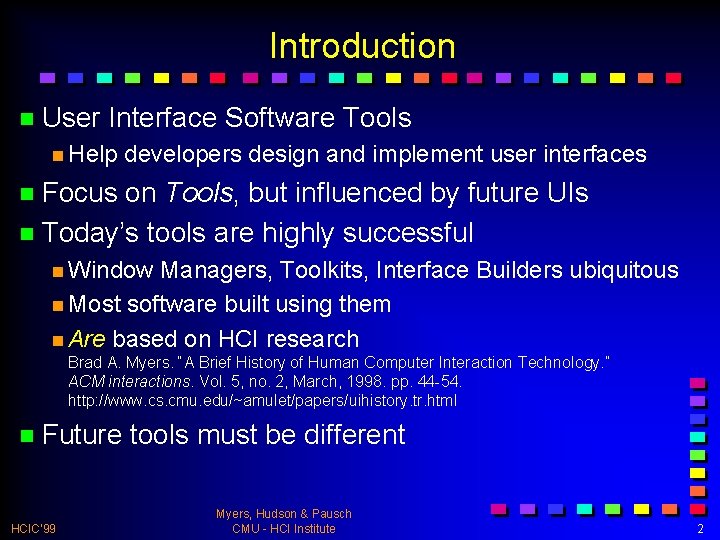
Introduction n User Interface Software Tools n Help developers design and implement user interfaces n Focus on Tools, but influenced by future UIs n Today’s tools are highly successful n Window Managers, Toolkits, Interface Builders ubiquitous n Most software built using them n Are based on HCI research Brad A. Myers. “A Brief History of Human Computer Interaction Technology. ” ACM interactions. Vol. 5, no. 2, March, 1998. pp. 44 -54. http: //www. cs. cmu. edu/~amulet/papers/uihistory. tr. html n Future HCIC’ 99 tools must be different Myers, Hudson & Pausch CMU - HCI Institute 2
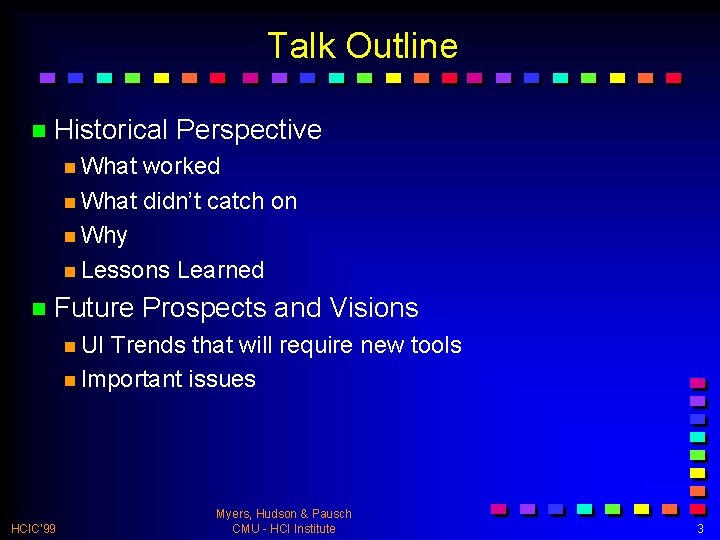
Talk Outline n Historical Perspective n What worked n What didn’t catch on n Why n Lessons Learned n Future Prospects and Visions n UI Trends that will require new tools n Important issues HCIC’ 99 Myers, Hudson & Pausch CMU - HCI Institute 3
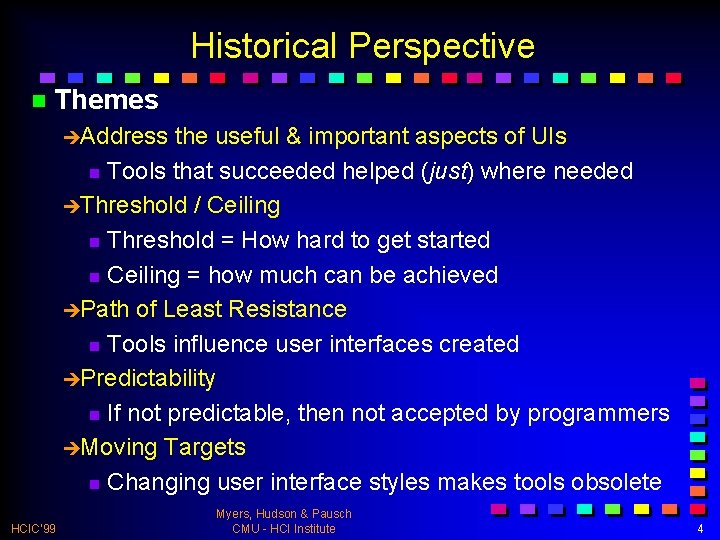
Historical Perspective n Themes èAddress the useful & important aspects of UIs n Tools that succeeded helped (just) where needed èThreshold / Ceiling n Threshold = How hard to get started n Ceiling = how much can be achieved èPath of Least Resistance n Tools influence user interfaces created èPredictability n If not predictable, then not accepted by programmers èMoving Targets n Changing user interface styles makes tools obsolete HCIC’ 99 Myers, Hudson & Pausch CMU - HCI Institute 4
What Worked n Window Managers and Toolkits n Event Languages n Graphical, Interactive Tools n Component Architectures n Scripting Languages n Hypertext n Object Oriented Programming HCIC’ 99 Myers, Hudson & Pausch CMU - HCI Institute 5
Window Managers n Multiple (tiled) windows in research systems of 1960’s: NLS, etc. n Overlapping introduced in Alan Kay’s thesis (1969) n Smalltalk, 1974 at Xerox PARC n Successful because multiple windows help users manage scarce resources: n Screen space and input devices n Attention of users n Affordances for reminding and finding other work HCIC’ 99 Myers, Hudson & Pausch CMU - HCI Institute 6
Toolkits n. A collection of widgets n Menus, scroll bars, text entry fields, buttons, etc. n Toolkits help with programming n Help maintain consistency among UIs n Key insight of Macintosh toolbox èPath of least resistance translates into getting programmers to do the right thing n Successful partially because address common, low -level features for all UIs èAddress HCIC’ 99 the useful & important aspects of UIs Myers, Hudson & Pausch CMU - HCI Institute 7
Event Languages n Create programs by writing event handlers n Many UIMSs used this style n Univ. n Now of Alberta (1985), Sassafras (1986), etc. used by Hyper. Card, Visual Basic, Lingo, etc. n Toolkits with call-backs or action methods are related n Advantages: n Natural for GUIs since generate discrete events n Flow of control in user’s hands rather than programmer’s n Discourages moded UIs n Won’t HCIC’ 99 work well in future Myers, Hudson & Pausch CMU - HCI Institute 8
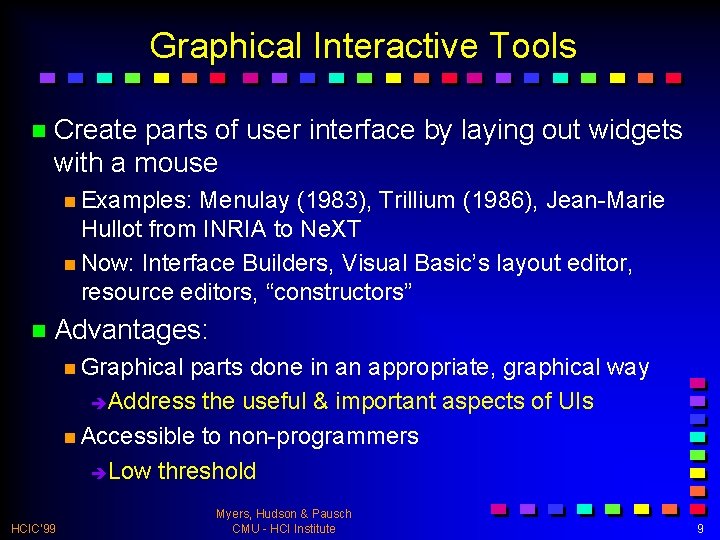
Graphical Interactive Tools n Create parts of user interface by laying out widgets with a mouse n Examples: Menulay (1983), Trillium (1986), Jean-Marie Hullot from INRIA to Ne. XT n Now: Interface Builders, Visual Basic’s layout editor, resource editors, “constructors” n Advantages: n Graphical parts done in an appropriate, graphical way è Address the useful & important aspects of UIs n Accessible to non-programmers è Low threshold HCIC’ 99 Myers, Hudson & Pausch CMU - HCI Institute 9
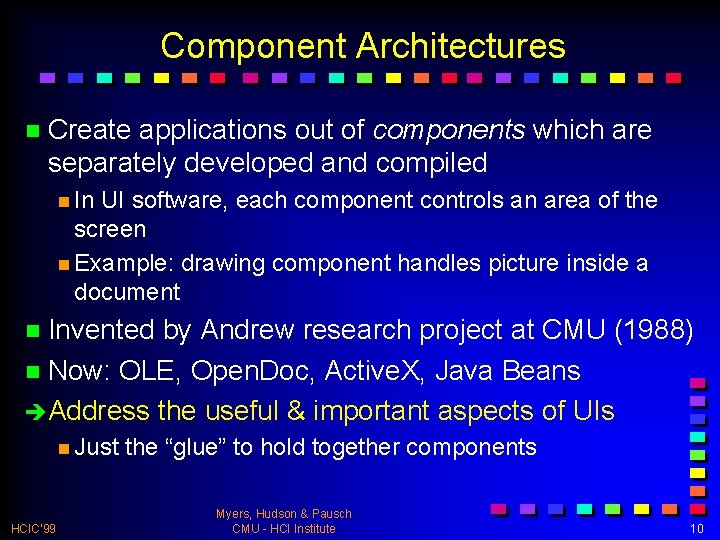
Component Architectures n Create applications out of components which are separately developed and compiled n In UI software, each component controls an area of the screen n Example: drawing component handles picture inside a document n Invented by Andrew research project at CMU (1988) n Now: OLE, Open. Doc, Active. X, Java Beans èAddress the useful & important aspects of UIs n Just HCIC’ 99 the “glue” to hold together components Myers, Hudson & Pausch CMU - HCI Institute 10
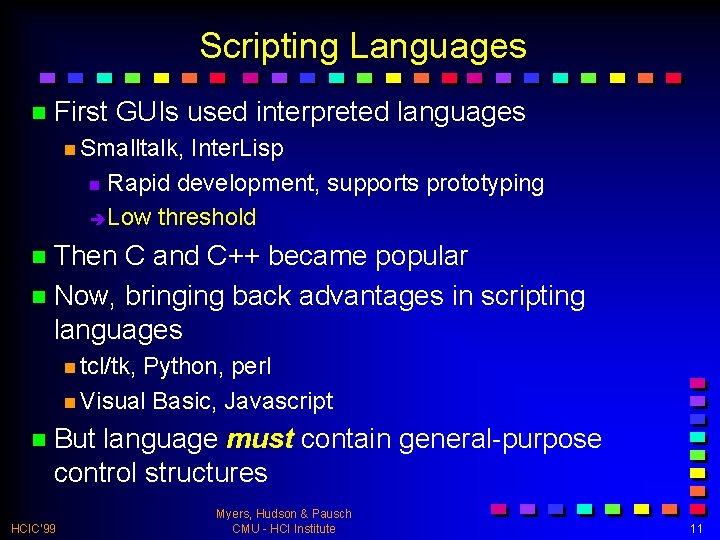
Scripting Languages n First GUIs used interpreted languages n Smalltalk, Inter. Lisp n Rapid development, supports prototyping è Low threshold n Then C and C++ became popular n Now, bringing back advantages in scripting languages n tcl/tk, Python, perl n Visual Basic, Javascript n But language must contain general-purpose control structures HCIC’ 99 Myers, Hudson & Pausch CMU - HCI Institute 11
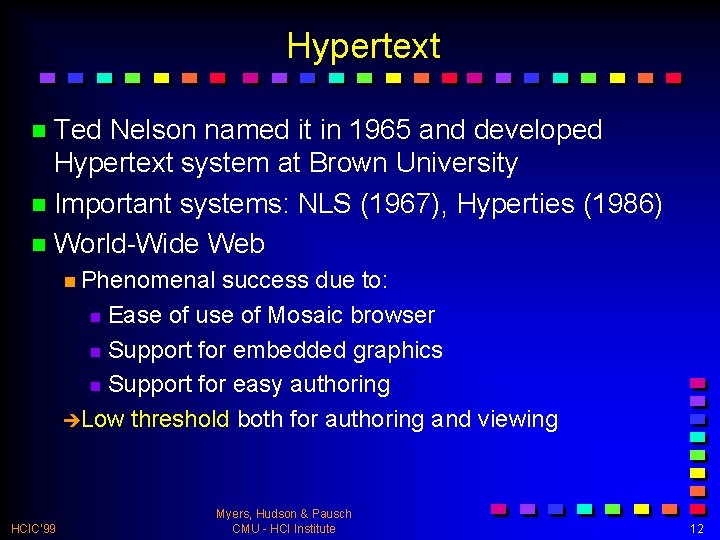
Hypertext n Ted Nelson named it in 1965 and developed Hypertext system at Brown University n Important systems: NLS (1967), Hyperties (1986) n World-Wide Web n Phenomenal success due to: n Ease of use of Mosaic browser n Support for embedded graphics n Support for easy authoring èLow threshold both for authoring and viewing HCIC’ 99 Myers, Hudson & Pausch CMU - HCI Institute 12
Object Oriented Programming n Success of OO owes much to UI software field n Popularized by Smalltalk n GUI elements (widgets) seem like objects n Have n Rise state, accept events (messages) parallels GUIs n C++ with Windows 3. 1 n Java for behaviors in WWW HCIC’ 99 Myers, Hudson & Pausch CMU - HCI Institute 13
What Hasn’t Caught On n User Interface Management Systems n Formal Language-Based Tools n Constraints n Model-Based and Automatic Techniques HCIC’ 99 Myers, Hudson & Pausch CMU - HCI Institute 14
User Interface Management Systems n Original goal: like databases, provide high-level language that abstracts details of input and output devices n This separation has not worked in practice n Good user interfaces must take into account the pragmatics and detailed behavior of all objects n Standardization of GUI input and output devices has made goal somewhat moot èDoesn’t HCIC’ 99 address the useful & important aspects of UIs Myers, Hudson & Pausch CMU - HCI Institute 15
Formal Language Based Tools n Early UIMSs used grammars and state-transition diagrams n Focus on dialog management èMoving Targets n Direct manipulation made dialog management less important èPath of Least Resistance n State èHigh diagrams afford worse user interfaces threshold n Formal HCIC’ 99 languages are often hard to learn Myers, Hudson & Pausch CMU - HCI Institute 16
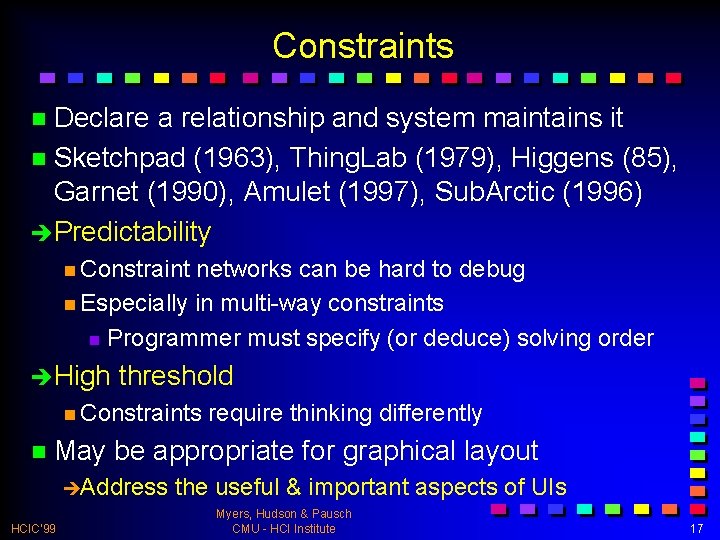
Constraints n Declare a relationship and system maintains it n Sketchpad (1963), Thing. Lab (1979), Higgens (85), Garnet (1990), Amulet (1997), Sub. Arctic (1996) èPredictability n Constraint networks can be hard to debug n Especially in multi-way constraints n Programmer must specify (or deduce) solving order èHigh threshold n Constraints n May be appropriate for graphical layout èAddress HCIC’ 99 require thinking differently the useful & important aspects of UIs Myers, Hudson & Pausch CMU - HCI Institute 17
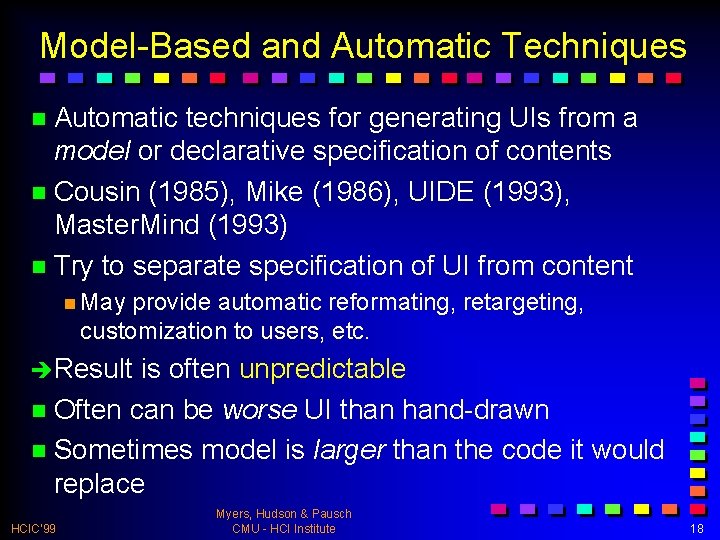
Model-Based and Automatic Techniques n Automatic techniques for generating UIs from a model or declarative specification of contents n Cousin (1985), Mike (1986), UIDE (1993), Master. Mind (1993) n Try to separate specification of UI from content n May provide automatic reformating, retargeting, customization to users, etc. èResult is often unpredictable n Often can be worse UI than hand-drawn n Sometimes model is larger than the code it would replace HCIC’ 99 Myers, Hudson & Pausch CMU - HCI Institute 18
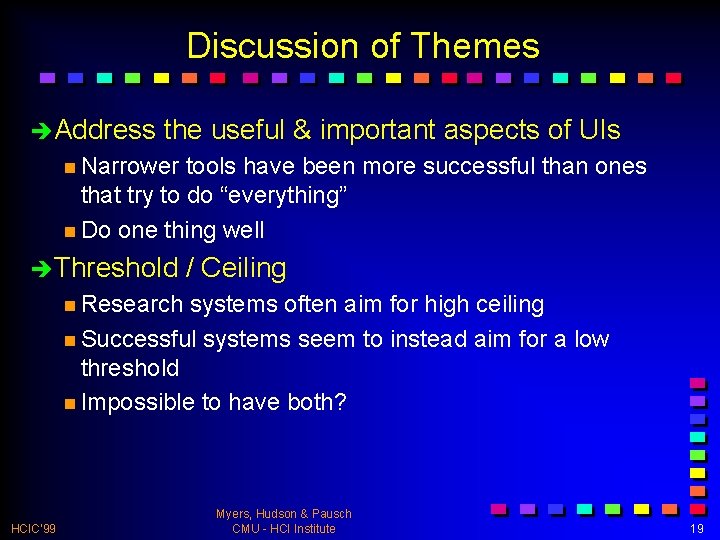
Discussion of Themes èAddress the useful & important aspects of UIs n Narrower tools have been more successful than ones that try to do “everything” n Do one thing well èThreshold / Ceiling n Research systems often aim for high ceiling n Successful systems seem to instead aim for a low threshold n Impossible to have both? HCIC’ 99 Myers, Hudson & Pausch CMU - HCI Institute 19
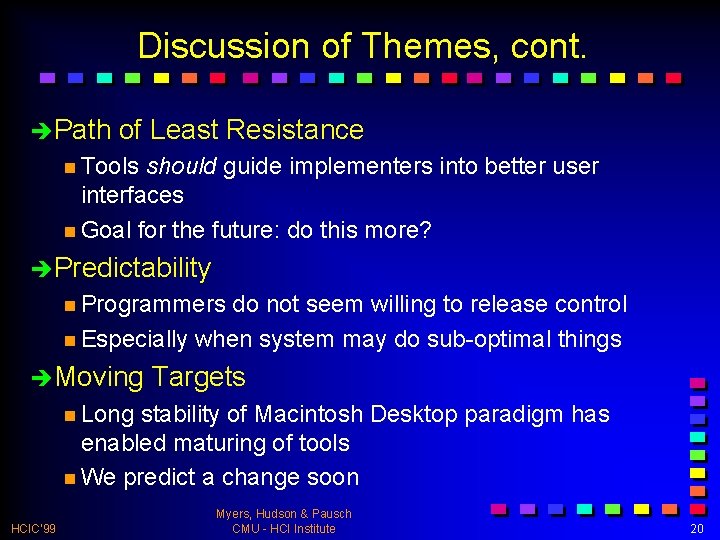
Discussion of Themes, cont. èPath of Least Resistance n Tools should guide implementers into better user interfaces n Goal for the future: do this more? èPredictability n Programmers do not seem willing to release control n Especially when system may do sub-optimal things èMoving Targets n Long stability of Macintosh Desktop paradigm has enabled maturing of tools n We predict a change soon HCIC’ 99 Myers, Hudson & Pausch CMU - HCI Institute 20
Future Prospects and Visions n Important Trends n Computers becoming a commodity n Ubiquitous Computing n Move to recognition-based interfaces n 3 -D interfaces n End-user customization and scripting n Violate assumptions of today’s tools n Assumptions limit what designers can do n Often unrecognized n Implications for future tools HCIC’ 99 Myers, Hudson & Pausch CMU - HCI Institute 21
Computers Becoming a Commodity n There are no longer “high-end” computers n Computer Science research’s trick of buying faster computers to “time travel” may no longer be possible n Moore’s law continues to operate n New opportunities n Quantitative change makes qualitative change possible n Enables the diversity of platforms n UIs more cinematic n Smooth transitions, animation, visual HCIC’ 99 Myers, Hudson & Pausch CMU - HCI Institute 22
Ubiquitous Computing n Computation embedded in many kinds of devices n Digital pagers and cell phones, Palm Pilots, Cross. Pads, laptops, wall-size displays, “smart” rooms n Next wave: easy communication with radio n E. g. , Blue. Tooth: www. bluetooth. com n Significant Implications for tools n Tools for coordinating multiple, distributed, communicating devices n “Multi-computer” user interfaces n Moving target problem HCIC’ 99 Myers, Hudson & Pausch CMU - HCI Institute 23
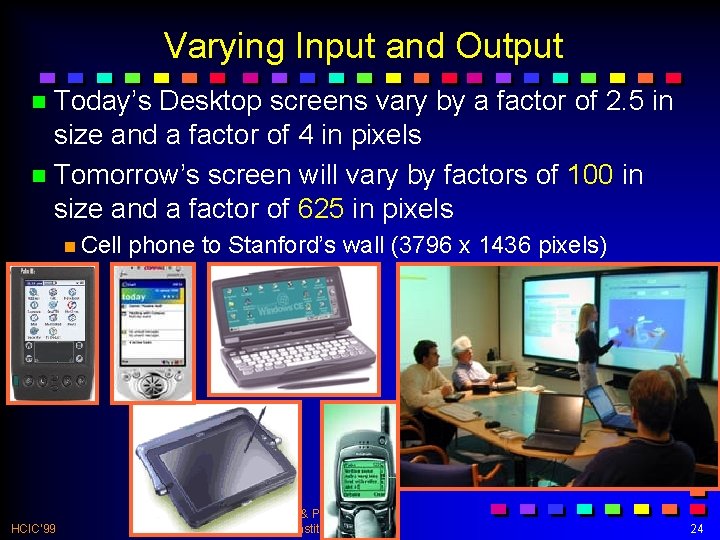
Varying Input and Output n Today’s Desktop screens vary by a factor of 2. 5 in size and a factor of 4 in pixels n Tomorrow’s screen will vary by factors of 100 in size and a factor of 625 in pixels n Cell HCIC’ 99 phone to Stanford’s wall (3796 x 1436 pixels) Myers, Hudson & Pausch CMU - HCI Institute 24
Need New Interaction Techniques n Interaction techniques for desktop will not work n No room on small devices n Can’t reach menubar on wall-size devices n Want HCIC’ 99 to run same application on different devices Myers, Hudson & Pausch CMU - HCI Institute 25
Need for Prototyping Devices n User interface will be in hardware n Rapid design and prototyping needed for hardware n Pragmatics and usability cannot be evaluated from a simulation on a screen HCIC’ 99 Myers, Hudson & Pausch CMU - HCI Institute 26
Multiple, Distributed, Communicating n Computers more for communication, not for computation n Already true for WWW, email, digital pagers, cell-phones n Computers as intermediaries between people n CSCW n But can’t assume have similar systems n Single person with multiple devices n Room-area networks like Blue. Tooth or Home. RF n People communicating with themselves n Tools will need to help with data sharing and synchronization HCIC’ 99 Myers, Hudson & Pausch CMU - HCI Institute 27
Limitations of Today’s Tools for Ubi. Comp n Tools assume a Pointing Device n Hidden reliance on specific characteristics of common devices n Size of display n Many tools cannot handle a different number of mouse buttons n Change to a stylus on a touchpad requires different techniques n Assumptions about the setting n Assume user is sitting and looking at UI n Assume has user’s full attention HCIC’ 99 Myers, Hudson & Pausch CMU - HCI Institute 28
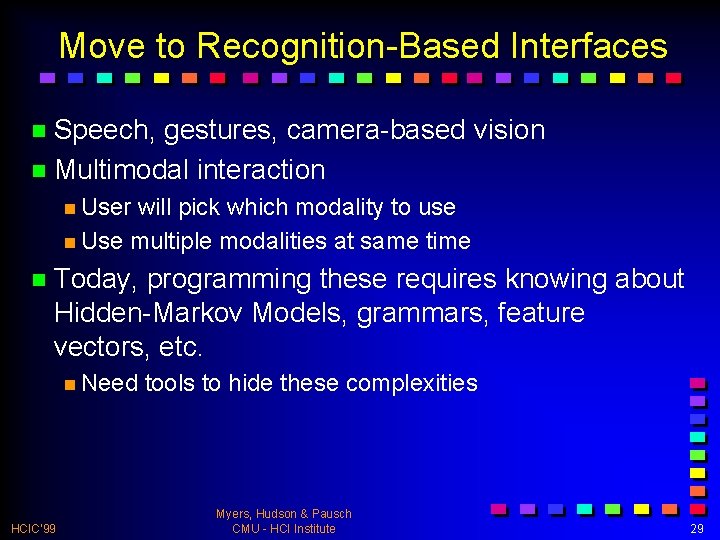
Move to Recognition-Based Interfaces n Speech, gestures, camera-based vision n Multimodal interaction n User will pick which modality to use n Use multiple modalities at same time n Today, programming these requires knowing about Hidden-Markov Models, grammars, feature vectors, etc. n Need HCIC’ 99 tools to hide these complexities Myers, Hudson & Pausch CMU - HCI Institute 29
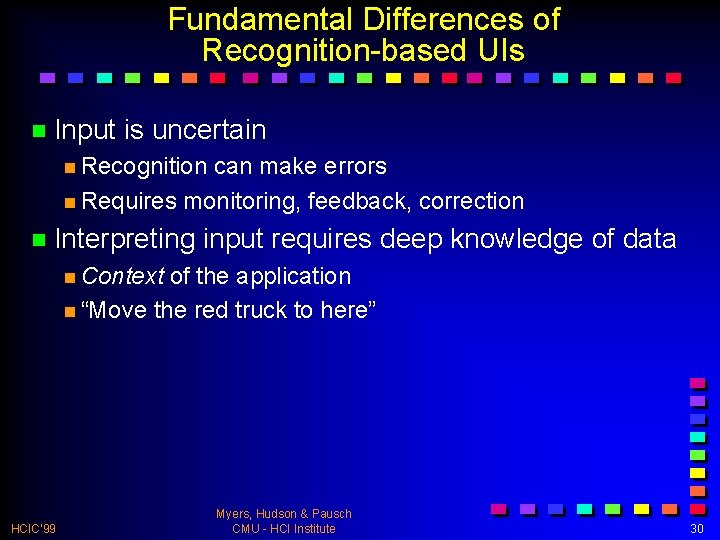
Fundamental Differences of Recognition-based UIs n Input is uncertain n Recognition can make errors n Requires monitoring, feedback, correction n Interpreting input requires deep knowledge of data n Context of the application n “Move the red truck to here” HCIC’ 99 Myers, Hudson & Pausch CMU - HCI Institute 30
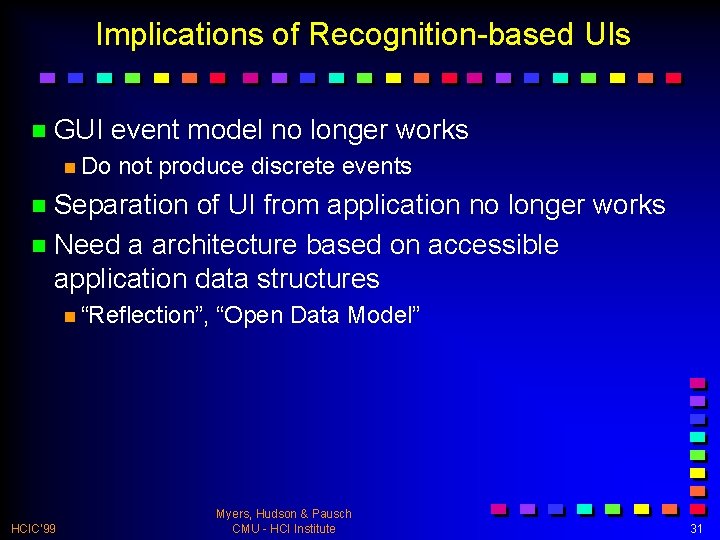
Implications of Recognition-based UIs n GUI event model no longer works n Do not produce discrete events n Separation of UI from application no longer works n Need a architecture based on accessible application data structures n “Reflection”, HCIC’ 99 “Open Data Model” Myers, Hudson & Pausch CMU - HCI Institute 31
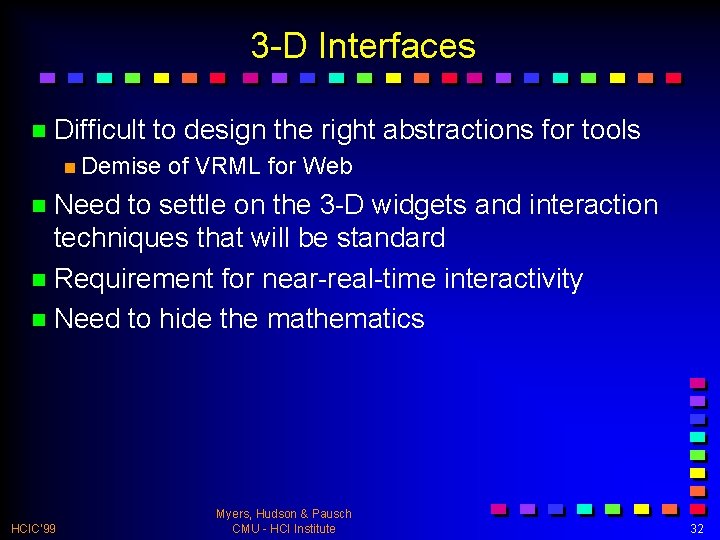
3 -D Interfaces n Difficult to design the right abstractions for tools n Demise of VRML for Web n Need to settle on the 3 -D widgets and interaction techniques that will be standard n Requirement for near-real-time interactivity n Need to hide the mathematics HCIC’ 99 Myers, Hudson & Pausch CMU - HCI Institute 32
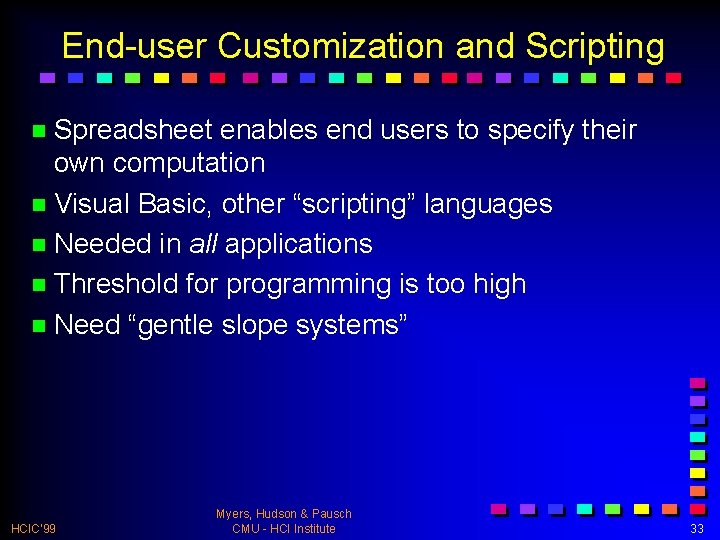
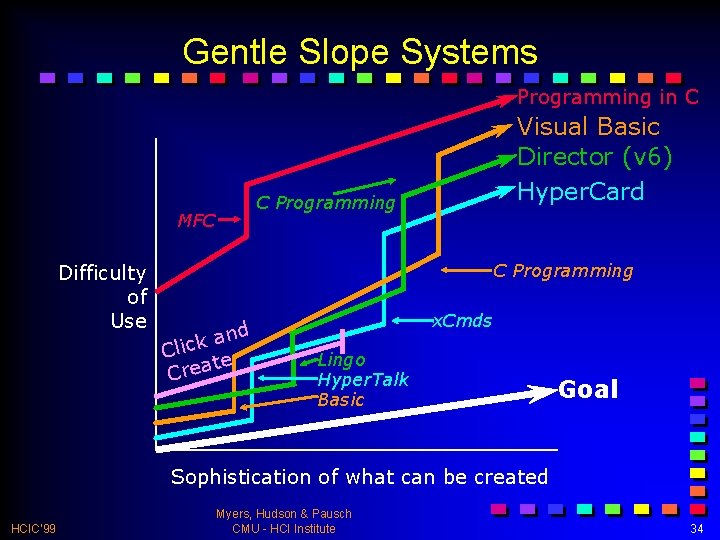
End-user Customization and Scripting n Spreadsheet enables end users to specify their own computation n Visual Basic, other “scripting” languages n Needed in all applications n Threshold for programming is too high n Need “gentle slope systems” HCIC’ 99 Myers, Hudson & Pausch CMU - HCI Institute 33
Gentle Slope Systems Programming in C C Programming MFC Difficulty of Use Visual Basic Director (v 6) Hyper. Card C Programming nd a k Clic e t Crea x. Cmds Lingo Hyper. Talk Basic Goal Sophistication of what can be created HCIC’ 99 Myers, Hudson & Pausch CMU - HCI Institute 34
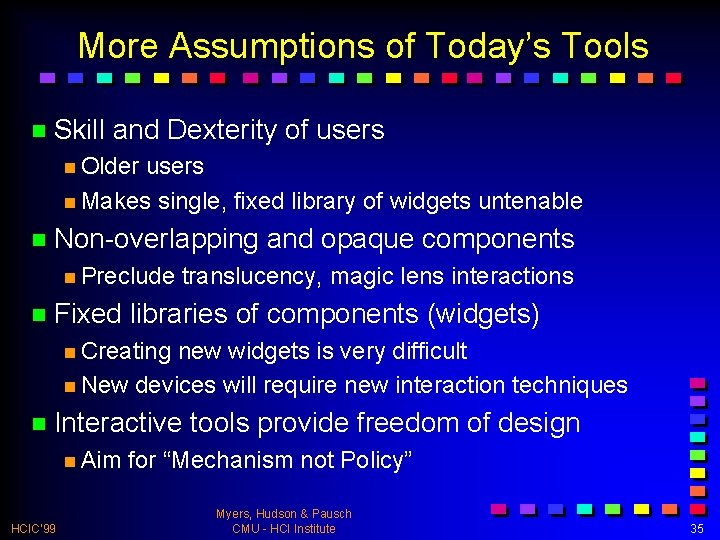
More Assumptions of Today’s Tools n Skill and Dexterity of users n Older users n Makes single, fixed library of widgets untenable n Non-overlapping n Preclude n Fixed and opaque components translucency, magic lens interactions libraries of components (widgets) n Creating new widgets is very difficult n New devices will require new interaction techniques n Interactive n Aim HCIC’ 99 tools provide freedom of design for “Mechanism not Policy” Myers, Hudson & Pausch CMU - HCI Institute 35
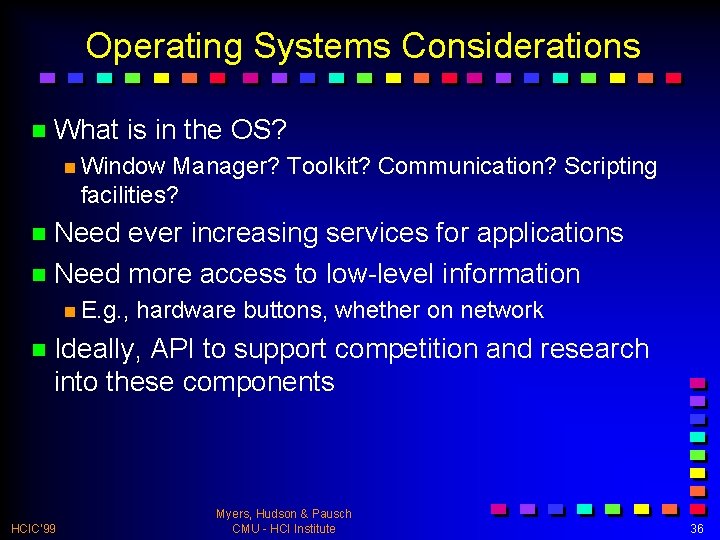
Operating Systems Considerations n What is in the OS? n Window Manager? Toolkit? Communication? Scripting facilities? n Need ever increasing services for applications n Need more access to low-level information n E. g. , hardware buttons, whether on network n Ideally, API to support competition and research into these components HCIC’ 99 Myers, Hudson & Pausch CMU - HCI Institute 36
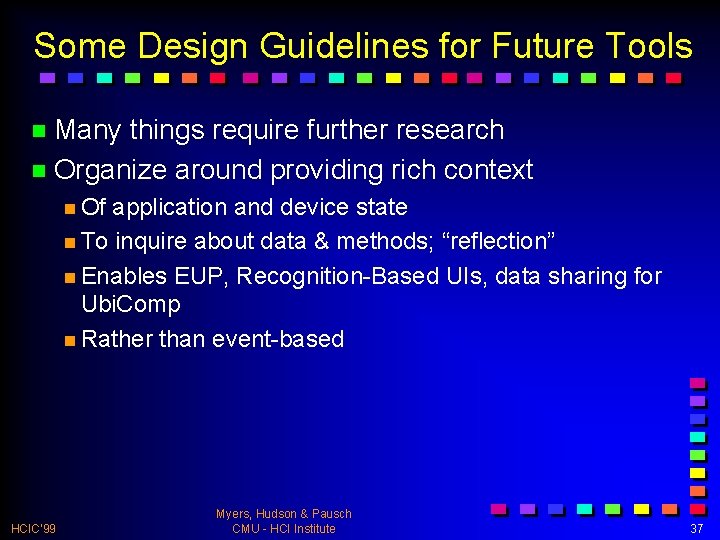
Some Design Guidelines for Future Tools n Many things require further research n Organize around providing rich context n Of application and device state n To inquire about data & methods; “reflection” n Enables EUP, Recognition-Based UIs, data sharing for Ubi. Comp n Rather than event-based HCIC’ 99 Myers, Hudson & Pausch CMU - HCI Institute 37
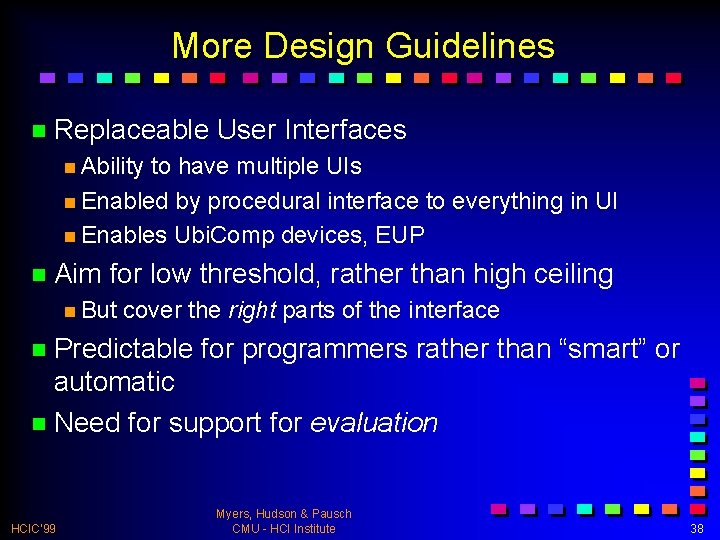
More Design Guidelines n Replaceable User Interfaces n Ability to have multiple UIs n Enabled by procedural interface to everything in UI n Enables Ubi. Comp devices, EUP n Aim for low threshold, rather than high ceiling n But cover the right parts of the interface n Predictable for programmers rather than “smart” or automatic n Need for support for evaluation HCIC’ 99 Myers, Hudson & Pausch CMU - HCI Institute 38
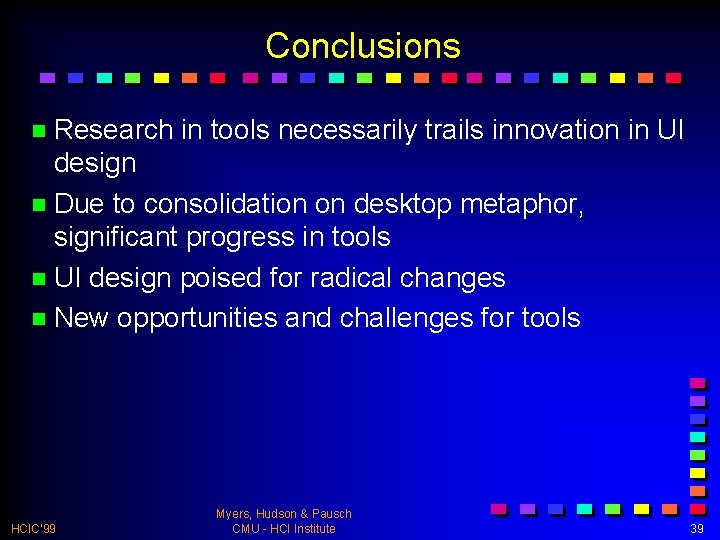
Conclusions n Research in tools necessarily trails innovation in UI design n Due to consolidation on desktop metaphor, significant progress in tools n UI design poised for radical changes n New opportunities and challenges for tools HCIC’ 99 Myers, Hudson & Pausch CMU - HCI Institute 39