
Passwords Why all the bother Why passwords They
Passwords Why all the bother?
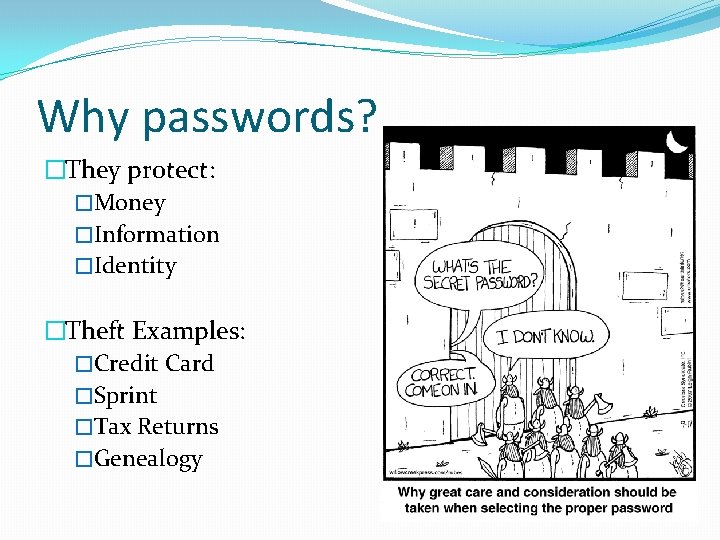
Why passwords? �They protect: �Money �Information �Identity �Theft Examples: �Credit Card �Sprint �Tax Returns �Genealogy
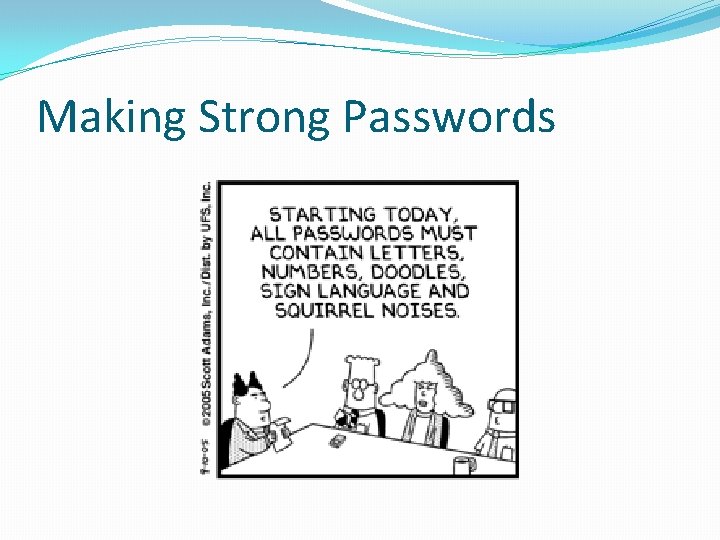
Making Strong Passwords �Length �Minimum: 9 characters �Strong: 12 characters �Very Strong: 14 characters �Mixture of: �Lowercase letters (a-z) �Uppercase letters (A-Z) �Numbers (0 -9) �Symbols (~`!@#$%^&*()-_=+[]{}|; : ’”<>, . ? /)
Making Strong Passwords
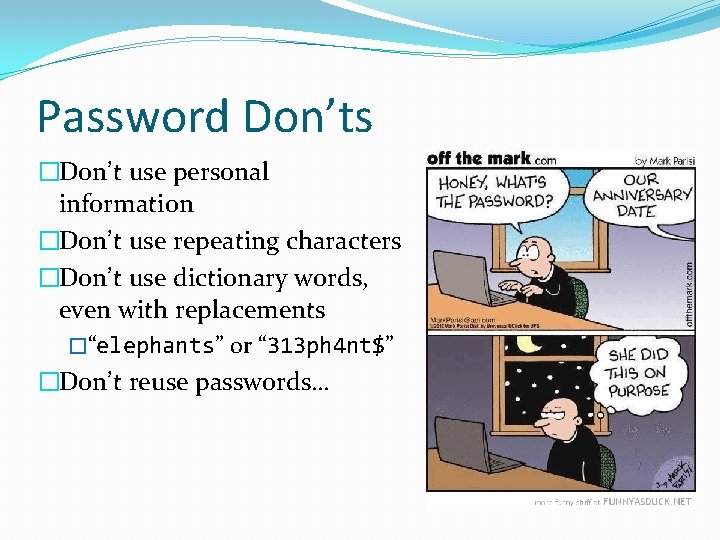
Password Don’ts �Don’t use personal information �Don’t use repeating characters �Don’t use dictionary words, even with replacements �“elephants” or “ 313 ph 4 nt$” �Don’t reuse passwords…
Password Reuse �In general, it is a bad idea �If one website gets hacked, then they have access to all other websites using that same password �Exception: �Username & password combo is unique �Non-sensitive accounts �Account Grouping
How to create good passwords? �Phrase �“We the People of the United States, in Order to form a more perfect Union” � “Wtpof. USi. Otfamp. U” � “Wtp 0 f. U$-101 f 4 mp. U” �“High on the mountain top, A banner is unfurled” � “Hotmt-4 biu”
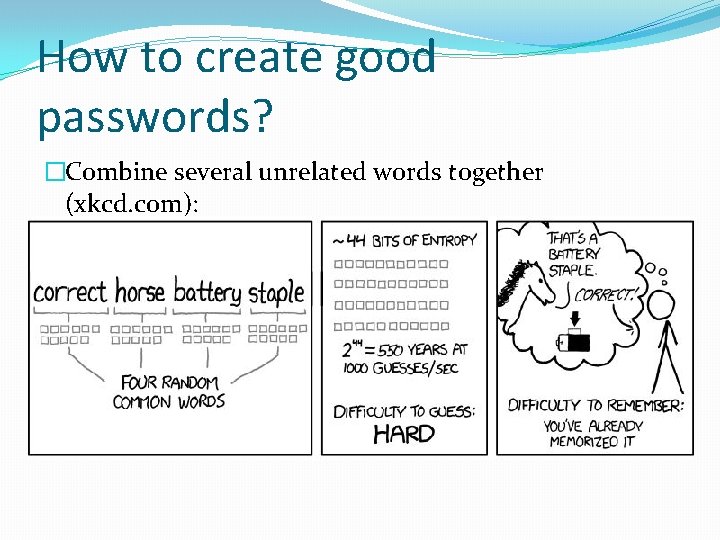
How to create good passwords? �Combine several unrelated words together (xkcd. com):
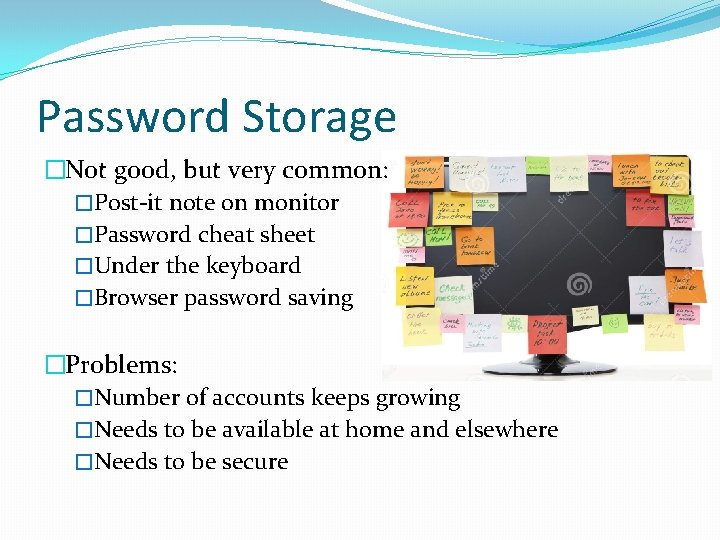
Password Storage �Not good, but very common: �Post-it note on monitor �Password cheat sheet �Under the keyboard �Browser password saving �Problems: �Number of accounts keeps growing �Needs to be available at home and elsewhere �Needs to be secure
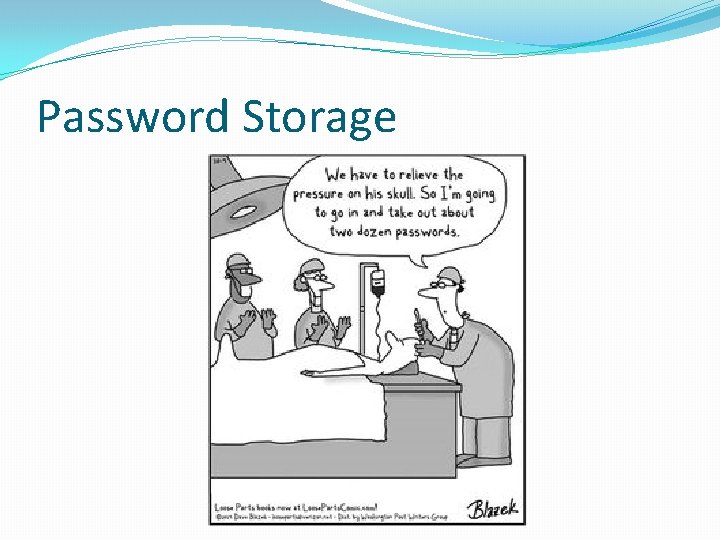
Password Storage
Password Storage �Smartphone password managers �Last. Pass �Dashlane �Password protected file �Contains website addresses, usernames, passwords, etc �Evernote, MS One. Note, MS Word �Password shorthand � Instead of “correcthorsebatterystaple” “chbs”
- Slides: 12