
Pass by Value COMP 104 Pass by Value
Pass by Value
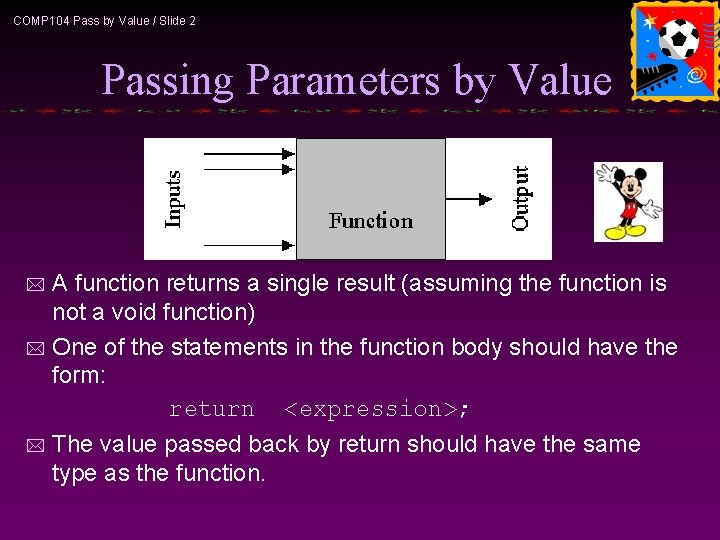
COMP 104 Pass by Value / Slide 2 Passing Parameters by Value A function returns a single result (assuming the function is not a void function) * One of the statements in the function body should have the form: return <expression>; * * The value passed back by return should have the same type as the function.
COMP 104 Pass by Value / Slide 3 Pass by Value *An important fact to remember about parameter passing by value is that changes to the parameters inside the function body have no effect outside of the function.
COMP 104 Pass by Value / Slide 4 Pass by Value: Example 0 * For example, consider the following code: int sum(int a, int b){ a = a + b; return a; } void main(){ int x, y, z; x = 3; y = 5; z = sum(x, y); } * What is the value of x, y, and z at the end of the main() program?
COMP 104 Pass by Value / Slide 5 Pass by Value: Example 0 * The answer: 3, 5, and 8. * Even though the value of parameter a is changed, the corresponding value in variable x does not change. * This is why this is called pass by value. * The value of the original variable is copied to the parameter, but changes to the value of the parameter do not affect the original variable. * In fact, all information in local variables declared within the function will be lost when the function terminates. * The only information saved from a pass by value function is in the return statement.
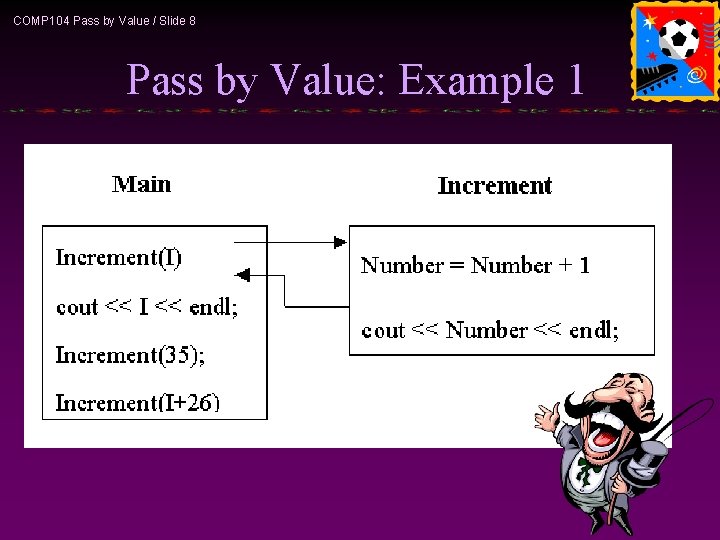
COMP 104 Pass by Value / Slide 6 Pass by Value: Example 1 * An example to show the function does not affect a variable which is used as a parameter: // Test the effect of a function // on its parameter #include <iostream> using namespace std; void Increment(int Number) { Number = Number + 1; cout << "The parameter Number is: " << Number << endl; }
COMP 104 Pass by Value / Slide 7 Pass by Value: Example 1 void main() { int I = 10; //parameter is a variable Increment(I); cout << "The variable I is: " << I << endl; //parameter is a constant Increment(35); cout << "The variable I is: " << I << endl; //parameter is an expression Increment(I+26); cout << "The variable I is: " << I << endl; }
COMP 104 Pass by Value / Slide 8 Pass by Value: Example 1

COMP 104 Pass by Value / Slide 9 Pass by Value: Example 2 // Print the sum and average of two numbers // Input: two numbers x & y // Output: sum - the sum of x & y // average - the average of x & y #include <iostream> using namespace std; void Print. Sum. Ave ( double, double ); void main ( ) { double x, y; cout << "Enter two numbers: "; cin >> x >> y; Print. Sum. Ave ( x , y ); }
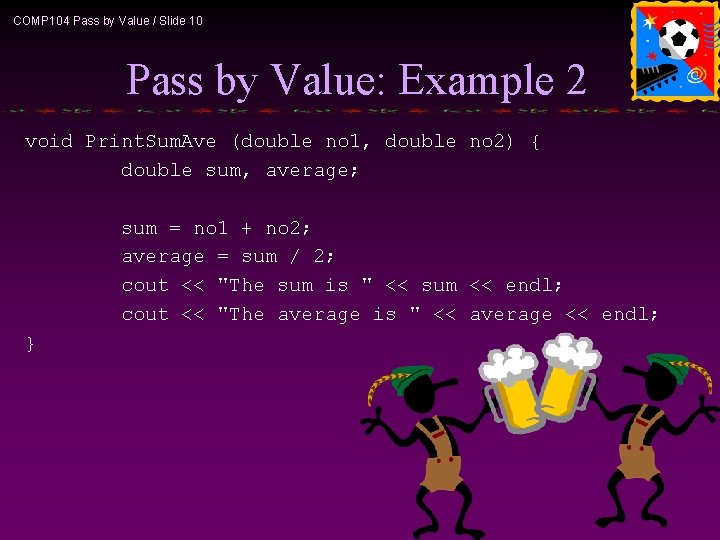
COMP 104 Pass by Value / Slide 10 Pass by Value: Example 2 void Print. Sum. Ave (double no 1, double no 2) { double sum, average; sum = no 1 + no 2; average = sum / 2; cout << "The sum is " << sum << endl; cout << "The average is " << average << endl; }
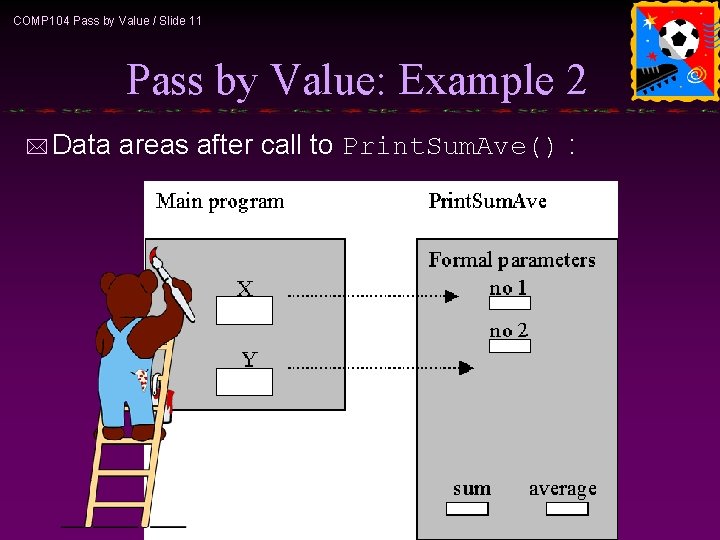
COMP 104 Pass by Value / Slide 11 Pass by Value: Example 2 * Data areas after call to Print. Sum. Ave() :
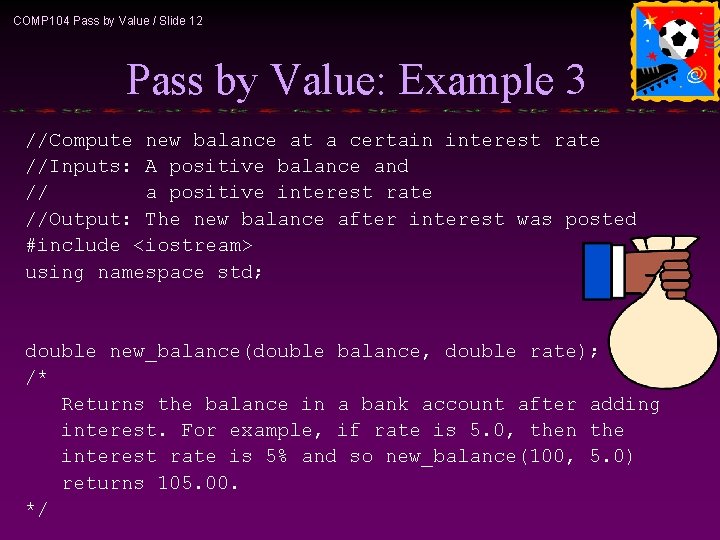
COMP 104 Pass by Value / Slide 12 Pass by Value: Example 3 //Compute new balance at a certain interest rate //Inputs: A positive balance and // a positive interest rate //Output: The new balance after interest was posted #include <iostream> using namespace std; double new_balance(double balance, double rate); /* Returns the balance in a bank account after adding interest. For example, if rate is 5. 0, then the interest rate is 5% and so new_balance(100, 5. 0) returns 105. 00. */
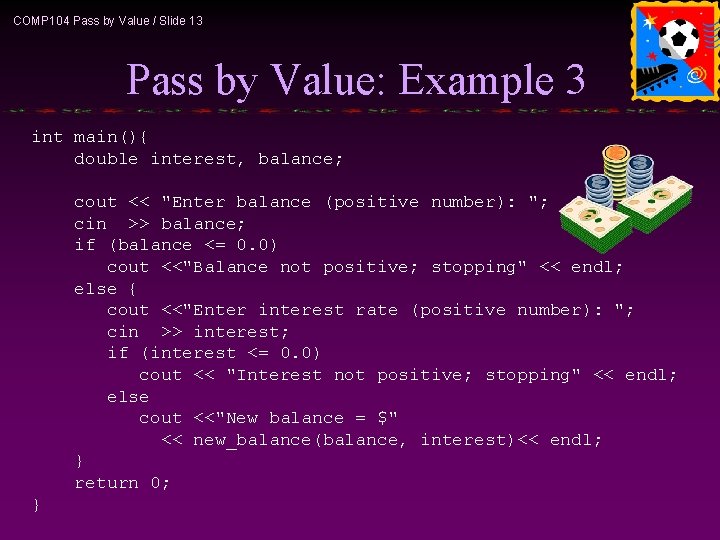
COMP 104 Pass by Value / Slide 13 Pass by Value: Example 3 int main(){ double interest, balance; cout << "Enter balance (positive number): "; cin >> balance; if (balance <= 0. 0) cout <<"Balance not positive; stopping" << endl; else { cout <<"Enter interest rate (positive number): "; cin >> interest; if (interest <= 0. 0) cout << "Interest not positive; stopping" << endl; else cout <<"New balance = $" << new_balance(balance, interest)<< endl; } return 0; }
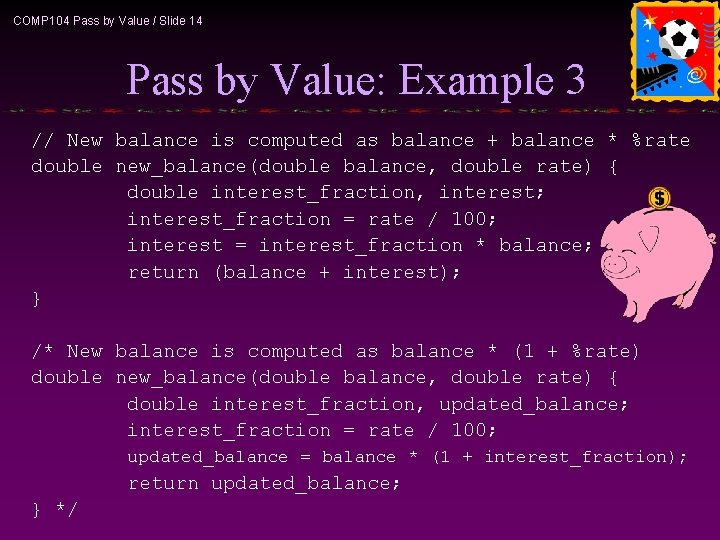
COMP 104 Pass by Value / Slide 14 Pass by Value: Example 3 // New balance is computed as balance + balance * %rate double new_balance(double balance, double rate) { double interest_fraction, interest; interest_fraction = rate / 100; interest = interest_fraction * balance; return (balance + interest); } /* New balance is computed as balance * (1 + %rate) double new_balance(double balance, double rate) { double interest_fraction, updated_balance; interest_fraction = rate / 100; updated_balance = balance * (1 + interest_fraction); return updated_balance; } */
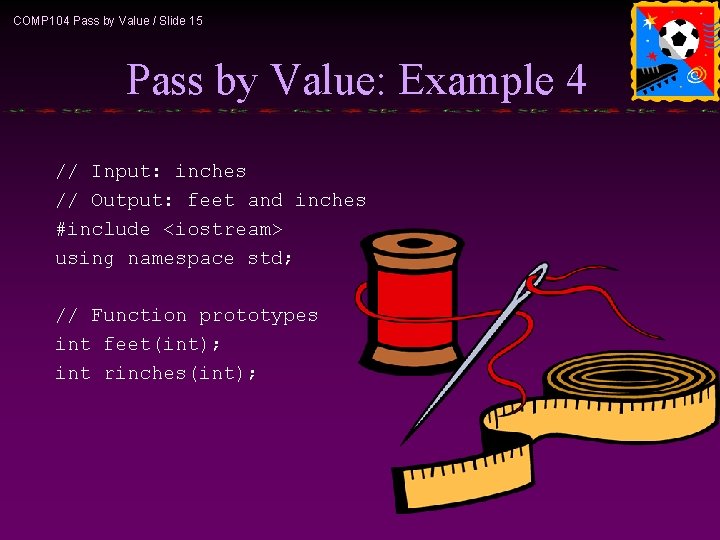
COMP 104 Pass by Value / Slide 15 Pass by Value: Example 4 // Input: inches // Output: feet and inches #include <iostream> using namespace std; // Function prototypes int feet(int); int rinches(int);
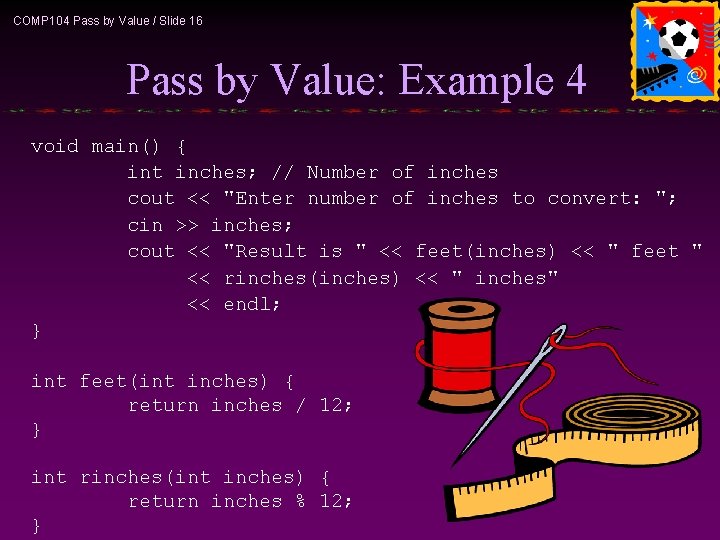
COMP 104 Pass by Value / Slide 16 Pass by Value: Example 4 void main() { int inches; // Number of inches cout << "Enter number of inches to convert: "; cin >> inches; cout << "Result is " << feet(inches) << " feet " << rinches(inches) << " inches" << endl; } int feet(int inches) { return inches / 12; } int rinches(int inches) { return inches % 12; }
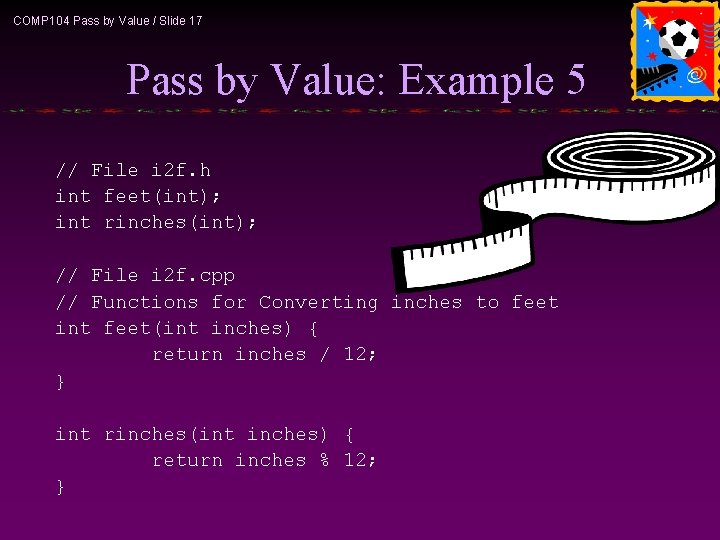
COMP 104 Pass by Value / Slide 17 Pass by Value: Example 5 // File i 2 f. h int feet(int); int rinches(int); // File i 2 f. cpp // Functions for Converting inches to feet int feet(int inches) { return inches / 12; } int rinches(int inches) { return inches % 12; }
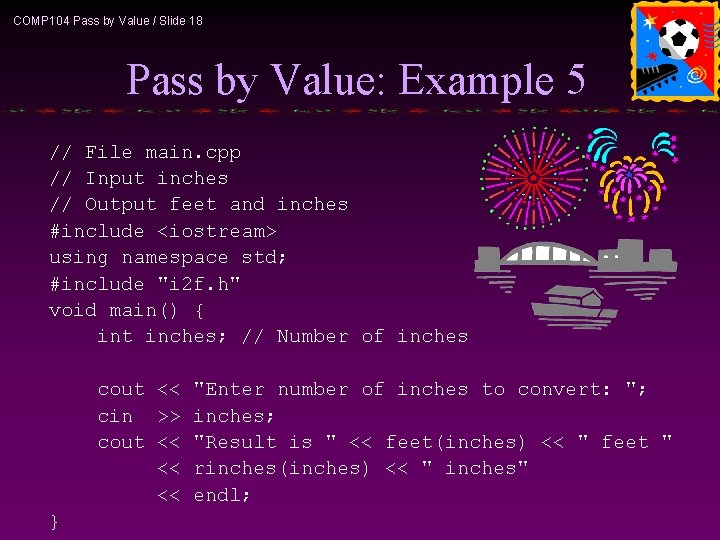
COMP 104 Pass by Value / Slide 18 Pass by Value: Example 5 // File main. cpp // Input inches // Output feet and inches #include <iostream> using namespace std; #include "i 2 f. h" void main() { int inches; // Number of inches cout << "Enter number of inches to convert: "; cin >> inches; cout << "Result is " << feet(inches) << " feet " << rinches(inches) << " inches" << endl; }
- Slides: 18