
PARTS OF A COMPUTER Speedway Schools Introduction A

- Slides: 14
PARTS OF A COMPUTER Speedway Schools
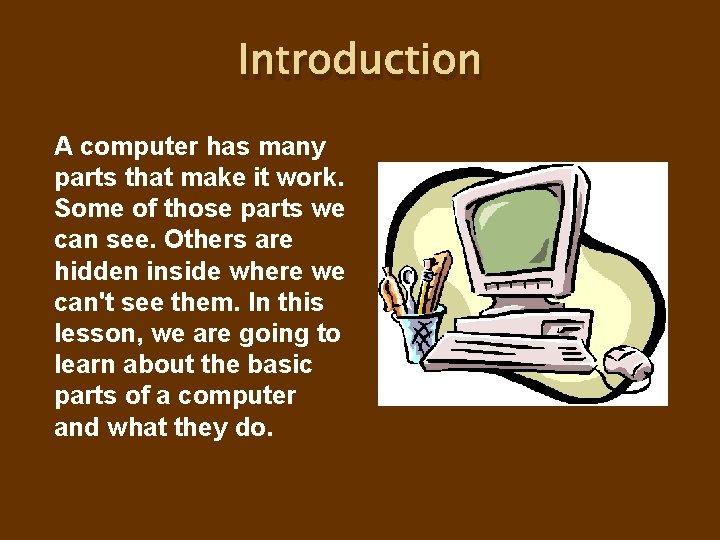
Introduction A computer has many parts that make it work. Some of those parts we can see. Others are hidden inside where we can't see them. In this lesson, we are going to learn about the basic parts of a computer and what they do.
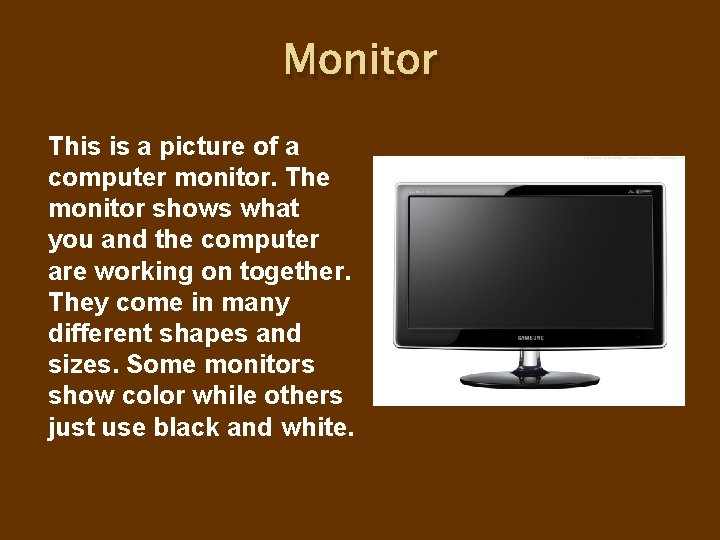
Monitor This is a picture of a computer monitor. The monitor shows what you and the computer are working on together. They come in many different shapes and sizes. Some monitors show color while others just use black and white.
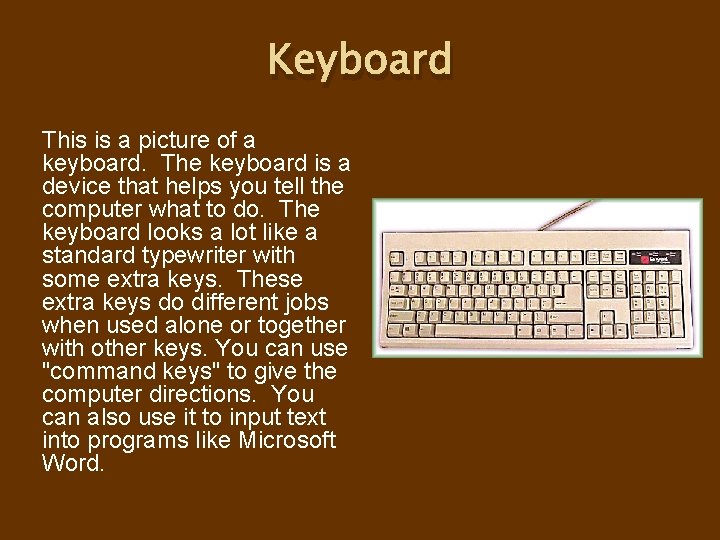
Keyboard This is a picture of a keyboard. The keyboard is a device that helps you tell the computer what to do. The keyboard looks a lot like a standard typewriter with some extra keys. These extra keys do different jobs when used alone or together with other keys. You can use "command keys" to give the computer directions. You can also use it to input text into programs like Microsoft Word.
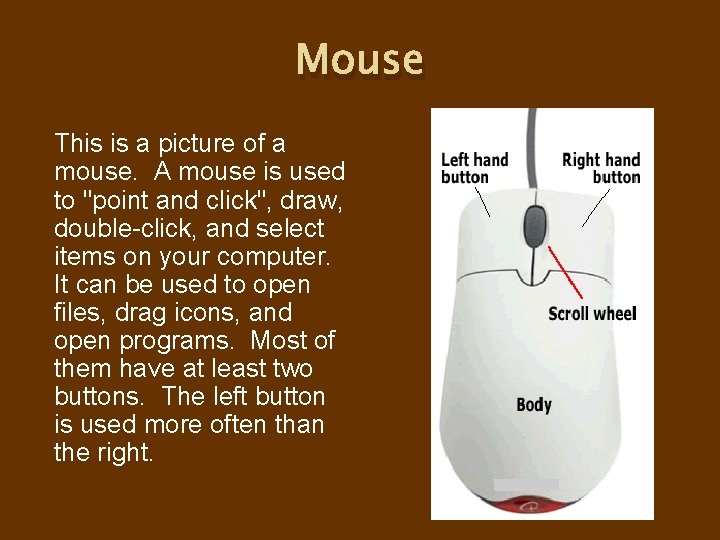
Mouse This is a picture of a mouse. A mouse is used to "point and click", draw, double-click, and select items on your computer. It can be used to open files, drag icons, and open programs. Most of them have at least two buttons. The left button is used more often than the right.
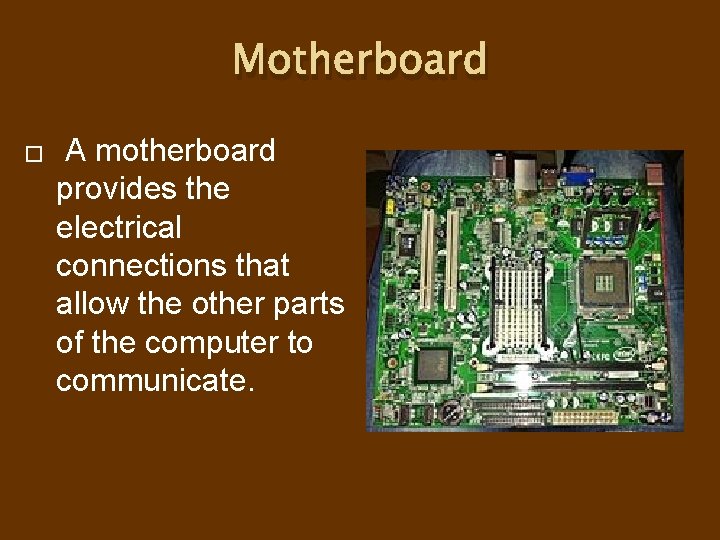
Motherboard � A motherboard provides the electrical connections that allow the other parts of the computer to communicate.
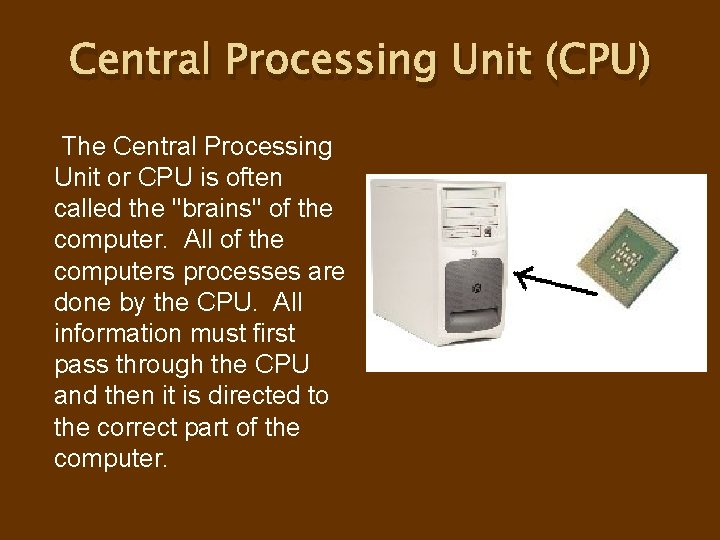
Central Processing Unit (CPU) The Central Processing Unit or CPU is often called the "brains" of the computer. All of the computers processes are done by the CPU. All information must first pass through the CPU and then it is directed to the correct part of the computer.
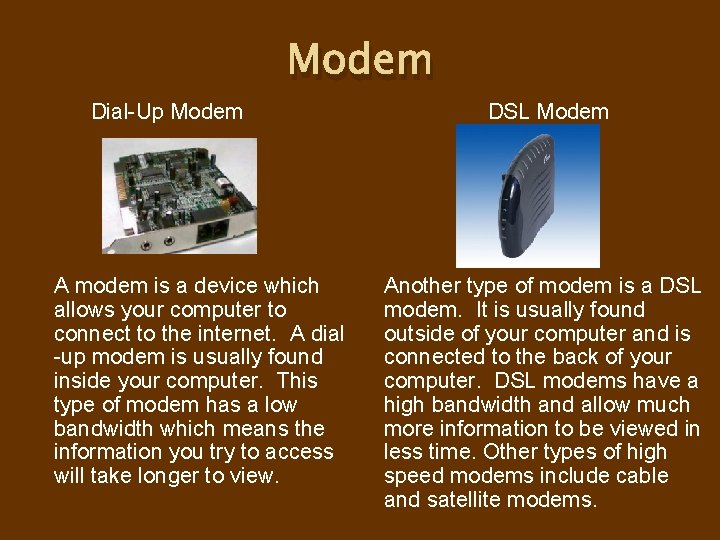
Modem Dial-Up Modem DSL Modem A modem is a device which allows your computer to connect to the internet. A dial -up modem is usually found inside your computer. This type of modem has a low bandwidth which means the information you try to access will take longer to view. Another type of modem is a DSL modem. It is usually found outside of your computer and is connected to the back of your computer. DSL modems have a high bandwidth and allow much more information to be viewed in less time. Other types of high speed modems include cable and satellite modems.
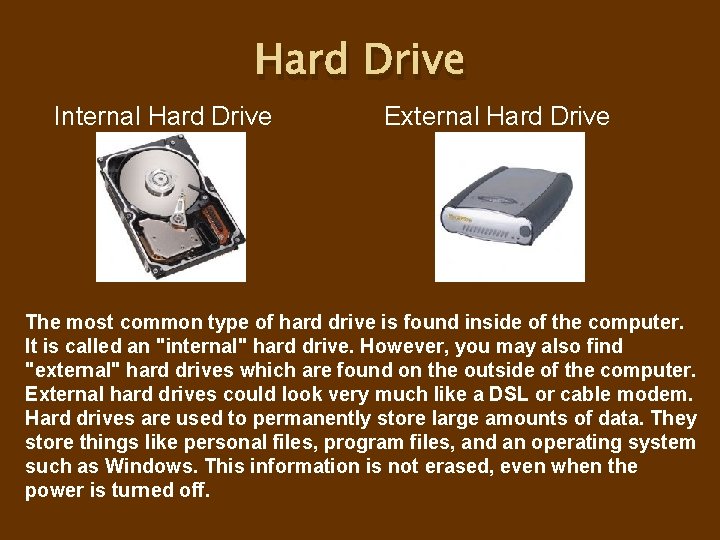
Hard Drive Internal Hard Drive External Hard Drive The most common type of hard drive is found inside of the computer. It is called an "internal" hard drive. However, you may also find "external" hard drives which are found on the outside of the computer. External hard drives could look very much like a DSL or cable modem. Hard drives are used to permanently store large amounts of data. They store things like personal files, program files, and an operating system such as Windows. This information is not erased, even when the power is turned off.
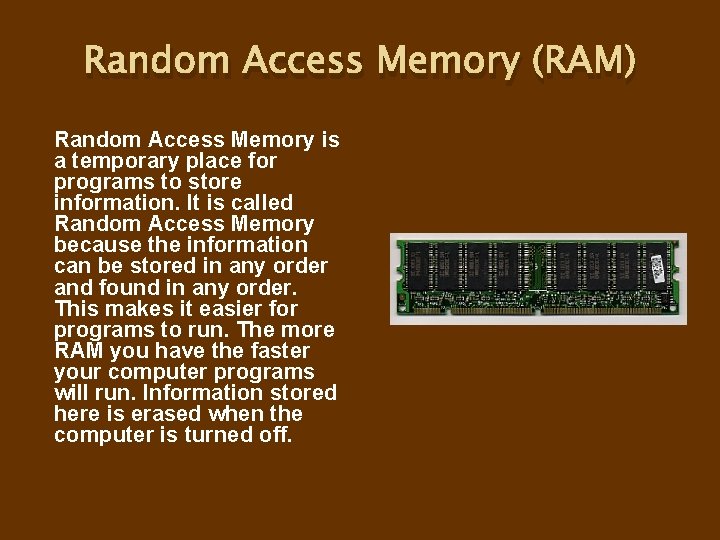
Random Access Memory (RAM) Random Access Memory is a temporary place for programs to store information. It is called Random Access Memory because the information can be stored in any order and found in any order. This makes it easier for programs to run. The more RAM you have the faster your computer programs will run. Information stored here is erased when the computer is turned off.
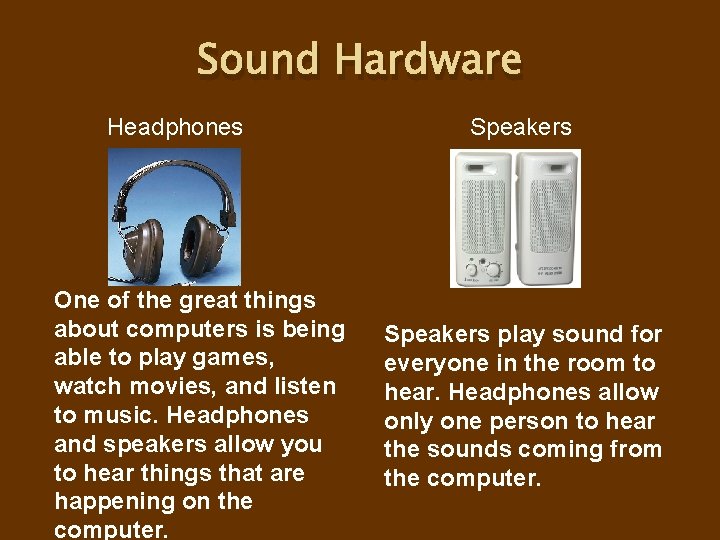
Sound Hardware Headphones Speakers One of the great things about computers is being able to play games, watch movies, and listen to music. Headphones and speakers allow you to hear things that are happening on the computer. Speakers play sound for everyone in the room to hear. Headphones allow only one person to hear the sounds coming from the computer.
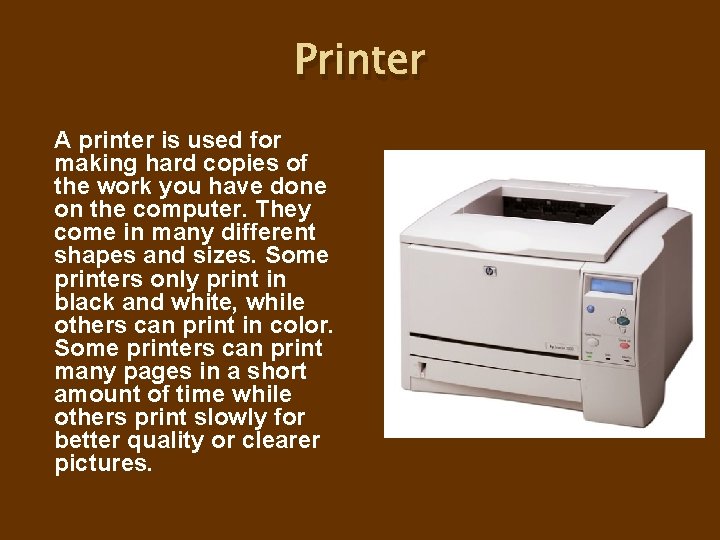
Printer A printer is used for making hard copies of the work you have done on the computer. They come in many different shapes and sizes. Some printers only print in black and white, while others can print in color. Some printers can print many pages in a short amount of time while others print slowly for better quality or clearer pictures.
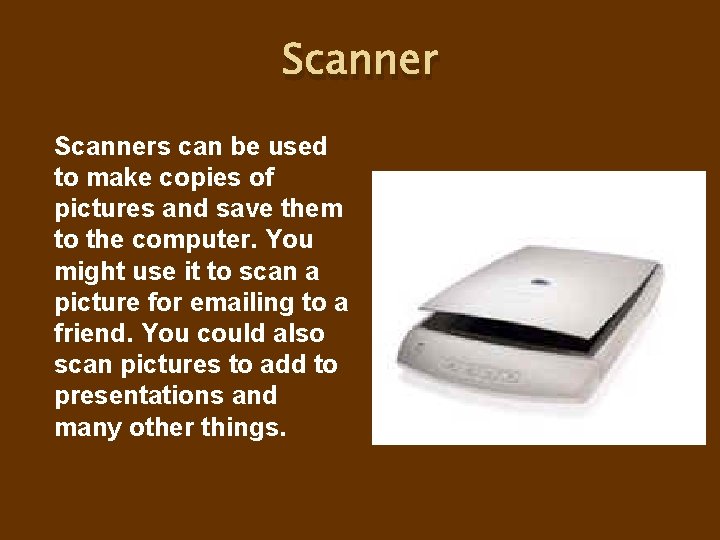
Scanners can be used to make copies of pictures and save them to the computer. You might use it to scan a picture for emailing to a friend. You could also scan pictures to add to presentations and many other things.
Parts of a Computer Be sure to review for the Quiz on Friday.