
Particle Systems GPU Graphics Sample Particle System Water

- Slides: 20
Particle Systems GPU Graphics
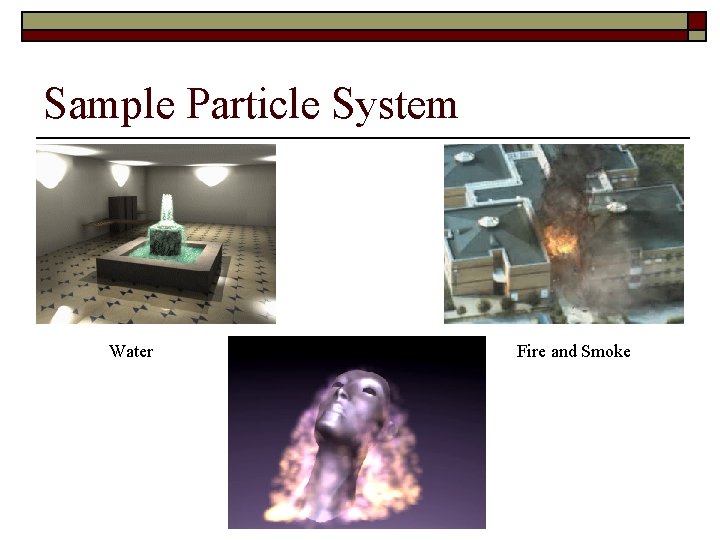
Sample Particle System Water Fire and Smoke
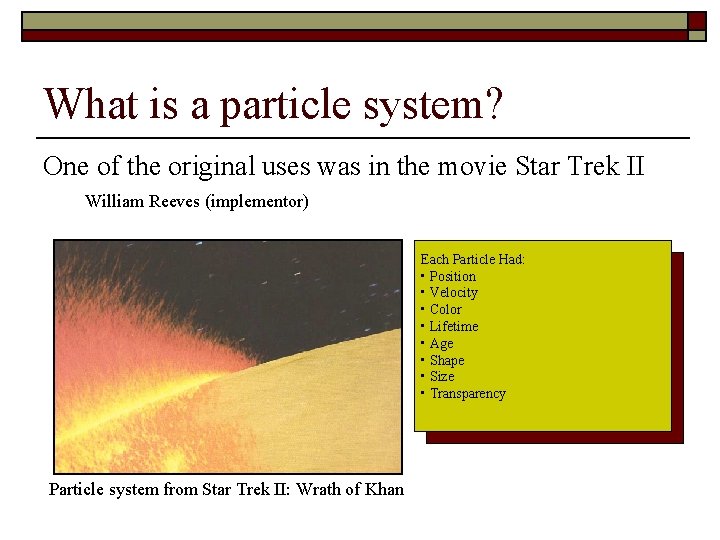
What is a particle system? One of the original uses was in the movie Star Trek II William Reeves (implementor) Each Particle Had: • Position • Velocity • Color • Lifetime • Age • Shape • Size • Transparency Particle system from Star Trek II: Wrath of Khan
Types of Particle Systems o Stateless Particle System – n o A particle data is computed from birth to death by a closed form function defined by a set of start values and a current time. (does not react to dynamic environment) State Preserving Particle System – n Uses numerical iterative integration methods to compute particle data from previous values and changing environmental descriptions.
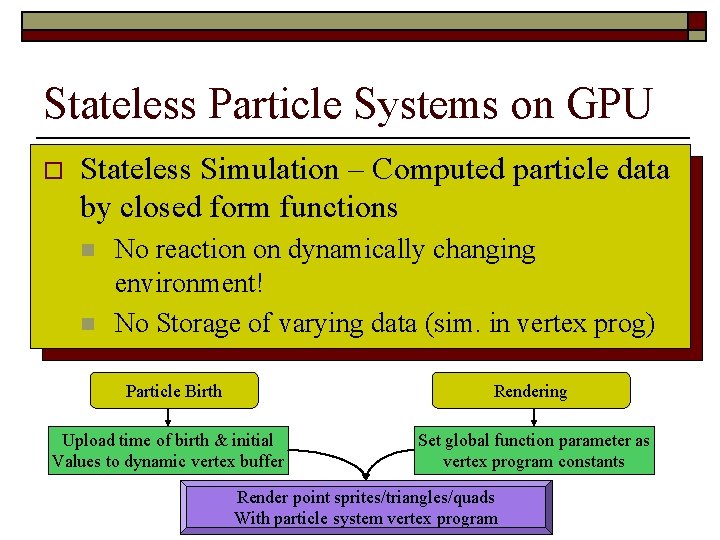
Stateless Particle Systems on GPU o Stateless Simulation – Computed particle data by closed form functions n n No reaction on dynamically changing environment! No Storage of varying data (sim. in vertex prog) Particle Birth Rendering Upload time of birth & initial Values to dynamic vertex buffer Set global function parameter as vertex program constants Render point sprites/triangles/quads With particle system vertex program
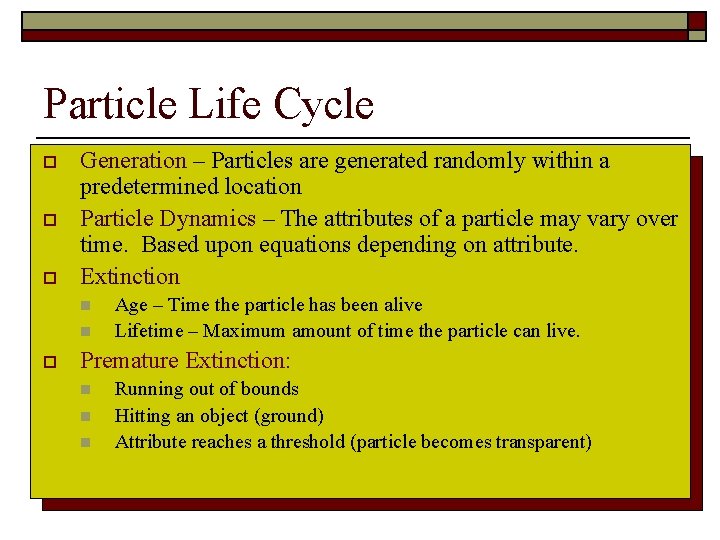
Particle Life Cycle o o o Generation – Particles are generated randomly within a predetermined location Particle Dynamics – The attributes of a particle may vary over time. Based upon equations depending on attribute. Extinction n n o Age – Time the particle has been alive Lifetime – Maximum amount of time the particle can live. Premature Extinction: n n n Running out of bounds Hitting an object (ground) Attribute reaches a threshold (particle becomes transparent)
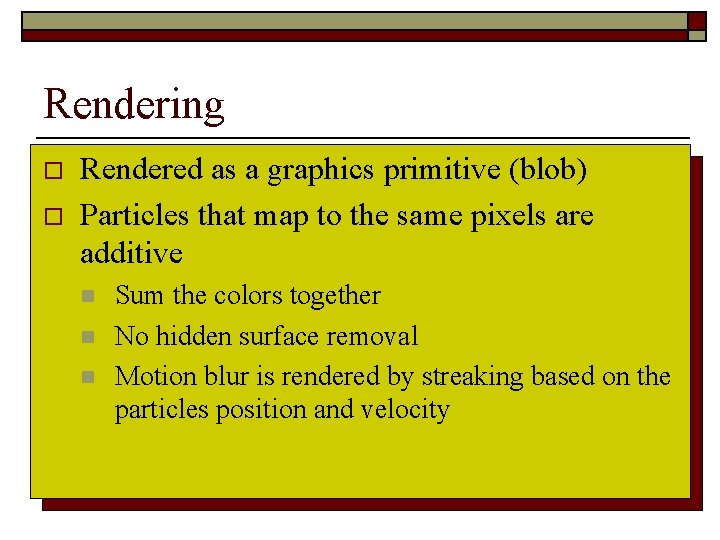
Rendering o o Rendered as a graphics primitive (blob) Particles that map to the same pixels are additive n n n Sum the colors together No hidden surface removal Motion blur is rendered by streaking based on the particles position and velocity
Issues with Particle Systems on the CPU o CPU based particle systems are limited to about 10, 000 particles per frame in most game applications o Limiting Factor is CPU-GPU communication n PCI Express transfer rate is about 3 gigabytes/sec
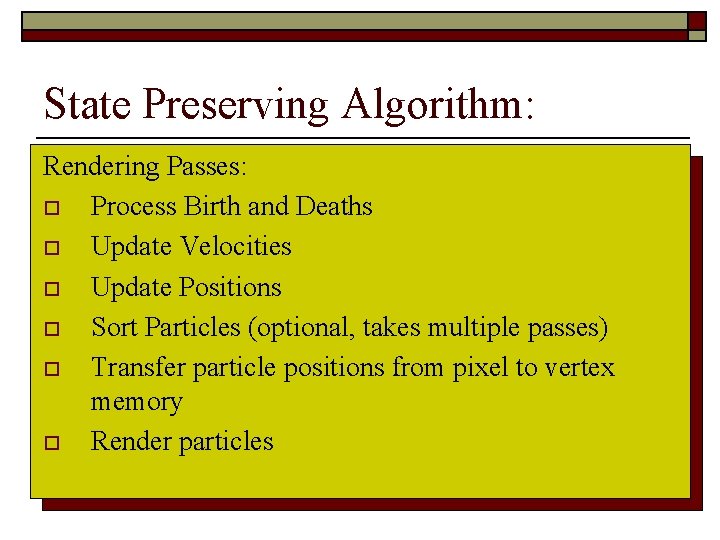
State Preserving Algorithm: Rendering Passes: o Process Birth and Deaths o Update Velocities o Update Positions o Sort Particles (optional, takes multiple passes) o Transfer particle positions from pixel to vertex memory o Render particles
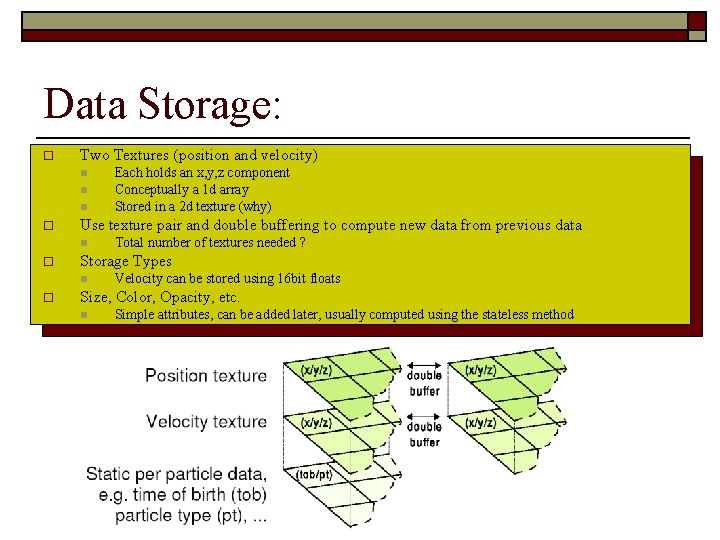
Data Storage: o Two Textures (position and velocity) n n n o Use texture pair and double buffering to compute new data from previous data n o Total number of textures needed ? Storage Types n o Each holds an x, y, z component Conceptually a 1 d array Stored in a 2 d texture (why) Velocity can be stored using 16 bit floats Size, Color, Opacity, etc. n Simple attributes, can be added later, usually computed using the stateless method
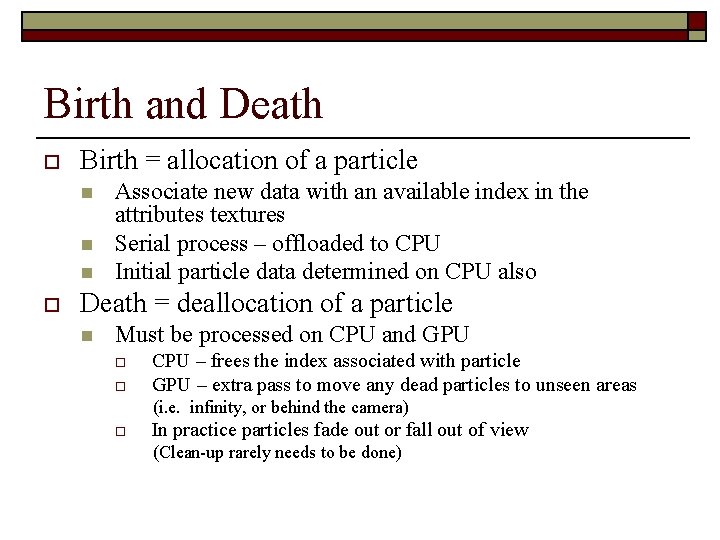
Birth and Death o Birth = allocation of a particle n n n o Associate new data with an available index in the attributes textures Serial process – offloaded to CPU Initial particle data determined on CPU also Death = deallocation of a particle n Must be processed on CPU and GPU o o CPU – frees the index associated with particle GPU – extra pass to move any dead particles to unseen areas (i. e. infinity, or behind the camera) o In practice particles fade out or fall out of view (Clean-up rarely needs to be done)
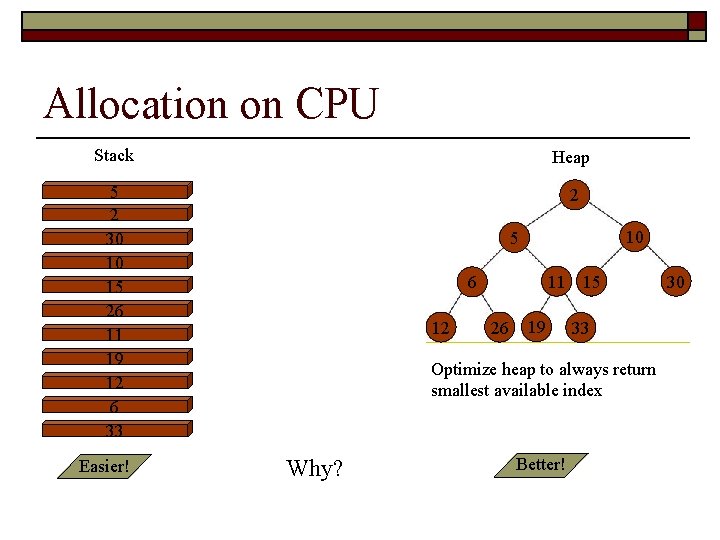
Allocation on CPU Stack Heap 5 2 30 10 15 26 11 19 12 6 33 2 Easier! 10 5 11 15 6 12 26 19 33 Optimize heap to always return smallest available index Why? Better! 30
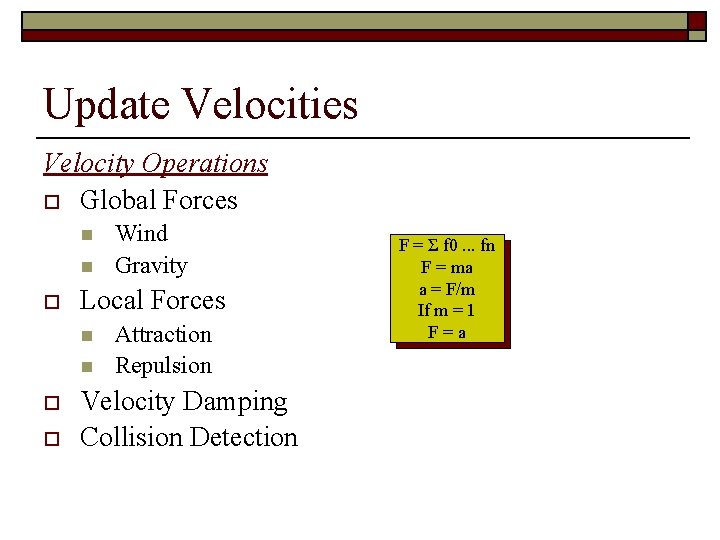
Update Velocities Velocity Operations o Global Forces n n o Local Forces n n o o Wind Gravity Attraction Repulsion Velocity Damping Collision Detection F = Σ f 0. . . fn F = ma a = F/m If m = 1 F=a
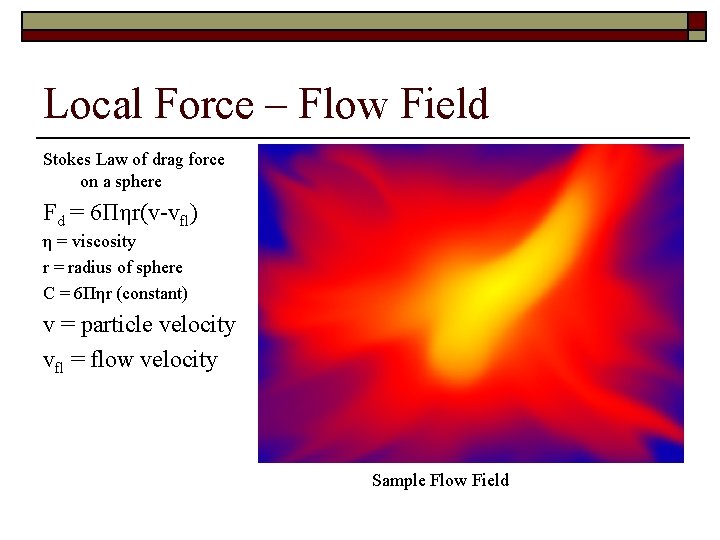
Local Force – Flow Field Stokes Law of drag force on a sphere Fd = 6Πηr(v-vfl) η = viscosity r = radius of sphere C = 6Πηr (constant) v = particle velocity vfl = flow velocity Sample Flow Field
Other velocity operations o Damping n n o Imitates viscous materials or air resistance Implement by downward scaling velocity Un-damping n n Self-propelled objects (bee swarms) Implement by upward scaling velocity
Collisions o Collisions against simple objects n n o Walls Bounding Spheres Collision against complex objects n n n Terrain Complex objects Terrain is usually modeled as a texture-based height field
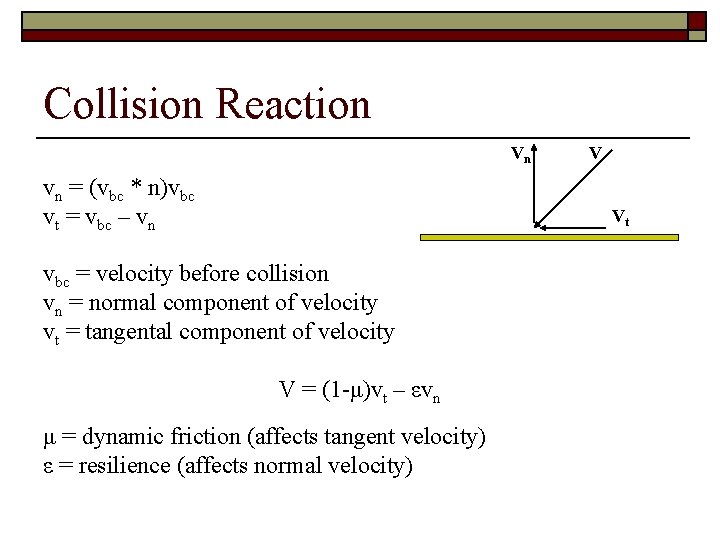
Collision Reaction Vn vn = (vbc * n)vbc vt = vbc – vn V Vt vbc = velocity before collision vn = normal component of velocity vt = tangental component of velocity V = (1 -μ)vt – εvn μ = dynamic friction (affects tangent velocity) ε = resilience (affects normal velocity)
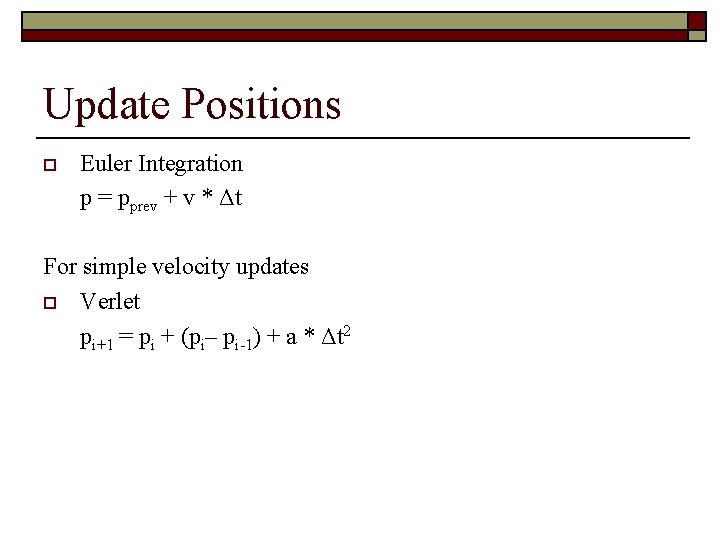
Update Positions o Euler Integration p = pprev + v * Δt For simple velocity updates o Verlet pi+1 = pi + (pi– pi-1) + a * Δt 2
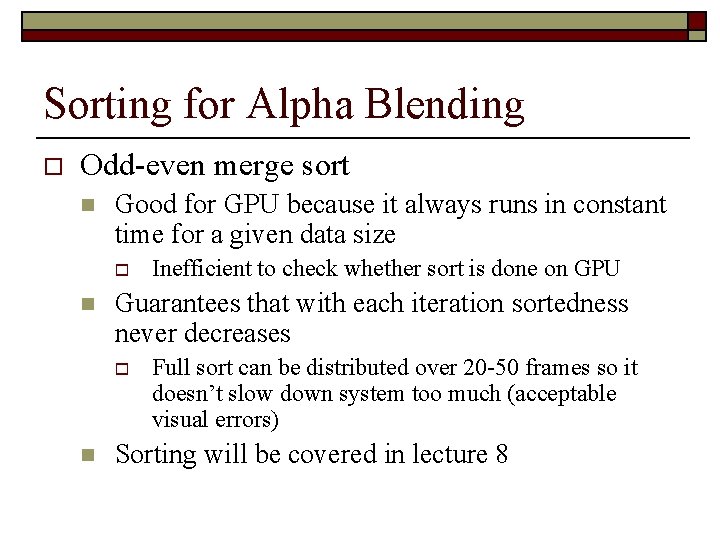
Sorting for Alpha Blending o Odd-even merge sort n Good for GPU because it always runs in constant time for a given data size o n Guarantees that with each iteration sortedness never decreases o n Inefficient to check whether sort is done on GPU Full sort can be distributed over 20 -50 frames so it doesn’t slow down system too much (acceptable visual errors) Sorting will be covered in lecture 8
Questions?