
Participatory use of GIS from sketch maps to



- Slides: 57
Participatory use of GIS from sketch maps to mobile GIS Jeroen Verplanke INTERNATIONAL INSTITUTE FOR GEO-INFORMATION SCIENCE AND EARTH OBSERVATION
Introduction § Sketch mapping: usefulness of PGIS § Boundary mapping with PGIS § About using GPS and PDA in practice § Training experiences with mobile GIS
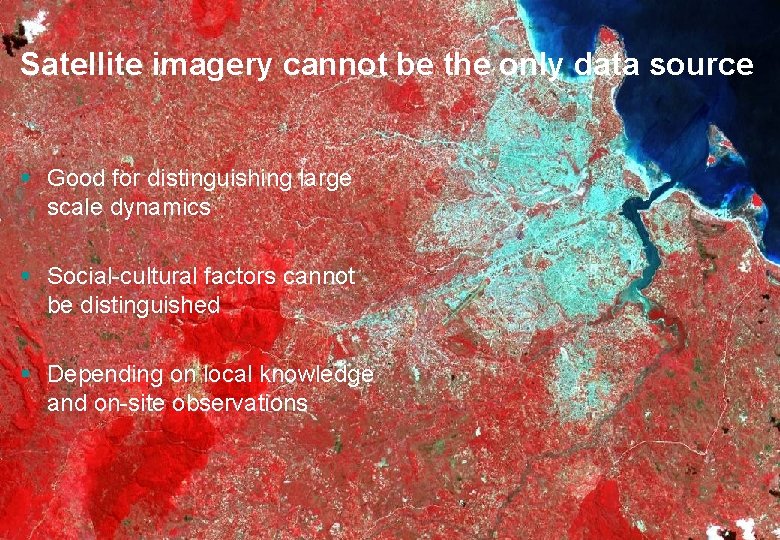
Satellite imagery cannot be the only data source § Good for distinguishing large scale dynamics § Social-cultural factors cannot be distinguished § Depending on local knowledge and on-site observations
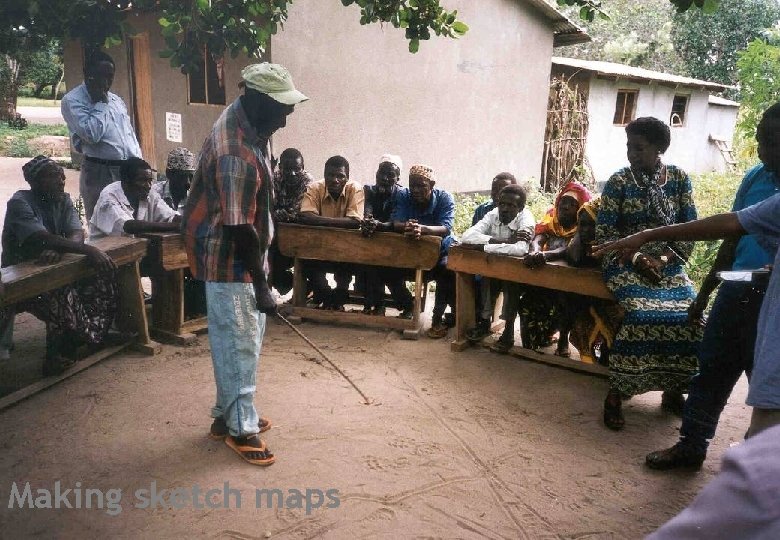
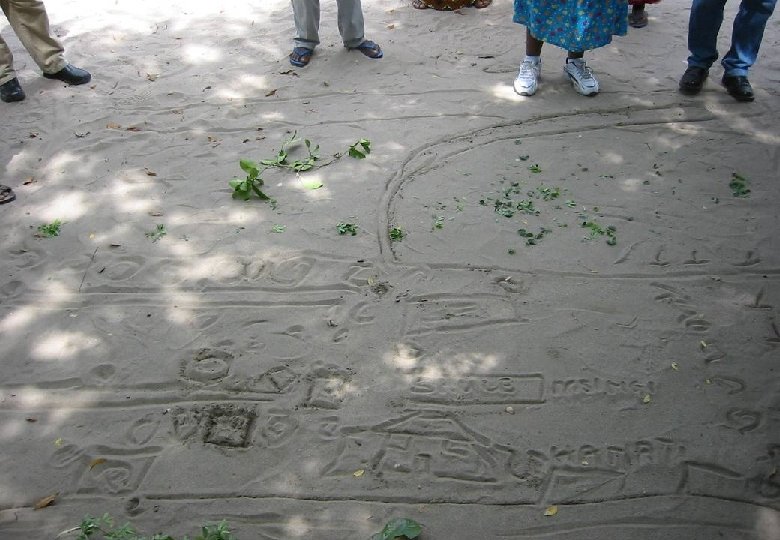
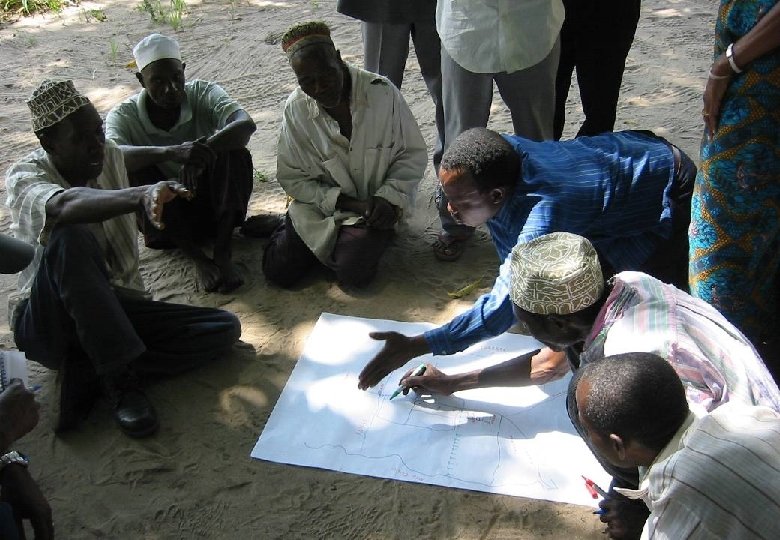
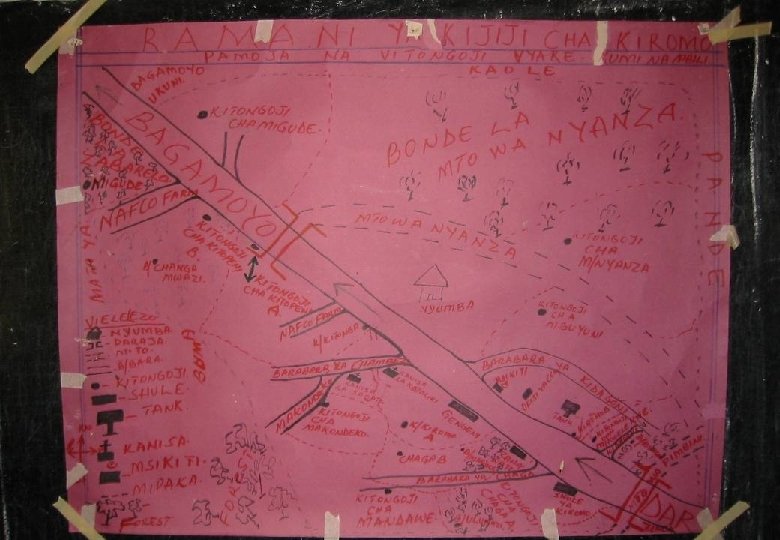
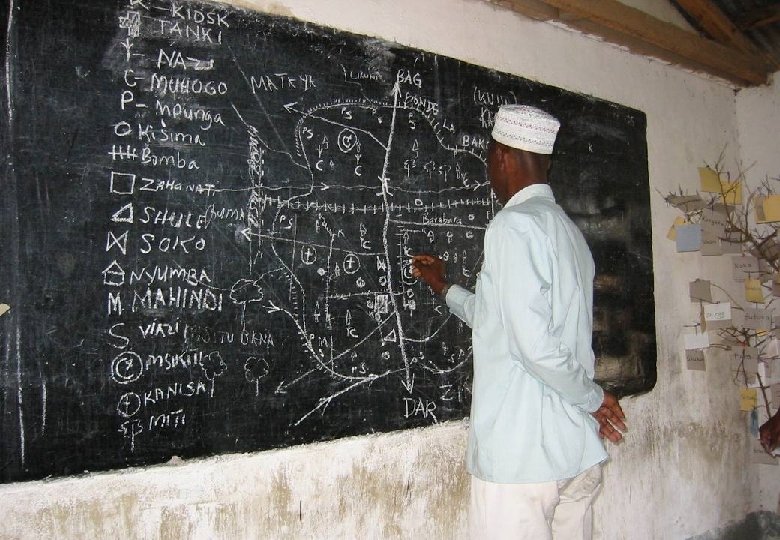
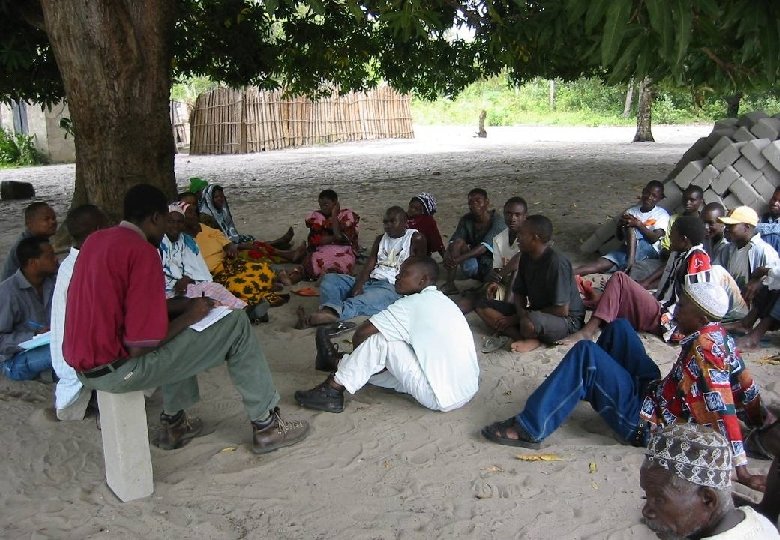
Making sketch maps
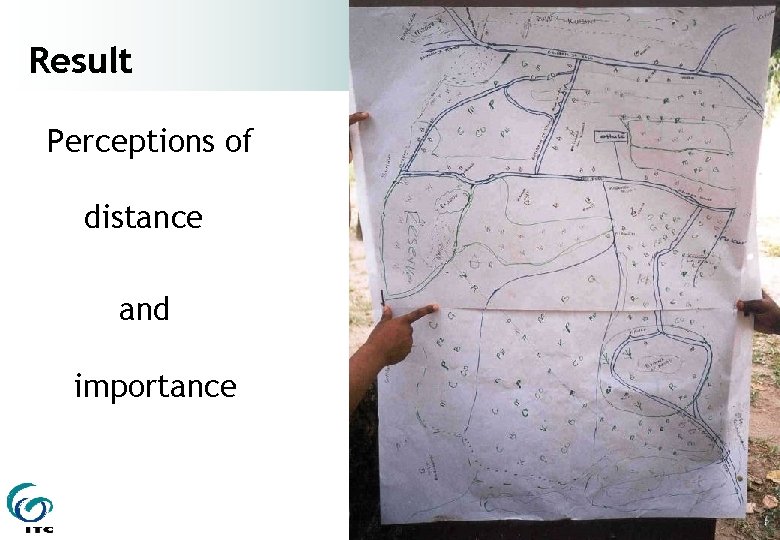
Result Perceptions of distance and importance
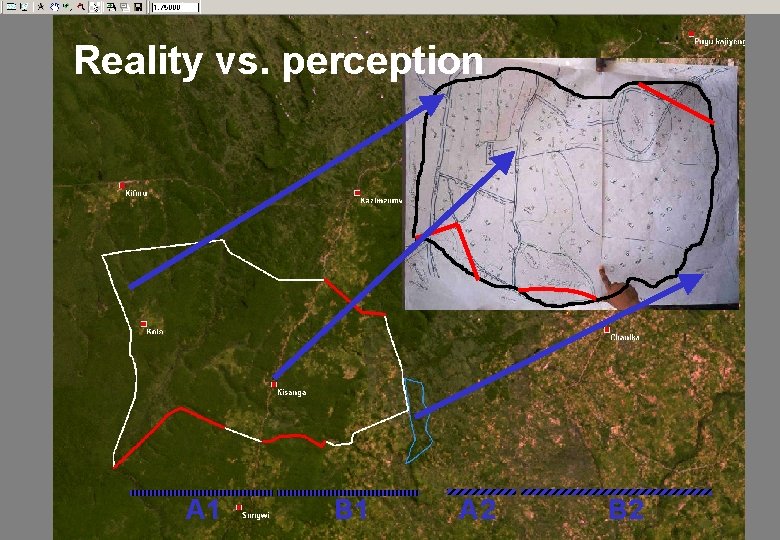
Reality vs. perception A 1 B 1 A 2 B 2
Visualization strategies § Maps as final products § a means of visual communication § Maps as intermediate products § an aid to visual thinking
Visualization strategies § What is the purpose of the map ? § Who will read the map ? § Where will the map be used ? § What data are available to compose the map ? § …. . ?
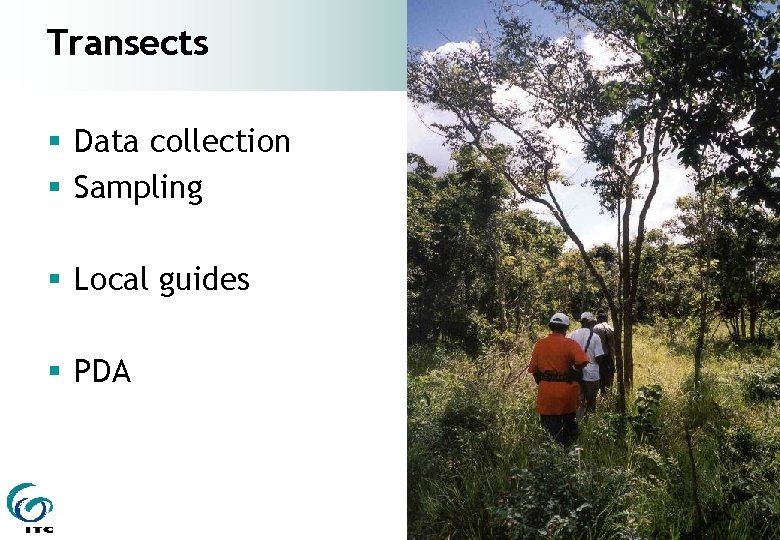
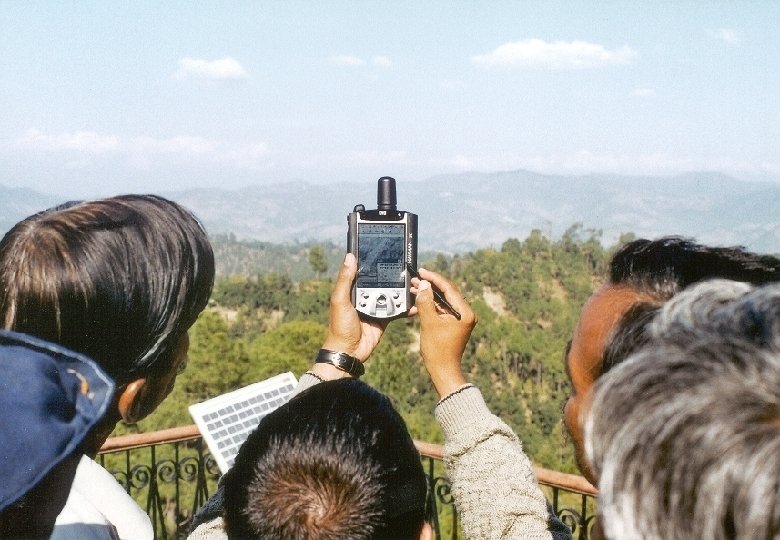
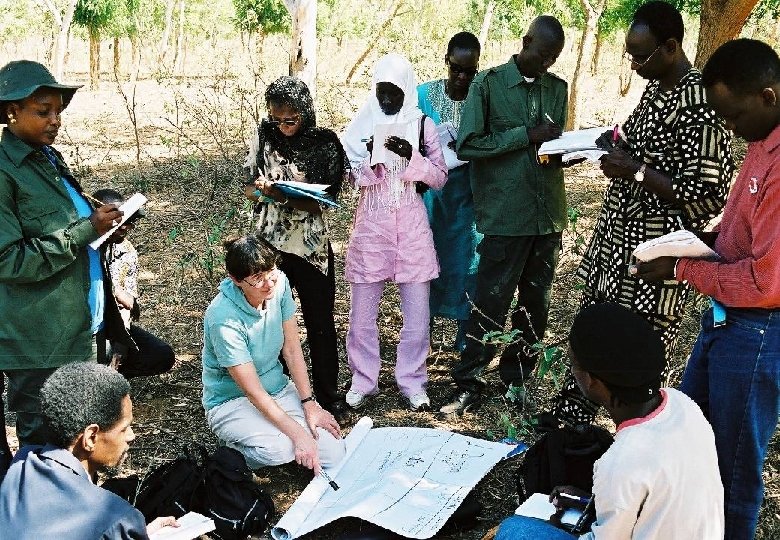
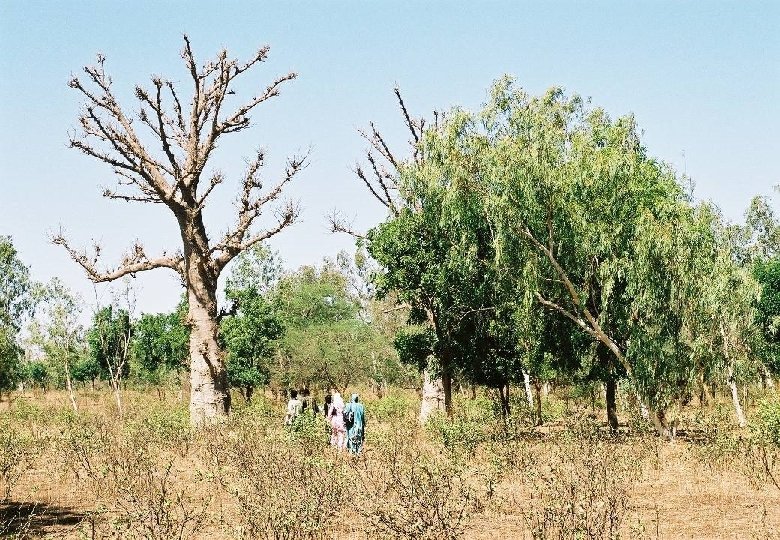
Transects § Data collection § Sampling § Local guides § PDA
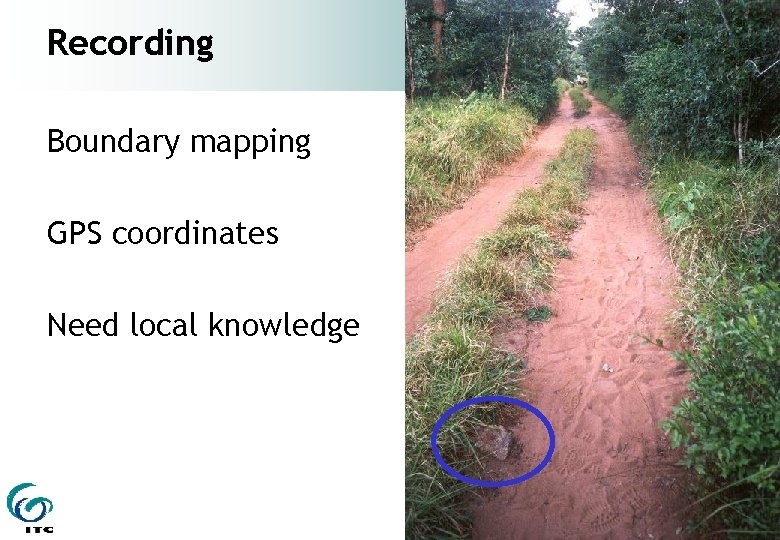
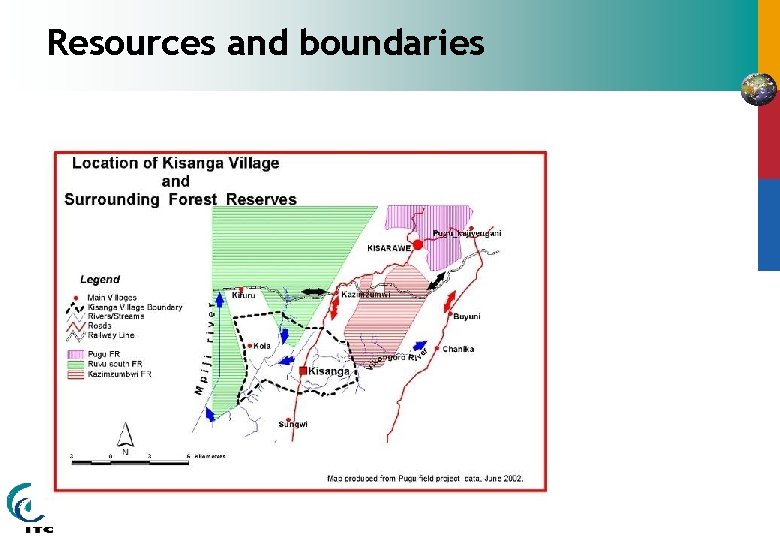
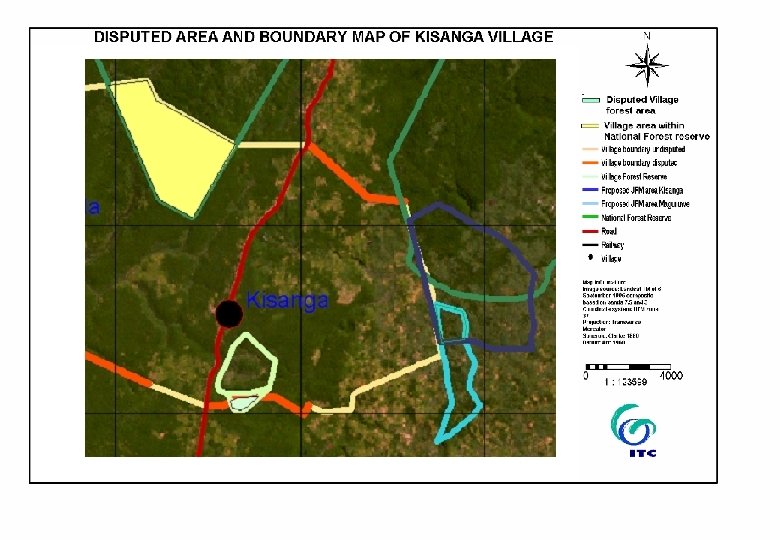
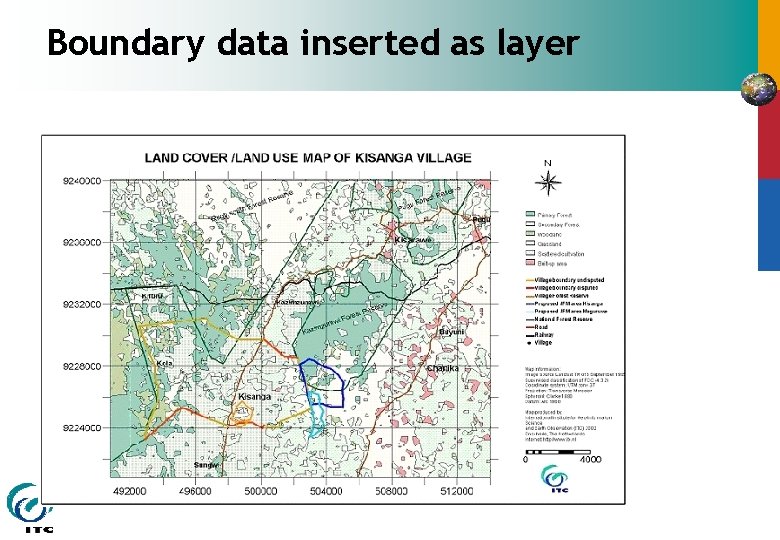
Recording Boundary mapping GPS coordinates Need local knowledge
Resources and boundaries
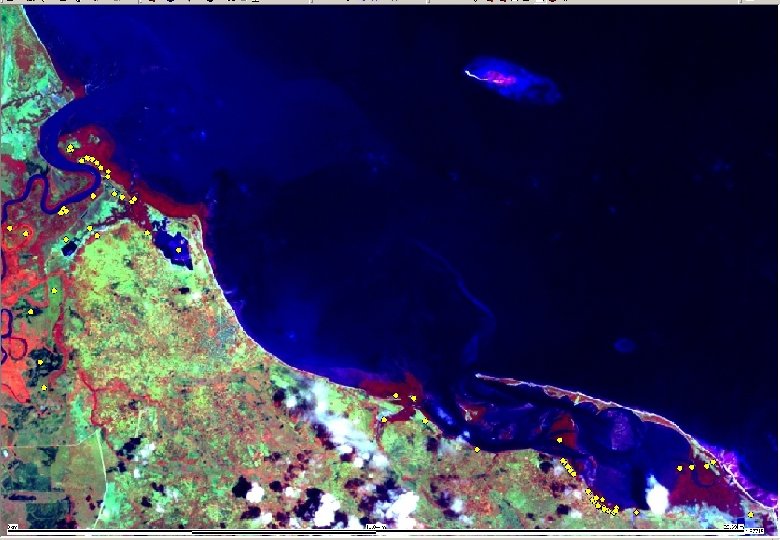
Boundary data inserted as layer
Other activities and observations § Recording anomalies § Observe to understand § Triangulation
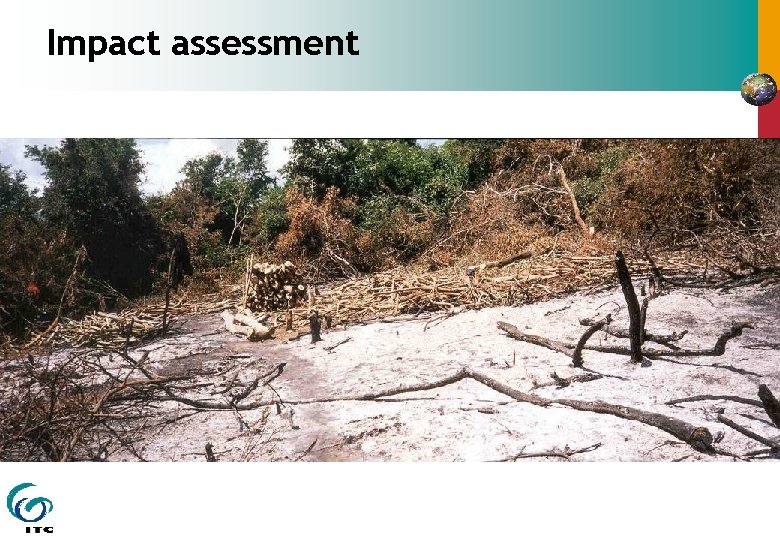
Impact assessment
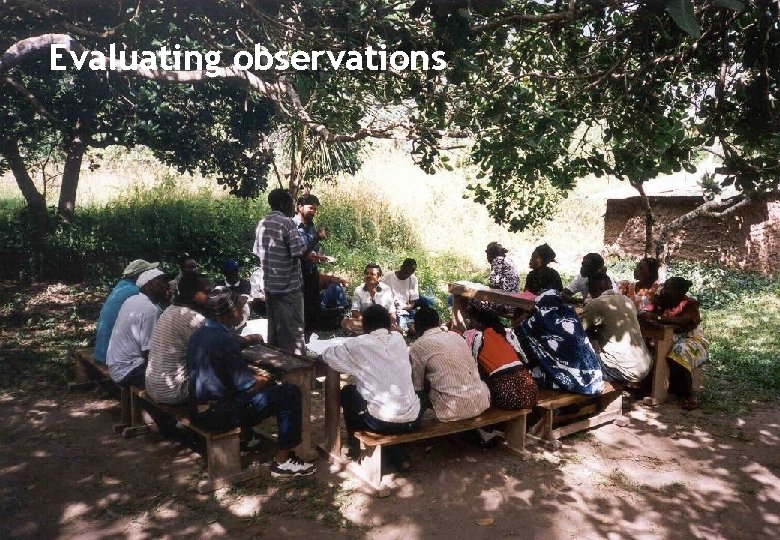
Evaluating observations
Using GPS and PDA in Practice
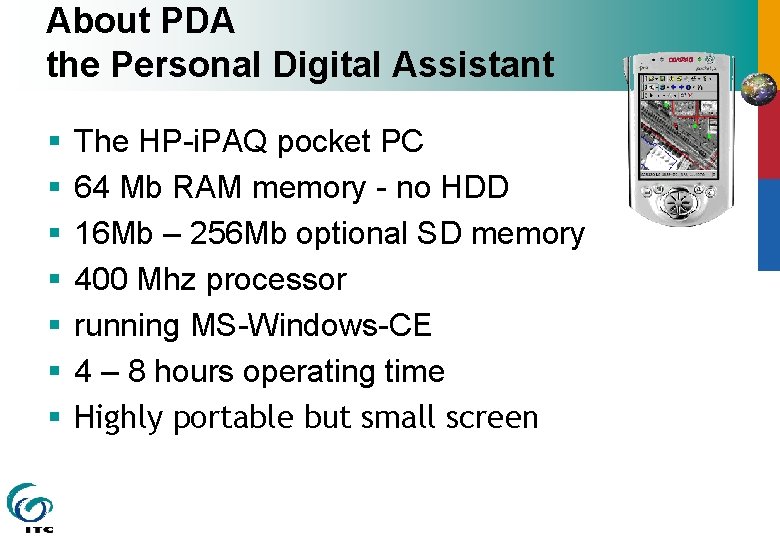
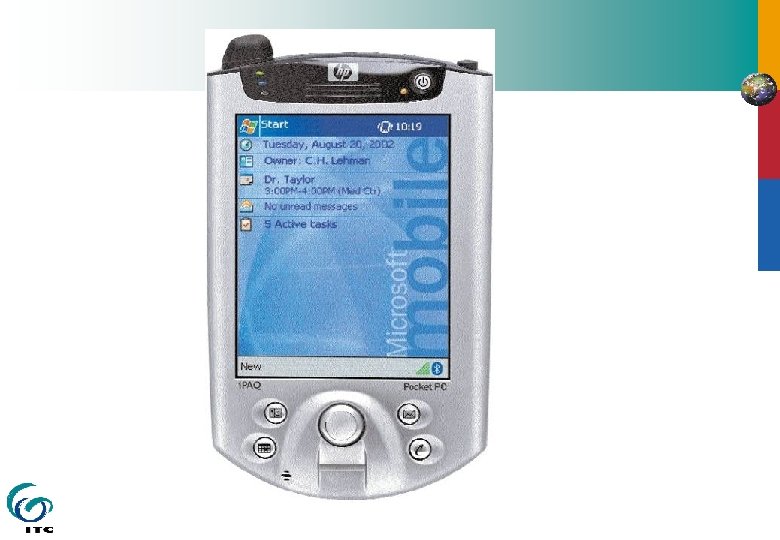
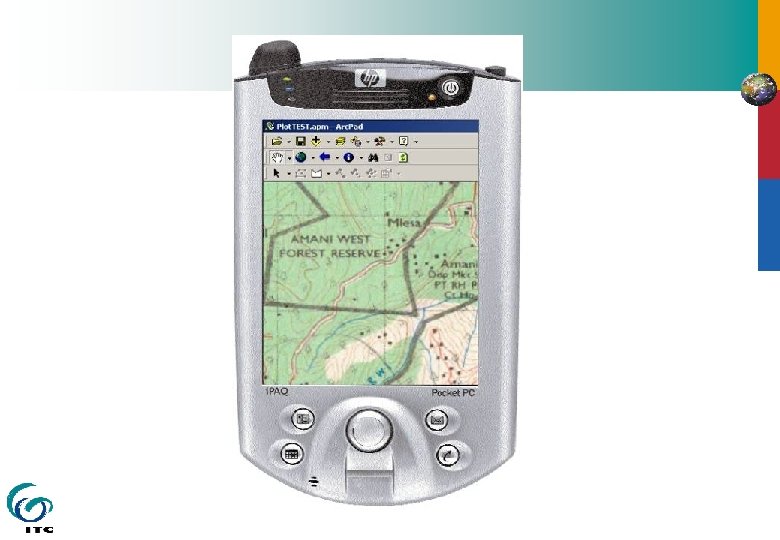
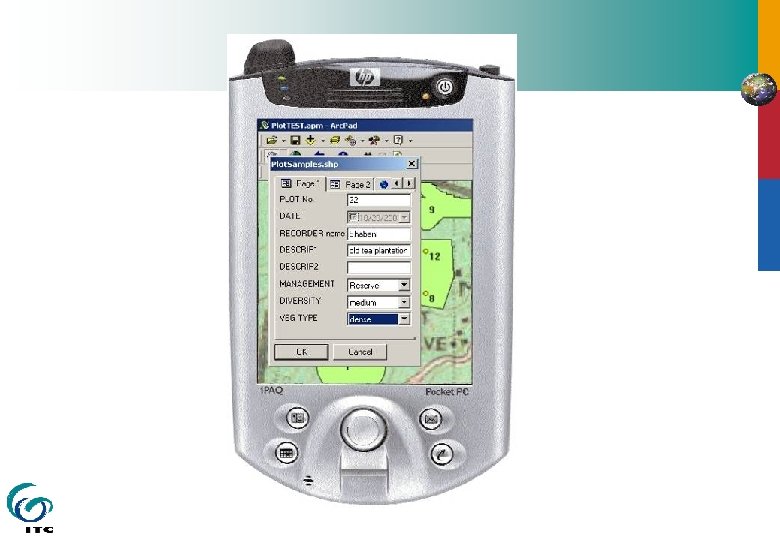
About PDA the Personal Digital Assistant § § § § The HP-i. PAQ pocket PC 64 Mb RAM memory - no HDD 16 Mb – 256 Mb optional SD memory 400 Mhz processor running MS-Windows-CE 4 – 8 hours operating time Highly portable but small screen
Tablet PC § § § Full PC (Windows XP & all software) Pentium M 1 GHz processor 512 Mb RAM 30 GB hard disk Large screen (only) 4 hours operating time
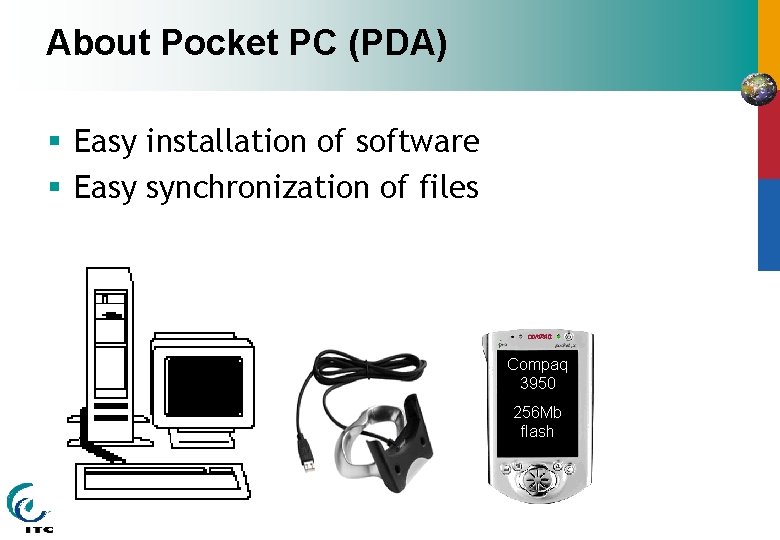
About Pocket PC (PDA) § Easy installation of software § Easy synchronization of files Compaq 3950 256 Mb flash
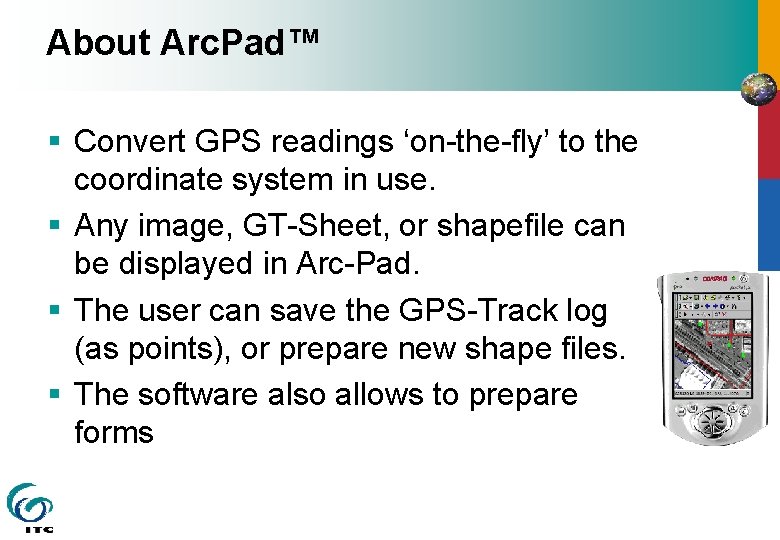
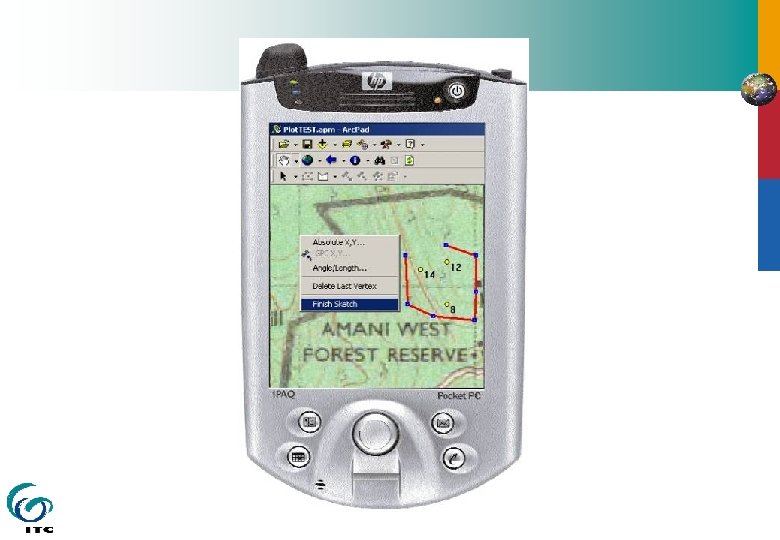
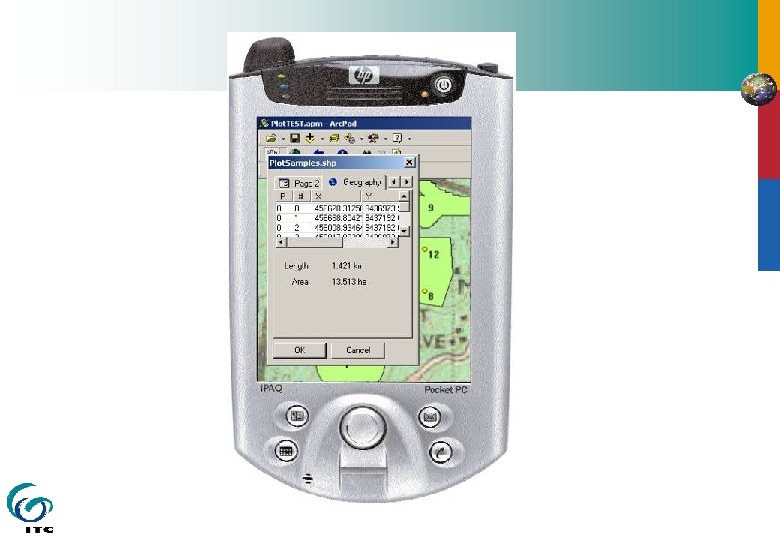
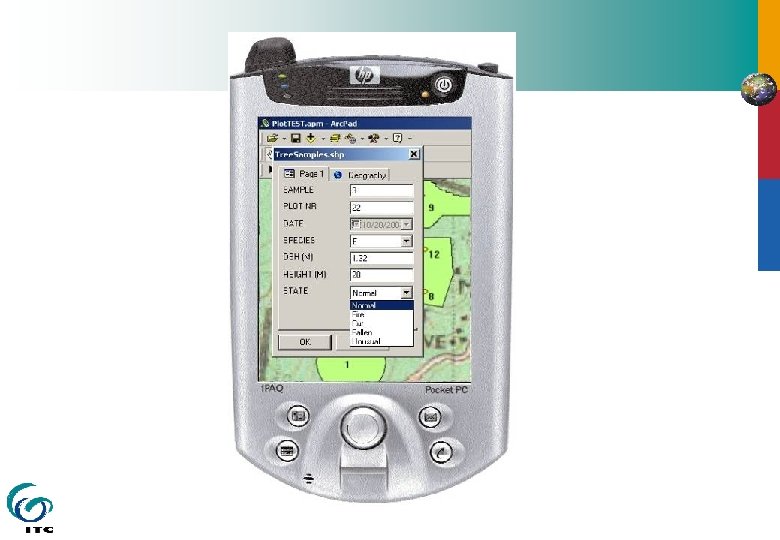
About Arc. Pad™ § Convert GPS readings ‘on-the-fly’ to the coordinate system in use. § Any image, GT-Sheet, or shapefile can be displayed in Arc-Pad. § The user can save the GPS-Track log (as points), or prepare new shape files. § The software also allows to prepare forms
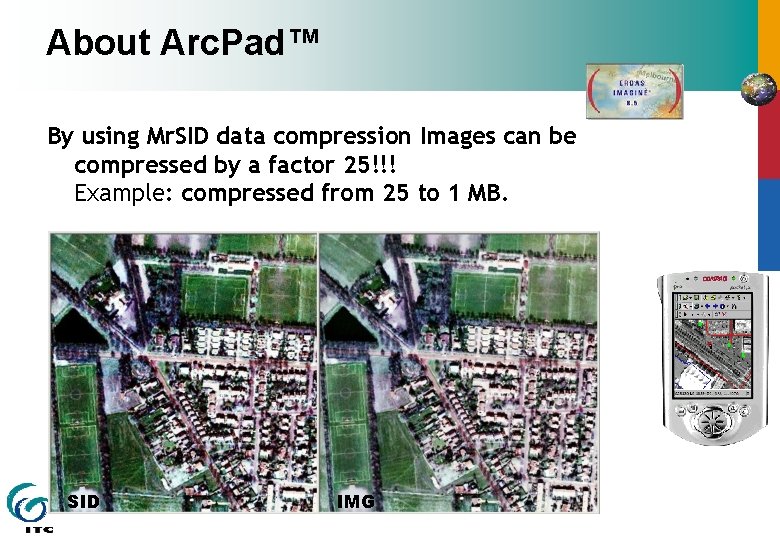
About Arc. Pad™ By using Mr. SID data compression Images can be compressed by a factor 25!!! Example: compressed from 25 to 1 MB. SID IMG
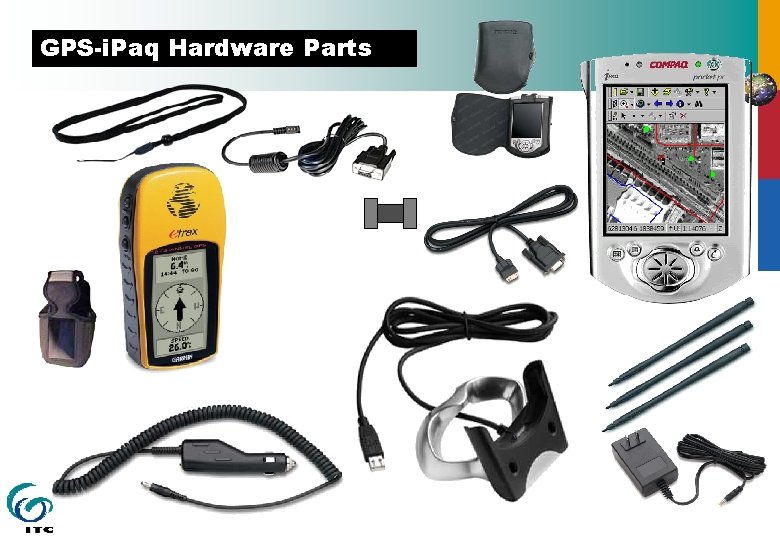
GPS-i. Paq Hardware Parts
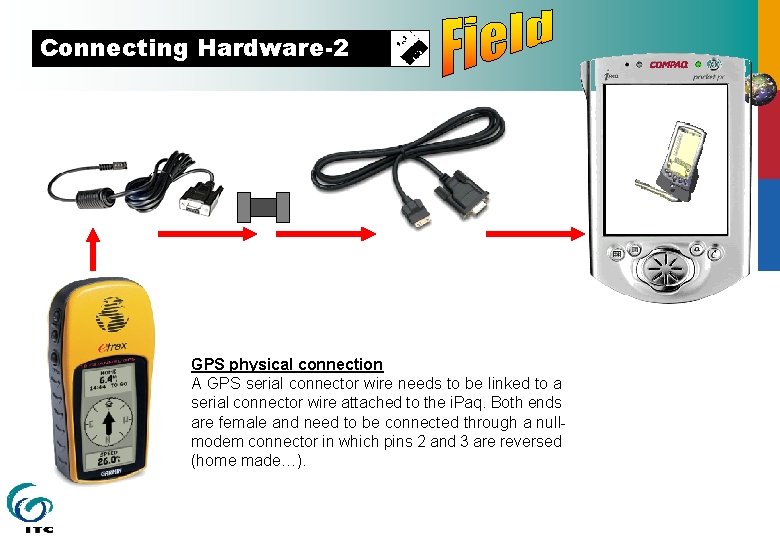
Connecting Hardware GPS physical connection A GPS serial connector wire needs to be linked to a serial connector wire attached to the i. Paq. Both ends are female and need to be connected through a nullmodem connector in which pins 2 and 3 are reversed (home made…).
Connecting Hardware-2 GPS physical connection A GPS serial connector wire needs to be linked to a serial connector wire attached to the i. Paq. Both ends are female and need to be connected through a nullmodem connector in which pins 2 and 3 are reversed (home made…).
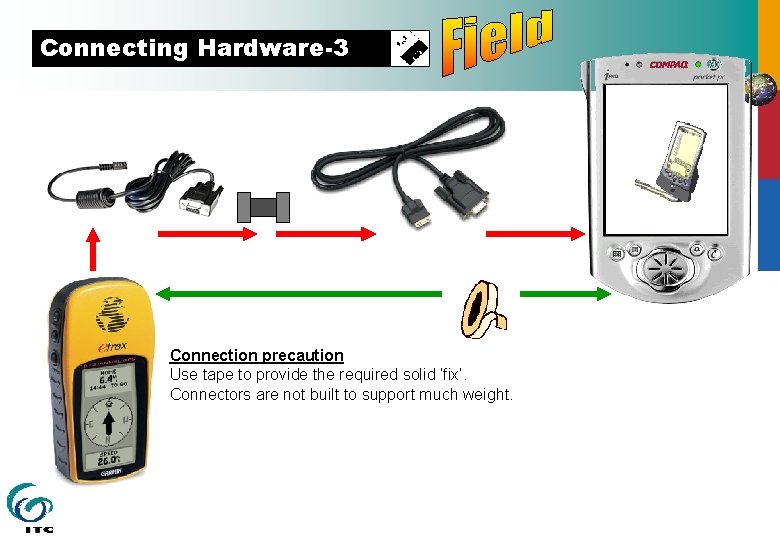
Connecting Hardware-3 Connection precaution Use tape to provide the required solid ‘fix’. Connectors are not built to support much weight.
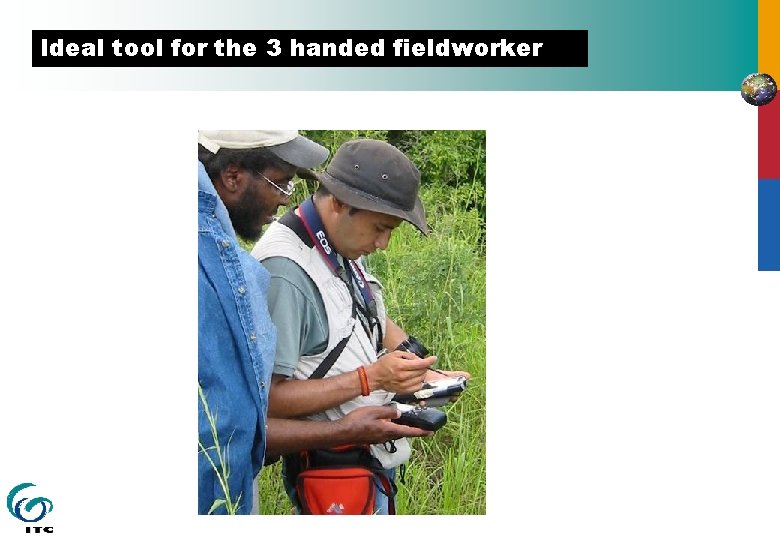
Ideal tool for the 3 handed fieldworker
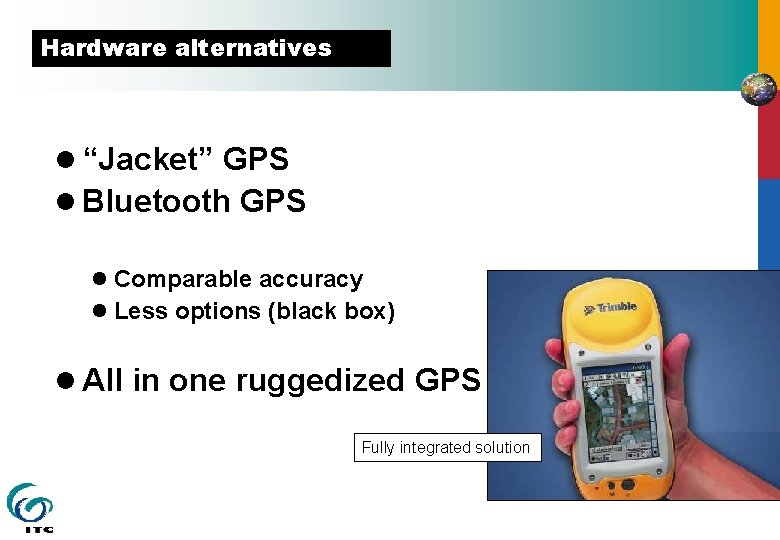
Hardware alternatives l “Jacket” GPS l Bluetooth GPS l Comparable accuracy l Less options (black box) l All in one ruggedized GPS Fully integrated solution
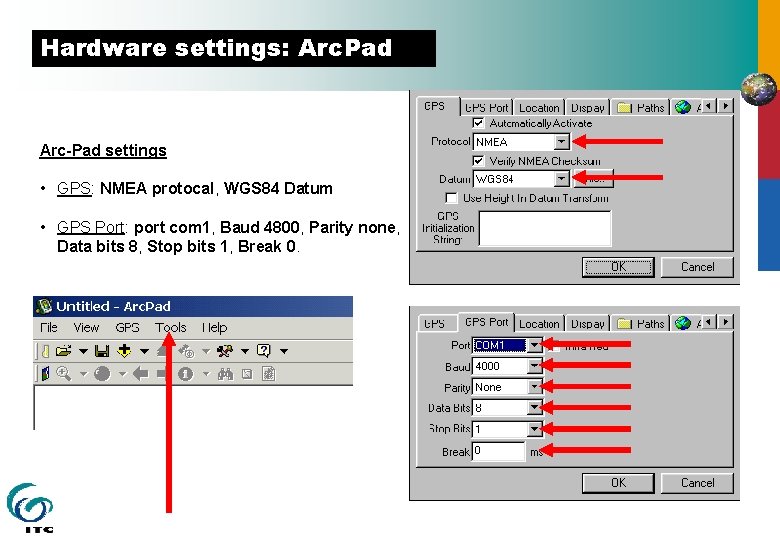
Hardware settings: Arc. Pad Arc-Pad settings • GPS: NMEA protocal, WGS 84 Datum • GPS Port: port com 1, Baud 4800, Parity none, Data bits 8, Stop bits 1, Break 0.
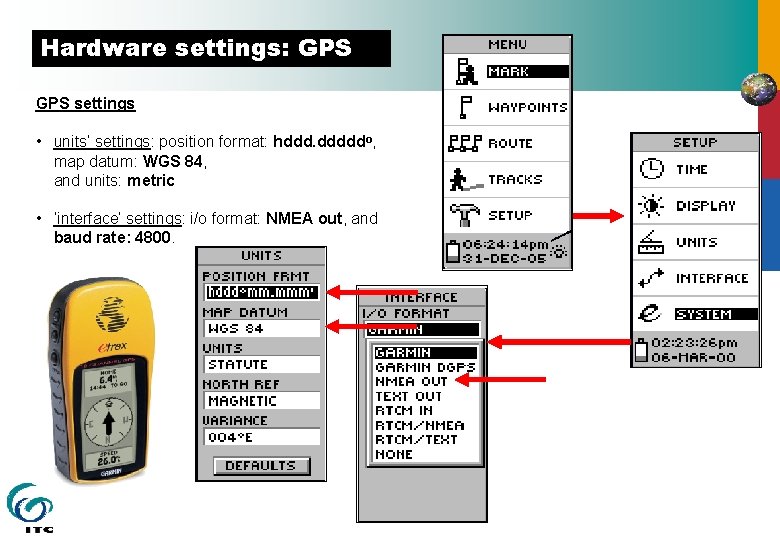
Hardware settings: GPS settings • units’ settings: position format: hddd. dddddo, map datum: WGS 84, and units: metric • ‘interface’ settings: i/o format: NMEA out, and baud rate: 4800.
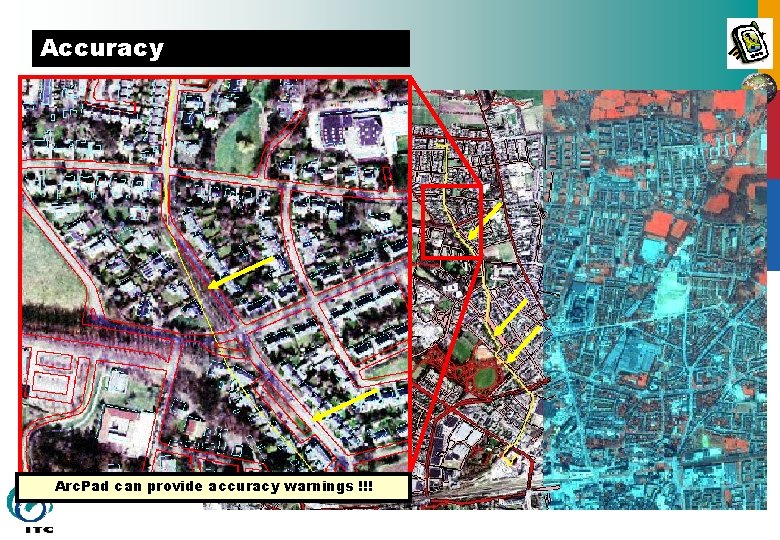
Accuracy Performance under trees Cycling to work during a cloudy morning provided the yellow line. It is projected on AP’s, an Ikonos image and the Top 10 of Enschede. Where high trees were present, tracking with the GPS give visible errors. Arc. Pad can provide accuracy warnings !!!
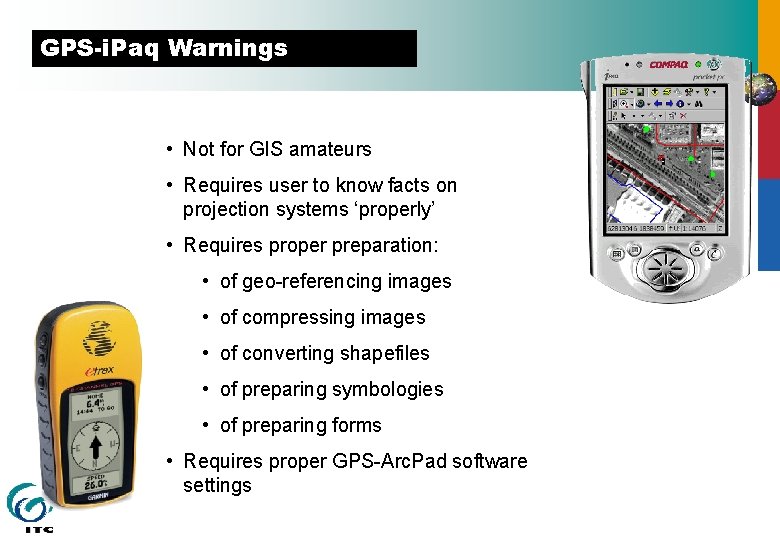
GPS-i. Paq Warnings • Not for GIS amateurs • Requires user to know facts on projection systems ‘properly’ • Requires proper preparation: • of geo-referencing images • of compressing images • of converting shapefiles • of preparing symbologies • of preparing forms • Requires proper GPS-Arc. Pad software settings
Mobile GIS training experiences INTERNATIONAL INSTITUTE FOR GEO-INFORMATION SCIENCE AND EARTH OBSERVATION
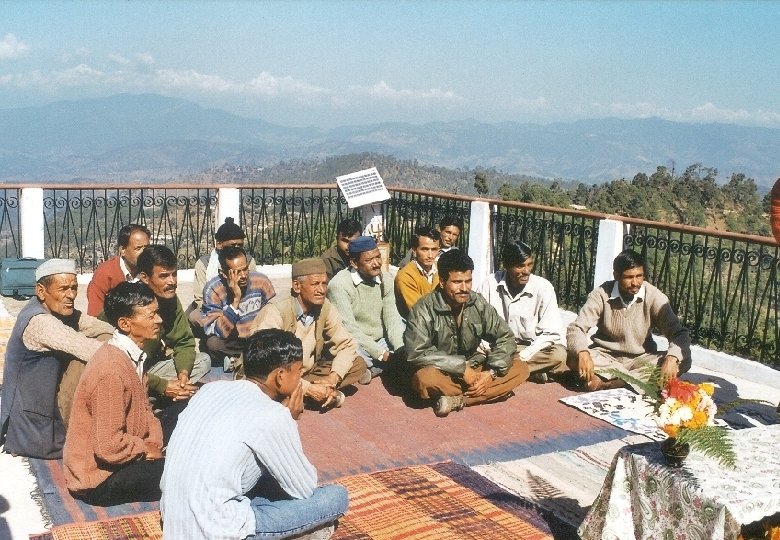
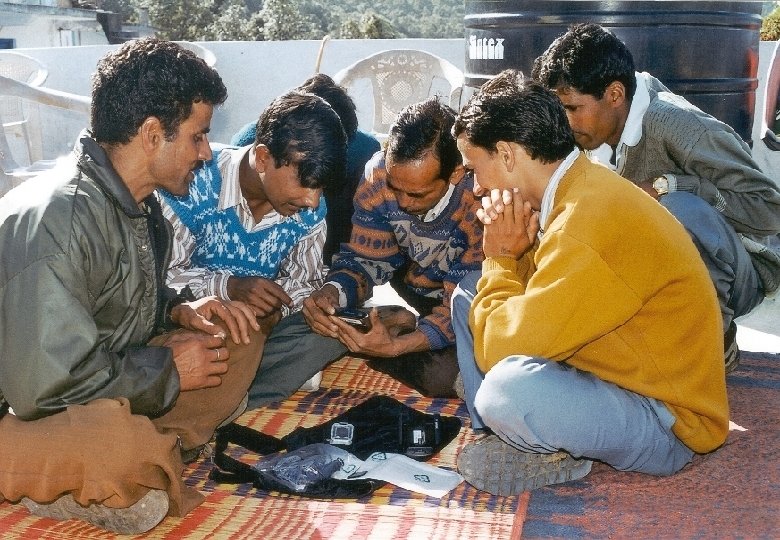
Some conclusions § Much of the quality and usefulness of the data recorded with this combination of PDA and GPS depends on the skills and knowledge of the operator.
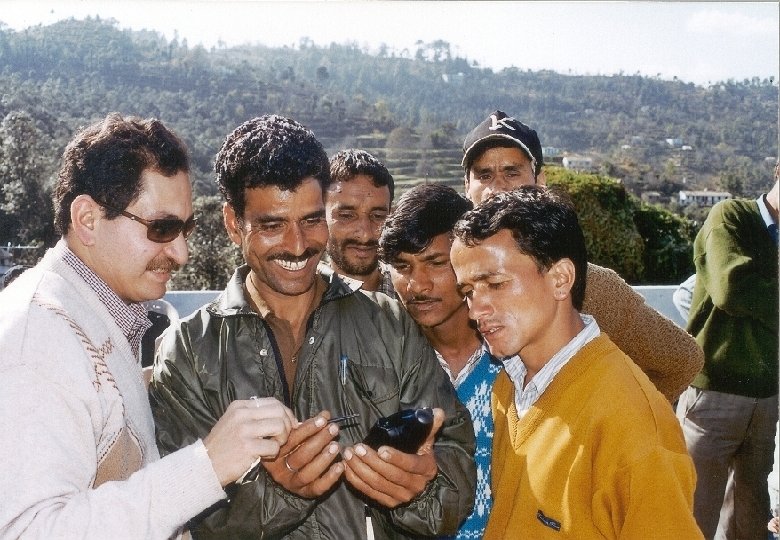
§ Although the tools are pretty straightforward to use, even for inexperienced users, it requires specific knowledge to prepare the right configuration in order for it to become straightforward.
§ GPS and Arc. Pad™ settings will be different for each country or region and therefore need to be carefully observed and should correspond to the georeference and projection settings of the background data (maps and satellite images).