
Part Time Lecturer PTL Appointment Process Approver Edition

- Slides: 11
Part Time Lecturer (PTL) Appointment Process (Approver Edition) Version 1. 0 Presented by the Office of Organizational Research and Data Management
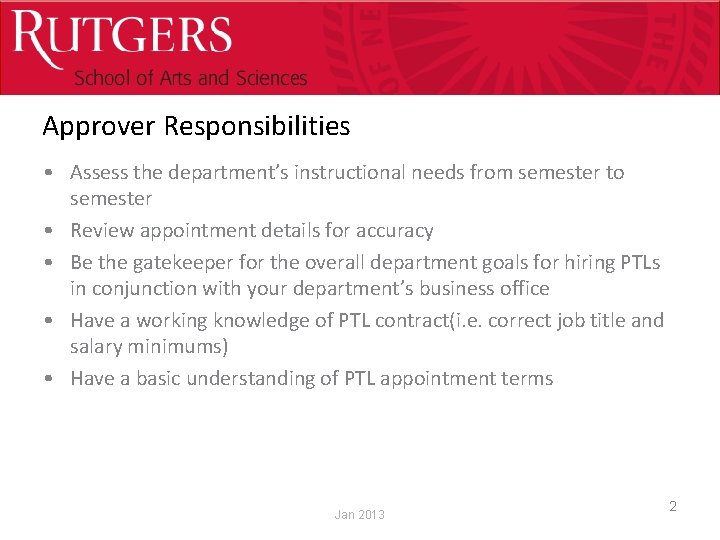
Optional Presentation Title Approver Responsibilities • Assess the department’s instructional needs from semester to semester • Review appointment details for accuracy • Be the gatekeeper for the overall department goals for hiring PTLs in conjunction with your department’s business office • Have a working knowledge of PTL contract(i. e. correct job title and salary minimums) • Have a basic understanding of PTL appointment terms Jan 2013 2
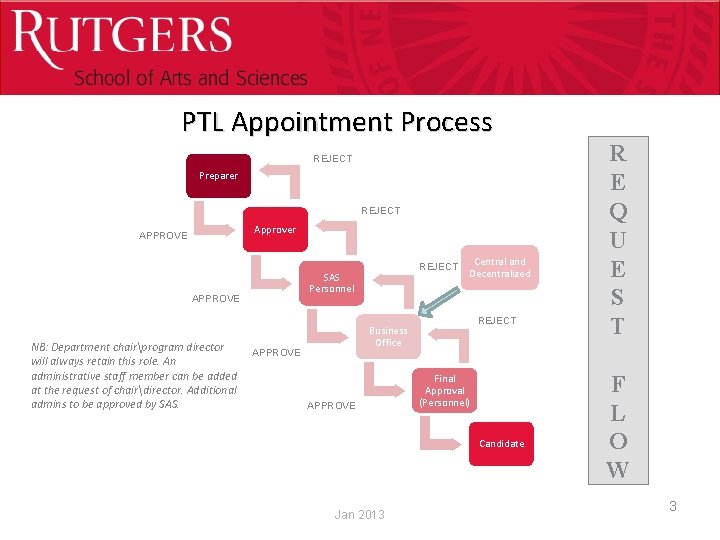
Optional Presentation Title PTL Appointment Process REJECT Preparer REJECT Approver APPROVE SAS Personnel APPROVE NB: Department chairprogram director will always retain this role. An administrative staff member can be added at the request of chairdirector. Additional admins to be approved by SAS. REJECT Central and Decentralized REJECT Business Office APPROVE Final Approval (Personnel) Candidate Jan 2013 R E Q U E S T F L O W 3
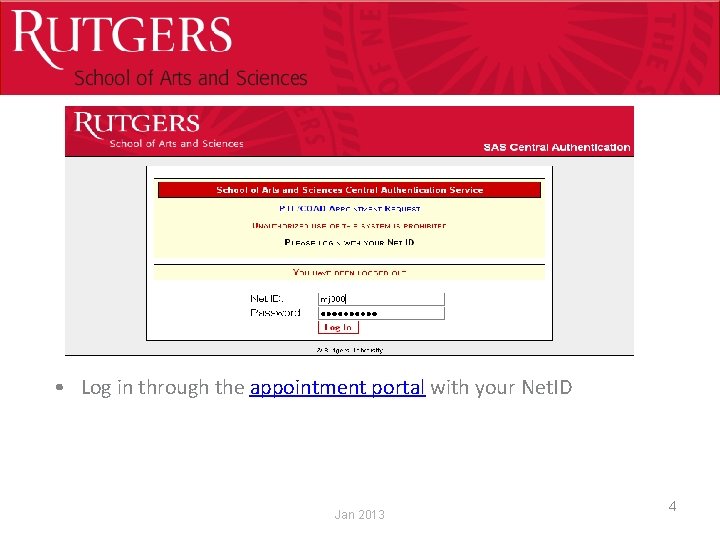
Optional Presentation Title • Log in through the appointment portal with your Net. ID Jan 2013 4
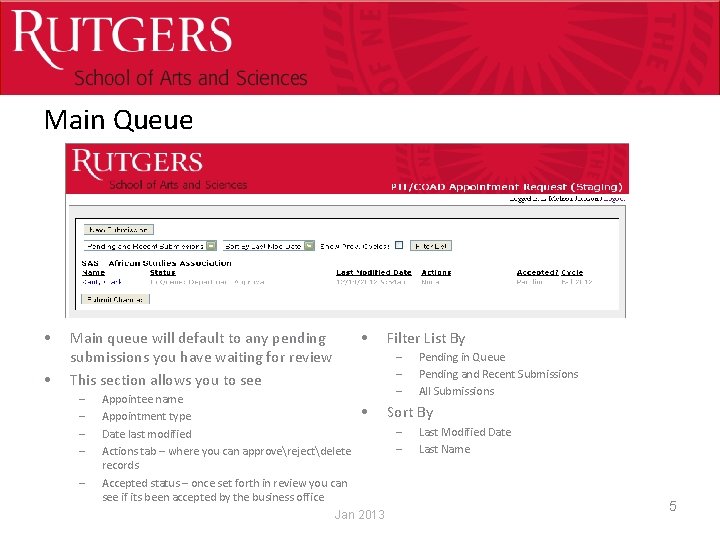
Optional Presentation Title Main Queue • • • Main queue will default to any pending submissions you have waiting for review This section allows you to see – – – Appointee name Appointment type Date last modified Actions tab – where you can approverejectdelete records Accepted status – once set forth in review you can see if its been accepted by the business office Filter List By – – – • Jan 2013 Pending in Queue Pending and Recent Submissions All Submissions Sort By – – Last Modified Date Last Name 5
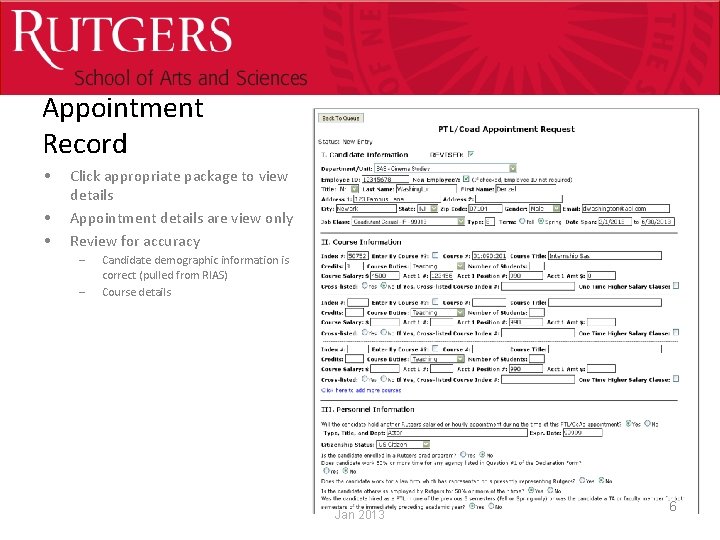
Optional Presentation Title Appointment Record • • • Click appropriate package to view details Appointment details are view only Review for accuracy – – Candidate demographic information is correct (pulled from RIAS) Course details Jan 2013 6
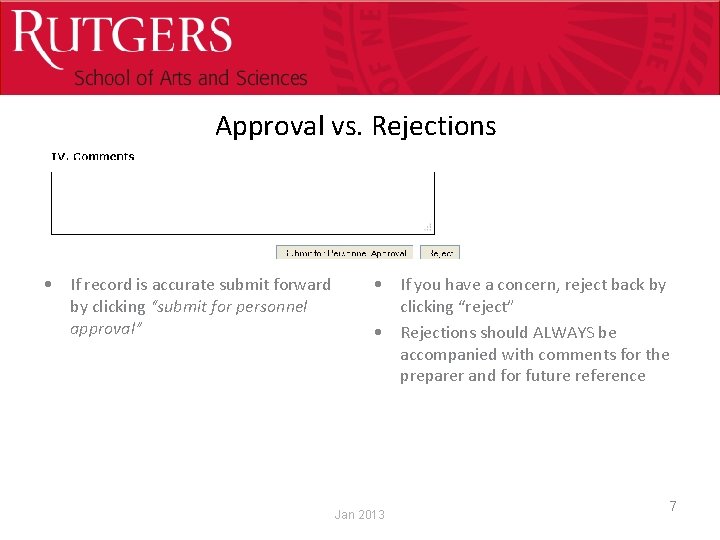
Optional Presentation Title Approval vs. Rejections • If record is accurate submit forward by clicking “submit for personnel approval” • If you have a concern, reject back by clicking “reject” • Rejections should ALWAYS be accompanied with comments for the preparer and for future reference Jan 2013 7
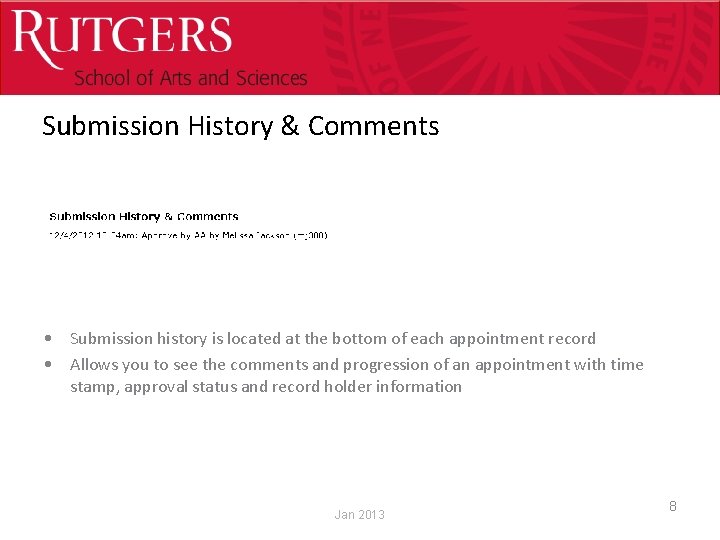
Optional Presentation Title Submission History & Comments • Submission history is located at the bottom of each appointment record • Allows you to see the comments and progression of an appointment with time stamp, approval status and record holder information Jan 2013 8
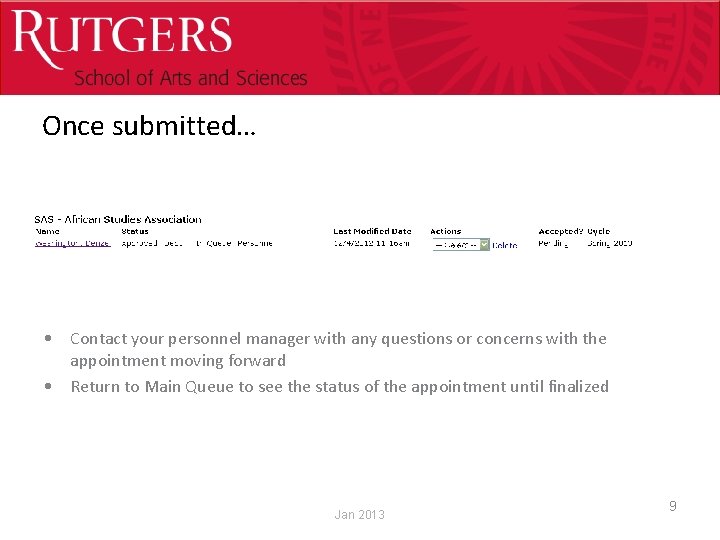
Optional Presentation Title Once submitted… • Contact your personnel manager with any questions or concerns with the appointment moving forward • Return to Main Queue to see the status of the appointment until finalized Jan 2013 9
Optional Presentation Title Important Links All these links can be found within the PTL appointment portal • SAS Appointment Portal – Access PTL, TAGA, NTT system • • • AAUP-AFT PTL Agreement Determination of Titles Oath of Affirmation PTL Pension Eligibility PTL Addendum Jan 2013 10
Questions? Melissa Jackson mjackson@sas. rutgers. edu Sunita Jagtiani sjagtiani@sas. rutgers. edu