
Parents Guide to Google Classroom What is Google
- Slides: 18
Parents’ Guide to Google Classroom
What is Google Classroom? Think of Google Classroom (GC) as your child’s digital link to learning. Teachers use GC to share assignments, homework, newsletters, and much more with students AND parents!
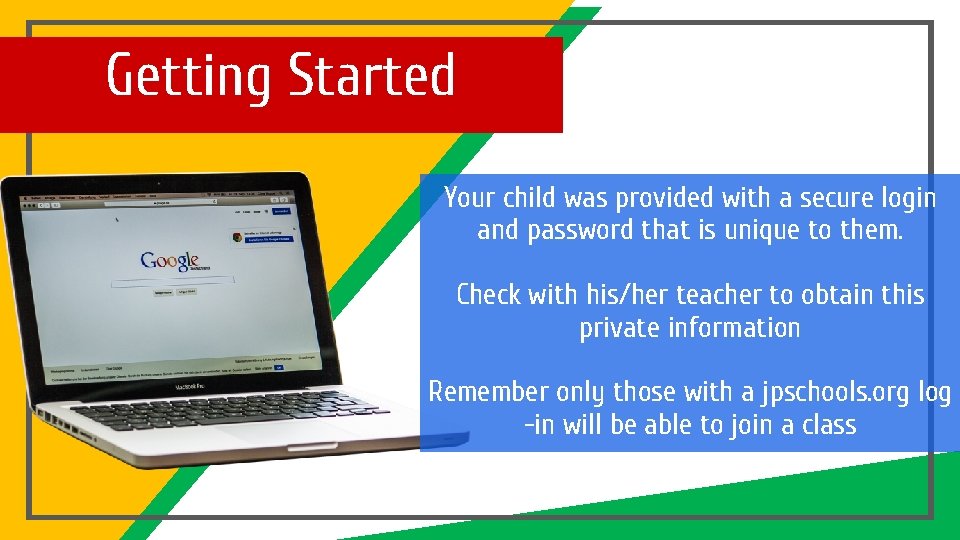
Getting Started Your child was provided with a secure login and password that is unique to them. Check with his/her teacher to obtain this private information Remember only those with a jpschools. org log -in will be able to join a class
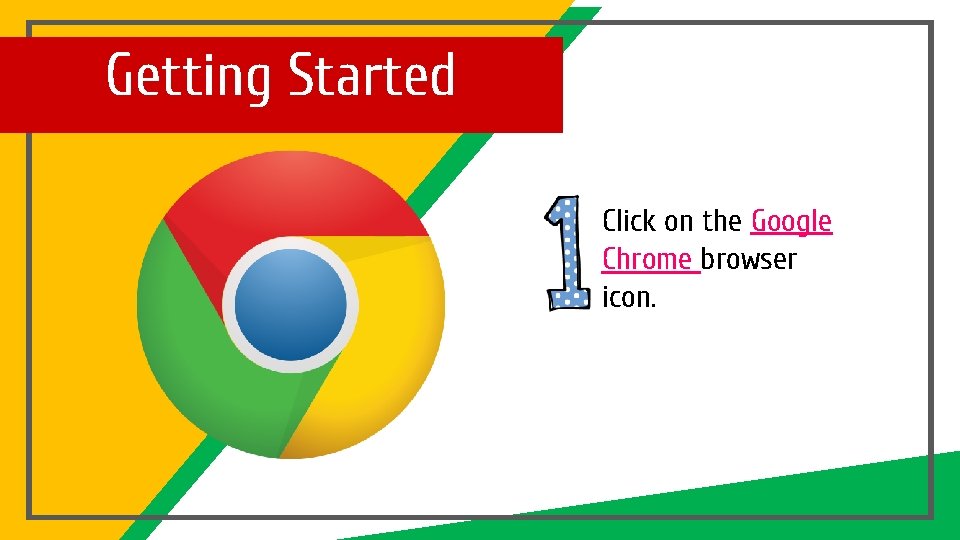
Getting Started Click on the Google Chrome browser icon.
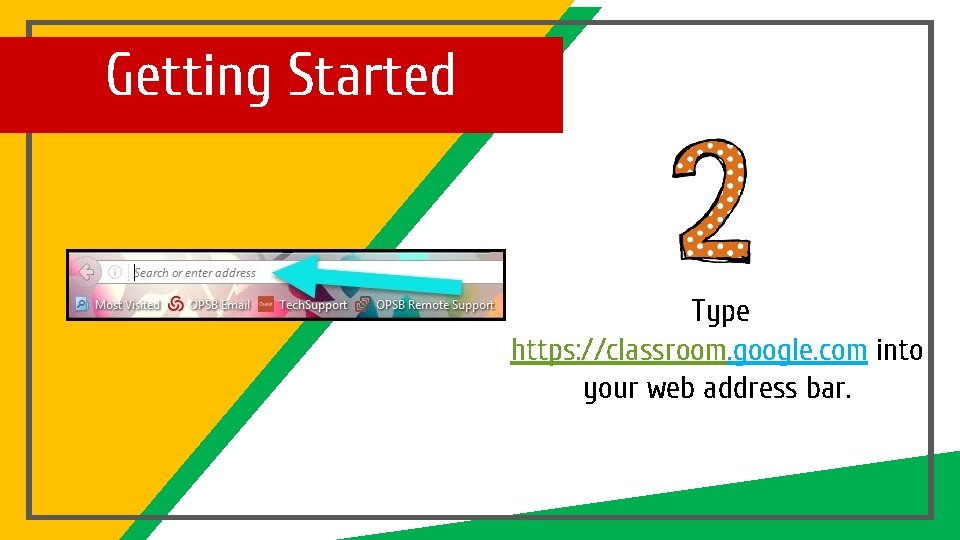
Getting Started Type https: //classroom. google. com into your web address bar.
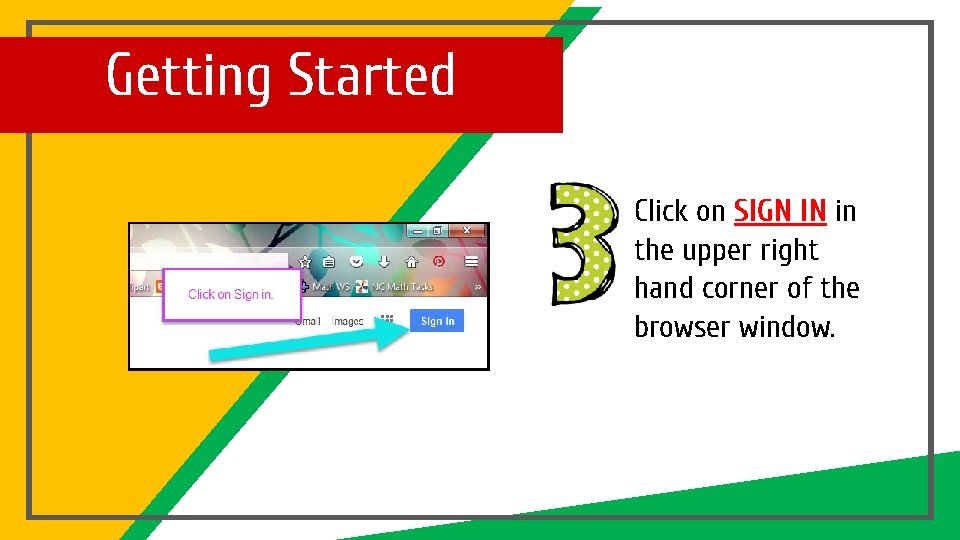
Getting Started Click on SIGN IN in the upper right hand corner of the browser window.
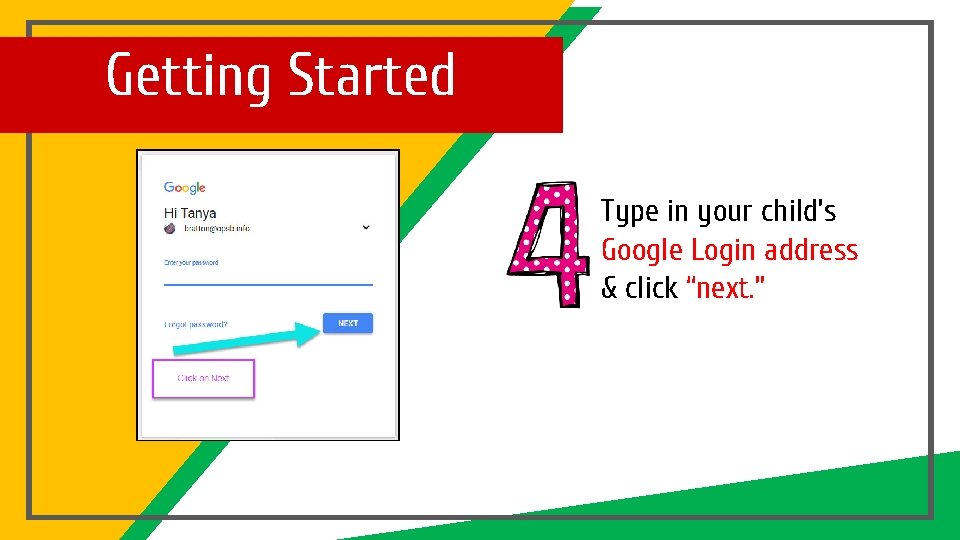
Getting Started Type in your child’s Google Login address & click “next. ”
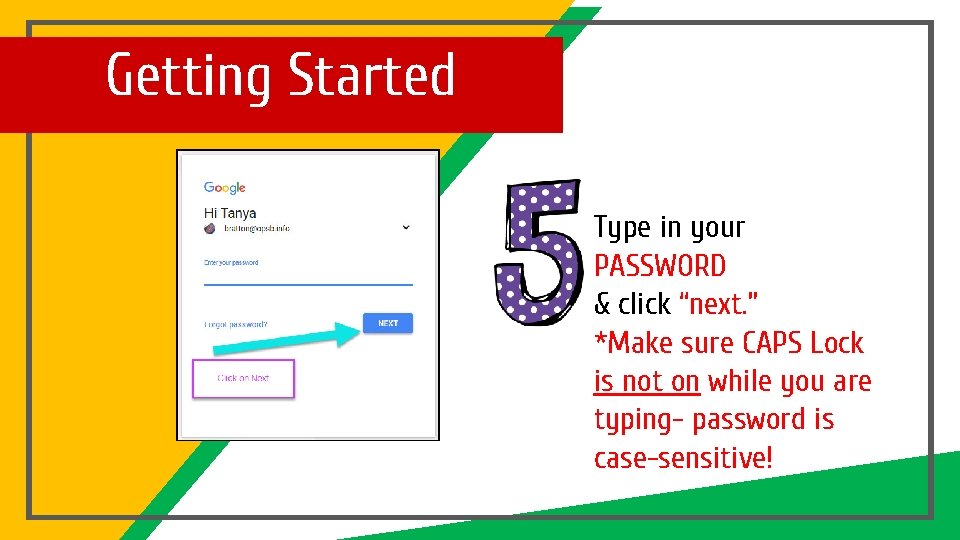
Getting Started Type in your PASSWORD & click “next. ” *Make sure CAPS Lock is not on while you are typing- password is case-sensitive!
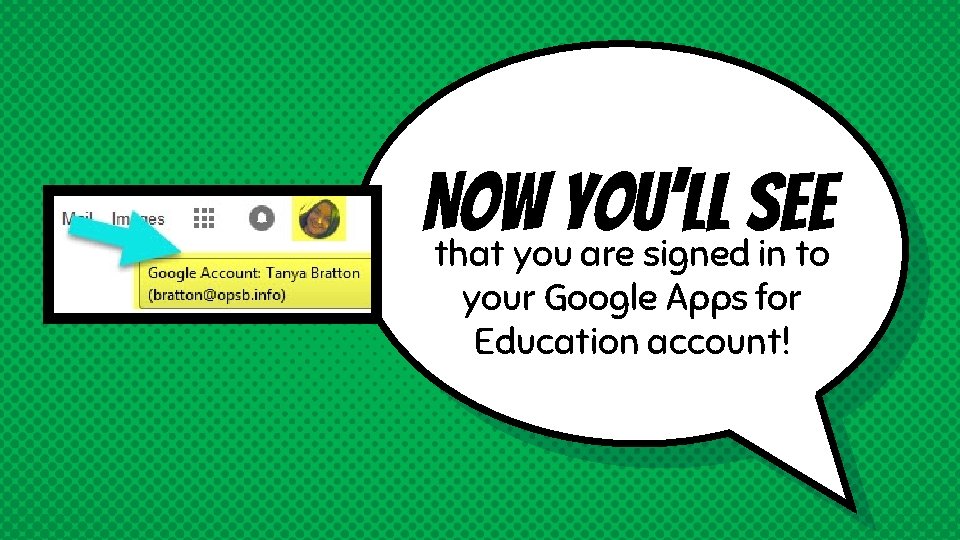
Now you’ll see that you are signed in to your Google Apps for Education account!
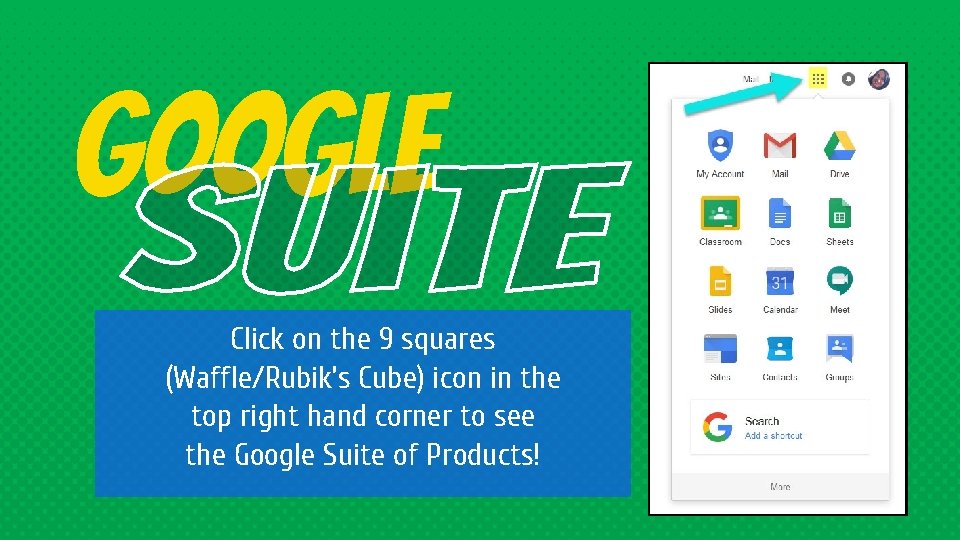
Google Click on the 9 squares (Waffle/Rubik’s Cube) icon in the top right hand corner to see the Google Suite of Products!
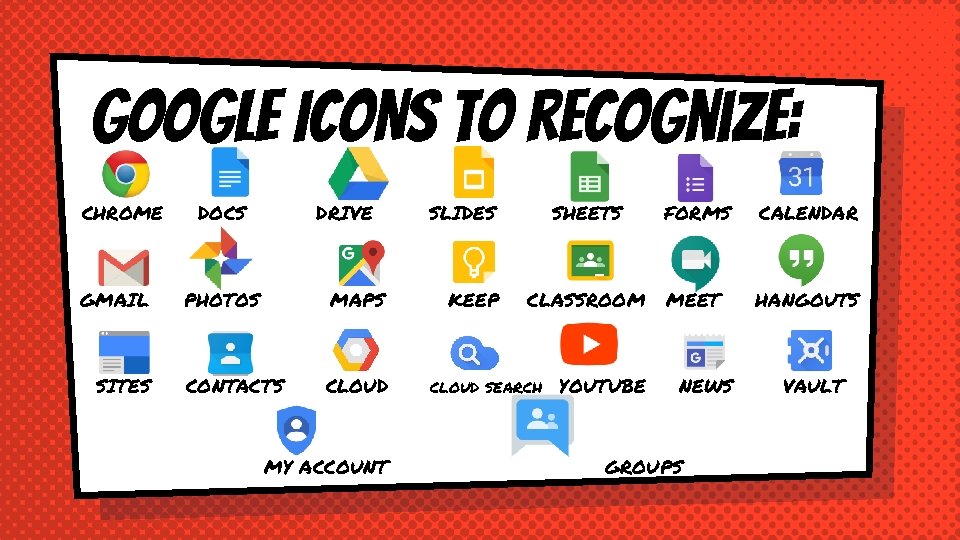
GOOGLE ICONS to recognize: CHROME GMAIL SITES DOCS DRIVE PHOTOS MAPS CONTACTS CLOUD MY ACCOUNT SLIDES KEEP SHEETS FORMS CALENDAR CLASSROOM MEET HANGOUTS CLOUD SEARCH YOUTUBE NEWS GROUPS VAULT
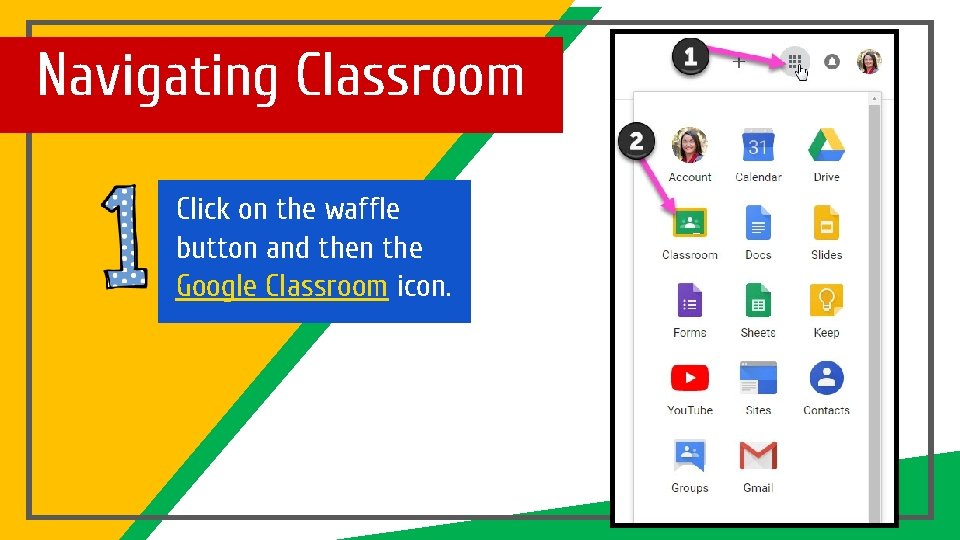
Navigating Classroom Click on the waffle button and then the Google Classroom icon.
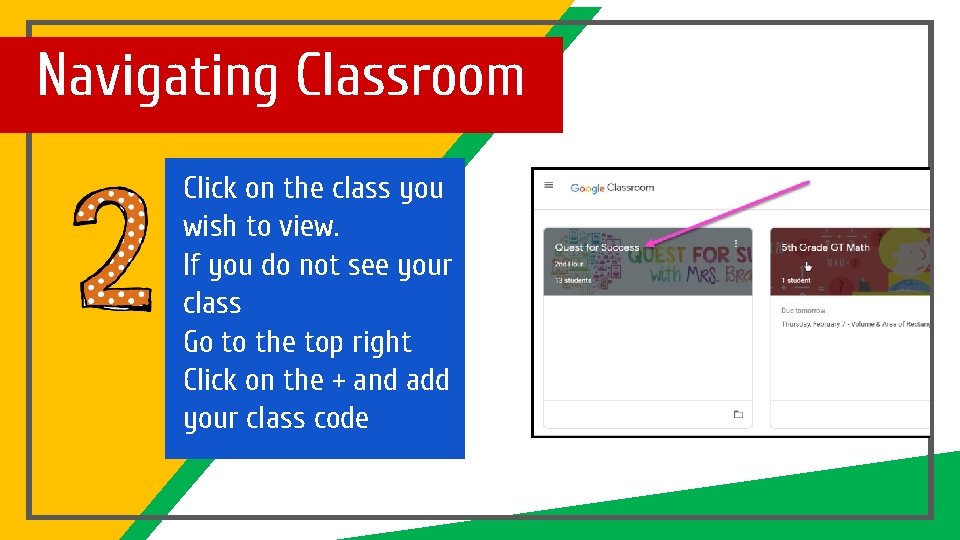
Navigating Classroom Click on the class you wish to view. If you do not see your class Go to the top right Click on the + and add your class code
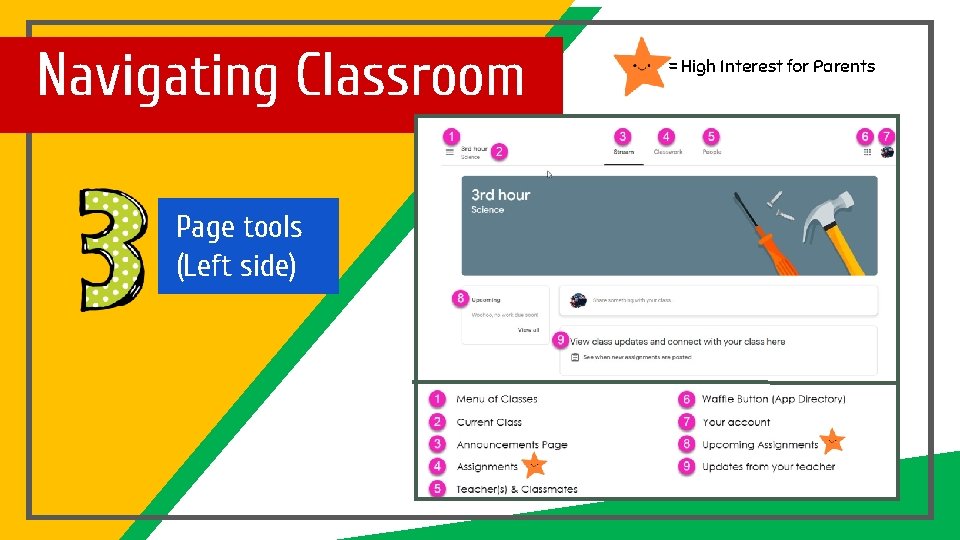
Navigating Classroom Page tools (Left side) = High Interest for Parents
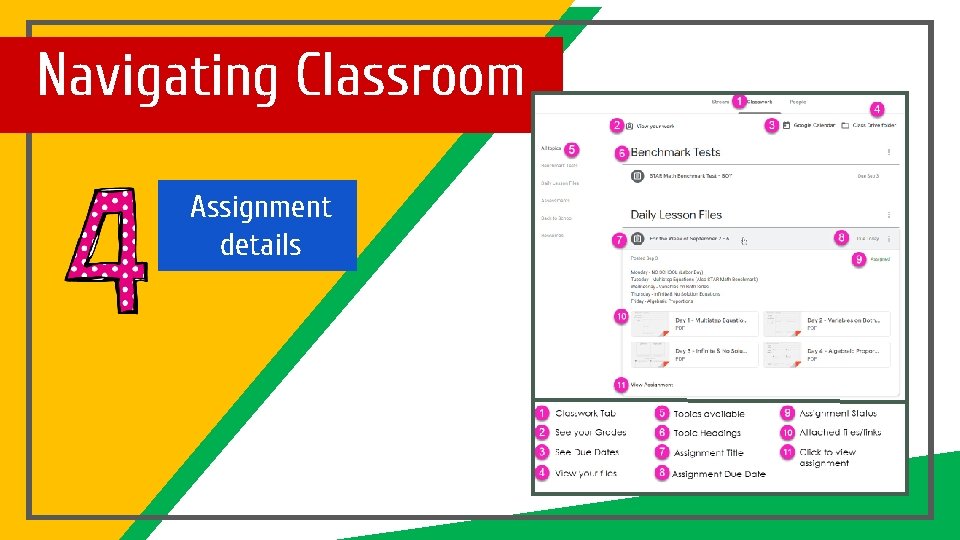
Navigating Classroom Assignment details
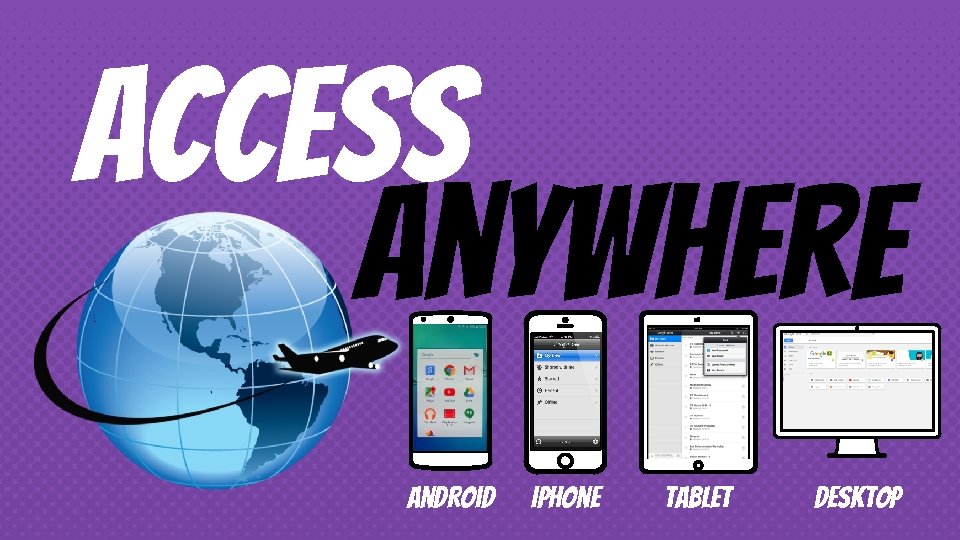
access anywhere Android Iphone Tablet desktop
GOOGLE APPS allow you to edit Google assignments from any device that is connected to the internet!
questions? Email Ms. Mc. Cabe, Library Media Specialist & Technology Coordinator (Grace King High School) michelle. mccabe@jpschools. org Slide Templates from slidehood. com & Slides. Carnival. Presentation created by Tanya Bratton, M. Ed.