
Parent Training Register My Athlete Users Go to
- Slides: 15
Parent Training - Register My Athlete Users
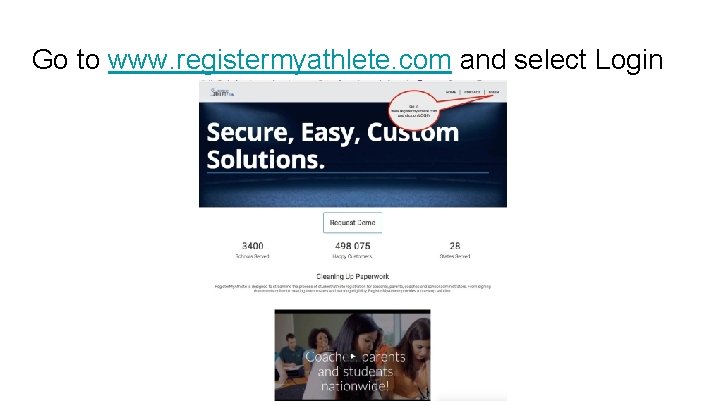
Go to www. registermyathlete. com and select Login
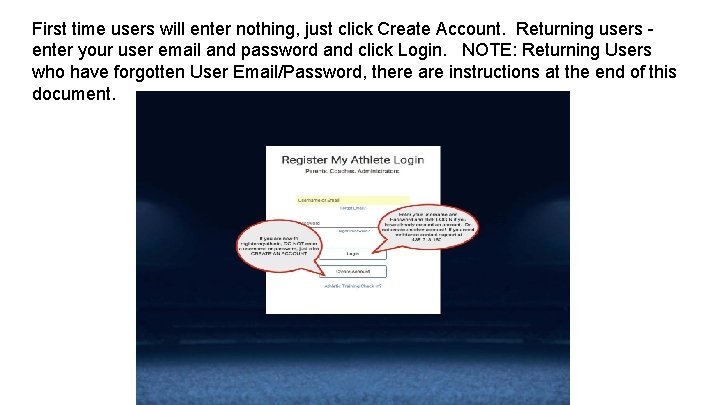
First time users will enter nothing, just click Create Account. Returning users enter your user email and password and click Login. NOTE: Returning Users who have forgotten User Email/Password, there are instructions at the end of this document.
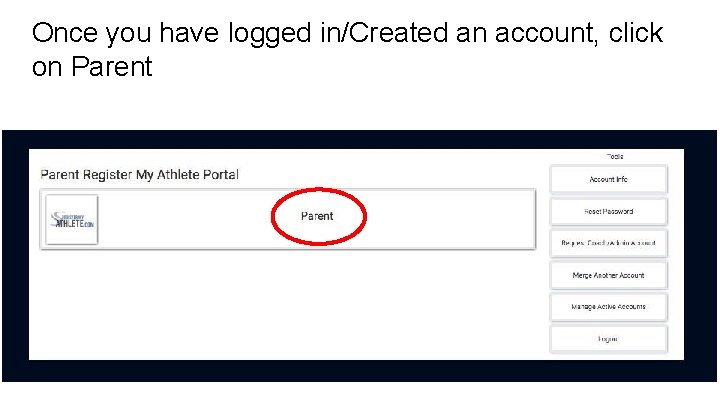
Once you have logged in/Created an account, click on Parent
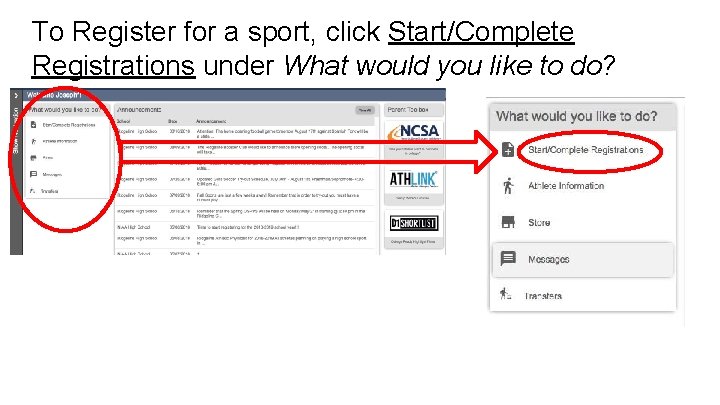
To Register for a sport, click Start/Complete Registrations under What would you like to do?
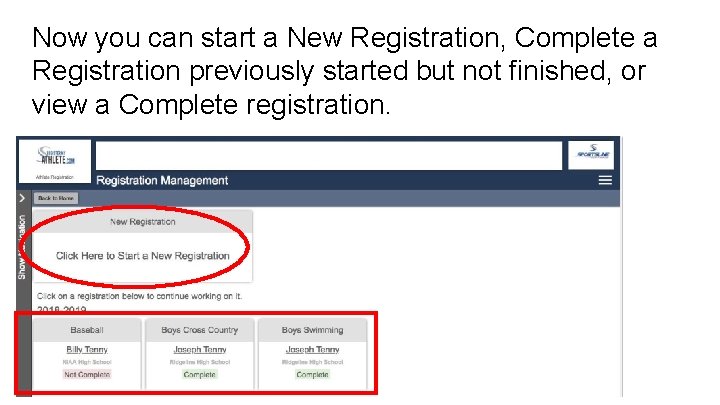
Now you can start a New Registration, Complete a Registration previously started but not finished, or view a Complete registration.
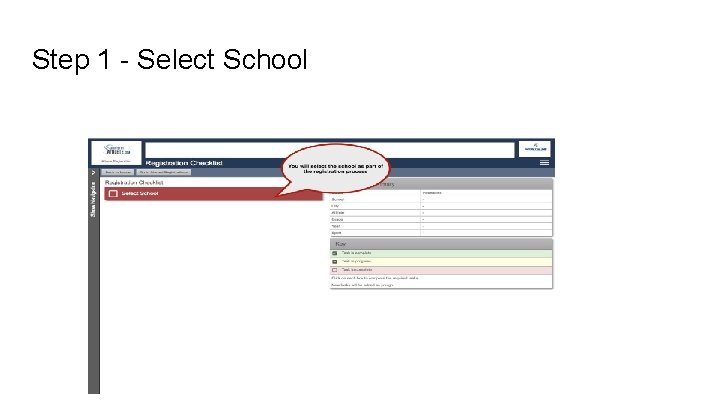
Step 1 - Select School
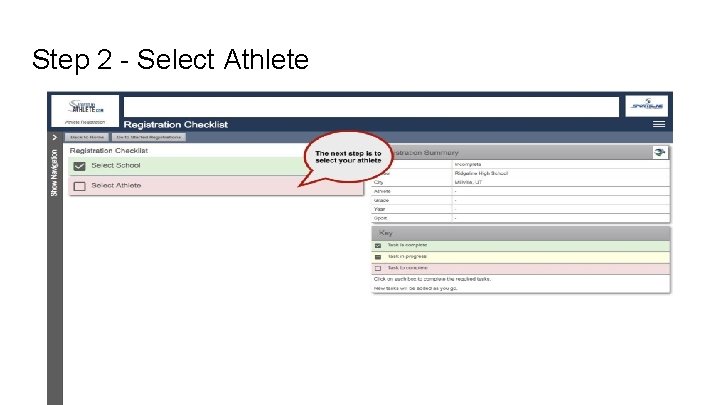
Step 2 - Select Athlete
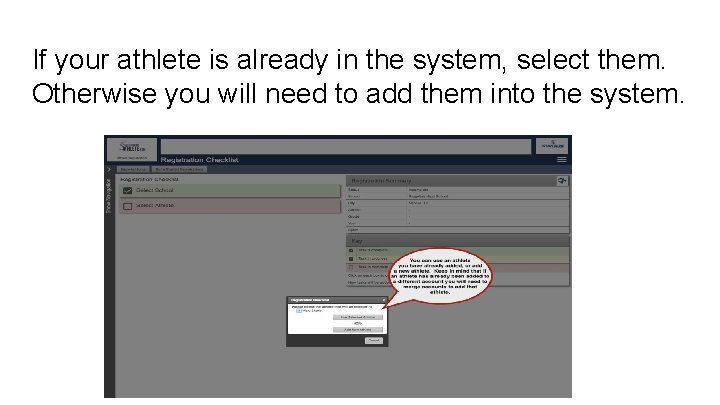
If your athlete is already in the system, select them. Otherwise you will need to add them into the system.
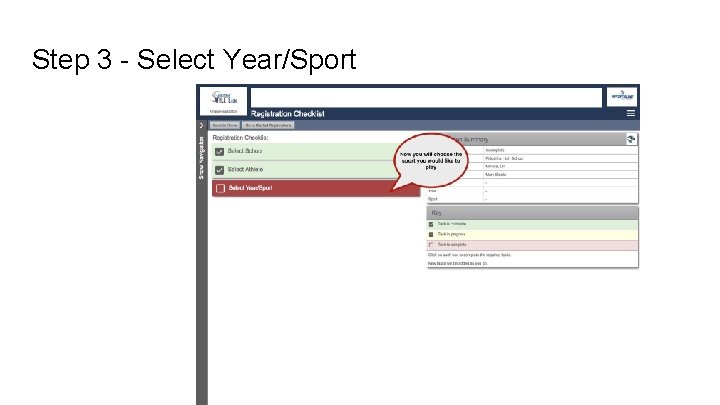
Step 3 - Select Year/Sport
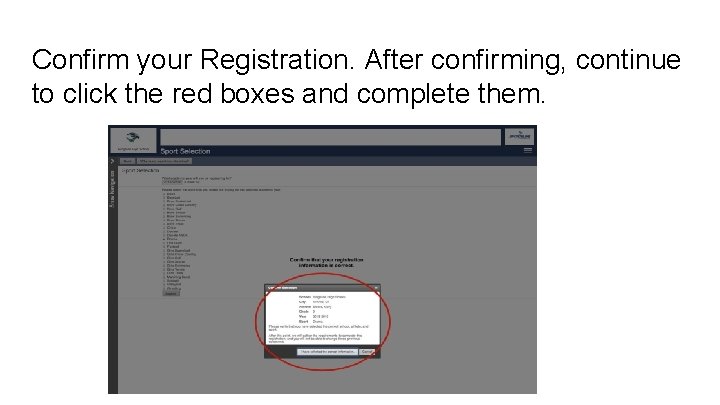
Confirm your Registration. After confirming, continue to click the red boxes and complete them.
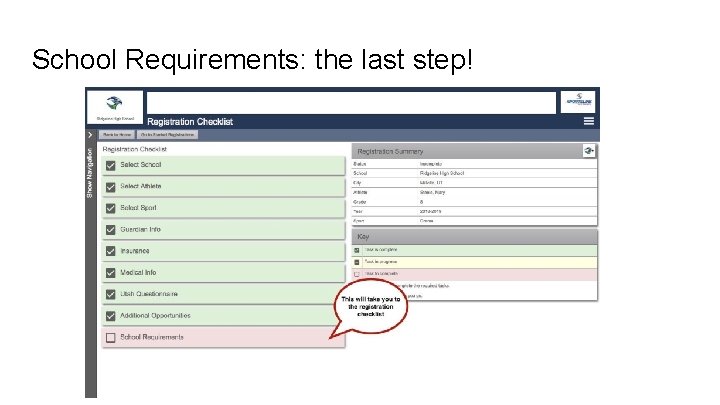
School Requirements: the last step!
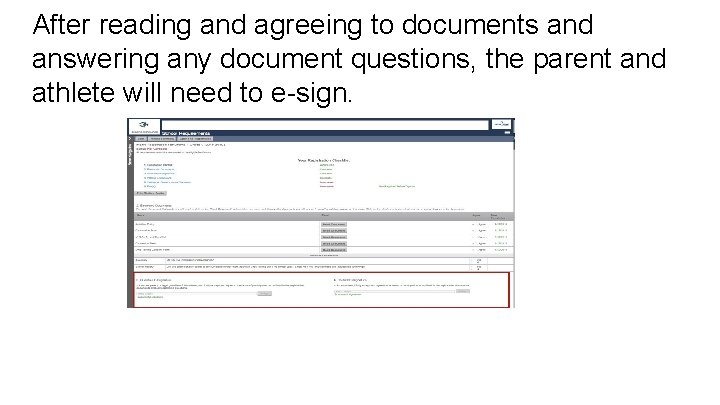
After reading and agreeing to documents and answering any document questions, the parent and athlete will need to e-sign.
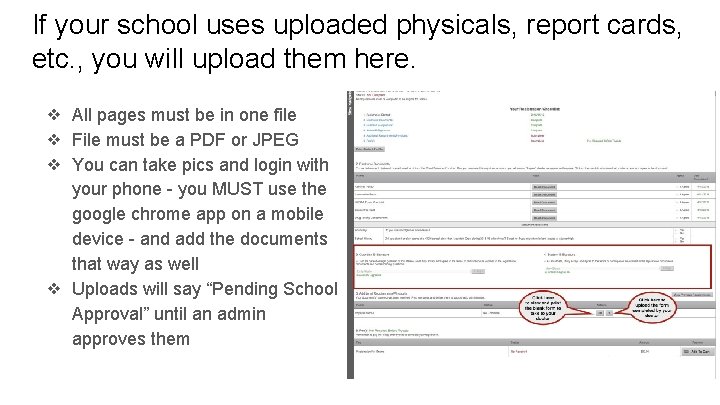
If your school uses uploaded physicals, report cards, etc. , you will upload them here. ❖ All pages must be in one file ❖ File must be a PDF or JPEG ❖ You can take pics and login with your phone - you MUST use the google chrome app on a mobile device - and add the documents that way as well ❖ Uploads will say “Pending School Approval” until an admin approves them
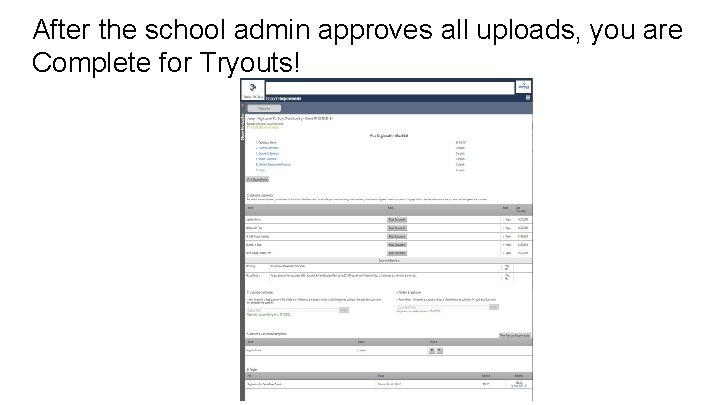
After the school admin approves all uploads, you are Complete for Tryouts!