
Parent Connection Connecting the Pieces between Home and
Parent. Connection Connecting the Pieces between Home and School
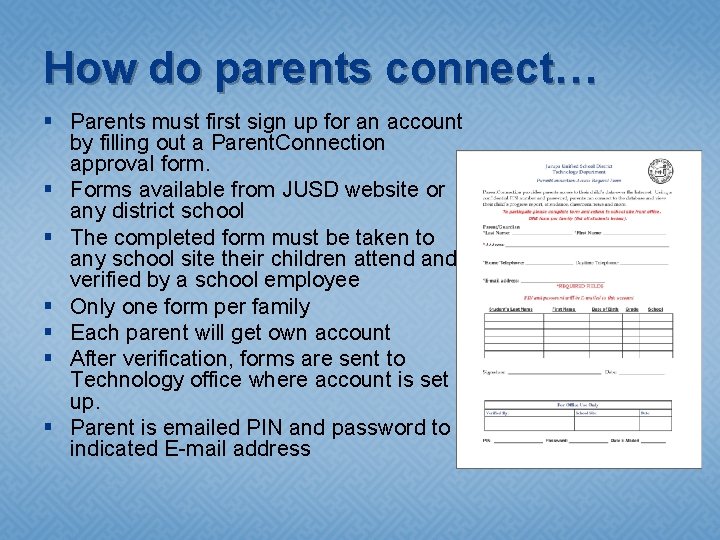
How do parents connect… § Parents must first sign up for an account by filling out a Parent. Connection approval form. § Forms available from JUSD website or any district school § The completed form must be taken to any school site their children attend and verified by a school employee § Only one form per family § Each parent will get own account § After verification, forms are sent to Technology office where account is set up. § Parent is emailed PIN and password to indicated E-mail address
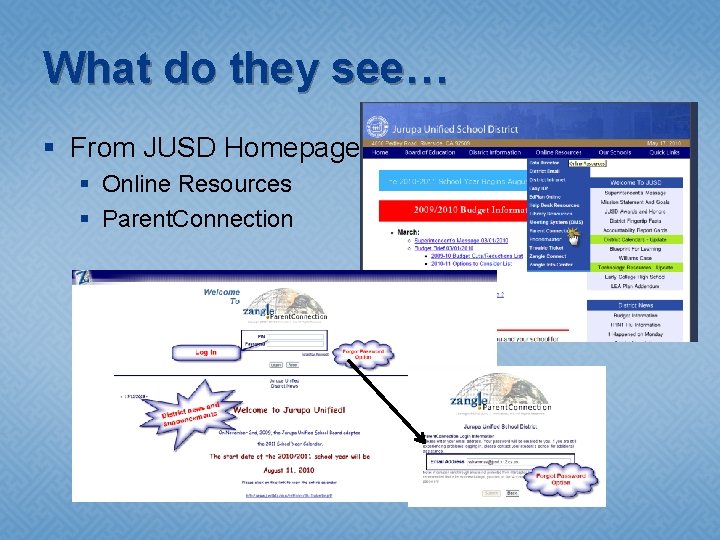
What do they see… § From JUSD Homepage § Online Resources § Parent. Connection

Parent. Connection Home Page
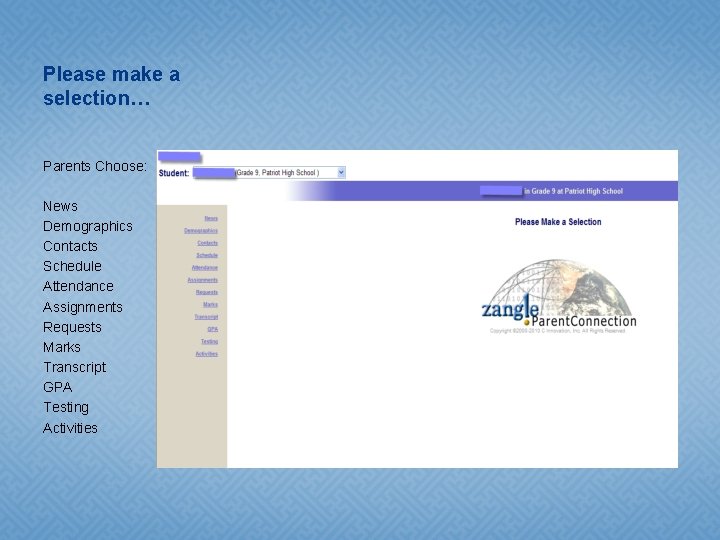
Please make a selection… Parents Choose: News Demographics Contacts Schedule Attendance Assignments Requests Marks Transcript GPA Testing Activities
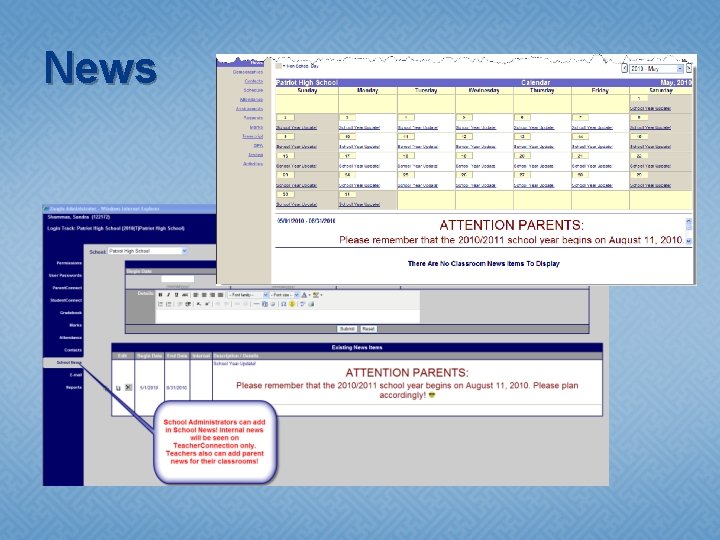
News
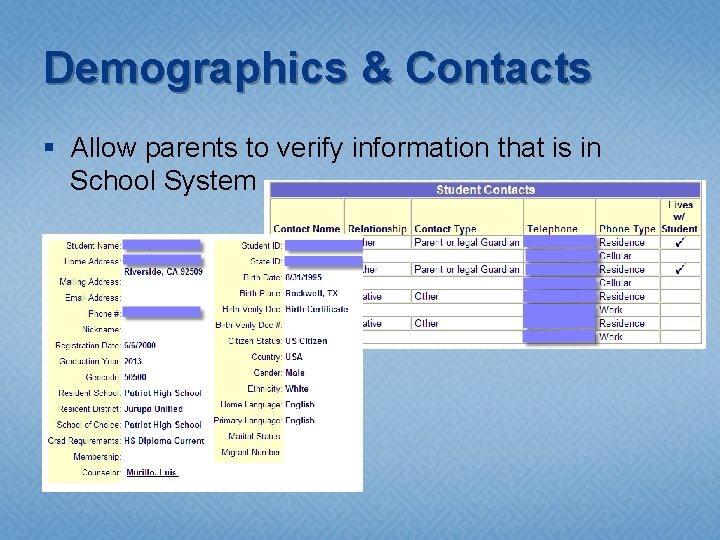
Demographics & Contacts § Allow parents to verify information that is in School System
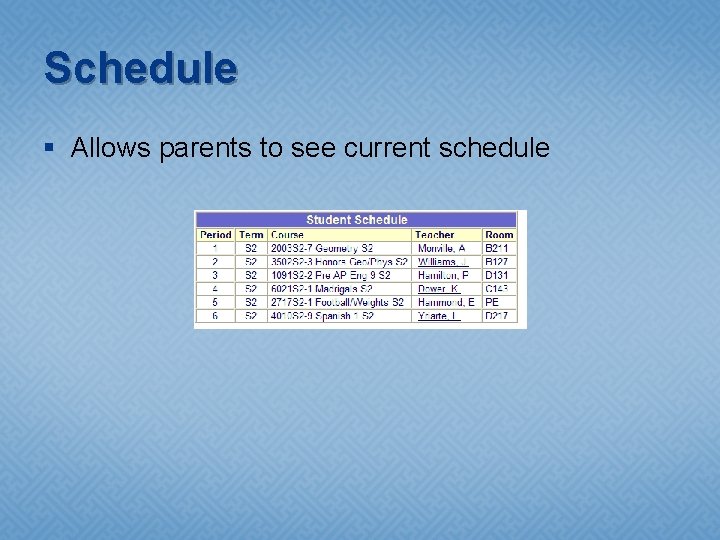
Schedule § Allows parents to see current schedule
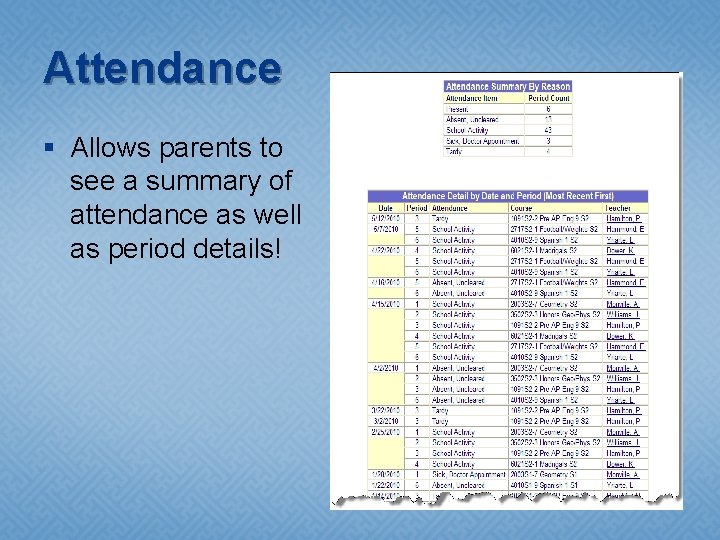
Attendance § Allows parents to see a summary of attendance as well as period details!
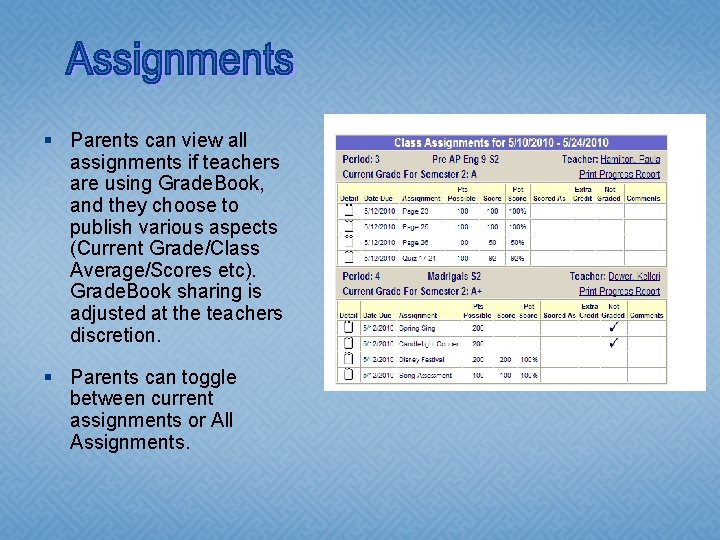
§ Parents can view all assignments if teachers are using Grade. Book, and they choose to publish various aspects (Current Grade/Class Average/Scores etc). Grade. Book sharing is adjusted at the teachers discretion. § Parents can toggle between current assignments or All Assignments.
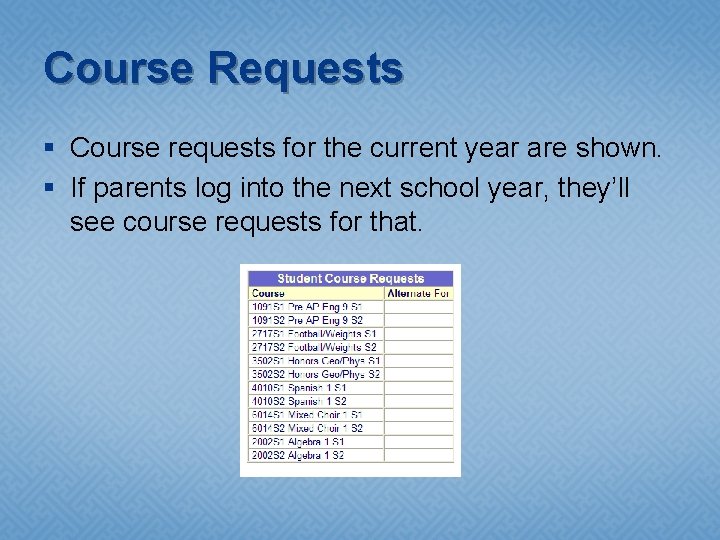
Course Requests § Course requests for the current year are shown. § If parents log into the next school year, they’ll see course requests for that.
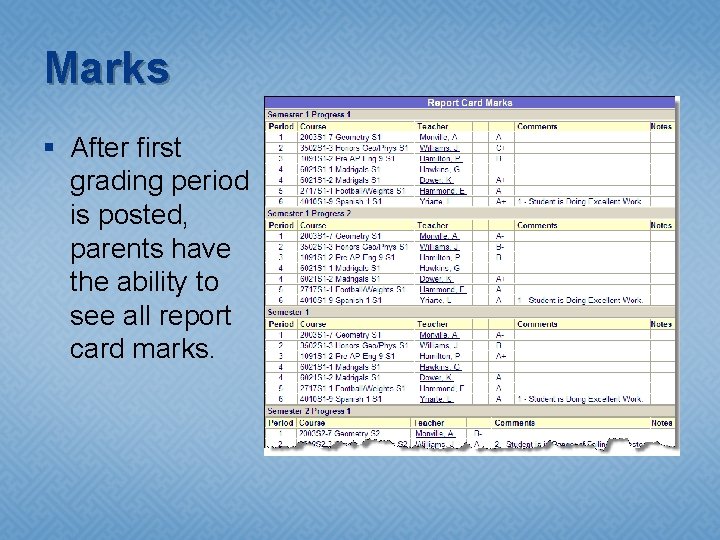
Marks § After first grading period is posted, parents have the ability to see all report card marks.
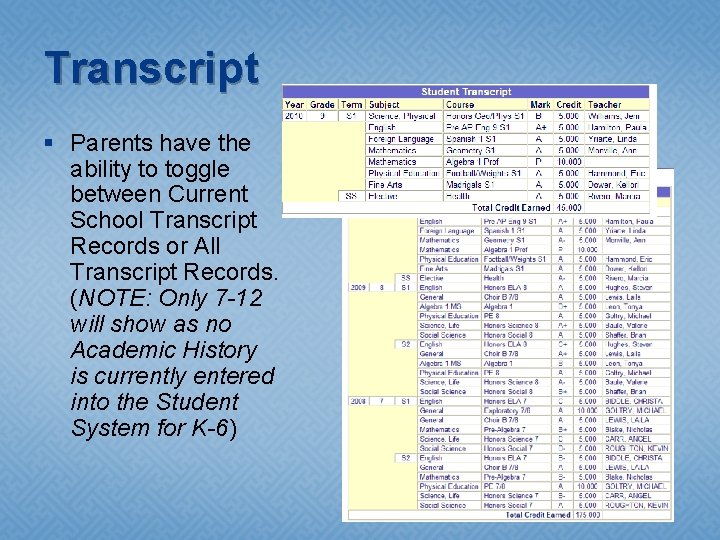
Transcript § Parents have the ability to toggle between Current School Transcript Records or All Transcript Records. (NOTE: Only 7 -12 will show as no Academic History is currently entered into the Student System for K-6)
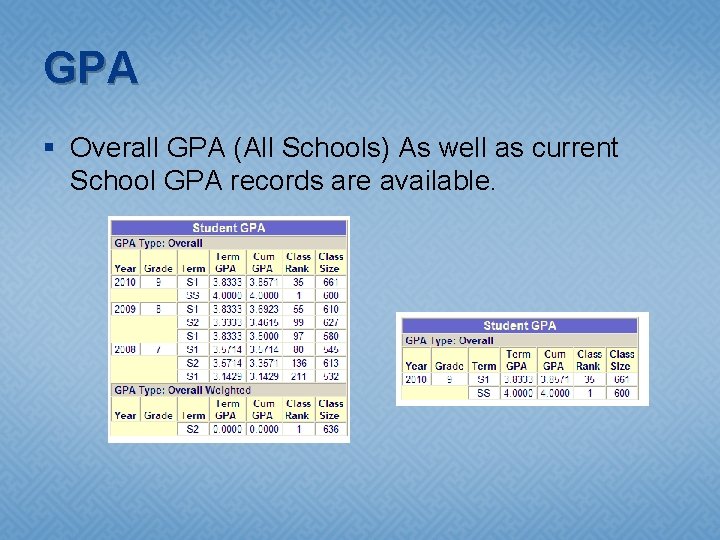
GPA § Overall GPA (All Schools) As well as current School GPA records are available.
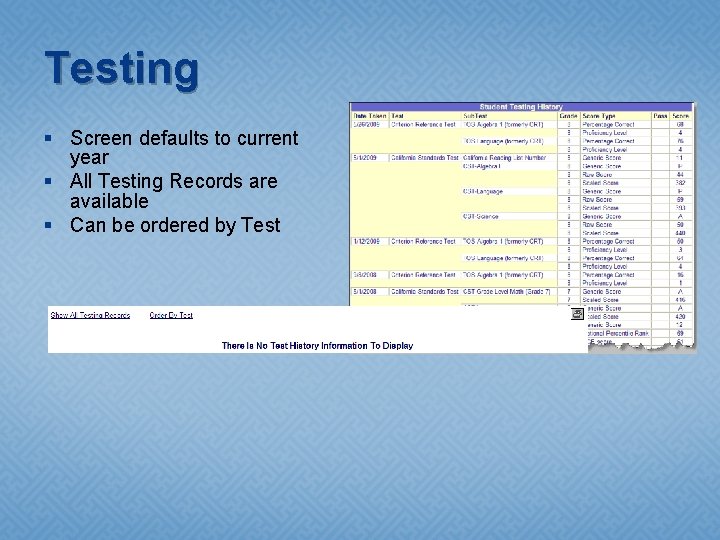
Testing § Screen defaults to current year § All Testing Records are available § Can be ordered by Test
Activities § If sites are using the Activities module to track student involvement and participation in activities, they would appear in this screen.

- Slides: 17