
Parallel Virtual Machine Rama Vykunta Introduction n PVM
![Example main() { int cc, tid, msgtag; char buf[100]; printf(“I’m t%xn”, pvm_mytid()); cc =](https://slidetodoc.com/presentation_image_h2/c14a3019876c7f521a829e034ac00d25/image-10.jpg "Example main() { int cc, tid, msgtag; char buf[100]; printf(“I’m t%xn”, pvm_mytid()); cc =")
![Example # include “pvm 3. h” main() { int ptid, msgtag; char buf[100]; ptid](https://slidetodoc.com/presentation_image_h2/c14a3019876c7f521a829e034ac00d25/image-11.jpg "Example # include “pvm 3. h” main() { int ptid, msgtag; char buf[100]; ptid")
- Slides: 16
Parallel Virtual Machine Rama Vykunta
Introduction n PVM provides a unified frame work for developing parallel programs with the existing infrastructure PVM enables a collection of heterogeneous computer systems as a single parallel virtual machine Transparent to the user
Introduction n A simple computing model based on tasks is used which is given by a set of well defined function calls An application is written as a set of cooperating tasks Processes communicate/synchronize with other processes
Introduction n Process management, machine configuration and support for input/output is possible User can configure the hosts according to the demand. He can position certain tasks on the most appropriate machines Unit of parallelism in PVM is a task
n n n All tasks on PVM cooperate by sending and receiving messages from one another PVM supports functional and data parallelism A well defined library of PVM interface routines are used for programming
Details n PVM system is composed of two parts – Daemon(pvmd) that resides on all computers making the virtual machine – The second part of the system is a library of PVM interface routines n n All PVM tasks are identified by an integer task identifier (TID) A task can join or leave any group any time without having to inform any other task in the affected groups
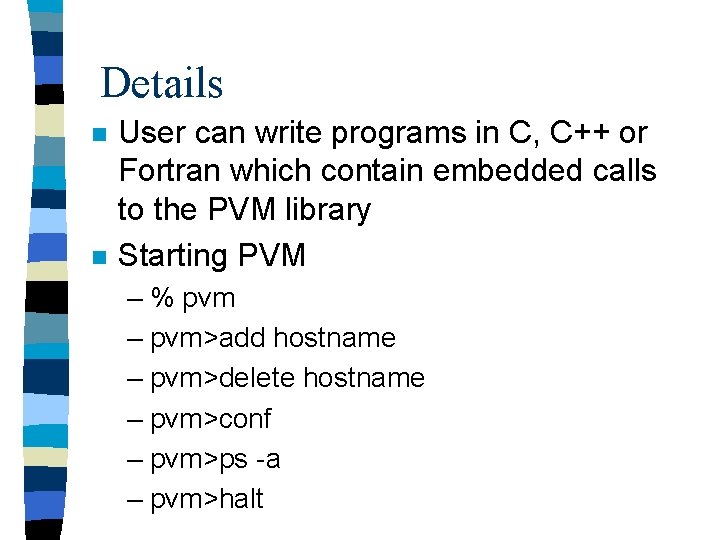
Details n n User can write programs in C, C++ or Fortran which contain embedded calls to the PVM library Starting PVM – % pvm – pvm>add hostname – pvm>delete hostname – pvm>conf – pvm>ps -a – pvm>halt
Details n n To compile use architecture independent ‘aimk’ which automatically determines the architecture and links any OS specific libraries to the application PVM supports use of multiple consoles, it is possible to run a console on any host and also to run multiple consoles on the same machine
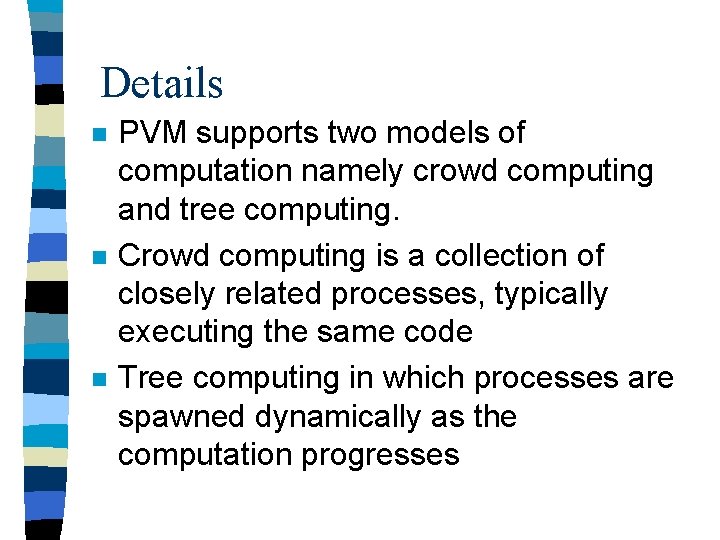
Details n n n PVM supports two models of computation namely crowd computing and tree computing. Crowd computing is a collection of closely related processes, typically executing the same code Tree computing in which processes are spawned dynamically as the computation progresses
Example main() { int cc, tid, msgtag; char buf[100]; printf(“I’m t%xn”, pvm_mytid()); cc = pvm_spawn(“hello_other”, (char**)0, 0, “”, 1, &tid); if(cc == 1) { msgtag = 1; pvm_recv(tid, msgtag); pvm_upkstr(buf); printf(“from t%x: %sn”, tid, buf); } else printf(can’t start hello_othern”); pvm_exit(); }
Example # include “pvm 3. h” main() { int ptid, msgtag; char buf[100]; ptid = pvm_parent(); strcpy(buf, “hello, world from”); gethostname(buf + strlen(buf), 64); msgtag = 1; pvm_initsend(Pvm. Data. Default); pvm_upkstr(buf); pvm_send(ptid, msgtag); pvm_exit(); }
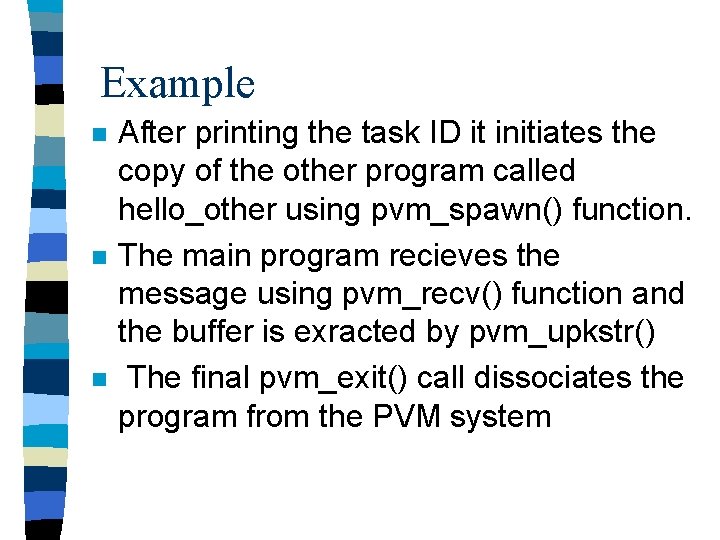
Example n n n After printing the task ID it initiates the copy of the other program called hello_other using pvm_spawn() function. The main program recieves the message using pvm_recv() function and the buffer is exracted by pvm_upkstr() The final pvm_exit() call dissociates the program from the PVM system
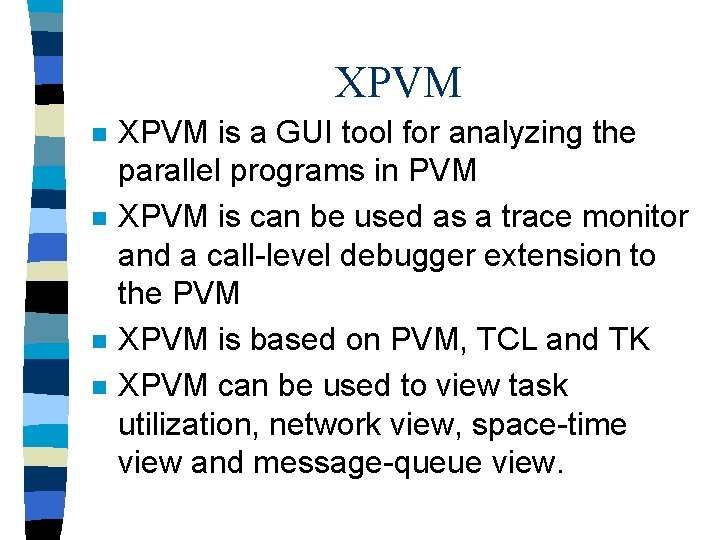
XPVM n n XPVM is a GUI tool for analyzing the parallel programs in PVM XPVM is can be used as a trace monitor and a call-level debugger extension to the PVM XPVM is based on PVM, TCL and TK XPVM can be used to view task utilization, network view, space-time view and message-queue view.
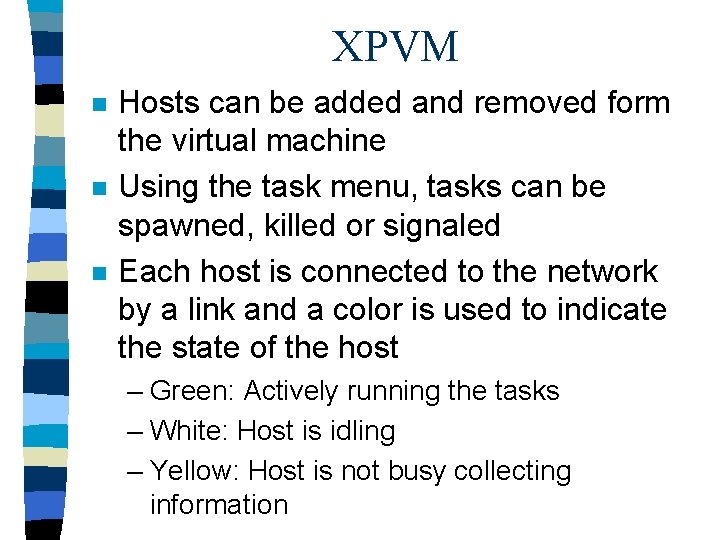
XPVM n n n Hosts can be added and removed form the virtual machine Using the task menu, tasks can be spawned, killed or signaled Each host is connected to the network by a link and a color is used to indicate the state of the host – Green: Actively running the tasks – White: Host is idling – Yellow: Host is not busy collecting information
XPVM n n Space - Time view displays the status of the tasks and hosts during a program execution Utilization view shows the overall computing state during a given instance Trace view prints the tasks during each instance of activity Event History view contains all the trace events in the trace file
References n PVM: Parallel Virtual Machine: A Users' Guide and Tutorial for Networked Parallel Computing MIT Press Scientific and Engineering Computation