
Parallel Programming with Java YILDIRAY YILMAZ Maltepe niversitesi
- Slides: 23
Parallel Programming with Java YILDIRAY YILMAZ Maltepe Üniversitesi
Message Passing Interface (MPI) • MPI is a standard (interface or API) • • • It defines a set of methods that are used by developers to write their application MPI library implement this method MPI itself is not a library. It is a specification document that is followed.
Message Passing Interface (MPI) • Reasons for popularity • • Software and hardware vendors were involved Significant contribution from academia MPI compilers are widely used It is the mostly adopted programming paradigm of IBM Blue Gene Systems
Message Passing Interface (MPI) • There is an open source Java message passing library • http: //mpj-express. org
MPJ Express • What is MPJ Express? • MPJ Express is an open source Java message passing library that allows application developers to write and execute parallel applications for multicore processors and compute clusters/clouds. It is distributed under the MIT (a variant of the LGPL) licence.
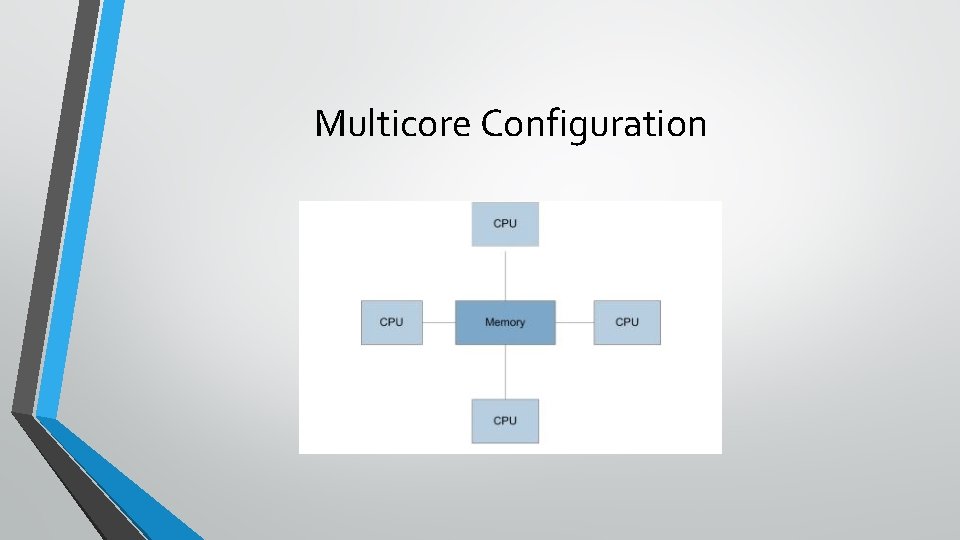
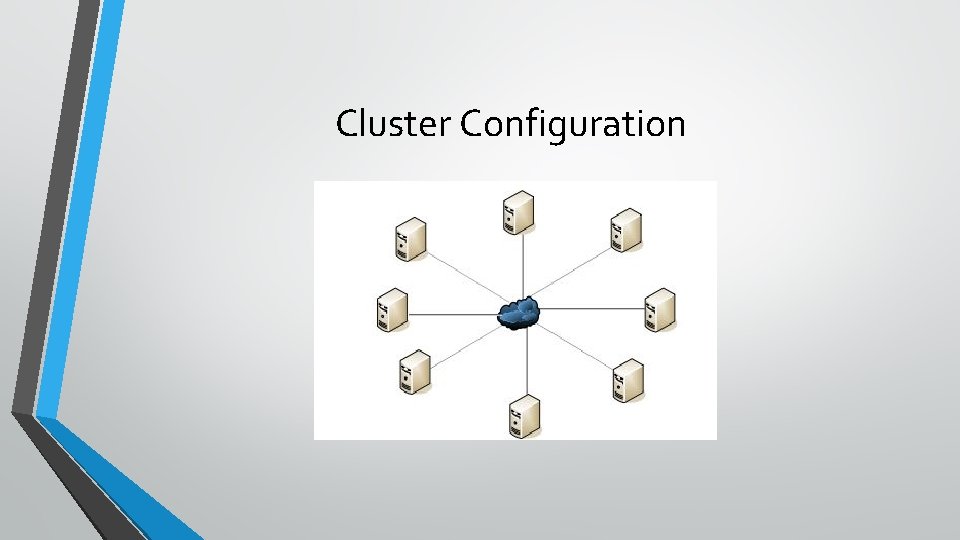
MPJ Express • The MPJ Express can be configured in two ways. The first configuration is Multicore Configuration. It is used to execute programs on laptops and desktops. The second configuration is Cluster configuration. It is used to execute programs on clusters or network of computers.
Multicore Configuration
Cluster Configuration
Steps involved in executing the ‘Hello World’ Java program for multicore configurations in Windows with Eclipse IDE 1. Download one of the Eclipse IDE version. 2. Download MPJ library 3. Create a new project on Eclipse IDE and configure the build path 4. Adjust run configurations 5. Write the Hello World program 6. Execute the parallel program
Step 1: Download the Eclipse IDE • Enter the http: //www. eclipse. org/downloads/ and download latest Eclipse version.
Step 2: Download MPJ library • You can download from http: //mpj-express. org/
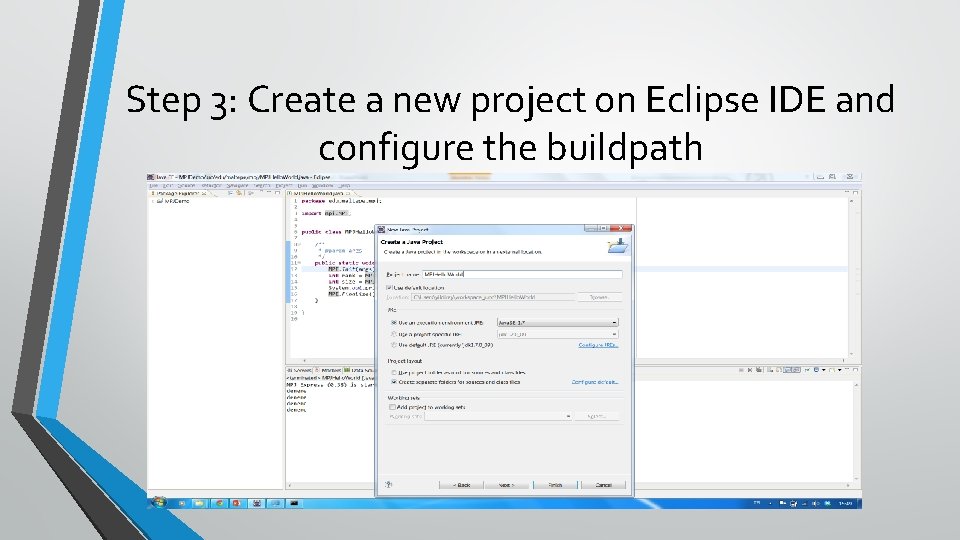
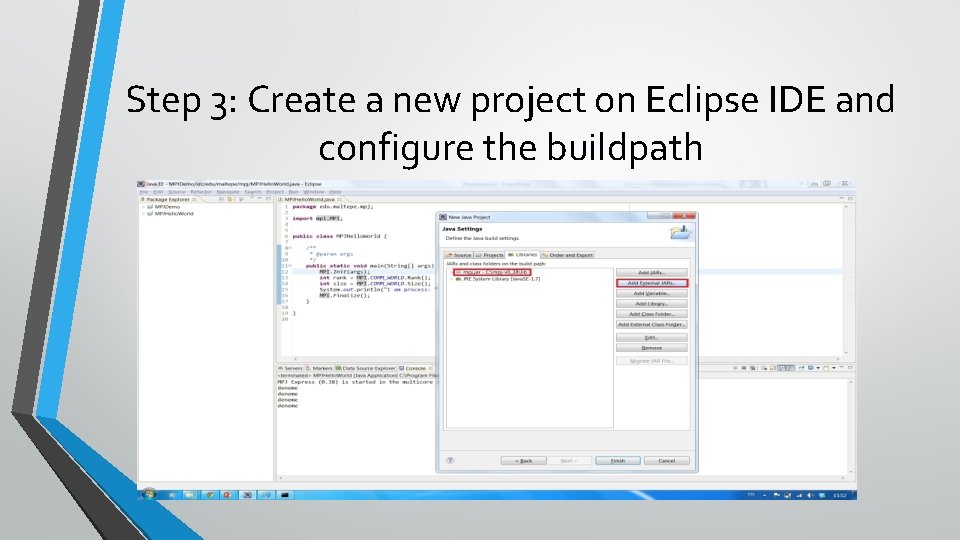
Step 3: Create a new project on Eclipse IDE and configure the buildpath
Step 3: Create a new project on Eclipse IDE and configure the buildpath
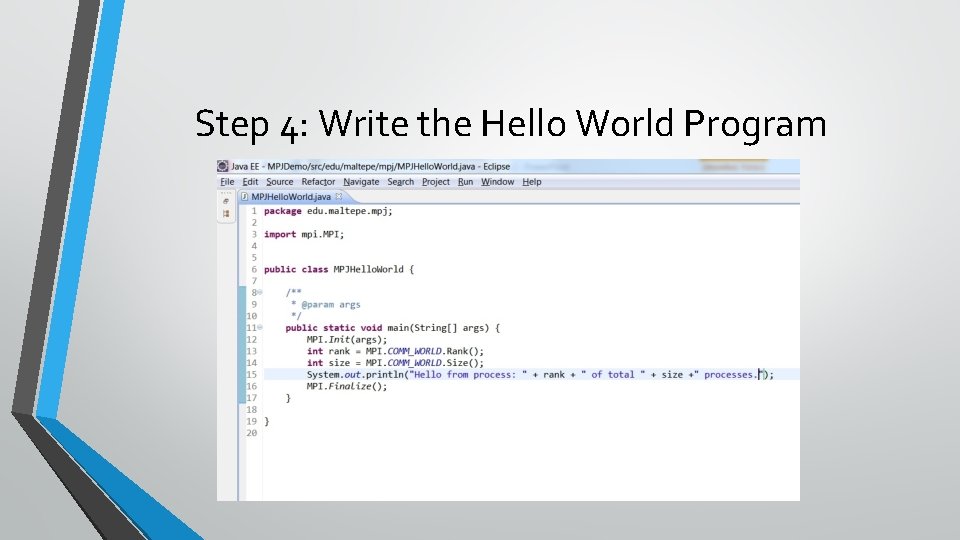
Step 4: Write the Hello World Program
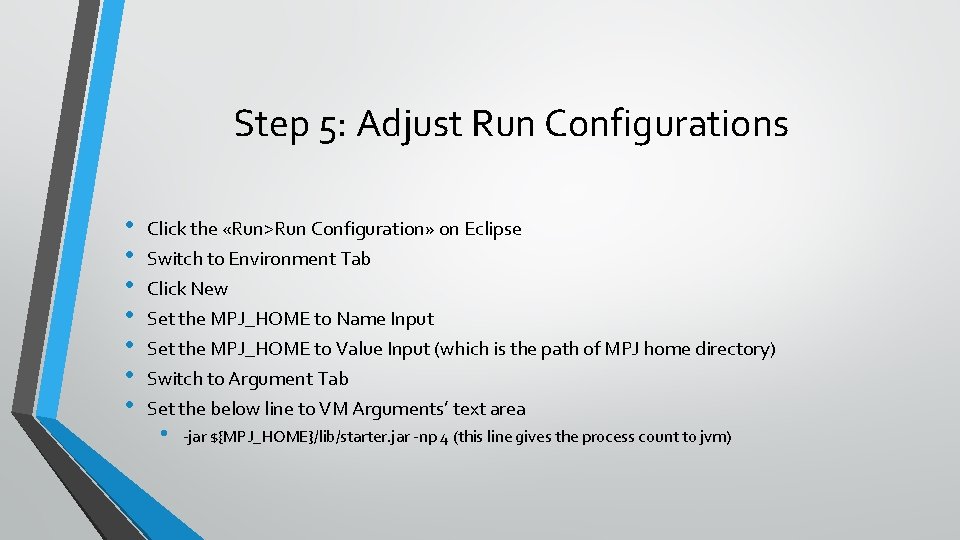
Step 5: Adjust Run Configurations • • Click the «Run>Run Configuration» on Eclipse Switch to Environment Tab Click New Set the MPJ_HOME to Name Input Set the MPJ_HOME to Value Input (which is the path of MPJ home directory) Switch to Argument Tab Set the below line to VM Arguments’ text area • -jar ${MPJ_HOME}/lib/starter. jar -np 4 (this line gives the process count to jvm)
Step 6: Run the Parallel Program • Just right click your MPJ project and select the Run as Java Applicaton
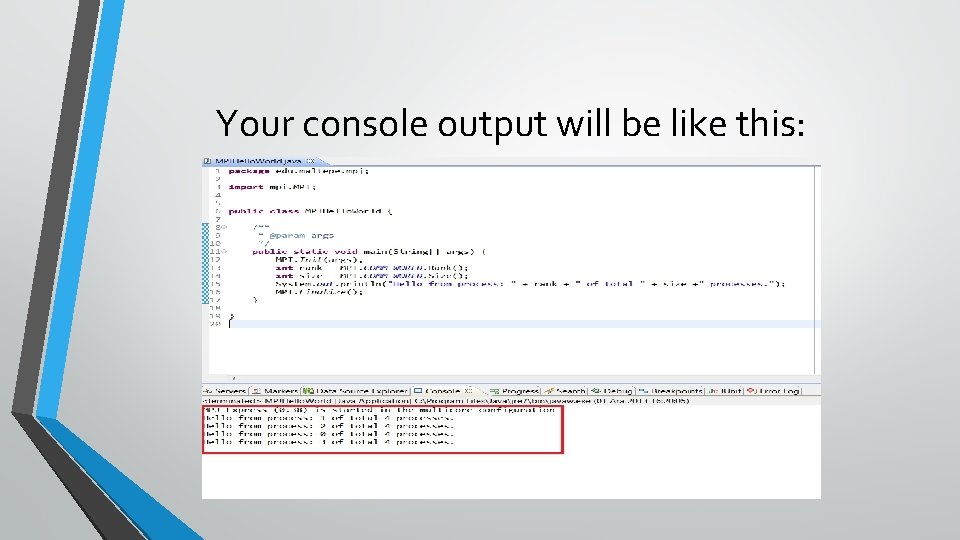
Your console output will be like this:
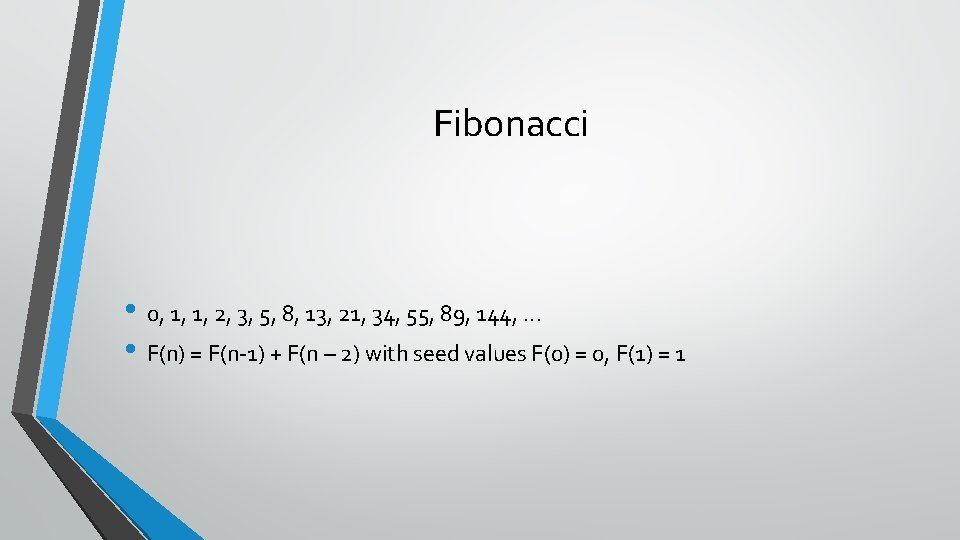
Fibonacci • 0, 1, 1, 2, 3, 5, 8, 13, 21, 34, 55, 89, 144, . . . • F(n) = F(n-1) + F(n – 2) with seed values F(0) = 0, F(1) = 1
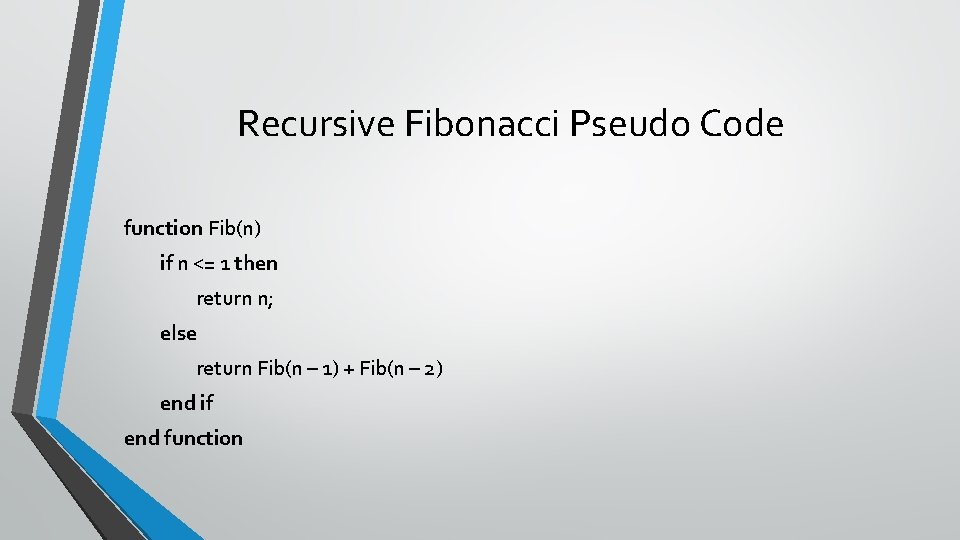
Recursive Fibonacci Pseudo Code function Fib(n) if n <= 1 then return n; else return Fib(n – 1) + Fib(n – 2) end if end function
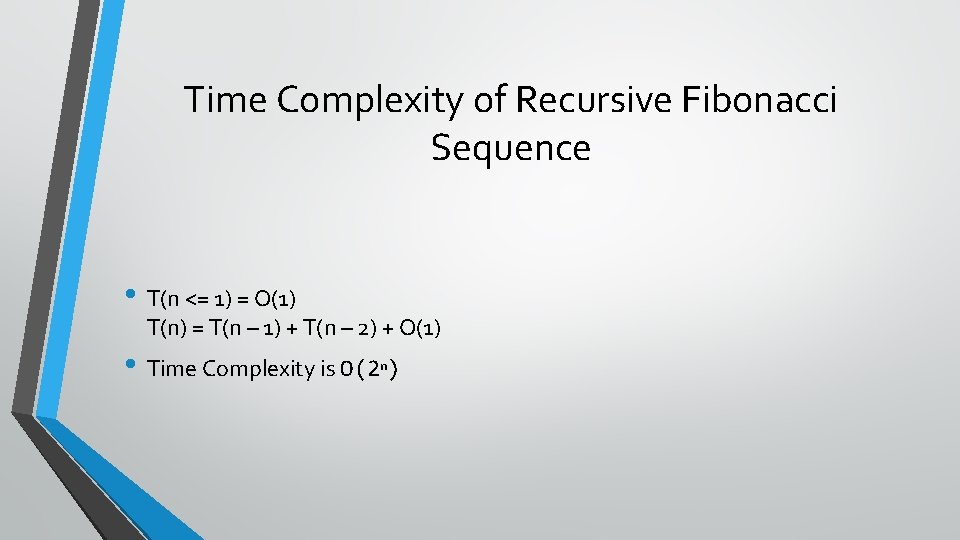
Time Complexity of Recursive Fibonacci Sequence • T(n <= 1) = O(1) T(n) = T(n – 1) + T(n – 2) + O(1) • Time Complexity is O(2 ) n
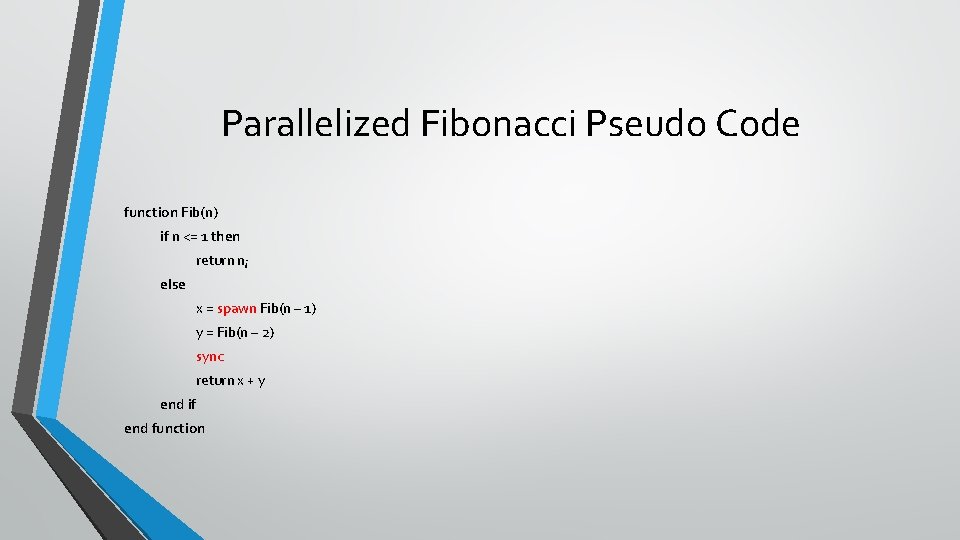
Parallelized Fibonacci Pseudo Code function Fib(n) if n <= 1 then return n; else x = spawn Fib(n – 1) y = Fib(n – 2) sync return x + y end if end function
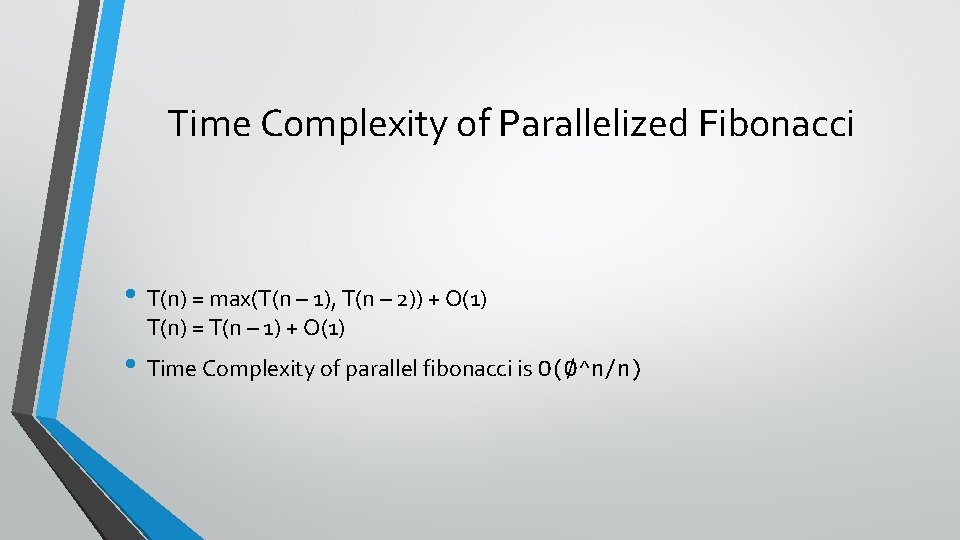
Time Complexity of Parallelized Fibonacci • T(n) = max(T(n – 1), T(n – 2)) + O(1) T(n) = T(n – 1) + O(1) • Time Complexity of parallel fibonacci is O(Ø^n/n)
Q&A • Thanks. . . Yıldıray YILMAZ