
Page Layout Page Layout z Design for Screens

- Slides: 76
Page Layout
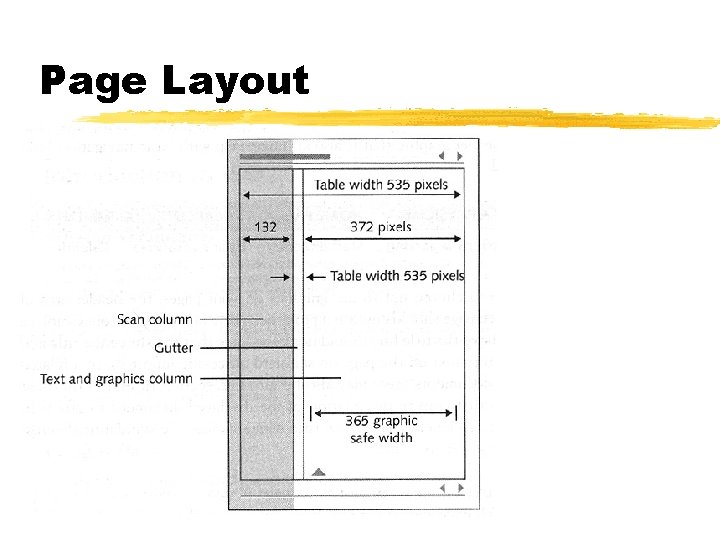
Page Layout z. Design for Screens for Information z. Divide vertically into zones with different functions z. Each vertical zone should provide suitable information
Page Header z. Headers gives site visual identity z“Signature” allows user to grasp purpose of page and where it fits within site z. Important since page might be jumped into from other site
Page Header Guidelines z. Should always be near top z. Graphical or Text z. Not too large z. Related series of documents might have subtitles or section titles z. Should be standardized across site
Page Footer z. Provide navigation links back to top of page z. Similar location information as header z. Important because top of page might not be visible
Page Footer Guidelines Contain basic data: z. Origin z. Age z. Copyright z. Set of links to related pages
Text Layout z. Original HTML: single column of text z. Hard to read z. Need to use technique developed by print documents
Text Layout z. Line length determined by page width z. When resize text reflows to fill space z. Hinders readability z. Hinders usability
Text Layout Line Length: z. Reading becomes uncomfortable when there are more that 12 words per line Margins: z. Define reading are by separating main text from non text
Text Layout Columns: z. Allows for variations in page layout z. Reduces line length Gutters z. Space between columns
Text Layout with Tables z. Most complex text layout can be done with tables Why? Least common denominator z. Examples
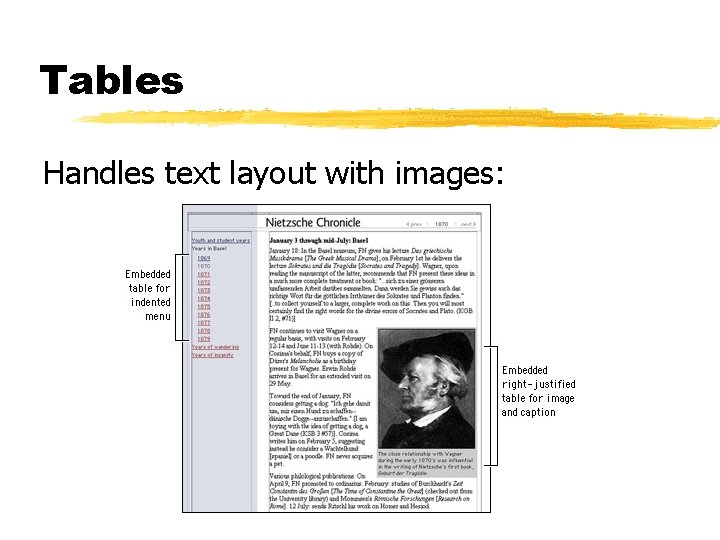
Tables Handles text layout with images:
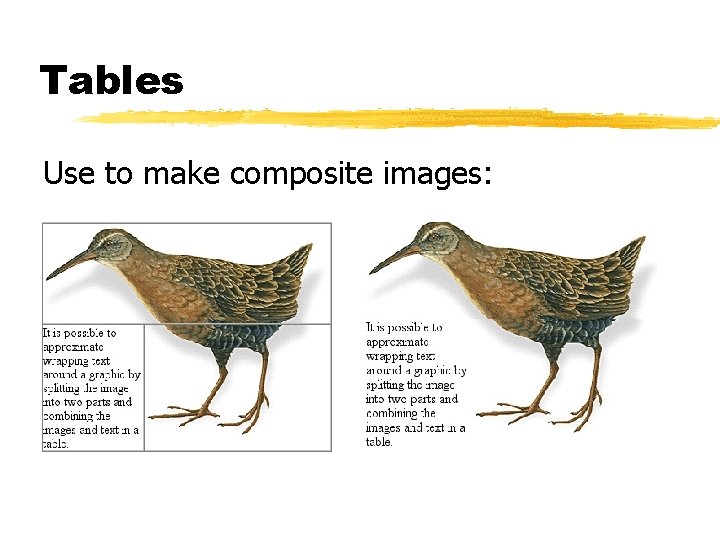
Tables Use to make composite images:
Navigation z. Getting lost is a bad thing z. Greatly hinders usability z. Key aspect of site’s usability
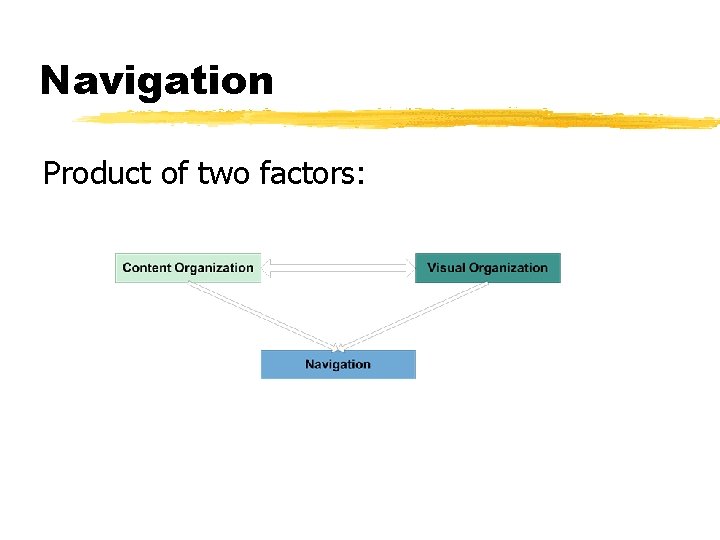
Navigation Product of two factors:
Navigation interfaces need to answer three questions: z. Where am I? z. Where have I been? z. Where can I go? z. Most important is “Where am I? ”
Where am I? User’s location needs to be shown: z. Relative to site’s structure z. Relative to web as a whole
Where have I been? z. Harder to support without special techniques z. Browser Back Button z. Browser History List z. Link colors
Where can I go? z. Handled by visible navigation links z. Three types of links: z. Embedded links in body text z. Structural Links: points to other parts of site z. Associative links: points to pages related to page currently on
User Controls Navigation z. In traditional interface design, designer control where user can go z. Web users control where they can go z. Web sites need to support user controlled navigation z. Design to support this freedom of movement
Navigation Types z. Browser z. Embedded z. Supplemental
Browser Navigation z. Go to URL z. Back/Forward button z. History List z. Visited linked different color z. Bookmarks
Browser Navigation Do not override: z. Color of visited/unvisited links z. Kill back button z. Disable bookmark feature
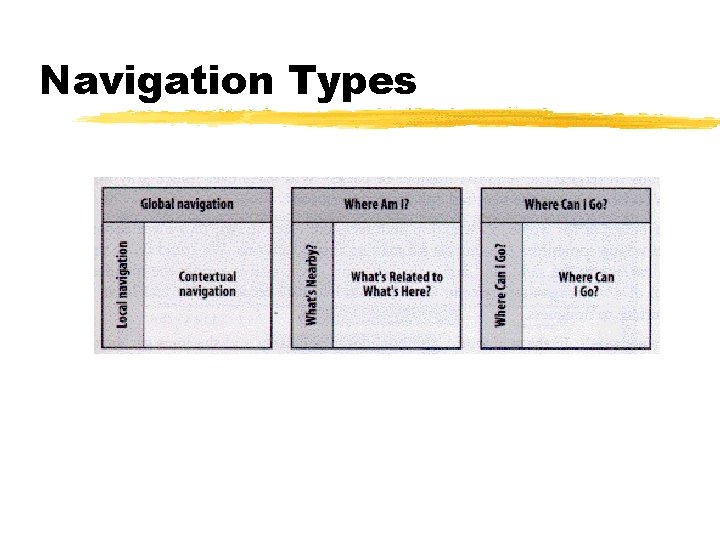
Embedded Navigation Three types of embedded navigation systems: z. Global z. Local z. Contextual z. Each system solves a particular problem
Navigation Types
Global Navigation z. Site-wide z. Indented to be present on every page z. Often implemented as global navigation bars
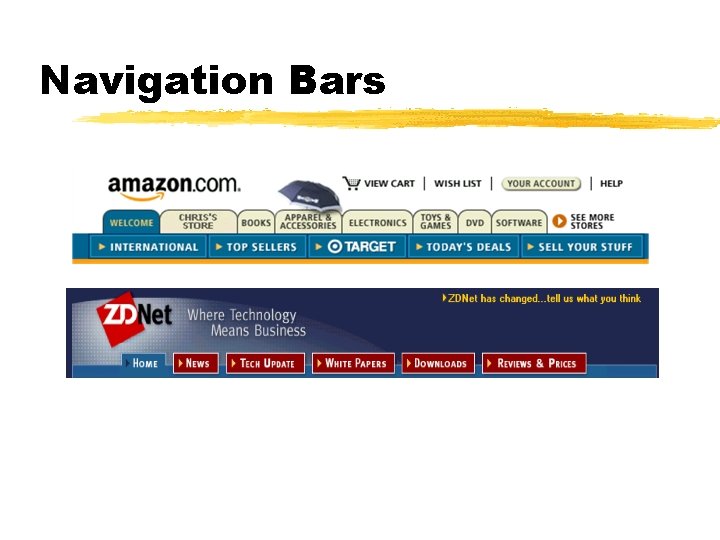
Navigation Bars z. Effective implementing both global and local navigation z. Collection of links grouped together on page z. Most provide link to home page z. Subtle differences per sub-site
Navigation Bars
Local Navigation z. Complements global navigation z. Allows navigation of immediate area z. Can be combined with global navigation z. Can be so different and unique they become sub-sites
Contextual Navigation z. Navigation link specific to page or items z. For items which do not fit into local or global navigation z“See Also” links z. Can support associative learning
Contextual Navigation Two Types: z. Inline - true hypertext z. Links within page text z. External - placed on page z“Related products” links
Navigation Implementation Navigation systems are closely links to organizational structures Three types: z. Hierarchical z. Ad-Hoc z. Database driven
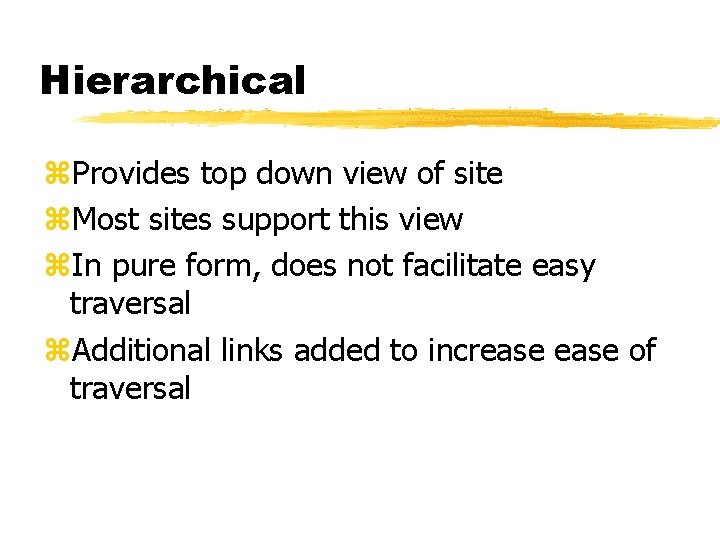
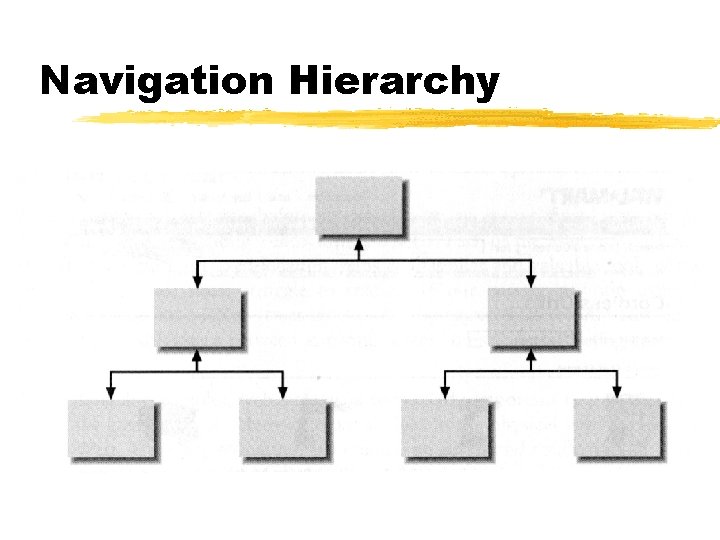
Hierarchical z. Provides top down view of site z. Most sites support this view z. In pure form, does not facilitate easy traversal z. Additional links added to increase of traversal
Navigation Hierarchy
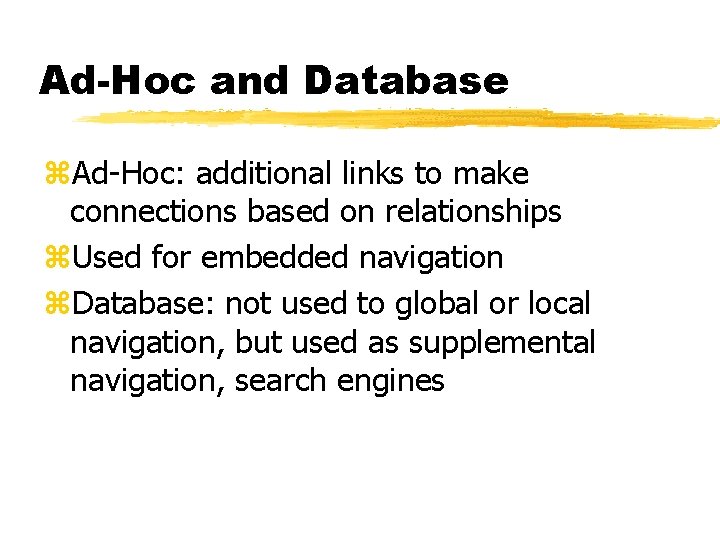
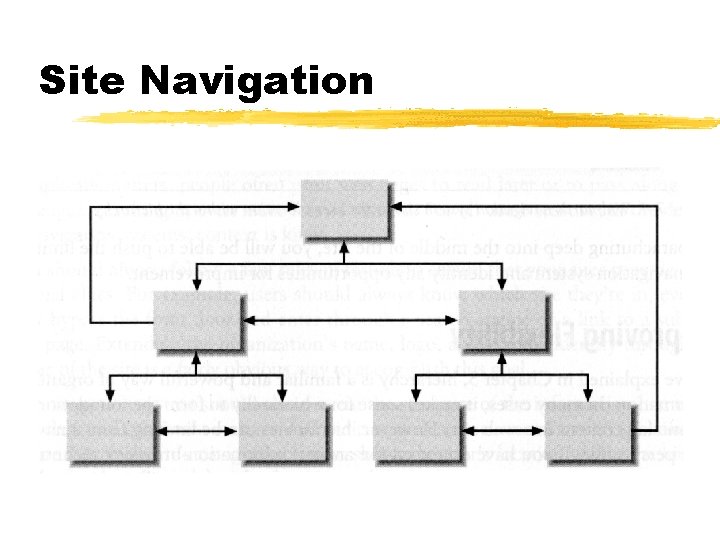
Ad-Hoc and Database z. Ad-Hoc: additional links to make connections based on relationships z. Used for embedded navigation z. Database: not used to global or local navigation, but used as supplemental navigation, search engines
Site Navigation
Supplemental z. External to basic navigation structure z. Can be critical for ensuring usability z. Sitemaps z. Breadcrumbs z. Indexes z. Guides
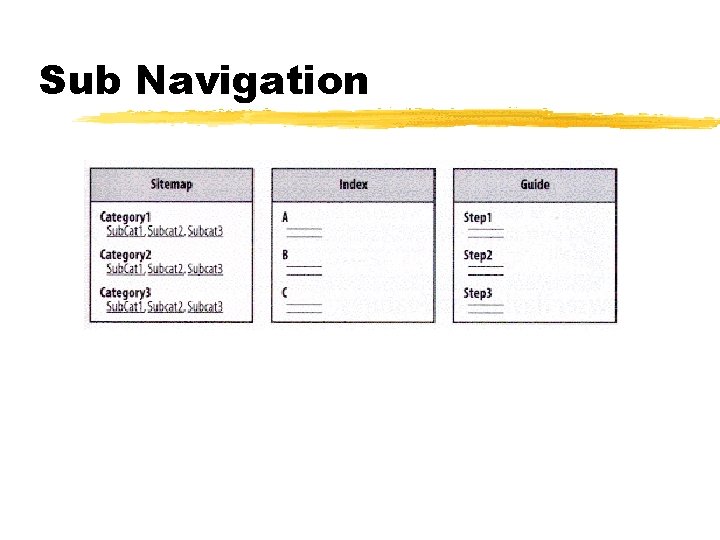
Sub Navigation
Site Map z. A table of contents for a site z. Typically presents top few levels of information z. Most used for web sites which are hierarchical based
Breadcrumbs z. Display a record of links user traveled to get to page z. Record user’s trail through site z. Based on: Just wait, Gretel, until the moon rises, and then we shall see the crumbs of bread which I have strewn about; they will show us our way home again - Hansel and Gretel
Guided Tour Take several forms: z. Guided tours z. Tutorials z. Micro-portals z. Used for training or introduction of site to new users
Search z. Central part of supplemental navigation z. Search by passes all other navigation z. Should provide reasonable results z. Do allow for search for phrases z. Do not provided search of web
Advanced z. Personalized and customized navigation z. Play important or limited roles z. Require solid foundation of structure and organization z. Difficult to do well
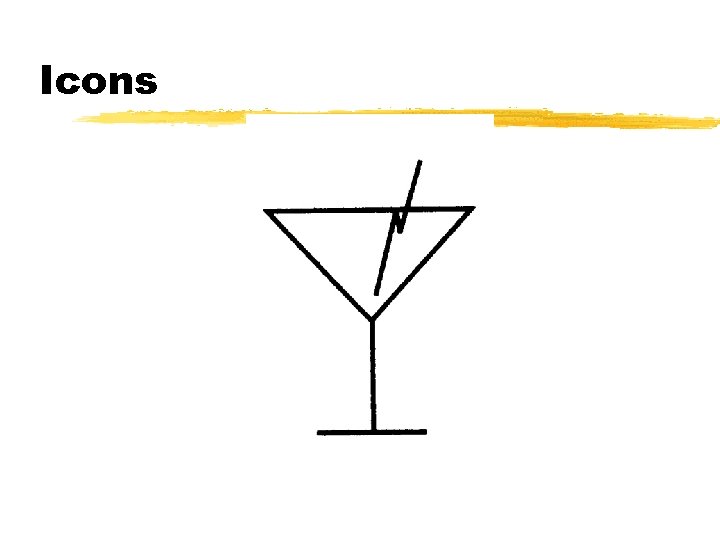
Icons z. Text is usually better than icons z. Icons harder to change z. Often ambiguous
Icons
Menus z. Pack a large amount of navigational elements in a small space z. Requires users to understand how to use them z. No all items visible z. User must act to see menu elements
Frames z. Used in early days of web z. Take valuable real-estate z. Bookmaking becomes a problem z. Printing becomes a problem z. Typically not used anymore
Navigation Stress Test z. Ignore the home page and jump directly to middle of site z. For each random page, can you figure out where you are within the site? z. Can you tell where the page will lead you next?
Color and Usability z. Integral part of web page z. Properly used makes page attractive and usable z. Provides contrast for page z. Can show button’s state or function
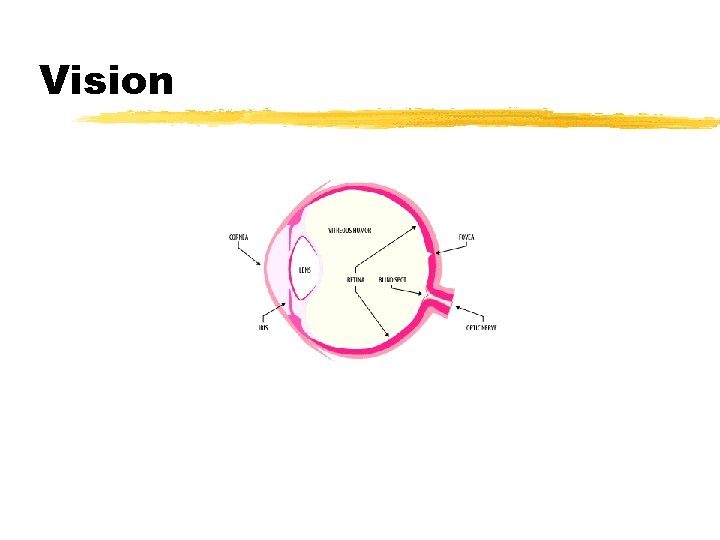
Human Vision z. Cones on retina responsible for detecting color z. Three different types of cones z. Each responds to different wavelengths z. Basis for tristimulus theory of color mixing
Vision
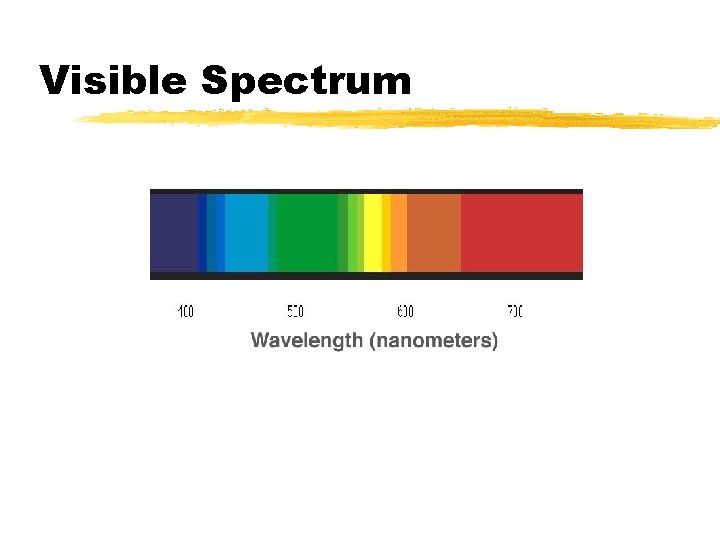
Physics of Color z. Visible light small part of electromagnetic spectrum z. Different wavelengths correspond to different colors z. Light which contains all visible wavelengths is perceived as white z. Black is absence of light
Visible Spectrum
Color Systems z. Model which quantifies the description of color Two types of color mixing: z. Additive z. Subtractive
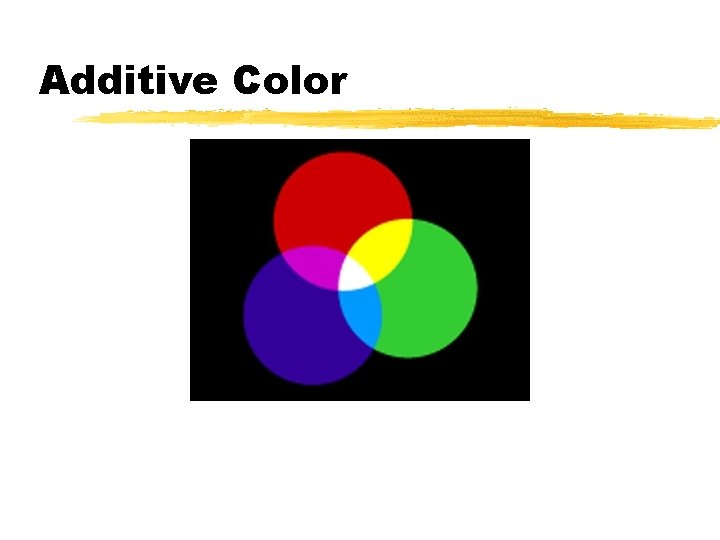
Additive Color Schemes z. Model based on light z. Add colors added together = white z. Most common one: RGB z. A few variations on color model
Additive Color
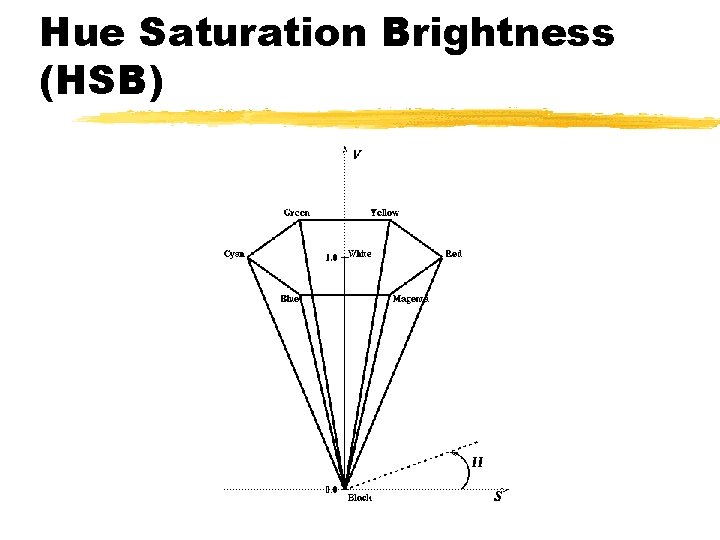
Hue Saturation Brightness (HSB)
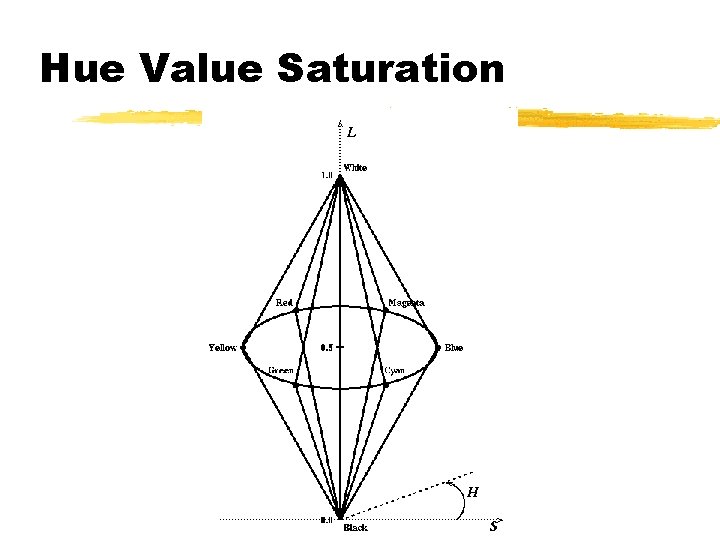
Hue Value Saturation
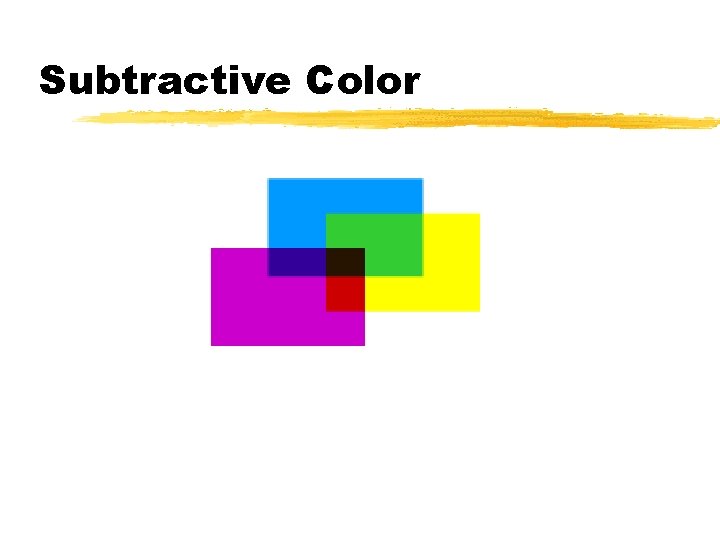
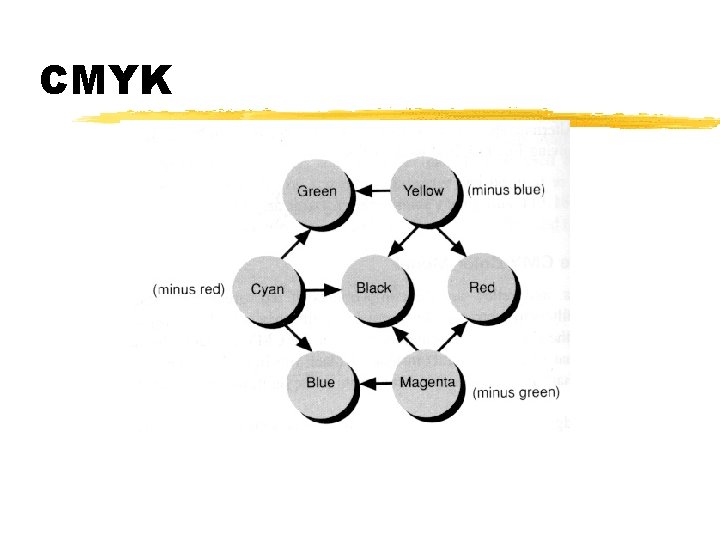
Subtractive Color z. Additional of colors = black z. Since most objects reflect light subtractive is very common z. Colors primaries subtract color from reflected light z. Most common model: CMYK
Subtractive Color
CMYK
Color Gamut z. Refers to range of color for a particular device z. Can greatly alter the color of material when printed or displayed z. Different devices show colors differently
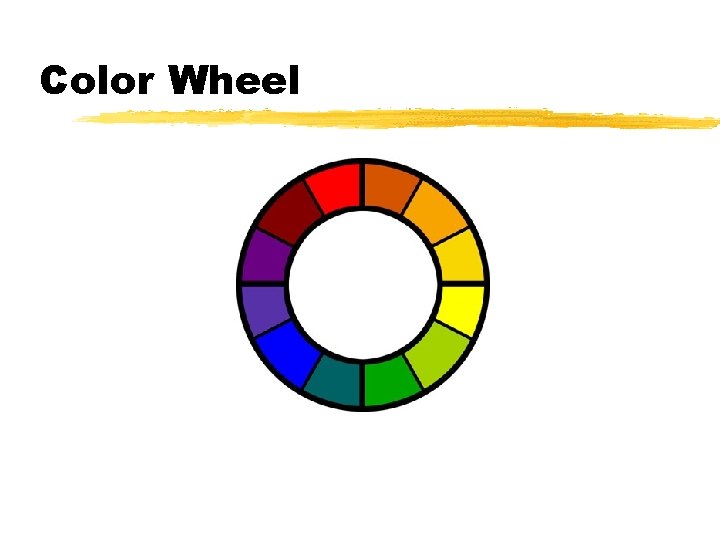
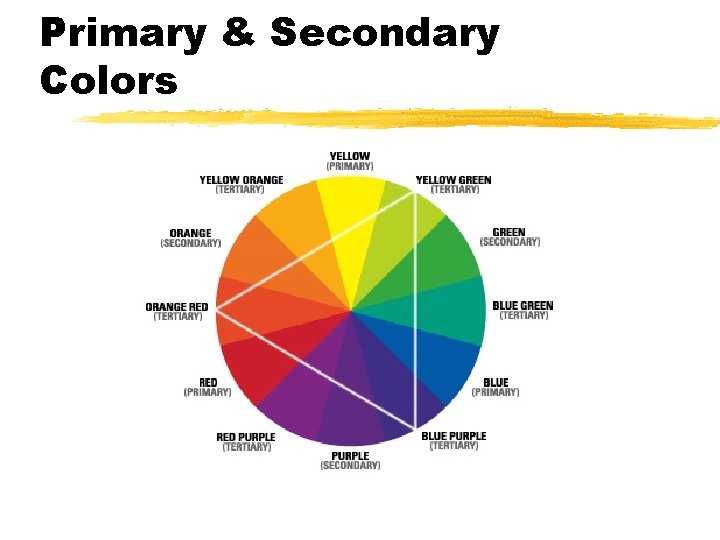
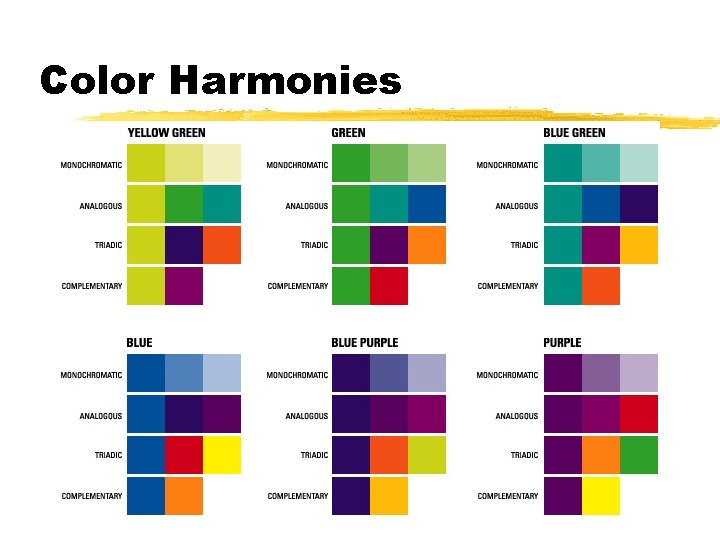
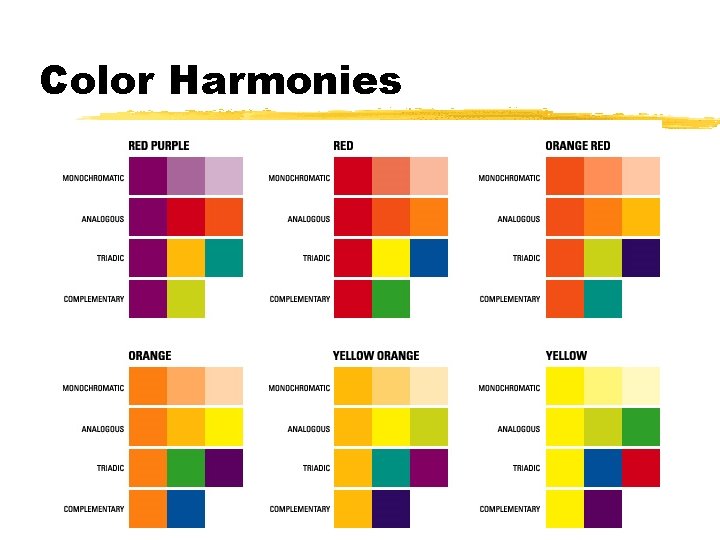
Color Harmony Scheme z. Depend on references to a color wheel z. Mixing equal amounts of primaries results in a secondary color z. Mixing two secondary colors results in a tertiary color
Color Wheel
Primary & Secondary Colors
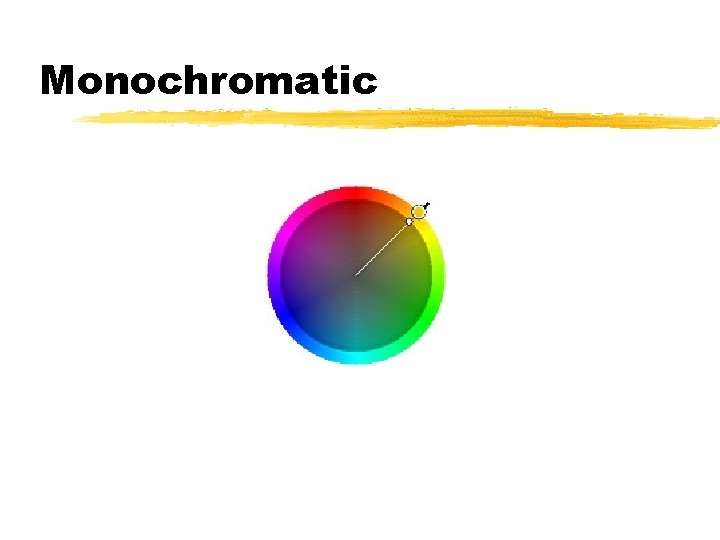
Monochromatic
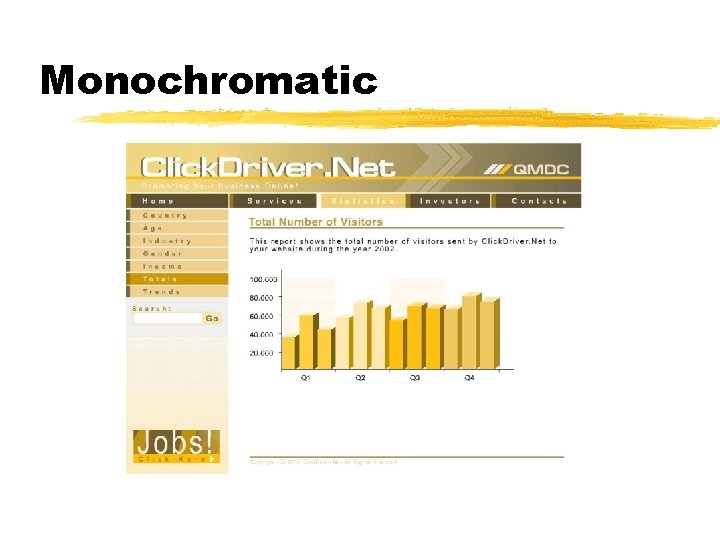
Monochromatic
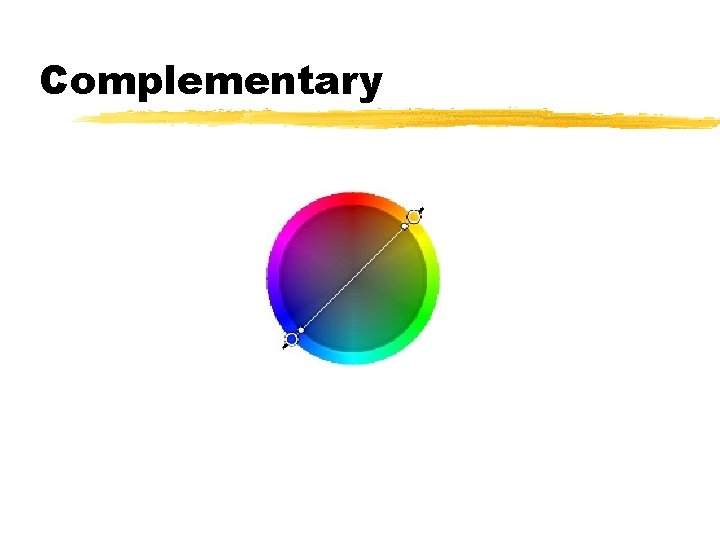
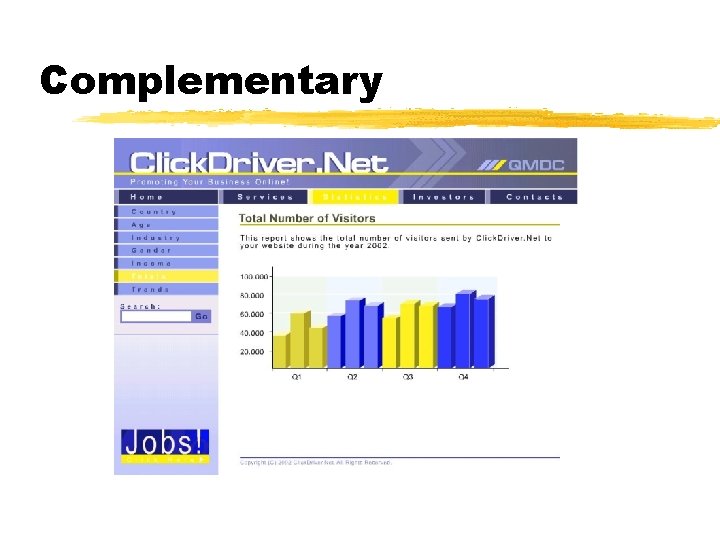
Complementary
Complementary
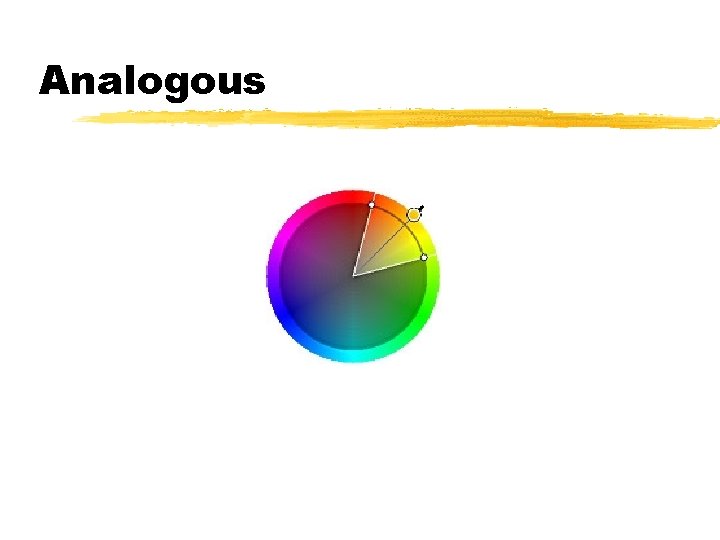
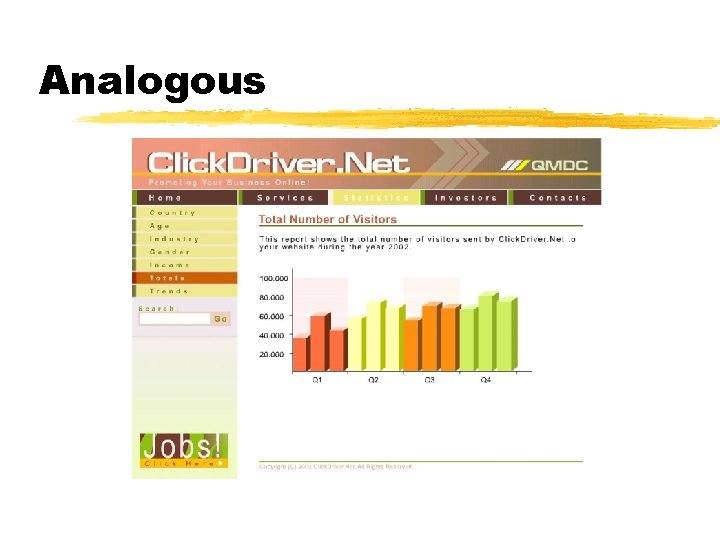
Analogous
Analogous
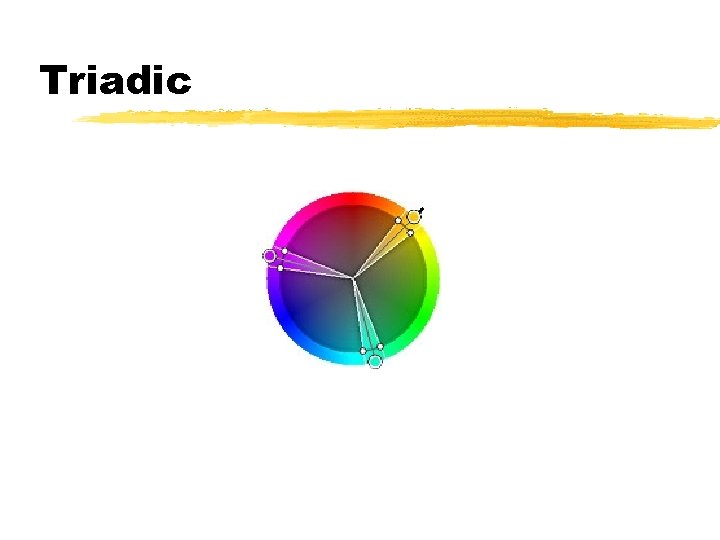
Triadic
Triadic
Color Harmonies
Color Harmonies
Color and Browsers z. Not all colors can be displayed on all devices z. Color of text can affect readability z. Web-Safe pallet z. Monitor Type: CRT vs LCD