
Page 259 277 CHECKPOINT LEARNING GEAR UP Technology
- Slides: 25
Page 259 -277 CHECKPOINT LEARNING® GEAR UP™ Technology 3. 0 – The Next Step in Making Your Practice Technologically Savvy Chapter 12: Apps of Note and Websites of Interest
Page 259 Introduction It’s the little stuff that makes the computing experience better. Think about all those little utility programs that keep the bugs away. 2 Chapter 12: Apps of Note and Websites of Interest
Page 259 Finding Great Software Careful the list has changed: Softpedia. com Filehippo. com Majorgeeks. com Snapfiles. com Techsupportalert. com Download. com 3 Chapter 12: Apps of Note and Websites of Interest
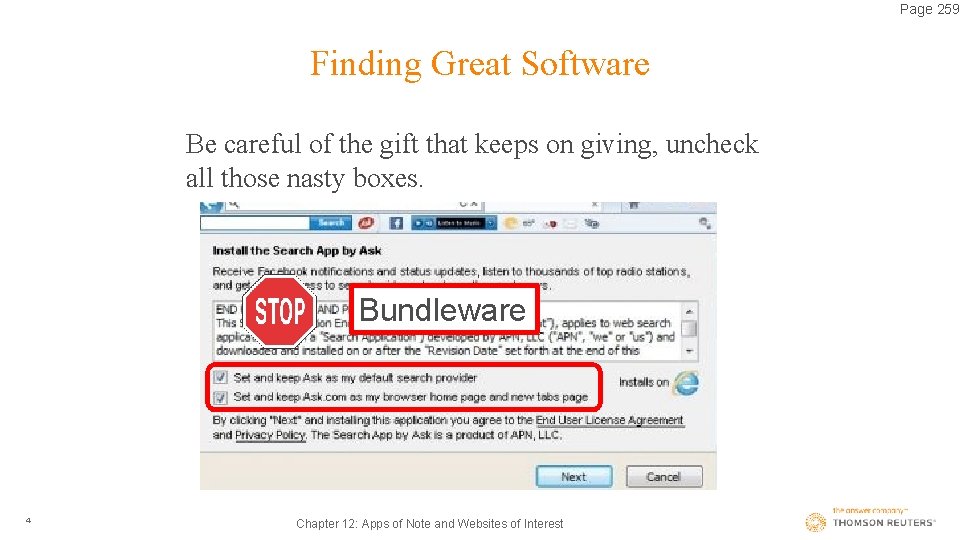
Page 259 Finding Great Software Be careful of the gift that keeps on giving, uncheck all those nasty boxes. Bundleware 4 Chapter 12: Apps of Note and Websites of Interest
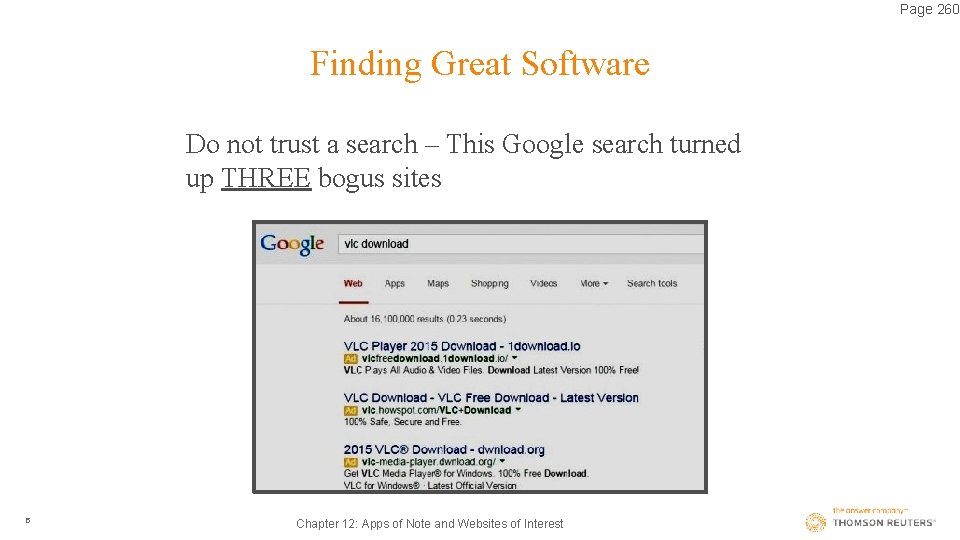
Page 260 Finding Great Software Do not trust a search – This Google search turned up THREE bogus sites 5 Chapter 12: Apps of Note and Websites of Interest
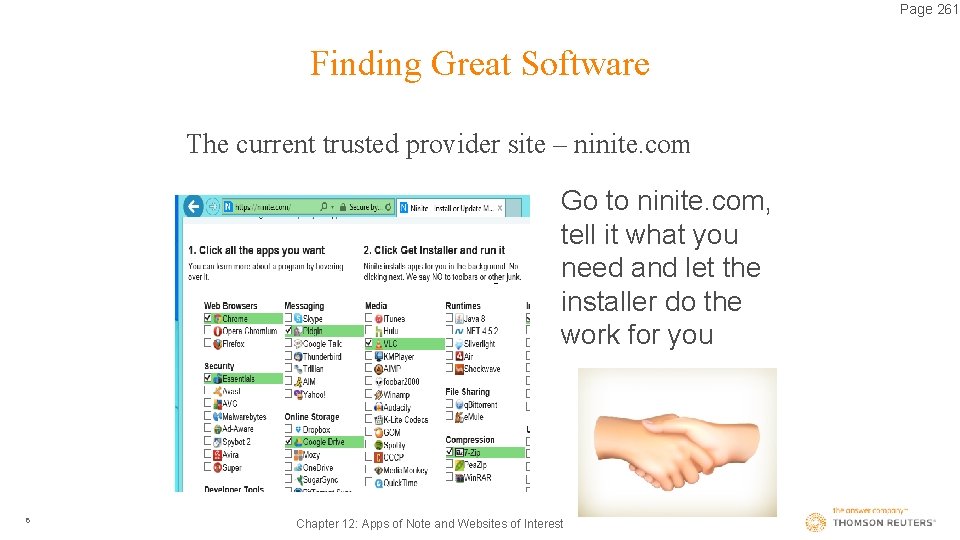
Page 261 Finding Great Software The current trusted provider site – ninite. com Go to ninite. com, tell it what you need and let the installer do the work for you 6 Chapter 12: Apps of Note and Websites of Interest
Page 261 Finding Great Software So what do you need, there is a series of must have utilities that every computer needs to have. Many of them are available for all or needs, mobile devices, laptops & desktops: 1. Clean Up Utilities 2. Secure Erase 3. Program Uninstaller 4. Performance Boosters 5. Memory Optimizers 7 Chapter 12: Apps of Note and Websites of Interest
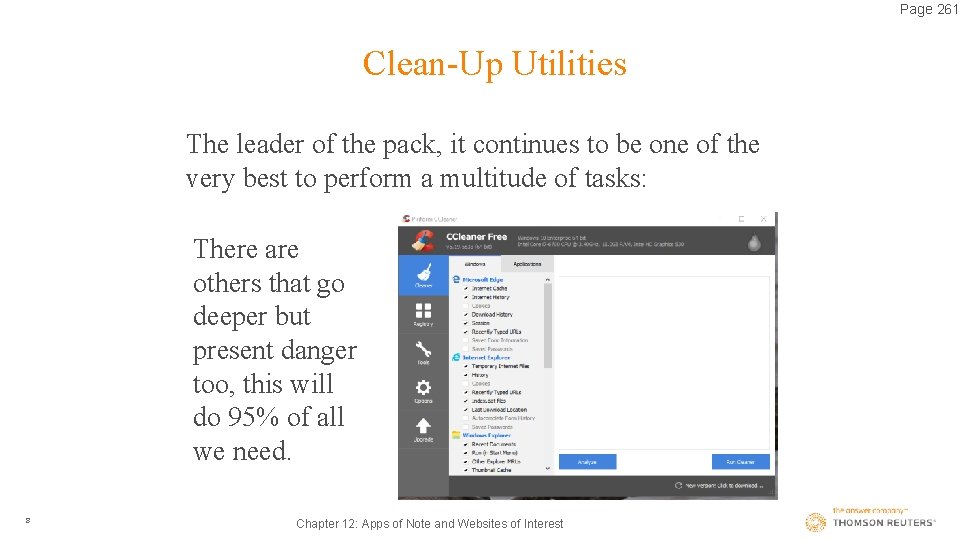
Page 261 Clean-Up Utilities The leader of the pack, it continues to be one of the very best to perform a multitude of tasks: There are others that go deeper but present danger too, this will do 95% of all we need. 8 Chapter 12: Apps of Note and Websites of Interest
Page 262 Clean-Up Utilities Sometimes Windows 10/7/8. x leave the reservation and the windows utilities do not solve the problem such as: File Explorer Fixes Reset Settings Internet and Wi-Fi Problems Audio Problems Network Adapter Problems 9 Chapter 12: Apps of Note and Websites of Interest
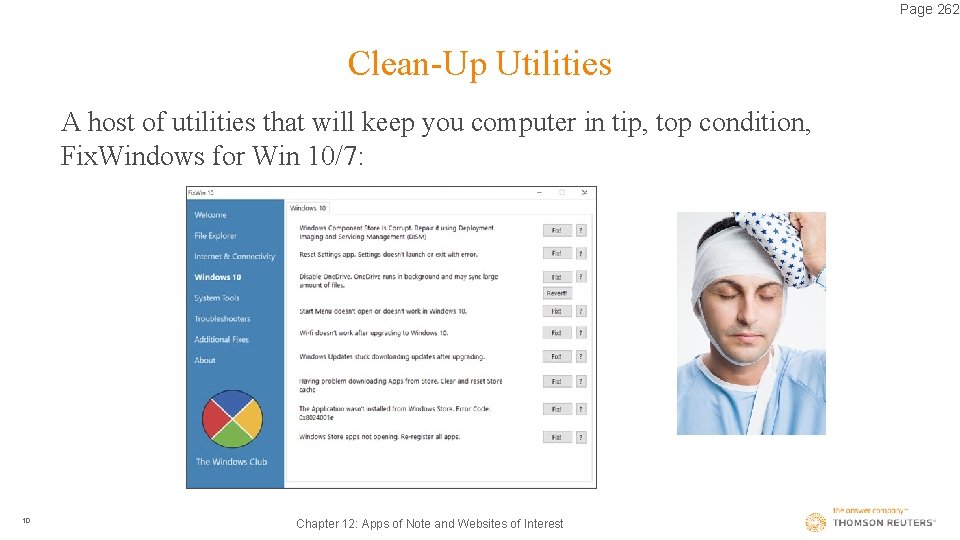
Page 262 Clean-Up Utilities A host of utilities that will keep you computer in tip, top condition, Fix. Windows for Win 10/7: 10 Chapter 12: Apps of Note and Websites of Interest
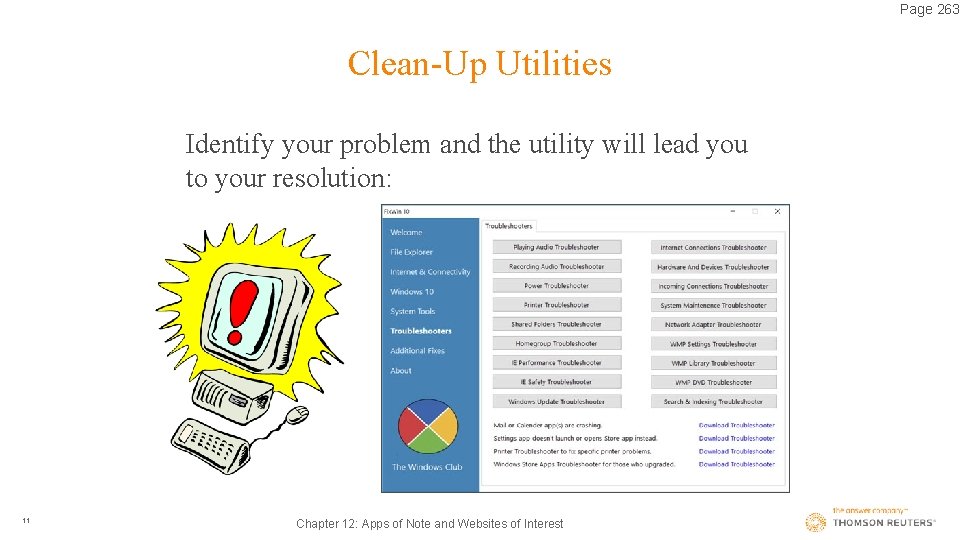
Page 263 Clean-Up Utilities Identify your problem and the utility will lead you to your resolution: 11 Chapter 12: Apps of Note and Websites of Interest
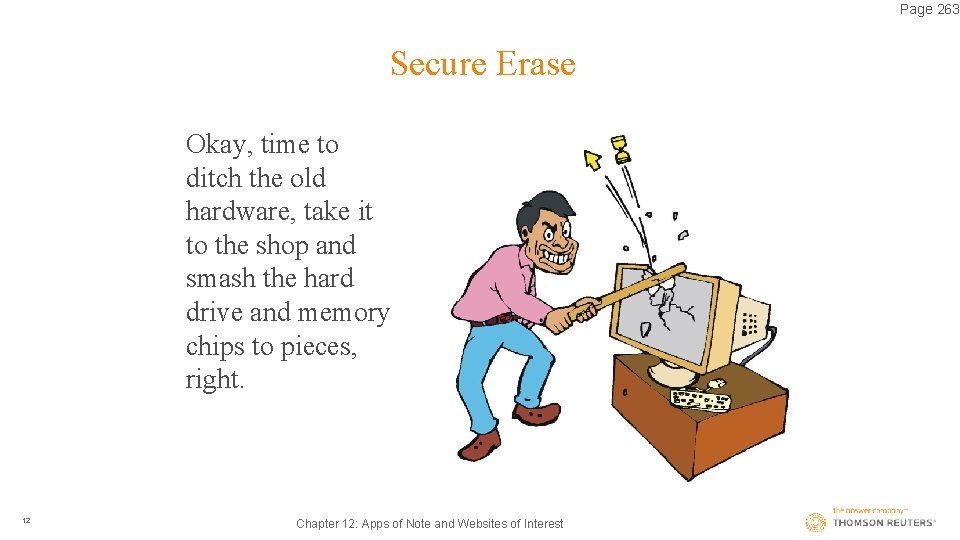
Page 263 Secure Erase Okay, time to ditch the old hardware, take it to the shop and smash the hard drive and memory chips to pieces, right. 12 Chapter 12: Apps of Note and Websites of Interest
Page 263 Secure Erase Well not exactly, run a eraser utility, two suggestions we have: 1. Run the CCleaner erase utility. 2. Obtain the erase utility from eraser. heidi. ie/download. php 13 Chapter 12: Apps of Note and Websites of Interest
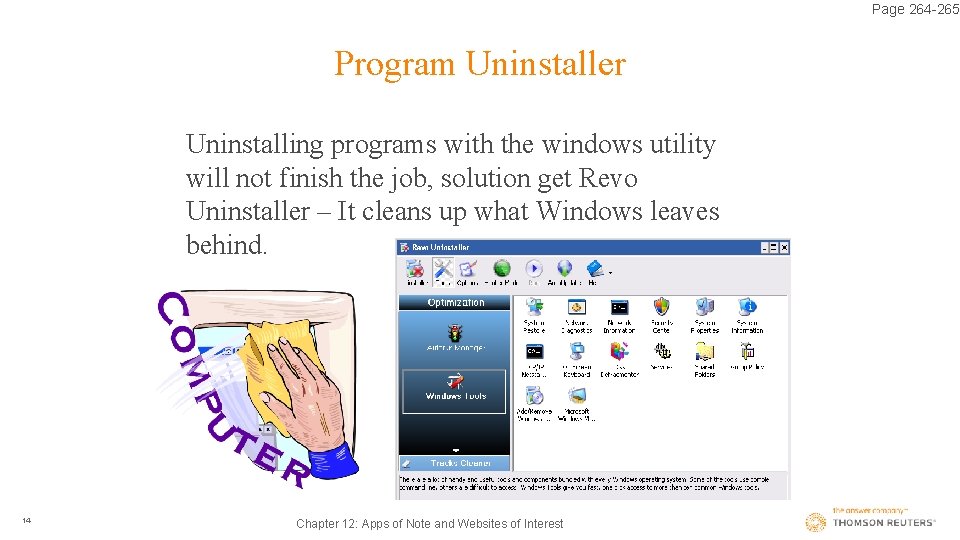
Page 264 -265 Program Uninstaller Uninstalling programs with the windows utility will not finish the job, solution get Revo Uninstaller – It cleans up what Windows leaves behind. 14 Chapter 12: Apps of Note and Websites of Interest
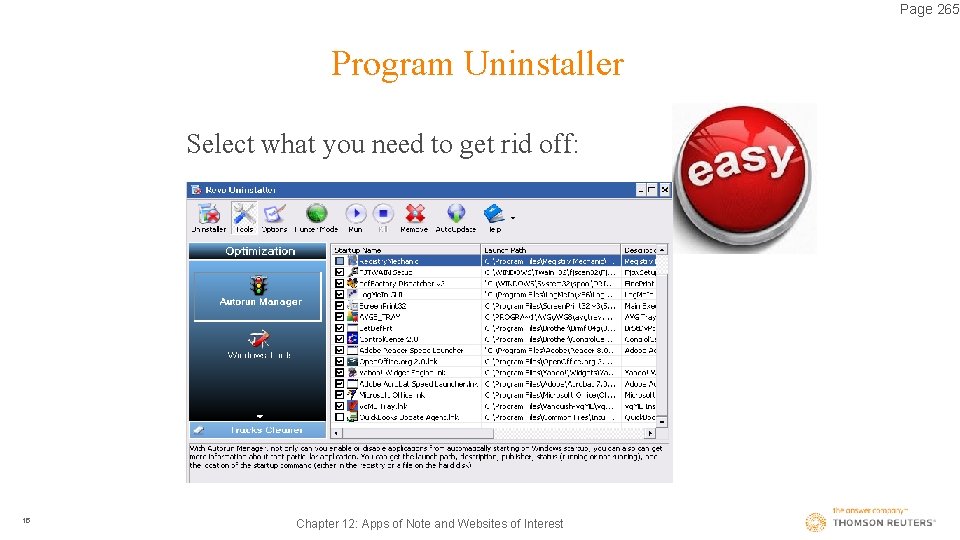
Page 265 Program Uninstaller Select what you need to get rid off: 15 Chapter 12: Apps of Note and Websites of Interest
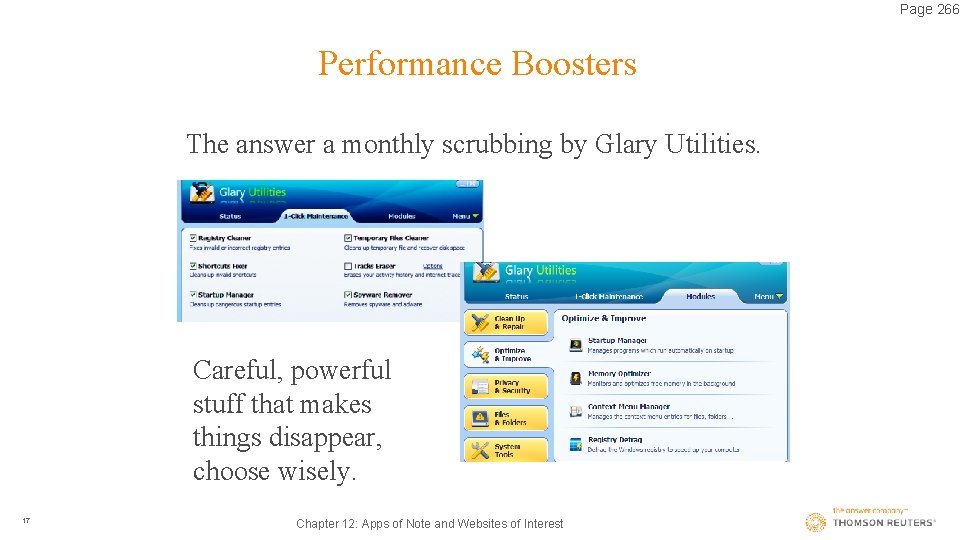
Page 265 -267 Performance Boosters Making it run better is possible, yes, MS will tell you no, they “keep the machine in working order, not like the days of XP”, this is simply not true because: 1. The registry file becomes unorganized. 2. Temp files and shortcuts are not longer needed or even valid. 3. Hard drives become scattered. 4. Just another check on malware and spyware. 16 Chapter 12: Apps of Note and Websites of Interest
Page 266 Performance Boosters The answer a monthly scrubbing by Glary Utilities. Careful, powerful stuff that makes things disappear, choose wisely. 17 Chapter 12: Apps of Note and Websites of Interest
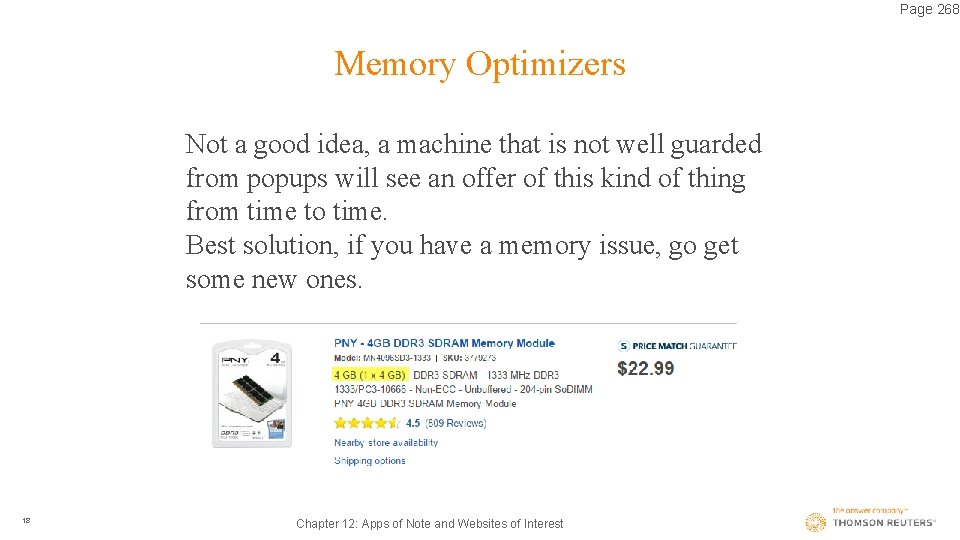
Page 268 Memory Optimizers Not a good idea, a machine that is not well guarded from popups will see an offer of this kind of thing from time to time. Best solution, if you have a memory issue, go get some new ones. 18 Chapter 12: Apps of Note and Websites of Interest
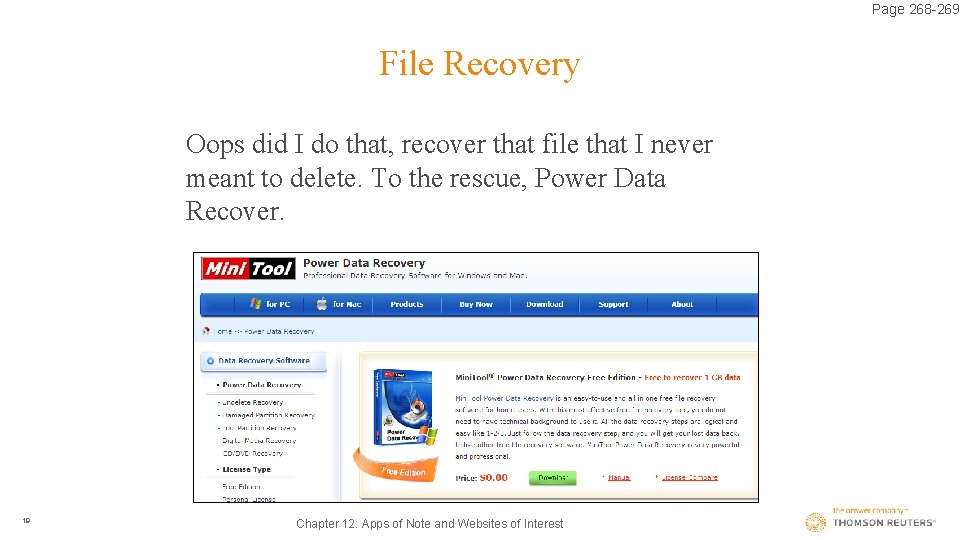
Page 268 -269 File Recovery Oops did I do that, recover that file that I never meant to delete. To the rescue, Power Data Recover. 19 Chapter 12: Apps of Note and Websites of Interest
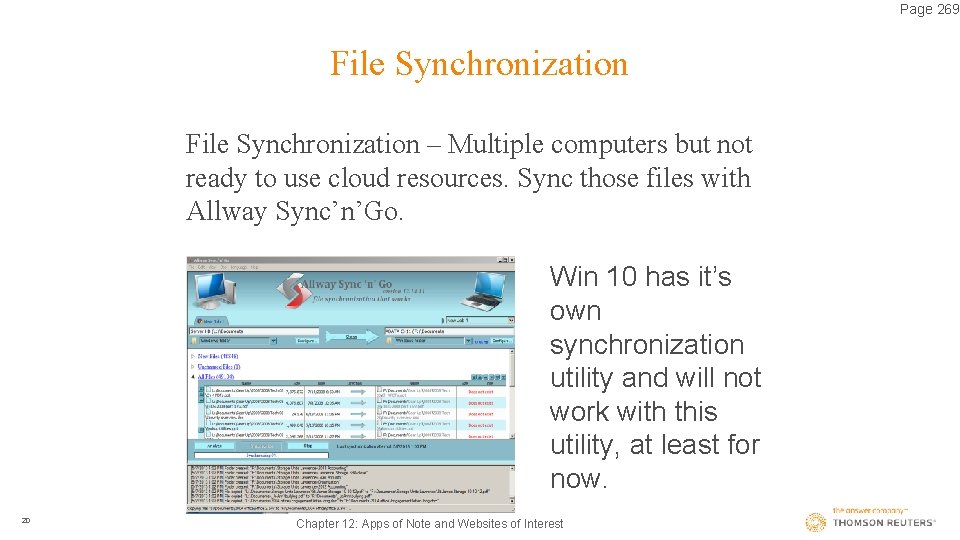
Page 269 File Synchronization – Multiple computers but not ready to use cloud resources. Sync those files with Allway Sync’n’Go. Win 10 has it’s own synchronization utility and will not work with this utility, at least for now. 20 Chapter 12: Apps of Note and Websites of Interest
Page 270 File Encryption File encryption – The FTC safeguard rules require the encryption of documents. PDF editors have built in encryption utilities. To encrypt the entire e-mail look at the document security discussion in PDFs Chapter 11 Pages 249 – 253. Consider the encryption of the entire e-mail. Failure is a little like putting a lock on a glass door. 21 Chapter 12: Apps of Note and Websites of Interest
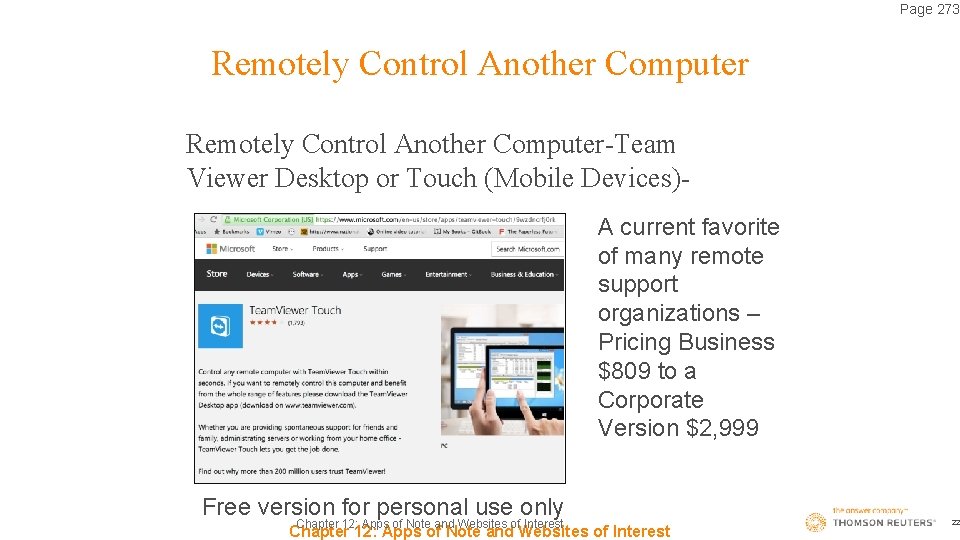
Page 273 Remotely Control Another Computer-Team Viewer Desktop or Touch (Mobile Devices)A current favorite of many remote support organizations – Pricing Business $809 to a Corporate Version $2, 999 Free version for personal use only Chapter 12: Apps of Note and Websites of Interest 22
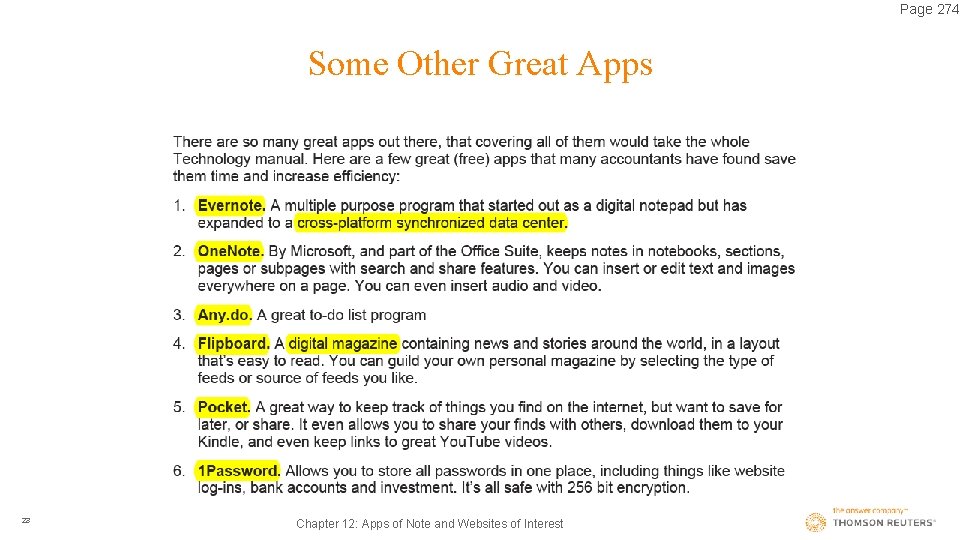
Page 274 Some Other Great Apps Type Here 23 Chapter 12: Apps of Note and Websites of Interest
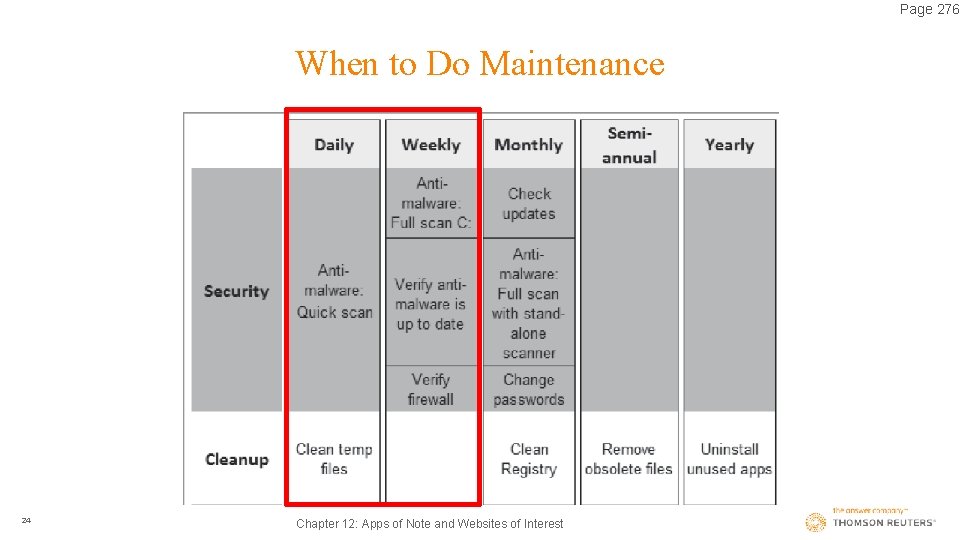
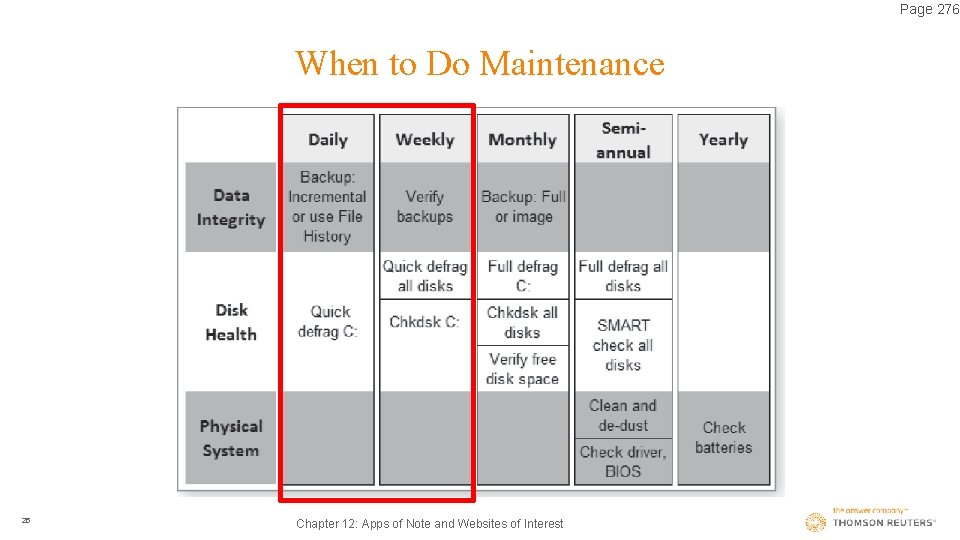
Page 276 When to Do Maintenance Type Here 24 Chapter 12: Apps of Note and Websites of Interest
Page 276 When to Do Maintenance Type Here 25 Chapter 12: Apps of Note and Websites of Interest