
Oxygen Forensic Suite Glenn K Bard Public Agency
Oxygen Forensic Suite

Glenn K. Bard Public Agency Training Council tech Chief Technical Officer PA State Trooper – Retired NCMEC – Project ALERT CISSP, En. CE, CFCE, CHFI, A+, Network+, Security+, ACE 5/6/2014 gbard@patctech. com 2

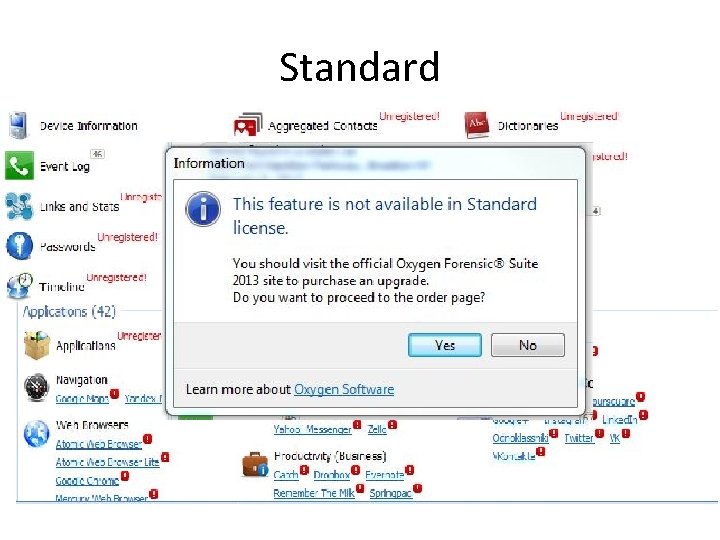
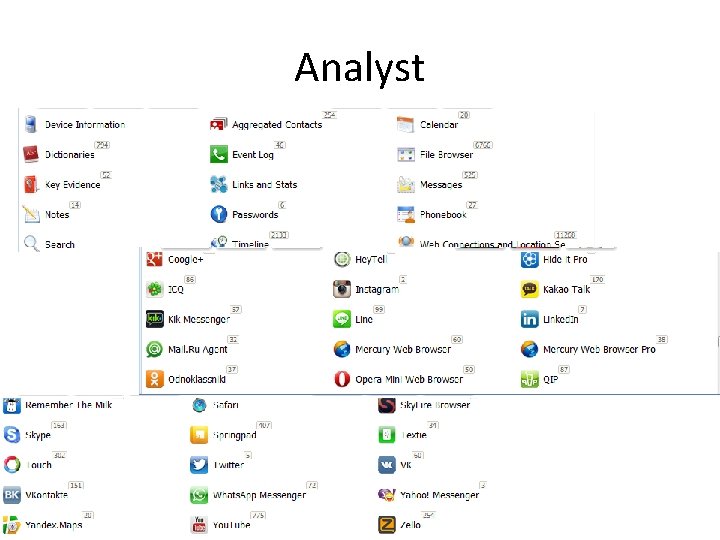
Please Note • This training will cover Oxygen versions that span from standard up to Analyst versions. The standard version that many of you are getting with this training will not have all the capabilities that I demonstrate in this training. The purpose of this training is to teach you how to use all of Oxygen Forensic Suite. Since most of you in this training do have the Analyst version, we didn’t want to limit the training to just those features available in the Standard version. We have a link in the testing area that highlights the differences between the two versions. The testing and certification for this training will cover ALL versions of Oxygen Forensic Suite.
Oxygen Forensic Suite • Three versions: – Standard – Pro – Analyst • The difference between Standard and Analyst:
Standard
Analyst
Oxygen Forensic Suite • Three license options – Internet – Dongle – Enterprise (Formerly Network)
Oxygen Forensic Suite • Very powerful tool that has many benefits: – Database and Plist viewer – Rooting of Android devices – Spyware detection – Simultaneous acquisitions and exams – Complete Timeline – Analyze app data – Backup analysis

Oxygen Forensic Suite • Benefits continued – Currently supports 9571 devices – Creates OFB files so that the original device can be locked in evidence after acquisition – Cases can be created of more than one device. And archived the same way – Different license options (USB, Network) – Numerous report options (Excel, HTML, PDF)
Oxygen Forensic Suite • Benefits continued – Passwords – Social Media – Web browsers – Texting apps – Geo information – Full file browser – Communication analysis – Keyword searching

Oxygen Forensic Suite • Benefits continued – The Oxygen Forensic Viewer. It allows for the examiner to share the information with detectives, investigators and prosecutors for their review. – For more details: http: //www. oxygen-forensic. com/en/events/news/506 oxygen-forensics-releases-the-new-and-free-oxygenforensic-viewer
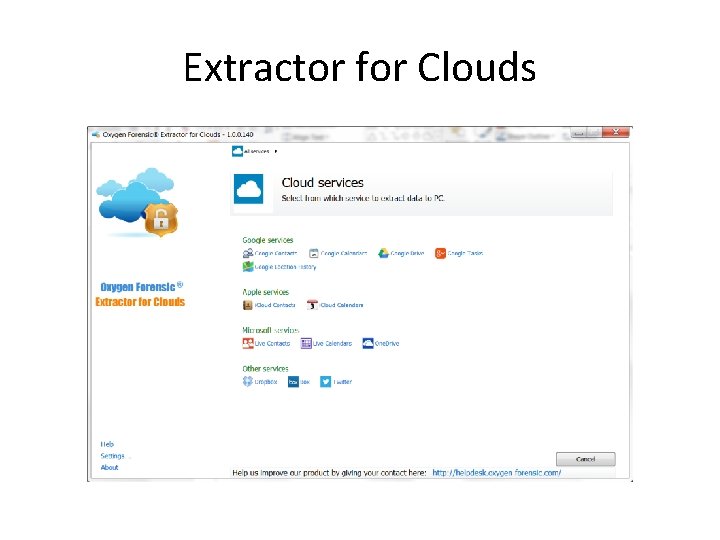
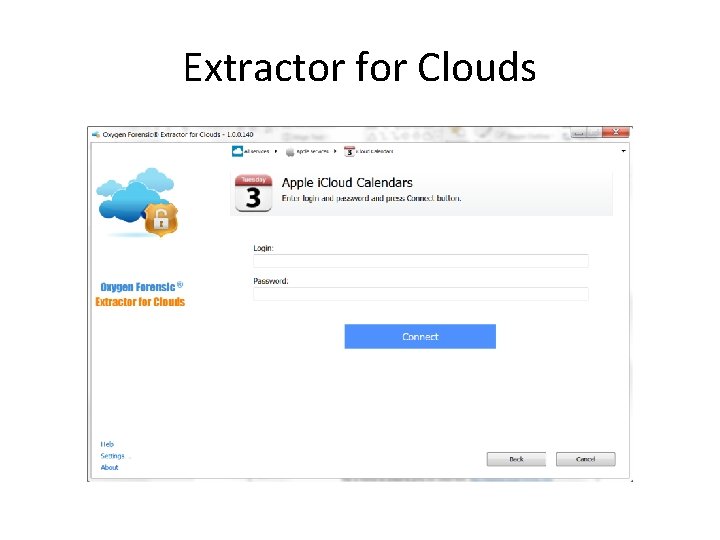
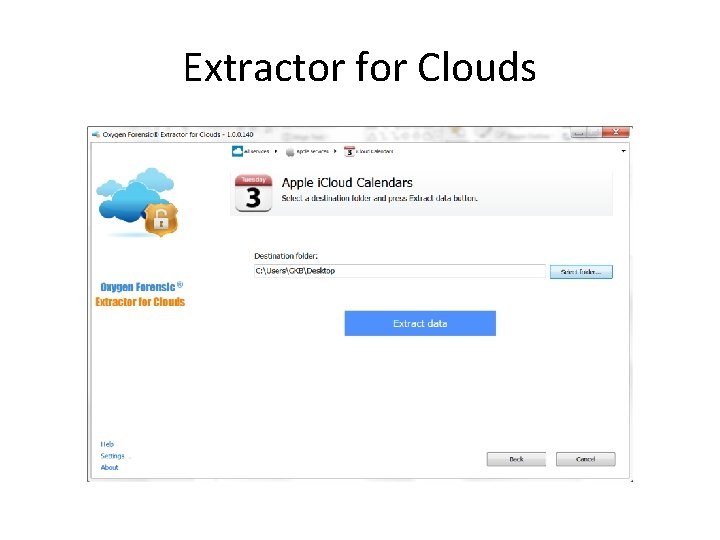
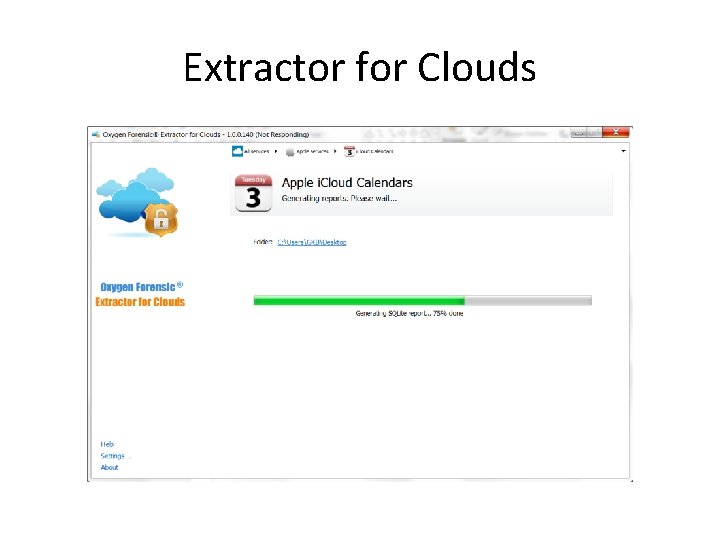
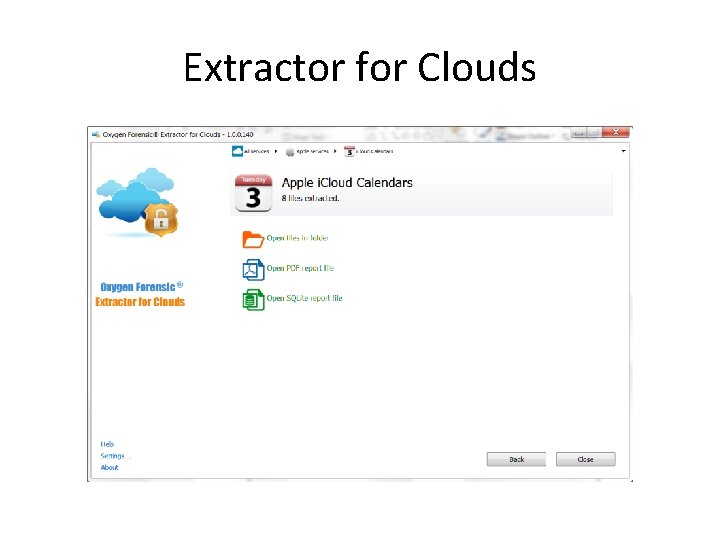
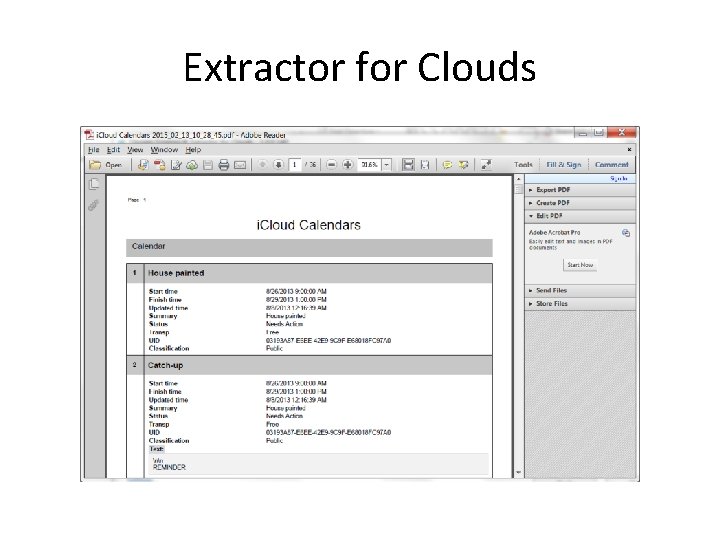
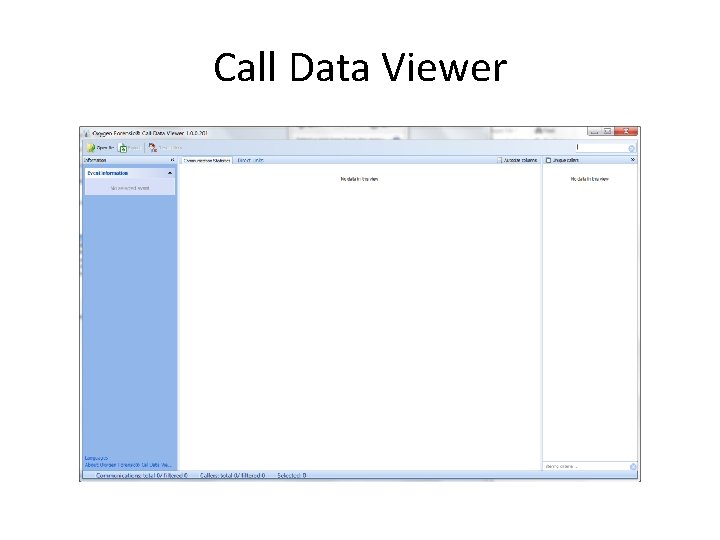
Oxygen Forensic Suite • Benefits continued – Oxygen now has added two extra functions very recently: • Oxygen Cloud Extractor • Call Data Viewer and Call Data Expert – We will see both a little later in this PPT.
Oxygen Forensic Suite And many more options and add ons. More details can be found on the Oxygen website: http: //patctech. com/ofs-analyst/
Oxygen Forensic Suite Now, let’s make a images. You can do it 2 ways, one from inside the Oxygen utility itself, and one from the Oxygen Extraction Wizard.
First up: i. OS
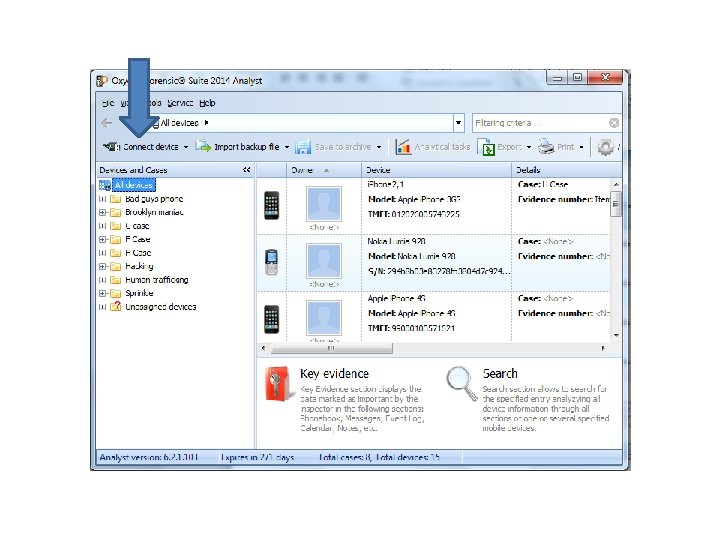

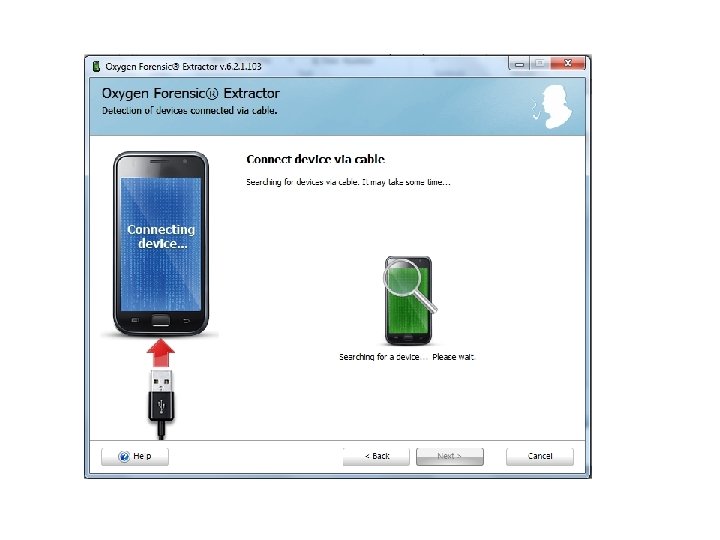
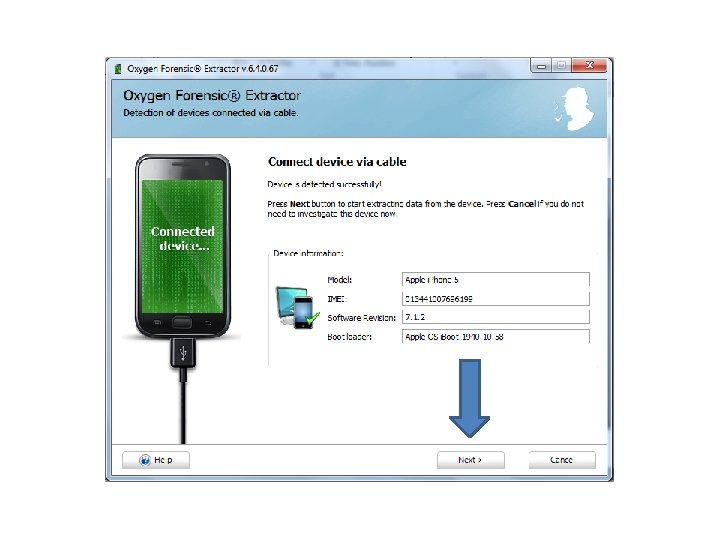
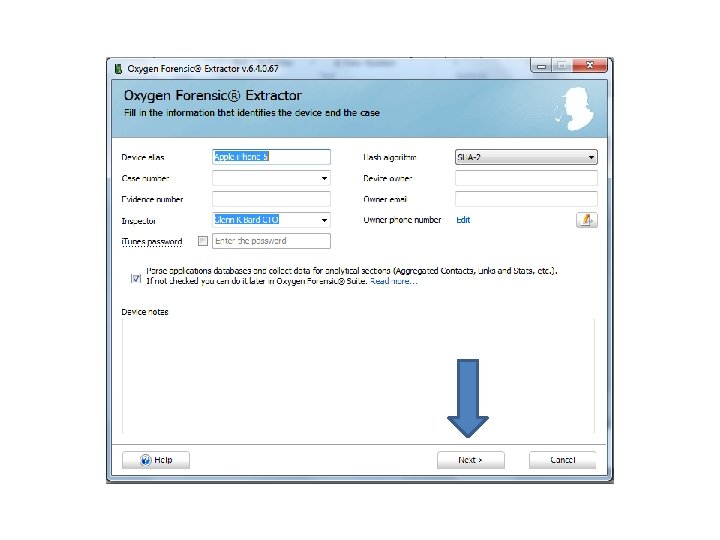
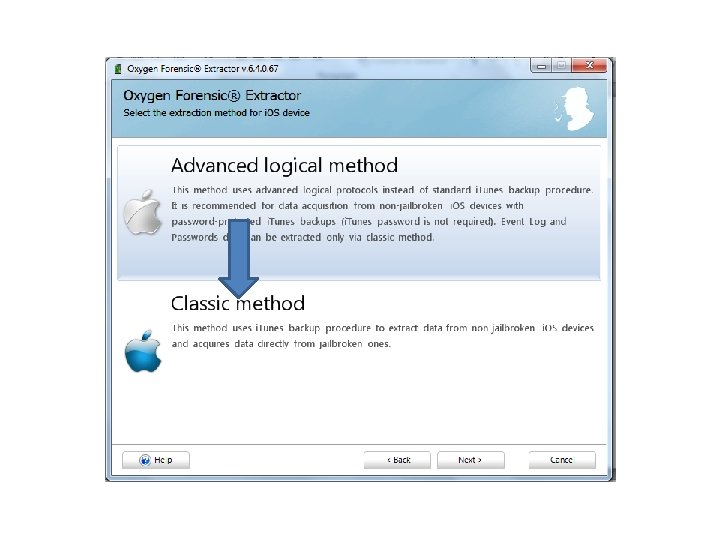

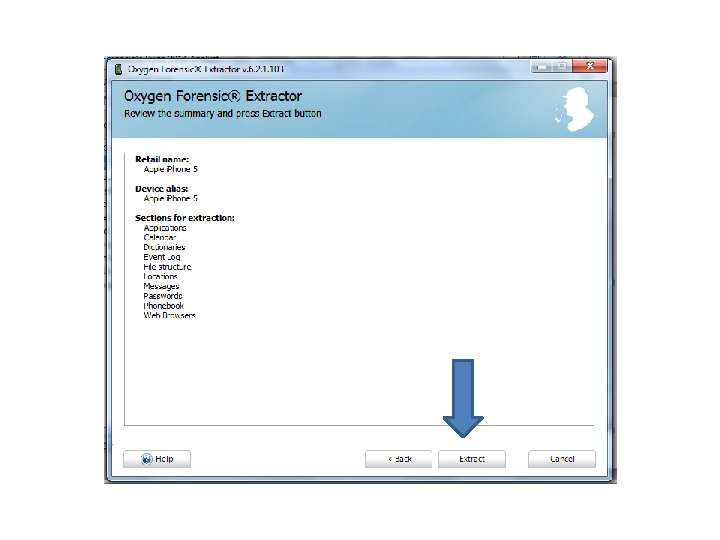
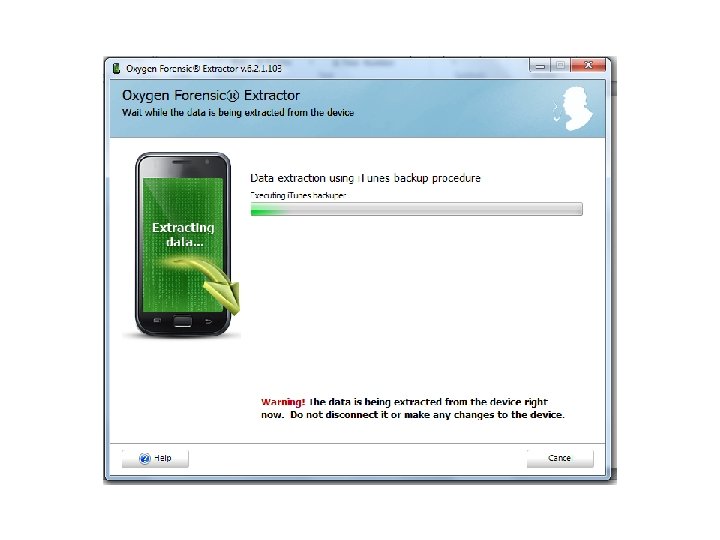

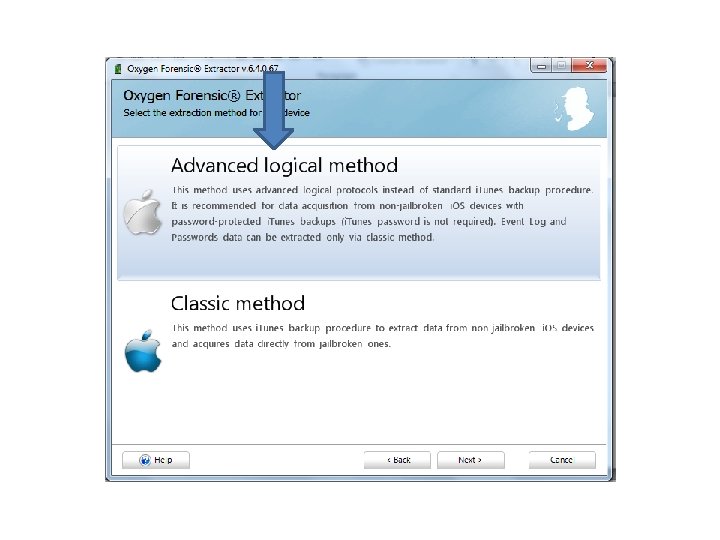
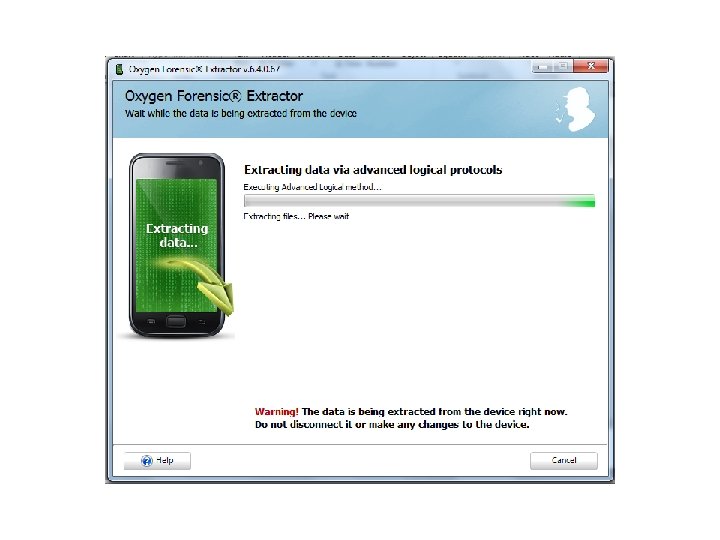

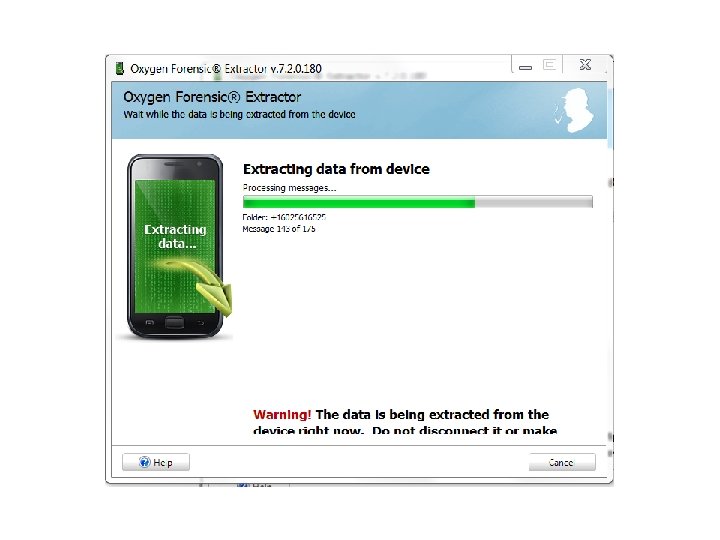
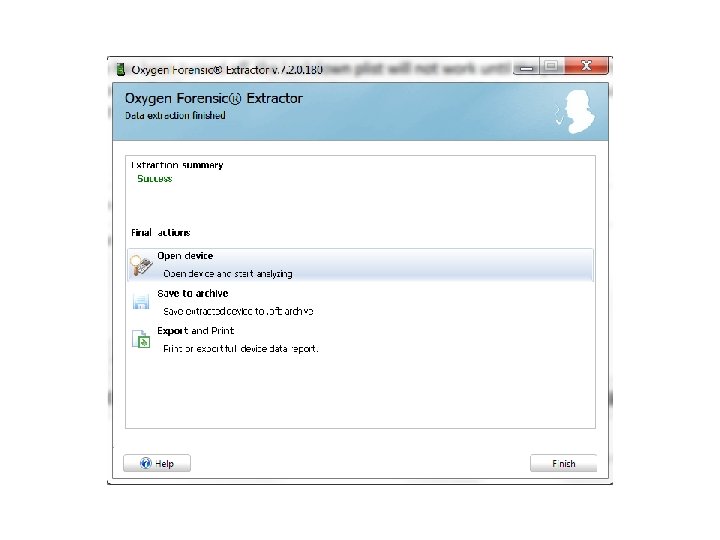
Oxygen Forensic Extractor • Or with the Oxygen Forensic Extractor application that installs with Oxygen Forensic Suite:
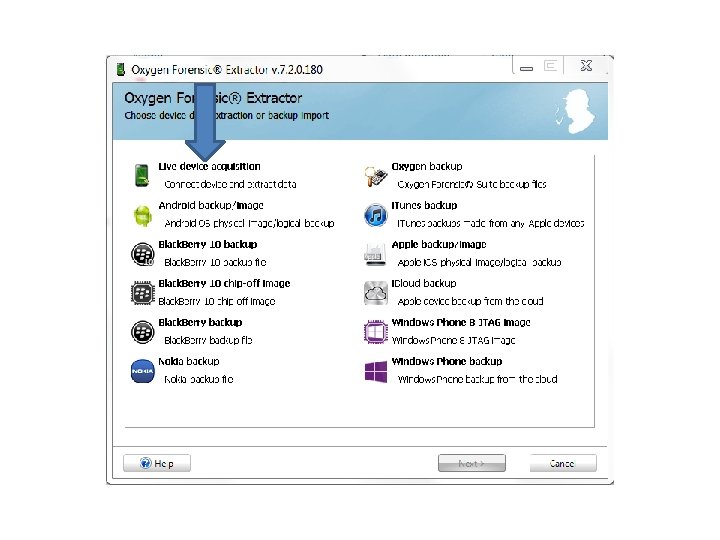
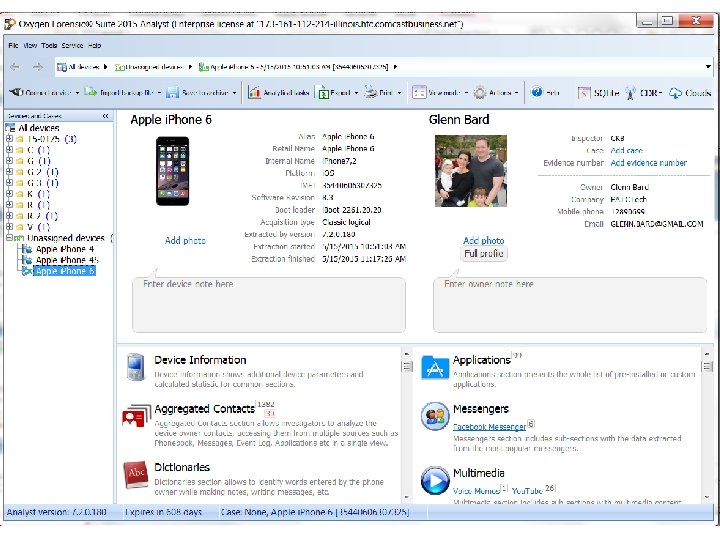
Oxygen Forensic Extractor • And the rest of the process is the same as the other method.
Oxygen • How about a locked i. OS device? – If you can find the Lockdown Plist you can use that file with Oxygen to bypass the passcode. – Let’s take a look:
Lockdown Plist • The Lockdown Plist is created on a “Trusted” computer system. It is NOT part of the backup process. So a back up is NOT required. • Let’s take a look:
Lockdown Plist • They will be located at the following locations: • Windows XP – C: Documents and SettingsAll UsersApplication DataAppleLockdown • Windows Vista / 7 / 8 – C: Program. DataAppleLockdown • Mac – C: LibraryLockdown
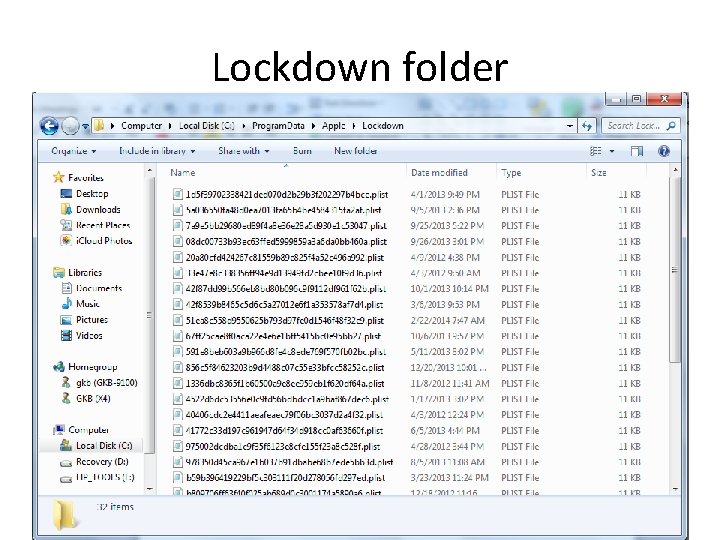
Lockdown folder
Lockdown Plist • The Plist will be named after the UDID of the device. • UDID – Universal Device Identifier • This is the same number that i. Tunes will display and the backup folder is named after. • UDID = SHA 1(serial + IMEI + wifi. Mac + bluetooth. Mac) • Let’s take a look:
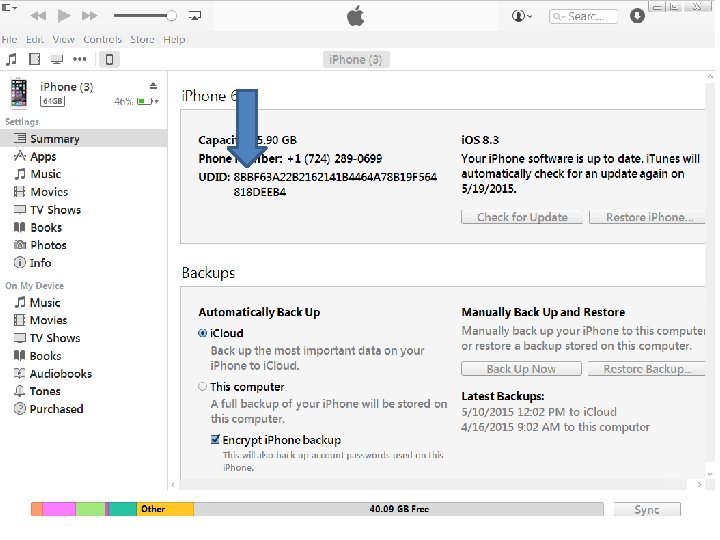
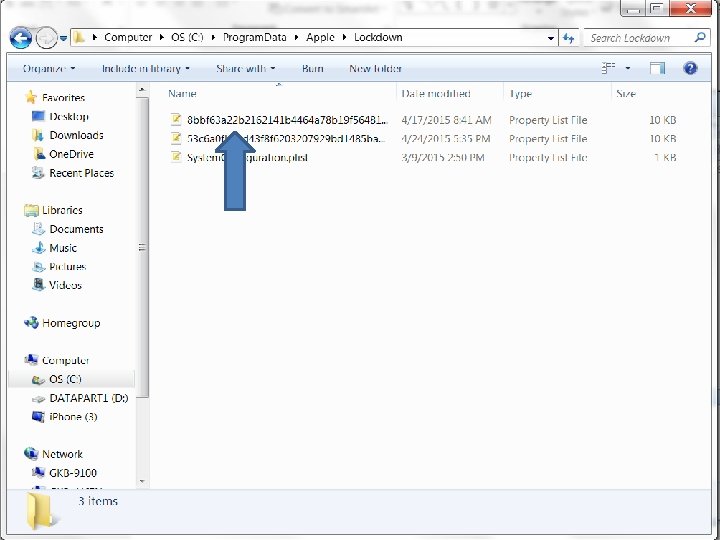
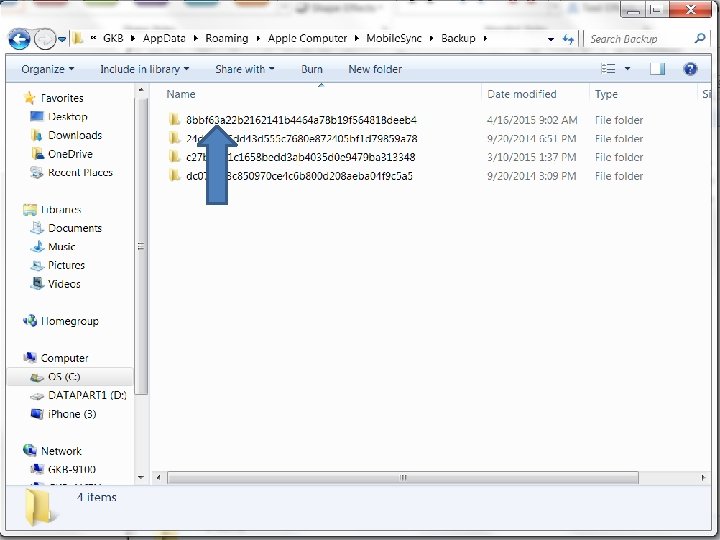
Lockdown Plist • How the procedure works is to copy the Lockdown Plist off of the bad guys computer system and then import it into the forensic software. If you don’t know which one to copy, then copy them all.
Lockdown Plist • NOTE: – To get the Lockdown plist off of a bad guys computer we will NEVER turn it on. It must be done forensically. A qualified examiner must copy it off using tools such as Encase, FTK or P 2 Commander. Never turn the bad guys machine one and navigate to that file.
Lockdown Plist • Many forensic tools are able to do this procedure, I am going to demonstrate Oxygen:
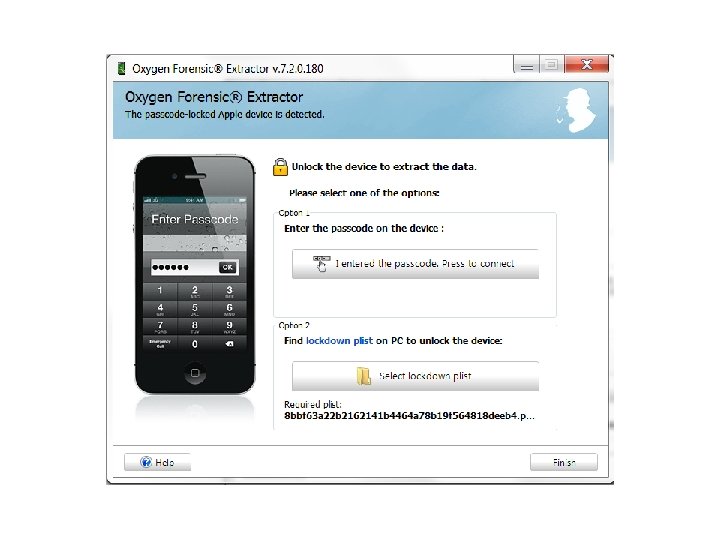
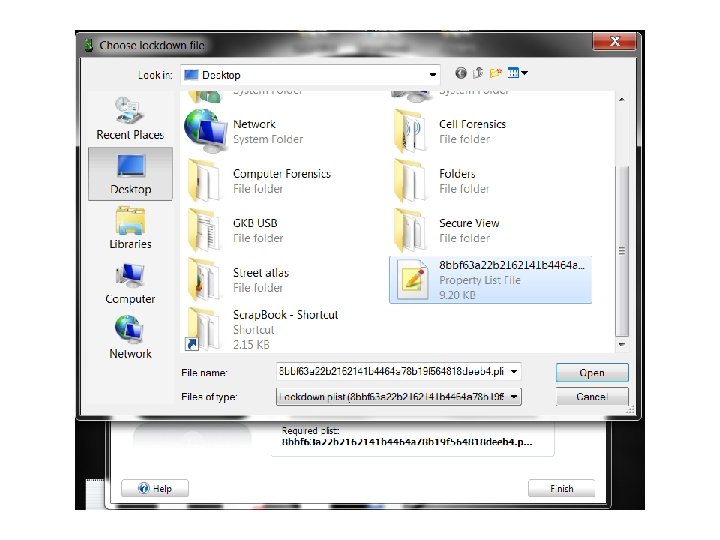
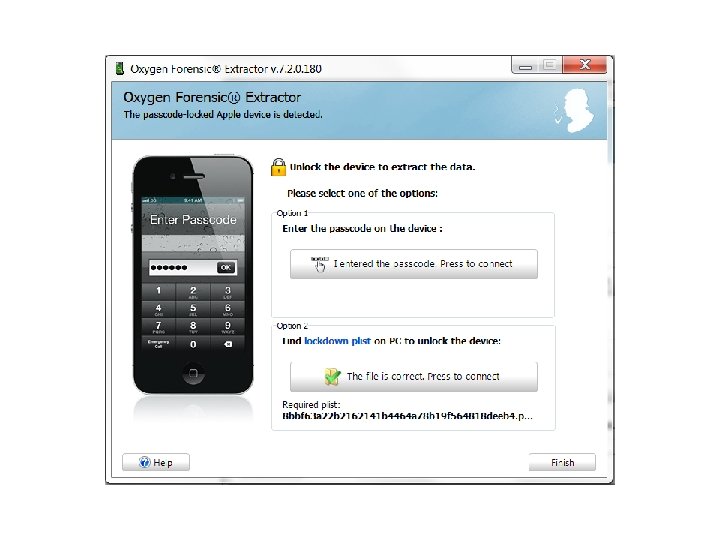
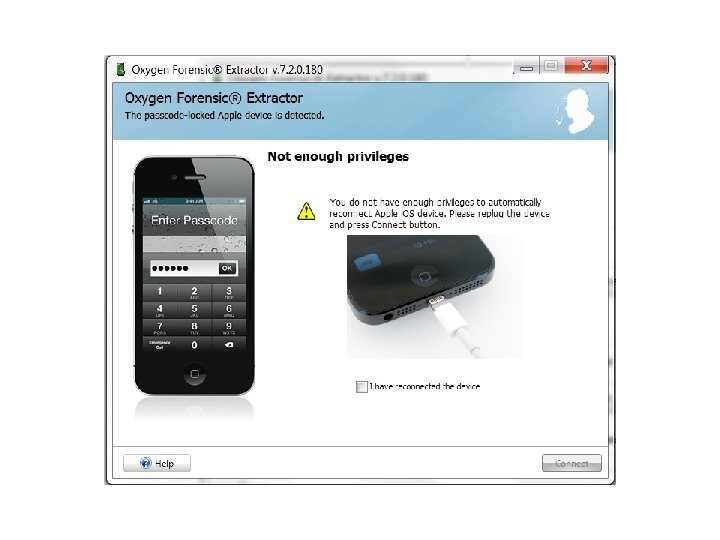
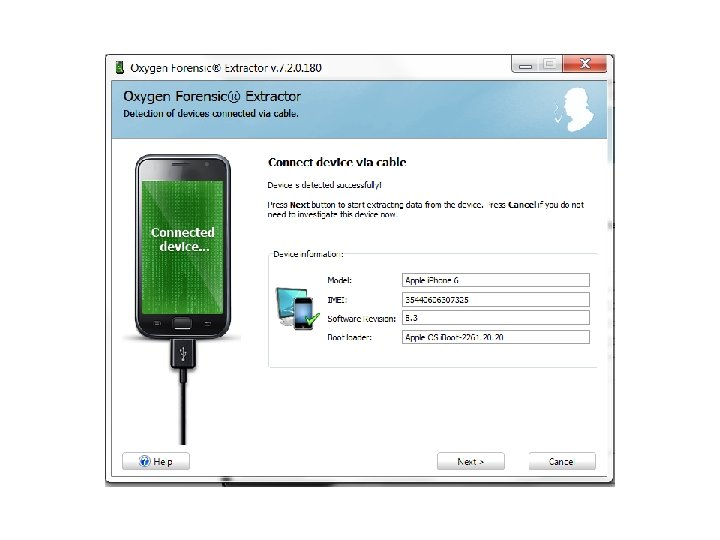
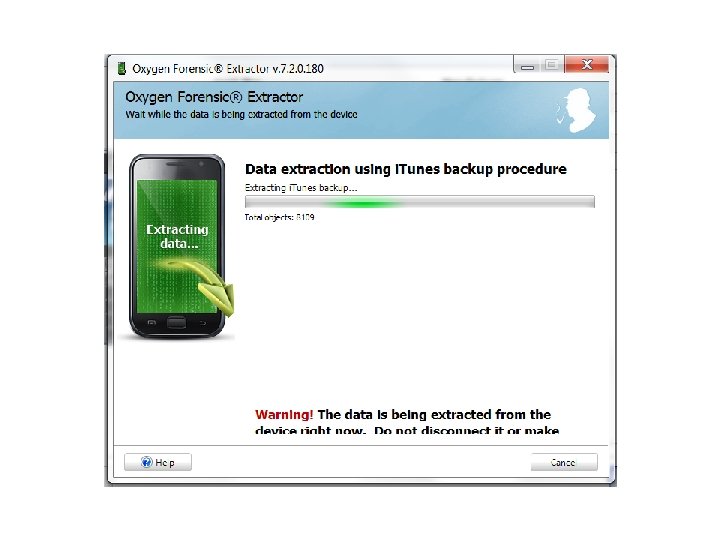
Lockdown Plist • Keep in mind, this method will defeat both simple and complex passcodes, on even the newest devices and versions of the OS. • • However; if the phone has been turned off, the Lockdown plist will not work until the passcode has been typed in at least once after being turned back on. So when seizing an i. OS device, do not shut it off, and do the exam as fast as possible.
Now: Android OS

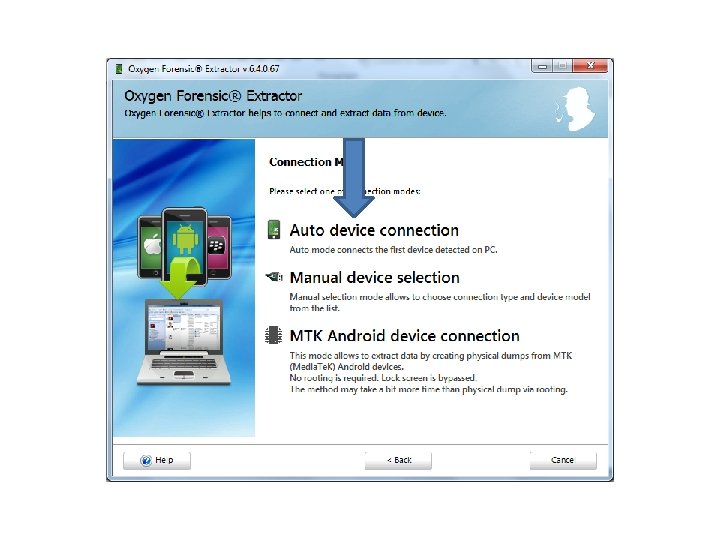
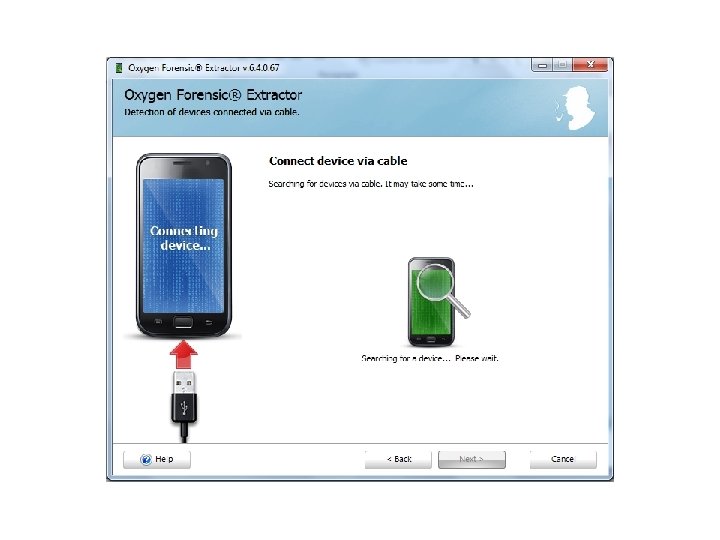
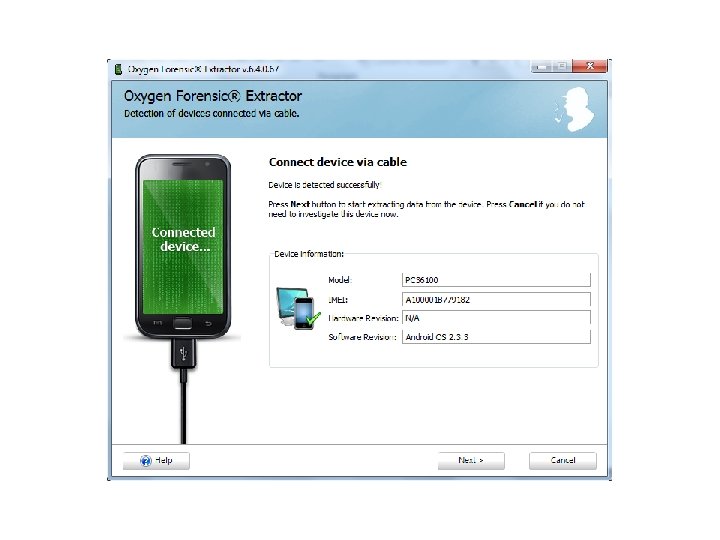
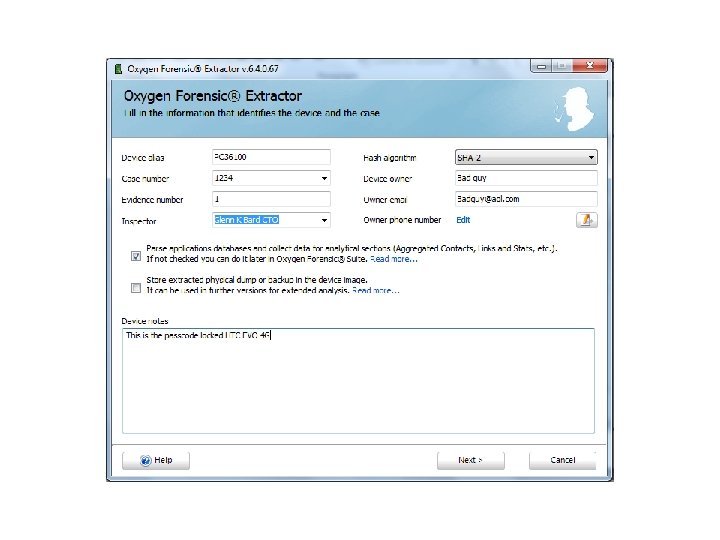
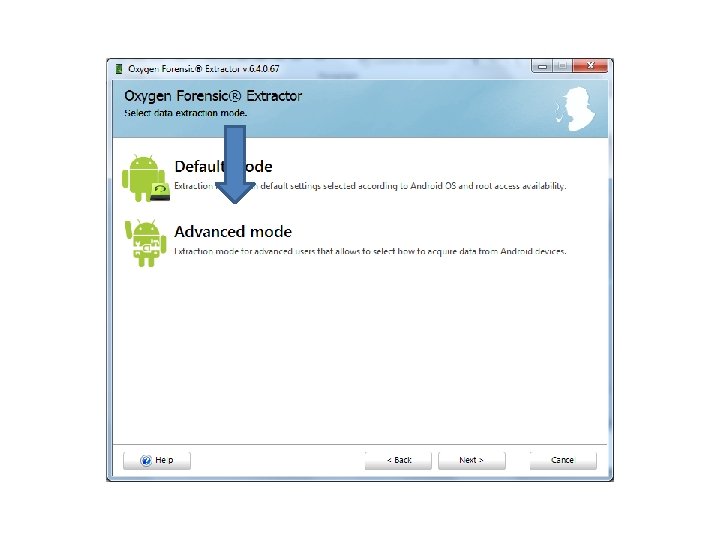
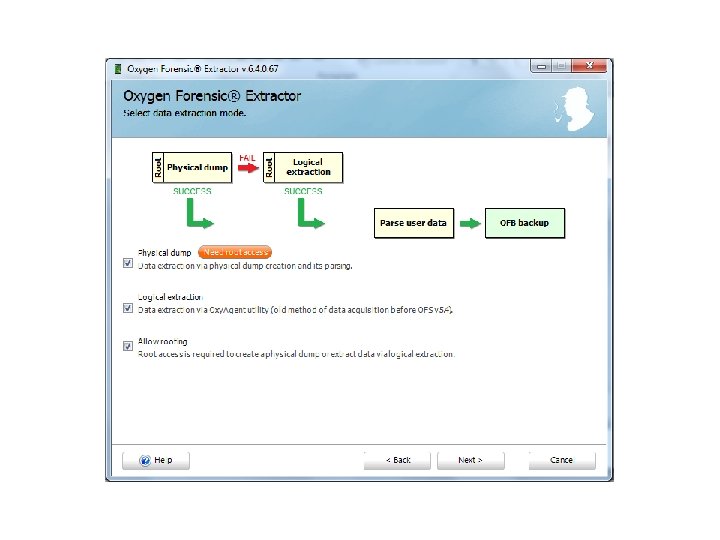
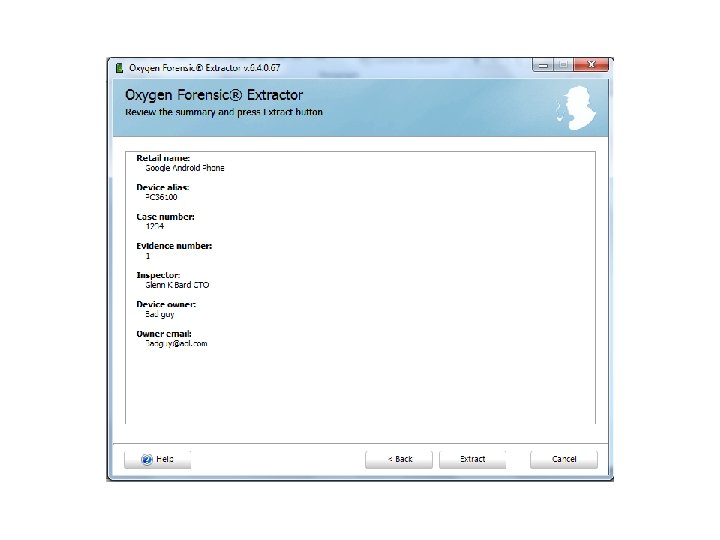
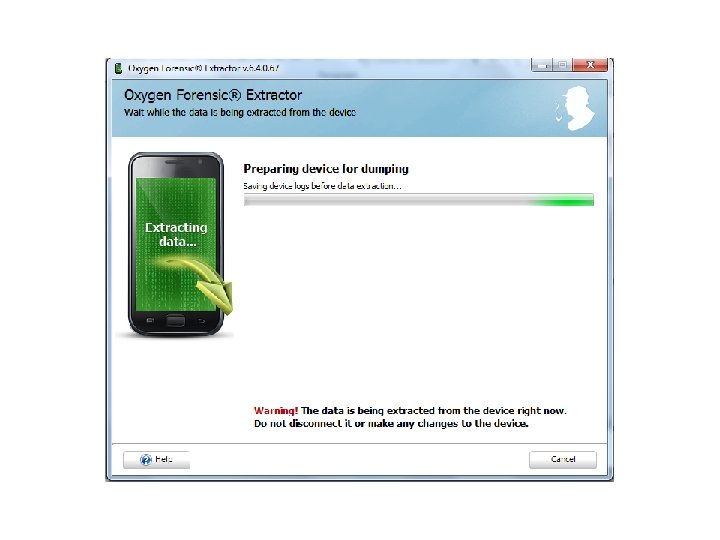
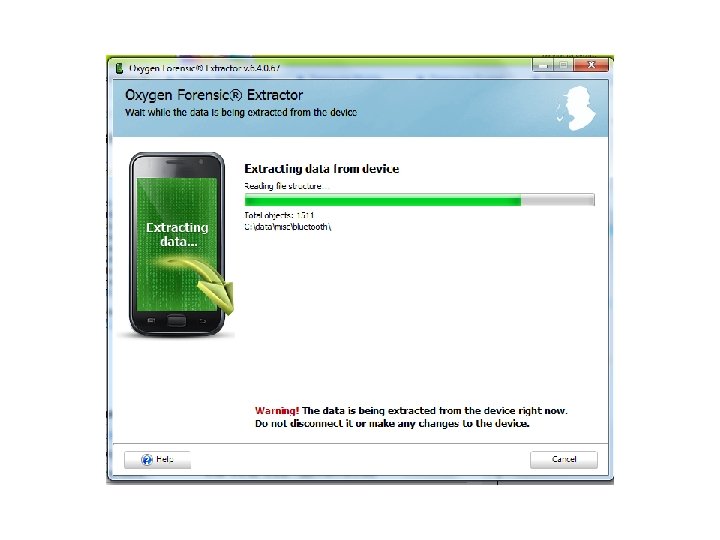

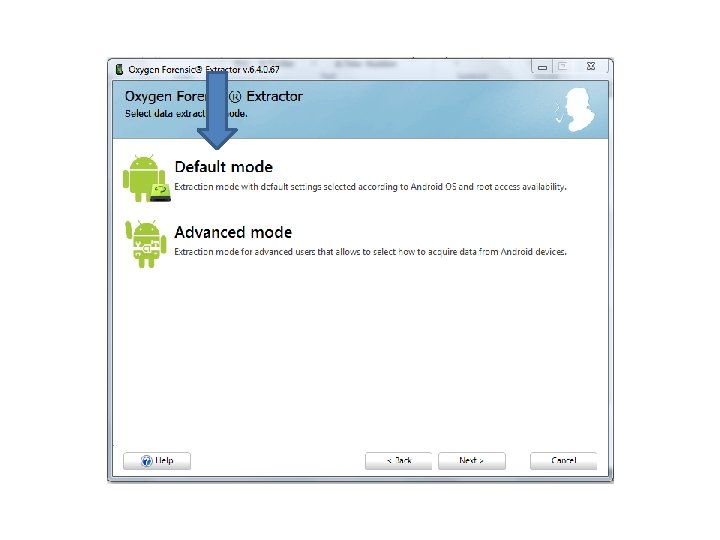
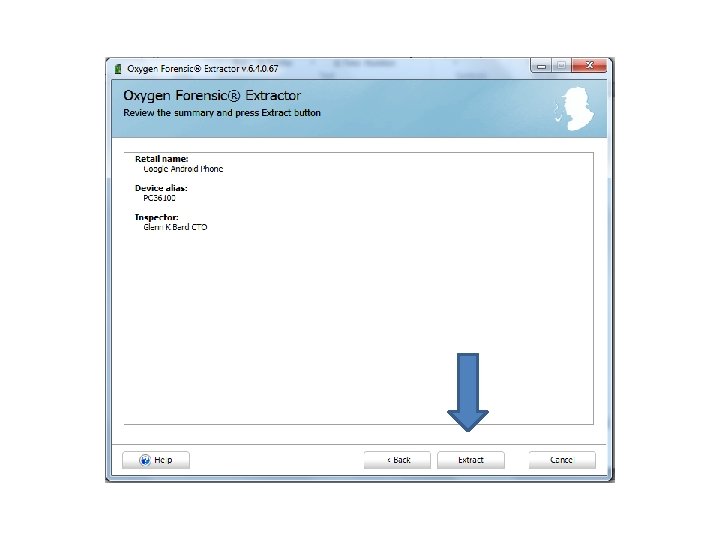
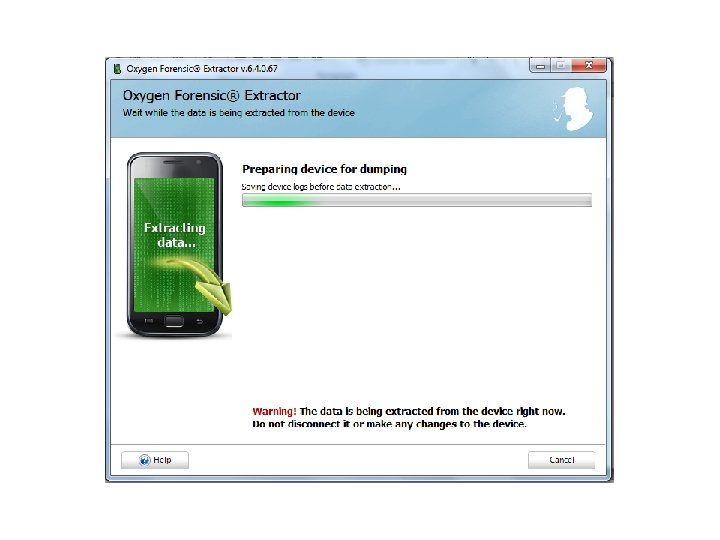
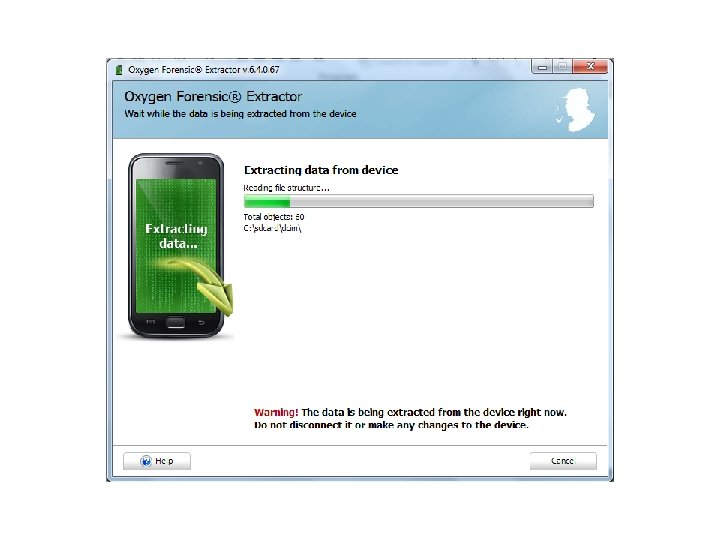
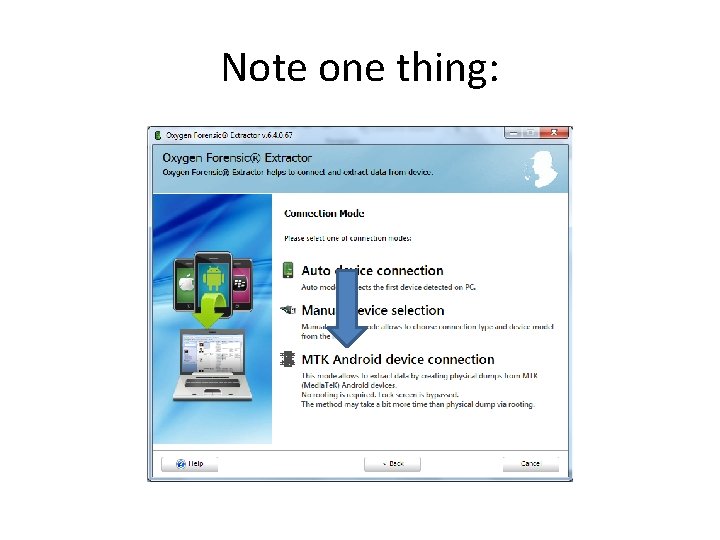
Note one thing:

Oxygen • From the Oxygen website: – Oxygen Forensic® Extractor. Added data extraction via alternative physical dumping method from MTK (Media. Tek chipset) Android devices. This method allows to bypass lock screen and requires no rooting to get full access to the device data. – Source: http: //www. oxygenforensic. com/en/events/news/441 -oxygen-forensicsuite-2014 -version-6 -3 -new-acquisition-methods-forandroid-devices
Oxygen • Just an FYI, the Android that I did for this presentation was locked. I did not bypass it with a Physical dump, since it was in USB debugging Oxygen was able to extract the contents without needing the passcode.
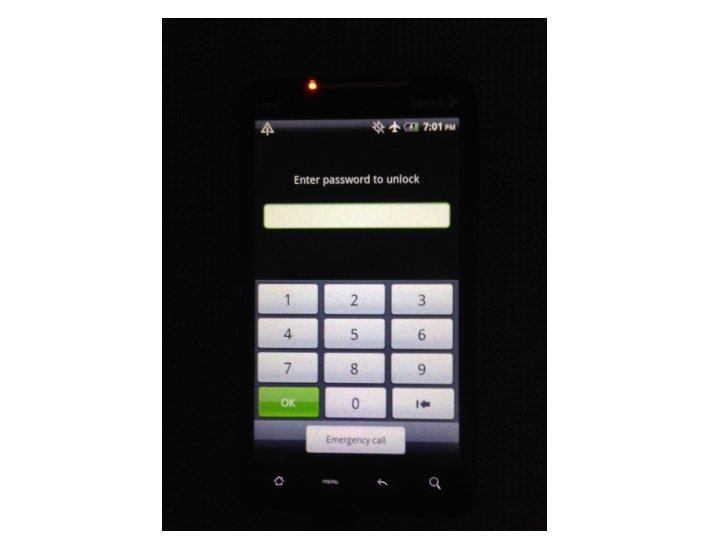
Passcode bypass • For more advanced level passcode bypass come back to our Android and i. OS passcode bypass webinars.
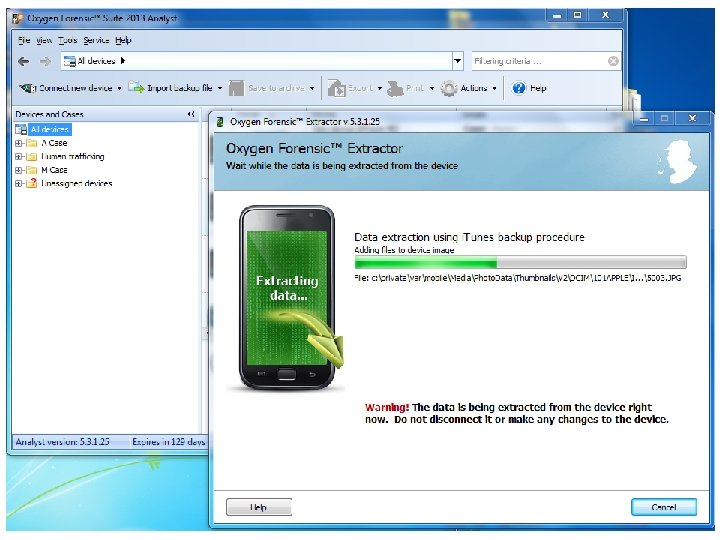
Oxygen Forensic Suite • One thing that is fantastic, is that while Oxygen is creating the image, you can still use it to examine a previously imaged phone. After I started the image, I was then able to just minimize that screen, and still use Oxygen.
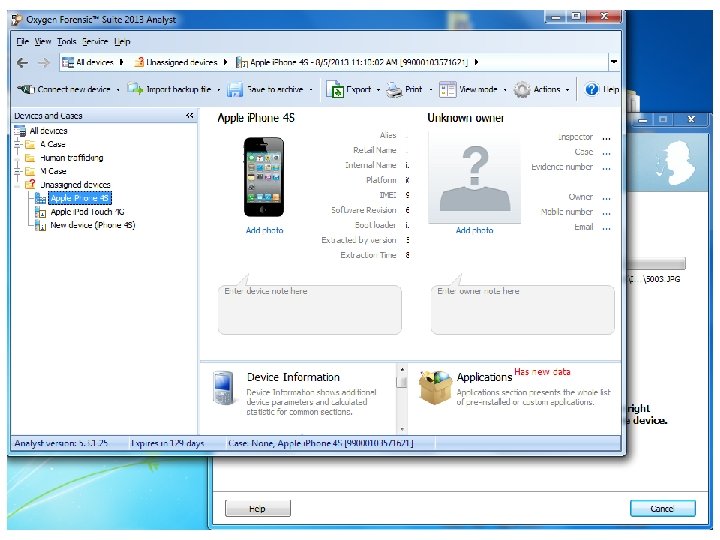

Oxygen Forensic Suite • Let’s check out the two latest additions.
Extractor for Clouds
Extractor for Clouds
Extractor for Clouds
Extractor for Clouds
Extractor for Clouds
Extractor for Clouds
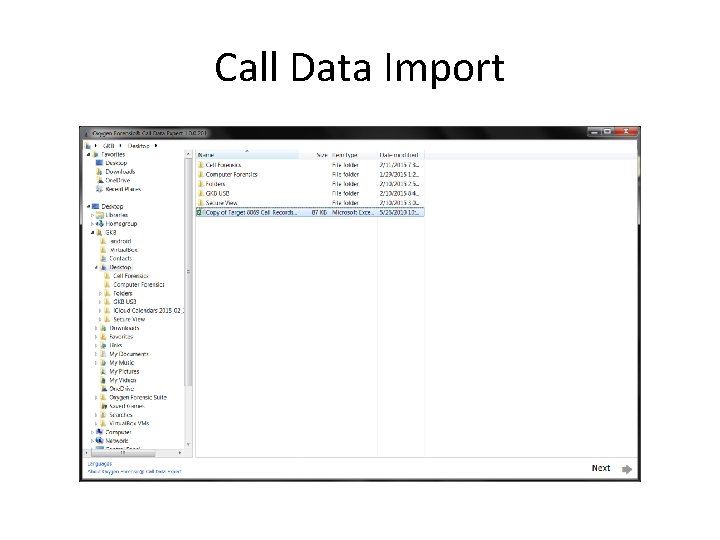
Call Data Import
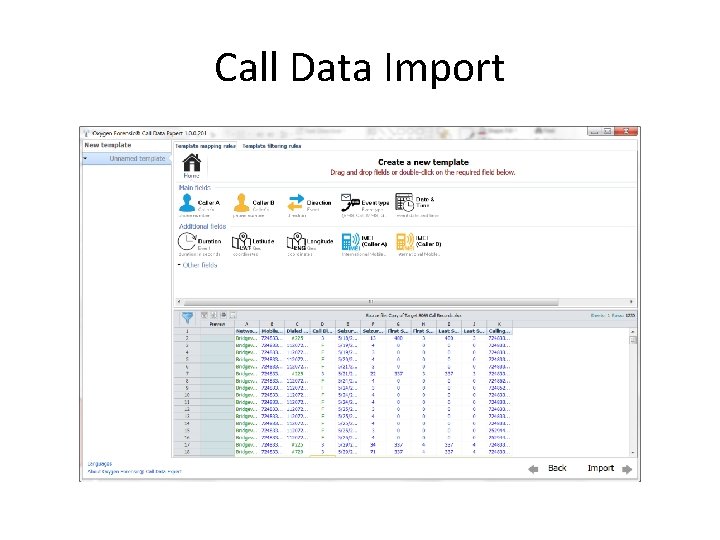
Call Data Import
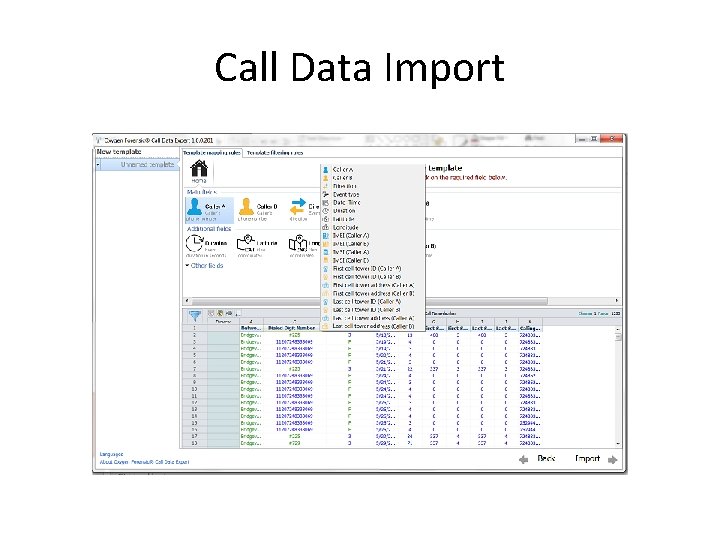
Call Data Import
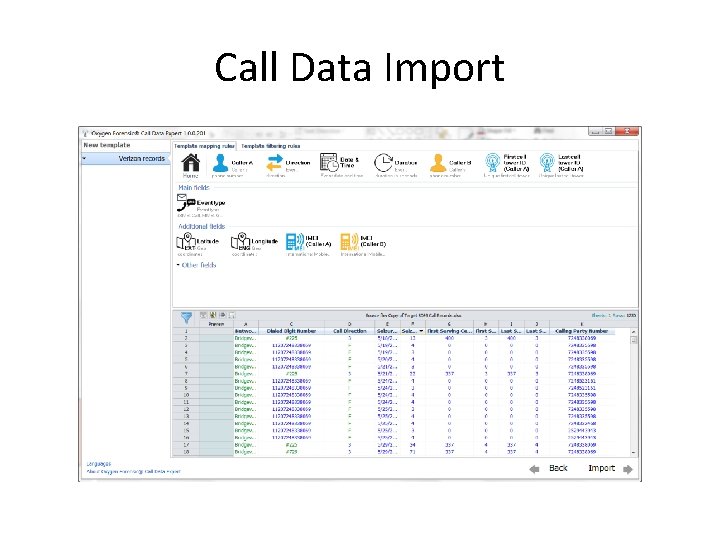
Call Data Import
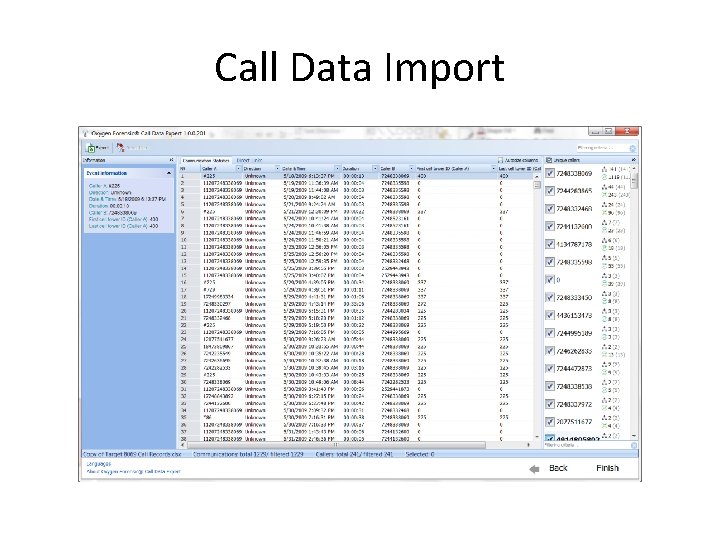
Call Data Import
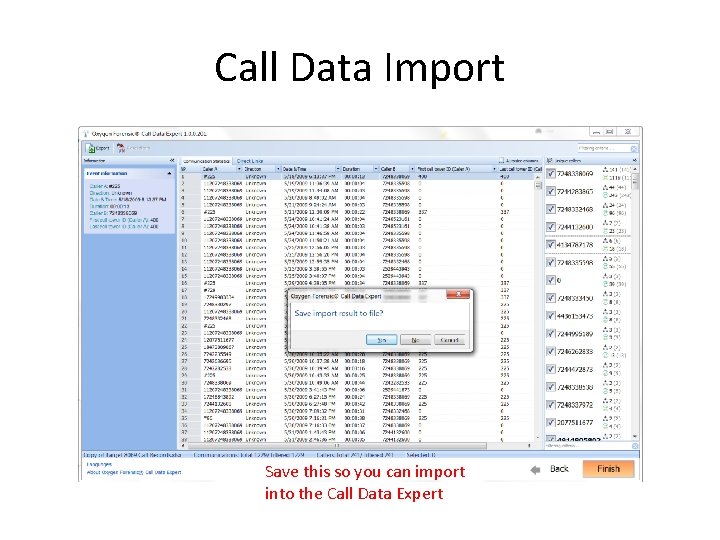
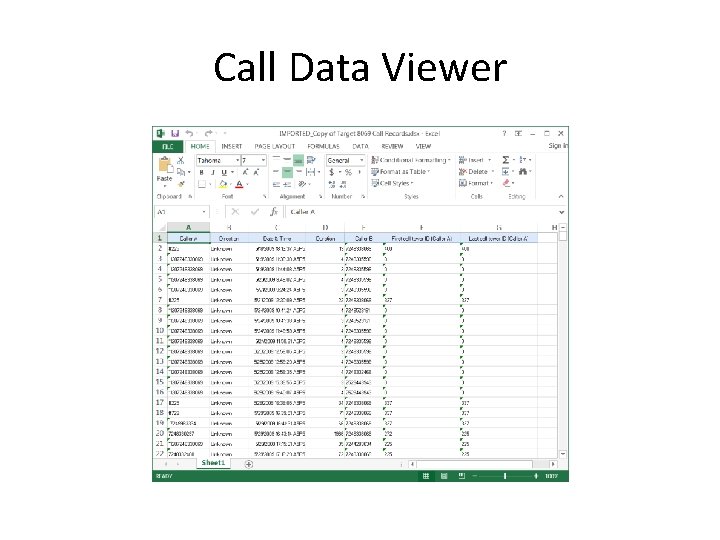
Call Data Import Save this so you can import into the Call Data Expert
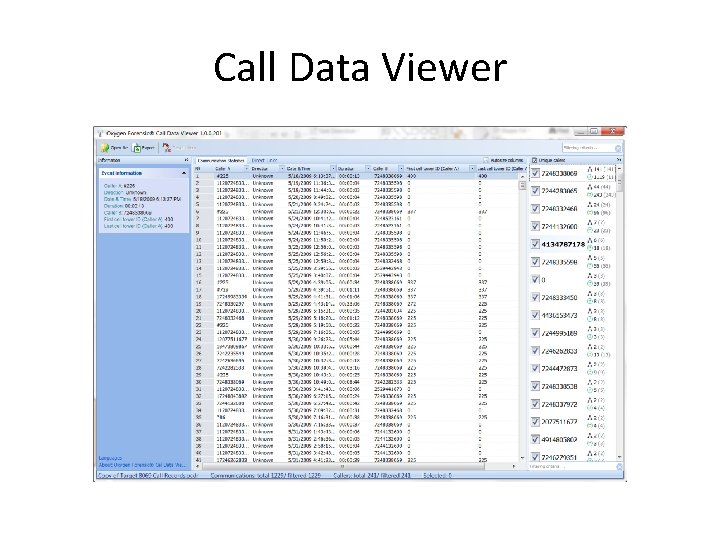
Call Data Viewer
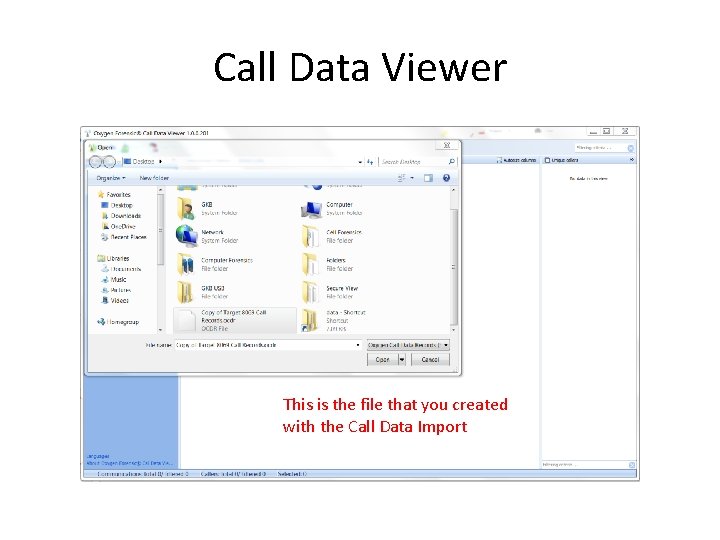
Call Data Viewer This is the file that you created with the Call Data Import
Call Data Viewer
Call Data Viewer
Oxygen Forensic Suite • Now let’s go into detail.
- Slides: 95