
Overview q What is a secure computer system
- Slides: 17
Overview q What is a secure computer system? q Concerns of a secure system o Data: Privacy, Integrity, Availability o Users: Authentication, Authorization, Privacy q Security in stand-alone, networked, and internetworked environments Chapter 1 Introduction 1
Secure Computer System A security policy specifies exactly what types of actions are and are not permitted on the system q Example security policy q o Only authorized users able to use the system o Authorization/Access control o Resources sharing among users q A secure system obeys its security policy Chapter 1 Introduction 2
Security Breaches q q A violation of a system’s security policy is called a security breach Security breaches can occur o Accidentally – faulty program o Intentionally – virus q Creating a system where security breaches cannot occur can be easy or impossible depending on o What the security policy requires o How the system implements the policy Chapter 1 Introduction 3
Secure Systems Design q Policy Simplicity Principle o Policy as simple as possible (but no simpler) o Should state what is allowed and forbidden q System Functionality Principle o Include necessary functionality (and no more) o Perform job it was designed to do (and no more) Chapter 1 Introduction 4
Policy Simplicity Simpler security policies are easier to get right, reason about and implement q Security breaches caused by policy shortcomings are most often due to q o Incomplete or inconsistent policy o Misunderstanding the policy’s requirements o Error in implementation Chapter 1 Introduction 5
System Functionality q Limiting functionality limits attacks q Security breaches caused by system functionality can be caused by o Software bugs o Unforeseen interactions between components Chapter 1 Introduction 6
Relative Security Few useful systems will be absolutely secure q We view security in a relative sense q This does not mean that good security design and implementation is unimportant q Example: safes q Chapter 1 Introduction 7
Cost vs Security q Proper security level depends on value of the items that system is protecting (other concerns? ) q Trade-off between cost and security q Select security level appropriate for user needs Chapter 1 Introduction 8
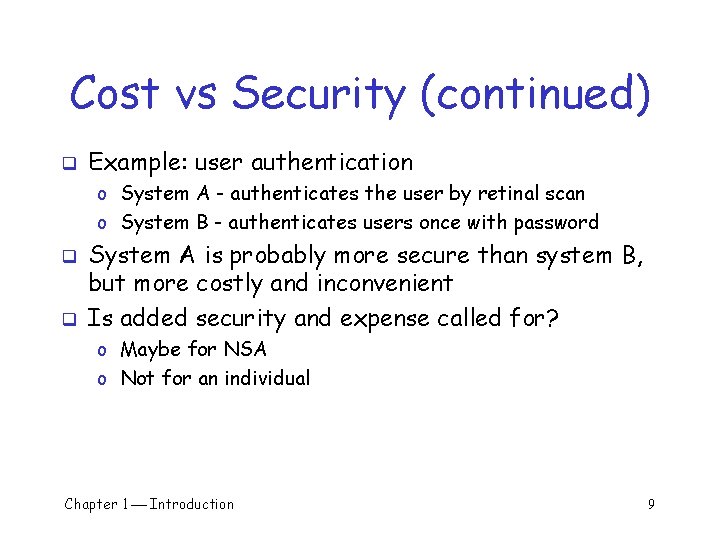
Cost vs Security (continued) q Example: user authentication o System A - authenticates the user by retinal scan o System B - authenticates users once with password q q System A is probably more secure than system B, but more costly and inconvenient Is added security and expense called for? o Maybe for NSA o Not for an individual Chapter 1 Introduction 9
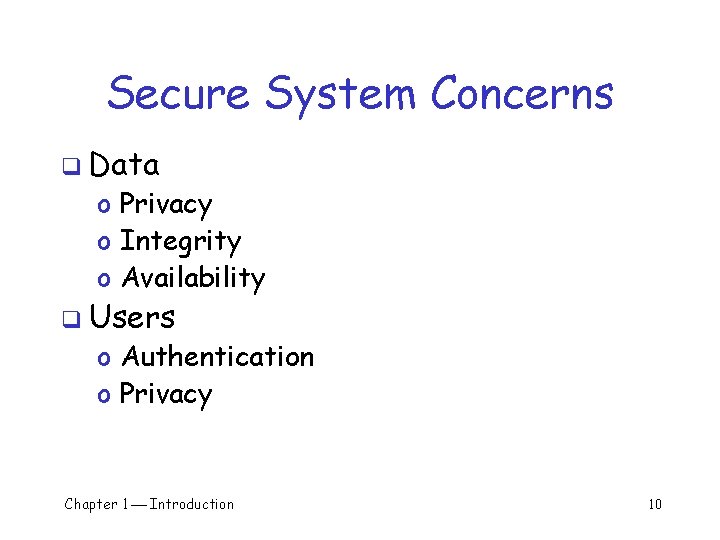
Secure System Concerns q Data o Privacy o Integrity o Availability q Users o Authentication o Privacy Chapter 1 Introduction 10
Data Privacy Data privacy: access to information is limited to authorized entities q Examples q o Certain files only accessible to certain users o Communications between two users cannot be read by some third party q Cryptography for privacy of data Chapter 1 Introduction 11
Data Integrity Data has integrity if it can only be modified by authorized principals q Examples q o Bank must ensure that only authorized personnel can change account balances o Company must make sure that its freeware program has not been modified q Message-digests used to protect integrity Chapter 1 Introduction 12
Data Availability Data availability means that data is accessible in a timely manner as needed q Examples q o Non-working laptop brought to open-note test o Student’s laptop notes poorly organized so time wasted finding relevant information q Replication and fault tolerance can be used to ensure the availability of data Chapter 1 Introduction 13
User Authentication User authentication means that system accurately determines user’s identity q Examples q o Files readable only by their owner o Only certain users should be able to add or delete system accounts q Authenticate by: something you know, something you have, something you are Chapter 1 Introduction 14
User Privacy privacy means that users have control over info collected and made available to others q Examples: q o User may not want others to know programs they run, who they communicate with, etc. o User may not want to receive spam q Anonymity can protect privacy Chapter 1 Introduction 15
Network and Internet q Additional challenges o Privacy § Stand-alone system - the operating system is likely to control all communication channels § Networked systems - no host controls the communication medium; eavesdropping usually easy o User authentication § Stand-alone system – user is physically present § Internetworked systems – user may access system over an insecure communication channel Chapter 1 Introduction 16
Summary q q A secure computer system follows security policy Security concerns involve protecting o Data privacy o Data integrity o Data availability o User authentication o User privacy o Network and internetwork Chapter 1 Introduction additional risks 17